Which agents when, API bridges, pipelines & VPS installs.
Sixth Q&A drop from inside the AI Profit Boardroom — this one is the orchestration edition. Eight real builder questions in the exact order they landed: which agents to use when, API bridges vs OAuth cost, pre-made agents to sell, best orchestrator on a Spark, can Hermes literally watch videos, VPS install for Hermes, downloadable Agent OS config, and how to pipeline agents end-to-end. Plus one massive member win from Lawrence Wong.

The thing I love most about running this community is that the questions stop being "what tool do I buy?" and start being "how do I actually wire these things together?". Vol. 6 is exactly that. Eight questions from members who already have Hermes or OpenClaw running and want to go deeper — choosing between agents per task, bridging four CLI tools into one Mission Control, building a saleable product, picking the right orchestrator, getting Hermes to learn from video, deploying to a VPS, finding a downloadable config, and pipelining agent-to-agent handoffs.
I built the Agent OS so members wouldn't have to keep solving the same wiring problems alone. 3,200+ members are inside the AI Profit Boardroom now, $69/mo, four weekly coaching calls, and this is what we do every drop — the sharpest questions get answered on camera and we share the answer with everyone. One person asks. Everyone learns.
Plus a beautiful win from Lawrence Wong, who went from "AI noob" to shipping in weeks — exactly the trajectory I want every member to take.
— Julian"How do you decide when to use Claude Code vs Manus vs n8n vs Codex?"
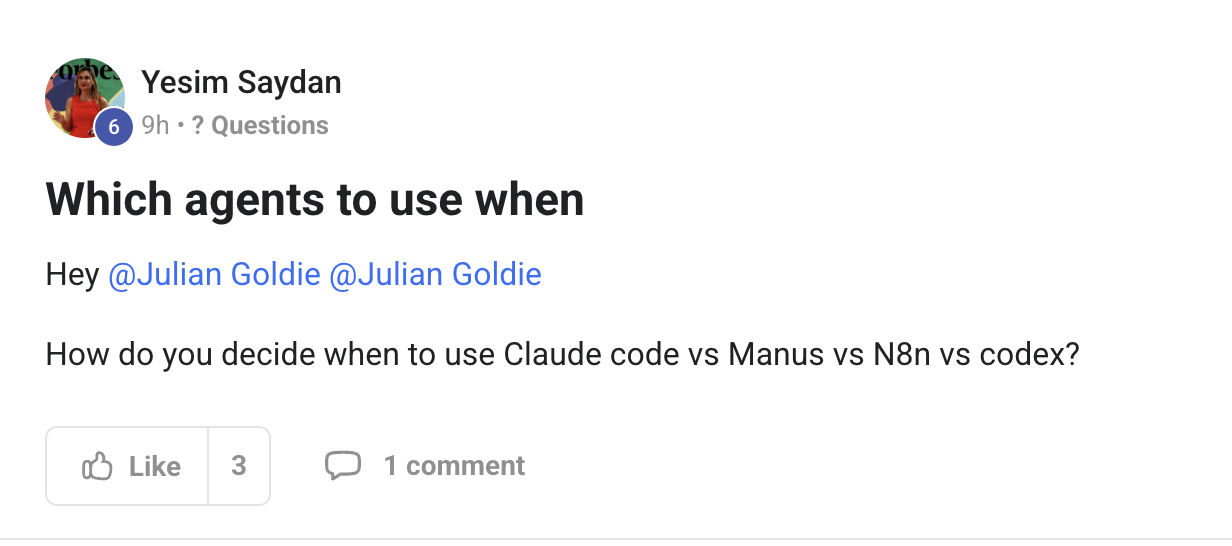
Yesim — the honest answer is they each have a job they're best at. Don't try to make one tool do all four. Here's my decision tree, the one I actually run by every day:
- Claude Code — deep coding sessions, refactors, debugging, anything where you want a tight pair-programming feel. Best at long context + careful reasoning. Use this when the cost of being wrong on code is high.
- Codex — quick coding tasks, "just make this work," reviews, scaffolding. Faster turnaround, less ceremony. Use this when you'd rather try three small attempts than one long one.
- n8n — anything that's a recurring workflow with branches across multiple SaaS tools: leads from form → enrich → CRM → notify Slack → wait 3 days → email. Visual flows are better than code for stuff that triggers and waits on external services.
- Manus — long autonomous research / browsing tasks with the agent doing real-world steps over hours. Good when you need a thing run end-to-end while you sleep.
Now the move that ties it all together: Hermes is the conductor. Inside the Agent OS, Hermes picks which of the above (plus its own internal skills) to dispatch for any given goal you set. You don't have to remember the decision tree manually — you say "publish 5 SEO posts about X this week" and Hermes routes the writing to the right internal skill, the publishing to n8n, the deep edits to Claude. That's the entire point of the OS.
Don't run four parallel mental models. Run one orchestrator that knows which one to use. Full setup is in The 7-Layer Blueprint →.
"Each tool has one job. Hermes decides which tool gets which job. You stop choosing — you start shipping."
"Can I run Claude, ChatGPT, Codex & Claude Code via my OAuth tokens instead of paying per-call API?"
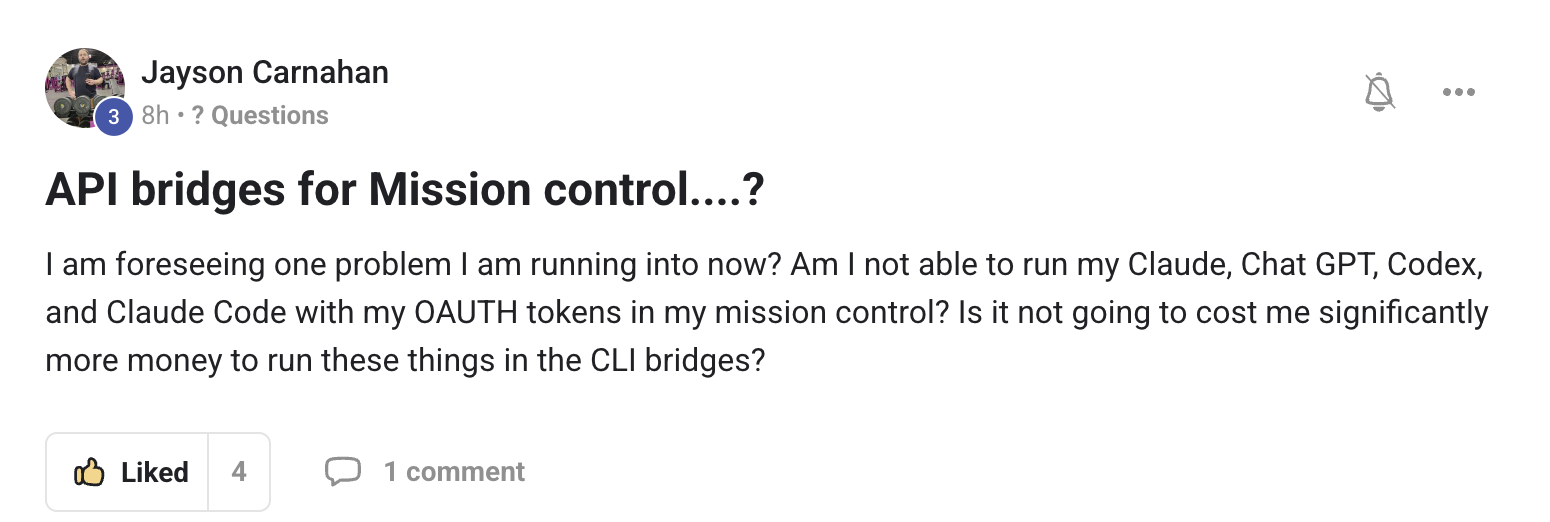
Jayson — yes, this is the whole point. You're already on the right track. Let me explain what you're actually running so it stops being muddy.
When you "CLI bridge" Claude (or Codex, or Claude Code) into Mission Control, you're not running a paid API. You're letting the CLI use your existing logged-in subscription via OAuth. So:
- You pay Anthropic $20/mo for Claude Pro — and your Claude Code CLI uses that same login. No per-call charges.
- You pay OpenAI $20/mo for ChatGPT Plus — and Codex CLI uses that same login. Same deal.
- Free Claude Code (the community Open Owl path) uses the same browser-session OAuth pattern but routes through the open-source bridge — meaning even the small monthly is optional for some workflows.
So in Mission Control, you can run all four tools — Claude, ChatGPT, Codex, Claude Code — on subscription pricing instead of metered API. For most operators that's ~$40-60/mo total instead of $300-1,000/mo on API. Not a typo. That's why I built the dashboard around CLI bridges, not API keys.
What you tested correctly: yes, you "I think got Claude" — meaning the bridge is responding. The next step is verification: open the panel, ask it a small test prompt ("say hello and report which model you are"), and confirm you get a response. Once that works, you've got the most expensive tool in the world running for $20/mo flat.
Full step-by-step is in The Goldie Free Claude Setup →. Comes with the install commands, the bridge commands, and the verification command for each of the four tools you mentioned.
"OAuth bridges over per-call APIs. $40-60/mo instead of $300-1,000/mo. Same models. Same outputs."
"Are there any pre-made agents I can start selling to local businesses today?"
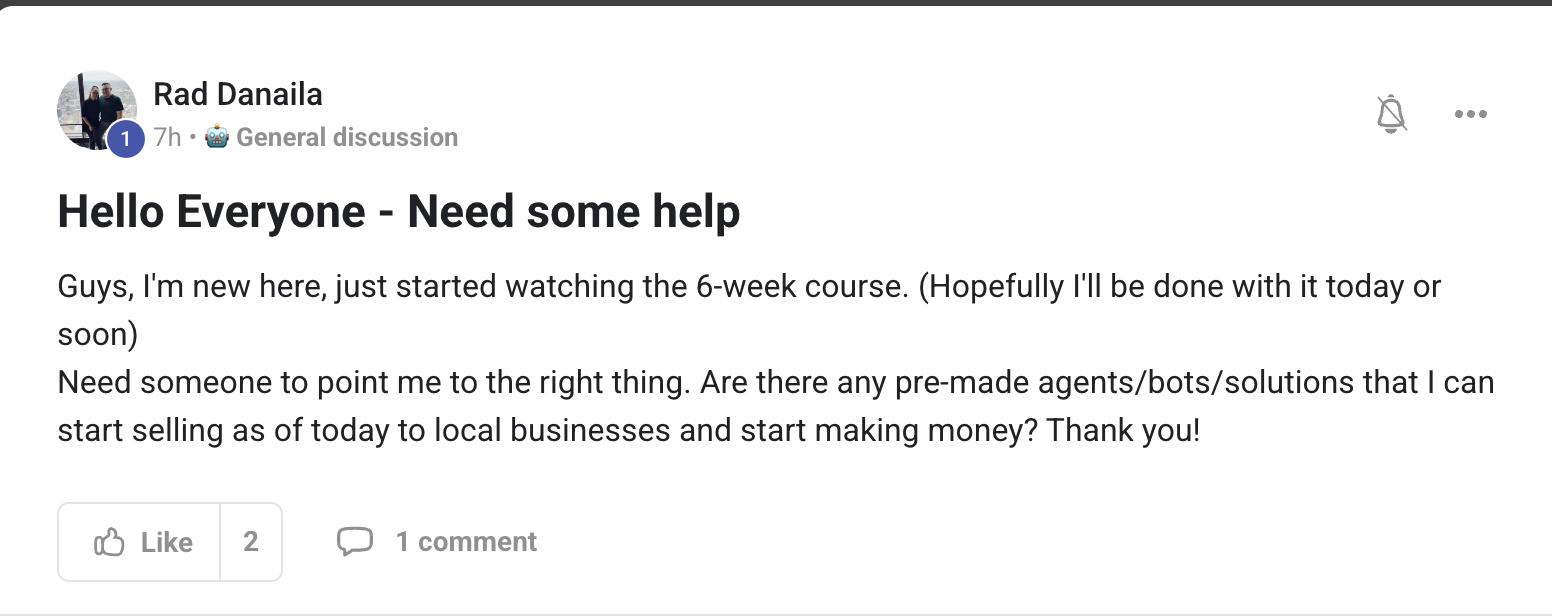
Rad — welcome, and a great first question. Honest answer: yes, four of them, and you don't even need to build the agent. You just sell the outcome.
The four local-business plays that work every time in 2026 — every one of these has been shipped by AIPB members and sold for $500-3,000/mo:
- 1. AI SEO + GEO posts — local businesses pay every month to rank on Google + ChatGPT + Perplexity. Use the Hermes SEO Super Agent inside Agent OS. Output: 4-8 posts per month, fully optimized. Price: $500-1,500/mo per client. SEO Super Agent →
- 2. AI-generated video content — local businesses are starving for short-form video. Set up the Hermes Video Agent + an AI avatar clone. Output: 4-8 short videos a month. Price: $800-2,500/mo. Vision Forge →
- 3. Lead-magnet + email follow-up bot — landing page → AI chatbot qualifies → 7-day email sequence. Local businesses pay for booked appointments, not for "ai stuff." Price per booked appointment. Easy to demo because the bot can talk on their actual website in 24 hours.
- 4. Outreach + reply automation — cold email + LinkedIn + reply handling. Hermes drafts, you approve, the agent sends. Price: $1,000-3,000/mo for the system + retainer. Highest-margin of the four.
Two pieces of advice for your first 30 days:
(a) Don't try to learn all four at once. Pick the one that matches your existing skill or contacts. If you already know SEO, do SEO. If you already know video, do video. Speed of first sale matters more than picking the perfect lane.
(b) Don't sell "AI agents." Sell outcomes. Local businesses don't want to buy an agent — they want to buy "8 SEO posts a month, ranked, with screenshots of the rankings." Same delivery; completely different conversation; 10× higher close rate.
The 6-week course you mentioned watching covers exactly this delivery pattern — keep going. By week 3 you'll be running outreach. By week 5 you'll have your first client.
"Don't sell AI. Sell outcomes. Pick one of four plays. Ship within 30 days."
"What's the best agent orchestrator for Hermes + OpenClaw with local models on a Spark 128GB?"
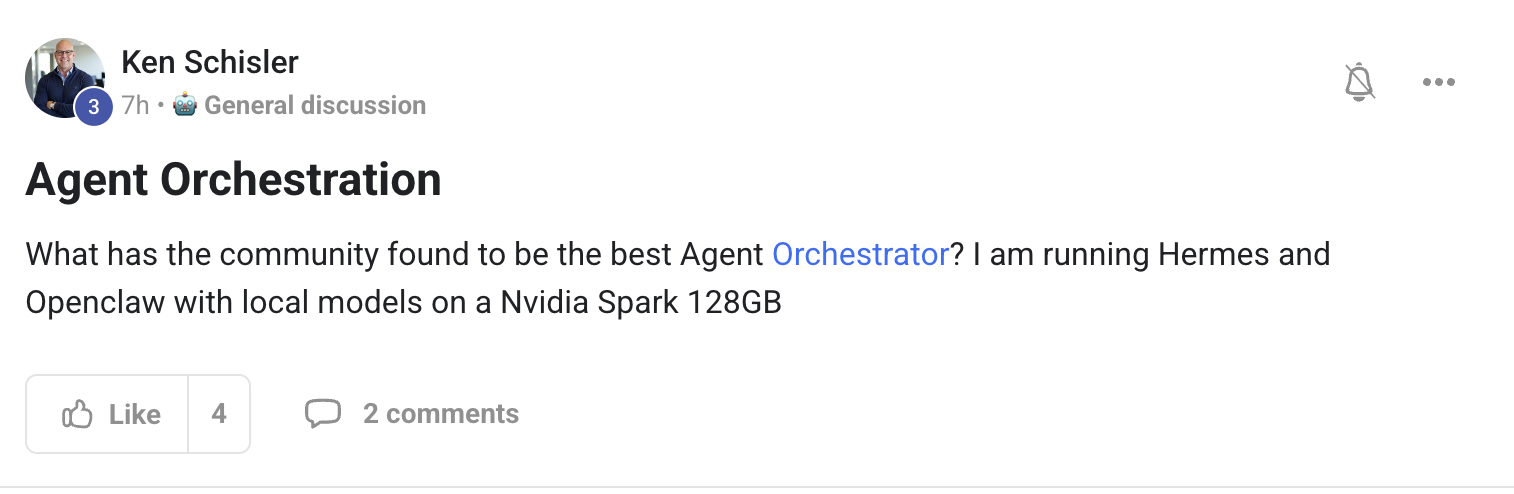
Ken — beautiful setup. The Spark 128GB is overkill in the best possible way. Honest answer: Hermes itself is the orchestrator. You don't need a separate one.
Let me unpack that because the question is asked a lot and most people think "orchestrator" means a third tool like LangGraph, CrewAI, or Autogen sitting above Hermes. Inside the Agent OS, that's already built in. Hermes is:
- The kanban-aware harness — knows which jobs are queued, in-flight, blocked, done
- The skill router — picks the right skill (SEO writer, video script, code refactor, research) per goal
- The tool dispatcher — calls Claude Code, Codex, OpenClaw, n8n, your local Ollama model, whatever the skill needs
- The state manager — Workspace bucket, atomic writes, mutex, resumable on crash
So on your Spark, the play is: Hermes orchestrates, OpenClaw handles ambient capture (Slack/Telegram/WhatsApp surfaces), Ollama serves local models, and a frontier API (Claude or Grok Build) gets called only when reasoning quality demands it. That's the full stack on one box.
Practical config tip: with 128GB you can run a serious local model — try qwen2.5-coder:72b or llama3.3:70b as your default. Point Hermes at it via hermes config set model.endpoint http://localhost:11434/v1. Then route only the hardest reasoning steps to Claude. Most of your jobs will run free, locally, on your machine.
If you ever do want a higher-level orchestrator above Hermes (for cross-machine fleets, multi-tenant, agent-to-agent contracts across networks), that's where swarm topologies come in — but you don't need them for a single-Spark setup. Stay on Hermes.
"Hermes IS the orchestrator. Don't add a tool above it — you'll add friction without adding power."
Lawrence Wong: this community hits different 💪
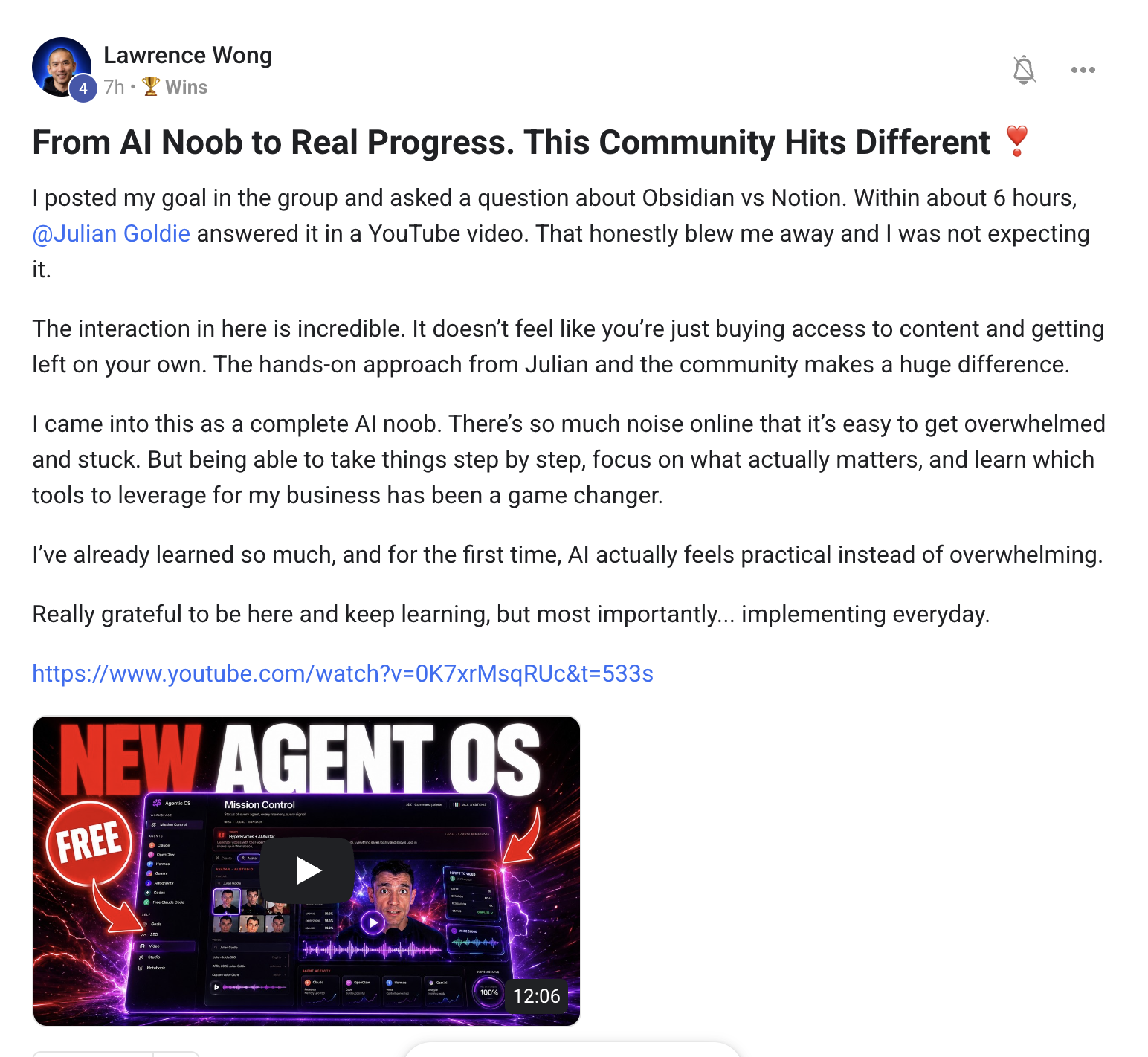
Lawrence wasn't asking anything this week. He was marking the milestone — he went from "AI noob" to real, shipped progress in weeks. And he wrote a post saying exactly why this community hits different.
His words: the hands-on approach matters. Watching theory doesn't move the needle. Sitting down with the actual tools, breaking them, fixing them, asking questions when stuck, shipping the first output — that's what produces operators.
What I love most about Lawrence's arc: every win he's posted has been one notch up from the last. First it was getting Hermes running. Then it was the Obsidian 3-file system. Then the voice dictation game-changer in Vol. 5. Now it's "I've gone from noob to real progress." That's the curve I want every single AIPB member on — compounding wins, not chasing the next bright object.
If you're reading this and you're at the start of that curve: drop into a coaching call, ask one question, ship one tiny output. Then do it again next week. In 30 days you won't recognise where you started.
Lawrence — proud of you, mate. Let's get you to "AI operator" by Vol. 8.
"Can Hermes literally watch videos and implement what's in them?"
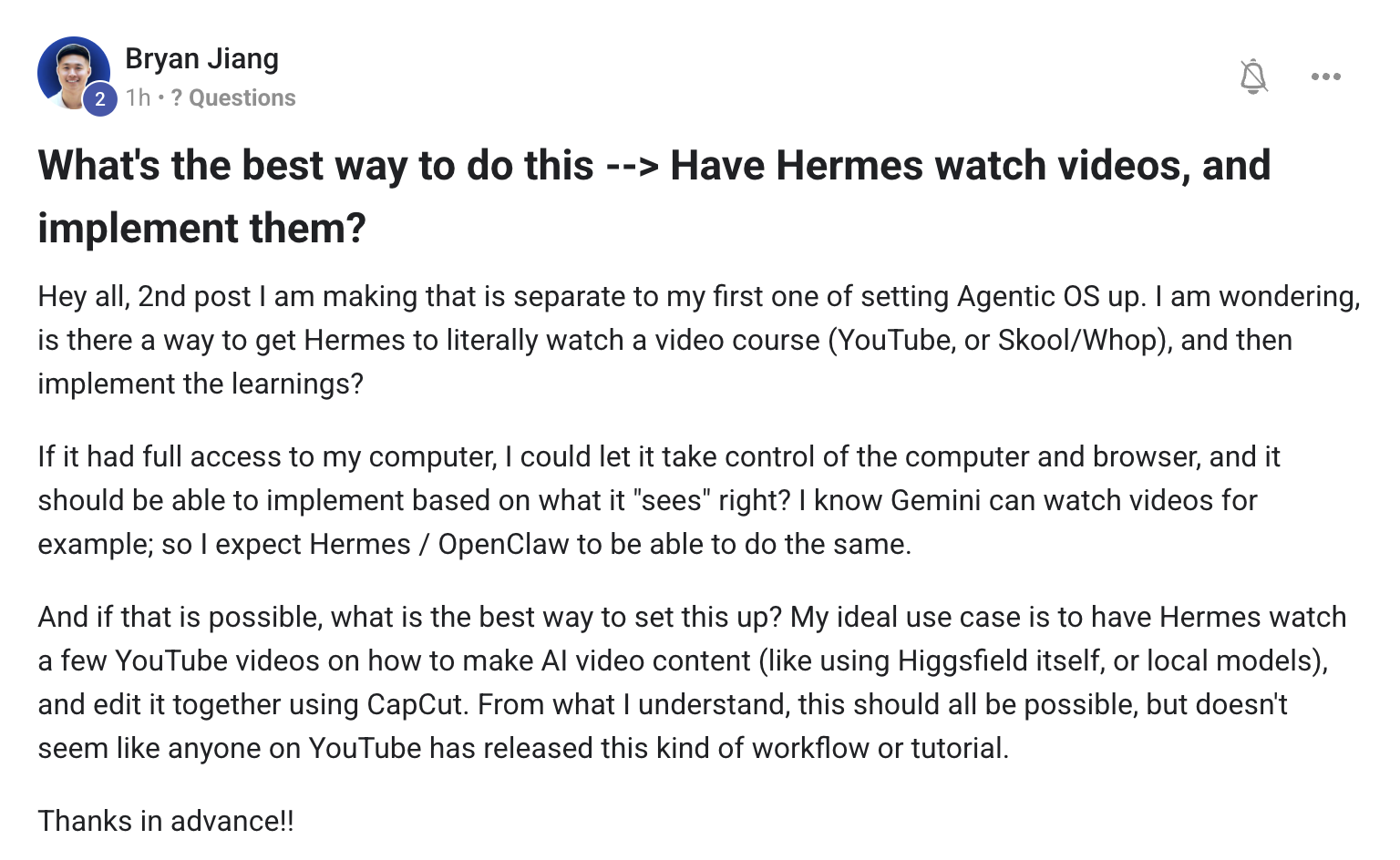
Bryan — great question, and the answer is yes, with a small workflow tweak. Hermes doesn't watch video natively (yet), but the pattern is straightforward and members are already running it.
Here's the three-step pattern:
- Step 1 — Transcribe. Use the OpenClaw X-Search / video panel inside the dashboard to pull the audio and run it through Whisper. Output is a timestamped transcript. (For paid courses, screen-record locally first using CapCut or QuickTime, then feed that file in.)
- Step 2 — Pass the transcript to Hermes Goal Mode. Frame the goal as: "You have a transcript of a course on [topic]. Read it end-to-end. Extract every actionable instruction. Build me an SOP that implements those instructions in my Agent OS." Hermes reads, structures, and saves the SOP to Workspace.
- Step 3 — Iterate. Run the SOP through Hermes as a series of small jobs. Anything Hermes can't action ("attach this image to step 3") gets flagged for you to do manually. Everything else runs autonomously.
You're right that Gemini can natively "watch" videos and Hermes/OpenClaw currently use the transcript path — but in practice the transcript path is better for course content because you can re-prompt, slice, and re-feed sections without re-watching. You also get a permanent searchable record.
For online video tutorials specifically, OpenClaw can grab the auto-transcript directly via the X-Search panel — no screen recording needed. The full pattern is the same: transcript → Hermes Goal Mode → SOP → execute.
I built this exact pattern when I was learning ComfyUI workflows from a 6-hour video series — Hermes turned the whole series into 23 individual SOPs that ran themselves over a weekend. Saved me about 50 hours.
"Transcript → Goal Mode → SOP. Hermes turns 6 hours of video into 23 autonomous jobs. No watching required."
"I have OpenClaw on a VPS. How do I do the VPS install for Hermes step-by-step?"
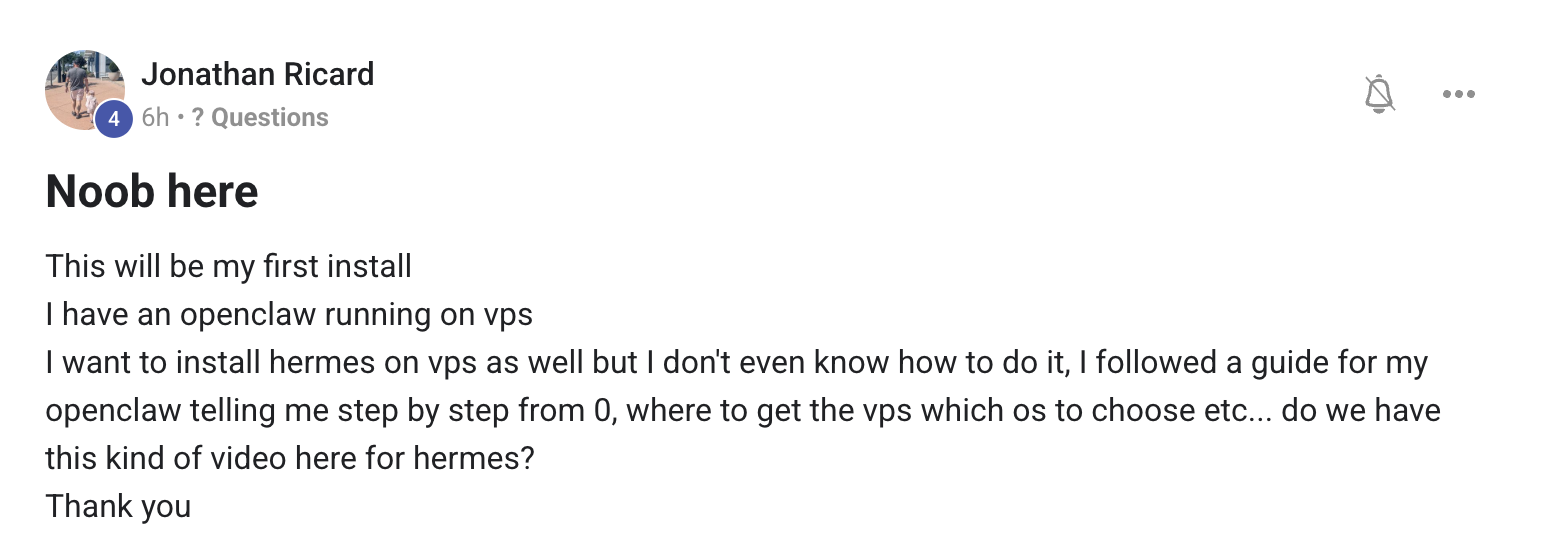
Jonathan — welcome. The fact that you've already got OpenClaw on a VPS puts you well ahead of where most members start. Hermes on the same box is a 15-minute job. Here's the exact sequence:
Prerequisites — Ubuntu 22.04 or 24.04, root or sudo access, 4GB RAM minimum (8GB recommended), Docker installed. If you're on Hostinger like a lot of members, their VPS Docker template covers all of this. Hostinger VPS →
Step 1 — SSH in and pull Hermes:
ssh root@your-vps-ip
curl -fsSL https://hermes.ai/install.sh | sh
hermes init --headless
Step 2 — Run Hermes alongside OpenClaw via Docker Compose:
cd ~/agent-os
docker compose up -d hermes openclaw
Step 3 — Expose Hermes UI via Cloudflare Tunnel (so you can reach it from your laptop without opening ports):
cloudflared tunnel create hermes-vps
cloudflared tunnel route dns hermes-vps hermes.yourdomain.com
cloudflared tunnel run hermes-vps
Step 4 — Bridge your Claude / Codex / ChatGPT logins on the VPS (so you don't have to use paid API):
hermes bridge add claude    # follow OAuth link in browser once
hermes bridge add codex
hermes bridge add chatgpt
hermes bridge list           # verify all three show "connected"
Step 5 — Sanity check: open https://hermes.yourdomain.com in your laptop browser. You should see the dashboard. Ask Hermes a small test prompt. Done.
Total time: about 15 minutes if you go quickly. The full long-form walkthrough with screenshots is in The Goldie Hermes Agent OS → — but the commands above are everything you actually need on a VPS that already has OpenClaw running.
"15 minutes. Five steps. Hermes + OpenClaw side-by-side on one VPS. Cloudflare Tunnel keeps it private."

The room where these answers live
Every Q&A drop is built from real member questions inside the AI Profit Boardroom. Post yours and it could be in Vol. 7. Plus the four weekly coaching calls, the templates, the SOPs, the 30-day roadmap — and the Agent OS that ties it all together.
Join the AI Profit Boardroom →"Is there a downloadable Agent OS package instead of building via prompts?"
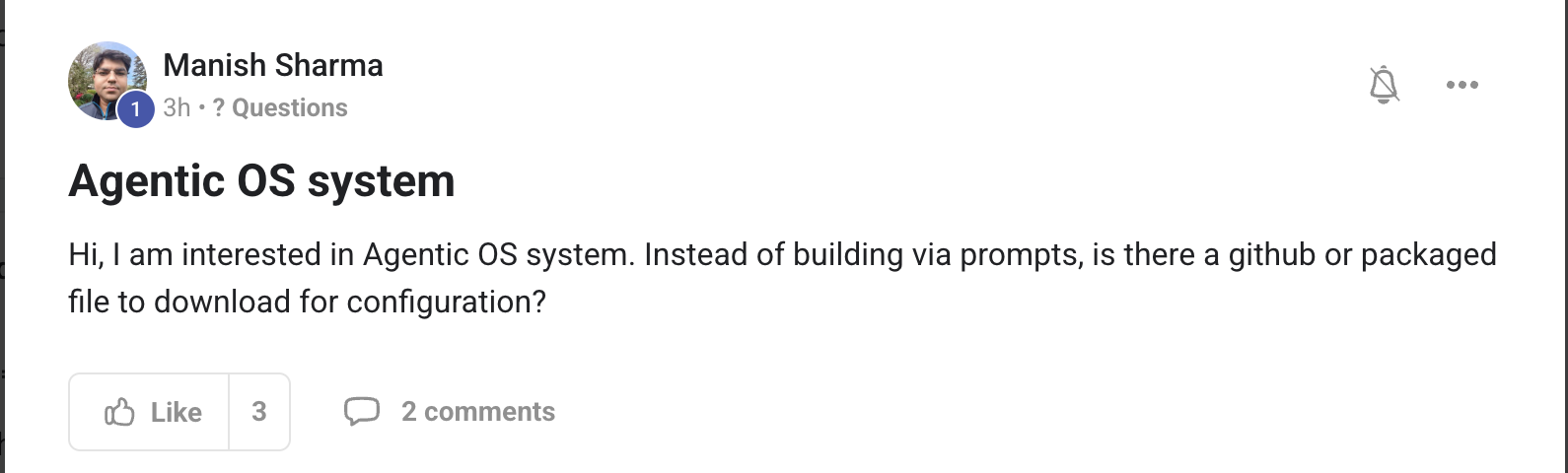
Manish — yes, and this is the move I recommend for anyone who doesn't want to hand-prompt the whole stack. Two options depending on how you want it deployed:
Option 1 — One-line install (most popular):
curl -fsSL https://hermes.ai/install.sh | sh
hermes init --wizard
This pulls the entire Agent OS bundle — Hermes harness, OpenClaw, all default skills, all dashboard panels, all preset goals. The wizard asks you 8 questions (your name, your business, your default model, your Obsidian vault path, etc.) and writes a working config file. You're shipping in under 10 minutes. No prompting required.
Option 2 — Docker Compose (for VPS or fleet):
git clone https://github.com/agentos-guide/agent-os.git
cd agent-os
cp .env.example .env       # edit with your bridges
docker compose up -d
This gives you the whole stack as a reproducible Docker bundle. Good for VPS deploys, good for replicating across team members, good for backing up a known-good config.
What you do not need to do is hand-prompt the whole thing from scratch. The prompting layer is what you do inside the OS once it's running — to customise behaviour, set goals, build your own skills. The OS itself ships pre-wired. You're not building the operating system from prompts; you're operating the operating system with prompts. Different layer.
Full install reference + Docker Compose file are in The 7-Layer Blueprint →. Most members install via Option 1 on their main laptop, Option 2 on a VPS for always-on jobs.
"One command. Wizard asks 8 questions. You're shipping in 10 minutes. Don't hand-prompt the OS — hand-prompt inside it."
"How do you build a pipeline between agents so Agent A builds, Agent B reviews, automatically?"
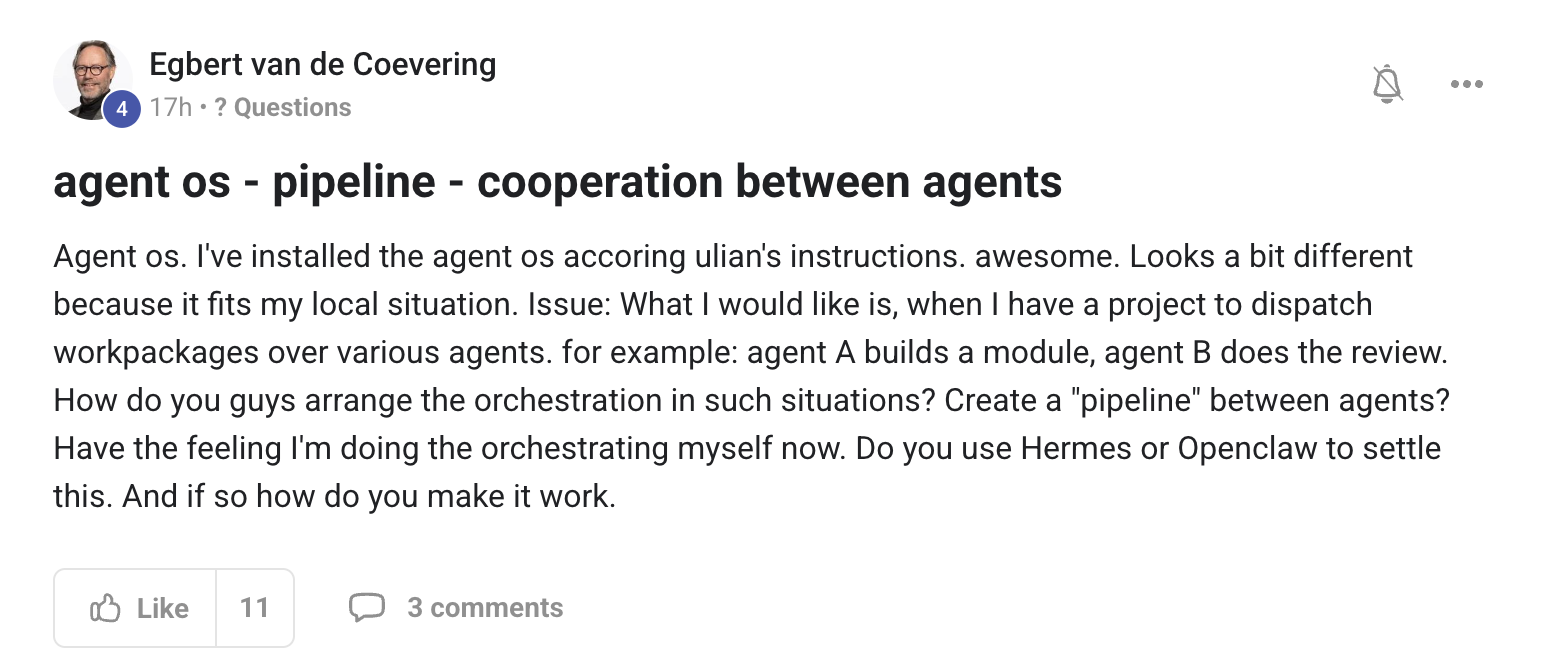
Egbert — this is the question every operator hits around month 2. You've outgrown single-agent prompting and you want real handoffs. Good news: Hermes does this natively. Here's the pattern:
The Agent Pipeline Pattern™ — 4 layers:
- Layer 1 — Goal: you set one goal in Hermes Goal Mode. "Build module X, then review it, then ship it."
- Layer 2 — Plan: Hermes decomposes the goal into sub-tasks and assigns each to the right skill. Build goes to the coder skill (calls Claude Code). Review goes to the reviewer skill (calls a separate model). Ship goes to the deploy skill.
- Layer 3 — Handoff: when the coder skill completes, the output is written to Workspace. The reviewer skill is triggered automatically with that output as its input. No human in the loop.
- Layer 4 — Resume / repair: if the reviewer fails the build, it sends feedback back to the coder. Hermes loops until pass. Final pass triggers ship.
Concretely, you'd set it up like this in your skills config:
// ~/.hermes/skills/build-review-ship.yaml
pipeline:
  - skill: coder
    output: workspace/module.ts
  - skill: reviewer
    input: workspace/module.ts
    on_fail: { route: coder, with: feedback }
  - skill: deploy
    input: workspace/module.ts
    on_success: { notify: slack }
Then in Goal Mode: "Run build-review-ship for the auth module" — and Hermes runs the entire pipeline end-to-end. You're not orchestrating manually anymore. The skill file IS the orchestration.
For more complex multi-agent topologies (mesh, hierarchical, swarm), the new Hermes MCP catalog → lets you wire third-party agents into the pipeline as additional steps. So an OpenClaw research step can sit between coder and reviewer, or a Codex test-runner can be the gate before ship.
The honest meta-point: if you feel like you're doing the orchestration manually, your pipeline isn't expressed as a skill yet. Express it as a skill (a .yaml file like above), and the orchestration disappears from your day. Hermes does it.
"Stop orchestrating by hand. Express the pipeline as one skill file. Hermes runs the whole chain, fails and repairs included."
One person asks. Everyone learns.
The Socratic Society isn't built by a guru at the front. It's built by members showing up with sharp questions and members sharing the wins they didn't know they'd built. Vol. 7 is being collected right now — drop your question in the AIPB and it'll be answered on camera next.
Join the AI Profit Boardroom →







