Get the full Hermes Video Agent + Agent OS setup inside the AI Profit Boardroom
← Back to all guides
The Goldie Vision Forge™
$0 per render · 100% local · runs on your machine

The new Hermes video agent turns one prompt into finished video.

HyperFrames + AI Avatar, wired into Agent OS. Type the idea, pick the avatar, hit render. The MP4 lands in your Workspace. No SaaS subs. No upload-download loops. No tab juggling. The full read-along — story, install, every objection crushed, plus the 30-day social content roadmap I'm running it on right now.

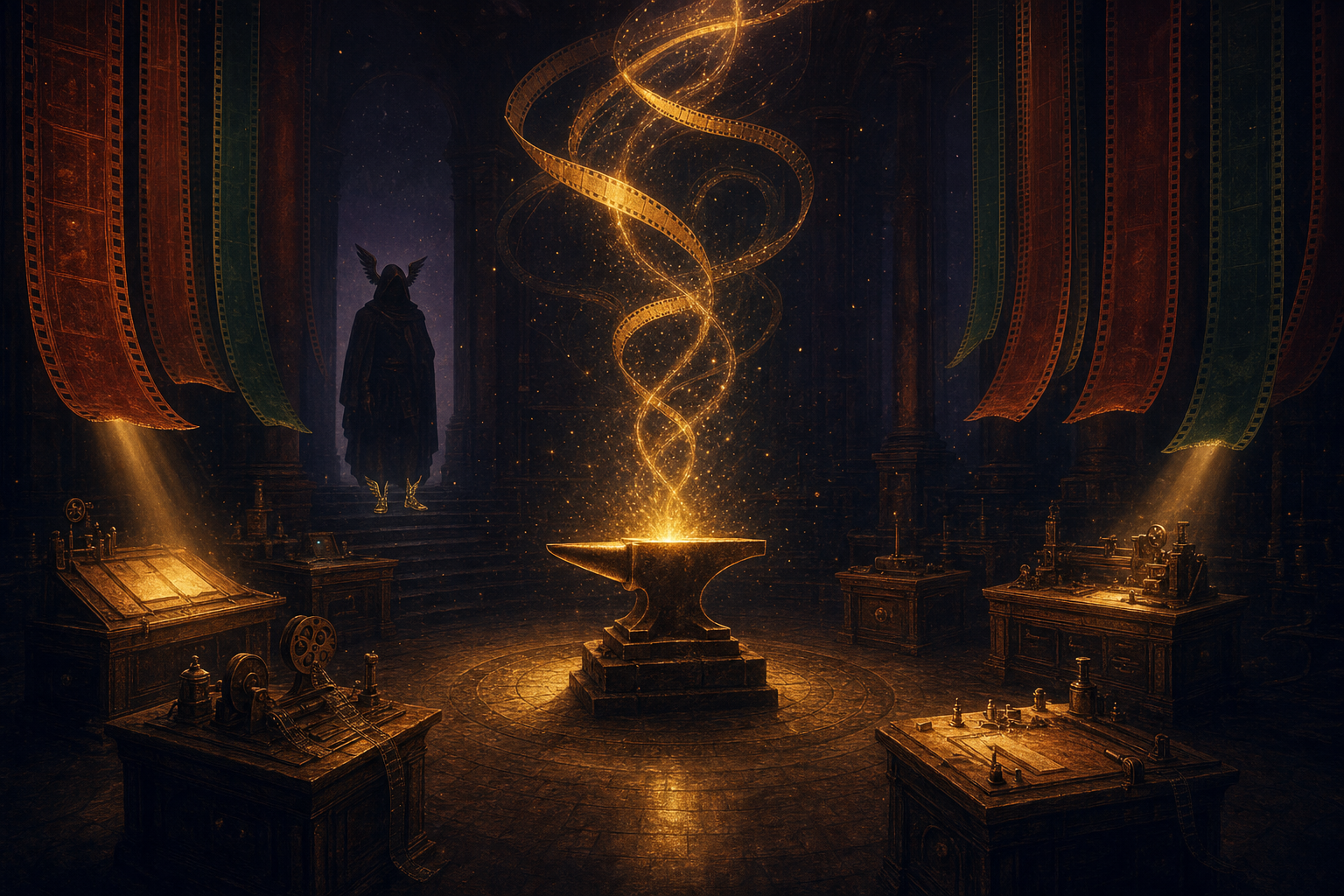
A celestial editorial illustration of the Goldie Vision Forge — five workstations arranged in a semicircle, golden light coalescing into film-strip ribbons spiralling upward
$0
per render
5
stations · one forge
90s
feature reel · one pass
100%
local · your machine

"The Video tab generates videos with the HyperFrames CLI (HTML → MP4) or AI avatars (text → talking head). Everything saves locally and shows up in Workspace."

— Agent OS · Mission Control · Video panel

What you'll read

  1. My story — the transition
  2. Real members already running this
  3. Commit before you scroll
  4. The Goldie Vision Forge™
  5. What just shipped
  6. The old way vs the new way
  7. One prompt, one finished render
  8. Your avatar locked in, on every video
  9. Outputs that never get lost
  10. One idea, many videos
  11. Why this lives inside Agent OS, not on its own
  12. Three beliefs holding you back
  13. The 30-day social content roadmap
  14. What you've gained
  15. Get the full stack
II · my story · why this matters

I was you. Then I built this.

Before

Making short videos was a nightmare.

I had to write a script in one tool, generate the avatar in a second, drop the avatar into a third tool to make a talking-head clip, then edit it in a fourth.

Three separate SaaS subscriptions. Combined bill: over $200 a month.

Every render came back broken in some small way — wrong avatar pose, missing inflection, audio out of sync.

Files scattered across four download folders.

And the final video would land in a Drive folder somewhere I'd never find again.

Then I wired the new Hermes video agent into Agent OS.

After

Now I open the Video tab inside Agent OS.

I type one prompt. Pick the avatar. Pick the voice. Hit render.

90 seconds later the finished MP4 is sitting in my Workspace, ready to share.

Monthly video tooling bill: $0.

Every render auto-saves with a meta sidecar — I can find any video from six weeks ago in two clicks.

I'm shipping more social content in a week than I shipped all last month.

You can have this too. Same agent. Same forge. Same dashboard.

III · the receipts

Real people. Real videos. Already being shipped.

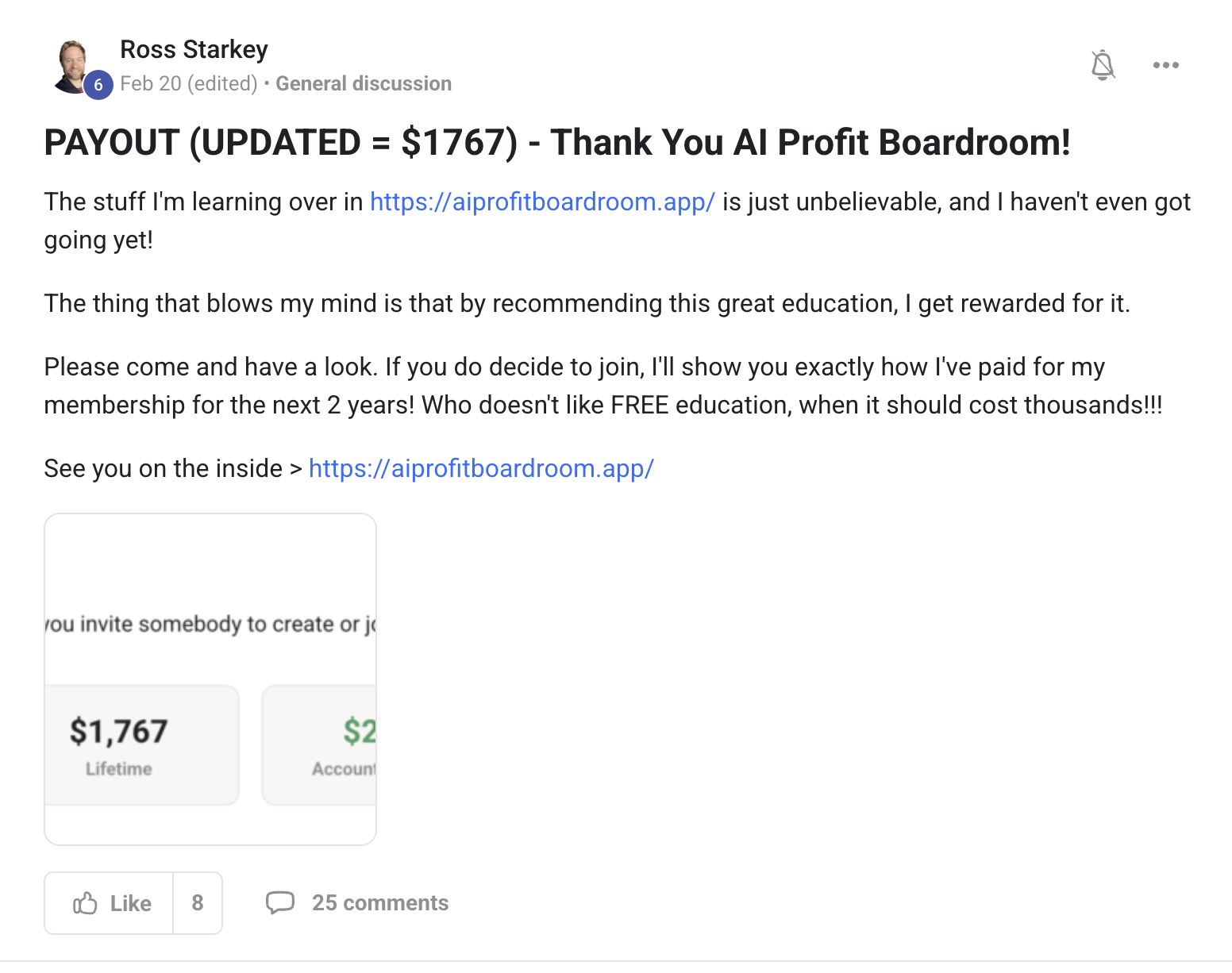
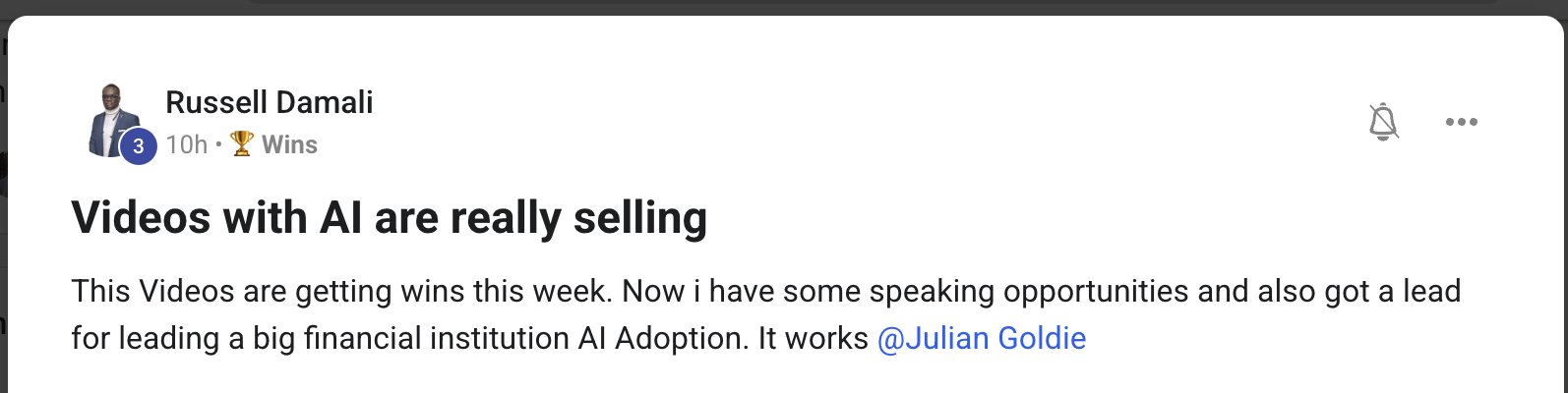
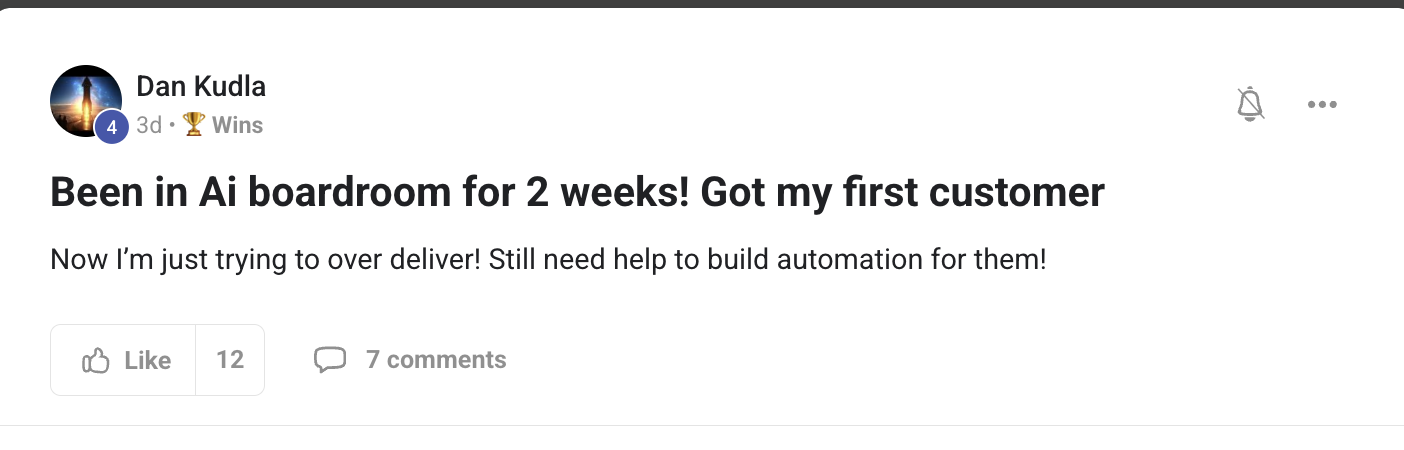
This isn't a "what if." It's already happening for members inside the Boardroom. Agency owners, course creators, ecom founders, solo operators. Different businesses. Same result — the bill dropped, the output went up, the social content actually got shipped.

2,200+Founders inside AIPB
258Real wins documented
319kSubscribers on the main channel
38Countries · live members
$100k+/moAIPB MRR
Before you scroll on —

Commit to transitioning today. Not tomorrow.

You've seen the proof above. Real people. Real videos. Already being shipped.

The next 10 minutes show exactly how I wired the new Hermes video agent into Agent OS.

So here's the deal.

If you're reading this — promise yourself one thing right now. You're going to finish this guide AND render one video before you sleep tonight. Just one. Because the moment you make this transition, your whole social content workflow changes.

The people sitting still are getting passed. The people shipping today are the ones who'll look back in six months and say "that was the moment."

Be one of those people.

Commit to the transition. Commit to rendering your first video today. This changes everything about how you make content.

IV · the framework

The Goldie Vision Forge™.

Five stations that turn one prompt into finished video.

You don't have to think about them when you're working — the forge does. But understanding the path is how you start trusting it. And once you trust it, you ship more in a week than you used to ship in a month.

Editorial illustration of five Renaissance workstations in a row, each with a different golden artefact floating above it — the five stations of the Vision Forge
The five stations of the forge — Spark, Form, Frame, Forge, Filing.
i.

Spark — the idea becomes a prompt.

You type what you want. "A 90-second cinematic feature reel for Agent OS — gold-on-aubergine palette, ambient particles, fade-in title." That's the spark. You stop writing scripts in one app, building shots in another. One field. One thought.

ii.

Form — your avatar locks in.

Pick the avatar once. Pick the voice once. Every render after that — they're already loaded. You stop re-uploading your face every single time. Your brand stays consistent across every video you ship.

iii.

Frame — HyperFrames assembles the visual.

The HyperFrames CLI turns HTML into MP4. Every shot. Every transition. Every motion of text on screen. It runs locally on your machine. You stop paying per-render fees to a cloud SaaS. The render machine is yours.

iv.

Forge — everything fuses into one MP4.

Avatar + visual + voice + music — fused together in one pass. No After Effects timeline. No premiere stack. No third-party render farm. You walk away. You come back to a finished video.

v.

Filing — the finished video saves itself.

Every MP4 auto-saves to your Workspace tab with a metadata sidecar — the prompt, the model, the avatar, the date. Click any past render → it plays inline. Click "render again" → it rebuilds with one tap. You never lose a video again. Six weeks from now you'll still find it in two clicks.

V · the news

What just shipped.

The new Hermes video agent.

It lives as the Video tab inside the Agent OS dashboard, right next to Studio. Three sub-tabs — Create, Avatar, Workspace.

Type a prompt → render. Pick an avatar + script → render. Browse every past render in the Workspace bucket.

The MP4 lands locally. The Workspace shows it. The whole thing is 0 cents per render.

Thinking it? "There's no way local video rendering is actually free."

The render itself is free because it runs on your machine.

HyperFrames is a CLI tool. It turns HTML into MP4 using your local CPU and GPU. No cloud render farm. No per-minute fee.

For the avatar pass you're using cloned voice + face data you set up once. After setup — zero ongoing cost.

You stop paying $50–$100 a month to a cloud video tool. That money goes back in your pocket every month forever.

Members report cancelling their HeyGen + Synthesia subscriptions in the first week after wiring this in.
VI · why this matters

The old way vs the new way.

Same creator. Same goal. Two completely different content workflows.

Old way · stacking SaaS tools ~$200/mo
  • Write the script in Google Docs or Notion
  • Make the avatar in HeyGen or Synthesia ($30–$60/mo)
  • Build the visual overlay in a different tool ($20+/mo)
  • Export, download, upload to a fourth tool to combine ($25+/mo)
  • Render eats hours of cloud queue time and credits
  • Finished file lands in a random Downloads folder, never found again
  • Every shipped video starts the loop over from scratch
New way · Hermes video agent in Agent OS ~$0
  • One Video tab. Three sub-tabs. Everything lives in one screen
  • Avatar + voice locked in once. Reused on every render
  • HyperFrames CLI assembles HTML → MP4 locally — $0 per render
  • Output saves to Workspace with a metadata sidecar — searchable forever
  • Every past render plays inline. "Render again" rebuilds in one tap
  • Same dashboard runs Claude, Codex, Antigravity, OpenClaw too — no context switch
  • Sleep through the render. Wake up to finished video
VII · benefit one

One prompt → one finished video.

Editorial illustration of a single golden seed exploding outward into seven film-strip ribbons — one source becoming many
One spark of intent. The forge does the rest.
i.

Why this matters to you.

You stop sketching out a video in your head and giving up before the third tool.

The prompt field accepts plain English. "A 10-second cinematic intro for Agent OS — fade in title, ambient particles, gold-on-aubergine palette." Hit ⌘+Enter — the forge starts.

Behind the scenes it scaffolds the HTML composition, queues the HyperFrames render, and saves the MP4 next to a JSON sidecar with everything you used.

What you gain: the gap between "I have an idea" and "I have a finished video" collapses to under two minutes.

You do this Open Video → Create → paste your prompt → ⌘+Enter. Walk away. Come back to a rendered MP4 in your Workspace.
Thinking it? "My prompts are never specific enough to get a good result."

The forge writes the spec for you.

Hermes expands your one-line prompt into a full HyperFrames composition — palette, timings, transitions, text motion, music cues.

You can preview the spec before render. Edit one line if you want. Or trust it.

You stop staring at a blank prompt field. The system meets you where you are.

Members consistently report their first render landing in the "good enough to post" zone.
VIII · benefit two

Your avatar, locked in once. Used forever.

ii.

Why this matters to you.

You stop re-uploading your face every single render.

The Avatar sub-tab keeps your avatar + voice clones in one place. Browse the gallery of your saved avatars, pick one, type the script, hit Generate.

Each clone is reusable across every video you'll ever make. The face stays consistent. The voice stays consistent. Your brand looks like a brand.

What you gain: a consistent on-camera presence even on the days you don't have time to film.

You do this Open Avatar → pick the avatar tile → pick the voice → paste your 8000-character script → Generate. Preview pane shows you the talking head in 30–120 seconds.
Thinking it? "AI avatars always look creepy or robotic."

The cloned voice + face come from your own real footage.

The avatar isn't a generic puppet — it's a clone of you, built from your existing source material.

The output looks like you on a day you remembered to set up the camera.

You stop being the bottleneck on your own social content. The avatar carries the days you can't.

Members shipping daily social videos from their avatar without ever opening a real camera.
IX · benefit three

Every video stays in view. Nothing gets lost.

iii.

Why this matters to you.

You stop hunting through Downloads folders for that video you made last week.

The Workspace sub-tab scans your local renders + projects automatically. It shows them in named buckets — Agent OS Projects, Agent OS Renders, Hermes Videos, Desktop, Downloads.

Click any file → it previews inline. MP4s play. HTML renders. JSON sidecars show the prompt + model + settings you used.

What you gain: a complete history of every video you've ever made, searchable forever.

You do this Open Workspace → scroll the bucket list → click any past render → it plays in the preview pane on the right. Want to recreate it? Click the JSON sidecar → see the exact prompt → reuse it.
Thinking it? "What if my computer crashes mid-render?"

Every frame lands on disk in real time.

The render writes to disk as it builds. If the session errors out, the partial frames + the prompt sidecar are still there.

The Workspace tab scans the disk and rebuilds the project list automatically.

You restart and pick up where you left off. The work survives every kind of crash.

Members report sessions crashing mid-render and walking back into Workspace to find the partial render and the prompt waiting for them.
X · benefit four

One idea, many videos. Multiply across social.

iv.

Why this matters to you.

You stop starting from scratch for every social platform.

One source prompt → one full-length render → the forge spins out variants. A 90-second feature reel becomes a 30-second teaser, a 10-second hook, a vertical cut for social, a square cut for a feed post.

Same avatar. Same voice. Same brand consistency. Different aspect ratios, different lengths, different first frames.

What you gain: a week's worth of social content from one Sunday-night planning session.

You do this Run the source render. Then duplicate the project. Change the aspect ratio in the prompt — "rebuild as 9:16 vertical, 10-second hook only." Render again. Repeat for each platform you post to.
Thinking it? "I don't post to that many platforms — I only need one video."

Then you save time on the one.

The forge isn't asking you to multiply if you don't want to. It's giving you the option for free.

One platform, one render — still under two minutes from prompt to finished file.

The leverage is there when you want it. It doesn't cost you anything when you don't.

Members starting with one platform and adding two more once they see how easy the variants are.
Agent OS — owl, lobster, winged figure
~ the 60% mark · time to commit ~

Get the full Hermes Video Agent + Agent OS setup, ready-made.

I built the integration so you don't have to.

  • The Video tab pre-wired — Create, Avatar, Workspace, ready to render
  • HyperFrames CLI installed + configured — local renders, $0 per pass
  • Avatar + voice clones — the same setup I use for my own content
  • Workspace scanner — every render searchable forever
  • 30-day content roadmap — exactly what to ship, when
  • 2,200+ members shipping social content with this stack daily
Join the Boardroom → link in description
XI · why inside agent os

Why this can't live on its own.

This is the part most people miss when they try to copy this setup.

The Hermes video agent on its own is useful. The Hermes video agent inside Agent OS is what changes your week.

Here's why.

a.

Shared memory across every agent.

When you ask the video agent for a feature reel about Agent OS — Claude has already written the script outline. Codex has already pulled the feature list. OpenClaw has already captured the screenshots. The video agent reads from the shared Obsidian vault, so it knows your tone, your brand, your customers cold.

The video doesn't start from zero. It starts from everything every other agent has ever logged.

b.

One dashboard, one tab away.

Mission Control sits next to Video. Goals sits next to Studio. Notebook sits next to Workspace.

You write a goal — "ship five social videos this week." Hermes Goal Mode picks it up. The video agent renders the videos. The Notebook auto-files the prompts. Mission Control shows you status.

No tab juggle. No context switch. The whole pipeline runs on one screen.

c.

Outputs compound across the stack.

Render a video. The MP4 lands in Workspace. The Notebook auto-tags it. Claude can reference it next week. Codex can wrap it in a landing page. OpenClaw can post about it on social.

One video isn't one video. It's a seed every other agent draws from.

d.

The bill stays zero.

Inside Agent OS the video agent has Free Claude Code as a fallback for any text generation. The HyperFrames render is local. The avatar pass uses cloned data you set up once.

On its own, you'd be paying $50/week to Anthropic + a video SaaS sub. Inside Agent OS, the same workflow costs $0.

The dashboard is the cost-killer. Standalone Hermes is the leak.

The video agent is the engine.
Agent OS is the chassis that turns the engine into a vehicle.

Thinking it? "I'll just install Hermes alone — I don't need the whole dashboard."

You can. And in two weeks you'll be wiring everything else in anyway.

Without the shared memory layer, every video starts from zero context.

Without the Workspace scanner, every render disappears.

Without Goal Mode driving it, you have to babysit each render manually.

The agent shines when it's plugged into the rest. Standalone, it's just another tool. Wired in, it's a system.

Members who tried Hermes standalone first all moved to the full Agent OS setup within two weeks.
XII · the voice in your head

Three beliefs holding you back.

✕ "Making video is too time-consuming for me right now."

That's true if you're stacking three SaaS tools. It's not true with one prompt + one avatar pick + one render. The bottleneck was never the work — it was the friction between the tools.

✓ With the forge, time-per-video drops to under two minutes.

You spend more time deciding what to make than actually making it. That's the right ratio.

✕ "My avatar will look obviously AI."

Generic stock avatars do. A clone built from your own real source material doesn't.

✓ Your audience won't be able to tell the days you used the avatar from the days you filmed.

The wins compound: you stop being the bottleneck on your own content. You ship even on the days you can't sit in front of a camera.

✕ "Free video is going to look cheap."

Free cloud tools look cheap because they cap quality. Local rendering doesn't cap anything — you're using your own machine's full capability.

✓ The cinematic look comes from the prompt + the composition, not the price tag.

The Vision Forge runs on the same HyperFrames spec the agency uses for client work. You get the production tier, free.

Don't take my word for it

258 real members already broke through these exact beliefs. Their wins — real businesses, real videos, real outcomes — are documented here.

Read the 158-page testimonials doc →
XIII · the path

The 30-day social content roadmap.

Week 1
Install + clone. Wire the Video tab into Agent OS. Set up your avatar once — paste real source footage, generate the clone, save it. Render one throwaway 10-second test video so you can see the loop end-to-end.
Week 2
Ship daily. One short video a day. Whatever you'd normally post in text — turn it into a 30-second talking-head video instead. Save every prompt. Build your prompt library.
Week 3
Multiply across platforms. Take your best video from week 2. Render the same source as 16:9 (long-form), 9:16 (vertical), 1:1 (square). Post each on the platforms where it fits. Watch which format actually moves.
Week 4
Template + automate. Build three reusable templates — weekly update, feature reel, tutorial. Wire Goal Mode to render them on a schedule. By the end of the month your video workflow is automated infrastructure.

You were never the bottleneck.
The tool stack was.

— and now the stack is one forge
XIV · the recap

What you've just gained.

i.

You stopped paying.

Three SaaS subs gone. Local renders are $0.

ii.

You stopped writing scripts.

One prompt expands into the whole spec.

iii.

You stopped re-uploading.

Avatar + voice lock in once. Reused forever.

iv.

You stopped losing files.

Every render auto-files to Workspace, searchable forever.

v.

You stopped starting from scratch.

One source → many platform-ready cuts.

vi.

You stopped being the bottleneck.

The avatar ships on the days you can't.

vii.

You started compounding.

Every render seeds every other agent in the dashboard.

viii.

You started shipping daily.

A month of social content from one Sunday-night session.

~ ready when you are ~

Get the full Hermes Video Agent + Agent OS stack.

The video agent is the engine. Agent OS is what turns it into infrastructure. Inside the AI Profit Boardroom you get the full setup, the install, the calls, and the community already running this every day.

Join the Boardroom →
2,200+ members · 7-day refund · cancel in 2 clicks · I'll see you in the next one.