5 Hermes questions. 3 brilliant wins.
Fourth Q&A drop from inside the AI Profit Boardroom — this one is the Hermes Agent edition. A member running Hermes on a VPS asking about the dashboard. A question about how the Files section actually works. A SuperGrok subscription puzzle. A server-vs-local recommendation for a weaker laptop. And a new annual member asking the questions every new builder asks. Plus three wins from members who shipped before anyone asked.

Vol. 3 was four questions about the broader stack. Vol. 4 is tighter on a single thing — Hermes Agent. The setup questions. The infrastructure questions. The "I just joined and I'm overwhelmed" question. The same five questions every new Hermes operator is going to ask in their first month.
Plus three members who didn't ask anything — they shipped. One built their first Agentic OS this week. One deployed the whole thing on a VPS behind Cloudflare. One pitted PaperClip's Integration Engineer against Perplexity Computer + Pipedream on the same Airtable problem and watched PaperClip win in seconds.
One person asks. Everyone learns.
— JulianAli Marjaie shipped his first Agentic OS
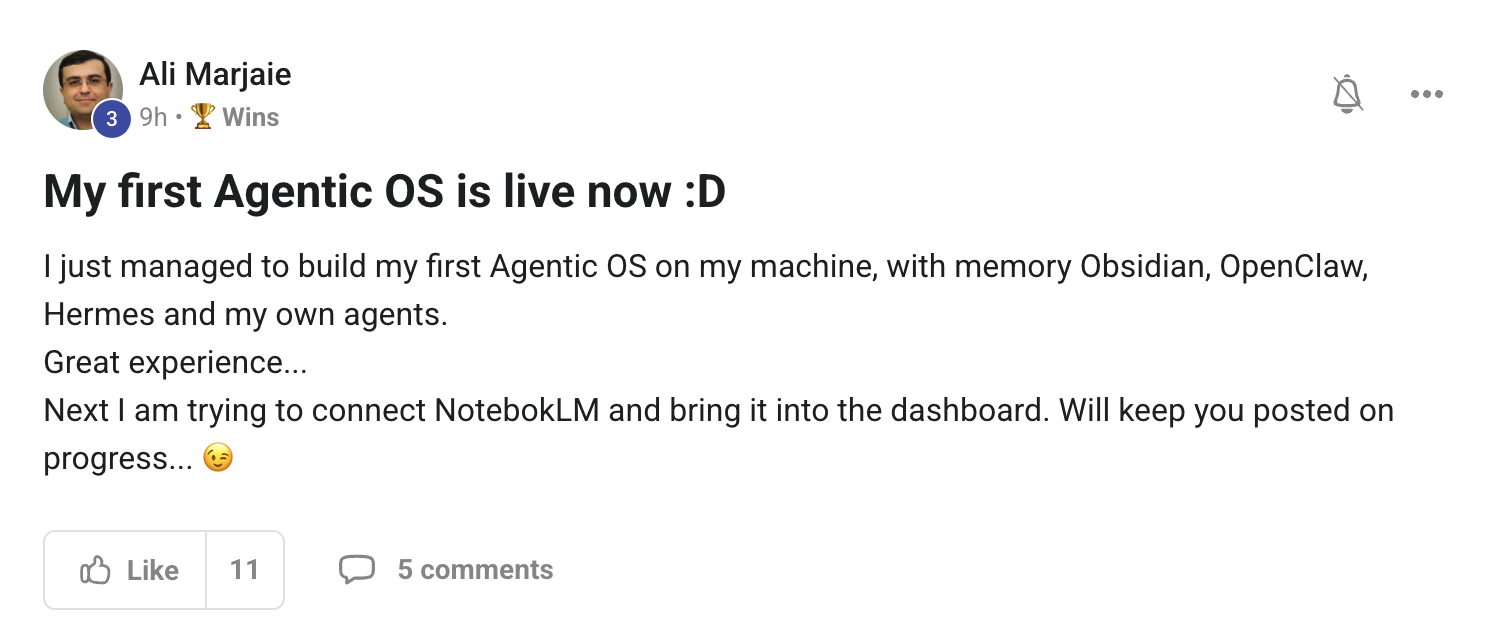
Ali got it live. Memory layer in Obsidian. OpenClaw running. Hermes wired in. His own custom agents on top. The whole stack from The 7-Layer Blueprint → sitting on his machine, working.
His next step is connecting NotebookLM into the dashboard — exactly the right move. That's the bridge into The Goldie Knowledge Studio → — every audio overview, slide deck, infographic NotebookLM generates flowing into the same workspace as everything else.
The "first OS live" moment is bigger than people realise. You cross from "researching" to "operating." Every guide after that lands differently because you have something real to plug it into. The rest compounds.
"Is there a way to implement an awesome graphical dashboard for Hermes that is running on a VPS?"
Yes, Ayman — and it's the exact setup John Mesa is running (his win is right below). The trick is:
- Hermes runs on the VPS — the agent process lives there with all its tools, skills, and working files. Hostinger, Hetzner, DigitalOcean — pick one and spin it up.
- The Agent OS dashboard is a Next.js app — also served from the same VPS. It's just a browser surface on top of the Hermes process.
- Cloudflare Tunnel + Cloudflare Access exposes the dashboard to your devices without making it public. Tunnel = no open port. Access = login wall. Together they give you full auth + a clean URL like
dashboard.yourdomain.com. - You open the dashboard from any device — your laptop, your phone, a borrowed machine. Same Hermes, same context, same Mission Control view.
The alternative path is Tailscale — gives you a private VPN-style network so the dashboard never touches the public internet at all. Slightly more privacy, slightly more setup. Either works.
Don't expose the dashboard publicly. Don't put it on a raw IP. Tunnel it through Cloudflare or Tailscale. That's the move.
"Hermes on the VPS. Dashboard tunneled. Access from any device. Public exposure: zero."
The full Agent OS install with this VPS pattern pre-wired is inside the Boardroom — see the install walk-through after you join.
John Mesa deployed the whole stack on a VPS
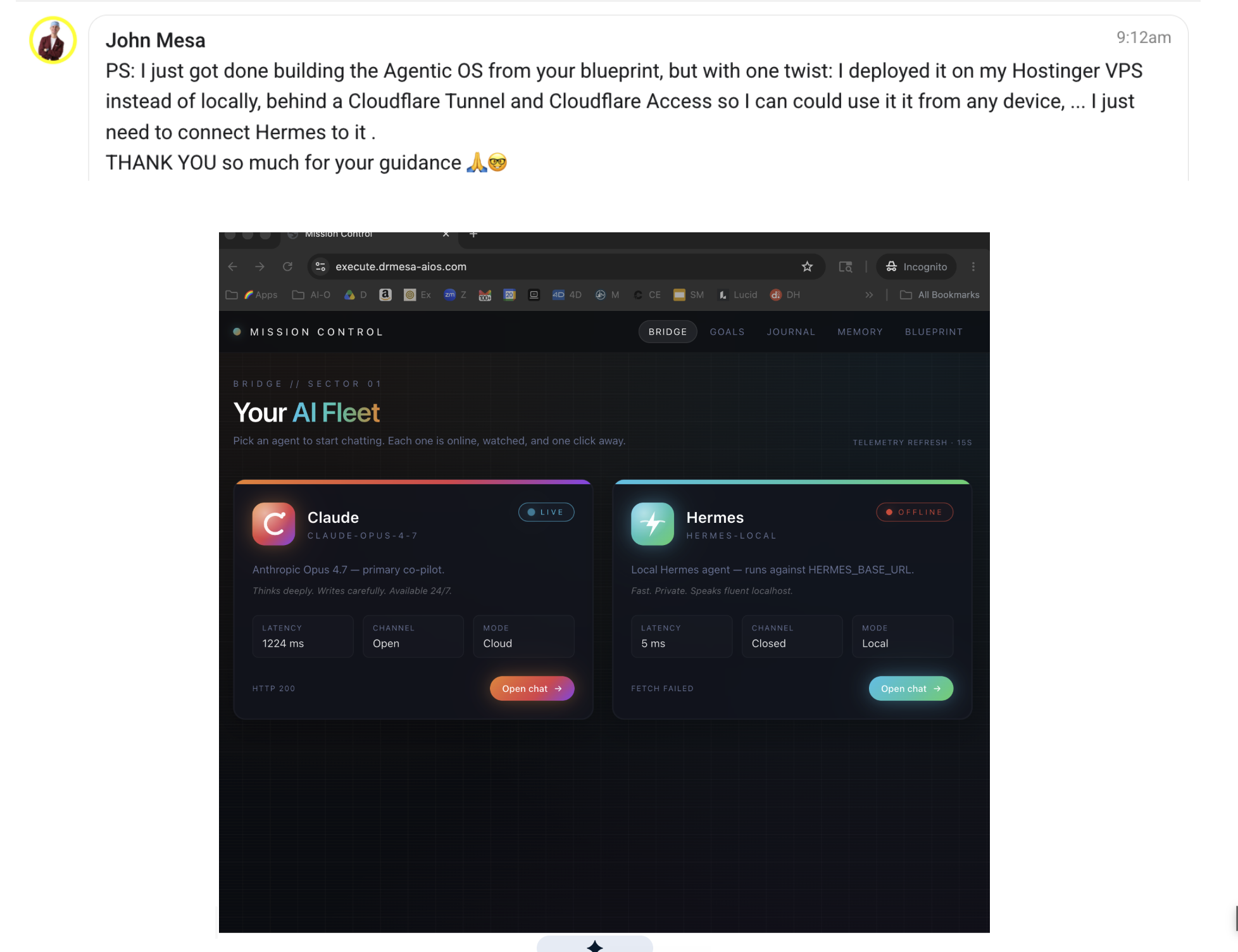
John didn't deploy locally. He went straight to the VPS path — Hostinger VPS, behind a Cloudflare Tunnel + Cloudflare Access. Now he can hit his Agent OS dashboard from any device, anywhere, without exposing a single port to the public internet.
The screenshot shows his Mission Control loaded. Claude is online — primary on. 1224ms latency from his location to the VPS, which is normal for a tunneled connection. Hermes is offline because he hasn't wired the local agent URL into the panel yet — exactly the next step Ayman asked about above.
This is the right pattern for anyone whose laptop isn't powerful enough to run Hermes locally. $11–$15/month VPS. One tunnel. One Access policy. Done. Your laptop becomes a dumb terminal, your VPS does the heavy lifting, your dashboard is one click from any browser.
Worth stealing as a default setup if your laptop fan starts kicking in every time Hermes runs.
"How does the Files section in Hermes Workspace work — per-project, or general knowledge base?"
Good question, Omar — and the honest answer is both. Hermes has two layers of file context, and you can use either or both depending on what you need.
- Project-level files — files dropped at the project level scope to that specific working directory + agent thread. Best for "this client", "this build", "this video script". The agent reads them when it's working on that project. Other projects don't see them.
- Agent-level files (skills + knowledge) — files attached to the agent itself, available across every chat that agent runs. Best for "my brand voice", "my pricing", "my standard SOPs", "long-term reference docs you want every response grounded in".
On the second part of your question — yes, files persist across sessions. They live on disk in the agent's working directory, not in chat session memory. You can:
- Close the chat and reopen it later — files are still there, agent still has access.
- Start a brand new chat with the same agent — same files, same context, fresh conversation. This is the most common pattern when you're switching tasks but don't want to lose the knowledge.
- Move files between projects — drag them from one project's working folder to another. Hermes picks up the change.
Practical rule of thumb: if it's evergreen, put it at the agent level. If it's about this specific job, put it at the project level. Brand voice, pricing, SOPs → agent. Client brief, transcript, current draft → project.
"Files on disk, not in the session. Close the chat — context survives. Open a new one — context returns."
Bonus tip: pair this with your Obsidian vault. Auto-log every conversation. Now both Hermes AND Claude AND every other agent in your dashboard share the same memory layer. See The Goldie Brain Loop → for the full pattern.
John Mesa: PaperClip Agent beat Perplexity Computer + Pipedream Coder at the same task
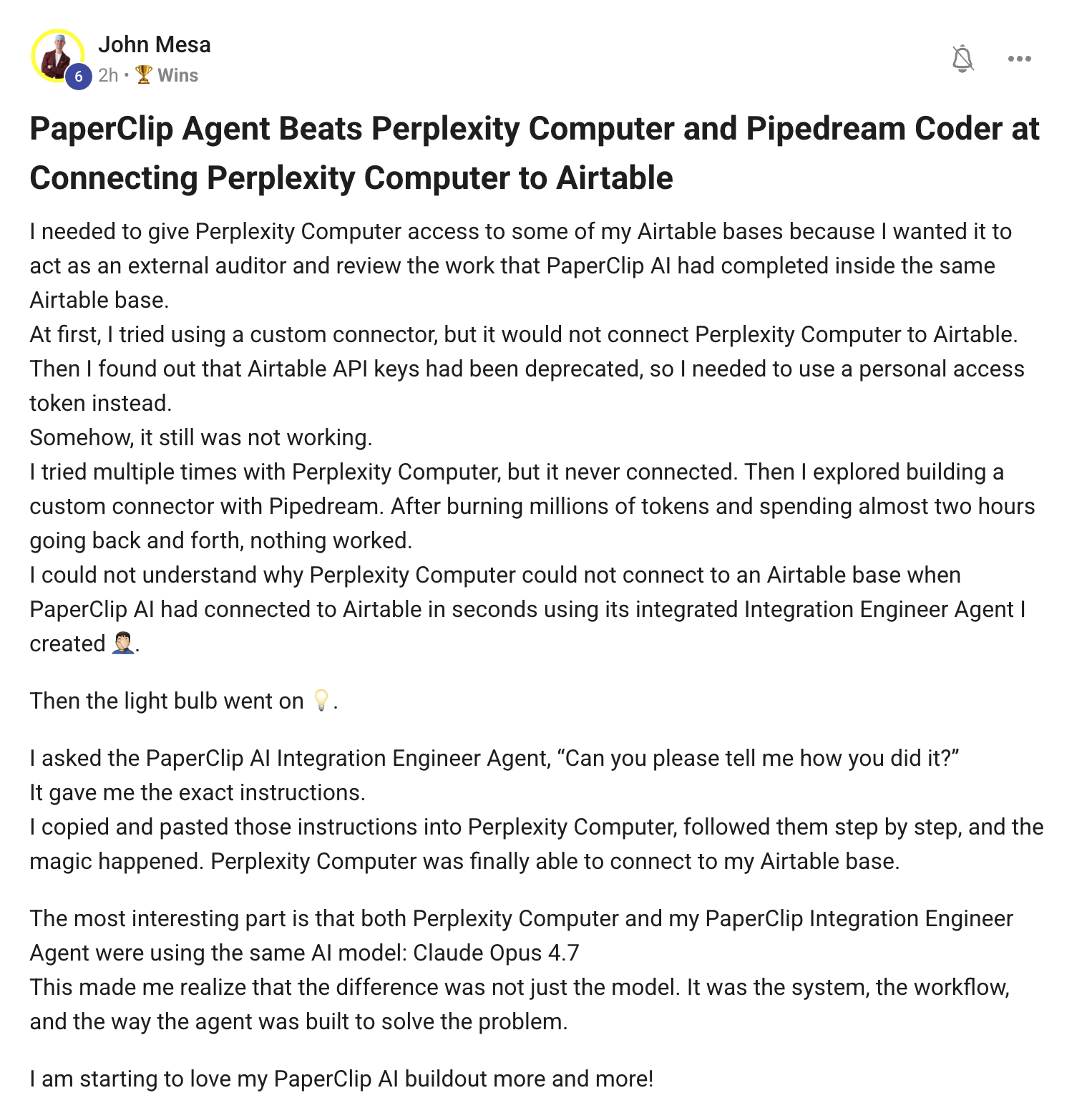
John needed Perplexity Computer to connect to an Airtable base so it could review work PaperClip AI had completed inside the same base. Tried a custom connector — wouldn't connect. Found out Airtable API keys were deprecated, switched to a personal access token. Still nothing. Tried multiple times. Then a custom Pipedream connector. Burned millions of tokens and two hours. Nothing worked.
Meanwhile his PaperClip AI Integration Engineer Agent had already connected to the same Airtable base in seconds the previous week.
Then the light bulb went on. He asked his PaperClip Integration Engineer: "Can you tell me how YOU did it?" The agent gave the exact instructions. John copied them into Perplexity Computer step by step. The connection worked immediately.
Punchline: both agents were running the same model — Claude Opus 4.7. Same brain. Two completely different outcomes.
This is the lesson most operators miss. The difference wasn't the model. It was the system around the model — the workflow, the prompt structure, the way the agent was built to solve that class of problem. That's exactly why Agent OS exists. It's not "which model is best." It's "which system, harness, and skill setup turns the same model into a reliable colleague."
This is what the whole 7-Layer Blueprint is built around. Same model — but wired through the right layers, it stops being a chat box and starts being a system you can ship from.
"Does Super Grok 'Lite' work on Hermes as a provider using Auth0? Or do I have to do the $30/month plan?"
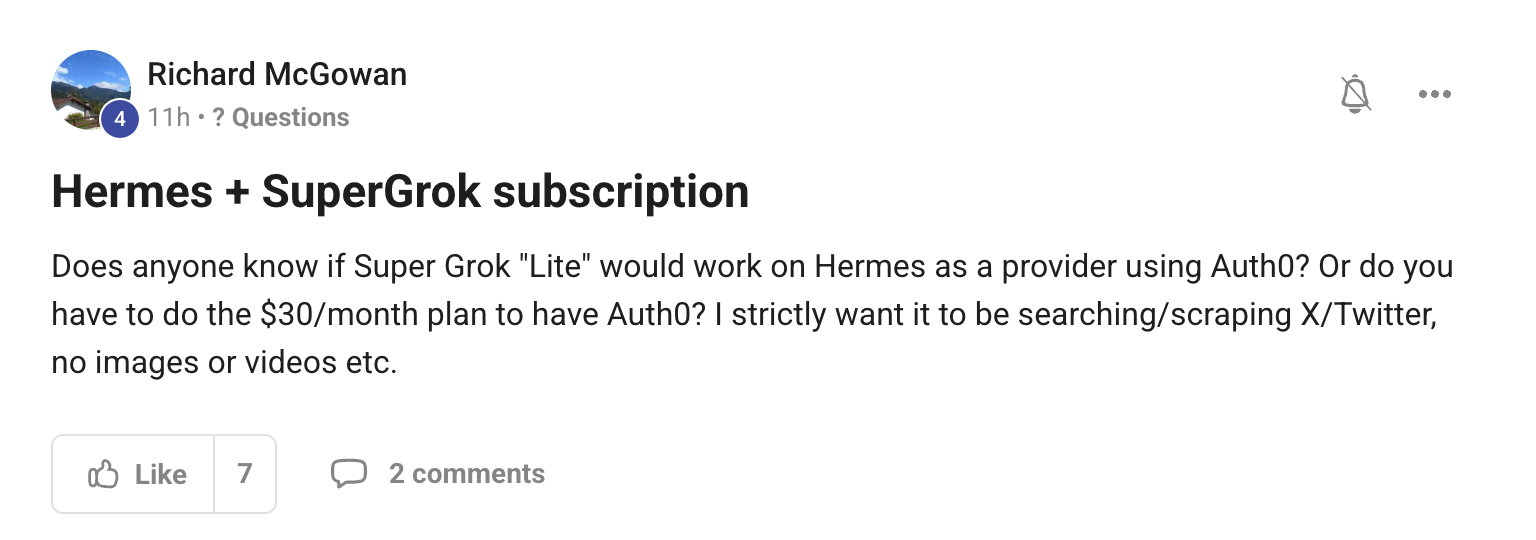
Richard — clean question, clean answer. Auth0 (xAI's OAuth flow) needs the paid tier. SuperGrok Lite on its own doesn't give you the OAuth provider access that Hermes uses. So the OAuth path = the $30 plan or above.
BUT — given your strict use case (X/Twitter searching + scraping, no images, no videos) — you have a much cheaper alternative:
- xAI standard API key — sign up at console.x.ai, top up the $5 minimum, get an API key. No subscription. Pay-as-you-go per query.
- Plug the API key into Hermes as your xAI provider. Auth0 not required when you use the direct API key route.
- Pick the cheap model — Grok 4 Fast or Grok Build is well under a cent per query for text-only search. X-Search add-on works with these.
- For pure X scraping — turn on X-Search in the request. You only pay for the queries you make. No images = no image surcharge. No videos = no video surcharge.
For your specific use case, you'll probably spend $2–$5 a month instead of $30. That's the savings on Lite-vs-Pro for someone who only needs text search.
If you ever want to go to the full OAuth flow (because you start using more advanced tools or want the higher rate limits), then upgrade. For now — API key path, save the $25 a month.
"Auth0 = paid tier. Direct API key = pay-per-query. For X-only text scraping, the API key is the right answer."
Setup details for both paths are in the Boardroom — there's a step-by-step thread on wiring xAI into Hermes.
"Server vs being local — my PC isn't powerful enough. What's the recommendation?"
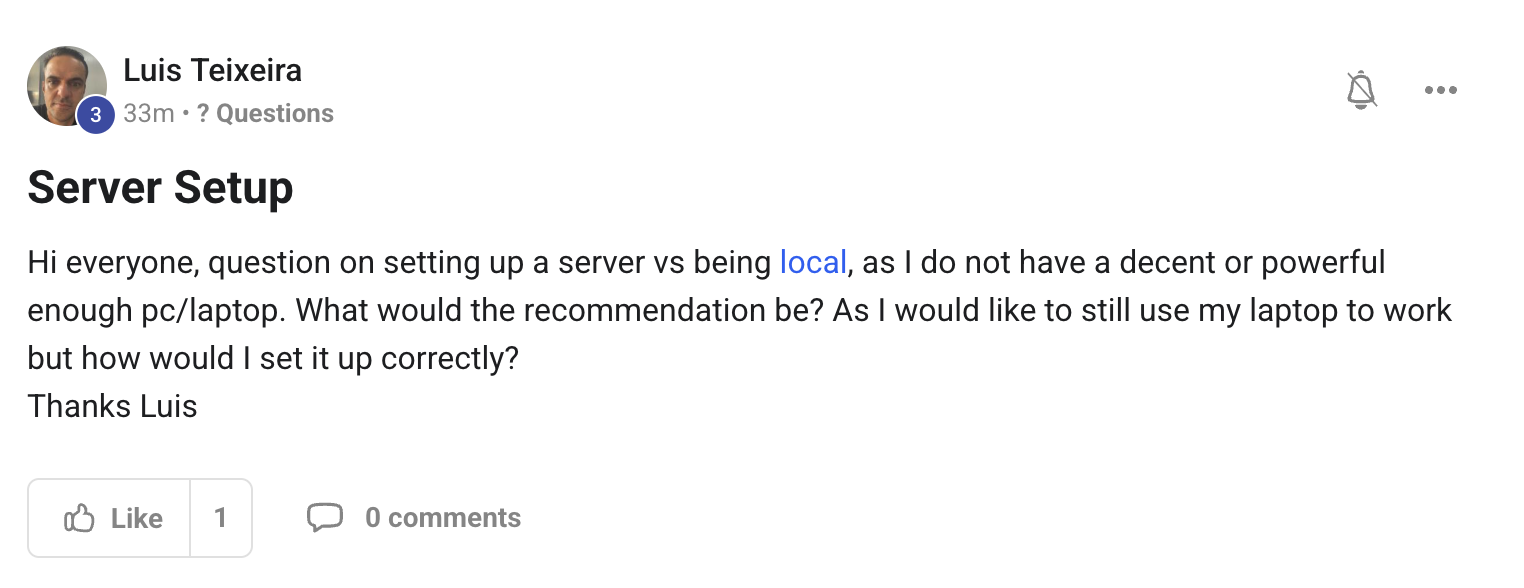
Luis — three paths, ranked by what I'd actually pick if I were you:
- Path A — Lightweight local dashboard + Hermes on a VPS. This is what John Mesa did (his win is above). Run the Agent OS dashboard locally in your browser, but the actual Hermes agent runs on a Hetzner CPX31 (~€8/mo) or Hostinger VPS (~$11/mo). Connect via Cloudflare Tunnel. Your laptop becomes a dumb terminal. This is the cheapest, easiest, and what I'd recommend you start with.
- Path B — Pure local, but upgrade the machine. A base Mac mini M4 is ~$599 and runs Hermes + the whole Agent OS dashboard smoothly with the fan barely on. If you're going to spend money, this is the option that adds zero monthly bill forever after. Quiet, fast, no monthly cost.
- Path C — Tailscale + a home PC running headless. If you've got a desktop sitting at home unused, plug it in, install Tailscale, run Hermes on it, and access it from your laptop wherever you are. Best free option if the hardware already exists.
Most new members start with Path A because it's the lowest commitment. $11/month, no hardware purchase, and you can upgrade or migrate to local Mac mini later if you decide you want to.
The Agent OS dashboard itself runs in any browser — it doesn't need power. The power is in the agent process. So as long as something somewhere is running the agent, your laptop is fine for the dashboard.
"Your laptop only needs to run a browser. The VPS does the heavy lifting. $11/month, zero hardware purchase."
Full VPS install walk-through (Hostinger + Cloudflare Tunnel) is inside the Boardroom. Members on Path A typically have it running inside 30 minutes.
"Should I migrate all my files to Obsidian first? OpenClaw breaks on my Mac. Which agent do I focus on? A bit discombobulated."
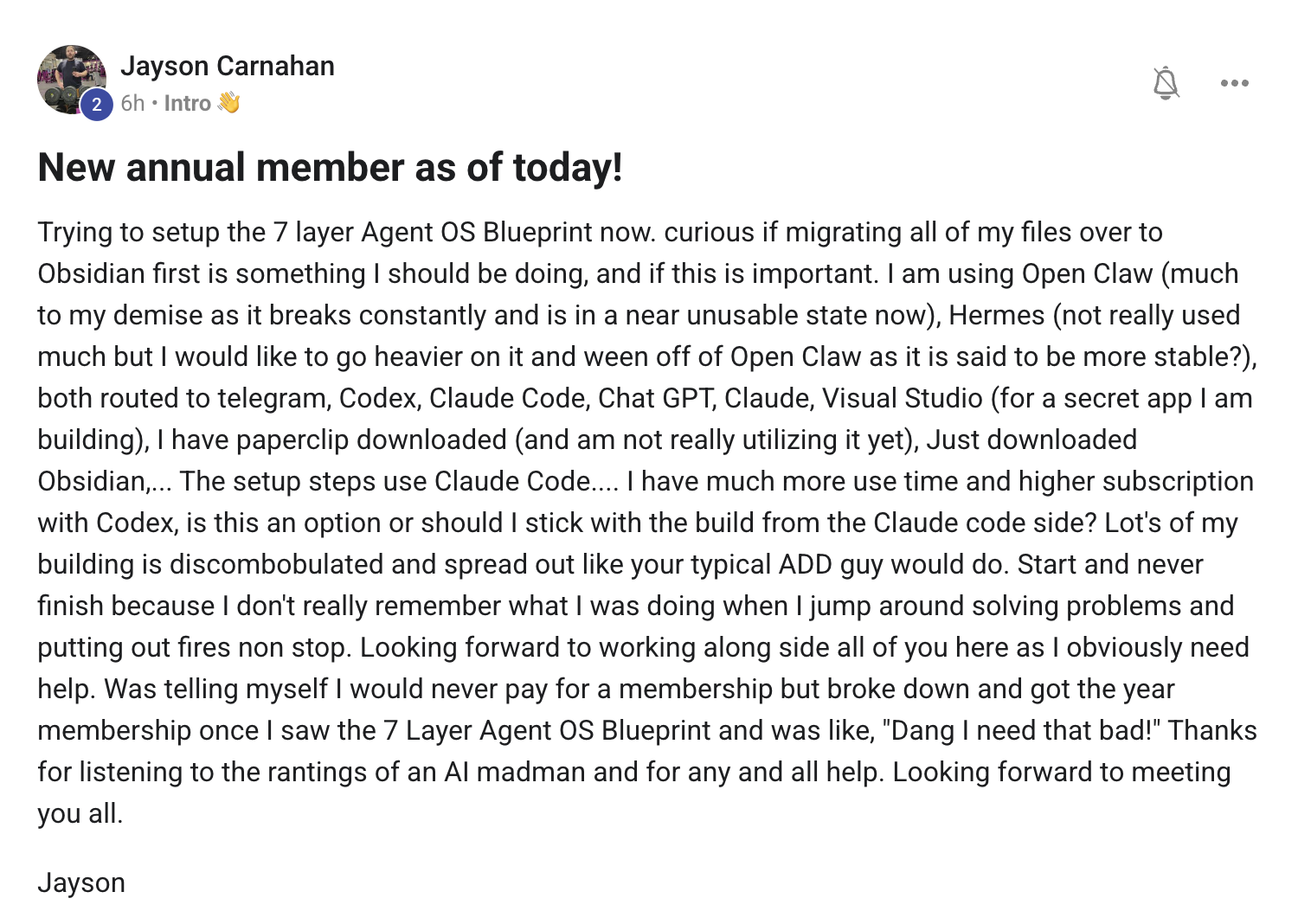
Jayson — welcome in. Annual member, ADD-guy honesty, multiple questions in one — let me unpack them in order because each one is actually a different decision.
1) Should you migrate everything to Obsidian first?
No. This is the trap that stops 90% of new builders. They decide they need to migrate three years of notes into Obsidian before they can start building Agent OS. They spend six weekends on the migration, lose momentum, and never actually build the system.
Do this instead:
- Drop 3–5 reference docs into Obsidian — your brand voice doc, your top-5 SOPs, your pricing, your current goals. That's enough context for the agent to feel grounded.
- Start the build right away. Use Hermes immediately. The vault grows as you use it — every chat auto-logs, every output saves, every artefact accumulates.
- Migrate the rest as you need it. If you reach for a specific file three times and it's not in the vault — that's the signal to import it. Not before.
2) OpenClaw breaks constantly on Mac.
Known issue, currently being worked on. Don't make OpenClaw your first focus. Use Hermes as your daily-driver agent. It's more stable on Mac right now, and the build is moving faster on the Hermes side. Add OpenClaw later when it's solid on your machine — give it 3–4 weeks. By then either it's stable or there's a new build that fixes it.
I keep saying this — start with what works. The rest joins later.
3) Which agent do you focus on?
Hermes for jobs (writing, content, research, scripts, code). Claude for chat (planning, conversation, decisions). Free Claude Code if you want the agent loop without the bill. That's your trio. The other agents (OpenClaw, Codex, Gemini, Antigravity) are bonuses that compound — but they're not where you start.
4) "Discombobulated" — that's normal. Don't fight it.
You're at the front of a wave. Every new operator feels exactly this way in week one. The cure isn't more docs. It's shipping one piece, then the next.
Your week-one plan:
- Day 1: Install Hermes. Run one prompt. Confirm it works.
- Day 2: Drop 3 reference docs into Obsidian. Have Hermes write you one thing using them.
- Day 3: Set one goal in Hermes Goal Mode. Walk away. Come back.
- Day 4: Open the Workspace tab. Notice everything you made yesterday is still there. Click around.
- Day 5: Pick one workflow you do every day. Replace it with a Hermes loop.
- Day 6–7: Sit in a live call. Watch other members debug. Realise you're past the worst of the overwhelm.
"Don't migrate first. Don't try to learn all 7 layers before starting layer 1. Ship one piece. Then the next."
You picked the annual plan — smart move, the system rewards staying long enough to compound. The four weekly coaching calls are the fastest path through the discombobulation. See you Thursday.

The room where these answers live
Every Q&A drop is built from real member questions inside the AI Profit Boardroom. Post yours and it could be in Vol. 5. Plus the four weekly coaching calls, the templates, the SOPs, the 30-day roadmap — and the Agent OS that ties it all together.
Join the AI Profit Boardroom →One person asks. Everyone learns.
The Socratic Society isn't built by a guru at the front. It's built by members showing up with sharp questions and members sharing the wins they didn't know they'd built. Vol. 5 is being collected right now — drop your question in the AIPB and it'll be answered on camera next.
Join the AI Profit Boardroom →