How to build your own Agent OS.
Fifth Q&A drop from inside the AI Profit Boardroom — this one is the build edition. Five real builder questions: Hermes alone or with OpenClaw? When the OS is built, do I still prompt Claude Code? How do I add a local LLM model? Is there a free video agent? How does the Obsidian 3-file system work? Plus three wins from members who shipped before anyone asked.

Vol. 4 was the Hermes edition. Vol. 5 is the build edition — questions every operator hits when they're 30%, 60%, 90% through standing up their own Agent OS. Should I run Hermes + OpenClaw together or pick one? Once the OS works via Claude, do I still need to prompt Claude Code directly? Where does the local LLM plug in? Is there really a free video agent in the dashboard? How do I structure my Obsidian vault so every agent reads the same context?
Plus three members who weren't asking anything — they were shipping. Brad built an autonomous workflow platform running on a small local model. Ali wrote a beautiful one-pager comparing local-vs-cloud Agent OS deployments. Lawrence found voice dictation and changed how he works overnight.
One person asks. Everyone learns.
— JulianBrad Hastedt built his own multi-agent platform — running locally on a small model
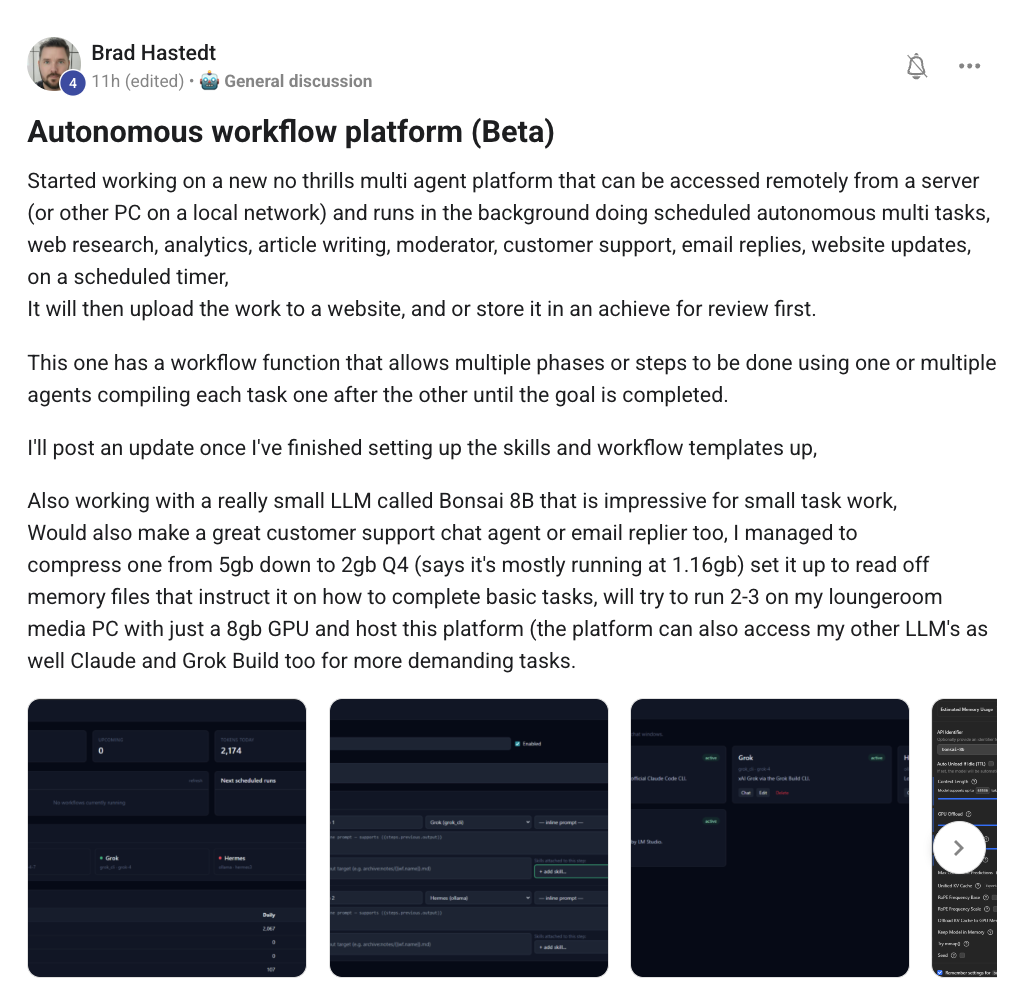
Brad started on a new multi-agent platform that can be accessed remotely from a server (or other PC on the local network) — it sits in the background doing autonomous multi-tasks: web research, analytics, article writing, moderator, customer support, email replies, website updates, all on scheduled timers.
The clever part: he's running it on a small LLM called Bonsai 8B that turns out to be impressive for small task work. He built a customer support chat agent with Hermes + an email replier on top. Managed to compress one container down from 5GB to 2GB. Now mostly running at 1.1GB. Set up to read off memory files that instruct on how to complete tasks. Plans to host it on his loungeroom media PC with just an 8GB GPU.
And — when he needs more horsepower — the platform routes to Claude or Grok Build instead. Best of both: local for the routine, frontier for the demanding.
This is what "build your own Agent OS" looks like in the wild. Not a fork of someone else's project — your own multi-agent platform, running where you choose, on the model you choose, doing the jobs you define. Steal Brad's pattern.
"Do I need OpenClaw if I have Hermes? Or is Hermes just a better OpenClaw?"
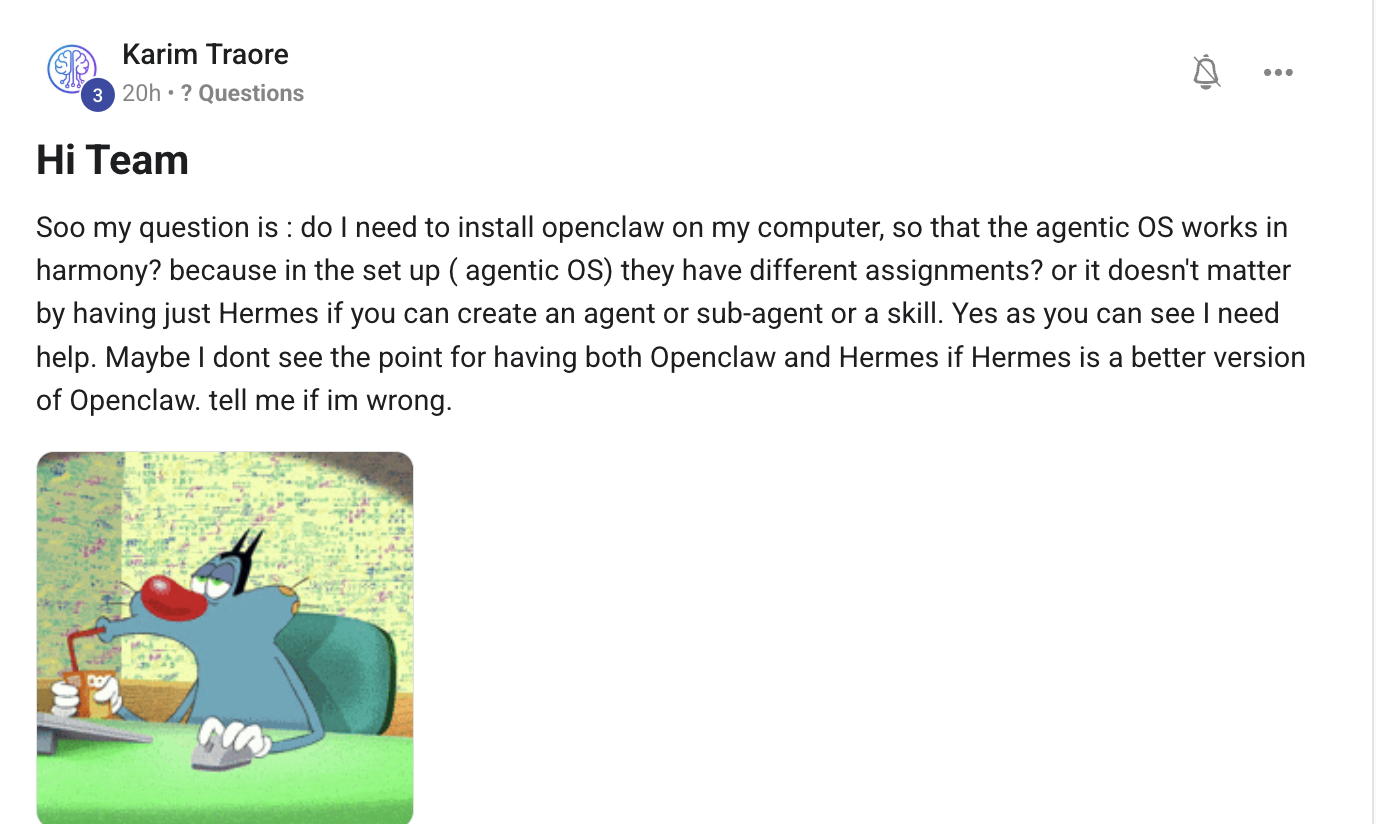
Karim — great question, because the framing matters. Honest answer: they do different jobs. Run both if you want, start with Hermes if you have to choose.
Here's how I think about it:
- Hermes is the agent harness — kanban-aware, tool-using, skill-extensible, runs goals autonomously. Better for jobs with defined outputs (SEO posts, videos, research, outreach, scheduled tasks).
- OpenClaw is local-first and ambient — lives across WhatsApp, Slack, Discord, Telegram. Better as the assistant that's just there when you need to ask something or capture a thought.
They're not replacements for each other — they're complementary surfaces. Same vault, same dashboard, different access patterns.
That said: if you're brand new to building your Agent OS and you have to pick one to start, start with Hermes. Get the harness running, learn how skills work, build your first goal. Once Hermes is solid for you, add OpenClaw later for the always-on ambient surface. Setup is much smoother in that order than trying to wire both together from scratch.
Full Hermes setup is in The Goldie Hermes Agent OS →. Full OpenClaw walk-through is in The Goldie OpenClaw 5.20 →. Both live next to each other in The 7-Layer Blueprint →.
"Not replacements. Complementary surfaces. Start with Hermes, add OpenClaw when ready."
"Now that I can communicate with Hermes via Claude, should I still prompt Claude Code directly?"
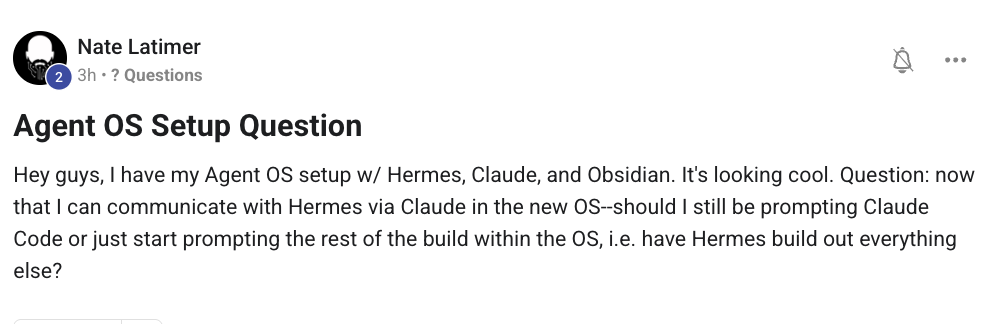
Nate — you've hit the moment where the OS starts paying off. Honest answer: use Claude Code less, use the OS more, but keep Claude Code for one specific thing.
Here's the rule of thumb I run by:
- Inside the OS (talking to Hermes via Claude): for everything that has a defined output — write me an SEO post, build me a landing page, generate a video script, refactor this file. Hermes orchestrates the right agents, pulls from your vault, saves the output to Workspace. You get the result in your dashboard, end-to-end.
- Direct Claude Code: for deep exploratory coding sessions where you're learning a new codebase, debugging something tricky, or pair-programming through a hard refactor. Claude Code is more "two of us in a room together"; Hermes-via-Claude-in-OS is more "set the goal, get the output."
So your build-out goes through Hermes inside the OS. That's the right move. Faster, better organised, every output saved to Workspace + auto-logged to your Obsidian vault. You're not losing anything by stopping the direct Claude Code prompts for the build — you're upgrading from a single-thread chat to an orchestrated system.
Claude Code stays in your toolkit for the days you want to deep-dive on one specific codebase question. Most days, you won't open it.
"Once the OS works, talk to Hermes 90% of the time. Open Claude Code for the 10% where pair-coding is the point."
Ali Marjaie wrote the definitive one-pager on where to deploy your Agent OS
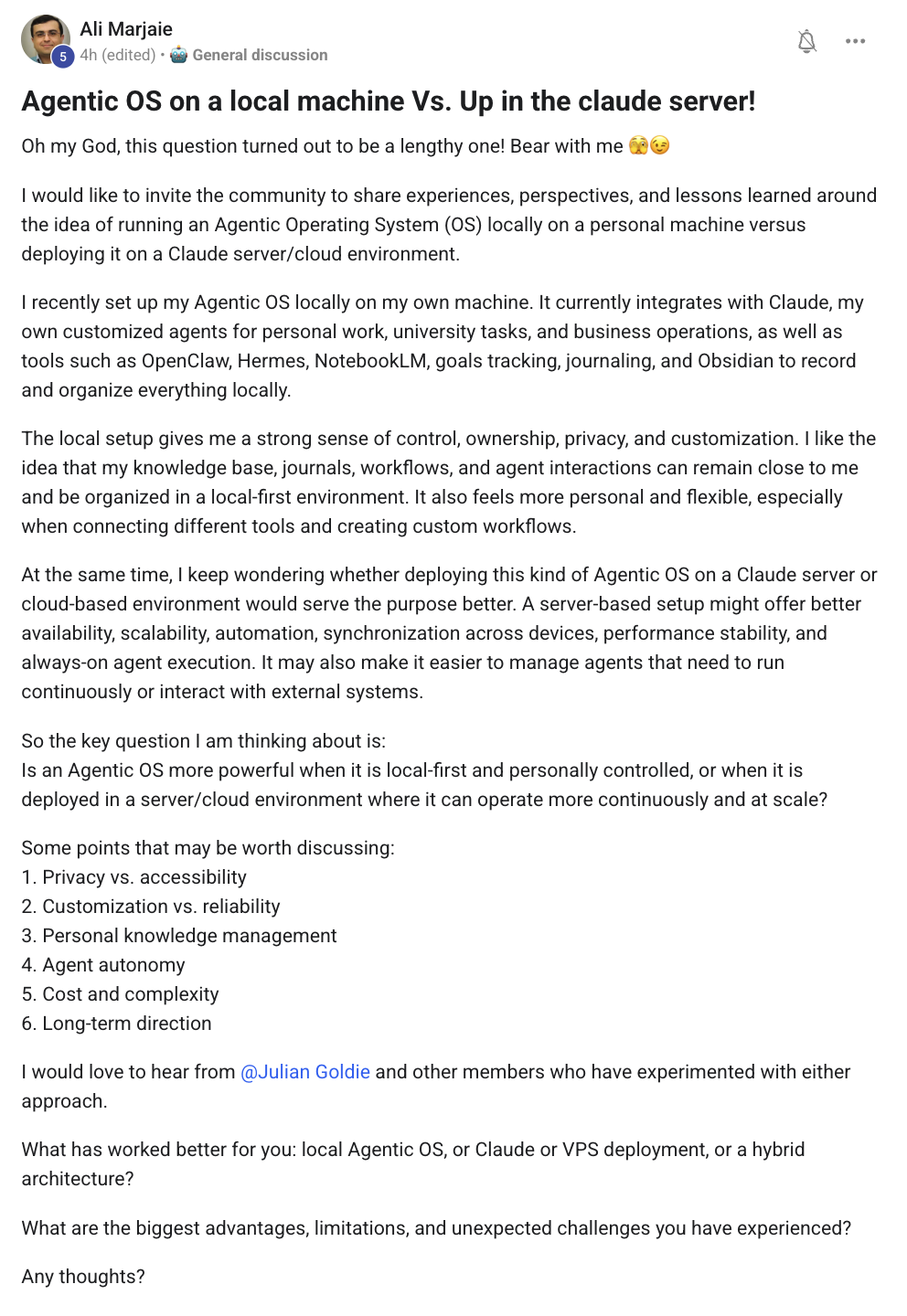
Ali turned his question into a beautiful one-pager comparing running an Agentic OS locally vs deploying it on a cloud server — and worked through every dimension that matters. Privacy. Customization. Personal knowledge integration. Performance stability. Cost. Long-term direction.
The key tension he surfaced: local feels personal, flexible, fully owned. But server-based offers better availability, scalability, always-on agent execution. The right answer depends on which agents need to run continuously vs which run when you're at the keyboard.
This is the kind of post that earns its place on the wins wall not because it shipped code — but because it shipped clear thinking. Sometimes the most valuable contribution to a community is the framework that helps everyone else decide. Ali did that.
For anyone wrestling with the same question: my own setup is hybrid — most of the dashboard runs locally, anything that needs continuous execution (long Goal Mode runs, scheduled SEO tasks, autonomous workflows like Brad's) runs on a small VPS behind Cloudflare Tunnel. Same vault syncs both ways via Obsidian Sync. Best of both worlds.
"I set up Agent OS on my Nvidia Spark. How do I add a local LLM?"
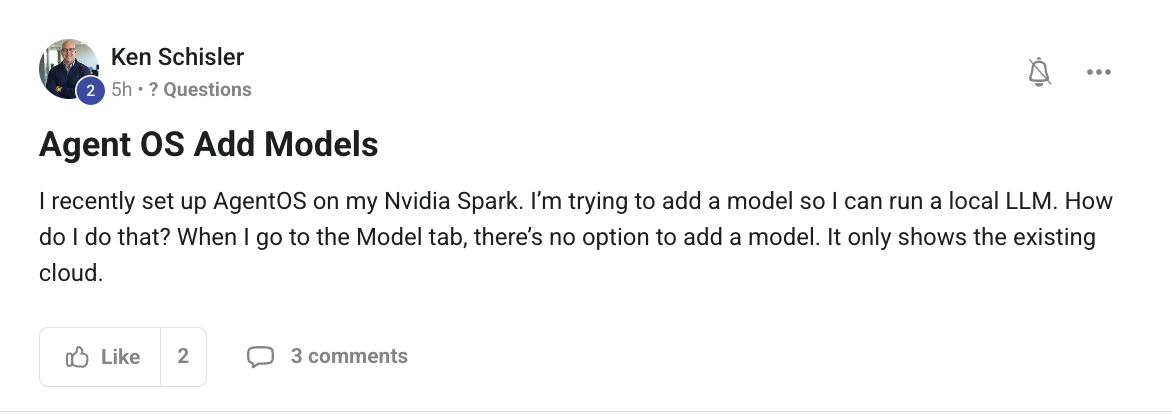
Ken — the Nvidia Spark setup is sweet. Adding a local LLM is two parts: install the model server, then point Agent OS at it.
Step 1 — Install Ollama (or LM Studio) and pull a model.
- Install
ollamaon your Spark machine:curl -fsSL https://ollama.com/install.sh | sh - Pull a model that fits your VRAM. On the Spark you've got plenty of headroom — try
ollama pull qwen2.5-coder:32borollama pull llama3.3:70bif you want max quality. - Start the Ollama server:
ollama serve(usually auto-starts on install). - Confirm it's running:
curl http://localhost:11434/api/tags— should return your model list.
Step 2 — Wire Ollama into Agent OS via the openclaw.json or hermes config.
For OpenClaw, edit ~/.openclaw/openclaw.json and add Ollama as a provider:
"providers": {
  "ollama": {
    "baseUrl": "http://localhost:11434/v1",
    "api": "openai-completions",
    "models": [{ "id": "qwen2.5-coder:32b", "name": "qwen2.5-coder" }]
  }
}
For Hermes, run hermes config set model.provider ollama followed by hermes config set model.endpoint http://localhost:11434/v1.
The reason the Model tab only shows cloud options is that the local provider lives in your config file, not the UI's default catalog. Once you add it to the config, the tab will show your local model alongside the cloud ones — and you can pick which to use per chat or per goal.
Heads-up: local models work great for "fast and free" — Bonsai 8B (what Brad's running), Qwen2.5-Coder, Llama 3.3. But for hard reasoning and tool use at the frontier, you'll still want to fall back to qwen3.7-max or Claude. Best to wire in both — local for routine, frontier for demanding. That's the Build-Anything Stack → default.
Lawrence Wong: voice dictation is the productivity unlock most operators miss
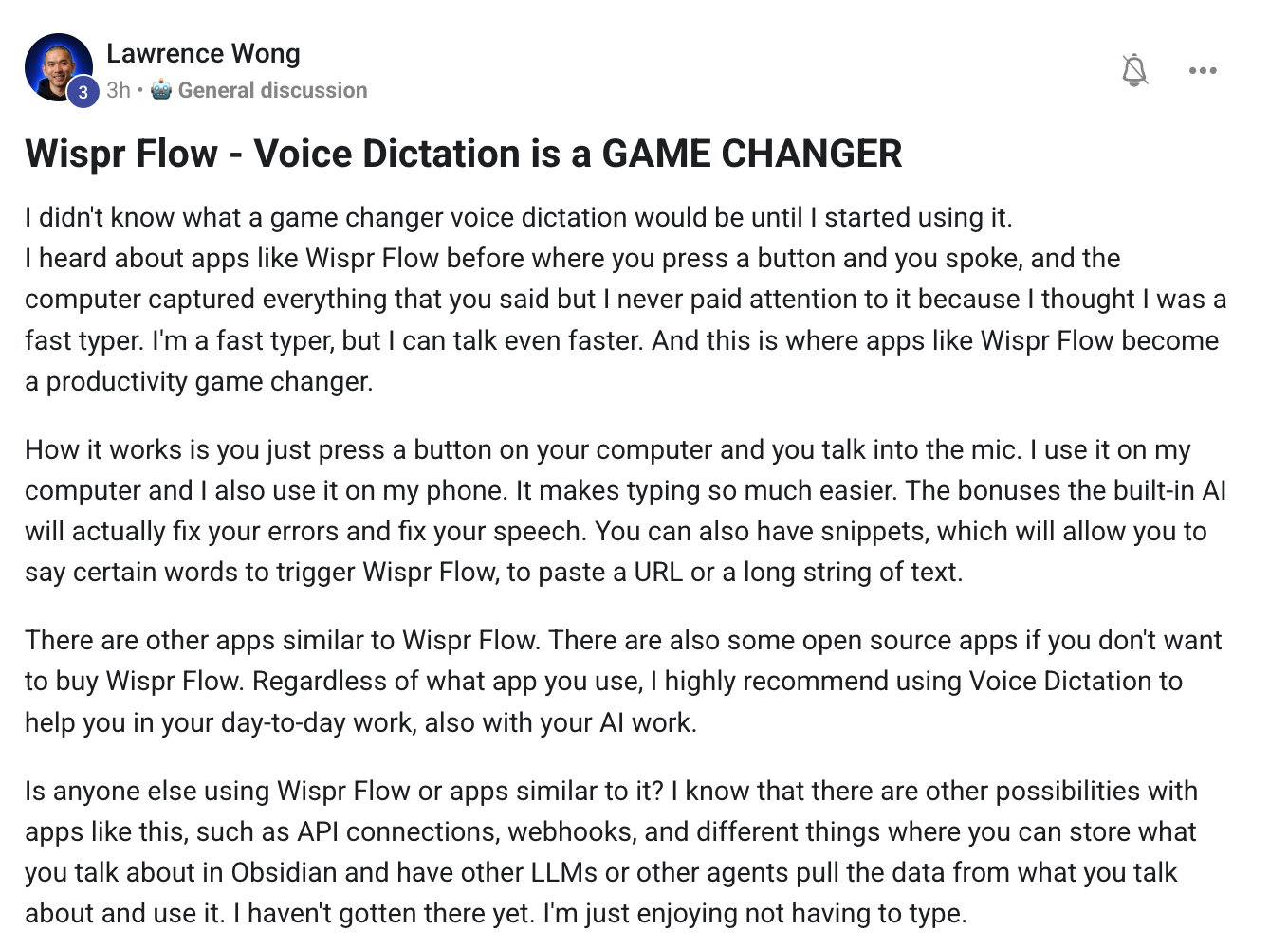
Lawrence wasn't asking a question. He was sharing a small habit shift that's been hiding in plain sight: voice dictation is faster than typing for almost everything longer than one sentence.
He tried Wispr Flow after hearing about it for ages and not paying attention. He's a fast typer. Can talk even faster. Now he uses it on his laptop and phone — and the built-in AI cleans up his speech errors and inserts snippets when you say trigger phrases.
Why this matters for Agent OS operators: your prompts get longer, more detailed, and more frequent when you're dictating instead of typing. The bottleneck stops being your fingers. It starts being your thinking. Which is exactly what you want.
Wispr Flow isn't the only option (Lawrence flagged that there are open-source alternatives too) — but the principle is what matters. Run voice into your AI agents, not just keystrokes. Members who switched report 2-3× more usage of their dashboard agents within a week.
Bonus: pair it with the Talk panel inside OpenClaw Studio for full live voice conversation with Grok 4.3 — that's a separate game from dictation, but they compound. Dictation for prompts. Talk for live planning. Both saving you typing.
"Is there a free AI agent that builds high-quality video using my laptop hardware?"
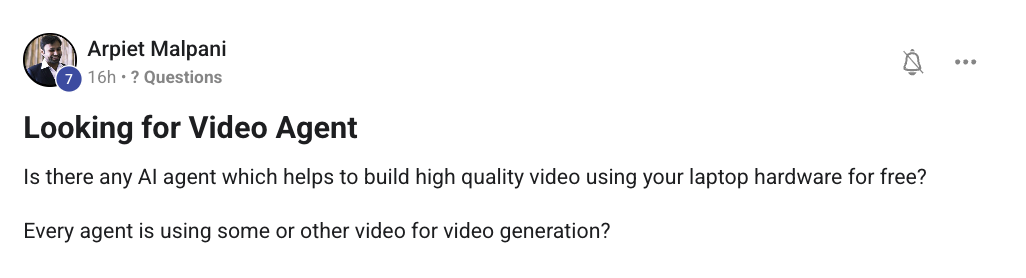
Arpiet — yes, and we've already built it inside the Agent OS. It's the Hermes Video Agent, and it runs locally for $0 per render.
How it works:
- HyperFrames CLI — open-source tool that turns HTML compositions into MP4 videos. Renders deterministically on your local machine using your CPU + GPU. No cloud render farm. No per-minute fee.
- Hermes drives the HyperFrames CLI — you give Hermes a prompt ("build me a 60-second cinematic intro about [topic]"), it scaffolds the HTML composition + queues the render + saves the MP4 to your Workspace tab.
- AI Avatar layer (optional) — for talking-head videos, you set up your avatar clone once + your voice clone once. Every render after that uses them.
Output quality depends on your hardware — on a base M-series Mac mini, you'll happily render 1080p at deterministic frame rates. On an Nvidia Spark or similar dedicated GPU, you'll fly. On a 5-year-old laptop, it'll work but slowly.
Full walk-through with the five-station forge (Spark → Form → Frame → Forge → Filing) is in The Goldie Vision Forge →. The video agent is one of the most-used surfaces in Agent OS for a reason — once you've shipped one render at $0, you stop thinking about HeyGen or Synthesia or any of the per-render SaaS tools.
"$0 per render. Free locally. Already inside the dashboard. The free video agent you asked for has been there all along."
The room where these answers live
Every Q&A drop is built from real member questions inside the AI Profit Boardroom. Post yours and it could be in Vol. 6. Plus the four weekly coaching calls, the templates, the SOPs, the 30-day roadmap — and the Agent OS that ties it all together.
Join the AI Profit Boardroom →"How does the Obsidian 3-file system work for storing context across LLMs?"
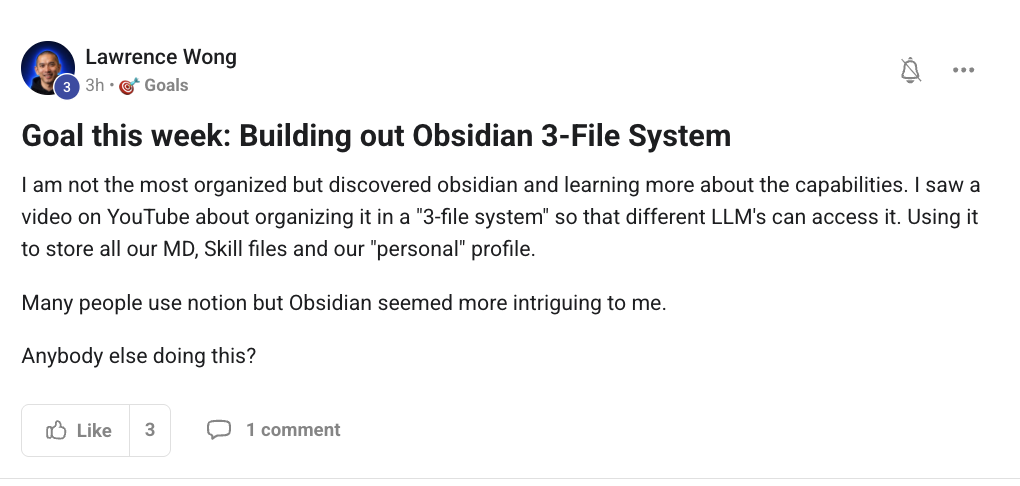
Lawrence — great instinct. The 3-file system is the cleanest way to make your Obsidian vault feed every LLM in your dashboard without duplication. Here's how I structure mine:
File 1 — personal-profile.md · the "who I am" file
- Your name + business + role + voice
- Your customers + their language
- Your goals for the quarter + year
- Your non-negotiables (don't say X, always say Y)
Every agent reads this at the start of any session. It's what makes every output sound like you, not generic AI.
File 2 — skills-index.md · the "what each agent does" file
- One row per skill (SEO writer, video script, outreach drafter, content multiplier, etc.)
- For each skill: what it does, when to use it, which agent calls it, where the output lands
- Links to the individual
skill.mdfiles in~/.hermes/skills/
This is the "operating manual" for your own dashboard. When an agent needs to know which skill applies to a request, this is the first thing it reads.
File 3 — knowledge-base.md · the "everything else" file (or folder)
- Your real numbers (MRR, subs, member counts, win stories)
- Your case studies + testimonials
- Your brand voice doc + writing rhythm rules
- Your past content links + topic positioning
For most operators, this one is a folder with sub-files rather than a single document — but it works the same way. Agents query it for grounded specifics whenever they need real numbers or examples.
The key move: link the three files at the top of every agent's system prompt. Hermes, Claude, OpenClaw, Codex — they all read the same three files. Same context. Different agent. Same brand voice every time.
And yes, Obsidian beats Notion for this because Obsidian is local-first (your files live on your machine, not in someone else's cloud) and uses plain Markdown (every AI tool reads it natively, no API needed).
Full pattern is in The Goldie Brain Loop →. The new Knowledge Studio → guide shows how the Notebook tab inside Agent OS auto-syncs to the same vault for completeness.
"Three files. One vault. Every agent reads the same context. Same brand voice every time."
One person asks. Everyone learns.
The Socratic Society isn't built by a guru at the front. It's built by members showing up with sharp questions and members sharing the wins they didn't know they'd built. Vol. 6 is being collected right now — drop your question in the AIPB and it'll be answered on camera next.
Join the AI Profit Boardroom →