II · my story · why this matters
I was you. Then I built this.
Before
Using Antigravity was slow.
One job at a time.
I had to sit there and watch it finish.
I could not run things on a timer.
I could not run my own scripts.
And I had to type every single thing.
Then the 2.0 update dropped — and I wired the CLI into my Agent OS.
After
Now I run five jobs at once with subagents.
Long jobs run in the background. I keep working in the front.
Some jobs fire on a schedule — like a 6am blog post every day.
My own shell scripts run during the agent loop.
I can just talk to it. No typing.
And every output lands in my Workspace next to Hermes, Claude, and everyone else.
You can have this too. Same update. Same CLI. Same Agent OS.
Before you scroll on —
Commit to transitioning today. Not tomorrow.
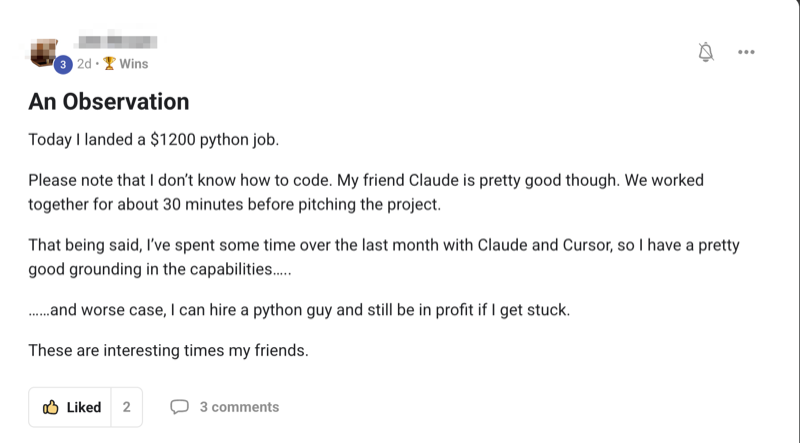
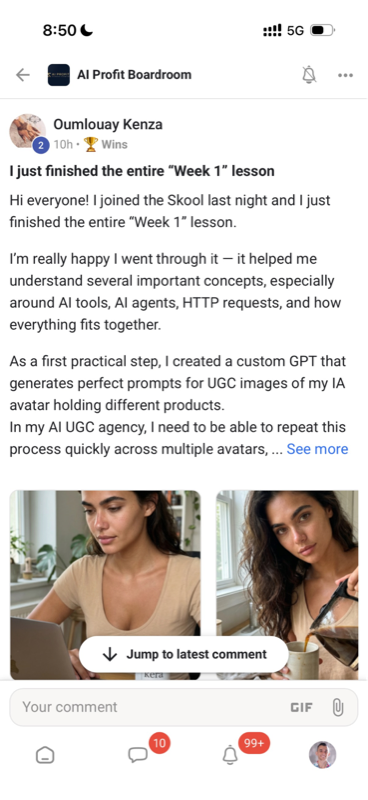
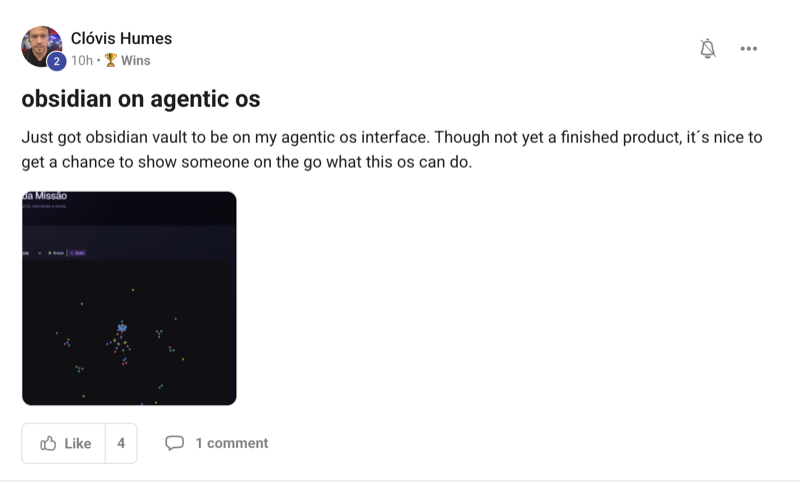
You've seen the proof above. Real people. Real builds. Already happening.
The next 10 minutes walk you through all five new features in plain English. Then I show you how the CLI plugs into Agent OS so every output lives in one place.
So here's the deal.
If you're reading this — promise yourself one thing right now. You're going to finish this guide AND try one of the five new features before you sleep tonight. Just one. Spawn a subagent. Schedule a task. Talk to your agent. Pick whichever one excites you most. Because the moment you make this transition, the way you use AI completely changes.
The people sitting still are still doing one job at a time. The people moving today are running five in parallel.
Be one of those people.
Commit to the transition. Commit to trying one of the five today. This changes everything about how your agent works.
IV · the framework
The Goldie Gravity Five™.
Five forces that lift your agent off the ground.
Each one stands alone. But together they're what turns Antigravity 2.0 from "a fast IDE" into "a system that runs your day for you." You pick one to start. You add the rest as you grow.
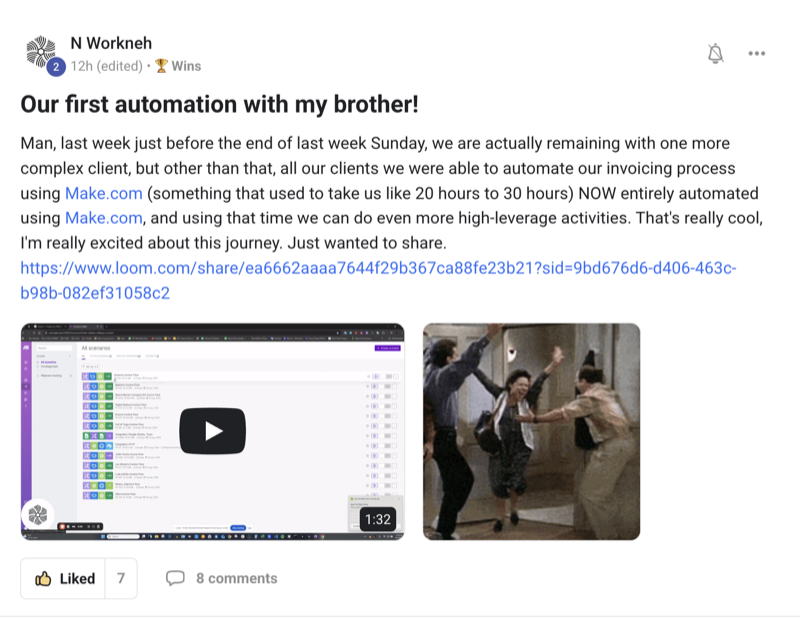
The five forces — Multiply, Background, Schedule, Hook, Voice.
i.
Multiply — subagents do parallel work.
Spawn small subagents on the fly. Each one takes a piece of the job. You stop waiting on one big task. You get many small ones done at once.
ii.
Background — async task management.
Long jobs move to the back. The screen stays fast. The main agent stays free for new asks. You stop staring at a loading bar.
iii.
Schedule — cron-style recurring tasks.
Set a task once. It fires every day at the time you pick. You stop having to remember to run it.
iv.
Hook — JSON hooks fire your scripts.
You give it a JSON file. It runs your shell scripts at the right point in the agent's loop. You stop being limited to what the agent can do alone.
v.
Voice — real-time transcription.
Press a button. Talk. The agent hears you. You stop typing every single command.
XI · the bridge
Plus there's a CLI — plug it into Agent OS.
This is the bit most people miss.
Antigravity isn't just the IDE.
There's also Antigravity CLI — the terminal version.
Same brain. Same models. Same five features.
And the CLI is what you plug into your Agent OS dashboard.
Why that matters:
- The CLI sits as a panel inside your dashboard, next to Hermes / Claude / OpenClaw / Codex.
- Every output Antigravity makes lands in your Workspace tab.
- Every other agent in the dashboard can see what Antigravity built.
- Subagents, schedules, hooks, voice — all of it accessible from the same screen.
- You don't switch apps. You switch tabs.
Full walk-through on wiring the CLI into Agent OS: The Goldie Gravity Terminal →
Full walk-through on the IDE itself: The Goldie Gravity Grid →
"The IDE is the front door. The CLI is what connects it to everything else in your dashboard."
Thinking it?
"I'll just use the IDE on its own. Don't need the CLI."
You can. But you'll miss the Workspace compounding.
The IDE alone keeps every output inside the IDE.
The CLI inside Agent OS shares every output with every other agent.
Your blog post from Antigravity becomes raw material for Hermes to publish.
Your code from Antigravity becomes context for Claude to extend.
The IDE is the agent. Agent OS is what makes the agent's work compound.
✓
Members using both the IDE and the CLI report 2-3× more usable output per week vs IDE-only.
XII · why agent os
Why this must live inside Agent OS.
The five features are great on their own.
The five features inside Agent OS are a different kind of useful.
a.
One Workspace for every output.
Every render, every blog post, every code file, every render Antigravity makes — lands in your Workspace tab. Right next to outputs from Hermes, Claude, Codex, OpenClaw. You stop losing the things AI built you.
b.
Subagents that share memory with other agents.
Inside Agent OS, Antigravity's subagents read from the same Obsidian vault Hermes reads. They know your brand voice, your goals, your past content. The subagent's output is grounded in YOU, not generic AI defaults. The work sounds like you wrote it.
c.
Scheduled tasks visible in Mission Control.
Your 6am blog post task shows up in Mission Control alongside every other scheduled job in the dashboard. Hermes Goal Mode, Codex Goal Mode, Antigravity schedule — all in one place. You see the whole automation surface at a glance.
d.
JSON hooks that fire across agents.
Your Antigravity hook can ping Hermes when something finishes. Hermes can ping Antigravity when a goal completes. The whole stack starts talking to itself. Automations compound.
e.
Voice that hands off.
You can say "Antigravity, build the page. Hermes, write the SEO post for it. Save both to my vault." One voice command. Two agents. One Workspace. The dashboard is the hand-off layer.
Antigravity 2.0 is the engine.
The CLI is the bridge.
Agent OS is the chassis that turns five features into a system.
XIII · the voice in your head
Three beliefs holding you back.
✕ "I just got Antigravity 1.0 figured out. I don't want to learn five new things."
You don't have to learn them all at once. Pick one feature. Try it tonight. Add the next one next week.
✓ Adding the new features is easier than learning the IDE from scratch.
You already know Antigravity. The new features sit on top of what you already use. Each one slots in next to your existing flow.
✕ "Subagents will use up all my tokens."
Antigravity's subagents run efficiently — small jobs, focused tasks, fast finishes. The total token usage is often LESS than one big sequential job because the subagents don't carry the whole context.
✓ Subagents can actually lower your bill.
Plus the speed savings mean fewer retries when something would have timed out as one big job.
✕ "I'll wait until they fix the bugs."
The update just dropped. The bugs are getting fixed live, in public, in real time. The people learning the new features now are six weeks ahead of the people who wait.
✓ The window to be early is closing fast.
Every new feature you learn today is a workflow you've owned for years to come.
Don't take my word for it
258 real members already broke through these beliefs. Their wins — real subagent runs, real scheduled tasks, real voice sessions — are documented here.
Read the 158-page testimonials doc →