II · my story · why this matters
I was you. Then I built this.
Before
Running on AI was a nightmare.
One tool for chat. Another tool for image. A third for video. A fourth for voice.
Every output landed in a different folder I'd never find again.
I couldn't talk to my agents — I had to type every single message.
If I wanted a website built, I had to babysit a chat for hours.
If I wanted a video, I paid three SaaS subs and stitched the result together by hand.
And the monthly bill kept growing every time a new tool launched.
Then I built Agent OS — five power moves wired into one dashboard.
After
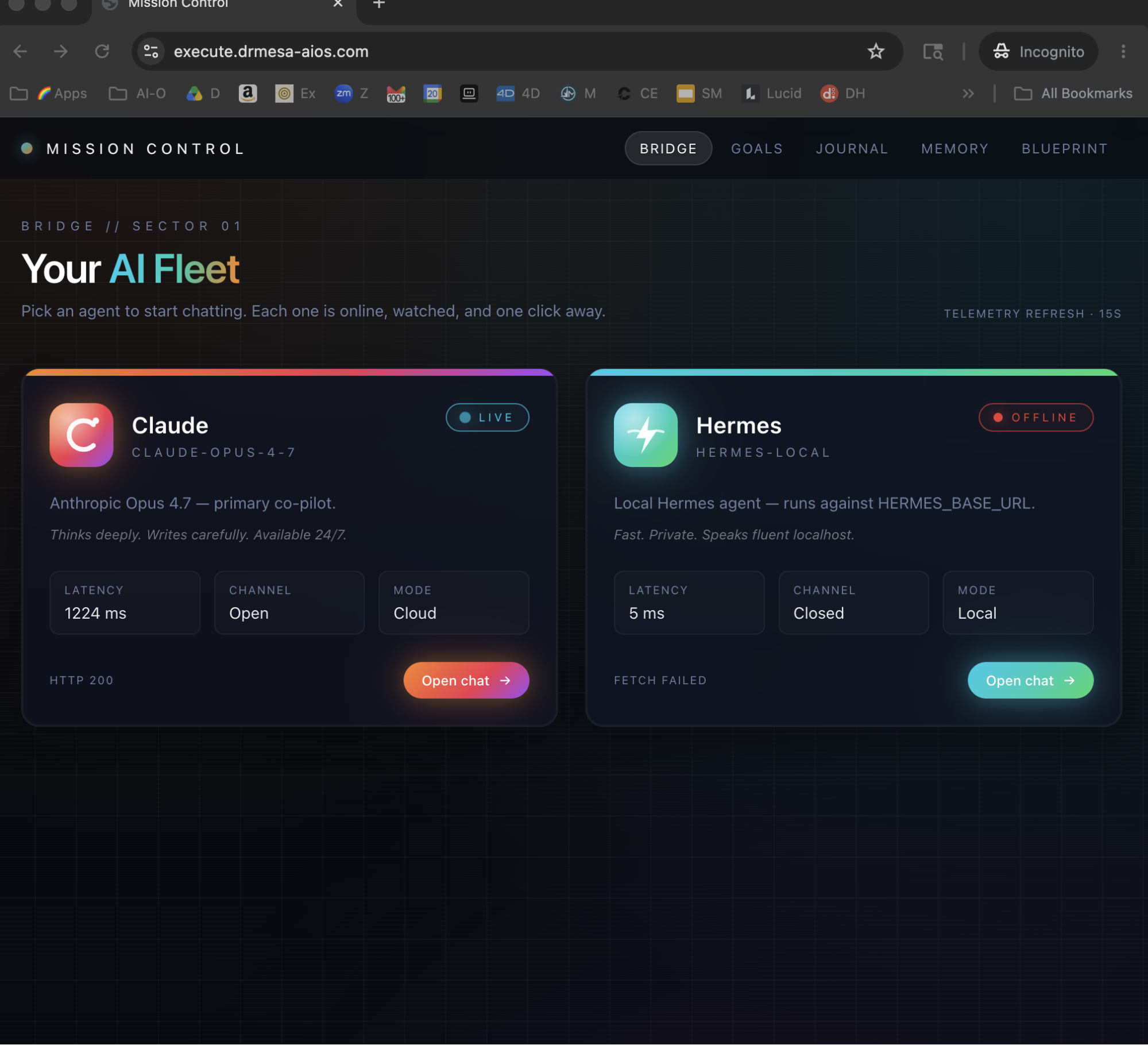
Now I open one screen.
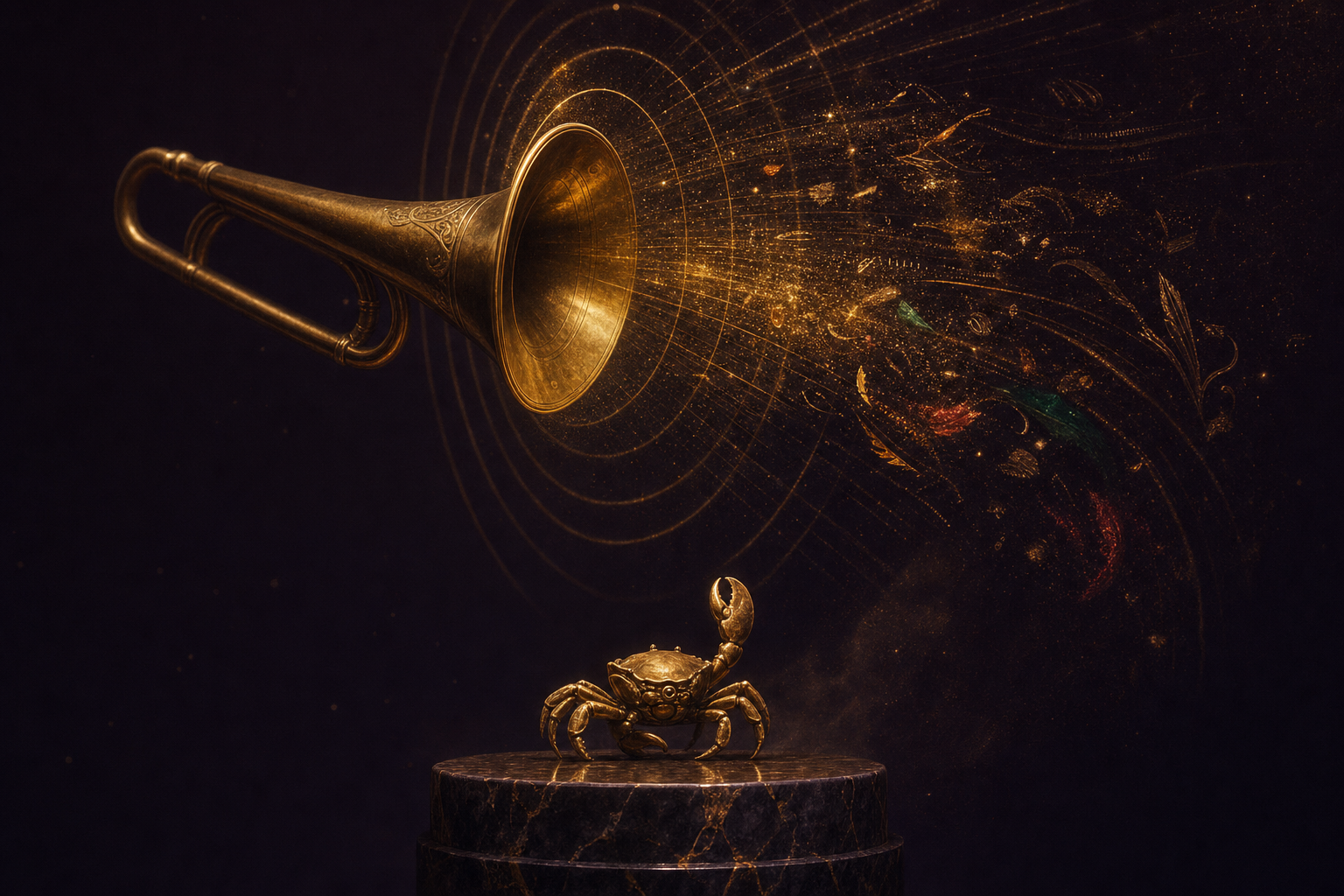
I tap the crab robot icon and talk to a live agent — round-trips in under 10 seconds.
I set a goal Sunday night and wake to a finished website on Monday.
I type a video prompt and walk away — the avatar render lands in my Workspace 90 seconds later.
I search Grok 4.3 and get a fully cited markdown answer.
Every output I've ever made — every image, every video, every search, every voice call — is two clicks away forever.
Monthly AI tooling bill: $0.
You can have this too. Same dashboard. Same five power moves. Same free.
Before you scroll on —
Commit to transitioning today. Not tomorrow.
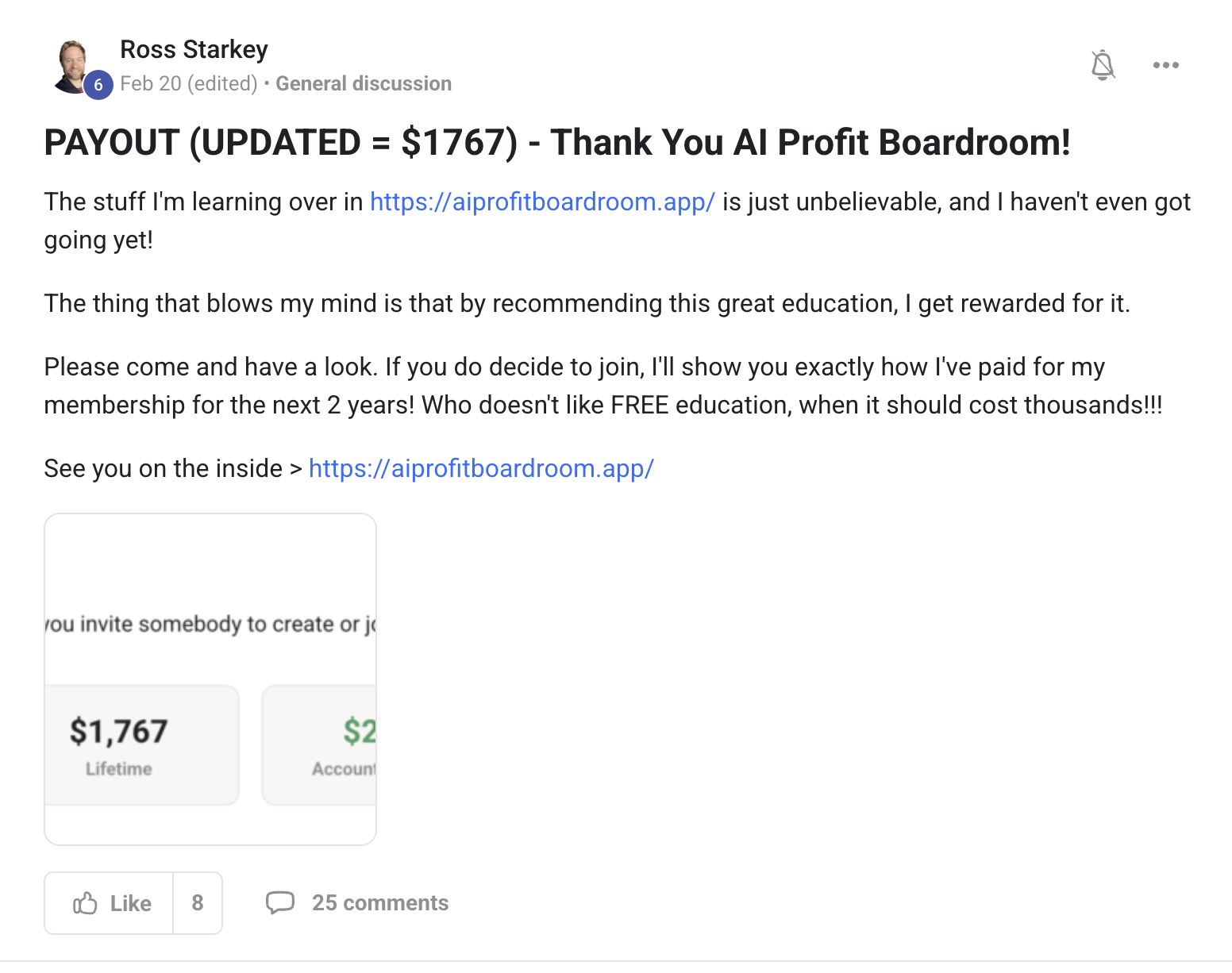
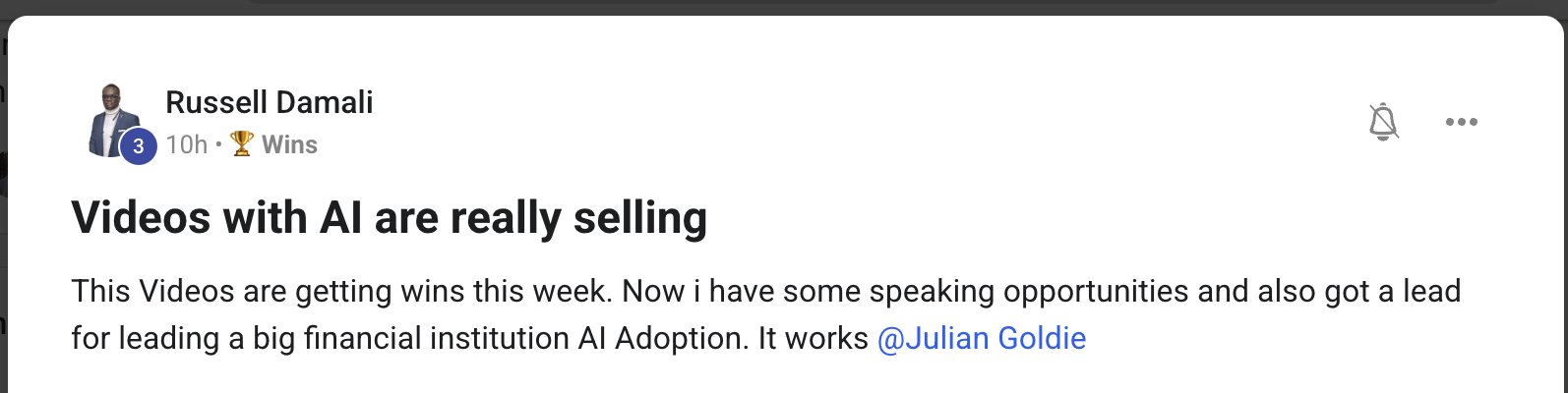
You've seen the proof above. Real people. Real builds. Already shipping.
The next 10 minutes show exactly how I built every one of these five power moves into Agent OS.
So here's the deal.
If you're reading this — promise yourself one thing right now. You're going to finish this guide AND try one of the five power moves before you sleep tonight. Just one. Because the moment you make this transition, everything about how you run on AI changes.
The people sitting still are getting passed. The people building today are the ones who'll look back in six months and say "that was the moment."
Be one of those people.
Commit to the transition. Commit to running one power move today. This changes everything about how you work.
IV · the framework
The Goldie Build-Anything Stack™.
Five power moves that turn one dashboard into your whole AI workflow.
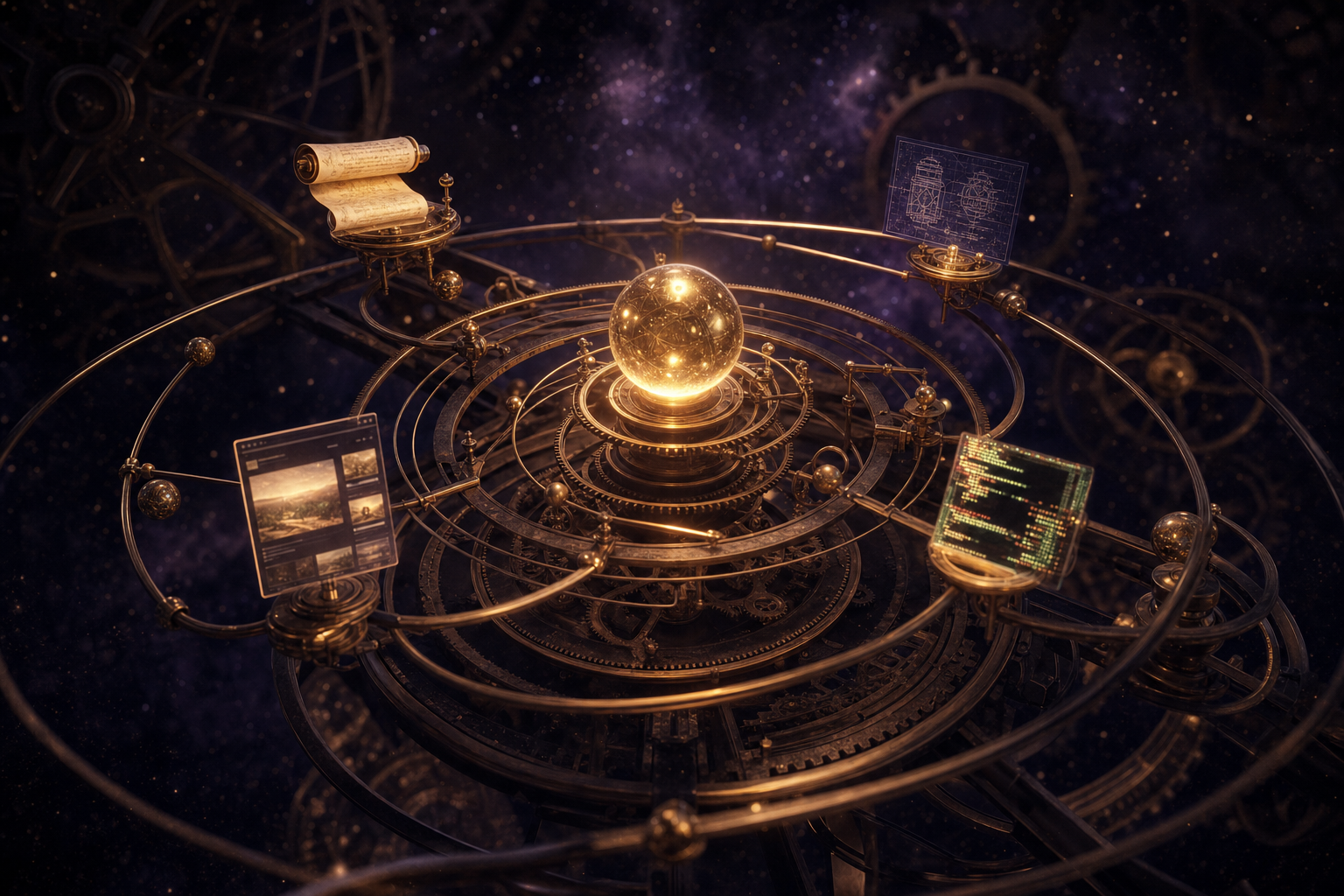
You don't have to use all five from day one. Each one stands alone. But the magic is that they compound — Voice talks to Goal, Goal feeds Video, Video saves to Memory, Memory grounds Search. By the end of week one you're running a system, not a tool stack.
i.
Voice — talk to your agents.
Live voice chat with a Grok-4.3 agent. Round trips in 7–8 seconds. Browser-native speech recognition means zero upload lag. Auto turn-taking means no clicking between turns. Conversation history saves automatically. You stop typing every command. You start having phone calls with your agents.
ii.
Goal — autonomous overnight builds.
Set a long-horizon objective. Hit Start Goal. Walk away. The agent runs --full-auto in a sandboxed scratch directory until the goal is met. You wake up to a finished website, a multi-post blog, a working app. Every file lands on disk in real time — even if the session errors, the work survives. You stop trading hours for output. The hours happen while you sleep.
iii.
Video — render finished MP4s locally.
HyperFrames CLI turns one prompt into a rendered video file on your machine. AI Avatar adds a talking-head clone of you on top of any composition. Three sub-tabs — Create, Avatar, Workspace. Cost per render: 0 cents. You stop paying $50–$100 a month for video SaaS subs. The render machine is yours.
iv.
Search — Grok 4.3 with sourced citations.
Type a query. Get a properly typeset markdown answer with inline numbered citation badges that link to the source. Headings, bullets, blockquotes, code — rendered, not raw asterisks. You stop second-guessing whether the answer is real. You can click the citation and check.
v.
Memory — every output, searchable forever.
Every voice conversation auto-saves. Every search result auto-saves. Every video render auto-files to the Workspace tab with a JSON sidecar — the prompt, the model, the avatar, the date. Past goals are recoverable from disk even if the state file corrupts. You stop losing things. Nothing you ever create with Agent OS goes missing.
VI · power two
Set a goal Sunday night. Wake up Monday to a finished website.
Goal Mode — autonomous build orbiting overnight, every artefact saved on disk in real time.
ii.
Why this matters to you.
You stop babysitting chats for hours.
The Goals tab takes a long-horizon objective — "Build out a beautiful SEO website about [topic]" — and runs it autonomously. The agent writes the pages, builds the components, creates the blog index, sets up SEO metadata, and exits when the goal is met.
The whole run is logged in real time. Every file lands on disk as it's written — not buffered, not held in memory. Even if the chat session crashes, the project survives.
The Goals UI now has a Log tab AND an Output files tab. Click any file → live preview pane. Click the homepage → see what the agent built you. Click the blog post → read it before you ship it.
What you gain: compounding output without compounding hours.
You do this
Open Hermes → Goals → type your goal → hit Start. Walk away. Come back later, open the goal → switch to Output files → preview every file the agent built. Click the homepage. The site is real and ready to deploy.
Thinking it?
"What if it crashes overnight and I lose everything?"
Every file lands on disk in real time. Crashes don't lose work.
The state writes are atomic — temp file + rename, never partial. Concurrent updates serialise through an in-process mutex so two writes can't clobber each other.
Even better — there's an orphan recovery pass that runs on every list-goals call. It scans the goals directory, finds any work that fell out of state, and re-registers it automatically. Goals that "disappeared" come back next time you open the tab.
The work survives every kind of crash. You wake up to it intact.
✓
A full Next.js SEO site with multiple blog posts came back via orphan recovery after a state file got wiped — every file intact, exit code 0.
IX · power five
Every output, searchable forever.
v.
Why this matters to you.
You stop losing the things AI made you.
Every voice conversation auto-saves to ~/.openclaw/studio/talks/. Every search saves with the full query + answer + citations. Every video render writes to ~/.agentic-os/video-projects/ with a metadata sidecar — prompt, model, settings, date.
Every goal output lands in ~/.hermes/goals/ with a project directory you can preview file-by-file.
The Workspace tab in Agent OS scans every one of those locations and surfaces them in named buckets. Apps, Videos, Images, Audio, Goals, Pastes, Sandboxes — all categorised, all clickable, all previewable.
Even when state files corrupt, the orphan-recovery system rebuilds the indexes from disk.
What you gain: nothing you ever create with Agent OS goes missing. Six weeks from now you'll still find it in two clicks.
You do this
Open Hermes → Workspace → pick the bucket you want (Goals, Videos, Apps, Audio). Scroll. Click any file. It previews inline. Click the JSON sidecar next to a render → see exactly what prompt + model produced it. Reuse it.
Thinking it?
"This sounds like just another file manager."
File managers don't preview live HTML, scan a goal directory for outputs, or rebuild state from disk after a crash.
The Workspace tab scans multiple typed locations on a schedule, filters out node_modules + .next + .git automatically, and lets you click any file to see it rendered — text, code, image, HTML, MP4 — all inline.
Plus the orphan-recovery system specifically rebuilds your history when state files get wiped — your past work isn't trapped in a database, it lives on disk where it can never disappear.
You stop fearing the Downloads folder. Every output has a home.
✓
Members find videos and goals from weeks ago in seconds — including ones that orphan-recovery rescued after state crashes.
XI · why one dashboard
Why these five must live in one dashboard.
This is the part most people miss when they try to copy this setup.
Each power move on its own is useful. All five inside Agent OS is compounding.
a.
Voice → Goal.
You talk to an agent while you cook dinner. "Set a goal — build a landing page for the workshop offer." Voice dictates the goal. Goal Mode picks it up. Walks away. By morning, the page is built. Hands-free in. Finished work out.
b.
Goal → Video.
The website your Goal built last night is logged in Workspace. You tell the Video agent: "Make a 30-second feature reel about the workshop landing page." It reads the landing page → writes a script → renders the video → drops the MP4 in Workspace next to the website. One thing becomes the other.
c.
Video → Memory.
The MP4 + the JSON sidecar + the script + the original prompt all save in one place. Next week when you want to make another video like it, the prompt is right there. Hit "render again" — instant duplicate. You stop reinventing prompts.
d.
Memory → Search.
When you query Grok, it can ground the answer in your past goals, past videos, past notes. Because everything lives in the same vault. Search stops being generic — it knows what you've been working on.
e.
Search → Voice.
The closing loop. The agent you talk to has access to everything Search just found. Conversations get smarter every week because the memory keeps growing. The whole stack lifts itself.
Each power move alone is a feature.
All five together is a workflow.
Thinking it?
"I'll just pick one of the five — the rest seems like extra."
You'll come back for the rest within a week.
Members who start with one power move all end up wiring in the others within seven days. Because once Voice works, you want Goal to listen. Once Goal builds, you want Video to ship it. Once Video ships, you want Memory to find it next week.
The compounding is what makes the dashboard worth having.
Start with one. Use all five inside a week. That's the real path.
✓
Members consistently report adopting all five power moves inside their first two weeks.
XII · the voice in your head
Three beliefs holding you back.
✕ "I don't need a dashboard — I'll just install the tools separately."
You can. And in a month you'll have five tabs open, four bills coming out, no shared memory, and zero output compounding. That's the maths.
✓ The dashboard is the multiplier.
Each power move is 3× more useful when it can call the others. Separate tools cap at the sum of their parts. Inside Agent OS they multiply.
✕ "Five power moves sounds like too much complexity for me."
Five panels in a sidebar isn't complexity — it's organisation. You don't have to use them all on day one. You can run only Voice for week one if you want.
✓ You add one power move at a time, and each one teaches you the next.
By week three you'll be running all five without thinking about it — same way you don't think about your IDE's tabs.
✕ "I'll wait until everything stabilises."
It won't. Models update weekly. New CLIs ship monthly. New agents ship daily. The people who wait six months will join a market where everyone already runs this.
✓ The window to learn this WHILE it's still novel is closing fast.
Every workflow you build now compounds for years. The compounding requires you to start.
Don't take my word for it
258 real members already broke through these exact beliefs. Their wins — real builds, real videos, real revenue — are documented here.
Read the 158-page testimonials doc →
~ ready when you are ~
Get the full Build-Anything Stack.
Five power moves wired into one dashboard. Voice, Goal, Video, Search, Memory — compounding into a system you live in, not a tool you check on. Inside the AI Profit Boardroom you get the full install, the calls, and the community already running this every day.
- The full Agent OS install — all five power moves pre-wired
- Crab robot Voice loop — Grok 4.3 with browser-native STT + TTS
- Goal Mode — autonomous builds with orphan recovery
- Video agent + AI avatar — local render, $0 per pass
- Sourced search — markdown rendered, citations clickable
- 30-day playbook — exactly what to run, when
- Weekly live calls — every Thursday I demo what's new
- 2,200+ members running this stack daily across 38 countries
- 7-day refund — try every power move, decide after
Join the Boardroom →
2,200+ members · 7-day refund · cancel in 2 clicks · I'll see you in the next one.