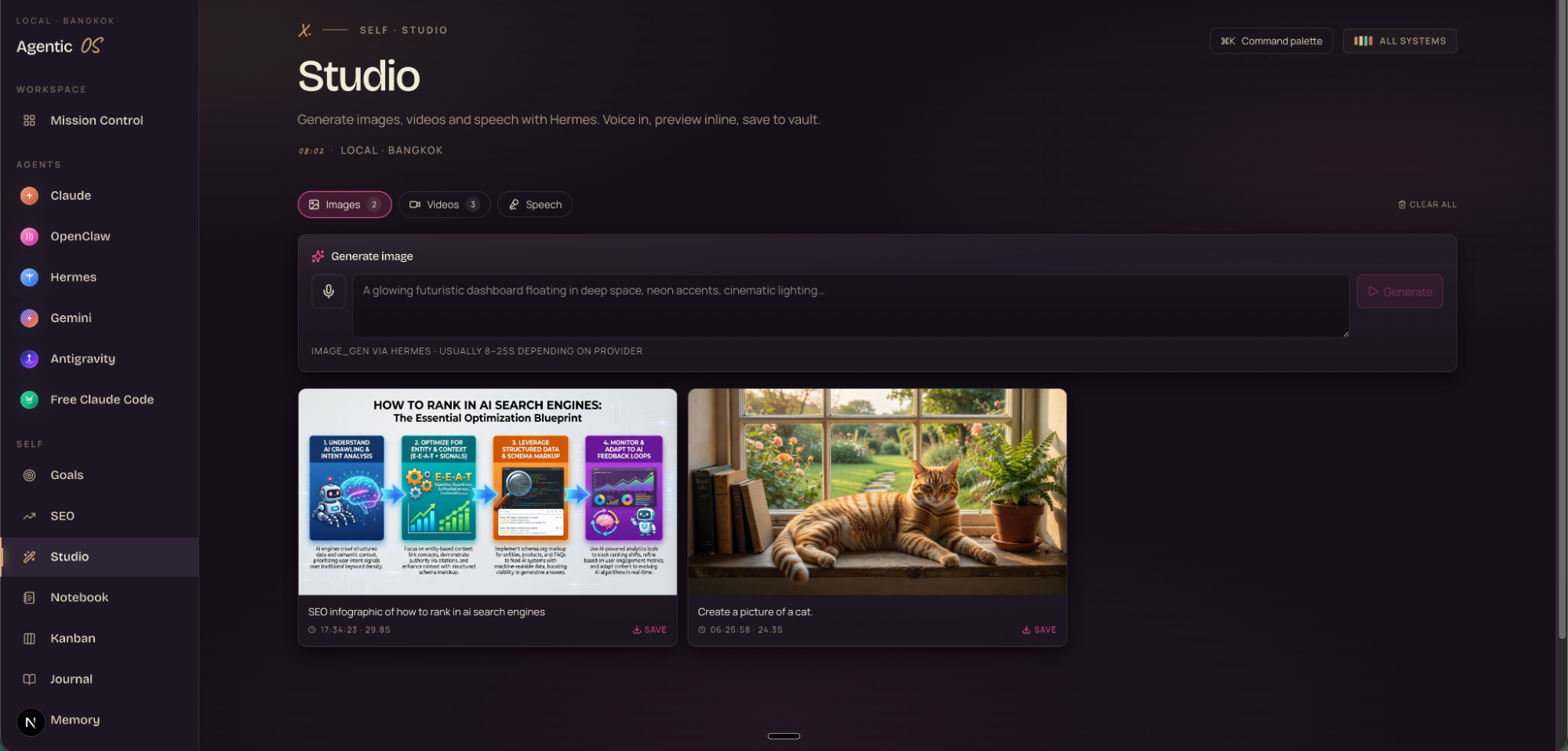
Google's Antigravity CLI is free. I wired it into Agent OS.
Antigravity CLI is Google's new terminal coding agent. Same harness as Antigravity 2.0. Subagents, slash commands, built in Go. Plugged into my Agent OS, it built three real apps for me this weekend. The full read-along — story, install, every objection crushed, and the 30-day roadmap I'm using to get the most out of it.
$0
CLI cost
3
Apps built / weekend
7+
Agents wired
June 18
Gemini CLI dies
"Antigravity CLI is a lightweight way to spin up the same Antigravity agents right from the terminal. Same harness. Same models. Product experience tailored for the command line."
— Google Antigravity team · launch post · May 19, 2026
I couldn't preview anything — I had to open files in another app just to see them.
I kept losing my outputs. Files vanished into random scratch folders.
Every new chat started from zero.
And the bill kept growing — $200+ a month on tools that didn't talk to each other.
Then Antigravity CLI dropped — and I wired it into Agent OS.
After
Now I open one dashboard.
Antigravity CLI is one tap away — sat next to every other agent I use.
Every output previews live. Nothing gets lost.
I spawn three subagents and walk away. They finish three jobs while I have lunch.
My monthly AI bill is $0.
Every session picks up where the last one ended.
You can have this too. Same tools. Same path. Same free CLI.
III · the receipts
Real people. Real wins. Already running this.
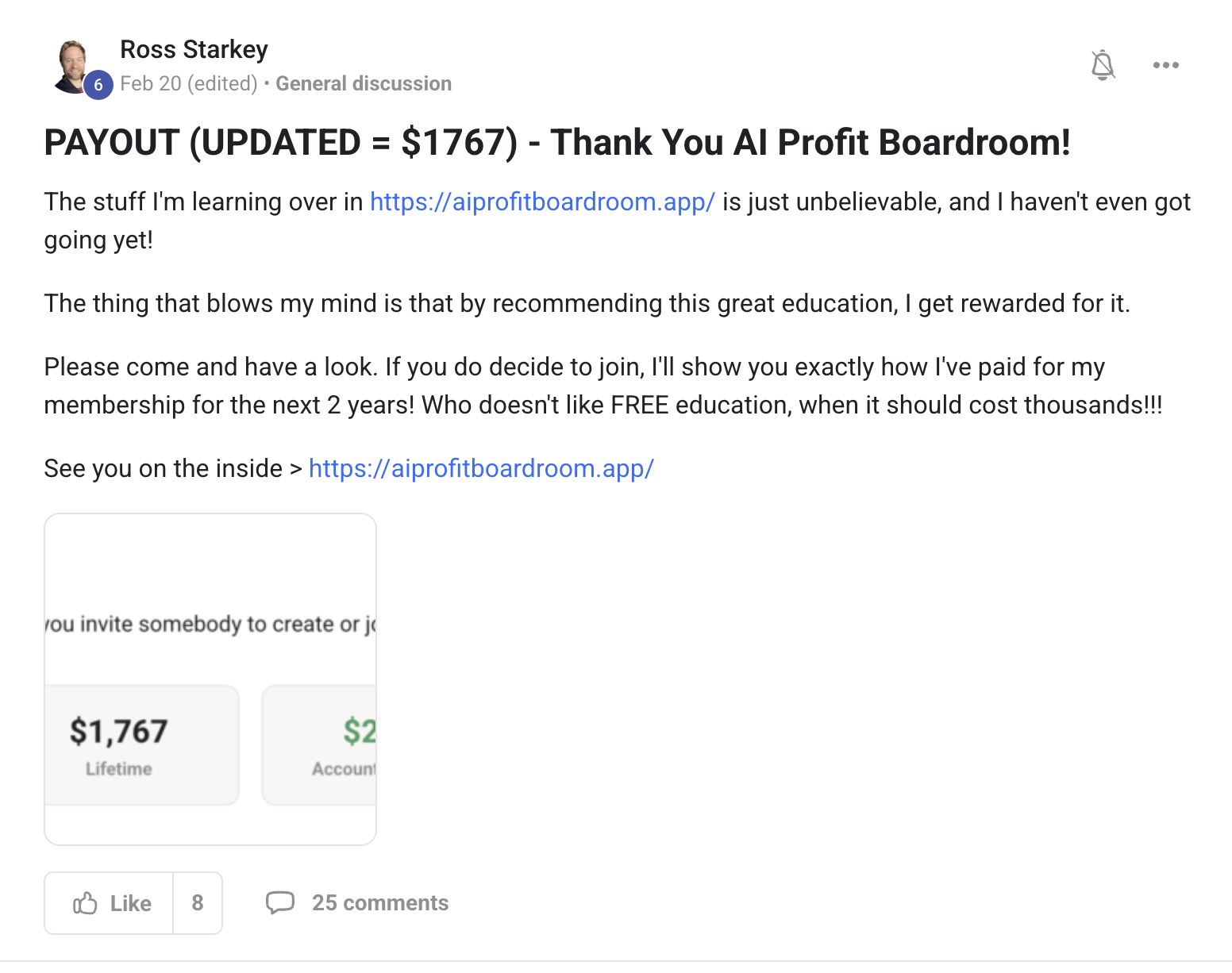
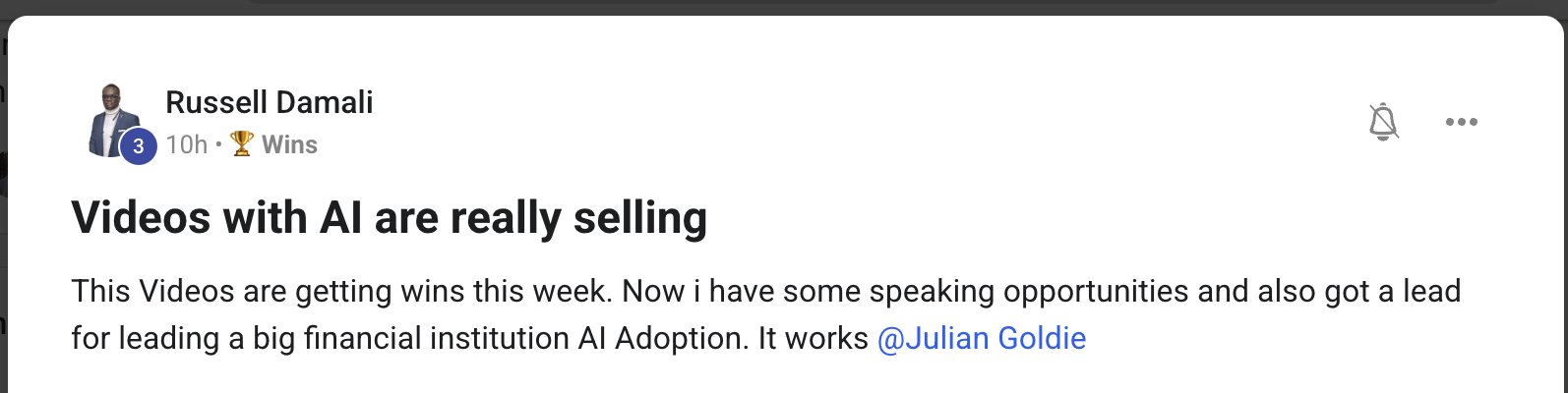
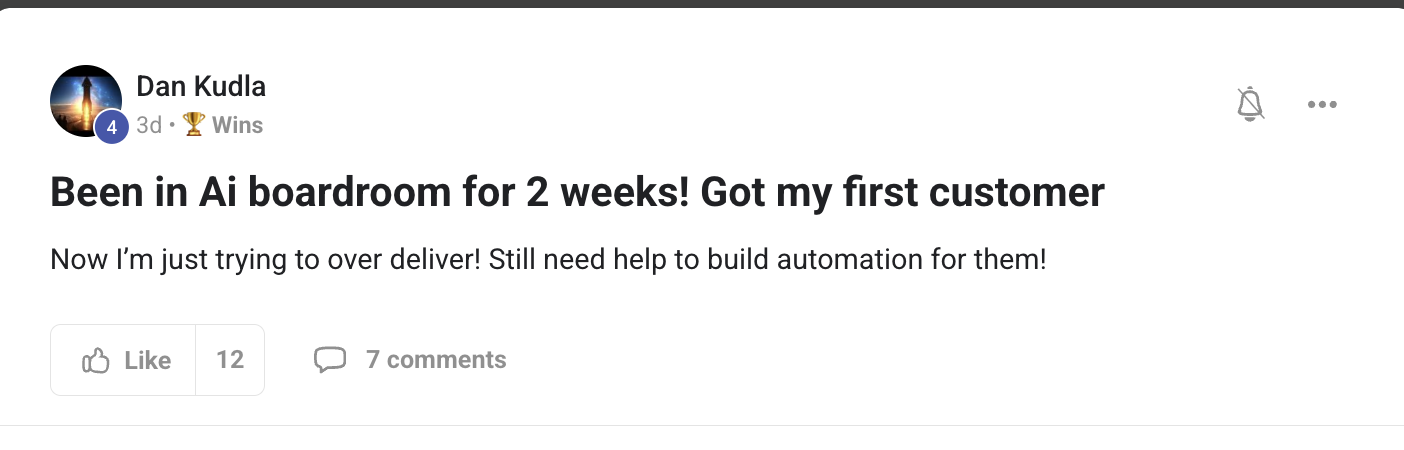
This isn't a "what if." It's already happening for members inside the Boardroom. Agency owners, ecom founders, course creators, solo operators. Different businesses. Same result — the bill dropped, the output went up, the workflow stopped breaking.
2,200+Founders inside AIPB
258Real wins documented
319kYouTube subscribers
38Countries · live members
$100k+/moAIPB MRR
What's already happening for members on the free CLI + Agent OS
You've seen the proof above. Real people. Real results.
The next 10 minutes show exactly how I wired Antigravity CLI into Agent OS.
So here's the deal.
If you're reading this — promise yourself one thing right now. You're going to finish this guide AND install one piece of it before you sleep tonight. Just one piece. Because the moment you make this transition, everything about how you work with AI changes.
The people sitting still are getting passed. The people implementing today are the ones who'll look back in six months and say "that was the moment."
Be one of those people.
Commit to the transition. Commit to taking action today. This changes everything about your workflow.
IV · the framework
The Goldie Gravity Terminal™.
Five floors that lift your AI workflow off the ground.
Each floor is a benefit you feel the moment it's wired in. You don't have to build them in order — but together, they're what makes Antigravity CLI a tool you live in, not a tool you tolerate.
i.
Ground — one CLI, one tap.
You open Agent OS. Antigravity CLI is right there next to Claude, Codex, Hermes. No new tab. No new window. No context switch. You start working in seconds, not minutes.
ii.
Lift — subagents do the heavy work.
You ask one thing. Three agents take off in parallel. While you keep typing in the main prompt, they're already building. You get three jobs done from one ask — without waiting for any of them.
iii.
Orbit — every output stays in view.
Whatever Antigravity builds lands in your Workspace tab. Click any file and it renders live in the preview pane next to you. You stop losing the things AI made you. They never leave orbit.
iv.
Memory — sessions never fall back to earth.
Every chat auto-logs to your Obsidian vault. Every project file stays on disk. Even when a session errors out, your work survives. You stop re-explaining your business to AI every morning.
v.
Loop — while you sleep, the build keeps going.
Set a goal Sunday night. Wake up Monday to finished work. Antigravity's subagents run on their own schedule, not yours. You stop trading hours for output.
V · the news
What just shipped. And yes — it's free.
Your AI bill just got smaller.
Antigravity CLI is Google's new terminal coding agent. It launched on May 19, 2026. It replaces Gemini CLI on June 18. Same models. Same harness. Built in Go for speed.
And the part most people miss — it's free.
Free at the individual tier. Quota resets daily. Paid Pro and Ultra plans got fresh quota at launch.
What this means for you.
You stop paying for a daily coding agent.
You bring your Google account. They give you a daily quota that resets every 24 hours.
If you were on Gemini Code Assist for individuals — you're already a user.
If you were paying Google AI Pro or Ultra — your quota just got reset across every model.
No credit card. No trial. Just install and run.
Thinking it?"There's no way Google gives this away for free."
Same playbook Google used with Chrome and Android.
They subsidise the developer surface to win the next decade against Anthropic and OpenAI.
You're not getting a worse version — you're getting the same harness as the paid IDE, just with a daily quota.
Take the deal while the deal is on the table.
✓Members inside the Boardroom already running it for personal projects on day one — zero spend reported across the community.
The cost was never the bottleneck. The interface was. Antigravity CLI fixes both at once.
VI · why this matters
The old way vs the new way.
Same developer. Same goal. Two completely different daily workflows.
Old way · Gemini CLI alone~$200/mo
One Gemini CLI tab. One agent. One conversation at a time.
No subagents — every task blocks the terminal until done.
$50+ a week on Claude Code on the side because Gemini CLI couldn't handle some tasks.
Every output dumped in ~/Downloads or a random scratch dir you forget about.
Sessions vanish when you close the terminal. Rebuild context every morning.
No visual workspace. No preview. Read the diff in the terminal.
Paying for Gemini Advanced + Claude Pro + ChatGPT Plus, none of them talking to each other.
New way · Antigravity CLI + Agent OS~$0
Antigravity CLI runs as one panel inside your Agent OS dashboard alongside Claude, Codex, Hermes, OpenClaw.
/agents opens the subagent panel — parallel tasks while you keep typing.
Free at the individual tier. Quota resets daily. Same harness as Antigravity 2.0.
Every output Antigravity writes lands in a project folder in your Workspace tab — clickable, previewable.
Sessions persist. Cross-agent memory through Obsidian vault auto-logging.
Inline iframe preview — Antigravity builds an HTML app, it renders live in the right pane.
Total monthly AI spend: ~$0 thanks to Antigravity CLI + Free Claude Code proxy.
VII · benefit one
Get three jobs done from one ask.
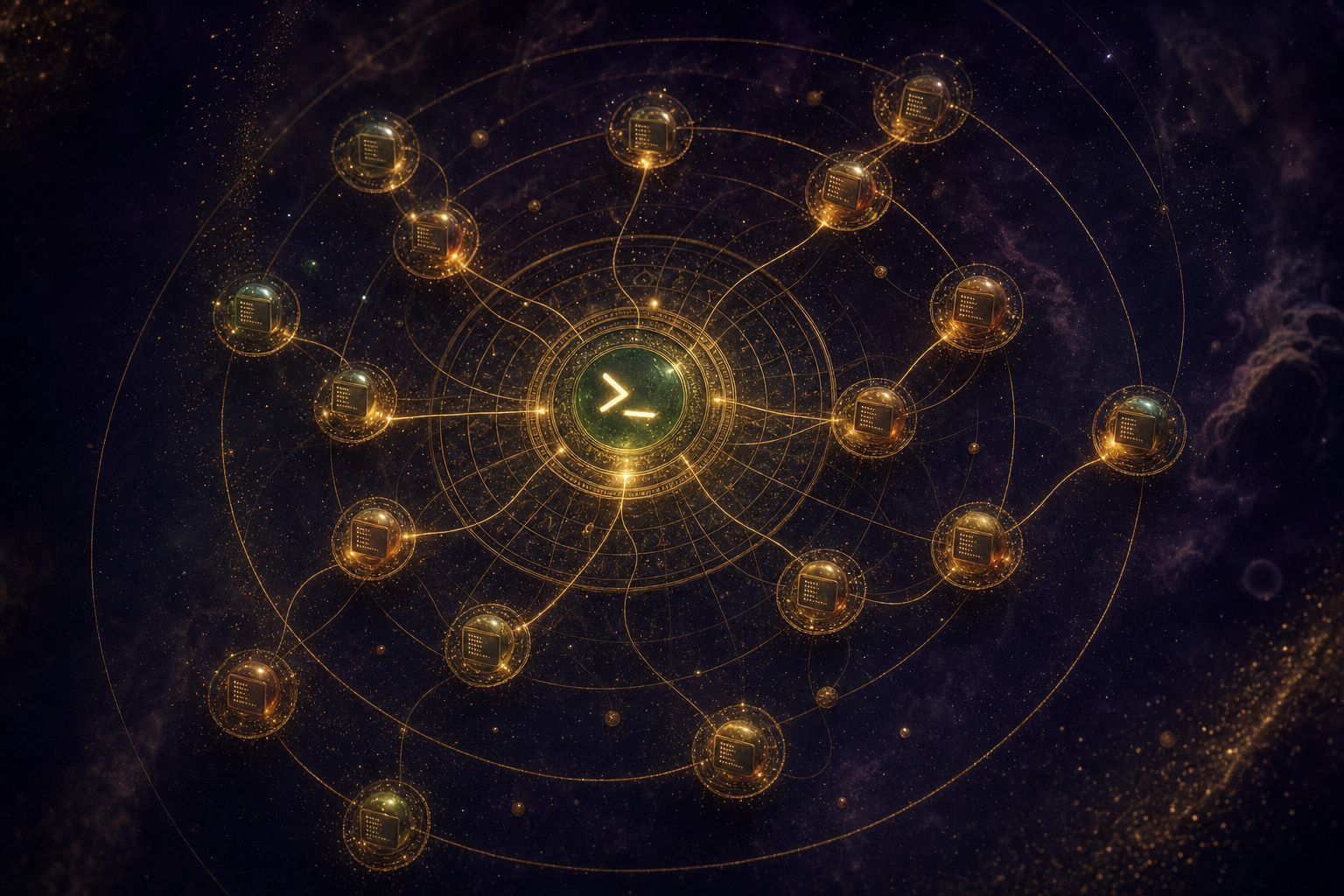
Subagents form a constellation around the central CLI. Each runs at the same time. You stay in the main prompt.
i.
Why this matters to you.
You stop waiting in line for your own agent.
You ask one thing. Three agents take off in parallel. You keep typing while they work.
Hit /agents — the subagent panel opens. Approve tools with ctrl+k. Done.
It's like hiring a small team for the cost of one tool. That cost is zero.
You do this
You ask for a landing page. Then spawn one subagent to refactor your CSS. Then another to research three competitor headlines. Walk away for three minutes. Come back — all three jobs done. One ask. Three outputs. While you took a coffee break.
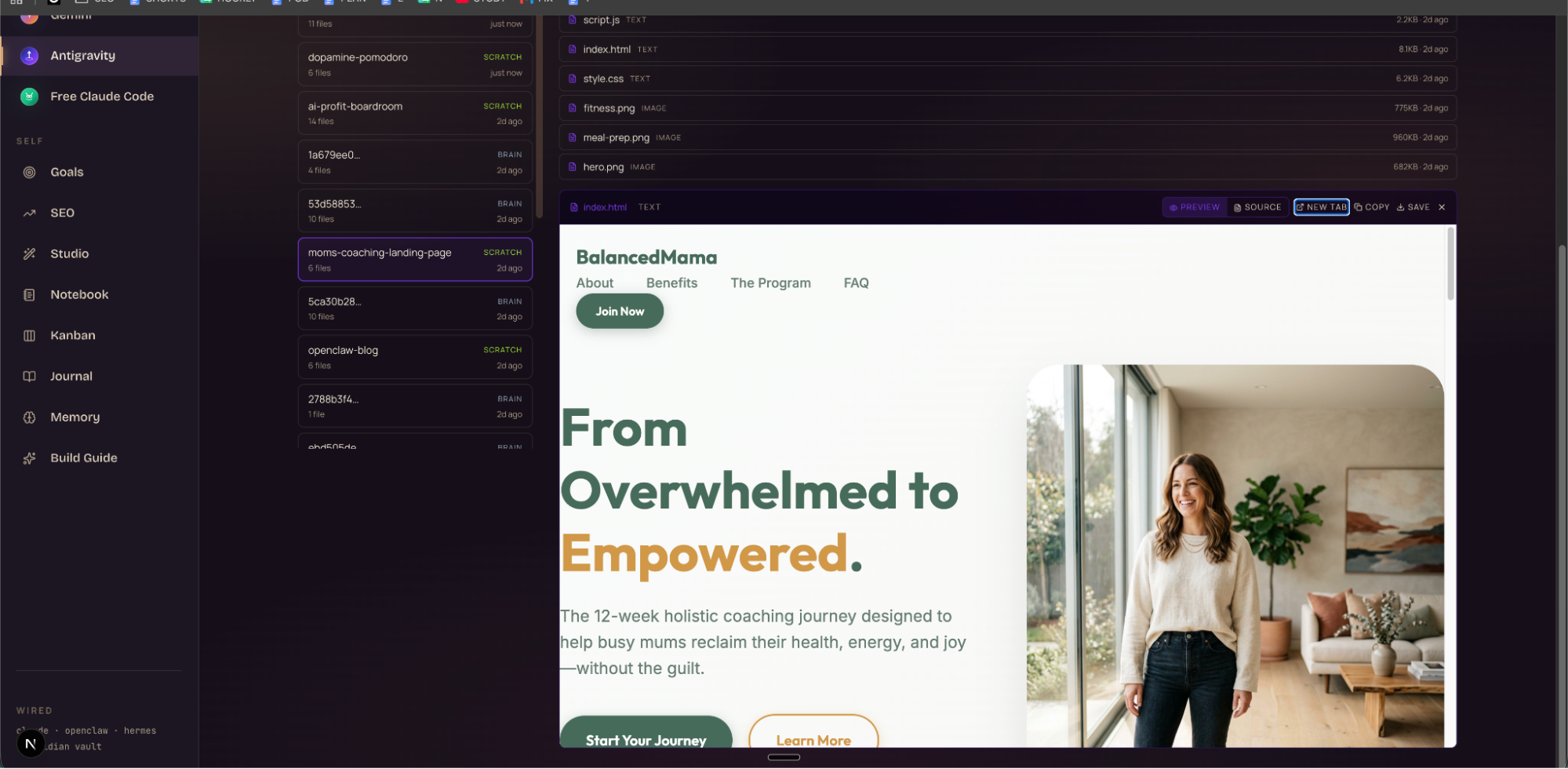
Real screenshot · the BalancedMama moms-coaching landing page Antigravity CLI built for me in 5 minutes. 6 files. Saved to ~/.gemini/antigravity-cli/scratch/moms-coaching-landing-page. Living in the Workspace tab of my Agent OS dashboard.
Thinking it?"This is for developers. I don't know how to use a terminal."
If you can paste one command and press enter — you can run Antigravity CLI.
You type in plain English. The CLI handles the technical part.
The 11-minute install walk-through is the same one I use for friends and family who'd never opened a terminal before.
You don't need to learn code to use this. You just need to use it.
✓Members in the Boardroom go from "never opened Terminal" to "Antigravity built my landing page" inside one weekend.
VIII · benefit two
Stop memorising flags. Type slash instead.
ii.
Why this matters to you.
You stop hunting through docs for the right command.
You type / — your whole CLI opens up. Plugins. MCPs. Skills. Hooks. Config. Keybindings. One tap.
If you used Gemini CLI before — every skill, hook, and extension you had carries over. Extensions are now called Antigravity Plugins. Same function. New name.
What you gain: your old workflow keeps working, your new workflow is faster.
/agents — spawn parallel subagents in one tap
/config — permissions, themes, model selection
/keybindings — remap any shortcut to suit you
/plugins — load community plugins (formerly Gemini extensions)
/mcp — wire in the same MCP servers you use with Claude Desktop
/skills — agent skills carry over from Gemini CLI
/hooks — pre/post hooks for any action
Thinking it?"I'll have to learn yet another command syntax."
There's no syntax to learn — you just type /.
The menu lists everything you can do, sorted by what you actually use.
If you came from Gemini CLI, the same skills and plugins you already configured are sitting there waiting for you.
You get to keep what you knew, and the new stuff finds you on its own.
✓Members migrating from Gemini CLI report the slash menu replaces the flags they used to forget.
IX · benefit three
Cancel the wait. Your day stretches further.
iii.
Why this matters to you.
You stop tapping your fingers waiting for the agent to think.
The CLI is rewritten from scratch in Go. Every keystroke lands instantly. Subagent dispatch happens before your finger leaves the key. Slash menus appear without a frame of delay.
Plus a low-token Gemini variant just dropped — uses 45% fewer tokens for the same task.
What you gain: your free daily quota stretches further. Before, you ran out before lunch. Now you run all day.
Thinking it?"Free models always rate-limit me right when I'm in flow."
Two ways you stay productive.
First — the 45%-fewer-tokens variant means your quota goes 80% further than it did on Gemini CLI.
Second — if you do hit a limit, Agent OS lets you switch to Free Claude Code (also $0) with one click. Or Owl Alpha. Or Codex.
You're never locked into one model. The quota stops being your problem.
✓Members running the stack report a full work-day on free quota — and instant fallback to Free Claude Code if they ever hit a wall.
X · benefit four
Make the CLI yours in five minutes.
iv.
Why this matters to you.
You stop fighting the tool. The tool fights for you.
Type /config — get a panel. Type /keybindings — remap any key to any action.
I rebound the subagent dispatcher to cmd+j. Made the slash menu light-mode for screen recordings, dark-mode for late nights. Set Antigravity to auto-approve safe tool calls (file reads, web fetches) but pause on writes.
What you gain: a CLI that adapts to your hands, not the other way around.
You do this
Spend five minutes after install setting up the keys and permissions the way you like. From that point on, the tool feels like it was built for you — same vibe as Vim or Emacs, without the six-month learning curve.
Thinking it?"I'll just leave defaults — I don't have time to customise."
You don't have to customise on day one.
Defaults work out of the box.
But the five minutes you eventually spend on /keybindings save you about 30 minutes a week, forever.
That's 24+ hours back per year — from one cup-of-tea's worth of setup.
✓Members who customised their keybindings in the first week reported the CLI feels like a daily-driver tool by week two.
XI · benefit five
Whatever Google ships next, you get same day.
v.
Why this matters to you.
You stop falling behind every time Google ships an update.
Antigravity CLI and Antigravity 2.0 (the desktop app) share one agent harness.
Every improvement Google ships to the IDE lands in the CLI the same day.
No version skew. No feature lag. No two products competing internally.
What you gain: your stack levels up automatically. You don't have to maintain it.
"Antigravity CLI shares the same agent harness as Antigravity 2.0, ensuring that all future improvements to core agents are automatically applied wherever you use them."
— Google Antigravity blog · May 19, 2026
For Agent OS users, this matters even more.
Same harness means the same outputs.
Whether you launch a build from the IDE on your phone or the CLI on your laptop — the result is identical.
Your Workspace tab in Agent OS becomes the single source of truth for everything Antigravity ever made you.
Thinking it?"Will updates break what I already set up?"
Updates roll in without touching your config.
Your keybindings, plugins, MCPs, and saved sessions stay put.
The improvements happen under the hood — model upgrades, faster dispatch, smarter subagents.
You wake up to a better tool. You don't lose a day to migration work.
✓Members on the launch-day version are still on the same config three updates later — improvements landed without anything breaking.
~ the 60% mark · time to commit ~
Get the full Antigravity CLI + Agent OS setup, ready-made.
I built the integration so you don't have to.
Antigravity CLI panel — pre-wired inside the Agent OS dashboard
Workspace tab — every Antigravity output, previewable inline
Subagent monitoring — see all parallel tasks across all CLIs
Free Claude Code fallback — switch when you hit Google's quota
Here's where Antigravity CLI actually lives in my workflow.
One sidebar entry. One click. The full terminal in a panel — with every other agent still one tap away.
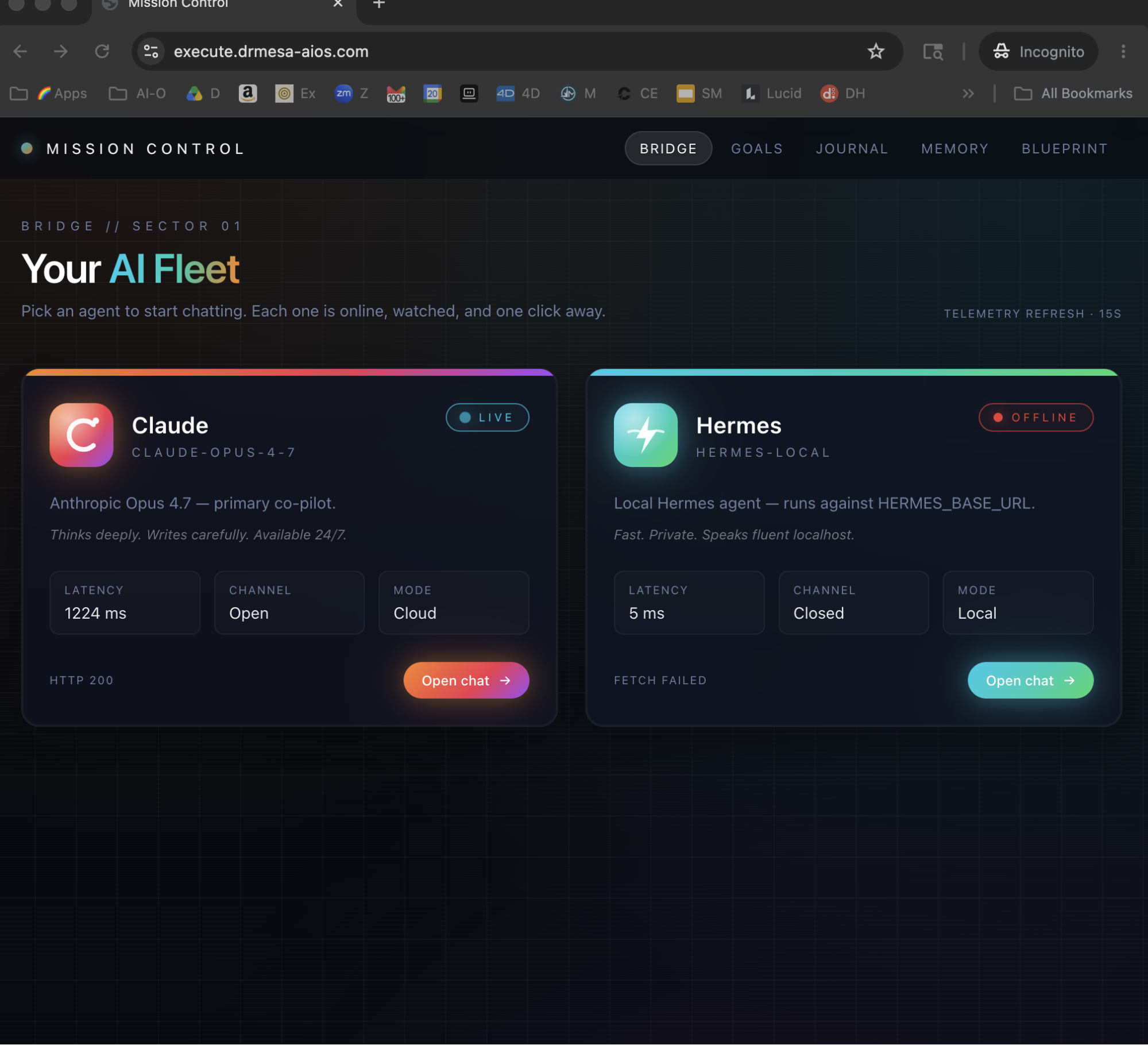
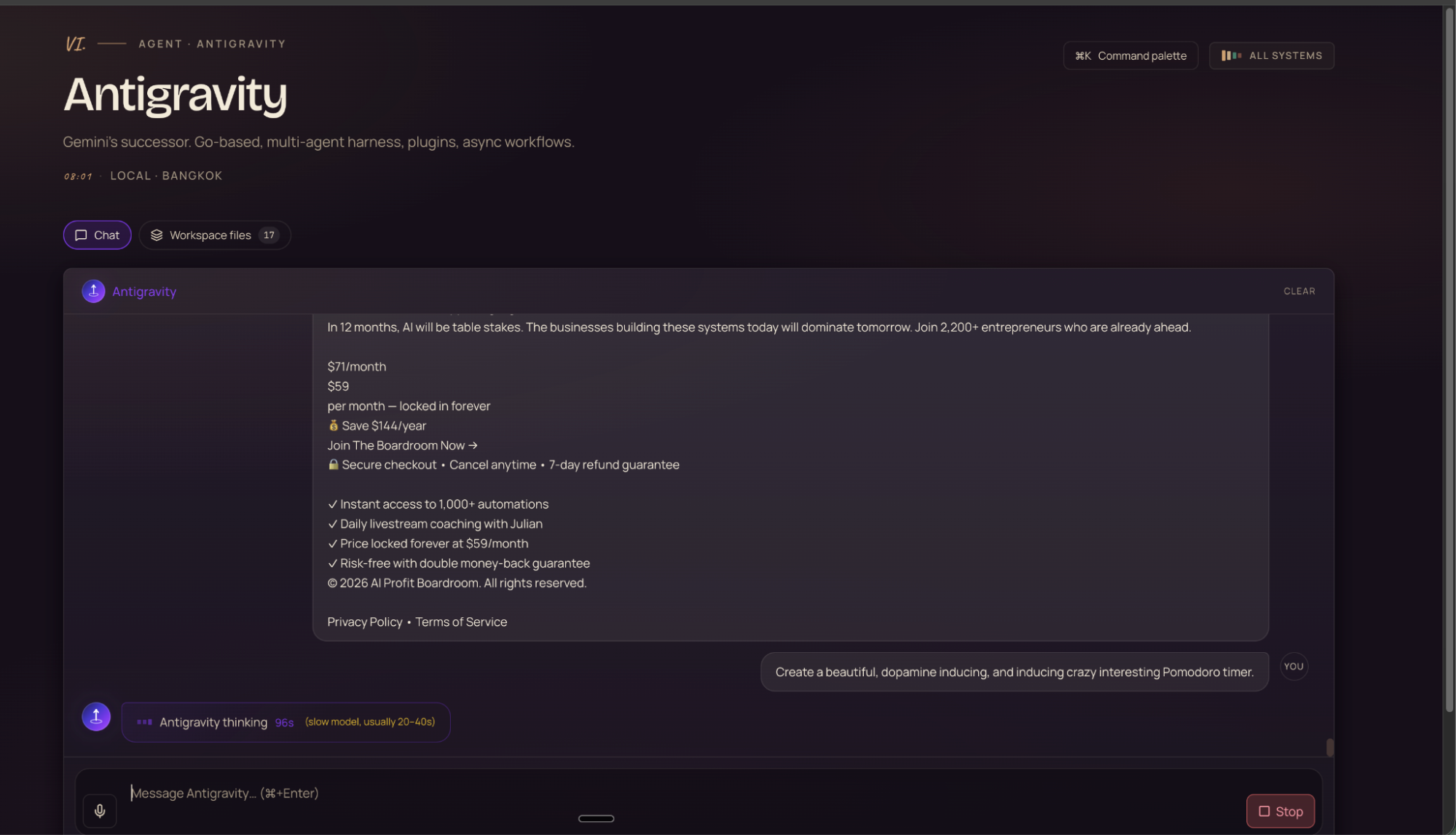
Real screenshot · Antigravity tab inside my Agent OS dashboard. Same chat box. Same models. Output saves to Workspace.
The panel above is the live Antigravity CLI inside Agent OS.
I asked it to write the AIPB sales copy you see in the screenshot.
It wrote it. Saved it to the project. Auto-logged to my Obsidian vault.
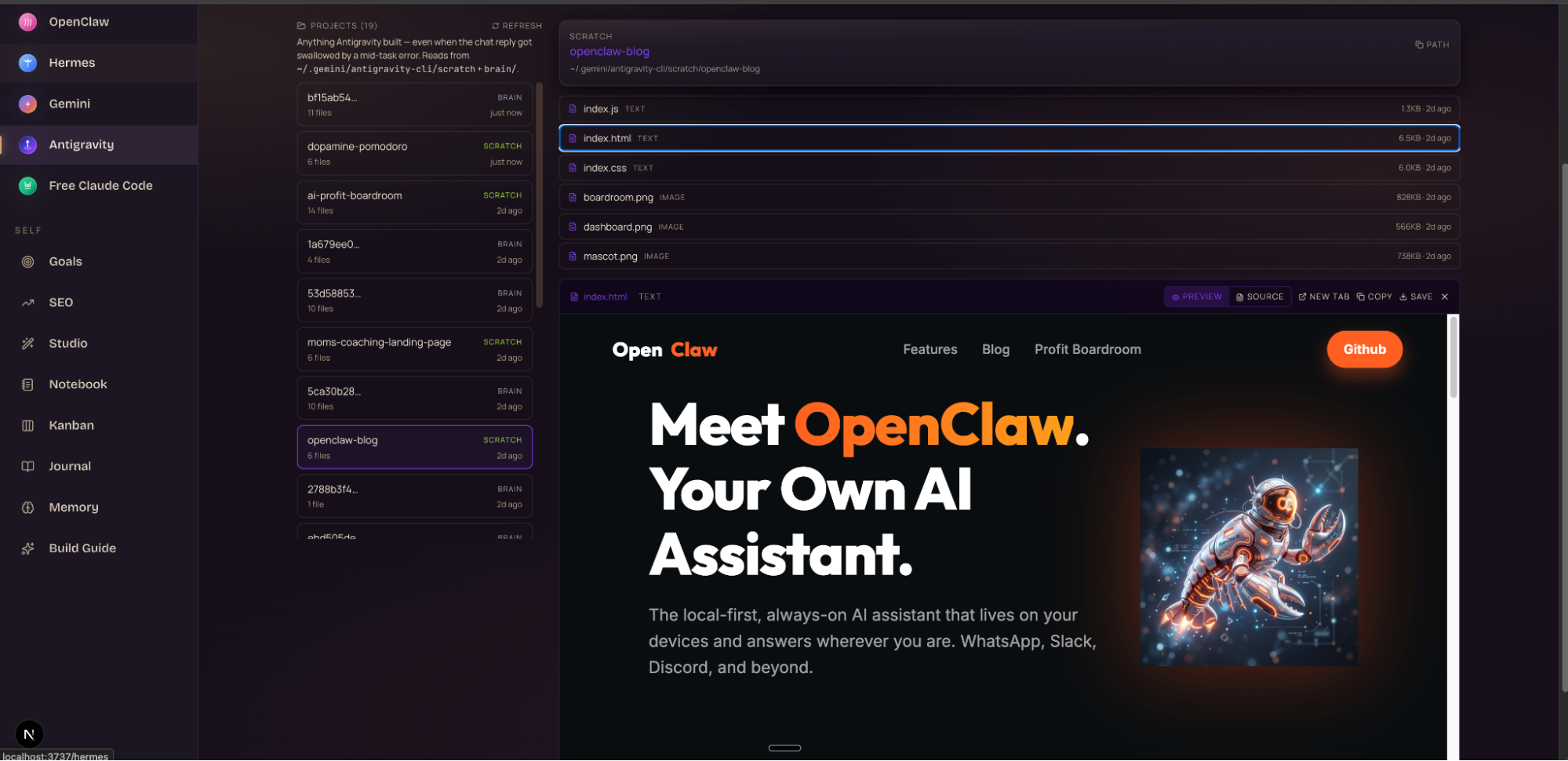
The Workspace tab — every output, previewable.
Real screenshot · the Workspace tab. 20 projects Antigravity built for me. The dopamine-pomodoro app is selected — index.html is rendering live in the preview pane on the right.
Every scratch project Antigravity builds lands here.
Click any file → renders live in the preview pane.
Even when the chat reply got swallowed by a mid-task error — the files are still there.
Reads from ~/.gemini/antigravity-cli/scratch+brain/. Nothing gets lost.
Thinking it?"What if it crashes halfway through a 2-hour build?"
Every file Antigravity writes lands on disk in real time.
Even when the chat session errors — the project survives.
The Workspace tab scans the disk and rebuilds the project list.
You restart the session and pick up where you left off.
✓Members report sessions crashing mid-task and walking back into the Workspace tab to find every file untouched on disk.
Real project · real screenshot.
Real screenshot · "Meet OpenClaw — your own AI assistant." A full marketing landing page Antigravity CLI built from a 2-line prompt. Rendered live inside Agent OS.
That landing page above? Built in 4 minutes.
I typed "build me an OpenClaw landing page — hero, features, footer, dark theme."
It wrote index.html, index.css, index.js, plus three images.
I clicked Preview. It rendered. I saved. Done.
XIII · proof from this weekend
3 apps. One weekend. With the free CLI.
I tested Antigravity CLI for three days inside Agent OS.
Here's what it built me:
1 · A dopamine Pomodoro timer.
"Build a Pomodoro timer that feels dopamine-inducing and gamifies focus."
Got back a working app with XP bar, alchemical codex, daily quests, transmutation gate, leveling system. 6 files. Rendered live. I use it during my own writing sprints now.
2 · A moms coaching landing page.
"Build a landing page for a moms coaching program. Hero. Benefits. Program. FAQ. Sage green palette."
Got back BalancedMama — full coaching site with copy, CTAs, three sourced hero images. 6 files. Would have cost me $1,200 with a Fiverr designer + copywriter.
3 · An OpenClaw marketing site.
"Build a marketing site for OpenClaw — my AI assistant. Dark theme. Hero with mascot. Features section."
Got back the page in the screenshot above. 4 files. Live preview. Saved to disk.
Total cost · $0.
Total time · under 30 minutes of my attention spread across the weekend.
Total useful artefacts · 3 deployable apps.
XIV · the timeline
Gemini CLI dies June 18. Move now.
The migration window. Sand falling from one era to the next.
Heads up.
If you're on Gemini CLI or Gemini Code Assist IDE extensions today — those stop serving Pro and Ultra requests on June 18, 2026.
Free Code Assist for individuals — same cutoff.
Enterprise stays on Gemini CLI for now (paid Gemini API keys keep working).
But for everyone else — Antigravity CLI is the path.
Today — Antigravity CLI is available to everyone
June 18, 2026 — Gemini CLI + Code Assist IDE extensions stop serving free + Pro + Ultra
After June 18 — no new GitHub org installs; existing installs wind down over the following weeks
Migration is mostly painless.
Agent Skills, Hooks, Subagents — all carry over.
Extensions are now Antigravity Plugins. Same function.
Thinking it?"I just got Gemini CLI dialled in. I don't want to migrate."
You don't have a choice after June 18 — Gemini CLI requests stop being served.
And Antigravity CLI keeps every meaningful feature you had — skills, hooks, subagents, extensions (now plugins).
The migration is: install one CLI, re-import config. 15 minutes.
Members inside AIPB already did it day-of and walked through the gotchas in the chat — you walk in already knowing them.
✓Members who migrated day-of reported the subagents alone made the move worth it — and walked others through the gotchas in the chat.
XV · the voice in your head
Three beliefs holding you back.
✕ "Free always means worse."
Almost. Free usually means worse. But Antigravity CLI is Google's flagship coding agent — same harness as the paid IDE. The free tier exists because Google needs developer adoption to compete with Anthropic and OpenAI. You're not getting a worse version. You're getting the same version with a daily quota.
✓ The free tier is the strategic tier.
Google is treating this like Chrome — give the developer surface away to win the next decade. Take the deal.
✕ "I should wait until it stabilises."
The tools won't stabilise. They'll keep evolving for the next 3 years. Every month you wait, the gap between you and the people who started widens. Six months from now, "I should have started in May 2026" is going to be a sentence.
✓ The people who figure out multi-agent terminals NOW are way ahead when everything settles.
Every CLI you learn. Every workflow you build. Every problem you solve. It all compounds.
✕ "I'm not technical enough to use a terminal CLI."
If you can paste one command and click 'open' on a folder, you can run Antigravity CLI. Members inside AIPB go from "never opened Terminal" to "Antigravity built my landing page" inside one weekend. The 11-minute install walk-through is the same one I use for friends and family.
✓ The CLI is the easiest path now, not the hardest.
Slash commands, plain English prompts, and inline previews mean you never touch a flag. It's just chat — but faster and free.
Don't take my word for it
258 real members already broke through these exact beliefs. Their wins — real businesses, real numbers — are documented here.
Install + wire in. Install Antigravity CLI, run the 11-minute walk-through, and wire the CLI panel into your Agent OS dashboard. Build one tiny throwaway project — a Pomodoro timer, a landing page, anything — just to feel the loop.
Week 2
Subagent your real work. Take one task you already do this week — a blog post, a sales page, a code refactor. Spawn three subagents. Have them work in parallel. Compare outputs in the Workspace tab.
Week 3
Customise + automate. Rebind your keys with /keybindings. Set up auto-approve for safe tools. Wire in 2 MCP servers you use elsewhere. Start running overnight builds — set a goal Sunday night, wake Monday to finished work.
Week 4
Compound + ship. By now Antigravity should be your default coding agent. Replace one billed tool (Cursor, Copilot, paid Claude) with the free CLI + Free Claude Code fallback. Pocket the savings. Ship the project you've been putting off.
The cost was never the moat. The system around the cost was.
— and now even the cost is gone
XVII · the recap
What you've just gained.
i.
You stopped paying.
The $200/mo AI bill is gone. Antigravity CLI is free.
ii.
You stopped waiting.
Subagents work in parallel — three jobs from one ask.
iii.
You stopped memorising.
Type slash — every plugin, skill, and MCP opens up.
iv.
You stopped lagging.
Sub-100ms keystrokes. 45% fewer tokens. Day stretches further.
v.
You stopped maintaining.
Whatever Google ships next, you get same day. Auto-levelled.
vi.
You stopped losing files.
Workspace tab keeps every output previewable, on disk, forever.
vii.
You stopped trading hours.
3 apps built in one weekend. Most of the time it was working alone.
viii.
You stopped procrastinating.
Gemini CLI dies June 18. Moving now means six months ahead.
~ ready when you are ~
Get the full Antigravity CLI + Agent OS stack.
Antigravity CLI is free. Agent OS is the operating system that runs it alongside Claude, Codex, Hermes, OpenClaw, and Free Claude Code. Inside the AI Profit Boardroom you get the full setup, the install, the calls, and the community.
The full Agent OS install — Antigravity CLI panel pre-wired
11-minute walk-through — me on screen, you following along
30-day roadmap — Antigravity CLI for agency, content, ecom
Weekly live calls — every Thursday I demo what's new
2,200+ members running this stack daily in 38 countries
7-day refund — try every CLI, sit in a live call, decide after