Get the full Knowledge Studio setup inside the AI Profit Boardroom
← Back to all guides
The Goldie Knowledge Studio™
FREE · NotebookLM + Hermes video agent · one dashboard

The new NotebookLM upgrade is insane. And it's free.

NotebookLM creates. The Hermes video agent edits. Drop any URL, PDF, or transcript. Get audio overviews, slide decks, mind maps, infographics, and full videos in minutes. Then pull any of them into the new video forge — locally, free — to remix, trim, add your AI avatar, and ship them as finished social content. The bridge upgrade most people don't know exists, sitting one tab away in Agent OS.

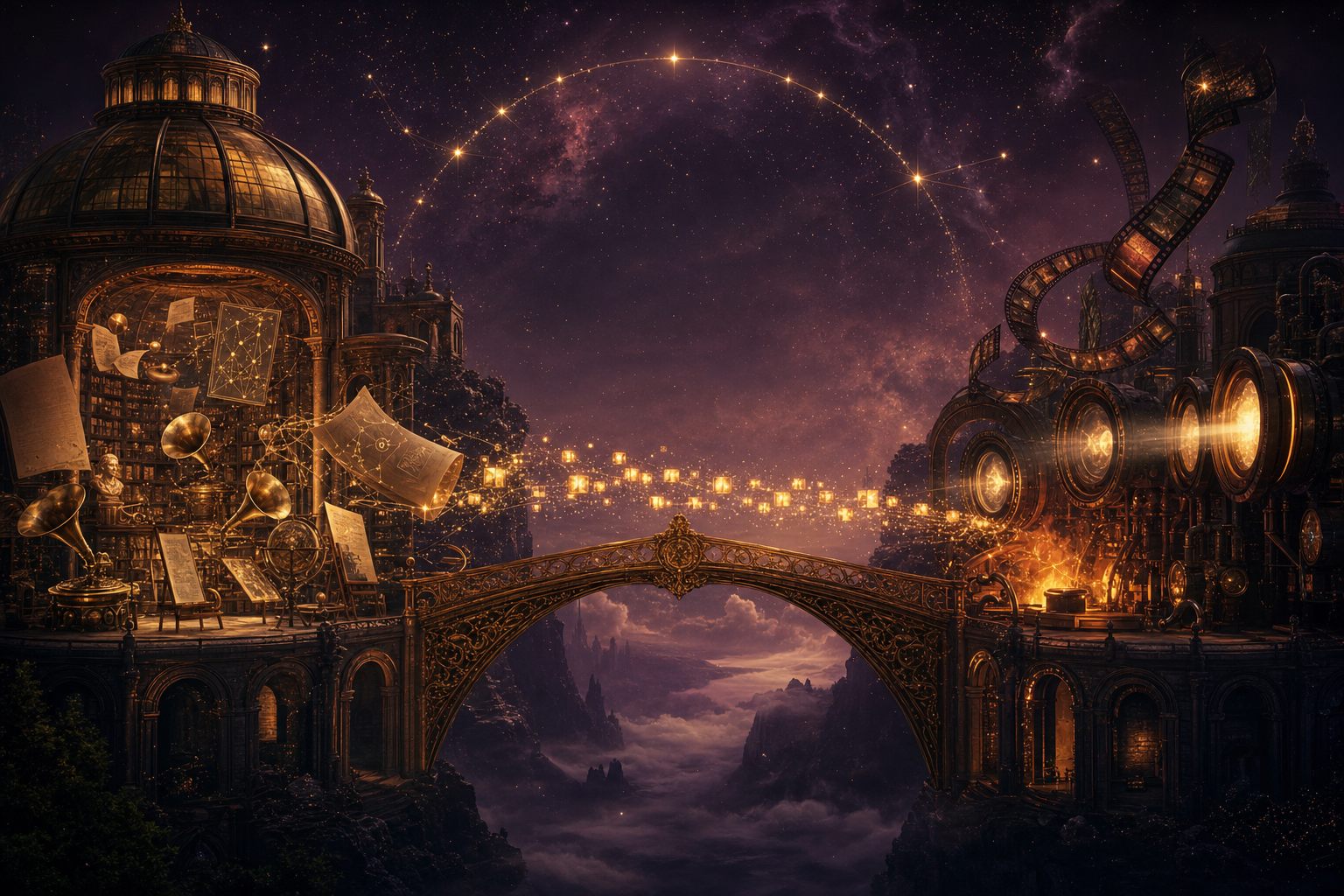
Two grand Renaissance workshops connected by an ornate golden bridge — the NotebookLM library on the left, the video forge on the right, knowledge crossing into editable video
9
artefact types
$0
per generation
5
passes · idea → ship
1
dashboard

"Your NotebookLM notebooks, audio overviews and chats — all in one place, synced to Obsidian. Generate audio, video, slide deck, mind map, infographic, flashcards, quiz, data table, report. Returns immediately, generation continues in NotebookLM."

— Agent OS · Mission Control · Notebook panel

What you'll read

  1. My story — the transition
  2. Real members already using this
  3. Commit before you scroll
  4. The Goldie Knowledge Studio™
  5. The bridge — NotebookLM into the video forge
  6. The old way vs the new way
  7. Benefit one — capture anything as a source
  8. Benefit two — nine artefact types from one source
  9. Benefit three — every asset auto-synced
  10. Benefit four — edit anything in the video forge
  11. Benefit five — finished social content out the other side
  12. Why this can't live on its own
  13. Three beliefs holding you back
  14. The 30-day playbook
  15. What you've gained
  16. Get the full stack
II · my story · why this matters

I was you. Then I built this.

Before

Turning research into content was a nightmare.

I'd open NotebookLM, paste sources, hit generate, and get an audio overview I loved.

Then it just... sat there.

To turn it into video I had to open three more tools — one to transcribe, one to render visuals, one to add my face.

Each handoff lost something. The audio went one direction. The video another. The infographic ended up in a Downloads folder I'd never find again.

Nothing flowed end-to-end.

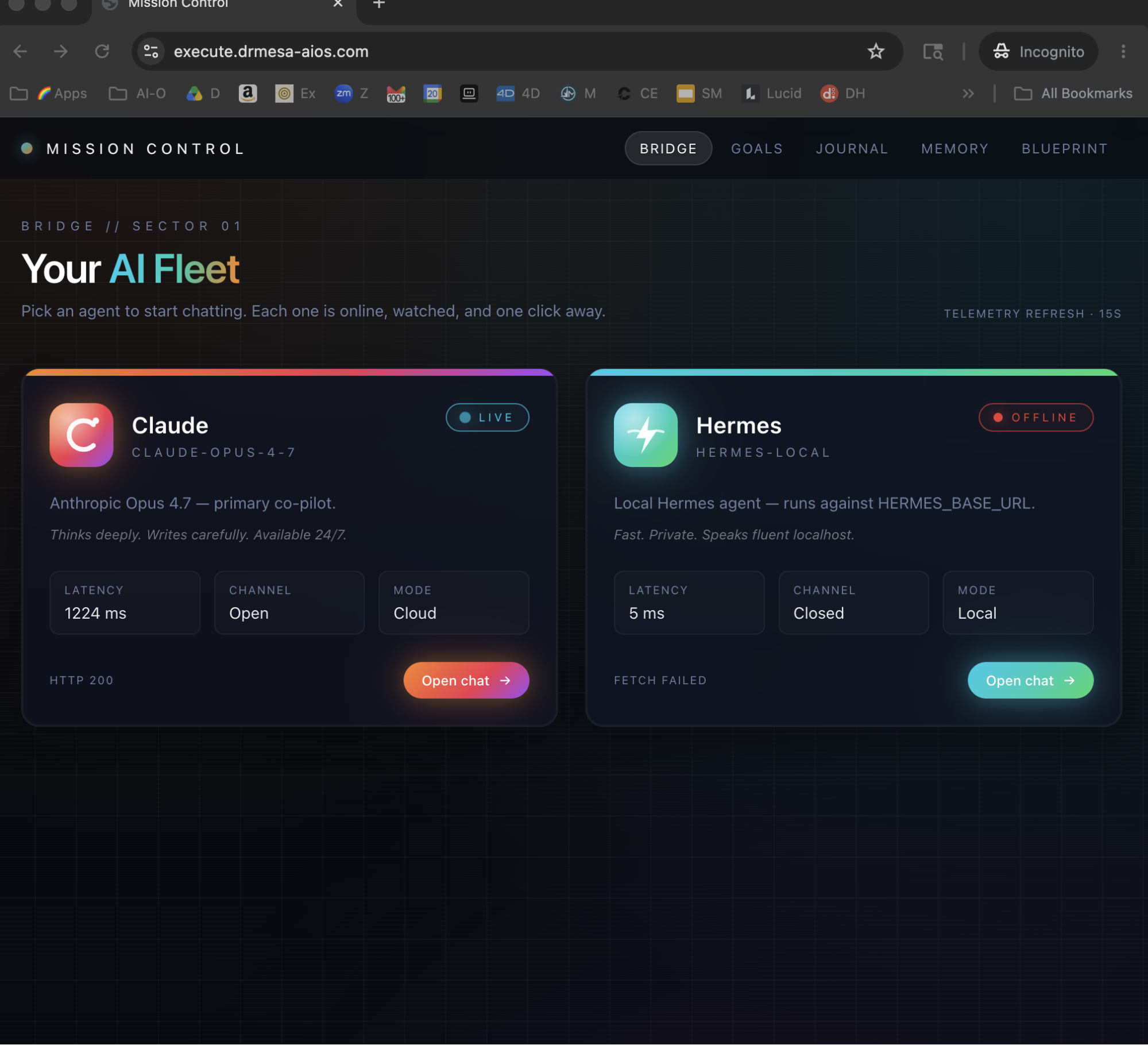
Then I wired NotebookLM into Agent OS — next to the new video forge.

After

Now I drop one source into NotebookLM.

Audio overview, slide deck, mind map, infographic — all generated, all saved.

Every asset shows up in the Notebook tab automatically.

I click any of them and pull it into the video forge — trim it, add my avatar, render the finished cut.

One source. Five finished pieces of social content.

Monthly tooling bill: $0.

You can have this too. Same notebook. Same forge. Same dashboard.

III · the receipts

Real people. Real assets. Already being made.

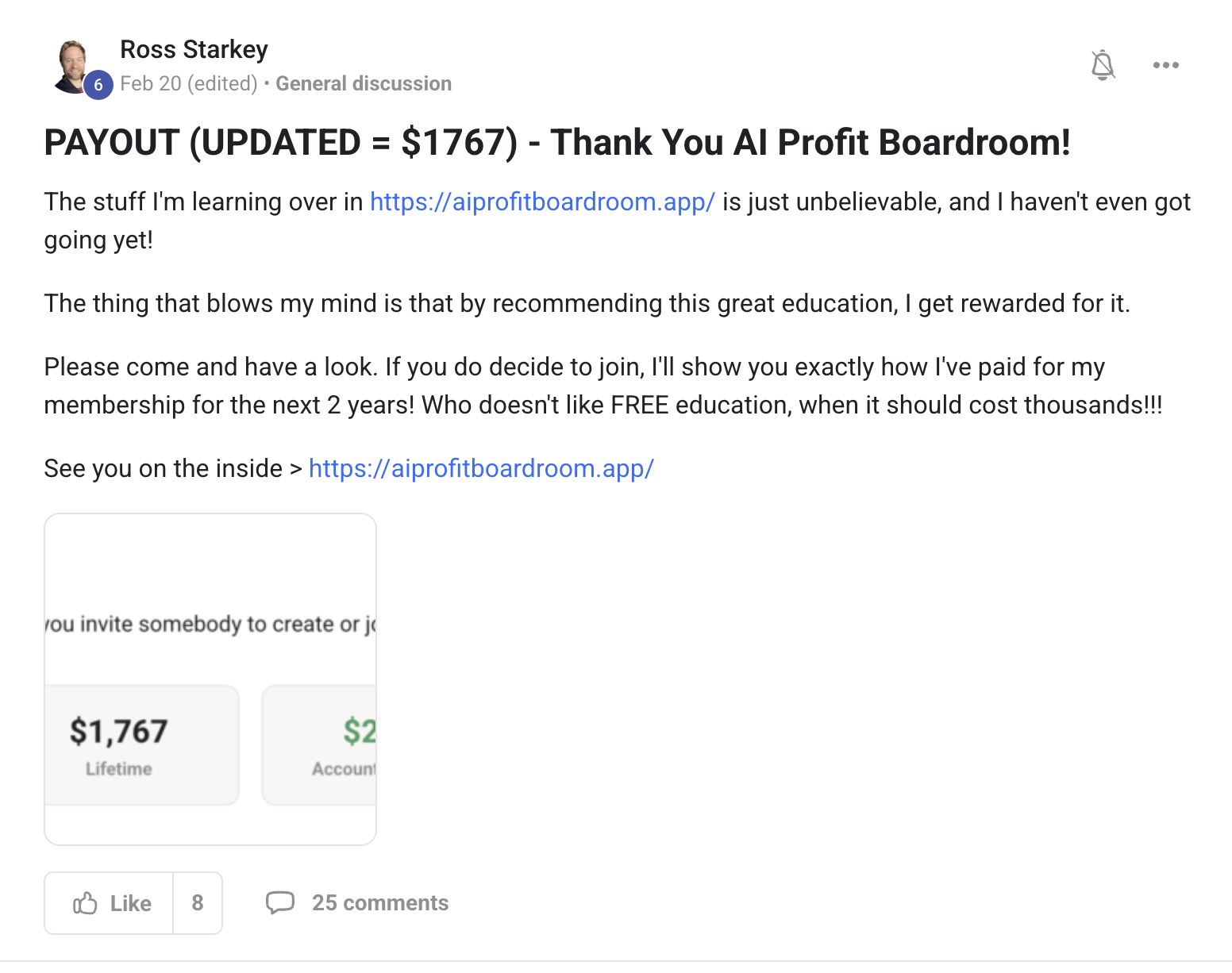
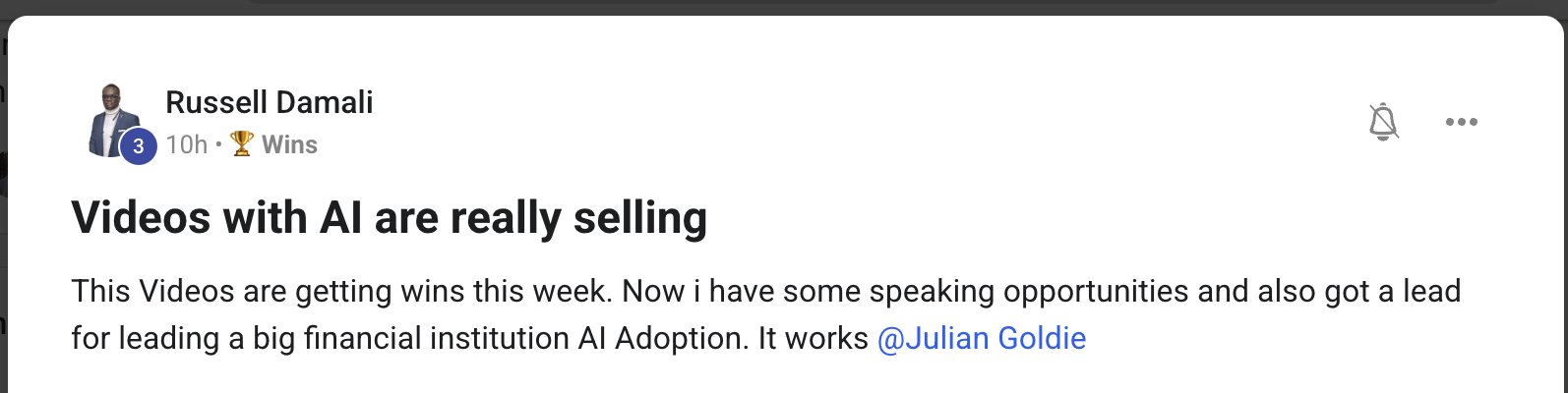
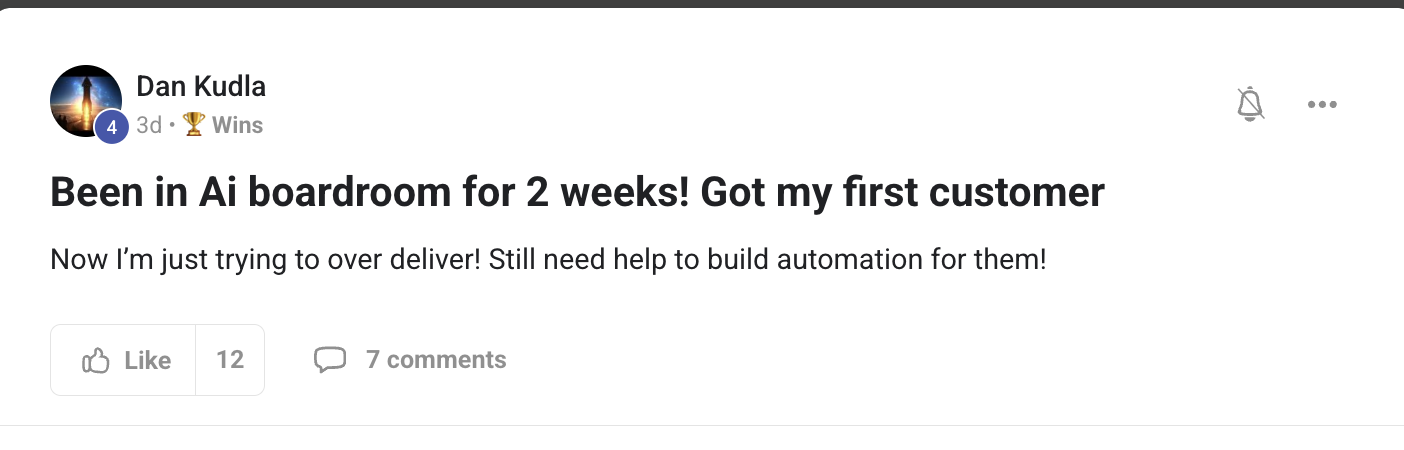
This isn't a "what if." It's already happening for members inside the Boardroom. Agency owners turning client research into video. Course creators turning PDFs into finished modules. Solo operators turning podcasts into multi-format social content. Different businesses. Same dashboard. Same Knowledge Studio.

2,200+Founders inside AIPB
258Real wins documented
319kSubscribers on the channel
38Countries · live members
$100k+/moAIPB MRR
Before you scroll on —

Commit to transitioning today. Not tomorrow.

You've seen the proof above. Real people. Real finished content. Already being shipped.

The next 10 minutes show exactly how I wired NotebookLM into Agent OS next to the video forge.

So here's the deal.

If you're reading this — promise yourself one thing right now. You're going to finish this guide AND run one source through the Knowledge Studio before you sleep tonight. Just one. Because the moment you make this transition, your whole content workflow changes.

The people sitting still are getting passed. The people shipping today are the ones who'll look back in six months and say "that was the moment."

Be one of those people.

Commit to the transition. Commit to running one source through it today. This changes everything about how you make content from research.

IV · the framework

The Goldie Knowledge Studio™.

Five passes that turn raw knowledge into editable, ready-to-ship social content.

Each pass stands alone — but together they're a pipeline. One source becomes five formats. Each format becomes ten finished cuts. Each cut becomes ready-to-post content. By Friday you'll have shipped more than most operators ship in a month.

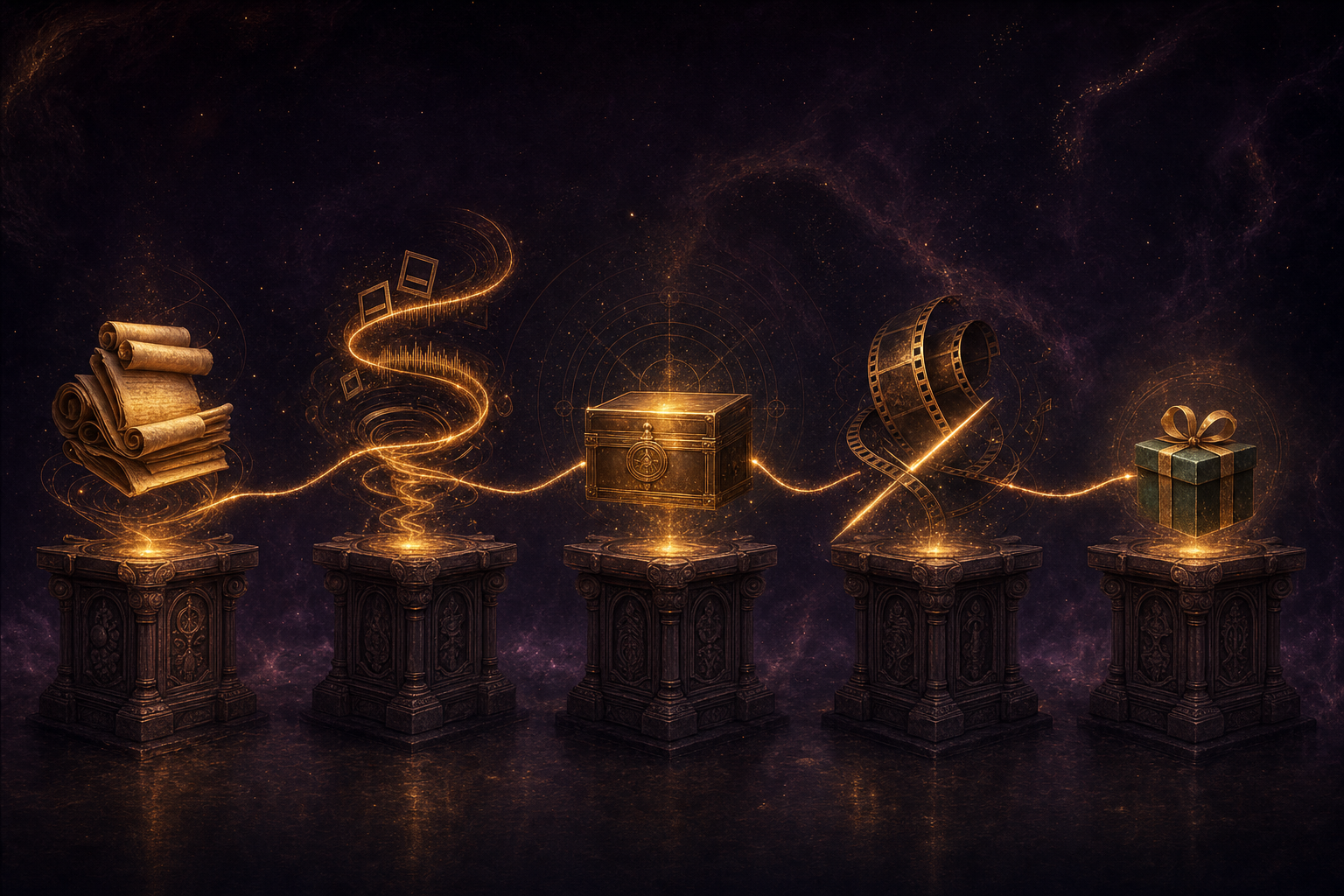
Five glowing alchemical workstations in a row — scrolls of capture, vortex of generation, archive of saving, film-strip being trimmed for editing, gift-wrapped package for shipping
The five passes of the studio — Capture, Generate, Save, Edit, Ship.
i.

Capture — any source becomes raw material.

Drop URLs, PDFs, transcripts, web articles, your own old content. The Library inside the Notebook tab accepts whatever you give it. You stop hunting for inputs. The system reads anything.

ii.

Generate — nine artefact types from one source.

Audio overview, video, slide deck, mind map, infographic, flashcards, quiz, data table, report. Hit Generate. Walk away. Each artefact lands in the notebook automatically. You stop manually re-explaining the same idea in five different formats.

iii.

Save — every asset auto-synced to your vault.

Every generated artefact downloads to AGENTIC OS/notebooks/_assets/ and syncs to your Obsidian vault. Audio plays inline. Video plays inline. PNGs show inline. Click any of them in the Assets sub-tab and it's right there. You stop losing files in random Downloads folders.

iv.

Edit — pull any asset into the video forge.

This is the bridge that's new. Any video, audio, or infographic NotebookLM generates can be pulled into the Hermes video agent. Trim it. Add your AI avatar overlay. Layer in titles. Render the final cut locally — $0 per pass. You stop generating one-shot artefacts. You start editing them into finished work.

v.

Ship — finished social content out the other side.

The edited video lands in your Workspace tab next to every other render. The audio cut sits in the audio bucket. The infographic in images. All click-to-preview, all ready to post. You stop ending at "I generated something." You start ending at "I shipped something."

V · the bridge

The upgrade most people miss.

This is the part that matters.

NotebookLM has always been good at generating one-shot artefacts. The new upgrade — having it sit next to the Hermes video agent inside Agent OS — is what changes the workflow.

Before, your audio overview lived in NotebookLM forever. You'd play it once and forget it.

Now it auto-syncs to your vault. Then you pull it into the video forge with two clicks. The video forge accepts the audio as a source track. You add your avatar on top. You layer in the lower-third titles. You render the cut.

Same story for the infographic — pull it in as a visual asset, add motion, ship the finished animated explainer.

Same for the video — re-cut it, add your avatar overlay, change the music, render a different aspect ratio.

NotebookLM creates the raw.
The video forge turns the raw into the shippable.

Thinking it? "I can already use NotebookLM directly — why do I need the bridge?"

Because the bridge is what turns generation into shipping.

Using NotebookLM alone, you generate an artefact and it sits there. You'd have to manually export, manually find the file, manually open another tool to edit it, manually upload to where you publish.

With the bridge, every artefact lands in your vault. The video forge can read from the vault. The output lands in Workspace. Everything is one tab away.

The bridge collapses five tools into one screen. That's where the time savings come from.

Members report shipping more finished content in week one than they did in the previous month.
VI · why this matters

The old way vs the new way.

Same creator. Same source material. Two completely different content pipelines.

Old way · NotebookLM in isolation ~$150/mo · days per piece
  • Open NotebookLM in a browser tab
  • Generate an audio overview — play it once, forget it
  • Want to turn it into a video? Open three more SaaS tools
  • Manually export the audio, manually upload to the video tool
  • Pay a video SaaS sub to add an avatar overlay
  • Render. Download. Upload to wherever you publish
  • Final cut lives in a Downloads folder, never reused
New way · the Knowledge Studio inside Agent OS ~$0 · same-day shipping
  • Drop the source into the Notebook tab inside Agent OS
  • Hit Generate — pick from 9 artefact types in one panel
  • Every asset auto-syncs to your vault and shows in the Assets tab
  • One click pulls any asset into the Hermes video forge
  • Add avatar + titles + music. Render locally at $0 per pass
  • Final cut lands in Workspace tab, searchable forever
  • Same source seeds 5+ finished pieces of social content
VII · benefit one

Capture anything as a source.

i.

Why this matters to you.

You stop choosing your input format based on what your tools can handle.

The Library inside the Notebook tab accepts anything — URLs, PDFs, transcripts, plain text, web articles, your own past content. Drop them in. They become a notebook.

The notebook then becomes the raw material for everything else.

What you gain: every piece of source material you've ever wanted to turn into content is now a single drop-zone away.

You do this Open Notebook → Library → drop in three URLs about a topic + one PDF of supporting research. Hit save. You now have a notebook ready to generate from.
Thinking it? "I don't have enough source material to fill notebooks."

You have more than you think.

Your own past content is a source. Your customer emails are a source. Your call transcripts are a source. The PDF on your hard drive from that course you took last year is a source.

Most operators have years of accumulated material sitting in folders. Capture pass is what activates it.

You stop seeing your archive as dead weight. You start seeing it as raw material.

Members report turning years-old PDFs into freshly generated content packs in their first week.
VIII · benefit two

Nine artefact types from one source.

ii.

Why this matters to you.

You stop manually re-explaining the same idea five different ways.

The Studio sub-tab inside the Notebook panel offers nine generation types:

  • Audio overview — 2–10 minute conversational explainer (the famous NotebookLM podcast format)
  • Video — 5–15 minute animated explainer with voice + visuals
  • Slide deck — 1–3 minute set of slides ready to present
  • Mind map — visual diagram of the source's structure
  • Infographic — PNG visual summary, ready to post
  • Flashcards — for learning + retention
  • Quiz — for course modules + verification
  • Data table — extracted structured data
  • Report — long-form written analysis

Each one comes back asynchronously. You hit Generate and walk away — generation continues in NotebookLM. Come back when it's done.

What you gain: one Sunday-night drop yields a full week's worth of content variety.

You do this Pick the notebook → Studio → tick Audio Overview + Video + Infographic + Mind Map → optional focus prompt → Generate. All four start in parallel. They land back in the notebook as they finish.
Thinking it? "AI-generated artefacts always feel generic."

Generic prompts produce generic outputs. Sourced prompts produce specific ones.

The optional focus prompt is where you steer it — "beginner-friendly", "just the comparison angle", "focus on the warning section". NotebookLM grounds the artefact in your specific sources plus your specific angle.

The output is specific to your viewpoint, your tone, your data.

You stop generating slop. You start generating angled, sourced, specific artefacts.

Members consistently report artefacts coming out tight and specific when paired with the focus prompt.
IX · benefit three

Every asset auto-synced.

iii.

Why this matters to you.

You stop downloading artefacts into Downloads folders you never check again.

The Assets sub-tab inside the Notebook panel shows every artefact downloaded from NotebookLM, stored in AGENTIC OS/notebooks/_assets/, and synced to your Obsidian vault. Audio plays inline. Video plays inline. PNGs render inline.

Each asset has a Save button — one click and it's archived to your vault permanently.

Filenames carry the source notebook + the asset type + the timestamp. So six weeks from now you can find any artefact by source or by date.

What you gain: a permanent, searchable library of every artefact your knowledge ever produced.

You do this Notebook → Assets → scroll the grid → click any audio/video to play, any image to view full size. Hit Save on the ones you want archived. They land in your vault permanently.
Thinking it? "I'll just keep things in NotebookLM directly — why sync to Obsidian?"

Because NotebookLM doesn't talk to your video forge — Obsidian does.

The whole reason for the auto-sync is so the Hermes video agent can read assets directly from your vault. No exports, no manual file handling.

Plus, six months from now if NotebookLM ever changes its retention policy, your assets are still safely in your vault on your own machine.

You stop trusting a cloud notebook to remember things. You start owning your knowledge library.

Members report finding assets months later in their vault and re-using them in fresh content within minutes.
X · benefit four

Edit anything in the video forge.

iv.

Why this matters to you.

You stop ending at "I generated something." You start ending at "I edited it into shippable content."

This is the new bridge. Any asset NotebookLM generates — audio, video, infographic — can be pulled into the Hermes video agent for editing:

  • Audio overview → use as a source track in the video forge → layer your AI avatar on top → add lower-third titles → render finished video
  • Generated video → re-cut to a different length → change aspect ratio for a different platform → add your avatar overlay → render again
  • Infographic → import as a visual asset → add motion + transitions → make it animated → render as a 30-second visual explainer
  • Mind map → use as a backdrop in your social videos → add narration → render

Local render. $0 per pass. The output lands in Workspace.

What you gain: the gap between "NotebookLM made it" and "this is ready to post" collapses from days to one render.

You do this Notebook → Assets → click an audio overview → Pull into video. The video forge picks it up. Choose your avatar. Add the title. Hit render. Finished MP4 in Workspace within minutes.
Thinking it? "I don't know how to edit video."

The forge handles the editing for you.

You don't open a timeline. You don't drag clips. You give the forge a prompt — "use this audio + my avatar + a lower third saying X" — and it assembles the composition + renders it.

If you want to tweak, you tweak the prompt, not the timeline.

You stop being scared of video software. You start treating editing like another conversation.

Members who never opened a video editor are shipping edited cuts from NotebookLM assets in their first week.
XI · benefit five

Finished social content out the other side.

v.

Why this matters to you.

You stop generating. You start shipping.

Every edited cut from the video forge lands in your Workspace tab. The Audio bucket has every edited podcast cut. The Images bucket has every infographic and animated still. The Videos bucket has every render.

Each is one click from "ready to post". You don't have to chase the file across three folders. You don't have to convert format. You don't have to download-upload-download.

What you gain: a steady stream of finished social content from one Sunday-night source drop.

You do this Sunday — drop one source into NotebookLM. Generate 4–5 artefacts. Edit each in the video forge. By Monday morning you have a week's worth of social content sitting in Workspace, ready to schedule.
Thinking it? "This sounds like a lot of content to ship."

You don't have to ship all of it. You just have it ready.

The point isn't volume for volume's sake. It's that on the day you want to post something, you're picking from a stack of finished content — not staring at a blank screen.

Plus the leftover artefacts compound. The mind map from this week becomes raw material for next week's video. The audio overview from January becomes a refreshed cut in June.

You stop having "content drought" days. There's always something ready.

Members report never running out of social content material once they've run a few sources through the studio.
Agent OS — owl, lobster, winged figure
~ the 60% mark · time to commit ~

Get the full Knowledge Studio + Agent OS setup.

I built the bridge so you don't have to.

  • Notebook tab pre-wired — Library, Chat, Studio, Assets sub-panels
  • NotebookLM auto-sync — every asset lands in your vault
  • Hermes video forge integration — pull any asset, render locally, $0
  • Workspace memory — every finished cut, searchable forever
  • 30-day playbook — exactly what to run through it each week
  • 2,200+ members running this stack daily
Join the Boardroom → link in description
XII · why inside agent os

Why this can't live on its own.

NotebookLM alone is useful. The video forge alone is useful. But put them in the same dashboard, with shared memory and one-click handoffs, and the workflow changes completely.

a.

Shared vault across every agent.

NotebookLM saves to AGENTIC OS/notebooks/_assets/. The video forge reads from the same vault. So does Hermes, OpenClaw, and Claude — all of them can ground in the same knowledge.

You stop having to manually move assets between tools. The vault is the handoff.

b.

One dashboard, one tab away.

Notebook sits next to Video. Video sits next to Studio. Studio sits next to Goals. The whole content pipeline runs on one screen.

You're never more than two clicks from any stage of the workflow.

You stop managing five browser tabs. You start running one studio.

c.

Outputs compound across the stack.

Today's audio overview seeds tomorrow's video cut. This week's infographic becomes next month's animated explainer. Every asset is reusable in every other workflow.

One source isn't one piece of content. It's a seed every agent draws from.

d.

The bill stays zero.

NotebookLM is free. The Hermes video agent renders locally — free. Your own Obsidian vault is free. Even Free Claude Code (for fallback text) is free.

The whole pipeline costs $0 per month after setup.

The dashboard is the cost-killer. Pieces in isolation would leak SaaS subs.

Thinking it? "I'll just use NotebookLM and a separate video editor."

You can. And in two weeks you'll be paying for both, wiring nothing between them.

The bridge is what makes NotebookLM go from "thing I generate in" to "engine that feeds my whole content pipeline."

Without the bridge, every artefact is a dead end. With the bridge, every artefact becomes raw material for the next.

You stop generating. You start running a content engine.

Members who tried NotebookLM standalone first all moved to the full Knowledge Studio inside two weeks.
XIII · the voice in your head

Three beliefs holding you back.

✕ "NotebookLM is too basic to build a real content pipeline on."

It's basic on its own. Wired into Agent OS next to the video forge, it's the input layer for an entire content factory.

✓ NotebookLM is the engine. The dashboard is the chassis.

Same engine, completely different vehicle once it's plugged in.

✕ "I'll never use nine different artefact types — three are enough."

That's fine. The point of the nine isn't to use all of them on every source. It's that the right artefact is one tap away when the moment comes.

✓ Different sources need different formats — and now you have all nine.

For one source maybe audio + infographic. For another maybe slide deck + report. The studio doesn't force you. It offers.

✕ "AI-generated content all sounds the same."

Generic prompts produce generic content. Sourced prompts with your focus prompt + your specific angle produce content that sounds like you, with your data, in your voice.

✓ The studio amplifies your voice — it doesn't replace it.

Your source. Your focus prompt. Your edit pass in the video forge. The output is yours, just generated faster.

Don't take my word for it

258 real members already broke through these exact beliefs. Their wins — real notebooks, real videos, real outcomes — are documented here.

Read the 158-page testimonials doc →
XIV · the path

The 30-day playbook.

Week 1
Install + first capture. Wire NotebookLM into Agent OS. Drop your first source — three URLs + one PDF on a topic you care about. Watch the Library populate. By Friday you'll have a real notebook with real source material.
Week 2
Generate the spread. Pick four artefact types from your notebook. Hit Generate. Walk away. Come back. Watch them land in the Assets tab. Save the ones you like to your vault.
Week 3
Run the bridge. Pull one of your generated assets into the Hermes video forge. Add your AI avatar. Render the finished cut. Post it. Watch your first NotebookLM-sourced video land in Workspace.
Week 4
Compound the pipeline. Drop a fresh source. Generate the spread. Edit through the forge. Ship five pieces of content from one source in one day. By Friday, the Knowledge Studio is your default content workflow.

Knowledge that doesn't ship is just notes.
The studio turns notes into shipped.

— and now the studio is yours
XV · the recap

What you've just gained.

i.

You stopped paying.

NotebookLM + Hermes forge = $0 per asset, forever.

ii.

You stopped re-explaining.

One source → 9 artefact types in one panel.

iii.

You stopped losing files.

Every asset auto-syncs to your vault, searchable forever.

iv.

You stopped at "generated."

The bridge takes you all the way to "shipped."

v.

You stopped fearing editing.

The forge edits via prompt, not via timeline.

vi.

You stopped depending on cloud.

Your assets live in your vault on your own machine.

vii.

You started compounding.

Today's artefacts feed tomorrow's videos.

viii.

You started shipping weekly.

One source = five finished pieces of social content.

~ ready when you are ~

Get the full Knowledge Studio.

NotebookLM is the engine. The Hermes video forge is the chassis. Agent OS is what wires them into one studio you can live in. Inside the AI Profit Boardroom you get the full setup, the install, the calls, and the community already running this every day.

Join the Boardroom →
2,200+ members · 7-day refund · cancel in 2 clicks · I'll see you in the next one.