I put GPT 5.6 and GLM 5.2 behind one toggle in my Agent OS. Flip between them mid-build, both writing real files into one shared workspace — and GPT 5.6 runs on the ChatGPT account you already pay for. No API key. No second bill. Here's how it works.
You want to build with AI. So you open a tab.
Then another for the cheaper model.
Then another for whatever dropped this week.
Each one has its own login. Its own window. Its own bill.
And to use GPT for real building, they tell you to get an API key and start a second subscription.
So now you're paying twice for a model you already pay for once.
You build something good in one tool, switch to another, and never find it again.
Your files scatter across downloads, tabs and folders.
Close a chat and the context is gone — next time you re-explain the whole project from scratch.
Every session starts at zero.
The models got smarter. Your setup got messier.
That's the loop the Dual-Engine Coder breaks — two frontier engines in one tab, on the login you already pay for, every build saved in one place.
That's the trap. One model means you either overpay on the easy jobs or under-build on the hard ones — and you still lose every build the moment you close the tab. The fix isn't fewer engines. It's two engines that share one tab, one workspace and one login, so switching costs you nothing.
An "AI coder" is a model that writes the files for you — you say what you want, it types the code and saves it.
Normally you get one of those per tab. One tool, one model, one place your files land.
The Dual-Engine Coder puts two of them behind one switch, in one box.
GPT 5.6 is the strong one — it runs on the ChatGPT account you already pay for. GLM 5.2 is the cheap one for the everyday jobs.
You flip the switch to pick which one builds. Either way, the finished thing is saved in one place you can open with a click.
That's the whole idea: two builders, one switch, one drawer that keeps everything.
No setup ritual, no keys to paste. Here's the literal path from a blank box to a finished, saved build:
So the honest one-line answer to "what did I just do?": you typed a sentence, and the model you already pay for wrote and saved a working app — with a cheaper model one click away for the jobs that don't need the flagship.
Before
I had a different tab open for every AI that could code.
One for GPT. One for a cheaper model. One for whatever was new that week.
Each with its own login, its own window, its own place my files ended up.
I'd build something great, switch tools, and never find it again.
And to use GPT for real building I was told I needed an API key and a second bill.
Then I put GPT 5.6 and GLM 5.2 behind one toggle, in one tab, on my existing ChatGPT login.
After
Now there's one Code tab. GPT 5.6 is the default — on the ChatGPT login I already pay for.
Need it cheaper? I flip the toggle to GLM 5.2. Same tab. Same box.
Every build either engine makes lands in one workspace, one click to preview.
My history is saved. Nothing gets lost. Nothing gets re-explained.
You can have this too. Same login. Same path.
The room already running the Agent OS — agency owners, ecom founders, course creators, solo operators. Different businesses. One dashboard.
Members post their wins every day — agency owners, ecom founders, course creators, solo operators across 38 countries. Real businesses, real numbers, in their own words.
Read the 158-page wins doc →You've seen the setup. Two engines. One tab. One login you already have.
The next ten minutes show exactly how it's wired.
So here's the deal.
If you're reading this, promise yourself one thing right now. You'll finish this guide AND set up one piece of it before you sleep tonight. Just one piece. Because the moment you stop juggling tools and put them in one place, everything about how you build changes.
The people sitting still are getting passed. The people wiring this in today are the ones who'll look back in six months and say "that was the moment."
Be one of those people.
Commit to the transition. Commit to taking action today. This changes everything about your workflow.
Two frontier models stop being two tools and become one engine you steer. Five layers. This is the whole system.
GPT 5.6 (Sol) and GLM 5.2 live behind one toggle. Same terminal, same box, same workspace — no new window to open.
On your ChatGPT login, no API key. It's the first thing loaded, ready the second you open the tab.
Flip to GLM 5.2 for the cheap, high-volume jobs; flip back to GPT 5.6 for the hard ones. One click, per task.
Whichever engine builds it, the project lands in the same Workspace — saved on your Mac, one click to preview live.
Your terminal session and every build persist — saved locally and logged to your Obsidian vault, tagged by engine.
Here's the same idea in full detail. You type in the Code tab. The toggle decides which engine builds it — GPT 5.6 on your ChatGPT login, or GLM 5.2 on Ollama. Both feed the one shared workspace.
At the top of the Code tab there's a switch: GPT 5.6 (Sol) and GLM 5.2. Whichever is lit is the one that builds when you hit enter.
Why two? Because not every job needs the flagship. GPT 5.6 (Sol) is the deep one — the hard, multi-step builds. GLM 5.2 is the cheap high-volume workhorse with a huge context window. Having both behind one toggle means you match the engine to the job instead of paying flagship rates for a five-minute task — or opening a whole different tool to save money.
Because you'd either overpay or under-build. Reach for the flagship on a throwaway task and you burn money and time; reach for the cheap one on a hard task and it falls short. The toggle lets you spend depth where the job needs it and go cheap where it doesn't — the same reason a workshop has more than one tool on the bench.
This is the part that changes the maths. GPT 5.6 here doesn't need an OpenAI API key or a second bill. The Code tab signs in with the locally-installed Codex CLI on your normal ChatGPT login — the header says it out loud: ChatGPT OAuth · no API key.
So the model you already pay for every month is now the one doing your building. You type, it writes real files into the workspace, and there's no meter ticking on the side.
It's the opposite. You already log into ChatGPT. This uses that exact login — you sign in once the normal way and you're done. No key to paste, no card to add, no config file. If you can log into ChatGPT, you can run this.
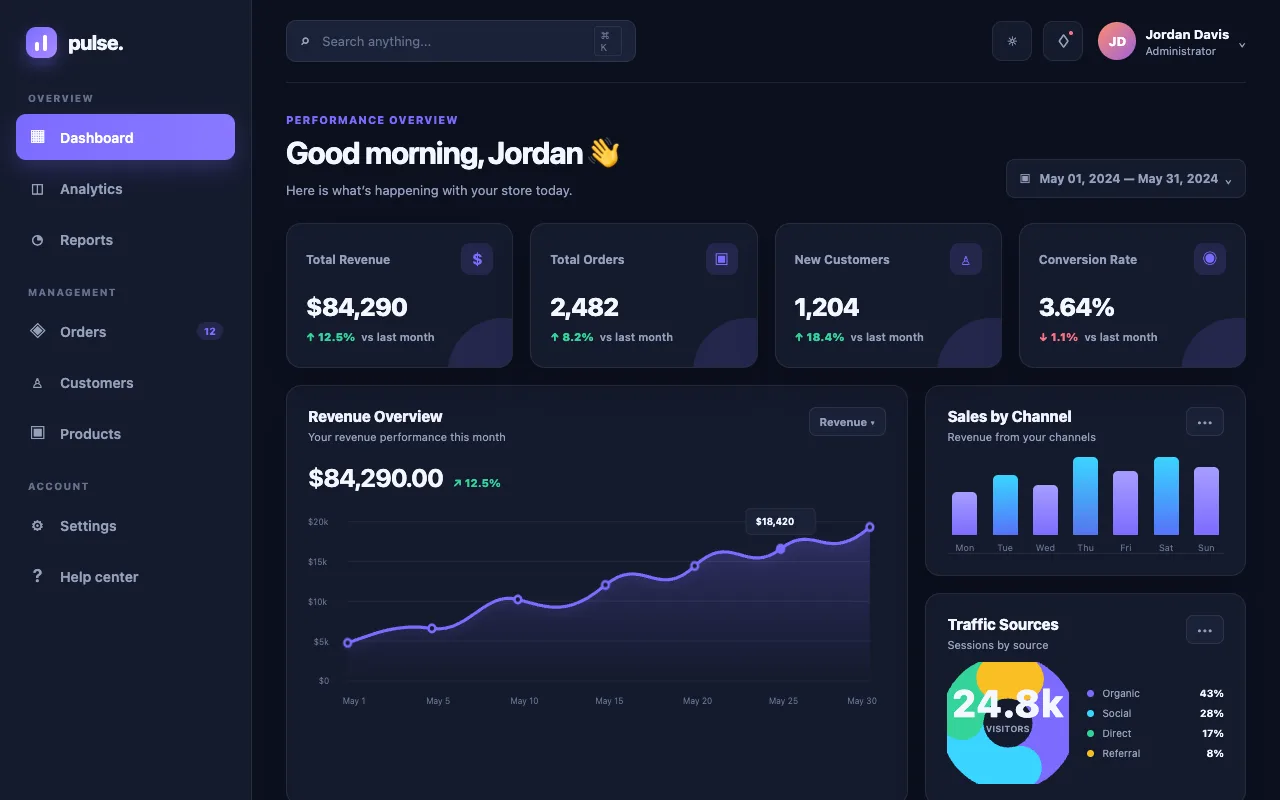
Both engines write into the same Workspace tab. One click and you're looking at the live thing — a running game, a real page, a working app — not a wall of code you have to save and open yourself.
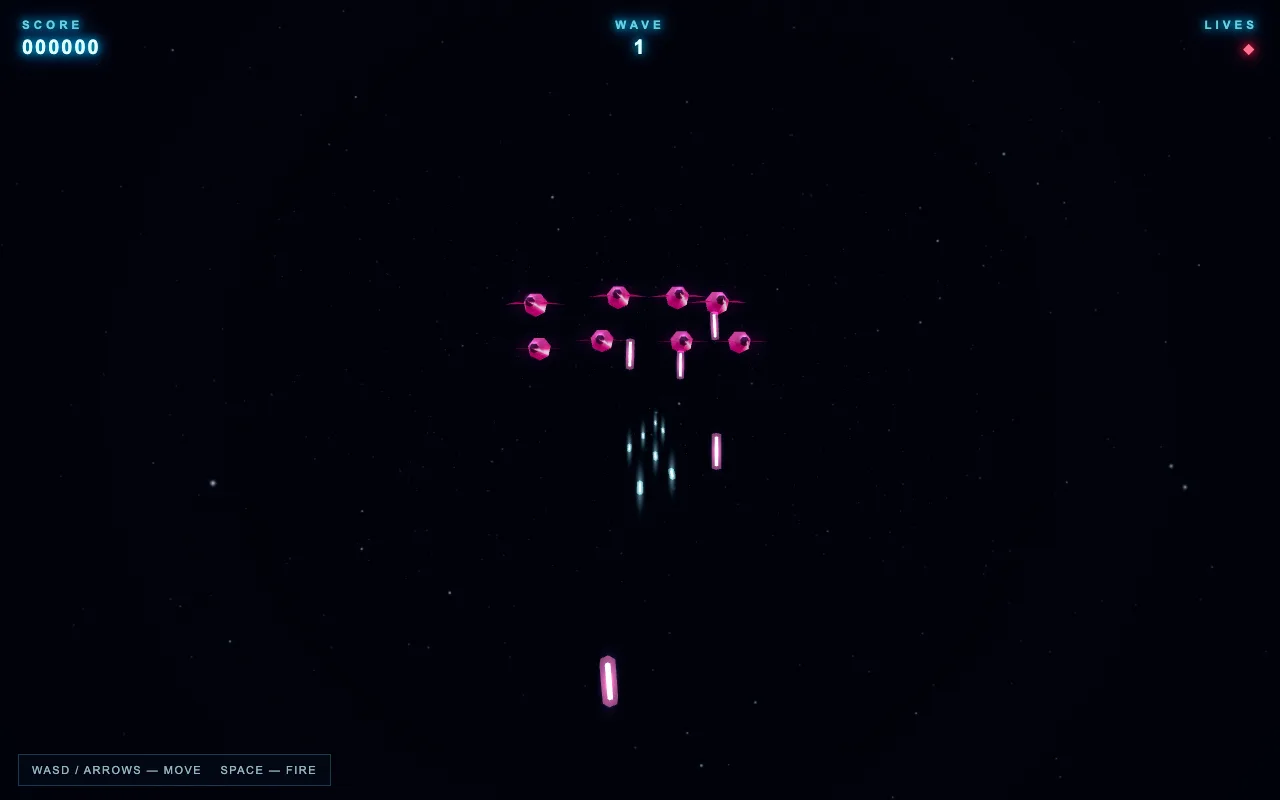
Here's the proof. These are real one-shot builds from GPT 5.6 inside the Agent OS, sitting in my workspace right now. They're live — play them.
While writing this, I opened the tab and gave GPT 5.6 a quick job: a motivational-quote card app. On its ChatGPT OAuth login it wrote a complete, working index.html first try — clicked the button, the quote changed — and it dropped straight into the workspace next to the games. That's the whole loop: type, build, preview, keep. Nothing lands in a random downloads folder. Nothing gets lost.
The workspace doesn't care what you sell. Members run agencies, ecom stores, coaching, SaaS and content brands off the same setup — a landing page is a landing page, a dashboard is a dashboard, a tool is a tool. The engines build the thing; the Agent OS keeps it. Your business decides what to point it at.
Every build and everything you typed is saved. The terminal scrollback persists on your Mac, and each build gets logged twice — a durable machine history and a human-readable log inside your Obsidian vault, tagged with which engine built it.
So you never lose a session, never re-explain a project, and can scroll back through everything either engine has ever built for you. The memory is part of the tool, not something you bolt on.
No — that's the exact problem this fixes. The old way, you close a chat tab and the context is gone. Here the scrollback, the builds, and an Obsidian log all persist. Reopen the tab tomorrow and your last session, and every project, is right where you left it.
Same tab, two very different tools. Here's the honest split — depth and a paid-login-you-already-have on one side, raw cheapness and a giant context on the other.
Want the full GPT 5.6 tier breakdown — Sol vs Terra vs Luna, tested on real builds? →
The Dual-Engine Coder is one tab in it. Here's everything you get inside the AI Profit Boardroom:
You're not buying a tool. You get the whole operating system — the full zip, every prompt, the Obsidian memory setup, and coaching calls where we set it up together.
Get the Agent OS → Inside the AI Profit Boardroom · skool.com/ai-profit-labNo — that's the biggest myth about it. The Dual-Engine Coder is the proof: GPT 5.6 runs on the ChatGPT login you already pay for, and GLM 5.2 runs at cheap Ollama rates for the high-volume 80%. Across the rest of Agent OS it's the same story — a free local model on your own machine for the everyday work, free APIs where they fit, and the tools you already own (your ChatGPT plan, your Claude subscription) for the frontier jobs. It's a layer on top of what you already pay for, not a new meter — and the Boardroom has full token-efficiency tutorials so you cut usage to the bone.
158 pages of members who already made the switch to building inside one Agent OS — real businesses, real wins, in their own words.
Read the 158-page testimonials doc →If you already pay for ChatGPT and you're only ever using the chat box, you're leaving the best part on the table.
The Dual-Engine Coder turns that same login into a building engine — and gives you a cheap second engine for the volume work, both in one tab, everything saved.
The people who figure out setups like this now, while the tools move this fast, are the ones way ahead when it all settles. Every workflow you build compounds. This is one worth building today.
You've seen it — GPT 5.6 on the login you already have, GLM 5.2 one toggle away, both building into one saved workspace. That's the Dual-Engine Coder, and it's one tab inside the Agent OS I run everything on.
Grab the Agent OS inside the AI Profit Boardroom and you get it wired in on day one — plus Claude, Hermes, Grok and a free local model all on one dashboard, Goal Mode, the AI Mastermind, the Obsidian memory setup, and the token-efficiency playbooks that keep the whole thing cheap. You get the full zip, every prompt, and coaching calls where we set it up together, step by step.
4,000 founders are already in there building. Every time a new model drops — like GPT 5.6 — the whole system gets more powerful automatically. The window where this is still ahead of normal usage is closing. Be early.
Get the Agent OS → Inside the AI Profit Boardroom · skool.com/ai-profit-lab