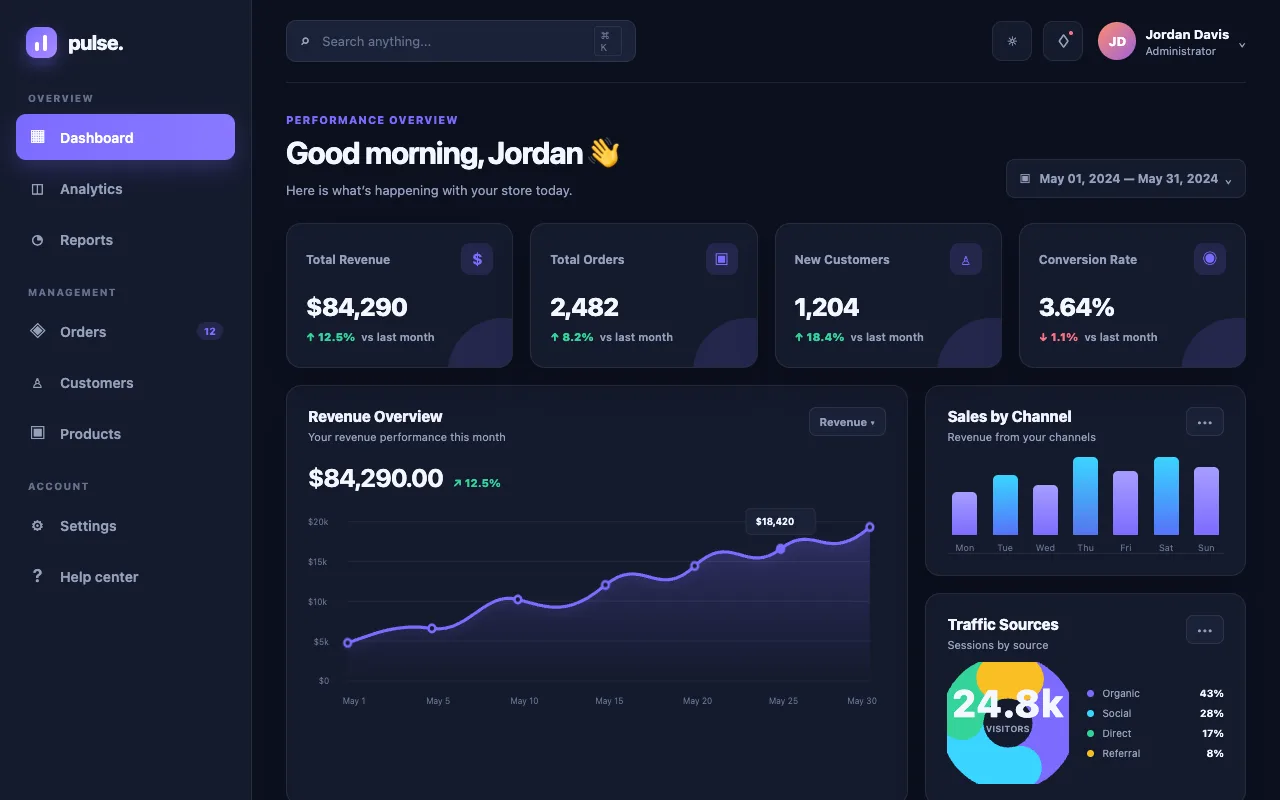
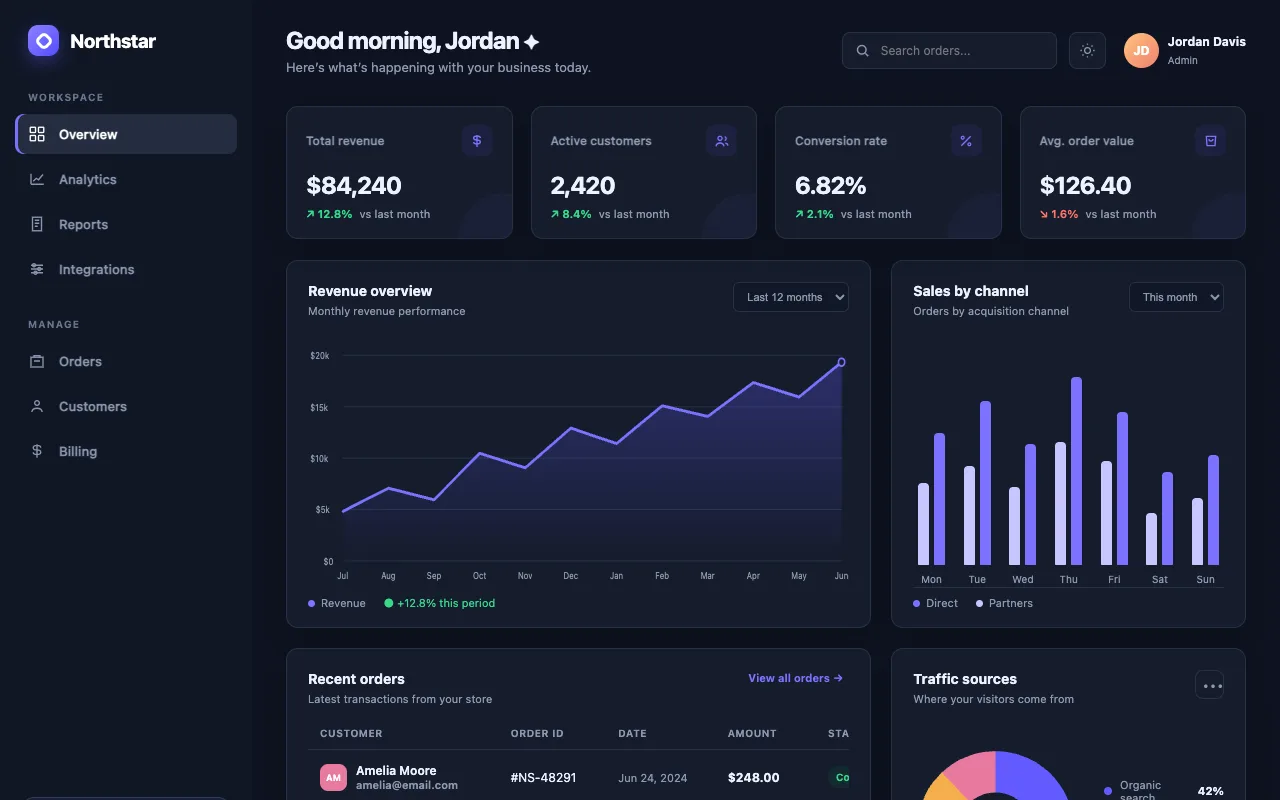
No API key. No second bill. GPT 5.6 sits in one dashboard next to Claude, Hermes and Grok — you pick Sol, Terra or Luna in a dropdown, hand it a goal, and it builds in the background while you sleep. Here's everything you can do with it.

Before
I already paid for ChatGPT every month.
But to use GPT for real building, I was told I needed an API key and a whole second bill.
So I lived in browser tabs — copy the code out of ChatGPT, paste it into a file, run it, paste the error back. Every session.
Close the tab and the context was gone. I babysat every single build.
Then I wired GPT 5.6 straight into my Agent OS — on the ChatGPT login I already had.
After
Now GPT 5.6 is one tab in my dashboard. No API key. No second bill.
I pick Sol for the hard stuff, Luna for the fast stuff — one dropdown.
I hand it a goal, close my laptop, and it keeps building in the background.
Every build it makes is saved and previewable. Nothing gets lost.
You can have this too. Same login. Same path.
Here's the room already building on the Agent OS — agency owners, ecom founders, course creators, solo operators. Different businesses. Same dashboard.
I'm not going to paste invented quotes here. The wins are real and written by the members themselves — agency owners, ecom founders, course creators, solo operators across 38 countries. Read them in their own words.
Read the 158-page wins doc →You've seen the setup. Real people. Real builds.
The next ten minutes show exactly how GPT 5.6 wires into the Agent OS.
So here's the deal.
If you're reading this, promise yourself one thing right now. You'll finish this guide AND set up one piece of it before you sleep tonight. Just one piece. Because the moment you make this transition, everything about how you work with AI changes.
The people sitting still are getting passed. The people wiring this in today are the ones who'll look back in six months and say "that was the moment."
Be one of those people.
Commit to the transition. Commit to taking action today. This changes everything about your workflow.
GPT 5.6 stops being a chat window and becomes an engine you command. Five layers. This is the whole system.
GPT 5.6 runs on the ChatGPT account you already pay for. No API key, no second bill — it signs in the way you already do.
Sol for the hard jobs, Terra for the daily driver, Luna for fast and cheap. Switch in one click, per task.
Hand it a goal and walk away. It runs itself in the background until the job is done — you don't have to sit and watch.
Every build it makes is saved and previewable in one click. You stop losing the things GPT built you.
GPT 5.6 sits next to Claude, Hermes and Grok on the same screen. One dashboard runs your whole model line-up.
You type in the Codex tab. It signs in with the ChatGPT login you already have — no API key anywhere in the chain. GPT 5.6 builds. The result lands in your Workspace, ready to preview.
This is the part that changes everything. Most people think using GPT 5.6 for real building means signing up for the API and getting a second bill.
Inside the Agent OS, it doesn't. The Codex tab signs in with your normal ChatGPT login — the same one you use every day. The header even says it out loud: via OpenAI · gpt-5.6-sol · your ChatGPT OAuth.
So the model you already pay for is now doing your building. One click, and GPT 5.6 is the engine — no key to copy, no card to add, no meter ticking on the side.
It's the opposite. You already log into ChatGPT. This uses that exact login — you sign in once the normal way and you're done. No key to paste, no config file, no card details. If you can log into ChatGPT, you can run this.
It is — through your ChatGPT plan. The three tiers (gpt-5.6-sol, gpt-5.6-terra, gpt-5.6-luna) run on a paid ChatGPT account today. That's the whole point: you're not waiting on an API rollout, you're using the login you've had for months.
GPT 5.6 isn't one model. It's three. Sun, earth, moon — biggest to smallest.
Sol is the flagship — the deep one for hard, multi-step jobs. Terra is the everyday driver. Luna is fast and cheap for high-volume work. Inside the Agent OS they all live behind one selector, so you match the tier to the job instead of paying flagship prices for a five-second task.
I tested all three head to head on the same build prompts — a game, a landing page and a dashboard. Luna went three-for-three with zero errors at a tenth of Sol's cost. If you want the full "which tier for which job" breakdown, that's its own guide.
Read the companion guide — Sol vs Terra vs Luna, tested on real builds →
Luna went 3-for-3 on my builds with zero console errors — a working three.js game and a dashboard with a live theme toggle included. Going down a tier costs you depth and detail, not whether the thing runs. For most everyday jobs the cheap tier is simply enough.
This is the one people don't believe until they see it. In the Codex tab there's a Goal Mode. You type a long-horizon objective, hit launch, and close the tab.
GPT 5.6 keeps running on its own. It works auto-approved inside its own scratch folder — ~/codex-scratch/<id>/ — so each goal has its own space and nothing collides. It runs until the job is met, or until you stop it.
You do this: you say "build me a working 3D racing game, single HTML file, then a matching landing page." You launch it. You go make coffee. You come back and there's a finished build waiting — the goal marked done, the output sitting in the Workspace.
I ran this myself. A gpt-5.6-sol goal launched in the background, ran with no one watching, and came back marked completed. Being honest: not every goal succeeds first try — some fail and you re-launch — but the loop is real, and a build that runs while you're away is a build that costs you no time.
It's fenced in. Each goal runs auto-approved but sandboxed to its own scratch folder — it can't wander into the rest of your machine. You can stop any goal with one click, and every step is logged so you can read exactly what it did. It's autonomy with a leash, not a loose cannon.
Whatever GPT 5.6 builds lands in the Workspace tab. One click and you're looking at the live thing — a running game, a real page — not a wall of code you have to save and open yourself.
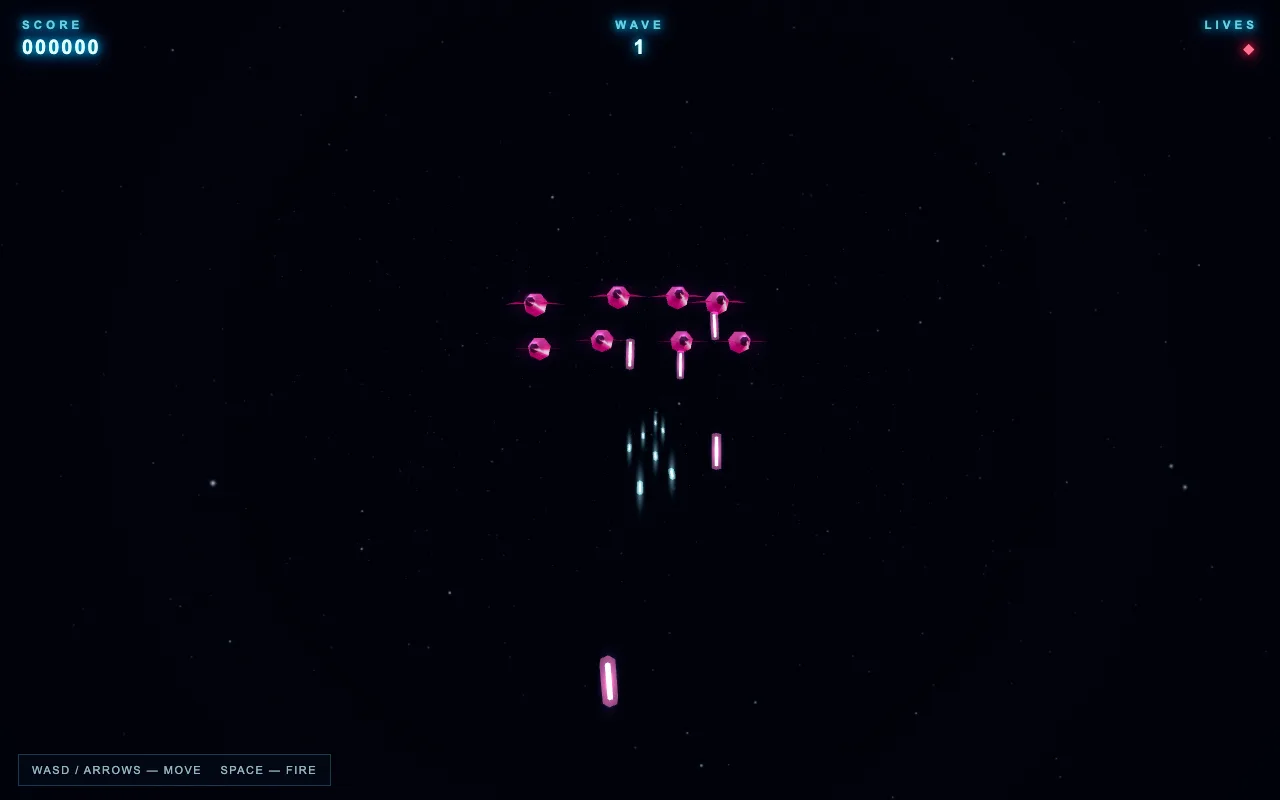
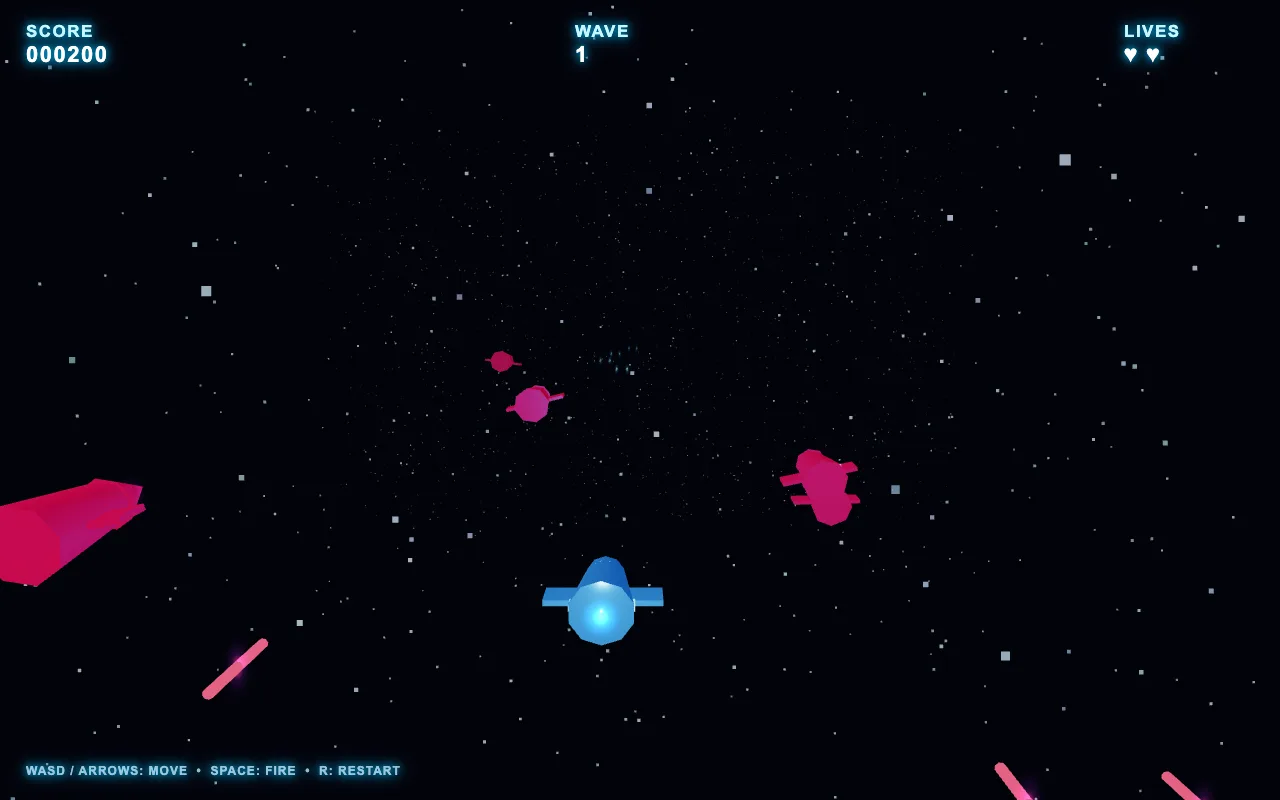
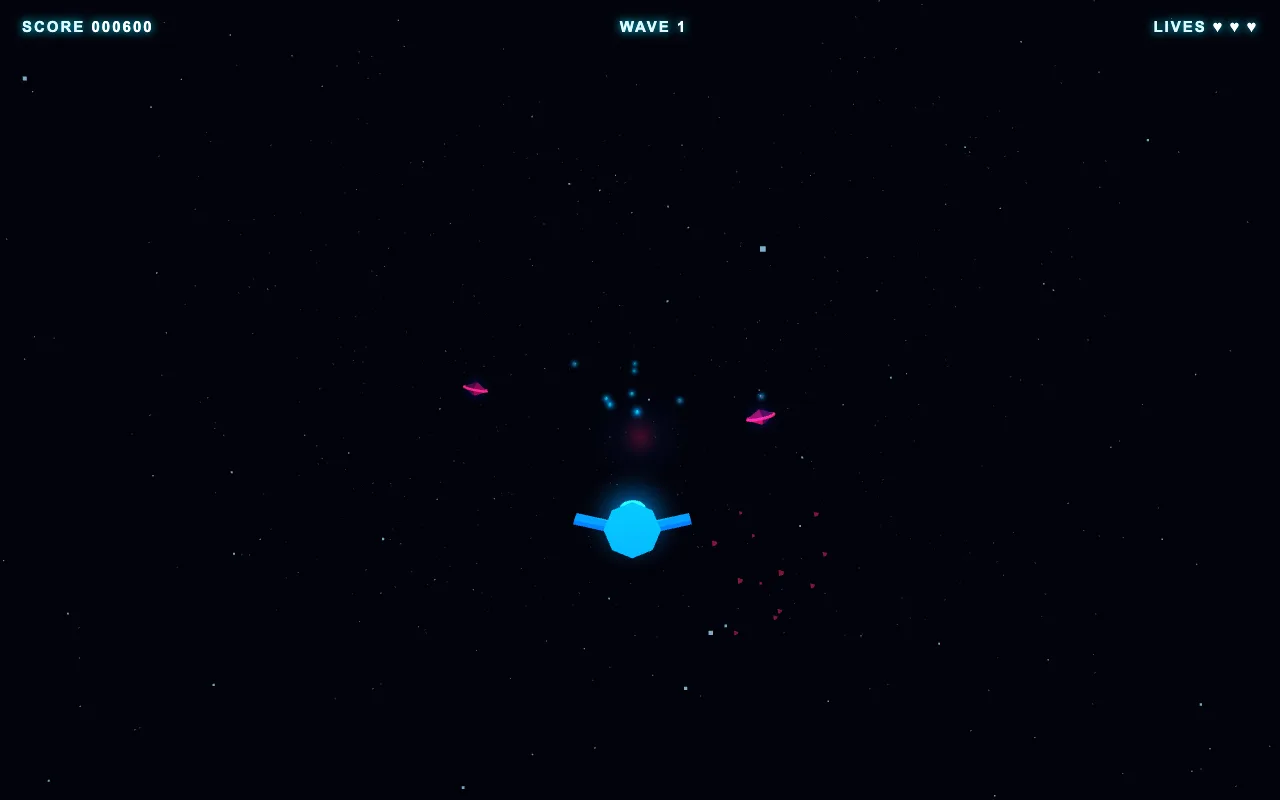
Here's the proof. I gave all three tiers the same prompts inside the Agent OS and screenshotted what came back. Every one loaded and ran. Play them — they're live.
Games, landing pages, dashboards — one-shot, saved to the Workspace, one click to preview. That's the whole loop: ask, build, preview, keep. Nothing lands in a random downloads folder. Nothing gets lost.
The Workspace doesn't care what you sell. Members run agencies, ecom stores, coaching, SaaS and content brands off the same setup — a landing page is a landing page, a dashboard is a dashboard, a lead tool is a lead tool. GPT 5.6 builds the thing; the Agent OS keeps it. Your business decides what to point it at.
Same prompts, one shot each, inside the Agent OS. This is the tier gap you can actually feel — Sol thinks the longest and writes the most; Luna is done before you've refilled your coffee.
GPT 5.6 is one engine in it. Here's everything you get inside the AI Profit Boardroom:
You're not buying a tool. You get the whole operating system I run a seven-figure business on — the full zip, every prompt, the Obsidian memory setup, and coaching calls where we set it up together.
Get the Agent OS → Inside the AI Profit Boardroom · skool.com/ai-profit-labNo — that's the biggest myth about it. Agent OS runs the everyday 90% on a free local model (on your own machine, free, nothing leaving it), free APIs slot in for more, and for the frontier work it drives the tools you already pay for — like GPT 5.6 on your existing ChatGPT login, and the Claude CLI your Claude subscription already includes. It's a layer on top of what you already own, not a new meter. And inside the AI Profit Boardroom there are full token-efficiency tutorials, so you cut usage to the bone and never think about it again.
158 pages of members who already made this exact switch — real businesses, real wins, written in their own words.
Read the 158-page testimonials doc →If you already pay for ChatGPT, you're leaving the best part on the table by only ever using the chat box.
GPT 5.6 inside the Agent OS turns that same login into a building engine — one that picks its own tier, runs in the background, and keeps every output.
The people who figure out agent setups now, while the tools are moving this fast, are going to be way ahead when everything settles. Every workflow you build compounds. This is one worth building today.
You've seen it — the login you already have, three tiers in a dropdown, Goal Mode building while you're away, every result saved. That's the GPT Command Engine, and it's one engine inside the Agent OS I run everything on.
Grab the Agent OS inside the AI Profit Boardroom and you get GPT 5.6 wired in on day one — plus Claude, Hermes, Grok and a free local model all on one dashboard, the AI Mastermind, Agent Kanban, the Obsidian memory setup, and the token-efficiency playbooks that keep the whole thing cheap. You get the full zip, every prompt, and coaching calls where we set it up together, step by step.
3,600 founders are already in there building. Every time a new model drops — like GPT 5.6 this week — the whole system gets more powerful automatically. The window where this is still ahead of normal usage is closing. Be early.
Get the Agent OS → Inside the AI Profit Boardroom · skool.com/ai-profit-lab