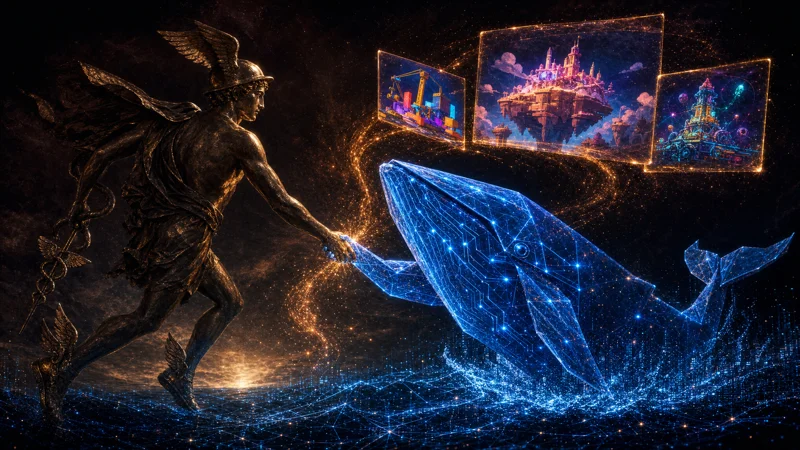
"Seedance 2.5 text-to-video, multimodal omni-reference generation, video edit, and video extension" — duration 4 to 30 seconds in a single pass.
— ByteDance model card, as listed live inside Higgsfield, August 2026
01 · The problem
The Dead Template Problem.
Open most websites and nothing moves.
Now open a luxury watch site.
The product turns as you scroll. Film plays behind the headline. Things react when you touch them.
That feeling is the whole difference between a template and a brand.
And until now, that feeling was expensive — real footage, motion designers, developers, weeks of work.
So the rest of us shipped dead pages and called it done.
The One-Take Website Engine breaks that wall for good.
Old way~6 weeks · a whole team
Hire a film crew for product footage
Pay a motion designer for the scroll effects
Pay a developer to wire it all together
Wait weeks between every revision round
Burn the budget before the site even launches
Result: only big brands could afford "alive"
New way~1 afternoon · one conversation
Seedance 2.5 films the one-take footage
Claude Code writes the whole page around it
One plain-English sentence wires the scroll
Changes land in seconds, not weeks
Push it live from the same chat
Result: the five demo sites on this page
THINKING IT?"Surely this still needs an agency somewhere."
Every site on this page was built with a chat window and one video model.
No editor was opened. You'll drive all five demos yourself in a minute.
02 · The secret
Most "fancy motion" is just video.
That rotating product is a film — and your scroll bar is playing it.
Scroll down, the film runs forward. Scroll up, it runs backward.
Your scroll bar is basically a remote control.
03 · The catch
The trick needs one unbroken take.
Scrolling drags through every frame — so a single cut makes the page jump and the illusion shatters.
Old AI video maxed out around ten seconds and snuck in camera cuts, which is why you still needed a film crew.
04 · What changed
Seedance 2.5 — 30 seconds, one pass.
ByteDance's newest model films 30 seconds in one unbroken pass, extends the same shot, keeps your look across generations, and actually obeys camera language.
That's the exact recipe premium websites need.
05 · The framework
The One-Take Website Engine.
Seedance 2.5 makes the one take. Claude Code builds the whole website around it — and you never open a code editor.
i.
The Take
Seedance 2.5 films one unbroken 30-second shot — your product, your camera move, zero cuts.
ii.
The Build
Claude Code writes the whole page around that take — you describe it like texting a friend.
iii.
The Wire
One sentence ties the film to the visitor — scroll, hover, or a breathing pause.
iv.
The Ship
"Push this live" — and the site is on the internet from the same chat.
Seedance 2.5 lives inside Higgsfield, and Higgsfield has an MCP — a plug that goes straight into Claude.
Copy the MCP link in Higgsfield, add it as a custom connector in Claude, sign in — and Claude now generates video inside your chat.
THINKING IT?"MCP sounds like a developer thing."
It's copy one link, paste it into Claude's connector settings, and sign in.
If you can add a bookmark, you can do this — it's a one-time, three-minute job.
08 · Step 2 — collect
You don't design. You collect.
Screenshot 10–15 parts of websites you love — a headline here, a product section there.
Your only skill is knowing which of two sites looks better. That's taste, and you already have it.
Wrong: "I'm not a designer, so my site will always look homemade."
Right: You're the art director now, not the artist. You point at what you love — Claude studies the spacing, fonts and structure, and does the hands part.
09 · Step 3 — hand it over
Drag the screenshots in and talk.
"Study these layouts, then build me a site for my candle company using what you learned" — and Claude builds a real working site.
Refining is talking: bigger headline, more elegant font, swap the photos. Seconds per change.
10 · Step 4 — the one that matters most
Footage first. Page second.
Generate the Seedance footage BEFORE Claude designs the sections — otherwise the page gets designed around empty boxes.
Here's the shape of a real footage prompt (this exact style made every take on this page):
30-second single unbroken shot of THIS watch (attach your real product photo), slowly rotating on a dark marble surface, macro close-up, soft golden light traveling across the metal, static camera, no cuts.
11 · Step 5 — wire it
One sentence wires motion to the visitor.
"Tie this video to the scroll position so the watch rotates as the visitor scrolls" — Claude writes all the code.
Watch it working on the real AURUM demo (that's a cursor scrolling, and the film answering):
What you're watching: the live AURUM demo site. As the cursor scrolls, the 30-second Seedance take scrubs forward and backward — the gold watch rotates only when the visitor moves.
12 · Step 6 — ship
"Push this live." That's the deploy.
Tell Claude to push it to GitHub and publish — hosting is usually free, and you can connect your own domain.
Six steps total, and after the connector, steps 2–6 fit in one afternoon.
THINKING IT?"But where does the site actually live? I don't run servers."
Claude publishes it to free static hosting in the same conversation.
You get a link, and pointing your own domain at it is a settings change, not a project.
✦
13 · The five effects
Five effects that used to need a specialist each.
Here's the map — then every one of them, live, as a real site you can drive.
AURUM — the watch that turns when you scroll
Effect 1 · scroll rotation
One 30-second unbroken macro take, scrubbed to scroll — and Seedance's light reflections travel so naturally it can look more real than a 3D model.
One unbroken studio orbit tied to scroll, with spec numbers fading in at rotation points.
What you're watching: the live VANTA demo. A slow, deliberate scroll orbits the car — the visitor is the camera, and the specs appear at set points in the rotation.
Three Seedance shots of the same scene — petals, bottle, fog — each scrolling at its own speed and leaning with your cursor.
What you're watching: the live NOIR BLOOM demo. As the cursor circles, the petal, bottle and fog layers lean at different depths — three flat films reading as one deep scene.
My favourite: cursor on, the blade slides from its sheath as light runs the edge — cursor off, it slides back.
What you're watching: the live KAJI demo. The cursor moves onto a knife and the film scrubs forward — off, and it runs backward. One cut anywhere would kill this; Seedance 2.5 holds it.
Steam rises behind the headline, plays once, rests four seconds, plays again — watch the corner dot.
What you're watching: the live EMBER & OAK demo. The hero film plays, pauses for four full seconds, then breathes again — motion with a pulse instead of a loop.
Day-to-day versions: a bakery homepage with slow-mo bread torn open and steam rising, or a real-estate listing with one smooth glide through the home tied to scroll.
THINKING IT?"Video backgrounds always make sites slow."
The takes on these five sites run 1–10 MB each, and most load in the background before you reach them.
One well-compressed take is lighter than the pile of scripts most template sites load anyway.
14 · The three rules
Premium vs cheap AI junk.
Same tools, opposite results — the difference is these three rules.
Rule 1 — Restraint
One or two motion effects per page, never seven. The stillness around an effect is what makes it land — the knife site is one hover effect carrying a whole page.
Rule 2 — Prompt the camera, not the vibe
"Cinematic" gets you a bland average. Name the move (slow push-in, static), the light (golden hour, single window), the pace (slow motion on the reveal). Seedance 2.5 actually listens now.
Rule 3 — Kill the auto-loop
The endless looping background is the #1 AI-site giveaway. Tie motion to the visitor — scroll, hover, cursor — or add a pause between plays. Motion that responds feels designed; motion that loops feels like a screensaver.
Wrong: "AI websites always end up looking like cheap AI junk."
Right: Junk is a rules problem, not a tools problem. Restraint, camera language, and no auto-loop — follow those three and you get the five sites above.
15 · The honest caveat
Seedance burns credits if you generate carelessly.
The rules are also the fix: restraint means 1–2 great takes per page, and camera prompting means first-try shots instead of ten re-rolls.
Describe length, subject, camera, light and pace in ONE prompt up front, and treat every generation like it costs money — because it does.
7Takes · all five sites
624Credits total
0Re-rolls for taste
1Retry (failed render, not charged)
The real receipt from building this page: seven prompts, written once each, on a 6,000-credit plan — the whole five-site grid used about a tenth of one month. One page built this way costs less than one hour of an agency's time.
Wrong: "This will quietly eat credits until it costs more than a designer."
Right: Careless prompting eats credits — the one-full-prompt rule means most shots land first try. Every number above is from this exact build.
THINKING IT?"Doesn't running the Agent OS burn a fortune in tokens?"
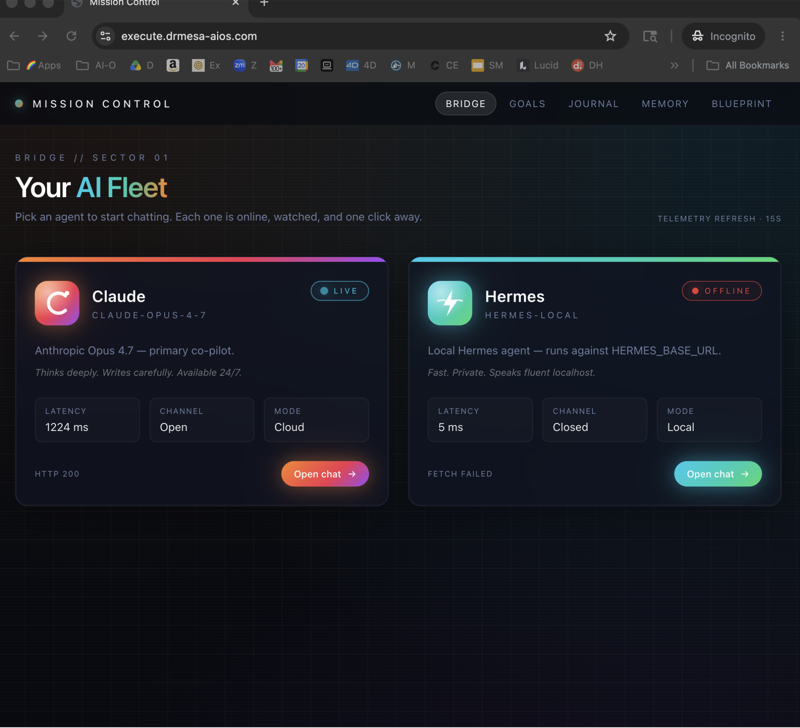
No — that's the biggest myth about it. The everyday 90% runs on free local models on your own machine, free APIs slot in for more, and for frontier work it drives the CLIs you already pay for — your Claude subscription already includes Claude Code, and the Agent OS plugs straight into it, so you're not paying twice.
And inside the AI Profit Boardroom there are full token-optimisation tutorials, so you cut usage to the bone and never think about it again.
Don't take my word for it
158 pages of members who already pushed through these exact doubts — real businesses, real wins, in their own words.
For twenty years these sites belonged to companies with money — the skill has now moved from hands to words, from knowing how to code to knowing how to describe.
In a year everyone knows this. Today almost nobody does.
Websites that used to need a team now need a conversation.
17 · Homework
Your first one-take page, this week.
Pick the one page that makes you money. Homepage, offer page, product page — just one.
Screenshot three sites you wish it looked like.
Connect Higgsfield to Claude — the three-minute MCP step above.
Generate ONE piece of footage following rule two: name the camera, the light, the pace.
Wire it to scroll and ship it. One sentence to wire, one sentence to publish.
The AI Profit Boardroom is where the actual Agent OS lives — the templates, the prompts, the daily rooms, the weekly walkthroughs. Same builds you read about here, taught hands-on inside.