Dropped 5 August 2026 · installed, benchmarked + wired in the same day
The Muse Code Engine — Meta just entered the coding-agent race.
Meta just released their first coding agent, and it installs with one line in your terminal.
It runs Muse Spark 1.2 — a brain that holds a million tokens, so your whole project fits in its head at once.
Its party trick: hand it one big job and it splits the work across six parallel workers, each in its own safe copy of your code, so nothing ever collides.
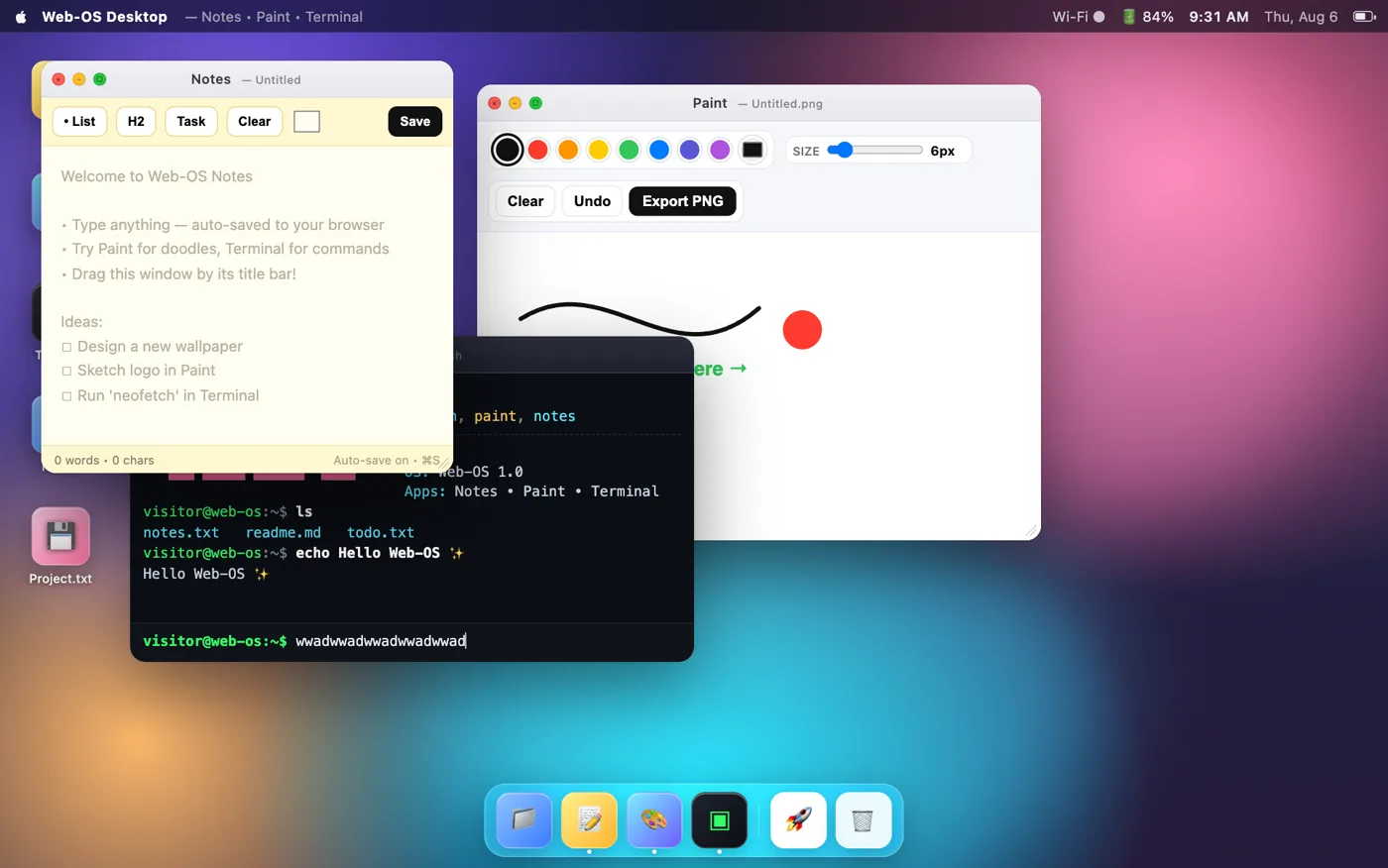
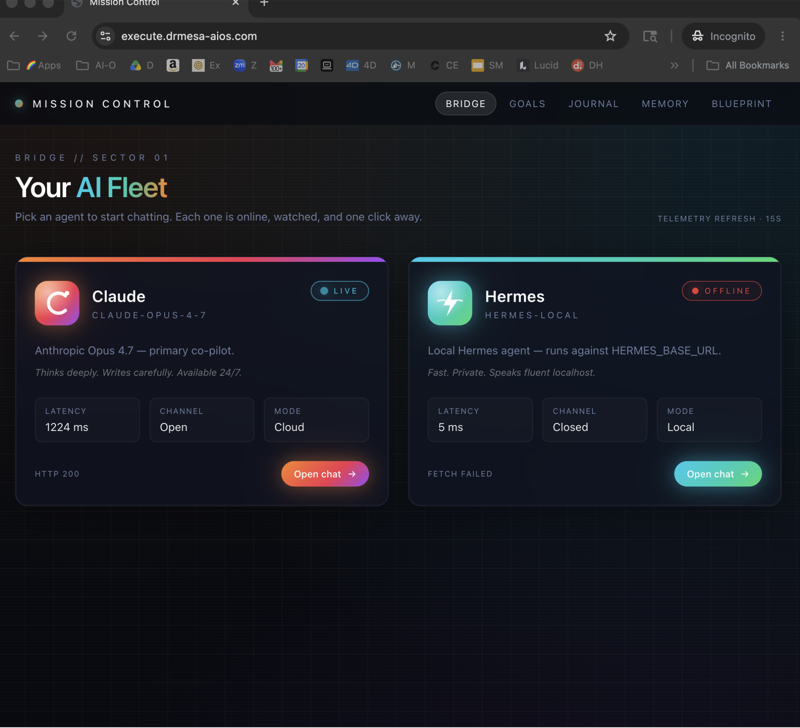
I installed it the hour it dropped, made it build fifty real things, scored every one, and wired it into my Agent OS — a full desktop operating system it built in one file is playable below.
Today: the install, the fan-out trick, the honest scoreboard, and the one thing it's still bad at. Stick with me to the end. Let's get into it.
Here's the whole thing in one breath.
Muse Spark 1.2 is the model — Meta's coding brain, released today.
Muse Code is the agent built around it — the tool that plans, edits files and runs commands.
One command installs it, and the same model is on OpenRouter, which is how it plugs straight into my Agent OS.
50real builds scored on GoldieBench
7.28average score · judged like every model
1Mtoken context window
1command to install the agent
✦
I ────── The problem
The Launch-Day Gamble Problem.
A new coding agent drops almost every month now. Today it's Meta's turn.
And every launch hands you the same bad bet.
Option one: ignore it. But some of these launches are real upgrades, and skipping one puts you a tier behind the people who caught it.
Option two: adopt it blind. New install, new auth, new quirks — and no idea whether it's actually better than what you run, or at what.
The launch post won't tell you. Every launch post says the same thing: state of the art, best in class.
What you actually need on day one is a verdict: what is this genuinely good at, what does it fail at, and where does it slot into the stack I already run?
Nobody hands you that. So most people gamble — or freeze.
The Muse Code Engine breaks that cycle: install it, score it on fifty real builds against every other engine, and route work to it by dinner — all on the day it dropped.
THINKING IT?"I already run Claude and an agent OS — why touch Meta's thing at all?"
Exactly the right question — and it's what the scoreboard below answers. It turns out Muse is elite at app interfaces (an entire desktop OS in one file, 8.6) and weak at 3D worlds.
Knowing that, it earns a specific seat in the stack instead of replacing anything. That's a verdict, not a gamble.
✦
II ────── How it works, in simple words
What Muse Code actually does
You type one install command, sign in, and type muse in any project.
Then you talk to it like a senior engineer: "fix this bug, add these five features."
When the job splits naturally, it fans the pieces out to separate workers — automatically.
Every single thing every worker does lands in a log file on your disk, so you can always answer "which agent did what, and when?"
And if anything crashes, muse resume reads that log and carries on where it stopped.
Install once, describe the whole job, let it split the work, audit the log, merge what you like.
✦
III ────── Exactly how it works, step by step
From zero to a parallel agent team
1 · Install with one line.curl -fsSL https://dev.meta.ai/install.sh | bash — that's the whole install. It drops one small program into your tools folder.
2 · Sign in once. Run muse login and approve a code in your browser with your Meta account. (Got a Meta API key instead? Set it and skip the browser entirely.)
3 · Open it in any project. Type muse inside a project folder. There's also muse exec for headless one-shots — that's what my Agent OS uses.
4 · Give it the WHOLE job. Don't feed it one task at a time. List all six features in one message — splitting the work is its job, not yours.
5 · Watch the fan-out. It spawns a worker per task, each in its own git worktree under .muse/worktrees/. Your files stay untouched while six branches grow in parallel.
6 · Steer from one seat. A single status view shows the roster; you can steer or cancel any worker without disturbing the others.
7 · Trust the log, not your memory. Every action lands in a plain-text event log on your disk. Crash, close the laptop, whatever — muse resume picks up exactly where it stopped.
8 · Use the built-in playbooks./plan grounds a plan in your real files and stops for approval. /taste is an anti-slop filter for UI. /grill interviews your design until it holds up. They only fire when you ask.
9 · Pick your meter. The contributor tier is rate-limited by tokens in a rolling 5-hour window — everyday use without watching a bill. Heavy runs switch to standard pricing: $1.25 per million in, $4.25 out, $0.15 cached.
The pipeline this guide walks you through — from Meta's announcement to a scored, routed engine in your own stack.
So when someone asks "but what IS it?" — it's a terminal agent that turns one instruction into a supervised, logged, parallel team.
✦
IV ────── Straight from Meta
The official sources. Read it and run it yourself.
"Muse Code is a purpose-built coding agent optimized for long-horizon, multi-agentic coding workflows and transparent auditability: every subagent it spawns, every tool call, every steer and cancel, is observable and replayable through the event log."
— Matthias Reso and Josh Walters, Meta, 5 August 2026
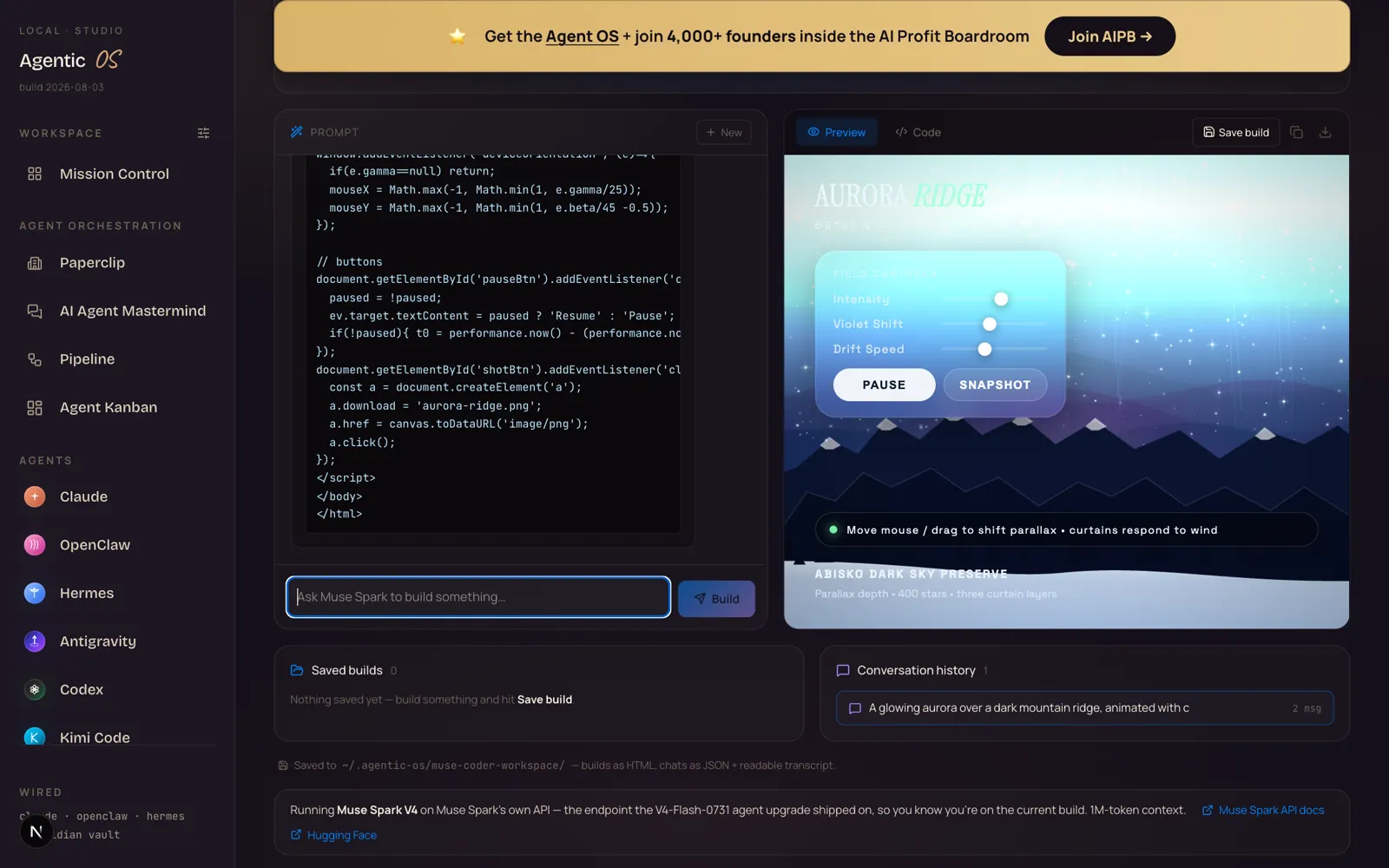
I wired Muse Spark 1.2 into my Agent OS the hour access expanded. New tab in the sidebar, streaming build panel, live preview. This is it building an aurora scene — code on the left, the finished thing rendering on the right:
What you're looking at: the new Muse Code tab in my Agent OS. One prompt in the box, Muse Spark 1.2 streams the build, and the preview pane runs it the moment it finishes — this aurora came back with working pause, snapshot and drift controls I never asked for.
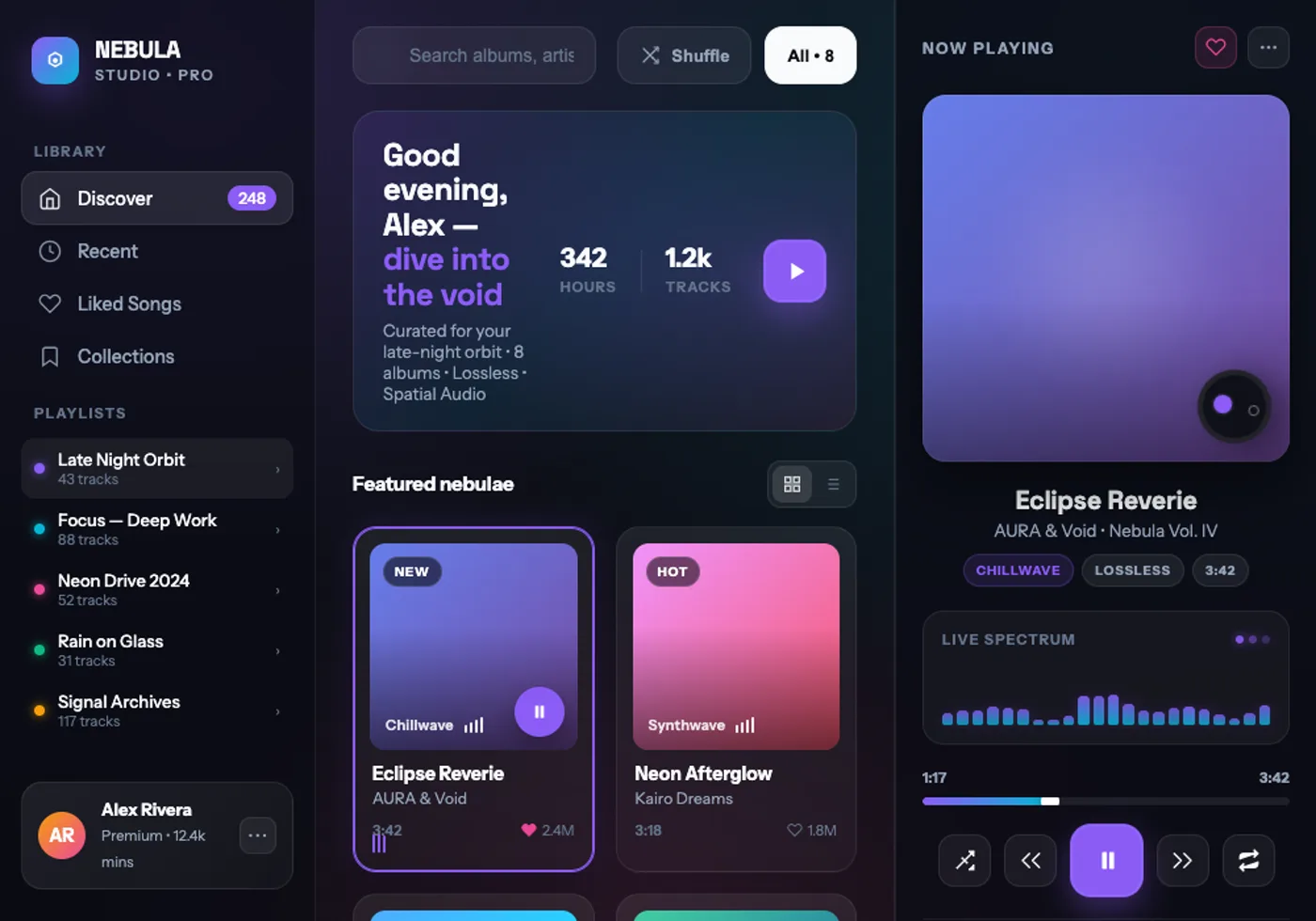
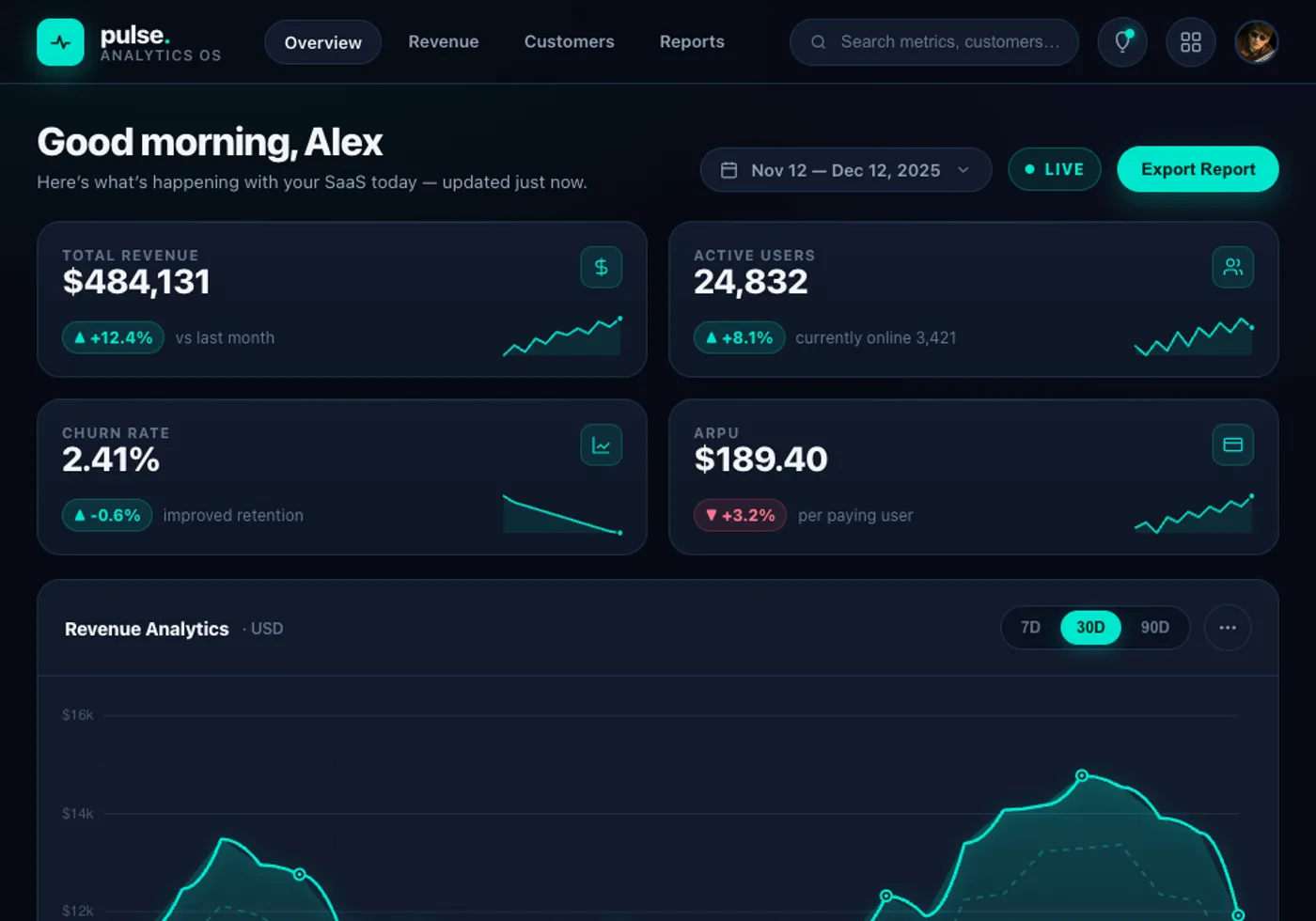
Then I put it through the full GoldieBench gauntlet — 50 real builds, every one judged. Same rubric as every model on the board. It averaged 7.28 — and its true lane is APP CHROME: full interfaces, one prompt, one file. So that's what the demos are. Every one below is Muse's own work, playtested:
Generative art and app chrome are its lane. Open-world 3D games collapse to empty shells — the full 50-task board is live on GoldieBench.
One agent you babysit, or six workers you audit. That's the whole upgrade.
VI ────── My story · why this matters
Release days used to cost me a weekend
A new coding agent drops, and normally that means a weekend: install it, fight the auth, learn its quirks, wonder if it's actually good.
This one took an afternoon, because the Agent OS absorbs new engines as profiles — Muse Spark became a tab next to DeepSeek and Qwen before dinner.
And instead of wondering if it's good, I made it build fifty things and had the same judge score them that scores every model on my leaderboard.
Now I know exactly what to hand it — art, apps, dashboards — and exactly what to route elsewhere. That's the whole point of an operating system: the launch works for you.
✦
VII ────── The receipts
Real people. Real wins. Inside the Boardroom right now.
Members get every new engine the week it ships — wired in, tested, with the honest scorecard attached.
Everything above collapses into five layers. This is what you're actually running.
i
The One Command
One curl line installs the agent; one browser approval signs you in. The barrier to entry is gone.
ii
The Spark
Muse Spark 1.2 — a reasoning brain with a 1M-token window, so your whole repo fits in its head. Same model in the CLI, the API and OpenRouter.
iii
The Fan-Out
One instruction becomes a team — a worker per task, each in its own git worktree, your files never touched. This is the signature move.
iv
The Glass Box
Every action every worker takes is logged to plain files you can grep. Crashes don't lose work — resume reads the log and continues.
v
The Paved Road
Built-in playbooks — /plan, /taste, /grill — that fire only when you invoke them. Guardrails without ceremony.
Meta's own cookbook demo: six features on one game, six workers, zero collisions. The parent merges the branches it likes.
✦
IX ────── Old way vs new way
What this gives you back.
Babysitting one agent
~a day for six features
One task at a time, you watching each one
Second task waits so files don't collide
A crash loses everything in its head
"What did it change?" means scrolling chat history
New model drops mean a weekend of setup
With the Muse Code Engine
~one prompt, six workers
The whole job in one message — it splits the work
Six worktrees build in parallel, files never collide
Every step logged; resume continues after any crash
"What did it change?" is a grep, not an argument
Inside the Agent OS it's just the next tab over
"Doesn't running the Agent OS burn a fortune in tokens?"
No — that's the biggest myth about it. The everyday 90% runs on free local models, free API tiers slot in beside them, and for frontier work it drives the subscriptions you already own — Muse Code's contributor tier is exactly that shape: token-limited, not per-request billed. Inside the Boardroom there are full token-efficiency tutorials, so the meter stays boring.
"Meta is late — the coding-agent race is over." The scoreboard above says the opposite: on day one it's already elite at apps and art, with a 1M window and the cleanest parallel-agent story on the market. Races this young don't have finish lines.
"Parallel agents will wreck my repository." The whole design exists to prevent that: every worker gets its own isolated worktree, your working copy is never touched, and you merge branch by branch. It's safer than one agent editing live.
"I should wait until it's out of beta." The event log means experimenting costs nothing — every action is auditable and reversible. The people learning the fan-out pattern now will be running teams of agents while everyone else still babysits one.
Don't take my word for it
158 pages of members who stopped waiting — real businesses, real wins, written by them.
The model is the spark. The log is the trust. The fan-out is the leverage.
XI ────── The SOP
Run it yourself — seven steps.
1 · Install.curl -fsSL https://dev.meta.ai/install.sh | bash then muse login.
2 · Start on the contributor tier. Token-limited in a rolling 5-hour window — everyday use without meter anxiety. Swap to standard pricing only for heavy runs.
3 · First job: a real repo, the whole job. Give it every task in one message and watch the fan-out. Start with the cookbook's Bastion Breaker sample if you want a safe sandbox.
4 · Read the roster, steer from one seat. Check the status view; cancel or redirect any worker without touching the others.
5 · Merge deliberately. Each worker commits to its own branch. Review, merge the good ones, drop the rest.
6 · Route by the scorecard. Hand Muse the apps, dashboards and art. Keep open-world 3D on the engines that scored 9s at it — that's what the leaderboard is for.
7 · Make it a tab, not a tool. Wire the model into your OS (OpenRouter id: meta/muse-spark-1.2) so the next launch is a profile swap, not a weekend.
✦
XII ────── Recap
The whole thing in 30 seconds.
You stop gambling on launches.Install → 50 scored builds → routed engine, in one afternoon. The verdict replaces the hype.
You know exactly what it's for.App interfaces are its lane — a desktop OS, a music player, a dashboard, an editor, all on this page. 3D worlds are not (dragonrealm 2.5).
You stop babysitting one agent.The fan-out turns one prompt into six workers, each in its own worktree, merged branch by branch.
You stop losing work.Every action logs to disk; muse resume continues any crashed session where it died.
You pick the meter.Contributor tier for the everyday; standard pricing ($1.25/M in, $4.25/M out) only when you choose it.
Your OS absorbs it.Muse Spark is a tab beside every other engine — the next launch is a profile swap, not a weekend.
The AI Profit Boardroom is where the actual Agent OS lives — the templates, the prompts, the daily rooms, the weekly walkthroughs. Same builds you read about here, taught hands-on inside.