Higgsfield just became something your AI agent can control directly, and it turns your setup into a proper creative studio.
That means you describe a shot in plain words and get a cinematic 4K image or a real video back — without opening another app, another tab, or another subscription screen.
Your agent picks the model, does the work, and files everything for you.
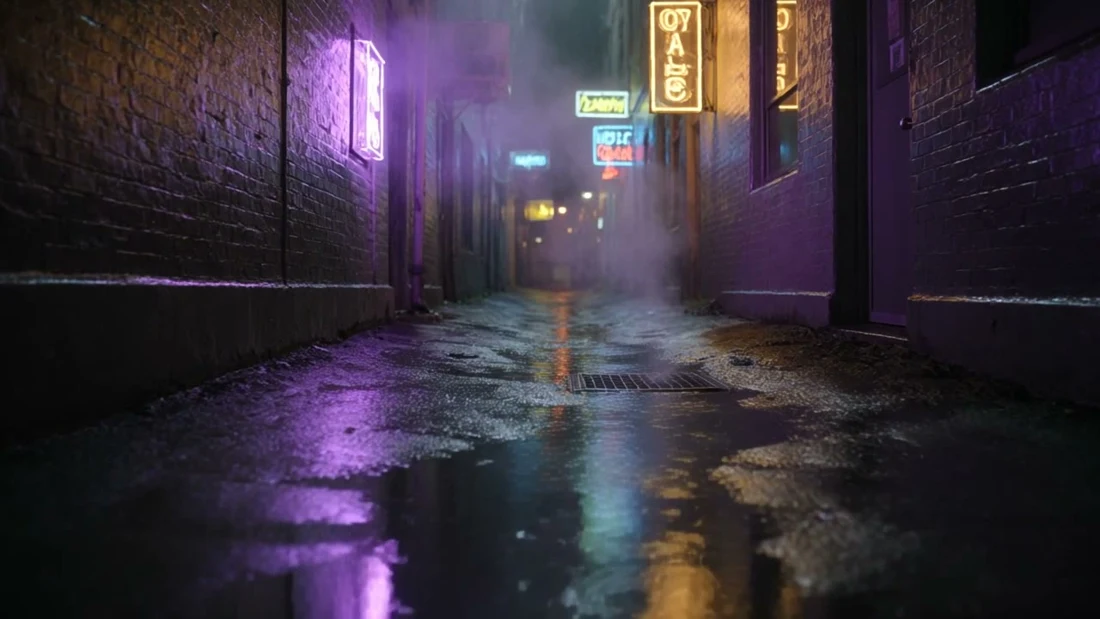
I wired it into my Agent OS this morning and it made a five-second neon film noir clip and a rooftop shot I'd genuinely pay a photographer for — you'll see both.
There's also one setup detail that quietly stops most people, and I'll show you exactly how to spot it.
Stick with me to the end. Let's get into it.
Here's what changed, in one breath.
Higgsfield is a creative engine — images up to 4K, video, voices, 3D.
It now speaks MCP, which is the standard that lets an AI agent use an outside tool directly.
So instead of you driving Higgsfield, your agent drives it.
You say what you want. It picks the model, runs the job, waits, and hands you the file.
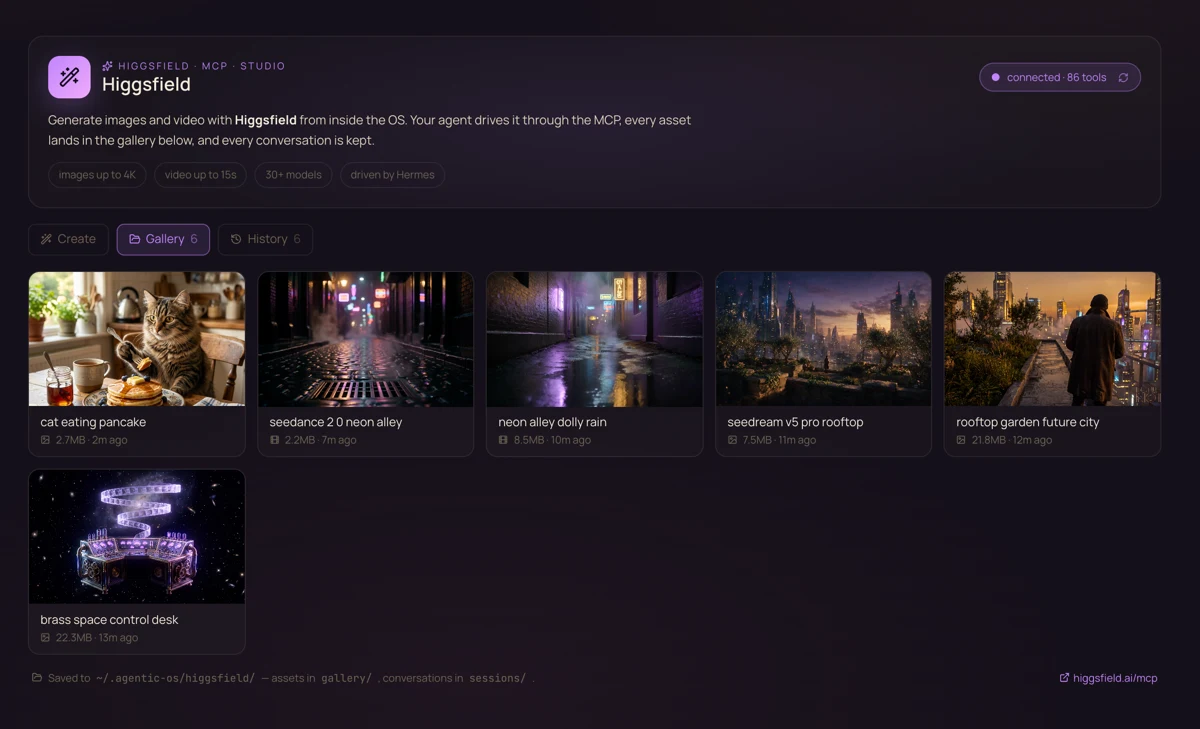
I built a section into my Agent OS around it: one panel to create, a gallery of everything ever made, and a history of every conversation.
86tools your agent can call
4Kimage resolution
1sign-in, then it's automatic
0apps to switch between
II ────── What this actually is
Your agent stops asking you to go and do things.
Skip the jargon for a second.
Normally your AI can only talk. It writes you instructions, and then you go and do the work — open the site, paste the prompt, wait, download the file, rename it, put it somewhere sensible.
An MCP is a socket that lets the AI reach out and do that part itself.
Once Higgsfield is plugged into that socket, the whole shape of the job changes:
Before: you describe a shot to your AI, it writes you a nice prompt, you carry that prompt somewhere else, and you do the fetching.
After: you describe a shot, and a finished file appears in your gallery.
That's the entire difference, and it's bigger than it sounds — because now generating images is something an agent can do in the middle of a longer job, without stopping to ask you for help.
The socket is the whole story — your agent reaches through it and does the fetching itself.
"Is this just a fancy way of saying I still type prompts?"
You still say what you want — that part never goes away.
What disappears is everything after: choosing the model, submitting, waiting, downloading, filing.
And because your agent can do it mid-task, one instruction can now end with finished artwork instead of a suggestion that you go and make some.
✦
III ────── The setup
Connect it in two steps.
There's no key to buy and nothing to paste into a config file. It signs in with your existing Higgsfield account.
Step 1 — tell your agent the address.
The server lives at https://mcp.higgsfield.ai/mcp. In Hermes that's one line:
In Claude, you add it under Connectors and paste the same address. Any MCP-capable agent works the same way.
Step 2 — sign in, once.
hermes mcp login higgsfield
A browser opens, you approve it with your Higgsfield account, and you're done forever. Check it took:
hermes mcp test higgsfield
Mine came back with 86 tools — image generation, video, audio, 3D, voice cloning, even website and game deployment. That number is your proof the socket is live.
"Which agents can use this?"
Any that speak MCP — Claude on web, desktop and Claude Code, Hermes, OpenClaw, and others.
I'm using Hermes here because it's what my Agent OS runs on, but the address is identical everywhere. That's the point of a standard.
✦
IV ────── The one that catches people
Signing in on the website is not signing in.
This is the bit I want you to have before you hit it, because it cost me a detour and looks exactly like success.
When you run the login command, your browser opens and you sign into Higgsfield. Easy to assume that's it.
It isn't. Your agent needs the approval to travel back to it. If you only sign into the website and never let that handshake finish, the website is happy and your agent still has nothing.
How to know it worked: the browser lands on a plain page that says Authorization Successful — you can close this tab and return to Hermes. That page is the receipt. No receipt, no connection.
How to know it didn't: run the test command and read it. If it says there are no cached tokens, the handshake never completed — repeat the login and let the browser finish returning.
My panel checks these two things separately on purpose: is it set up, and is it signed in. When something's wrong it names which of the two, instead of a vague "not connected" that leaves you guessing.
Two things that look identical from the browser. Only one of them actually connects your agent.
✦
V ────── What it made
Then I asked for shots, and got shots.
Talk is cheap, so here's everything it produced — each one a single sentence from me, no editing, no retouching, straight out of the gallery.
The rooftop image came back at 2720 × 1536 and the others at 5504 × 3072 — that's print-size, not thumbnail-size. One of them even added its own title card without being asked.
The video is a real five-second file with proper motion and audio, not a looping GIF.
And the whole time, I was writing this page. That's the part that matters: the studio ran itself while I did something else.
"How long does it take?"
Images landed in around two minutes each, the video in about the same.
Slower than a chat reply, much faster than booking a shoot.
You give the instruction and go do something else — which only works because your agent is doing the waiting, not you.
✦
VI ────── Picking a model
The names are one letter apart. Get them the wrong way round and nothing works.
Higgsfield has a lot of engines behind it, and two of the best ones have almost the same name.
Seedream makes images. Newest is 5.0 Pro, with a lighter 5.0 and a 4.5 alongside it.
Seedance makes video. Newest is 2.0, with a smaller "mini" version and an older 1.5.
Seedream, Seedance. That's the whole difference, and asking for the wrong one gets you a confused agent or the wrong kind of file.
You mostly don't need to care — leave it on automatic and your agent picks. But when you do want a specific look, name the model in your request and it will use exactly that one. The shots above are labelled with what actually ran, because a comparison is worthless if you don't know which engine made which picture.
The habit worth stealing: ask your agent to list the models before you assume a version exists. Mine listed every one in a few seconds — and settled the question instantly.
"Do I need to learn thirty model names?"
No. Automatic is genuinely fine for almost everything.
Learn two: the newest image one and the newest video one. Ask for those by name when the shot really matters, and let the agent choose the rest of the time.
✦
VI·b ────── Any model behind the wheel
The studio doesn't care which brain is driving.
Here's the part nobody tells you about MCP. The sign-in belongs to the socket, not to the model.
My Higgsfield login lived in one Hermes profile. I wanted Qwen 3.8 Max — a completely different model, from a completely different company — to run the studio instead.
The whole move is two files. The OAuth tokens sit in a folder called mcp-tokens inside the profile that signed in. Copy that folder into any other profile, add four lines to its config, and that profile now owns the studio too. No second sign-in. No browser. Two minutes.
# give any Hermes profile the studio (example: qwen-3-8)
cp -r ~/.hermes/profiles/julian/mcp-tokens ~/.hermes/profiles/qwen-3-8/mcp-tokens

# and append to ~/.hermes/profiles/qwen-3-8/config.yaml
mcp_servers:
  higgsfield:
    url: https://mcp.higgsfield.ai/mcp
    auth: oauth
Then I gave Qwen one brief — a dark-and-gold promo set for the community — and walked away. It explored the model catalogue itself, picked Cinema Studio 3.0 for the video and Nano Banana Pro for the stills, rendered all three, and downloaded every file into the gallery. I didn't touch a thing after the prompt.
Read what happened there again. A Chinese reasoning model chose an American video engine's cinema camera, briefed it, waited out the render and filed the results — because the socket made them the same room.
That's the real lesson of MCP: sign in once, and every agent you'll ever run inherits the studio.
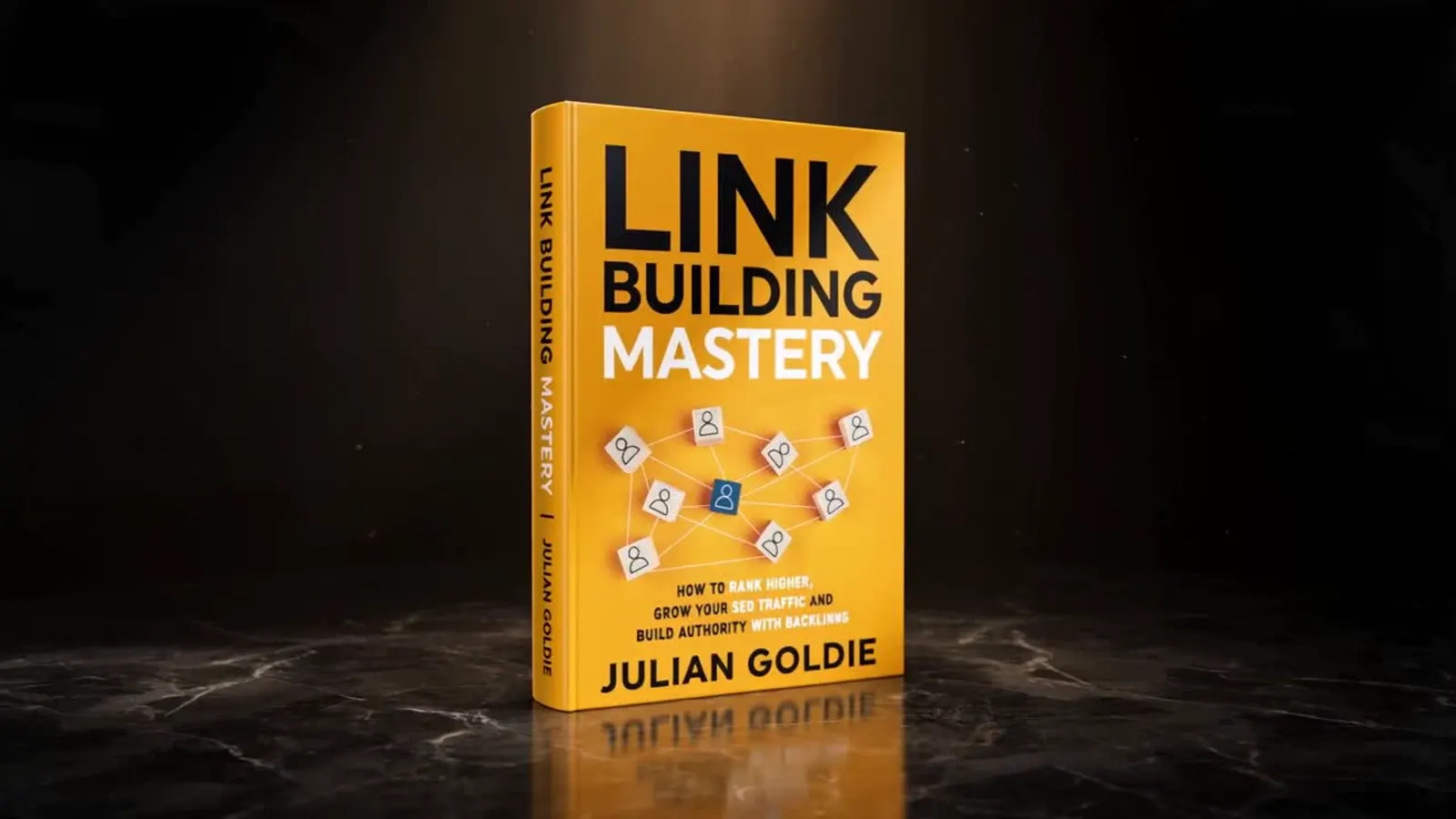
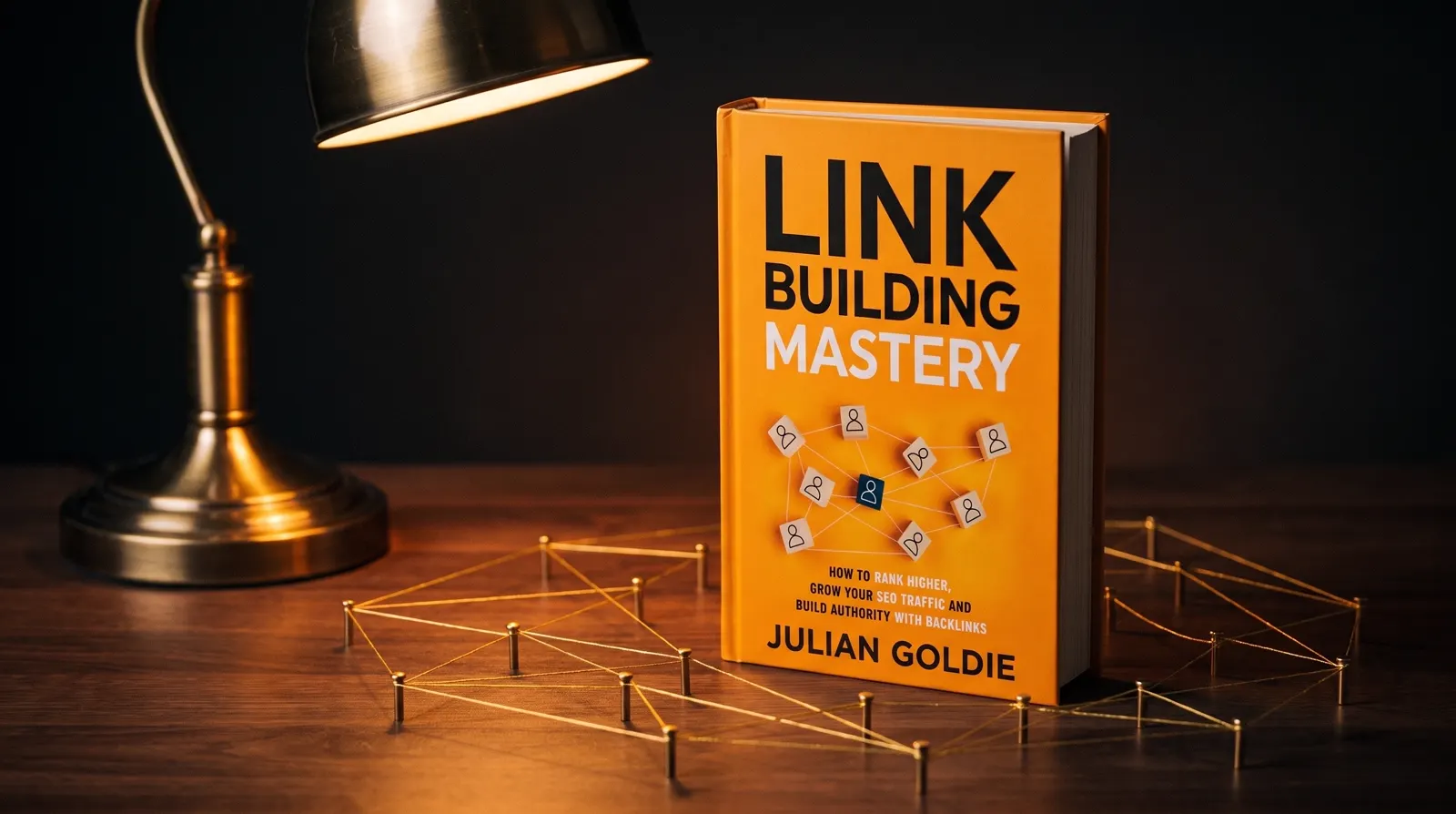
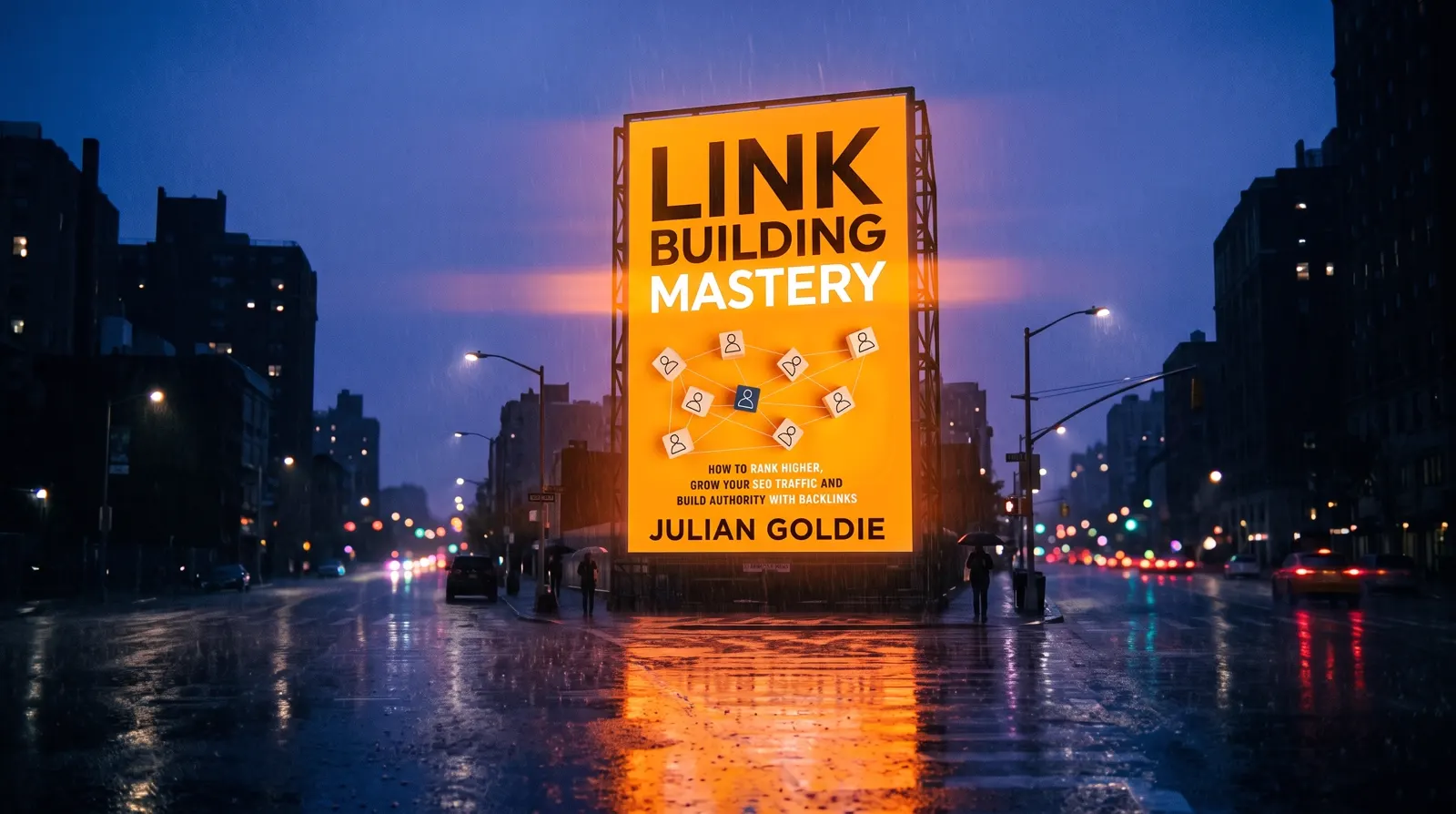
Then we raised the difficulty: a real product, with a reference image. Text prompts alone had already failed this test once — earlier attempts described my book in words and got generic orange nonsense back. The fix is to hand the studio the actual cover. There's no image URL parameter; the socket has a proper upload flow — media_upload → PUT the file → media_confirm — and then the file rides into the generation as a start_image. Qwen ran that whole flow itself and made these:
It's the same account, on the same machine, for the same you. The tokens are scoped per-profile so agents can have different tool belts — copying them is you deciding two of your agents share one. Rotate or revoke any time from your Higgsfield account page.
✦
VII ────── Inside the Agent OS
A studio needs a room, not a chat log.
Connecting the MCP is the easy half. The half people skip is having somewhere for the work to live.
Generate through a plain chat window and your images end up scattered through a conversation you'll never scroll back through. Two weeks later you know you made the right shot and you can't find it.
So the section I built has three parts, and that's deliberate:
Create — say what you want, pick image or video or leave it automatic, go.
Gallery — everything ever made, newest first. Videos play when you hover. Click for full size and download.
History — every request you've made, what it produced, how long it took. Including the failures, stated plainly, because a studio that hides its misses teaches you nothing.
All of it on your own machine, in one folder. Not locked inside a chat.
The room itself — connected, 86 tools live, and every shot filed where you can find it again.
"Why not just use the Higgsfield website?"
Use it — it's good. This isn't a replacement for it.
The difference is that a website can't be part of an automated job. When generating is something your agent can do on its own, image-making stops being a task you schedule and becomes a step inside bigger work you've already set running.
✦
VIII ────── My story · why this matters
I was you. Then the tools came to the agent.
Before
Making anything visual meant a tab crawl.
One tool for images, another for video, another for voice, each with its own login and its own downloads folder.
Half my day was carrying files between things that don't know about each other.
And every finished asset lived somewhere I'd forget by Friday.
Then the tools started plugging into the agent instead.
After
Now I describe a shot and it appears in my own gallery, on my own machine, with the conversation that made it sitting next to it.
No tab crawl. No downloads folder archaeology.
And because it's a socket rather than an app, the next creative tool I add will land in exactly the same place.
You can have this today. Two commands and a browser click.
IX ────── The receipts
Real people. Real builds. Inside the Boardroom right now.
The members wiring tools into their agents the week they ship — agency owners, ecom founders, course creators.
4,000+ founders inside AIPB
258 real wins documented
400K YouTube subscribers
38 countries · live members
163K X followers
Members post their wins as they happen — first agents shipped, workflows automated, whole businesses run from one dashboard. All collected in one doc you can read right now.
Two commands and a browser click. That's the entire barrier.
So here's the deal.
Connect Higgsfield today and ask it for one real shot — something you actually need, not a test.
Then notice what it felt like to get a finished file back instead of a suggestion.
That feeling is the whole reason to build an agent setup rather than collect AI apps.
Be one of the people who feels it this week. One tool. Today.
✦
X ────── Old way vs new way
Most people collect apps. Operators collect sockets.
The old way: a new creative tool launches, you sign up, and now you have another tab, another login, another folder of downloads.
Your AI can describe what to do in it but can't touch it.
Ten tools later you're the integration layer, carrying files between things by hand.
The new way: the tool plugs into your agent, and your agent already knows your projects, your files and your workflow.
Adding the next one is another socket, not another habit.
The work lands in one place, the history is one history, and your agent can use any of it mid-job without asking you to fetch something.
✦ ✦ ✦
Get the whole operating system
Want this room pre-built?
The Higgsfield section, the gallery, the history, and every other engine — pre-wired inside the Agent OS. Join the AI Profit Boardroom and you get:
The Higgsfield Control Room — MCP wired, gallery and history ready to fill
The full Agent OS — every engine in one dashboard, new ones added the week they ship
Agent Kanban — Planner → Builder → Reviewer teams that ship while you sleep
The memory vault — an Obsidian brain your agents actually read
Free local models — the everyday 90% of work at $0 on your own machine
The video studio — avatars, voice, and finished renders from a prompt
5 live coaching calls a week — get unblocked by people on your exact setup
Inside the AI Profit Boardroom · skool.com/ai-profit-lab
Set up in an afternoon · used in 38 countries · new tools added every week
XII ────── Three beliefs to drop
What's actually stopping you isn't technical.
"Connecting tools to an AI agent sounds like developer work."
It's an address and a sign-in button.
The command is one line you copy, and the approval happens in a normal browser tab like every other login you've done this week.
If you've ever connected an app to your Google account, you've already done something harder.
"AI images still look like AI images."
Look at the rooftop shot again and decide for yourself — the light on the olive leaves, the haze between towers, one figure at the railing for scale.
What makes generated work look generated is usually a lazy request, not a weak model.
Say the lens, the light and the mood, and you get something worth using.
"I'll wait until it's more mature."
The socket is the mature part — that's a standard, and it isn't changing.
What's moving fast is what plugs into it, and every one of those upgrades lands in a setup you built once.
Waiting doesn't save you the setup; it just delays everything the setup gives you.
✦
XIII ────── The SOP
Do it properly — five steps.
1 · Add the server. One line with the address, or paste it into your agent's connector settings. Nothing to buy.
2 · Sign in and watch for the receipt. Run the login, approve in the browser, and confirm you see "Authorization Successful". No receipt means it didn't take.
3 · Test before you trust it. Run the test command and count the tools. A number means you're connected; an error about missing tokens means repeat step two. Never assume — check.
4 · Ask for the model list before your first real job. Ten seconds, and it saves you inventing a version that doesn't exist. Note the newest image model and the newest video model.
5 · Give it somewhere to live. Whatever you build, make sure assets land in a folder and requests land in a history. A generation you can't find later is one you'll pay to make twice.
✦
XIV ────── Recap
The whole thing in 30 seconds.
Higgsfield now speaks MCP — so your AI agent can generate images, video, voices and 3D directly, instead of telling you to go and do it.
Setup is two steps: add the server address, sign in once through your Higgsfield account. My connection came back with 86 tools available.
The trap: signing in on the website isn't the same as completing the handshake. Look for "Authorization Successful", then run the test and count the tools.
Seedream makes images, Seedance makes video — one letter apart. Ask your agent to list the models rather than guessing a version.
Give it a room. A create panel, a gallery of everything made, and a history of every request — otherwise your best work disappears into a chat log.
The shortcut
Skip the wiring. Run my exact setup.
The Higgsfield room, pre-built and connected, inside the Agent OS. 4,000+ founders, 258 documented wins, 38 countries.
The AI Profit Boardroom is where the actual Agent OS lives — the templates, the prompts, the daily rooms, the weekly walkthroughs. Same builds you read about here, taught hands-on inside.