Hermes + NotebookLM is INSANE! (FREE!)
You drop in your docs, your sources, your transcripts. Hermes grabs them, hands them to NotebookLM, and gives you back an audio show, a video summary, a slide deck, and an infographic — all from the same drop. Free. Fifty pages of research turns into a 10-minute audio show you actually listen to. Let me show you.

If you want this, join the AI Profit Boardroom. You get the Agent Operating System, and we update it daily with stuff exactly like this. Hermes + NotebookLM just shipped today. We've already added it — along with everything else inside.
Your docs just got a voice. And a video. And slides.
Here's the news. Hermes — the messenger agent inside the Agent Operating System — just got wired straight into NotebookLM. Google's free knowledge tool.
In plain words: you point Hermes at your docs — PDFs, blog posts, transcripts, notes, a folder of research — and it carries the lot into NotebookLM for you. Then it asks NotebookLM to turn that pile into the formats you actually use.
An audio show you can listen to on a walk. A video summary you can post. A slide deck you can present. An infographic you can drop into your blog.
From one drop. For free. Inside one dashboard.
That's the news. Now let me show you what it feels like.
I was you. Then I gave my docs a voice.
Before
I had a folder full of research I never read.
Fifty-page PDFs. Long transcripts. Blog posts saved "for later." Notes I told myself I'd come back to.
I'd open one, read two pages, get pulled away, close it. Repeat.
The info I needed was sitting right there — and I was never going to read it.
I was paying for tools that summarised it, but the summaries were still walls of text I'd skip.
Then Hermes + NotebookLM changed everything.
After
Now I drop the same docs into Hermes inside the Agent Operating System.
It hands them to NotebookLM. In a few minutes I have a 10-minute audio show I actually listen to on my walk.
Same docs become a video summary I can share with my team. A slide deck. An infographic for the blog.
The research I was never going to read now talks to me — for free.
You can have this too. Same docs. Same path.
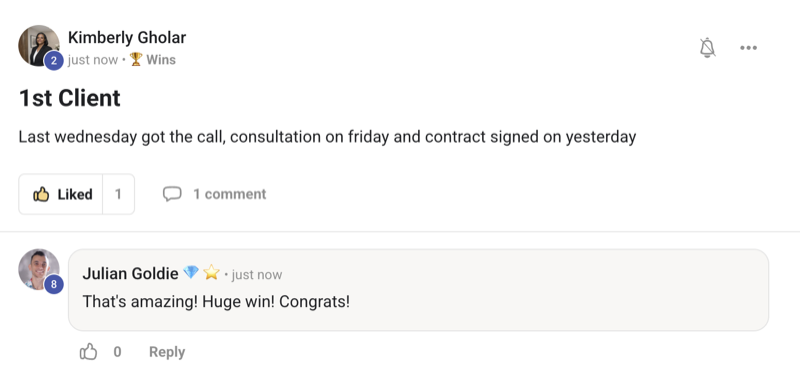
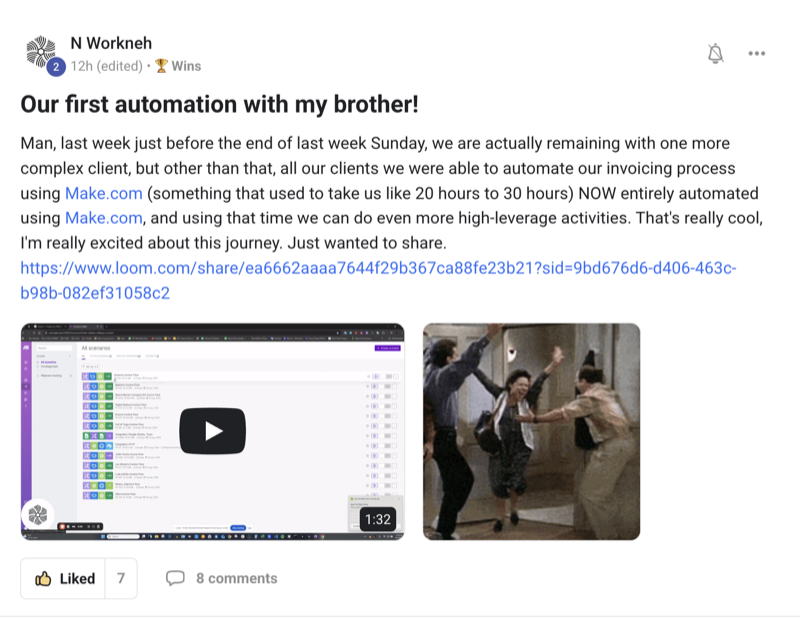
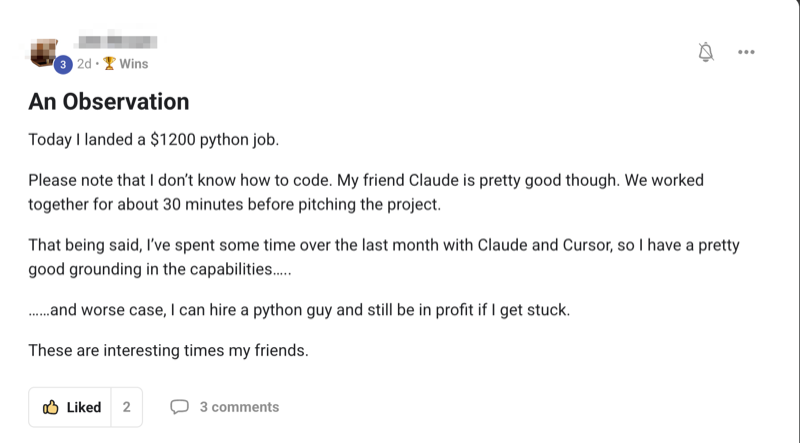
Real people. Real wins. Inside the Boardroom right now.
Here's what's already happening for members running this stack — agency owners, ecom founders, course creators, solo operators. Different businesses. Same result: they stopped letting their docs sit unread.
Commit to transitioning today. Not tomorrow.
You've just seen it — real members already running this stack and getting paid for it.
The next few minutes show you exactly how Hermes turns your docs into audio, video, slides, and infographics — for free.
So here's the deal.
Promise yourself one thing right now: you'll finish this guide, and you'll drop one doc into Hermes before you sleep tonight. Just one. Because the moment you make the switch, every doc on your hard drive stops being dead text. It becomes a show. A deck. A summary. A piece of content you can use.
The people sitting still are still scrolling past their own research.
The people who act today are the ones who'll look back and say "that's when I stopped wasting what I already had."
Be one of those people.
Commit to the transition. Commit to acting today. This changes how you use your own knowledge — for good.
Docs you never read vs docs that talk to you
- Save a 50-page PDF "for later" — ~0 min, ~0 read
- Open it once, read two pages, close it — ~5 min, then forget it
- Pay a SaaS to summarise it — ~$20/mo for another wall of text
- Skim the summary, still skip the long parts — ~3 min
- Try to make a video or slides from it — ~3 hrs and a new tool
- Hand it to a VA — ~$50 and 2 days wait
- Result: the info is on your drive, but never in your head — $0 used
- Drop the docs into Hermes in the Agent Operating System — ~30 sec
- Hermes hands them to NotebookLM for you — done in the background
- Pick what you want out: audio, video, slides, infographic — ~1 click each
- Get a 10-minute audio show you actually listen to on a walk — free
- Get a slide deck ready to present — free
- Get an infographic ready to post — free
- Result: the same docs become content you use, not text you skip — $0
NotebookLM is free from Google — properly free, not "free trial." Hermes connects to it for you inside the Agent Operating System. You get the full audio show, the slides, the video summary, the infographic — without a card on file. The catch is just that most people don't know how to wire it up. That's the part the Agent Operating System does for you.
Every new feature like Hermes + NotebookLM goes straight into the Agent Operating System inside the AI Profit Boardroom — the day it ships. You never fall behind. You just open your dashboard and it's already there.
The Goldie Hermes Knowledge Engine™
When I wired Hermes into NotebookLM inside the Agent Operating System, this is the shape that came out. Five layers. Each one does one job. Together they turn any pile of docs into content you actually use — for free. Here's the engine.

The Source — drop it all in
One spot to drop every doc you own — PDFs, blog posts, transcripts, notes, even a Drive folder. Hermes picks them up so you don't have to upload one by one.
The Grounding — answers from your stuff
NotebookLM only uses what you gave it. So the answers you get are based on your sources, not on the open internet. The info you trust, in your own words.
The Audio Show — your docs out loud
A 10-minute audio show built from your docs — two hosts walking through the key points. You stop reading. You start listening. Free.
The Visuals — video, slides, infographic
Same drop, different formats. A short video summary. A clean slide deck. An infographic ready for the blog. All from the same sources.
The Workspace — save it all
Every audio, video, deck, and infographic Hermes makes lands in your Workspace inside the Agent Operating System. Nothing gets lost. You can come back to it, share it, post it.
Five simple layers. One drop in. Four formats out. Free.
Step one — drop in your source
Open the Hermes panel inside the Agent Operating System. You'll see a big drop zone that says "add a source."
This is the part that makes most people give up on NotebookLM by itself — uploading one source at a time, picking the right type, hoping it parses. Hermes does it for you.
You can drop a PDF, paste a link, point at a Google Drive folder, or send a whole stack of transcripts. Hermes handles the boring upload work — files get pushed into NotebookLM, sorted, and grounded — while you go and put the kettle on.
Try it like this: grab the last big PDF you saved and never finished. Drop it on the Hermes drop zone. Hit go. Come back in 2 minutes — it's in.
Hermes was built for messy. It handles PDFs, web pages, transcripts, plain text, Drive folders, even pasted blocks. You don't have to clean anything first. Drop it, walk away, come back to a sorted source list.
Ask questions — get answers from your stuff
Now that your sources are in, you can ask anything you want about them. The big difference from a normal chat: the answers only come from what you uploaded.
That means no made-up facts. No "I think." No links to random websites you've never read. Just answers grounded in your own sources, with the lines they came from underlined so you can check.
For my business, that's huge. I can drop in all my SOPs, all my training notes, every transcript from my podcast — and ask things like "what do I actually believe about cold outreach?" and get the answer in my own voice, from my own words.
Try it like this: drop in 5 of your own blog posts. Ask "what are my three strongest opinions across these?" Watch the answer come back with the exact lines, citing them like a textbook.
That's why grounding matters. NotebookLM only answers from the sources you gave it. Every line in the answer points back to a line in your docs. You can click through and check. It's the closest thing to a "doesn't make things up" AI you'll find — and it's free.
One click — audio show, video summary, slide deck
This is the bit people stop scrolling for. You've dropped your sources in. You've asked your questions. Now you click "Make."
You pick what you want out:
- Audio show — two AI hosts walk through your sources in a 10-minute back-and-forth. It sounds like a real podcast. You can listen to it on a walk.
- Video summary — a short narrated video of the key points, perfect for social or a team Slack.
- Slide deck — a clean, presentable deck of the highlights, ready to open in any tool.
- Infographic — a single visual that pulls the whole pile of sources into something you can post.
Same drop. Four formats. Free.
I dropped 50 pages of research about Agent OS into Hermes this morning. By the time I'd made coffee, I had a 10-minute audio show I could listen to on a walk and a slide deck I could share with my team. That's the wow.
Try the audio show once. It doesn't sound like a robot reading a wall of text. It sounds like two hosts talking about your stuff — pauses, jokes, "hmm" and "right." That's why people listen to the whole 10 minutes. That's why it works.
Every show, deck, and visual — saved in your Workspace
So Hermes built you an audio show, a video, slides, and an infographic. Where does it all go?
Into your Workspace inside the Agent Operating System. One tidy place for every piece of content Hermes makes — sorted by source, easy to find, easy to share.
Click an audio show and it plays right there. Click the deck and it opens. Click the infographic and it's right there ready to post. Nothing lives in some other app you have to log into.
And because every run is saved, you can replay any pile of docs into a new format later — drop the same research back in next week and ask for a different style of audio show, or a different deck. The sources are already in. You just pick the new output.
Not here. The Workspace keeps every audio show, every video, every deck, every infographic — neatly grouped by the sources you used. You open it once and your whole knowledge library is sitting there, ready to use.
Get the Agent Operating System
Everything you're seeing — Hermes + NotebookLM, the one-drop audio show, the auto slide deck, the infographic, the Workspace — is built into the Agent Operating System I run every day. It connects Claude, OpenClaw, and Hermes into one dashboard with one shared memory, so every agent already knows your business. We update it daily — this just shipped today and it's already inside. And NotebookLM itself is free.
- The full Agent Operating System zip file + every prompt
- The Hermes + NotebookLM setup, done with you step by step
- Daily updates — new features added the day they ship
- Four live coaching calls every week
- A 30-day knowledge roadmap to put your docs to work
- 3,200+ members across 38 countries, someone online 24/7
Or read the 158-page testimonials doc first →
Hermes + NotebookLM, but powered by the whole engine
You could use NotebookLM on its own. You'd be uploading sources by hand, juggling tabs, copying audio links into your notes, losing the slide deck three days later.
Or you can let Hermes inside the Agent Operating System do it for you. Same NotebookLM. Same free output. But now wired into the rest of your business.
Your agents share one memory — so the audio show, the slides, the infographic Hermes makes can all be pulled into a Claude prompt or an OpenClaw run later. The research that used to sit on your drive becomes a living part of the whole Agent Operating System.
And because we add features daily, the day Google ships something new in NotebookLM, it's already wired into Hermes, already in your dashboard, already saved to your Workspace. You don't track updates. You just open it.
Tools like this drop every few days now. Inside the AI Profit Boardroom, we add them to the Agent Operating System for you — so you're always running the newest knowledge stack, not last month's setup.
Why Hermes + NotebookLM hits harder inside the Agent Operating System
NotebookLM by itself is good. Inside the Agent Operating System, it's a different machine. Plain words on why:
- One shared memory. The sources you give Hermes are also visible to Claude, OpenClaw, and the other agents. So your business "knows itself" across every tool.
- One drop, many formats. Audio, video, slides, infographic — all from the same drop, all saved in one place. No app-hopping.
- Free, properly. NotebookLM is free from Google. Hermes connects to it for you. You don't pay extra to run this — and that's not a trial.
- Nothing gets lost. Every audio show, every deck, every infographic lands in the Workspace. You can find it next year.
- Always current. We update the system daily, so the day Google ships something new in NotebookLM, it's already inside the Agent Operating System.
"On its own, NotebookLM is a brilliant free tool. Inside the Agent Operating System, it becomes the voice of your whole business."
Hermes + NotebookLM doesn't replace them. It runs alongside them inside the Agent Operating System. The audio shows, decks, and infographics it makes can be pulled into the chat tools you already pay for. One dashboard, every tool, one shared memory — and this part is free.
My honest take
Use Hermes + NotebookLM for the big knowledge piles — every PDF you've saved, every transcript from your podcast, every doc your team has written, every long blog post you wanted to read. Drop the lot in. Get an audio show, a deck, an infographic out.
For a quick one-line answer, a normal chat is fine. That's the whole rule.
And here's the thing worth sitting with: the people who learn to turn their own docs into audio shows now, while it's brand new and free, are going to be miles ahead when everyone else catches up. Every doc you stop wasting becomes content you actually use. The skill keeps building on itself.
Most people will read about Hermes + NotebookLM, think "neat," and keep ignoring their own folders of research. Don't be most people.
What you gained today
You stopped wasting your docs. Every PDF, transcript, and note becomes content you actually use.
You get a 10-minute audio show. Two hosts walk through your own sources. You listen on a walk.
You get a video summary. Same drop, ready to post or share with the team.
You get a slide deck. Open it, present it, send it.
You get an infographic. One visual, ready for the blog.
You pay nothing. NotebookLM is free. Hermes wires it up inside the Agent Operating System.
Drop your docs in. Get an audio show out.
That's the Hermes Knowledge Engine, inside the Agent Operating System.
Wire up your Hermes Knowledge Engine this week
Want every doc you own to start talking to you — audio shows, slide decks, infographics, video summaries — for free? Grab the Agent Operating System inside the AI Profit Boardroom. It turns Claude, OpenClaw, and Hermes into one dashboard with shared memory and one place you control. We update it daily — Hermes + NotebookLM shipped today and it's already inside. And NotebookLM itself stays free.
- I built it in my own sessions — you get the zip file
- Every prompt + the Hermes + NotebookLM setup
- Daily updates — newest knowledge stack, never last month's setup
- Coaching calls where we wire up your Knowledge Engine together
- A 30-day knowledge roadmap + a member map to connect with builders








