agentos.guide › blog
The Best Hermes Agent Use Cases, And How All 11 Fit Into One Agent OS
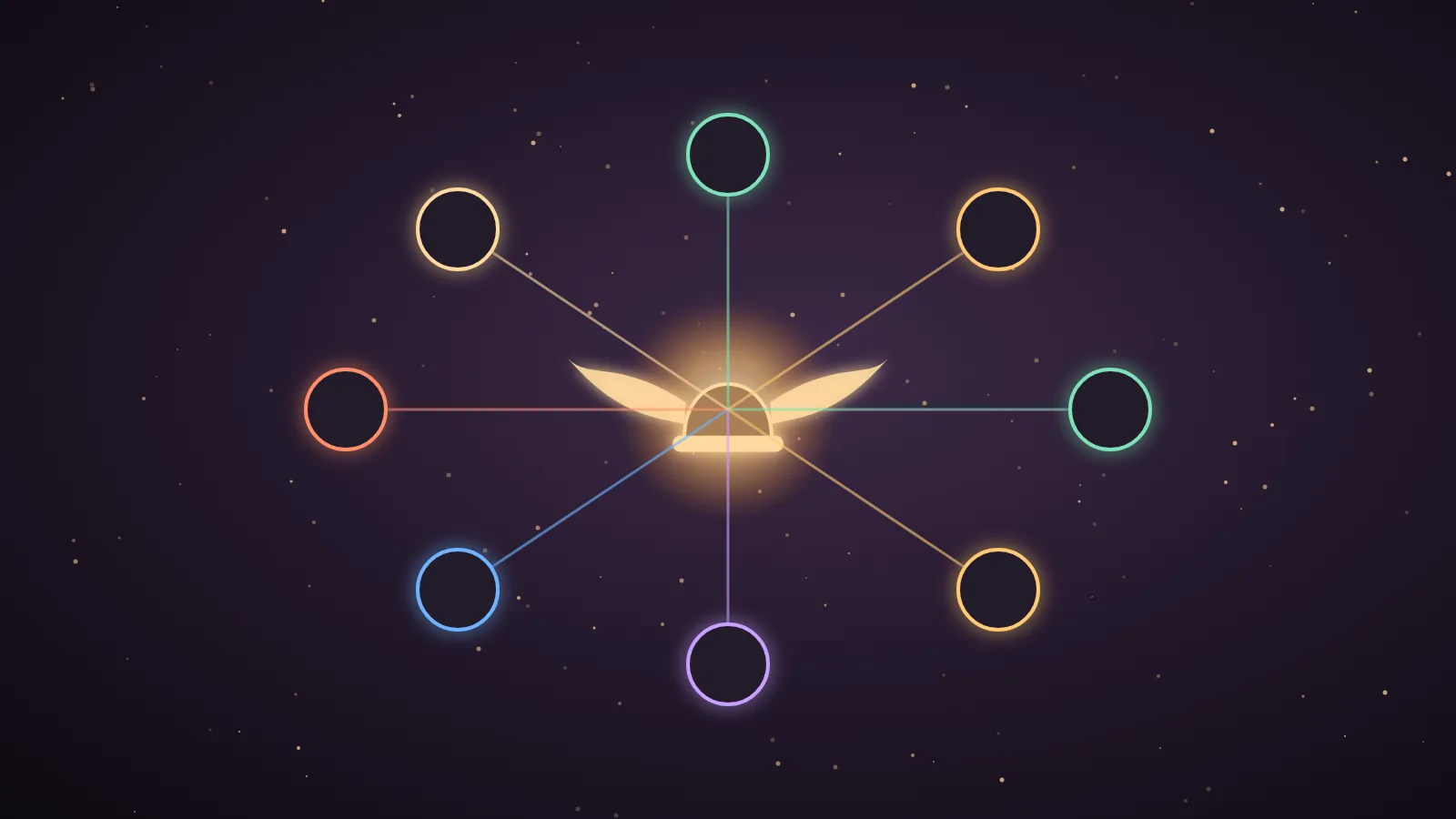
The best Hermes Agent use cases start with daily scheduled automations, such as an inbox triage and a 6am to-do recap that run without you.
My second pick is an SEO content pipeline, and my third is a second brain built on Obsidian.
I run Hermes every day inside my own Agent OS, so this ranking comes from what I have actually set up and published.
Here is the ranked list first, then a six-step quick-start and the way all 11 fit together.
The best Hermes Agent use cases, ranked
Here is the full ranking, with the command behind each one and where it sits in my Agent OS.
| Rank | Use case | Command or feature | Where it lives in my Agent OS | My guide |
|---|---|---|---|---|
| 1 | Daily scheduled automations | hermes cron create | The Automations list, synced with Hermes Desktop and Herald OS | Automation Engine |
| 2 | SEO content pipeline | Search Console research, then generate and deploy | The SEO tab | Infinite Ranking Engine |
| 3 | Second brain with Obsidian | A vault path plus a memory rule | The Memory tab | Hermes second brain |
| 4 | 6am trend radar | hermes -z and hermes send | The trend radar dashboard | Hermes Oracle AI |
| 5 | Book and SOP skills | /learn | The Skills list | Book Brain Engine |
| 6 | Kanban build line | hermes kanban | The ticket board | Hermes Command Desk |
| 7 | Watchers | /loop | Any Hermes chat | Hermes /loop |
| 8 | Outreach and leads | The outreach tab and one Hunter key | The Outreach tab | Lead Machine |
| 9 | Voice assistant | The wake word toggle | The chat window | Hermes wake word |
| 10 | Multi-device access | The Hermes Tailscale plugin | Hermes Desktop plugins | Plugins marketplace |
| 11 | Mixture of Agents | hermes moa configure and /moa | Any Hermes chat | Mixture of Agents 2.0 |
This is my own first-person ranking, based on what I have set up, filmed and written guides about.
It is not a measured benchmark, so please treat it as experience.
I put daily automations first because they take minutes to create and they run every day.
The SEO pipeline is second because it has the strongest results of anything I have run.
The second brain is third because it makes every other use case smarter.
What Hermes Agent is, and why use cases matter more than features
Hermes Agent is a free, open-source AI agent made by Nous Research.
It runs on your own machine, and you connect whichever model you like, including free and local ones.
A chat app answers when you type, but Hermes can keep working after you close the window.
That is the whole point of a use case.
A feature is something the agent can do, and a use case is a job it does for you every day or every week.
My Agent OS is a dashboard that puts Hermes, Claude and my other agents under one shared memory.
So I think about each use case as a room in that house, and the list below tells you which room to build first.
Quick-start: your first Hermes Agent use case in one evening
This is the six-step route I would follow if I were starting from zero tonight.
| Step | What you do | What you get |
|---|---|---|
| 1 | Install Hermes Agent with the official install script. | You have the hermes command on your machine. |
| 2 | Run hermes setup and connect a model provider. | The agent has a brain, which can be free, local or paid. |
| 3 | Run hermes doctor and then hermes update. | You know the install is healthy and on a recent build. |
| 4 | Create one job with hermes cron create. | Your first use case runs tomorrow morning without you. |
| 5 | Make an Obsidian vault and give Hermes the full path. | Every later use case can read your real context. |
| 6 | Add one more use case a week from the ranked list. | You build a system without overwhelming yourself. |
The install script is one line in your terminal.
curl -fsSL https://hermes-agent.nousresearch.com/install.sh | bashYour first job can be one line as well.
hermes cron create "0 6 * * *" "Read my task list and send me a short to-do recap" --name "Daily 6AM To-Do Recap" --deliver telegramThe schedule also accepts plain forms such as 30m and every 2h.
You can see your jobs with hermes cron list.
If you prefer buttons to a terminal, my one-click Hermes guide covers the easier install.
🔥 Want the exact Hermes Agent use cases in the Agent OS setup I run inside my Agent OS?
Inside the AI Profit Boardroom you get the installable Agent OS, step-by-step video tutorials, four coaching calls a week and 3,400+ members building real automations.
How each use case works, with a real example
1. Daily scheduled automations
A scheduled automation is a prompt that runs on a timetable and delivers its result to you.
In my Herald OS video I showed three of mine, which are a daily 6am to-do recap, a daily Japanese practice session and a morning inbox triage.
Those automations show up in Herald OS, Hermes Desktop and my Agent OS at once, because the same Hermes sits underneath all three.
Hermes also has Automation Blueprints, which let you fill in a recipe or describe the job in plain English instead of writing cron syntax.
One blueprint in my automation guide runs a research script every Monday at 9am with the --no-agent flag, so it is deterministic and free.
2. An SEO content pipeline
The SEO loop has four layers, which are read, mine, make and ship.
It reads Search Console, finds the keywords you nearly rank for, writes a unique post per site and deploys it.
I run it from the SEO tab of the Agent OS, where Hermes works alongside Claude.
In my Claude AI SEO guide the system scored 184 real queries in one pass and took a new page to page one of Google in 14 hours.
On the day I filmed the Infinite Ranking Engine, the queue held 78 striking-distance keywords and 23 CTR leaks.
3. A second brain with Obsidian
A second brain is a vault of plain notes that every agent reads first.
You make a new vault, hand Hermes the full folder path and ask it to build the folders.
You must give the real path, because I skipped it once while filming and Hermes built in its own workspace instead.
My vault held 614 notes when I measured it, and in the demo Hermes listed the 11 notes it used to answer one question.
The vault does not care which model you use, so you can swap the brain and keep the memory.
4. A 6am trend radar
The radar is one hermes -z run with a strict prompt, fired by a scheduled job at 6am.
It returns six signals, each with a heat score out of 100 and a content angle, and it pushes the top three to my phone with hermes send.
Only xAI models carry live X search, so I pin the run with --provider xai-oauth --model grok-4.
The Oracle guide shows 49 mornings logged, 294 trends scored and 46 pages published from those trends.
5. Book and SOP skills with /learn
The /learn command reads a document once and writes it to disk as a skill.
/learn ~/Documents/your-book-or-sop.pdfIt creates a lean index, a reference file per chapter, a glossary and a cheat sheet.
I tested it on The Art of War as an epub.
The engine's own testing on real books reports 24 to 51 times fewer tokens than pasting the book into the chat.
You should run hermes update first, because book mode only ships in newer builds.
6. A kanban build line
The build line turns big jobs into tickets.
hermes kanban boards create my-buildsA dispatcher hands each ticket to a Hermes worker, and the card moves itself across the board.
In the Command Desk guide three tickets were finished without me, which were a landing page, a content kanban app and an analytics dashboard.
They ran on free models, so the bill for those builds was $0.00.
7. Watchers with /loop
The /loop command re-checks something inside a chat until it changes.
/loop 10m check whether the new pages are indexed --until all six are indexedWithout an interval, the agent paces itself from 1 minute up to a 15-minute ceiling while nothing changes.
You can cap it with --times 30, check it with /loop status and end it with /loop stop.
A fleet of schedules is still a job for cron, because one chat holds one loop.
8. Outreach and leads
The outreach tab finds real contacts, verifies every address and drafts a personal first email.
I built it after my first campaign sent 6 emails and had 9 bounce before it was flagged and cancelled.
On the run in the Lead Machine guide it found 23 leads and held back 9 bad addresses.
It needs one Hunter key, and Hunter's free tier covers about 25 checks a month.
9. A voice assistant
Hermes has a wake word that is off by default, and detection runs on your own machine.
You say "hey hermes", it opens a fresh session and it acts on your command.
The free sherpa engine accepts any phrase you type and downloads a model of about 13MB once.
Version 0.20 added barge-in, so you can interrupt the agent just by speaking.
My Hermes v0.20 guide covers that release.
10. Multi-device access with Tailscale
The Hermes Tailscale plugin connects Hermes Desktop across your phone and your laptop for free.
You click "Open in Hermes Desktop" on the plugin page, pick a profile and install it.
Please read the plugin's GitHub README first, because community plugins are written by other people.
11. Mixture of Agents
Mixture of Agents sends one prompt to several models and has a final model merge the best parts.
hermes moa configureYou then ask with /moa followed by your question.
Nous Research says version 2.0 scored 8% above Opus 4.8 and 11% above GPT-5.5, but that benchmark is not public yet, so I treat it as a claim.
🔥 Want the exact Hermes Agent use cases in the Agent OS setup I run inside my Agent OS?
Inside the AI Profit Boardroom you get the installable Agent OS, step-by-step video tutorials, four coaching calls a week and 3,400+ members building real automations.
How the best Hermes Agent use cases fit one Agent OS workflow
The use cases are not eleven separate toys.
They are five layers of one system, and each layer feeds the next.
| Agent OS layer | What it does | Use cases that live here |
|---|---|---|
| The clock | It starts work on a schedule with no one at the keyboard. | Daily automations, the trend radar and watchers |
| The memory | It gives every agent the same facts about you and your business. | The second brain and the skills made by /learn |
| The workers | They take a ticket and finish it while you do something else. | The kanban build line, the SEO pipeline and outreach |
| The doors | They are the ways you reach the agent. | Voice, Tailscale and the chat window |
| The panel | It asks several models and merges the best answer. | Mixture of Agents |
Here is what one morning looks like when the layers work together.
At 6am the clock fires the trend radar and the to-do recap.
The radar writes its findings into the vault, so the memory layer knows today's news.
I pick one story and drop a ticket on the board, and a worker drafts the post using the vault for my voice.
A /loop watches for the page to be indexed and tells me when it lands.
I can check all of it by voice from across the room, or from my phone.
That chain is why I rank the clock and the memory above everything else.
Tips and limits before you build
A scheduled job that calls a model uses tokens on every run, so start with one or two.
The hermes pause command is an emergency stop for cron and kanban, and hermes resume lifts it.
The memory screen shows everything Hermes remembers, so check what is visible before you share your screen.
Community plugins can do things you do not want, so read the repository first.
Mixture of Agents multiplies your model bill, so keep it for hard questions.
My SEO numbers come from my own sites, and nobody can promise you the same results.
How to choose your first use case
Pick daily automations if you have never run an agent before.
Pick the second brain if Hermes already works for you but its answers feel generic.
Pick the SEO pipeline if your site already gets impressions in Search Console.
Pick the kanban build line if you build pages, apps or tools.
Once the first one runs for a week, the best Hermes Agent skills are a good next step.
If you are still choosing how to install it, read the best Hermes Agent setup first.
For a deeper look at pick number three, see the best Hermes Agent memory options.
Also On Our Network
FAQ
What are the best Hermes Agent use cases?
My top three are daily scheduled automations, an SEO content pipeline and a second brain with Obsidian. After those come a 6am trend radar, book skills with /learn, a kanban build line, /loop watchers, outreach, voice, multi-device access and Mixture of Agents.
What is the easiest Hermes Agent use case to start with?
A daily scheduled automation is the easiest. One hermes cron create command with a schedule and a prompt gives you a job such as a 6am to-do recap, and it runs every day without you opening the app.
How do Hermes Agent use cases fit into an Agent OS?
They sit in five layers. The clock runs scheduled work, the memory holds your context, the workers finish tickets, the doors are voice, phone and chat, and the panel is Mixture of Agents. Each layer feeds the next.
Is Hermes Agent free?
Yes. Hermes Agent is free and open source from Nous Research. The model you connect may cost money unless you use a free or local one, and outreach needs a Hunter key for email checking.
Do I need Julian's Agent OS to use these use cases?
No. Automations, /learn, /loop, kanban, voice and Mixture of Agents are all part of Hermes Agent itself. The SEO, outreach and radar screens are how they are wired into my Agent OS, and you can build your own versions.
Final word on the best Hermes Agent use cases
Start with one scheduled job tonight, add the second brain this week and build the rest one layer at a time.
That is the simplest way to get real work out of the best Hermes Agent use cases.
About Julian
I'm Julian Goldie, an AI entrepreneur, SEO expert and the founder of the AI Profit Boardroom, which has 3,400+ members.
I help business owners scale with AI agents, automation and SEO.
My YouTube channel has 400,000+ subscribers, and I run Goldie Agency, a seven-figure SEO agency.
Related guides on agentos.guide
→ Hermes AI + Obsidian: Build The Ultimate AI Second Brain
→ Hermes /loop: the command that makes your agent watch your business
→ The Book Brain Engine: Hermes can learn any book now
→ The Hermes Command Desk: one AI employee in every room of the Agent OS
Get the whole Agent OS
The installable system behind every guide on this site — dashboard, agents, memory and pipelines — updated as new tools land, with 3,400+ members and four coaching calls a week.
Join the AI Profit Boardroom →📺 Video notes + links to the tools 👉
🎥 Learn how I make these videos 👉