agentos.guide › blog
How To Learn AI Agents From Scratch: Your First 14 Days, And How One Agent Becomes An Agent OS
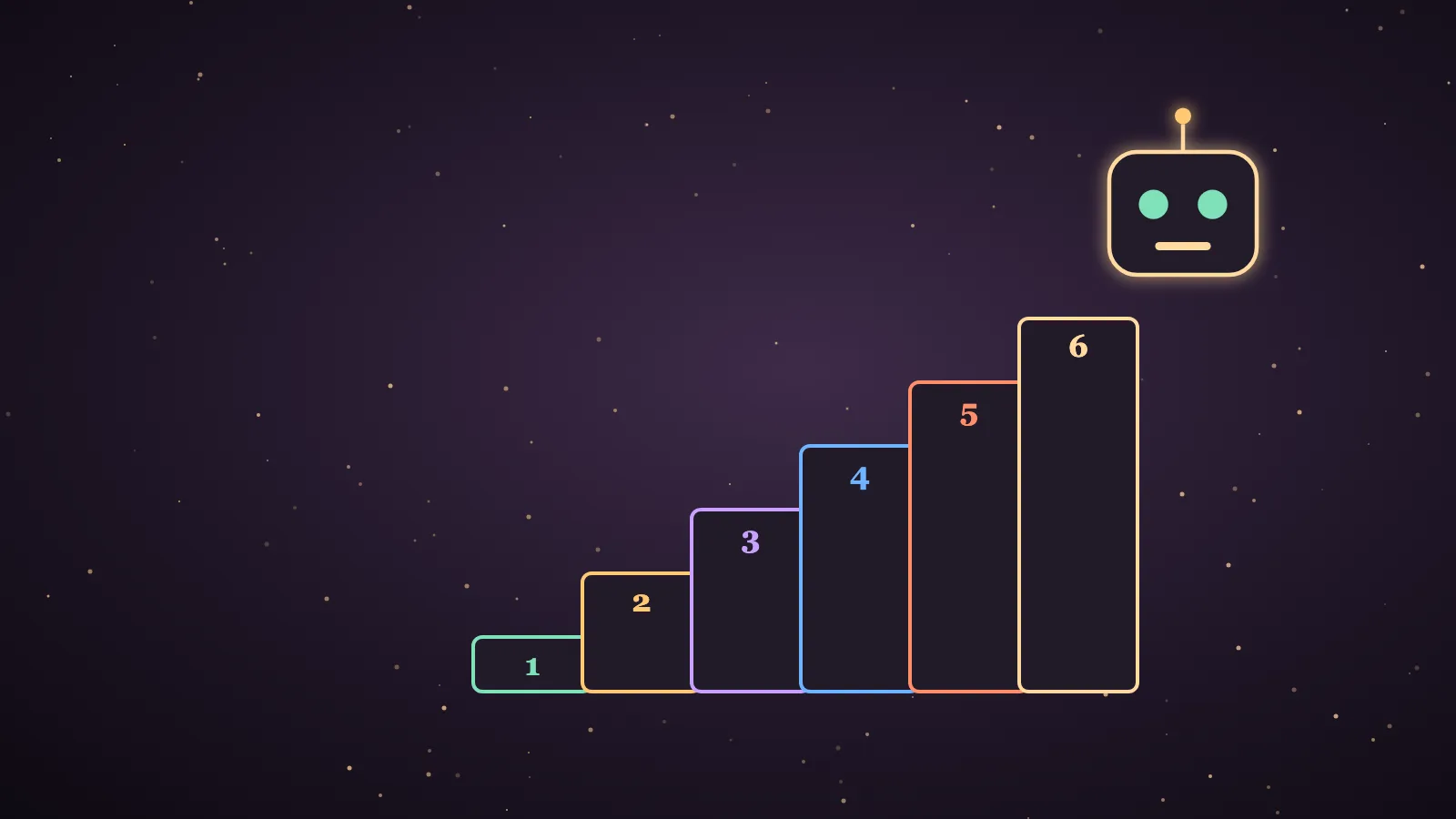
How to learn AI agents from scratch is simpler than it sounds, because you install one agent, give it one small job a day and add one new idea at a time.
I'm Julian Goldie, and this guide assumes you've never used a terminal and you don't know what an API key is.
You'll set up one agent as a normal app, run three tiny tasks, move to a free model, build one automation and save one skill.
Then I'll show you how that single agent grows into a full Agent OS, one rung at a time.
The quick start: how to learn AI agents from scratch in four stages
I've grouped the first 14 days into four stages, so you always know which stage you're in.
| Days | Stage | What you do | What you end up with |
|---|---|---|---|
| 1 to 3 | One agent | You learn what an agent is, install one the easy way and run three tiny tasks. | You have a working agent that you trust a little. |
| 4 to 7 | One brain you understand | You learn the words model, provider and API key, move to a free model and give the agent a note about you. | You have an agent that costs nothing and knows who you are. |
| 8 to 10 | One job on a schedule | You hand over one real job and set it to run every morning. | You have your first automation. |
| 11 to 14 | One saved skill | You save that job as a skill, reuse it, get help where you're stuck and choose the next job. | You have the first building block of an Agent OS. |
Each day takes 20 to 40 minutes, and you won't write a line of code.
Day 1: what an AI agent is, in plain words
A chatbot writes you an answer, and an AI agent does the work.
If you ask a chatbot to research a topic, it tells you what it already knows.
If you ask an agent to research a topic, it can search the web, read the pages, write a summary and save it as a file.
It does that by repeating a simple loop, in which it reads your goal, makes a plan, uses a tool and checks the result.
Your only job on day one is to write down one small, boring task you'd happily never do again.
Day 2: set up one agent the easy way
The agent I'd start with is Hermes Agent, which is free and open source from Nous Research.
It has an official app called Hermes Desktop, so you can install it without opening a terminal.
- Download the app from the Hermes Desktop page.
- On a Mac, open the DMG file and drag Hermes into your Applications folder.
- On Windows, open the download with Windows App Installer.
- Open the app and sign in to Nous Portal when it asks.
- Pick a model that is marked free.
- Type "test" and wait for a reply.
The Mac package is for Apple Silicon only, so an older Intel Mac needs a different route.
There are two other easy routes if the app doesn't suit you.
Hermes Cloud is the hosted version at portal.nousresearch.com/cloud, where you create an agent in the browser and nothing runs on your computer.
Hermes Cloud is a paid product, so check the current price on that page before you deploy.
The one-click route in the video above uses the free Ollama app and one pasted command, and it takes about 20 seconds once Ollama is running.
My best Hermes Agent setup guide compares the full setups when you're ready for more.
Day 3: your first three tiny tasks
These three tasks are small on purpose, because you're learning how the agent behaves and not chasing a result.
Task 1: read one page
Paste a link and type "Read this page and tell me the five most useful points in plain English."
Task 2: make one file
Type "Write a checklist for my Monday morning and save it as a file on my computer."
If the app asks for permission before it writes, read the request before you approve it.
Task 3: research and compare
Type "Find three free tools for tracking habits, compare them in a table and recommend one."
You'll watch the agent plan, search, read and write, which is the whole loop from day one.
If a task fails, ask again in simpler words, because free models do slip up.
🔥 Want the exact learning AI agents from scratch setup I run inside my Agent OS?
Inside the AI Profit Boardroom you get the installable Agent OS, step-by-step video tutorials, four coaching calls a week and 3,400+ members building real automations.
Days 4 and 5: what a model, a provider and an API key are
You've been using all three for two days, so here are their names.
| Word | What it means in plain English | Where you'll see it |
|---|---|---|
| Agent | It's the program that takes a goal, plans the steps and uses tools. | It's Hermes, the app you installed. |
| Model | It's the AI brain the agent thinks with. | It's the name you choose from a list in the settings. |
| Provider | It's the company that runs the model and lets your agent use it. | It's Nous Portal in this guide. |
| API key | It's a long password that connects an agent to a provider. | You won't need one yet, because you sign in instead. |
| Token | It's a small piece of text, and providers count usage in tokens. | It's the reason free models have limits. |
The agent is the worker, the model is the brain and the provider is where the brain lives.
Hermes Agent doesn't come with one fixed model, so you can swap the brain without reinstalling anything.
On day five, open the model settings and make sure the model you're using is marked free.
Some models appear as both a free version and a paid version, so always choose the entry marked free.
Free models have rate limits, which means you may have to wait at busy times.
Pick a second free model as your backup, and don't get attached to one name, because free lists change.
If you ever get an API key, treat it like a bank card number and never paste it anywhere public.
Days 6 and 7: give the agent a memory and find your people
On day six, write five lines about who you are, what you do, who you help, how you like to write and what you're working on.
Save those lines as a plain text note, and tell the agent to read the note before it starts any job.
That note is the first piece of your agent's memory, and it's the reason the answers stop sounding generic.
On day seven, join one community so you're not learning alone.
My free one is AI Money Lab, and it's the right place for beginner questions.
Days 8 to 10: your first automation
An automation is a job that runs on a schedule without you asking.
On day eight, run your one real job by hand and adjust the wording until you'd actually use the result.
On day nine, tell the agent when to run it, such as "Do this every weekday at 7am."
Hermes also has Automation Blueprints, which let you fill in a recipe instead of typing a schedule.
On day ten, read what arrived and add one line of instruction for each thing you didn't like.
There's one honest limit, which is that an agent on your laptop only runs while the laptop is on and the app is open.
My best Hermes Agent use cases guide has more automations to try once the first one works.
Days 11 to 14: your first skill, and what to do when you're stuck
A skill is a saved set of instructions for one kind of job.
In Hermes, it's a folder with a text file called SKILL.md inside it, so there's still no code.
After your job has gone well, type /learn in the chat and ask Hermes to turn the workflow it just ran into a skill.
On day twelve, open a fresh chat and use the skill on a new input to prove it works twice.
My Hermes learn guide shows the same command building a skill from a whole book.
On day thirteen, practise getting unstuck.
- Ask the agent what went wrong on the last step.
- Make the request smaller and try again.
- Post the exact error in a community with a screenshot.
- Bring the problem to a live call if you want someone to see your screen.
The AI Profit Boardroom has four coaching calls a week for exactly that.
On day fourteen, write down the second job you'll give the same agent.
How one agent grows into an Agent OS
An Agent OS is a dashboard that runs several AI agents under one shared memory.
Mine runs a crew that includes Hermes, Claude, GLM and Kimi, and you can see how it works in the AI Agent OS guide.
You don't build that in week one, and you shouldn't try.
You climb to it one rung at a time, and you've already done the first rung by day fourteen.
| Rung | What you add | What it looks like | When to add it |
|---|---|---|---|
| 1 | One agent with one job | It's Hermes Desktop running your morning brief. | You add it in these 14 days. |
| 2 | A notes folder as memory | It's a few plain text notes the agent reads before it works. | You start it on day six and grow it in month one. |
| 3 | One profile per model | It's a separate copy of the agent for each brain you want to try. | You add it when you're curious about a second model. |
| 4 | More skills and automations | It's a small library of saved jobs that run on a schedule. | You add them one at a time in month one and two. |
| 5 | A dashboard over everything | It's one screen that runs several agents under one shared memory. | You add it when you have more jobs than one chat window can handle. |
The rule I teach is that you start with one agent doing one job, and you only add the next rung when the last one is boring.
A profile is a separate copy of Hermes with its own model, settings and memory, and I keep one profile per model so testing a new brain never breaks my main setup.
The memory rung matters more than most beginners expect, and my Hermes second brain guide shows how I set mine up.
My 3-Layer Hermes OS guide shows the brain, cockpit and memory layers once you have a few jobs running.
My installable Agent OS is inside the AI Profit Boardroom, which has 3,400+ members, and the free course below shows how one is built.
🔥 Want the exact learning AI agents from scratch setup I run inside my Agent OS?
Inside the AI Profit Boardroom you get the installable Agent OS, step-by-step video tutorials, four coaching calls a week and 3,400+ members building real automations.
What you do NOT need to learn yet
Beginners often stall because they try to learn the whole field at once.
| Topic | Why it can wait |
|---|---|
| Coding | Every step in this guide is typed in plain English. |
| Fine-tuning | Clear instructions and a saved skill get you most of the way. |
| Vector databases | A notes folder is enough memory for a beginner. |
| Agent frameworks | You're using a finished agent, so you don't need to build one. |
| Multi-agent swarms | One agent with one job teaches you more than five agents with none. |
| Servers and Docker | Your own computer is enough for the first month. |
When you do want the developer side, the Hugging Face AI Agents Course and Microsoft's AI Agents for Beginners both describe themselves as free.
I haven't taken either one, so I'm only telling you what their own pages say.
Your 14-day checklist
Print this table and tick one row a day.
| Day | Your one task for the day |
|---|---|
| 1 | You read what an agent is and write down one small job you'd hand over. |
| 2 | You install Hermes Desktop and get a reply to the word "test". |
| 3 | You run the three tiny tasks below. |
| 4 | You learn the words model, provider and API key. |
| 5 | You check that your model is marked free and choose a backup. |
| 6 | You write a five-line note about yourself and tell the agent to read it first. |
| 7 | You join a free community and post what you built. |
| 8 | You run your one real job by hand until the result is usable. |
| 9 | You put that job on a schedule. |
| 10 | You read the first automatic result and improve the instructions. |
| 11 | You save the job as a skill. |
| 12 | You reuse the skill on something new. |
| 13 | You take your hardest problem to a community or a live call. |
| 14 | You write down what the agent's second job will be. |
A plain-English glossary
- A tool is something the agent can use, such as web search, a browser or your files.
- A prompt is the instruction you type.
- Memory is what the agent keeps between chats, such as your note about yourself.
- A profile is a separate copy of the agent with its own model and memory.
- A skill is a saved set of instructions for one kind of job.
- An automation is a job that runs on a schedule.
- A rate limit is a cap on how much you can use a model in a set time.
- A terminal is a window for typed commands, and this guide doesn't need one.
- An Agent OS is a dashboard that runs several agents under one shared memory.
Where to go after day 14
If you want the wider roadmap, read how to learn AI agents.
If you'd like a structured class, my best AI agent course for beginners list ranks the options.
If you want to design an agent of your own, how to learn creating AI agents is the next step.
If you'd rather watch Hermes from start to finish, the Hermes crash course is on this site.
Also On Our Network
FAQ
How do I learn AI agents from scratch?
Install one agent as a desktop app, run three tiny tasks, then give it one small job a day for 14 days. By the end you should have one scheduled automation and one saved skill. You don't need to code.
What is the easiest way to set up my first AI agent?
Hermes Desktop is the easiest route I know. It is the free official app from Nous Research, it installs like a normal program, and you sign in to Nous Portal instead of pasting an API key.
What is the difference between a model, a provider and an API key?
The model is the AI brain, the provider is the company that runs that brain, and the API key is a long password that connects your agent to the provider. On Hermes Desktop you can sign in instead of using a key.
Can I use a free model to learn AI agents?
Yes. Choose a model that is marked free on Nous Portal and keep a second free model as a backup, because free models have rate limits and the free list changes.
What is an Agent OS, and do I need one to start?
An Agent OS is a dashboard that runs several AI agents under one shared memory. You do not need one to start. Begin with one agent doing one job, then add memory, profiles, skills and a dashboard one step at a time.
What should I not bother learning yet?
You can leave coding, fine-tuning, vector databases, agent frameworks, multi-agent swarms and servers until your first automation is running.
Final word on how to learn AI agents from scratch
Start with one agent and one job, and add the next rung only when the last one feels easy.
Follow the 14 days in order, and you'll know how to learn AI agents from scratch.
About Julian
I'm Julian Goldie, an AI entrepreneur, SEO expert and the founder of the AI Profit Boardroom, which has 3,400+ members.
I help business owners scale with AI agents, automation and SEO.
My YouTube channel has 400,000+ subscribers, and I run Goldie Agency, a seven-figure SEO agency.
Related guides on agentos.guide
Get the whole Agent OS
The installable system behind every guide on this site — dashboard, agents, memory and pipelines — updated as new tools land, with 3,400+ members and four coaching calls a week.
Join the AI Profit Boardroom →📺 Video notes + links to the tools 👉
🎥 Learn how I make these videos 👉