agentos.guide › blog
Grok Bot vs Manus: How To Run Both From Your Agent OS, With 5 Copy-Paste Prompts
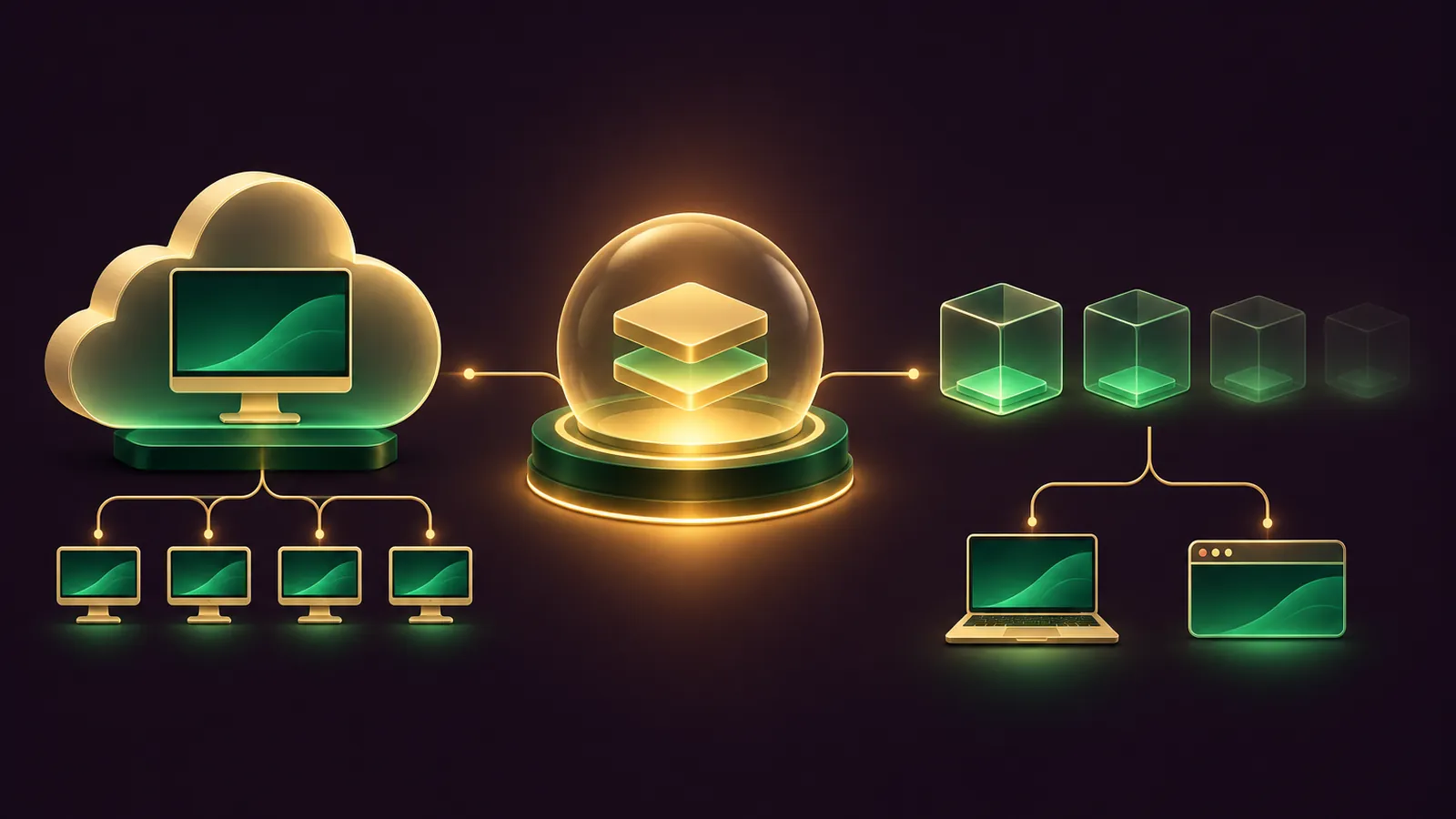
Grok Bot vs Manus becomes a routing question once you run an Agent OS: your own agent can hand standing roles to Grok Bot and one-off deliverables to Manus, then check both.
Grok Bot keeps named Bots on one shared cloud computer that never resets.
Manus gives each task a fresh sandbox and adds a desktop app, a browser extension and a public API.
This guide gives you a quick start, five copy-paste prompts and a weekly rhythm.
The comparison is my reading of each vendor's docs, as neither publishes one.
Want my team to plan the routing for your business? Book a free SEO strategy session.
The comparison in one table
| Area | Grok Bot | Manus |
|---|---|---|
| Where work runs | One persistent cloud computer, a screen per Bot | Temporary sandbox per task; optional always-on Cloud Computer |
| Browser | Shared cloud browser with Vault sign-ins | Cloud Browser, or Browser Operator in your own Chrome or Edge |
| Your desktop | Local commands only, Ask every time by default | Manus Studio: files, terminal and apps |
| Connectors | Connect apps plus MCP by URL or command | 416 connectors plus custom MCP |
| Scheduling | Routines on schedules or events | Schedules, triggered tasks, advanced automations (beta) |
| Way in for your agent | Webhook-triggered routines | REST API v2 and webhooks |
| Approvals | Auto Review, cards, Ask first rules | Permission modes, session grants, confirmation events |
| Plans | Premium, Super, Ultra | Free, Pro, Team |
How each one runs a task, and what your agent should assume
All your Bots work on one shared cloud computer, and each Bot gets its own screen on it.
Files, cookies and command-line credentials are common to every Bot, so your agent should never treat two Bots as two private spaces.
A Manus task starts in a temporary sandbox that closes when the job is done, with the outputs kept in the chat.
For anything that must keep running, Manus can place it on the Cloud Computer, an Ubuntu machine that stays on and is driven from the command line.
So brief Grok Bot like a colleague who remembers, and brief Manus like a contractor who needs the full spec every time, or a Project that holds it.
Quick start: ten minutes to a routing decision
- List your five most repeated jobs in your Agent OS notes.
- Mark each one as a standing role, a one-off deliverable, or work that touches your own laptop or browser.
- Send standing roles to Grok Bot, deliverables and laptop work to Manus.
- Put approval rules in place on both before anything runs unattended.
Prompt 1 does steps 1 to 3 for you.
What each tool brings that the other doesn't
Grok Bot's strengths sit in continuity.
A named Bot keeps its memory, files and signed-in sessions from week to week, and you can tag @bot on X to hand it a post, where that's available.
Its routines take seven kinds of start signal, and you can press Test before the first real run.
Manus's strengths sit in reach.
Its Cloud Browser handles general research, and you can sign in to accounts inside it, taking over when a site asks for a code.
It lists 416 connectors, offers Wide Research for long lists of similar items, and builds slides and hosted websites.
Mail Manus also gives you a bot address you can forward or CC, and only senders you pre-approve can start a task.
Your agent should know all of this before it routes anything, so paste this section into its notes.
Prompt 1: sort your jobs between the two
Read my task notes for the last 30 days and list the 10 jobs I repeat most.
For each job, tag it ROLE (ongoing, needs memory), DELIVERABLE (one finished output),
LOCAL (needs files on my laptop or logins in my own browser) or API (should start from my own app).
Route ROLE jobs to Grok Bot and DELIVERABLE, LOCAL and API jobs to Manus.
Give one line of reasoning per job and flag any job that sends messages or spends money.
Do not set anything up yet. Show me the table first.
🔥 Want the full routing prompt pack?
Inside the AI Profit Boardroom you get step-by-step video trainings, the installable Agent OS, four coaching calls a week and 3,400+ members sharing prompts like these.
Prompt 2: brief a Grok Bot routine with its stop points
Grok Bot routines run on a schedule or start from Slack, GitHub, Linear, Sentry, PagerDuty, email or a webhook call.
The docs ask you to confirm the owning Bot, the time zone, the inputs, the result and the approval boundary, so make your agent write all of that.
Write a brief I can paste into my Grok Bot called Reports.
Job: every Monday at 08:00 London time, pull last week's enquiries from Gmail
and the bookings sheet, and post a five-line summary in this chat.
Include: owning Bot, schedule and time zone, input sources, output format,
what to do if a source is missing (report it, never use old data),
and an approval rule: never email a customer without asking first.
End the brief by asking the Bot to run Test once before the first Monday.
Prompt 3: hand Manus a job through its API
The Manus API v2 lets your agent create tasks, send follow-ups and read results at api.manus.ai.
Authentication is an x-manus-api-key header, and webhooks fire when a task is created or stops with a result or a question.
Using the Manus API v2 docs at open.manus.ai/docs/v2, write and run a script that:
1. reads my Manus API key from the MANUS_API_KEY environment variable,
2. creates a task asking for a one-page competitor summary for the URL I give you,
3. polls task.listMessages until agent_status is stopped or waiting,
4. if waiting for a confirmation, shows me the request and waits for my yes,
5. saves the final message and any attachments to my reports folder.
Never print the key. Stop and ask if any call returns an error.
Prompt 4: set up the Manus browser and desktop safely
Manus's Browser Operator is an extension you enable in the Connectors tab, and it works in a dedicated tab with the logins you already have.
Manus Studio, the desktop app for Apple Silicon Macs and Windows, adds My Computer, Computer Use and Remote Control under three permission modes.Make me a setup checklist for Manus on this computer.
Browser: steps to enable Browser Operator in Chrome, which sites I should
use it for (already signed in) versus the Cloud Browser (general research),
and a reminder that closing the tab stops the agent.
Desktop: install Manus Studio, pick one working folder, start in
"Ask for approval" mode, and list the actions that will always need approval.
Mark Full access as off-limits unless I say otherwise.Prompt 5: a weekly approval audit for both tools
Grok Bot's Auto Review pauses any action that matches an Ask first rule, and email written by a routine waits as a draft.
Manus keeps approvals per feature, so your agent needs to look in several places.
Every Friday at 16:00, audit my agent permissions and report back:
Grok Bot: list every Bot, its routines, my Ask first and Allow automatically
rules, and the local-computer setting under Settings, Computer.
Manus: list active automations, enabled connectors, Mail Manus approved
senders and the default Manus Studio permission mode.
Flag anything that can send, post, delete or spend without asking me.
A weekly workflow that keeps both in line
On Monday, Prompt 1 re-sorts new jobs.
Through the week, Grok Bot runs its routines and Manus takes deliverables as they come in, either from you or from your agent through the API.
On Friday, Prompt 5 checks every permission and flags drift.
Keep a running log in your Agent OS of which jobs moved between tools and why, so the routing table gets sharper each month.
If a Manus task stops with a question, answer it through the API or in the app, because the webhook only tells you it's waiting.
Once a month, check each vendor's notes for changes, including the Grok Bot changelog.
Plans and Manus's ownership, briefly
Grok Bot comes with Premium, Super and Ultra under The X Subscription; Plus does not include it.
Manus sells Free, Pro and Team plans on credits.
Manus announced it was joining Meta in December 2025, and a later blog post dated 1 September says it has resumed independent operations.
If you're also weighing Nous Research's agent, I compared it head to head in Grok Bot vs Hermes.
Three small businesses, routed by the agent
A café.Your Agent OS sends the weekly supplier order to a Grok Bot named Stock, which checks the stock sheet every Thursday and drafts the order email for you to send.
A physiotherapy clinic.When you drop a new referral letter into your Agent OS, your agent sends it to Manus through the API, and Manus turns it into a one-page intake summary saved to your files.
An IT support shop.Your agent asks Manus Studio, in Ask for approval mode, to sort the client-logs folder by customer and date and list anything it can't place.
📞 Want my team to design your agent routing?
Book a free SEO strategy session and we will map your recurring jobs to the right agent and the right approval rules.
Verdict by job type
Give Grok Bot the standing roles, the Slack and GitHub triggers, and the work that needs memory between weeks.
Give Manus the finished deliverables, the jobs on your own laptop or browser, and anything your agent should start through an API.
Also On Our Network
- 🌐 The first settings I change on each agent, side by side
- 🌐 Which agent suits a small firm, with six step-by-step business examples
- 🌐 A 9-point scorecard rating both agents, with a verdict by job
- 🌐 Which models to run in Manus Flex, using real GoldieBench scores
- 🌐 The complete Grok Bot vs Manus guide on the AI Profit Boardroom blog
FAQ
Can my Agent OS agent create Manus tasks for me?
Yes. Manus has a public REST API v2, so your agent can create a task, poll its status and read the result, or receive a webhook when the task stops.
Can my Agent OS agent start a Grok Bot routine?
Yes, if the routine has a webhook trigger. Your agent sends a POST with the routine's bearer key, and a 200 reply means the run has started.
Why brief each Grok Bot as if the others can see its files?
Because all your Bots share one cloud computer, including files, browser sessions and command-line credentials. Only the screens are separate.
Which tool should handle work on my own laptop?
Manus Studio, which works in a folder you choose under a permission mode. Grok Bot only runs commands on your laptop if you enable it, and it asks each time by default.
Final word on Grok Bot vs Manus
Paste Prompt 1 today, wire one webhook tomorrow, and join the AI Profit Boardroom or book a free strategy session to get your agent dispatching grok bot vs manus jobs properly.
About Julian
I'm Julian Goldie, an AI entrepreneur, SEO expert and the founder of the AI Profit Boardroom, which has 3,400+ members.
I help business owners scale with AI agents, automation and SEO.
My YouTube channel has 400,000+ subscribers, and I run Goldie Agency, a seven-figure SEO agency.
Related guides on agentos.guide
→ Grok Bot vs ChatGPT Agent: Run Both Lanes In Your Agent OS
→ Grok Bot vs OpenClaw: How To Run Either One In Your Agent OS, With 5 Copy-Paste Prompts
→ Grok Bot vs n8n: Give Each A Job In Your Agent OS
Get the whole Agent OS
The installable system behind every guide on this site — dashboard, agents, memory and pipelines — updated as new tools land, with 3,400+ members and four coaching calls a week.
Join the AI Profit Boardroom →📺 Video notes + links to the tools 👉
🎥 Learn how I make these videos 👉