agentos.guide › blog
Grok Bot vs OpenClaw: How To Run Either One In Your Agent OS, With 5 Copy-Paste Prompts
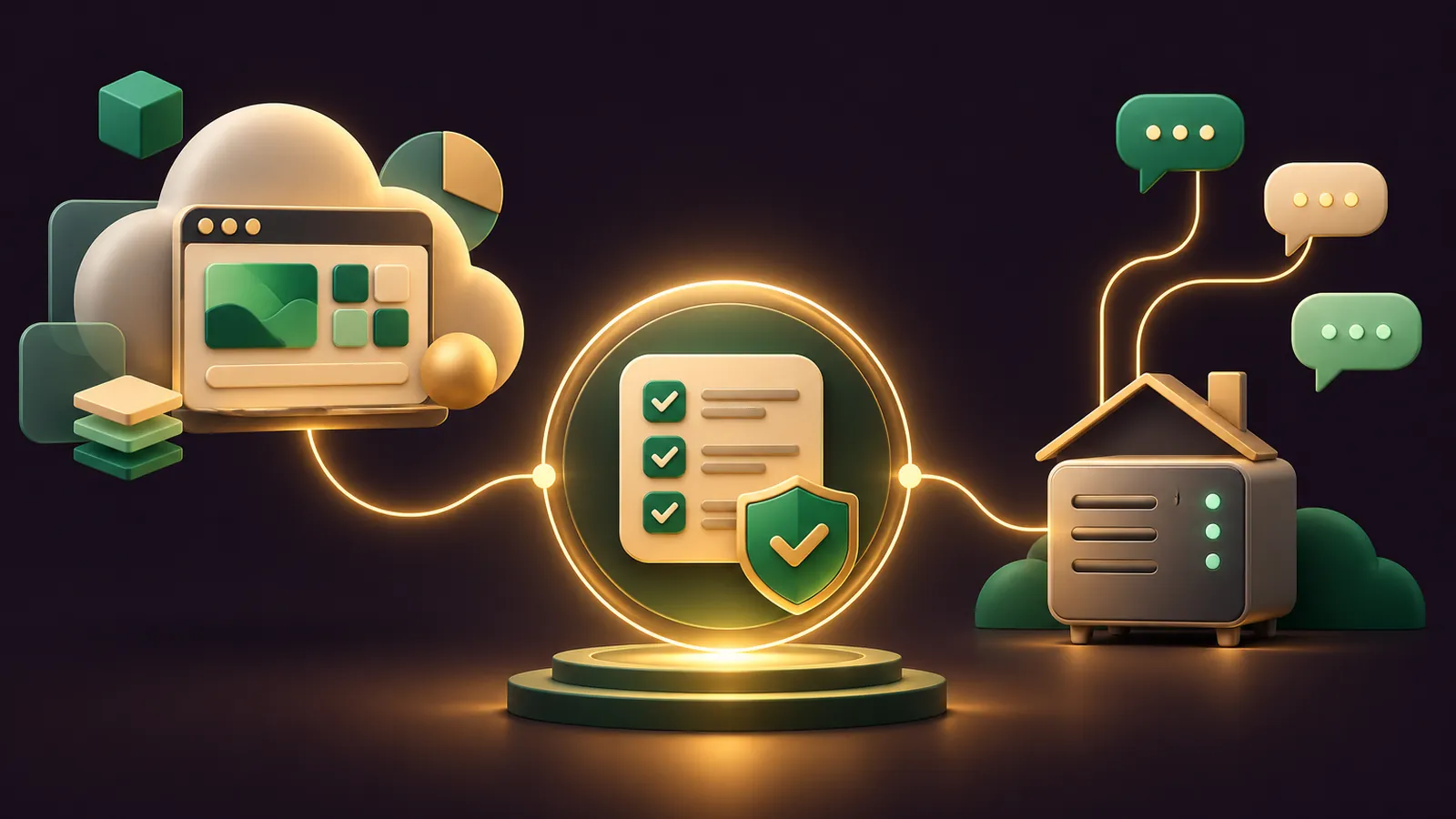
Grok Bot vs OpenClaw looks different from inside an Agent OS: your own agent becomes the operator that briefs, audits and checks whichever one you pick.
Grok Bot is xAI's hosted option, where every Bot works on a cloud computer that keeps going with your laptop shut.
OpenClaw is the MIT-licensed, self-hosted option from the OpenClaw Foundation, running on hardware you own.
This guide gives you a quick start, five copy-paste prompts for your agent, and a weekly rhythm.
The comparison is my reading of each vendor's docs, as neither publishes one.
Want my team to plan it for your business? Book a free SEO strategy session.
The comparison in one table
| Area | Grok Bot | OpenClaw |
|---|---|---|
| Home | A shared cloud computer per user | The Gateway on your own machine or VPS |
| Your data | Cloud storage under your Cursor account | State, memory and credentials on your hardware |
| Chat surfaces | Desktop app, phone apps, X Chat, Slack shared Bots | 20+ chat apps including WhatsApp, Telegram and iMessage |
| Model | Chosen per task, not shown | Your pick, swappable, local models allowed |
| Memory | Saved by each Bot, checked by asking | USER.md, MEMORY.md and daily notes |
| Triggers | Schedules plus Slack, GitHub, Linear, Sentry, PagerDuty, email and webhooks | Schedules, webhooks, Gmail Pub/Sub, MCP events |
| Browser | Persistent cloud browser with Vault sign-ins | Isolated agent profile, optional attach to your Chrome |
| Guard rails | Auto Review and Ask first rules | DM pairing; sandboxing off by default; one trusted operator per Gateway |
Which one belongs in your Agent OS
Give Grok Bot the jobs that live in web apps and must run while your devices are off.
Give OpenClaw the jobs that start in a chat app, need a model you chose, or must keep files on your own disk.
Browser work splits the same way.
Grok Bot's cloud browser keeps sign-ins between tasks and fills logins from Vault without the Bot seeing them.
OpenClaw drives a separate agent-only browser profile, and only touches your signed-in Chrome if you attach its user profile.
Setup effort differs as well: Grok Bot is a download and a sign-in, while OpenClaw asks for an installer, an onboarding wizard and some policy choices.
If you're also weighing Nous Research's agent, I compared it head to head in Grok Bot vs Hermes.
Where each one runs, and why that shapes your prompts
Every Grok Bot on your account shares one cloud computer, with the same files, browser sessions and command-line credentials.
The Grok Bot FAQ says not to use separate Bots as a security boundary, so your agent should brief each Bot as if the others can see its files.
Work on that computer carries on with your laptop, phone and app closed.
OpenClaw keeps state, memory and credentials on your own machine, and your prompts only travel to the model provider and chat apps you configure.
The trade-off is uptime: the Gateway runs as a background service, so the machine hosting it needs to stay awake for overnight jobs.
That's why the prompts below ask your agent to check the Gateway before anything else.
Channels and models: what your agent can change
On OpenClaw, your agent can add a channel with one command, starting with Telegram, then WhatsApp, Slack, Discord, iMessage or any of the 20+ in the channel list.
It can also switch models, because providers are plugins and a model is written as provider/model.
The bundled xAI plugin even runs Grok models on an eligible SuperGrok or X Premium subscription, sending only those requests to xAI.
On Grok Bot, there's nothing to switch.
It picks a model per task, shows no picker, and you reach it through its own apps, X Chat, a tag of @bot on X, or a shared Bot in Slack.
Quick start for both
- Grok Bot: download the app from the get-started page, sign in with your Cursor account and give the first Bot one job.
- Check your plan: Premium, Super and Ultra on The X Subscription include Grok Bot, Plus doesn't.
- OpenClaw: run the installer from the OpenClaw README, then
openclaw onboard --install-daemon. - Confirm with
openclaw gateway statusand send a test message fromopenclaw dashboard. - Paste the prompts below into your Agent OS agent, one at a time.
Prompt 1: audit a fresh OpenClaw install
OpenClaw is built for one trusted operator per Gateway, and its sandboxing guide says sandboxing is off by default.
So the first prompt tightens the defaults before any channel goes live.
On this machine, run: openclaw security audit --deep and openclaw gateway status.
Summarise every finding in plain English, most important first.
Then stop the Gateway service and apply: openclaw exec-policy preset cautious
(allowlist, ask on misses, deny when no one answers), and restart it.
Show me the agents.defaults.sandbox block you would add for a Docker sandbox.
Do not change it until I reply "apply".
Do not open DMs, change pairing or expose the Gateway beyond loopback.
Prompt 2: brief a Grok Bot with its boundaries
Grok Bot's approvals page recommends narrow Ask first rules for sending, publishing, deleting and buying.
Have your agent write the brief and the rules together.
Write a first message for a new Grok Bot whose only job is [JOB].
Include: the outcome, the sources it may use, what finished work looks like,
and where it must stop for me. End with "Remember this for future work."
Then write four Ask first rules, one line each, for: sending external email,
publishing anything, deleting files, and any purchase.
Save both to briefs/grok-bot-[job].md.
🔥 Want the full Agent OS with these prompts already wired in?
Inside the AI Profit Boardroom you get step-by-step video trainings, the installable Agent OS, four coaching calls a week and 3,400+ members running agents side by side.
Prompt 3: build the same weekly report on either tool
This prompt lets you set one report up on both and compare.
Grok Bot routines run in the cloud, and a new one waits for its next slot unless you press Test, per the routines docs.
OpenClaw's scheduler is the openclaw automations command, with delivery to a chat channel or a webhook.
Draft two versions of a Monday 8:00 report job for [BUSINESS].
Version A: a Grok Bot routine request in plain words, naming the owning Bot,
schedule, time zone, input source, expected result, approval boundary,
and what to do if a source is missing.
Version B: an openclaw automations create command that delivers the result
to my Telegram chat, plus the list and runs commands to check it.
Do not run either. Put both in jobs/weekly-report.md for me to review.
Prompt 4: keep both memories honest
OpenClaw writes memory as Markdown in its workspace, so your agent can read it directly.
A Grok Bot has no memory screen; you ask it what it remembers, per the Bots guide.
Read ~/.openclaw/workspace/USER.md and MEMORY.md.
List any line that looks out of date, duplicated or too sensitive to keep,
and suggest a corrected version. Change nothing yet.
Then write me one message to paste into my Grok Bot:
"What do you remember about me?" followed by the corrections it should make,
and a reminder that logins and card details belong in Vault, not memory.
Prompt 5: check what the latest releases changed
OpenClaw's newest release is v2026.10.10, published on 3 November 2026.
Grok Bot's changelog shows V0.78.1 from 27 October as its latest entry.
Check which OpenClaw version this machine runs and tell me if it is v2026.10.10.
Summarise these features in one line each and say whether my setup should
turn any of them on: Chat Details panel, experimental Advisor,
split speech mode for browser Talk, device-folder sessions,
control from ChatGPT and Claude, MCP event-triggered automations.
Do not enable anything. Log your answer in logs/releases.md.
What v2026.10.10 adds to the picture
The Advisor is the stand-out: when enabled, it checks ongoing work and may offer a short correction if a review finds a clear wrong turn.
Device-folder sessions let the agent work in folders on a paired computer, and nodeHost.workerRuns.folders sets which roots are allowed.
Control from ChatGPT and Claude is opt-in, through relay pairing and a Connected apps grant.
Conversation owners can also choose Always, Ask or Never for messages passed between conversations.
None of it changes the basics: a trusted operator per Gateway, pairing for strangers, and a sandbox you switch on yourself.
A weekly rhythm, with two small-business examples
Monday: your agent runs Prompt 1's audit on OpenClaw and reads Grok Bot's routine results.
Midweek: it reviews drafts waiting for approval on both tools.
Friday: it runs Prompt 4 and Prompt 5 and files a short log.
If you don't have an Agent OS yet, the installable version comes with the AI Profit Boardroom.
A café on OpenClaw
- The owner connects a Telegram channel, the channel OpenClaw's docs suggest connecting first.
- Regulars message pre-orders; pairing means only approved customers reach the assistant.
- The assistant drafts a confirmation and a pickup time, and the owner approves before it sends.
- An automation posts the next morning's pre-order list to the owner at closing time.
A bookkeeper on Grok Bot
- A Bot gets one job: chasing missing receipts.
- Clients forward receipts to the Bot's own email address, which starts a routine.
- The Bot files each receipt and drafts a reminder for anyone still missing one.
- Routine emails wait as drafts, so the bookkeeper presses Send after a quick check.
🔥 Want help choosing the lane for each job?
My team will look at your workflows and tell you which tool should own each one.
Also On Our Network
- 🌐 The install steps and first settings for both tools, side by side
- 🌐 Which one suits a small firm, with plan names, data and risk controls
- 🌐 A nine-row scorecard rating both tools out of 10, with reasons
- 🌐 Which models to run in OpenClaw, using real GoldieBench scores
- 🌐 The complete Grok Bot vs OpenClaw guide on the AI Profit Boardroom blog
FAQ
Can my Agent OS agent set up OpenClaw for me?
Yes. Prompt 1 has it run the security audit, apply the cautious exec preset and draft a Docker sandbox block for you to approve.
Why tighten OpenClaw before connecting channels?
Because it is built for one trusted operator per Gateway and sandboxing is off by default, so it is worth setting approvals and a sandbox before outside messages arrive.
How does my agent see what Grok Bot remembers?
It cannot read it directly. There is no memory screen, so you ask the Bot what it remembers and correct it in chat.
Which OpenClaw channel should a small business start with?
The docs suggest Telegram first, because it needs only a bot token and no plugin install.
Final word on Grok Bot vs OpenClaw
Paste Prompt 1 today, write your Ask first rules tomorrow, and join the AI Profit Boardroom or book a free strategy session to run grok bot vs openclaw properly inside your Agent OS.
About Julian
I'm Julian Goldie, an AI entrepreneur, SEO expert and the founder of the AI Profit Boardroom, which has 3,400+ members.
I help business owners scale with AI agents, automation and SEO.
My YouTube channel has 400,000+ subscribers, and I run Goldie Agency, a seven-figure SEO agency.
Related guides on agentos.guide
→ Grok Bot vs Claude Cowork: Split The Work In Your Agent OS
→ Grok Bot vs Codex: How To Run Both As One Crew In Your Agent OS, With 5 Copy-Paste Prompts
→ Grok Bot Memory: Write The Import, Check The Audit And Tidy Every Bot's Memory From Your Agent OS
Get the whole Agent OS
The installable system behind every guide on this site — dashboard, agents, memory and pipelines — updated as new tools land, with 3,400+ members and four coaching calls a week.
Join the AI Profit Boardroom →📺 Video notes + links to the tools 👉
🎥 Learn how I make these videos 👉