agentos.guide › blog
Grok Bot vs n8n: How To Give Each One A Job In Your Agent OS, With 5 Copy-Paste Prompts
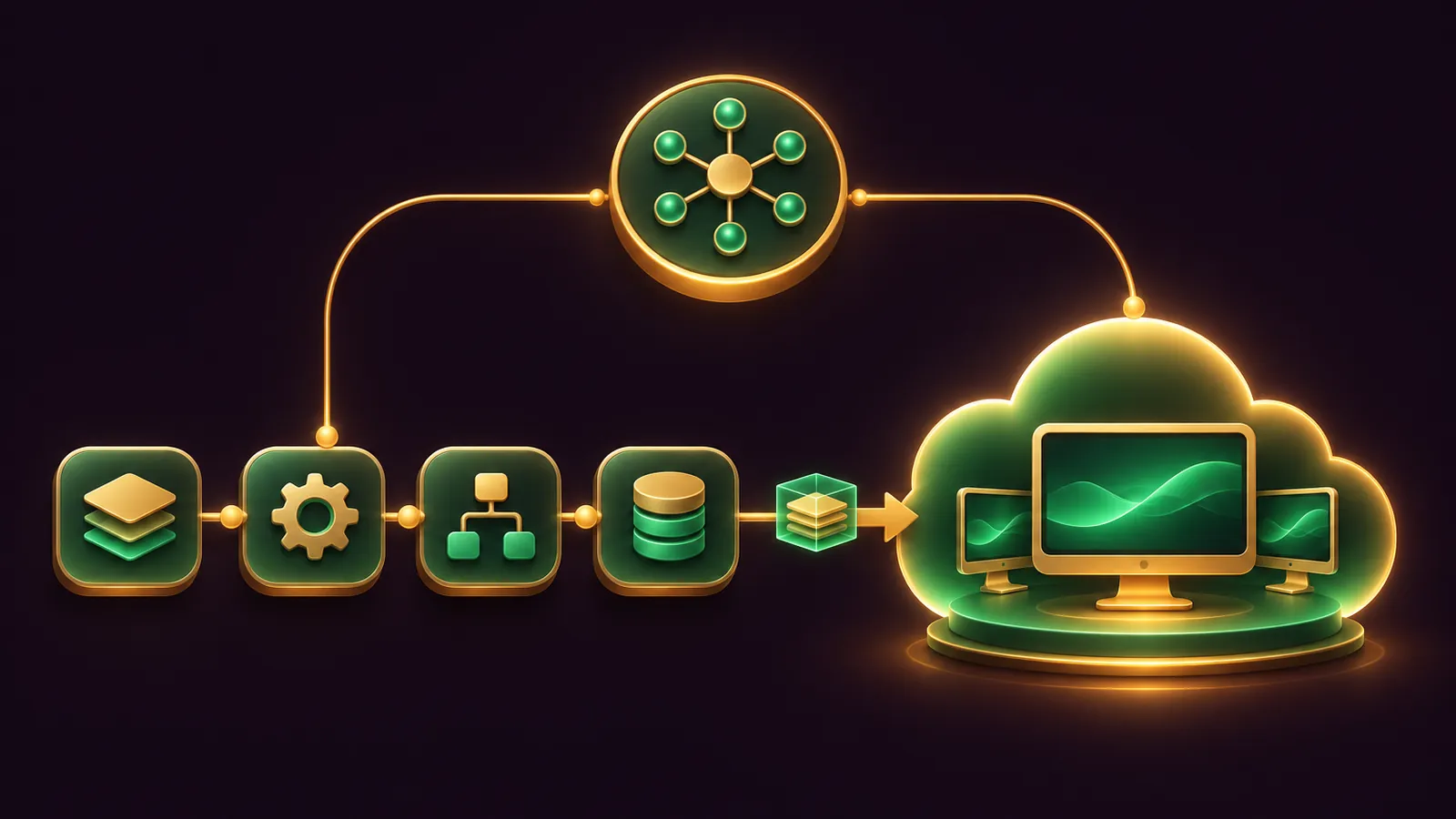
Grok Bot vs n8n inside your Agent OS isn't a contest: n8n becomes the fixed plumbing, Grok Bot becomes the teammate that handles judgement calls, and your own agent decides which job goes where.
Grok Bot is briefed in chat and runs on a cloud computer, as the Grok Bot overview describes.
n8n is a canvas of nodes you publish as workflows, on n8n Cloud or your own server, per the n8n repository.
Your Agent OS agent sits above both, sorting the jobs, writing the briefs and keeping a log.
Below is a quick start, five prompts to paste into your agent, and the weekly rhythm I'd run.
If you'd like my team to plan the split for you, book a free SEO strategy session.
Where each tool sits in your Agent OS
Think of three layers.
Your Agent OS agent is the dispatcher that knows your business and your rules.
n8n is the conveyor belt: triggers, app steps and branches that run the same way each time.
Grok Bot is the specialist you send out to read, browse and draft, with all your Bots sharing one cloud computer and each using its own screen.
Keeping those roles apart stops two tools doing the same job twice.
The job split in one table
| Job | Send it to | Why |
|---|---|---|
| Form to CRM, row to sheet, alert to Slack | n8n | Fixed steps, logged runs |
| Inbox triage and reply drafts | Grok Bot | Every message differs |
| Checking websites with no app | Grok Bot | Its own browser on the cloud computer |
| Data that must stay on your server | Self-hosted n8n | You choose where it runs |
| Known event, open-ended follow-up | Both | n8n posts to a Grok Bot webhook routine |
No vendor compares the two, so this split is my reading of each tool's documentation.
Quick start in five moves
- Decide n8n Cloud or self-hosted using n8n's deployment guide; Cloud plans are Starter, Pro and Enterprise.
- Install the Grok Bot app, sign in, and confirm your X Subscription tier is Premium, Super or Ultra, since Plus doesn't include it.
- Create one Bot with one job and run it once in chat on a safe input.
- Build one n8n workflow with a single trigger and publish it.
- Give your Agent OS agent the prompts below so it keeps both tidy.
Read the n8n Community license page before you build anything client-facing.
n8n uses the Sustainable Use License, which is source-available and limits use to your own internal business, non-commercial or personal purposes.
Old links to the /sustainable-use-license/ path may redirect or break, so save the new page.
Prompt 1: sort your recurring jobs
Paste this into your Agent OS agent first. It produces the map everything else follows.
List every task I repeat at least weekly, from my notes, calendar and inbox.
For each task, mark it FIXED (same steps every time) or JUDGEMENT (needs reading, browsing or deciding).
Send FIXED tasks to n8n and JUDGEMENT tasks to Grok Bot.
Mark a task BOTH if a fixed event should start judgement work.
Return a table: task, type, tool, trigger, and the one action that must need my approval.
Don't change any system. Return the table only.
Prompt 2: brief the Bot and save a skill
Grok Bot's skills and routines guide says to run a task once, save the method as a skill, and only then automate it.
Have your agent write the brief so the skill comes out complete.
Write a brief I can paste to my Grok Bot for the job: [JOB NAME].
Include: when to use it, inputs and access needed, the steps, how to check the result,
what to return, and what needs my approval.
End the brief with: "Run this once on a safe example, then save the process as a skill
called [JOB NAME]. Do not send, publish, buy or delete anything without asking me."
Also list the Ask first rules I should add before this becomes a routine.
Grok Bot's approvals page explains that an Ask first rule always brings up a card, whatever Auto Review thinks.
Grok Bot also ignores instructions buried in emails and web pages, the right default for inbox work.
🔥 Want the whole Agent OS dispatcher set up for you?
Inside the AI Profit Boardroom you get step-by-step video trainings, the installable Agent OS, four coaching calls a week and 3,400+ members wiring agents into their workflows.
Prompt 3: spec the n8n workflow with human review
Your agent can't click the canvas for you, but it can write a spec you build node by node, or feed into n8n's AI Workflow Builder.
Write an n8n workflow spec for: [JOB NAME].
List nodes in order: trigger, each app step, any AI Agent node, and the final step.
For each node give its settings and which credential it uses.
Name each credential as service + type + purpose.
If there is an AI Agent node, list its tools and put a Human review step
in front of any tool that sends, updates or deletes. Pick Slack as the approval channel.
Write the system-prompt lines telling the agent which tools need approval
and what to do if I deny one.
The n8n human review guide asks for exactly those system-prompt lines, so the agent handles a denial properly.
Approvals can go to Slack, Gmail, Teams, Telegram, Discord, Google Chat, WhatsApp Business Cloud, Outlook or n8n Chat.
Prompt 4: wire the webhook handoff
This is the bit that makes the two tools one system.
A Grok Bot routine can start from a webhook call, and n8n's HTTP Request node can make that call.
Help me connect n8n to my Grok Bot routine [ROUTINE NAME].
1. Tell me to ask the Bot: "Add a webhook trigger to this routine."
2. Tell me where to copy the POST URL and key in the routine's Webhook section on desktop.
3. Write the n8n HTTP Request node settings: method POST, that URL,
   a header credential holding the Authorization Bearer key, and a JSON body with [FIELDS].
4. Remind me that a 200 reply only means the run started; results appear in the Bot's chat.
5. Give me a checklist if I get anything other than 200: routine paused? key current?
The Grok Bot changelog notes a webhook routine's menu shows its URL and key, with the key hidden until you reveal it.
For the routine basics this builds on, see the Grok Bot routines guide.
Prompt 5: the weekly health check
Every Friday, check both systems and report back.
n8n: list workflows with failed executions this week and the node that failed.
Grok Bot: ask me to paste each routine's run history; flag any Failed runs and the reason.
Flag any routine near its hourly run limit or any trigger that fires too often.
Recommend one schedule to widen and one approval rule to add. Change nothing yourself.
Grok Bot routines can run up to 300 times an hour in total and 200 per routine, and every run spends usage.
That's why the check looks for noisy triggers first.
📞 Want a second pair of eyes on your job map?
Book a free SEO strategy session and my team will check which jobs belong in n8n, which belong to a Bot, and where the handoff should sit.
A worked example: a dental practice
- A patient fills in the online enquiry form, and an n8n Webhook node catches it on its production URL.
- n8n adds the enquiry to the practice's sheet and sends an acknowledgement, the same way every time.
- An HTTP Request node posts the enquiry text to the practice manager's Grok Bot webhook routine.
- The Bot reads the enquiry, checks the treatment pages on the practice website, and drafts a tailored reply.
- An Ask first rule on sending puts that draft on an approval card for the manager.
- On Friday, Prompt 5 reports any failed runs on either side.
The fixed half never improvises, and the judgement half never sends without a human.
If the practice wants enquiry data on its own server, self-host n8n using the hosting docs.
Where the logins live on each side
In n8n, each login is a credential that nodes point at, and n8n tests it as soon as you save, per its credentials guide.
Set Allowed HTTP Request Domains to specific domains, so the Grok Bot key can only ever be sent to the Grok Bot webhook address.
On n8n Cloud, supported AI models can run on Gateway credits without a provider key of your own.
On the Grok Bot side, connected apps are account-wide and their OAuth tokens stay on Cursor's connector backend, according to the computer and apps page.
Passwords and cards belong in Vault, where a Bot can use a saved login without ever seeing the password.
Anything you leave on the shared cloud computer is visible to every Bot on your account, so tell your Agent OS agent never to drop a key into a Bot's files.
MCP: the other bridge
n8n speaks MCP both ways: its MCP Client node uses outside tools, and its instance-level MCP server lets clients search and run workflows you enable.
The server URL ends in /mcp-server/http, and an owner or admin switches it on under Settings.
A Bot can add an MCP server by URL, so pointing one at n8n is plausible on paper.
Neither vendor documents that pairing, so treat it as an experiment and keep the webhook as your main route.
Versions and verdict
n8n's release notes lead with a 3.0 major release that has breaking changes, while GitHub's Latest tag still shows a 2.x patch, so check both before upgrading a self-hosted box.
Pick n8n for fixed jobs, self-hosting and your own choice of AI model.
Pick Grok Bot for reading, browsing and drafting work you'd rather describe than draw.
Run both when a known event should start open-ended work, with your Agent OS agent keeping the map.
Get the full Agent OS dispatcher setup inside the AI Profit Boardroom.
Also On Our Network
- 🌐 The eight-step setup order for running n8n and Grok Bot side by side
- 🌐 Which small-business jobs suit n8n, which suit a Bot, and the plans for each
- 🌐 A ten-criteria scorecard rating Grok Bot and n8n job by job
- 🌐 Which AI models to run in n8n and Grok Bot, backed by real GoldieBench scores
- 🌐 The complete Grok Bot vs n8n guide on the AI Profit Boardroom blog
FAQ
Can my Agent OS agent build the n8n workflow for me?
It can write a full spec with nodes, settings, credentials and human review steps. You then build it on the canvas or paste the description into n8n's AI Workflow Builder.
How does n8n start a Grok Bot task?
An n8n HTTP Request node sends a POST to the routine's webhook URL with the Authorization Bearer key. The Bot gets the JSON body with the routine's instructions.
Which tool should hold my client data?
If the data must stay on your own server, keep that step in self-hosted n8n. A Grok Bot works on a cloud computer shared by all your Bots.
What should the weekly check look for first?
Failed runs on both sides, then noisy triggers. Grok Bot routines have hourly run limits and every run spends usage.
Final word on Grok Bot vs n8n
Paste Prompt 1 today, wire one webhook this week, and book a free strategy session if you want help with the map.
Your Agent OS then decides each job, and Grok Bot vs n8n stops being a question.
About Julian
I'm Julian Goldie, an AI entrepreneur, SEO expert and the founder of the AI Profit Boardroom, which has 3,400+ members.
I help business owners scale with AI agents, automation and SEO.
My YouTube channel has 400,000+ subscribers, and I run Goldie Agency, a seven-figure SEO agency.
Related guides on agentos.guide
→ Hermes vs n8n: Run Them As One Stack In Your Agent OS
→ Grok Bot Connectors: Connect, Track And Reconnect Every App In Your Agent OS
→ Grok Bot vs Manus: Route Each Job From Your Agent OS
Get the whole Agent OS
The installable system behind every guide on this site — dashboard, agents, memory and pipelines — updated as new tools land, with 3,400+ members and four coaching calls a week.
Join the AI Profit Boardroom →📺 Video notes + links to the tools 👉
🎥 Learn how I make these videos 👉