agentos.guide › blog
Grok Bot Routines: How To Plan, Test And Review Every Routine In Your Agent OS, With Five Copy-Paste Prompts
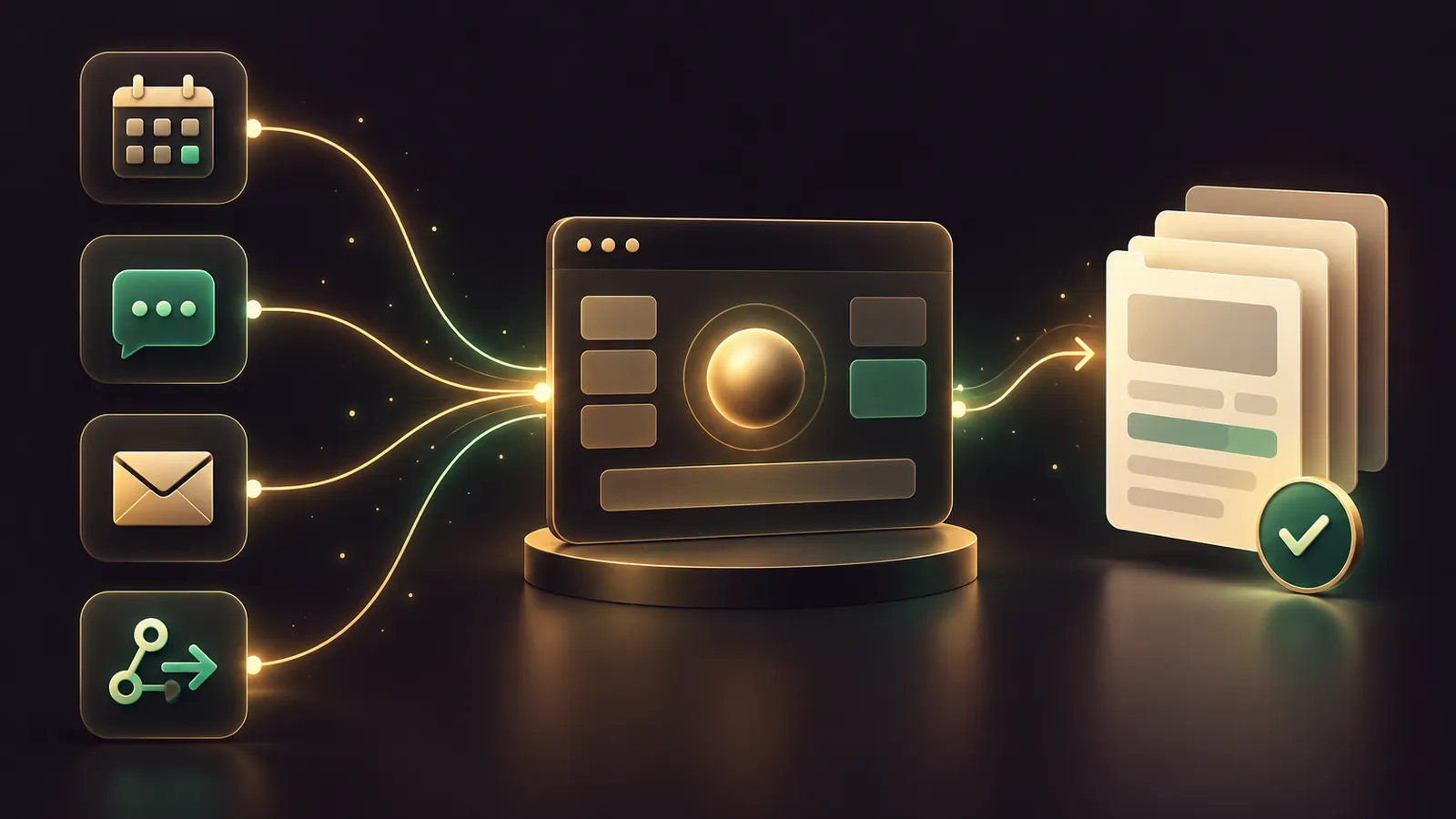
Grok Bot routines are standing jobs for one Grok Bot, and your Agent OS is the best place to plan, check and review them before a single run spends usage.
xAI's routines guide says a routine starts on a schedule or from Slack, email, a webhook, GitHub, Linear, Sentry or PagerDuty.
Your agent does the thinking work around that: auditing the task, writing the brief, counting runs against the limits and reviewing results each week.
If you'd like my team to help you pick the first routines worth building, book a free SEO strategy session.
Quick start: your first routine in five moves
- Run the task once in a Grok Bot chat until the output is right.
- Ask the Bot to save that method as a named skill.
- Paste Prompt 2 below into your Agent OS to write the routine brief.
- Send the brief to the owning Bot, then open the routine and check When to run.
- Press Test with safe inputs, then let it run.
That order comes straight from the docs: prove it once, save it as a skill, and only then automate.
The numbers your agent needs to know
| Rule | Value | Where it comes from |
|---|---|---|
| Routines per Bot | Up to 50 | Skills and routines docs |
| Scheduled runs | At least 5 minutes apart | Skills and routines docs |
| Run records kept | 20 most recent per routine | Skills and routines docs |
| All routines together | 300 runs an hour | Changelog v0.75.5, 23 Oct 2026 |
| Any one routine | 200 runs an hour | Changelog v0.75.5, 23 Oct 2026 |
| Usage | Every run spends it, Test included | Skills and routines docs |
Feed this table to your agent as context so every brief it writes respects the caps; the official changelog confirms the hourly figures.
Go over a cap and that run errors out with Automation run rate limit exceeded, with no automatic second attempt.
Prompt 1: audit the task before it becomes a routine
Give your agent the task description and your notes from the manual run.
Here is a task I ran by hand in Grok Bot: [describe it].
Check it against the Grok Bot rule "prove it once, save it as
a skill, then automate". Tell me:
1. Is the output stable enough to repeat without me?
2. Which steps need a login, an app connection or my judgement?
3. Which actions must stay behind my approval (send, buy, delete,
   publish, production changes)?
4. What should happen if the source data is missing or stale?
Return a pass/fail and the gaps to fix first.
A fail here saves you a week of noisy runs.
Most failures come from the same three gaps: a login the Bot doesn't have, an input that changes shape, and a step where you made a judgement call without noticing.
Write each gap into the skill as a rule before you move on.
If the task needed you to approve something mid-way, keep that approval in the routine too.
🔥 Run your scheduled jobs on a stack you own
The AI Profit Boardroom gives you the installable Agent OS, step-by-step video trainings, four coaching calls a week and 3,400+ members building scheduled agent work.
Prompt 2: write the routine brief
The docs list six things to confirm when you create a routine; this prompt forces all six into one message.
Write a Grok Bot routine request I can paste to my Bot.
Skill to run: [skill name]
Use this structure in plain English:
- Owning Bot: [name]
- When: [e.g. every weekday at 8:00 AM] in [time zone]
- Input source: [sheet / inbox / channel / webhook body]
- Expected result: [format and where it is posted]
- Approval: never send, buy, delete or publish without asking me
- Missing data: report the failure, never reuse old data
Keep it under 80 words. Narrow any trigger to one channel,
one phrase or one sender.
Send the result to the Bot that should own the job.
On the phone, you can also open the Bot's profile and tap Add routine, which starts a message for you to finish.
After it saves, the Bot sums up what the routine does and who receives the result, a behaviour added in v0.70.2.
Check the time zone too: schedules follow Timezone under Bot in Settings.
Prompt 3: count the runs before you switch it on
Here is my planned Grok Bot routine: [paste brief].
Estimate runs per hour, per day and per week.
Flag it if any of these are true:
- scheduled runs closer than 5 minutes apart
- this routine could pass 200 runs an hour
- all my routines together could pass 300 runs an hour
- the trigger listens to every message in a busy channel
Suggest a wider schedule or a narrower trigger that does the
same job with fewer runs.
xAI notes that frequent schedules and chatty Slack listeners can drain seven days of allowance in one.
This prompt catches that on paper, where it costs nothing.
Remember that a routine which never fires spends nothing, while every Test spends, because it does the real job.
If your weekly allowance is draining early, pause what you don't need first, then widen schedules and tighten Slack triggers.
Only after that is a bigger plan worth a look.
Picking the right trigger for the job
Match the trigger to where the work begins.
A daily report belongs on a schedule.
A customer question belongs on an email routine, ideally watching an alias such as name+shop, which v0.71.2 made possible.
A form submission or a payment notice belongs on a webhook: any tool that can send a POST with the routine's bearer key can start a run.
A request from your team belongs on a Slack trigger tied to one channel and one phrase.
Event triggers only react to new activity, so nothing that happened before you created the routine will start it.
Prompt 4: mirror the job as a Hermes cron job
Hermes Agent has its own scheduled tasks, created in plain language or with /cron add.
Running a copy there gives you a second home for the job, on a model you choose.
Create a Hermes cron job that does the same work as this
Grok Bot routine: [paste brief].
- Schedule: [same time, e.g. every weekday at 8am]
- Attach the skill: [skill name]
- Deliver the result back to this chat
- Never send, buy or delete without asking me first
Then show me the job with hermes cron list.
The Hermes docs say a cron job runs on a per-job pinned model first, then cron.model, then your main model.
Pin a model with hermes cron edit <job_id> --pin so swapping your chat model never moves the job.
Hermes also checks a job's config before each run and blocks a misconfigured job before any model call.
Prompt 5: the weekly routine review
Review my Grok Bot routines for this week. For each one:
- Did it run when expected? Any Failed runs, and why?
- Did any run fail with "Automation run rate limit exceeded"?
- Is it still worth the usage it spends?
- Has its source website, app or file format changed?
Recommend: keep, pause, widen the schedule, or narrow the trigger.
Paste in the run history from the phone app, which marks each run Running, Succeeded or Failed with the reason.
The approvals docs recommend reviewing active routines regularly and pausing one when its source or workflow changes.
🔥 Want help choosing which routines to build first?
Book a free SEO strategy session and my team will go through your recurring work with you.
The weekly workflow: draft, test, schedule, review
- Monday: audit one manual task with Prompt 1.
- Tuesday: save the skill and write the brief with Prompt 2.
- Wednesday: count runs with Prompt 3, then create the routine and press Test.
- Thursday: build the Hermes copy with Prompt 4 if you want a second home for it.
- Friday: run Prompt 5 and pause anything that isn't earning its usage.
A new schedule waits for its next slot, so a routine made after its start time first runs the following day.
Use Test when you want to see it today.
Keep the review on the same day every week, so a routine that quietly stopped working never runs unnoticed for longer than seven days.
Name each routine after its outcome, such as "Morning leads list", so the review reads like a checklist.
Guardrails to keep on both sides
Email from a Grok Bot routine waits as a draft until you press Send.
Approval cards raised by a routine expire after 30 minutes, so keep your phone near during run hours.
A Test performs real work, so give it safe inputs.
Deleting a routine can't be undone, and deleting a Bot removes the routines it owns.
On the Hermes side, cron-run sessions can't create more cron jobs, which stops runaway scheduling loops.
Which plan runs Grok Bot routines
Grok Bot comes with Premium, Super and Ultra under The X Subscription, and Plus leaves it out.
Super and Ultra carry larger shared weekly allowances.
For the Agent OS, the trainings and live help to run both sides, join the AI Profit Boardroom.
Also On Our Network
- 🌐 The six-step setup order from first manual run to tested routine
- 🌐 Three small-business routine setups and the usage cost of each run
- 🌐 An eight-criterion scorecard that rates routines 8 out of 10
- 🌐 Which benchmarked models to pair with routines, scores quoted from the bench
- 🌐 The complete Grok Bot Routines guide on the AI Profit Boardroom blog
FAQ
Can my Agent OS create Grok Bot routines directly?
Your Agent OS writes and checks the brief; you send it to the Grok Bot that will own the job, because routines are created by asking that Bot in chat.
How do I stop a Hermes cron job changing model?
Pin it. Run hermes cron edit with the job ID and --pin to lock the current main model, or pass --provider and --model to pin a specific one.
What should the weekly review look for?
Missed or failed runs, any rate-limit failures, usage that isn't worth the result, and sources that changed format since the last test.
Why does Prompt 3 check the five-minute rule?
Grok Bot routine schedules must be at least five minutes apart, so a brief that asks for tighter timing will not save as written.
Final word on Grok Bot Routines
Plan it in your Agent OS, test it once, and review it every Friday, and Grok Bot routines will stay useful instead of noisy; if you want a hand mapping yours, book a free SEO strategy session.
About Julian
I'm Julian Goldie, an AI entrepreneur, SEO expert and the founder of the AI Profit Boardroom, which has 3,400+ members.
I help business owners scale with AI agents, automation and SEO.
My YouTube channel has 400,000+ subscribers, and I run Goldie Agency, a seven-figure SEO agency.
Related guides on agentos.guide
→ Grok Bot Slack: Run A Shared Team Bot In Your Agent OS
→ Grok Bot Teams: Roll Out A Shared Bot In Your Agent OS
→ Grok Bot Plugins: 5 Prompts To Run Them In Your Agent OS
→ Grok Bot AI Full Course (Step By Step)
Get the whole Agent OS
The installable system behind every guide on this site — dashboard, agents, memory and pipelines — updated as new tools land, with 3,400+ members and four coaching calls a week.
Join the AI Profit Boardroom →📺 Video notes + links to the tools 👉
🎥 Learn how I make these videos 👉