agentos.guide › blog
Grok Bot Voice Mode: Turn Voice Chats Into Tasks In Your Agent OS
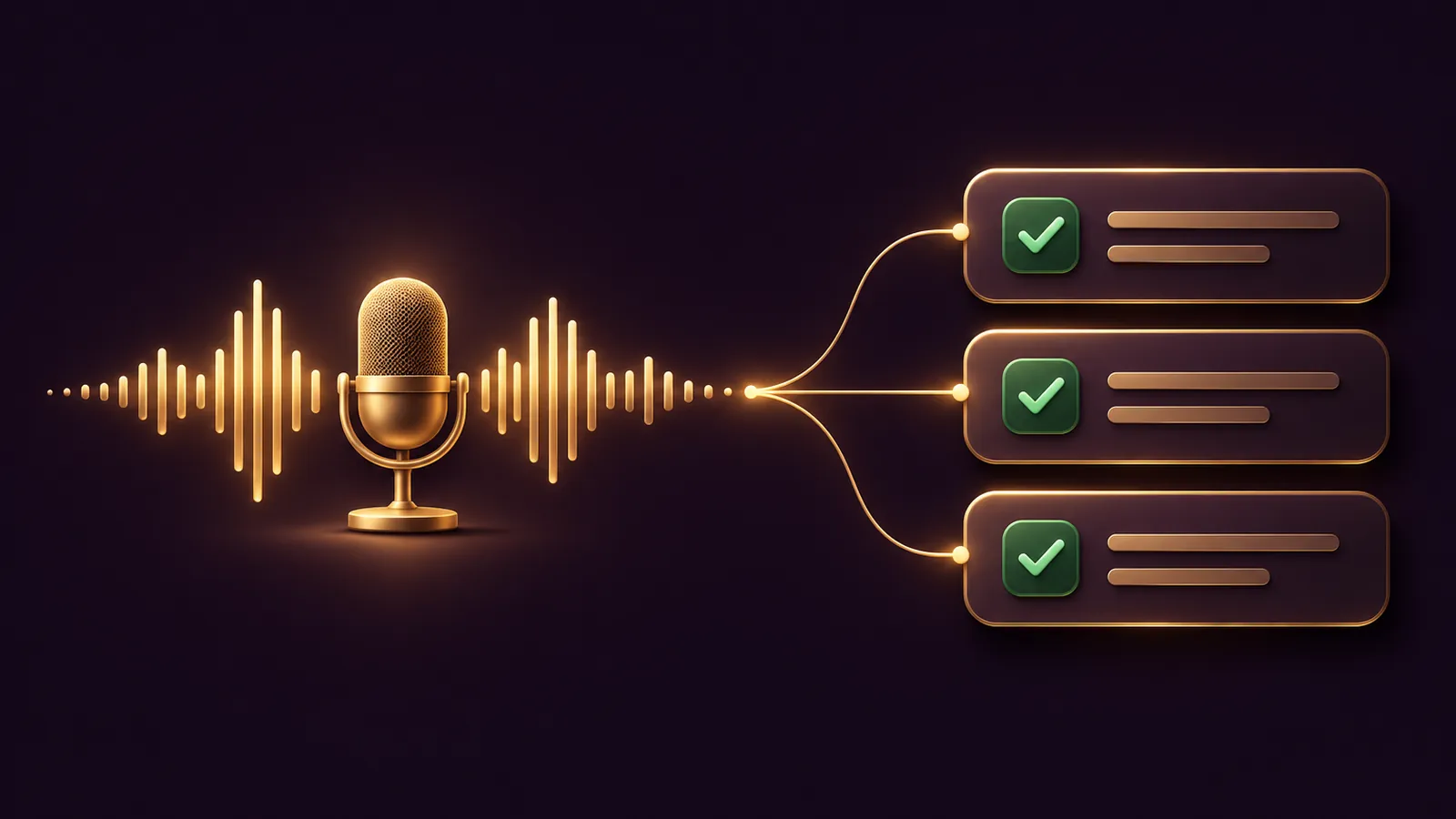
Grok Bot voice mode gives your Agent OS a spoken front door: you talk to one Bot, hang up, and the transcript becomes the brief for the work that follows.
xAI documents the feature as voice chat in its Grok Bot docs, checked on 12 November 2026.
This guide covers a quick start, five copy-paste prompts and a daily routine built around the transcript card.
If you would like help shaping your Agent OS, book a free SEO strategy session with my team.
Where voice chat sits in an Agent OS
Think of voice chat as the capture step.
You speak the messy version; the Bot organises it afterwards in text, where you can approve each action.
Every Bot on your account uses one persistent cloud computer, per the FAQ, so the Bot you talk to works alongside the rest of your setup.
Voice chat itself is one-to-one: one Bot, one call at a time, never in a group chat.
That makes it a good fit for a single "voice inbox" Bot whose only job is to catch what you say and turn it into a list.
Your other Bots stay focused on their own work, and you hand them tasks from the list once you have approved it.
Quick start in five moves
- Check Grok Bot is on your plan; on The X Subscription that is Premium, Super or Ultra, per the plan page.
- Open the chat with the Bot you want as your voice inbox and leave the composer empty.
- Choose Start voice chat, the waveform button, and allow the microphone.
- Talk, then Hang up.
- Open the Voice chat card, read the transcript, and paste Prompt 3 below.
Before your second call, open Show settings and set Voice, Speed and Language to suit you.
The phone app needs iOS 18 or later, or Android 9 or later, per the mobile docs.
If the waveform button is missing from an empty composer, update Grok Bot first.
🔥 Want the full Agent OS your Bot plugs into?
Inside the AI Profit Boardroom you get step-by-step video trainings, the installable Agent OS, four coaching calls a week and 3,400+ members running voice-first routines.
Prompt 1: set up your voice inbox Bot
Send this in text first, so the Bot knows what your calls are for.
You are my voice inbox. When I voice chat with you, listen for tasks, decisions and questions.
After each call, wait for me to ask before acting.
Never send a message or change anything outside this chat without my approval.
Keep a running list called VOICE TASKS and add to it after every call I ask you to process.
Prompt 2: what to say at the start of a call
Say this out loud once the Bot starts talking.
This is a planning call for today. I will talk through jobs, clients and stock.
Only ask me a question if something is unclear. Keep your answers short.
Prompt 3: turn the transcript into tasks
Type this after you hang up and have checked the transcript.
Read the voice chat we just finished.
List every task, grouped by client or area, with who it is for and any date I mentioned.
Mark anything you are not sure you heard correctly with [CHECK].
Do not start any task yet.
Prompt 4: draft the follow-ups
For each task in VOICE TASKS that needs a message, prepare a draft.
Show me every draft for review. Do not send anything.
Bots draft outgoing messages for your review by default, so leave that on while you build trust in the routine.
Each draft shows the recipients and body, and you choose Send or Discard.
Prompt 5: the weekly review
Look back over this week's voice chat transcripts in this conversation.
What came up more than once? What is still open?
Give me a short list of the five open items, oldest first.
Three more businesses, three opening lines
Swap Prompt 2 for one of these, depending on the work.
A cleaning firm owner checking rotas:
This call is about this week's rota. I will name each site, who is on it and any changes.
At the end, read back every site and name so I can correct you.
A bookkeeper after a client visit:
This call is notes from a client visit. I will list what they asked for and what paperwork is missing.
Do not repeat any figures back to me; I will check those in text.
An estate agent between viewings:
This call covers feedback from today's viewings. For each property, note the address, the buyer's reaction and any follow-up.
Keep each reply to one sentence.
The read-back step matters most: names and addresses are where a spoken note goes wrong, so catch them on the call rather than in the task list.
A daily routine, step by step
Here is how a small shop owner might run it.
- Morning: press the iPhone Action Button, set to Grok Bot > Start Voice Chat, and talk through deliveries, staff cover and the day's orders.
- Press it again to hang up.
- Mid-morning: open the transcript card, fix any [CHECK] items, and paste Prompt 3.
- Approve the tasks you want done; leave the rest on the list.
- Close of day: paste Prompt 4, review each draft, and send the ones that are right.
The Action Button steps come from the iPhone section of the mobile docs: Settings, Action Button, swipe to Shortcut, then Grok Bot > Start Voice Chat.
Siri, Spotlight and the Shortcuts app can start the same call, and a Live Activity shows while you are on the line.
On desktop, you can open other chats during the call and choose Return to the voice chat to come back.
Members of the AI Profit Boardroom get the full Agent OS routines this daily loop slots into.
🔥 Rather have someone map this routine to your business?
Book a free SEO strategy session and my team will look at where voice capture and approvals fit.
Settings worth changing once
| Setting | Where | Why change it |
|---|---|---|
| Speed | Show settings during a call with your own Bot | The 11 November changelog lists a 0.5x to 2x slider |
| Voice | Show settings, Voice menu | The changelog adds a card for each voice |
| Language | Show settings | Auto-detect picks the language from what you say |
| Microphone | Settings on desktop | Stops the wrong headset or webcam mic being used |
Those changelog details are on the Grok Bot changelog for 11 November.
What voice chat will not do in your OS
- It will not run two calls at once; a second call asks you to end the first.
- It will not work in group chats.
- It will not ring anyone; Bot phone calls are a separate, US-only feature with their own approval step.
- It has no keyboard shortcut; Cmd/Ctrl+D is dictation, which fills the composer instead.
- It will not take group calls; the one exception to "your own Bot only" is a colleague's shared Bot, reachable by voice from the desktop app.
For outbound calls inside your OS, see our Grok Bot phone calls guide.
How to keep the routine tidy over a month
- Use one Bot as the voice inbox, and keep its chat for calls and processing only.
- Process each transcript the same day, before the details fade.
- Run Prompt 5 every Friday and close anything that has gone stale.
- Move long-running jobs into their own thread or a new Bot, as the docs suggest when a conversation turns into a different long-lived job.
- Correct lasting preferences out loud or in text, for example "always group tasks by client", so the Bot keeps them.
The docs' advice on effective conversations applies to voice too: lead with the result you need, state what the Bot may change and what needs approval, and ask for evidence such as links or a short action log.
Saying those three things at the start of a call gives the Bot a clear frame before you get into the detail.
It also gives you a cleaner transcript to process afterwards, because the purpose sits in the first lines.
When a call drops
Grok Bot tries to reconnect on its own first.
If that fails, the call ends with Voice chat failed; choose Dismiss, check your connection and start again.
Whatever made it into the transcript before the drop is still yours to process with Prompt 3.
If Grok Bot says microphone access was denied, allow it in your system settings; on desktop, pick the right input under Settings, Microphone.
Also On Our Network
FAQ
Can the Bot act during a voice chat?
The docs say that if a call left work to do, the Bot may follow up in the chat with next steps or results. The routine here asks it to wait for your approval.
Where do I find the transcript?
When the call ends, the conversation gets a Voice chat card with the call length. Open it to read the full transcript.
Can several Bots join one voice chat?
No. Voice chat works with one Bot at a time and not in group chats. Open the Bot's own chat to call it.
Does voice chat work on Android?
Yes. The FAQ lists desktop, iPhone and Android. The phone app needs Android 9 or later, or iOS 18 or later on iPhone.
Final word on Grok Bot Voice Mode
Set up your voice inbox, talk every morning and process the transcript before you act, and if you want your whole Agent OS mapped out, book a free SEO strategy session to plan the next step after Grok Bot voice mode.
About Julian
I'm Julian Goldie, an AI entrepreneur, SEO expert and the founder of the AI Profit Boardroom, which has 3,400+ members.
I help business owners scale with AI agents, automation and SEO.
My YouTube channel has 400,000+ subscribers, and I run Goldie Agency, a seven-figure SEO agency.
Related guides on agentos.guide
→ Grok Bot Meeting Notes: Run Them In Your Agent OS
→ Grok Bot iOS: Approve, Brief And Review Your Bots From An iPhone In Your Agent OS
→ Grok Bot Mac: A Quick Start, Five Copy-Paste Prompts And A Weekly Workflow In Your Agent OS
→ Grok Bot Custom MCP: Wire Your Own Tools In Your Agent OS
Get the whole Agent OS
The installable system behind every guide on this site — dashboard, agents, memory and pipelines — updated as new tools land, with 3,400+ members and four coaching calls a week.
Join the AI Profit Boardroom →📺 Video notes + links to the tools 👉
🎥 Learn how I make these videos 👉