agentos.guide › blog
Grok Bot Meeting Notes: A Quick Start, Five Copy-Paste Prompts And A Weekly Rhythm In Your Agent OS
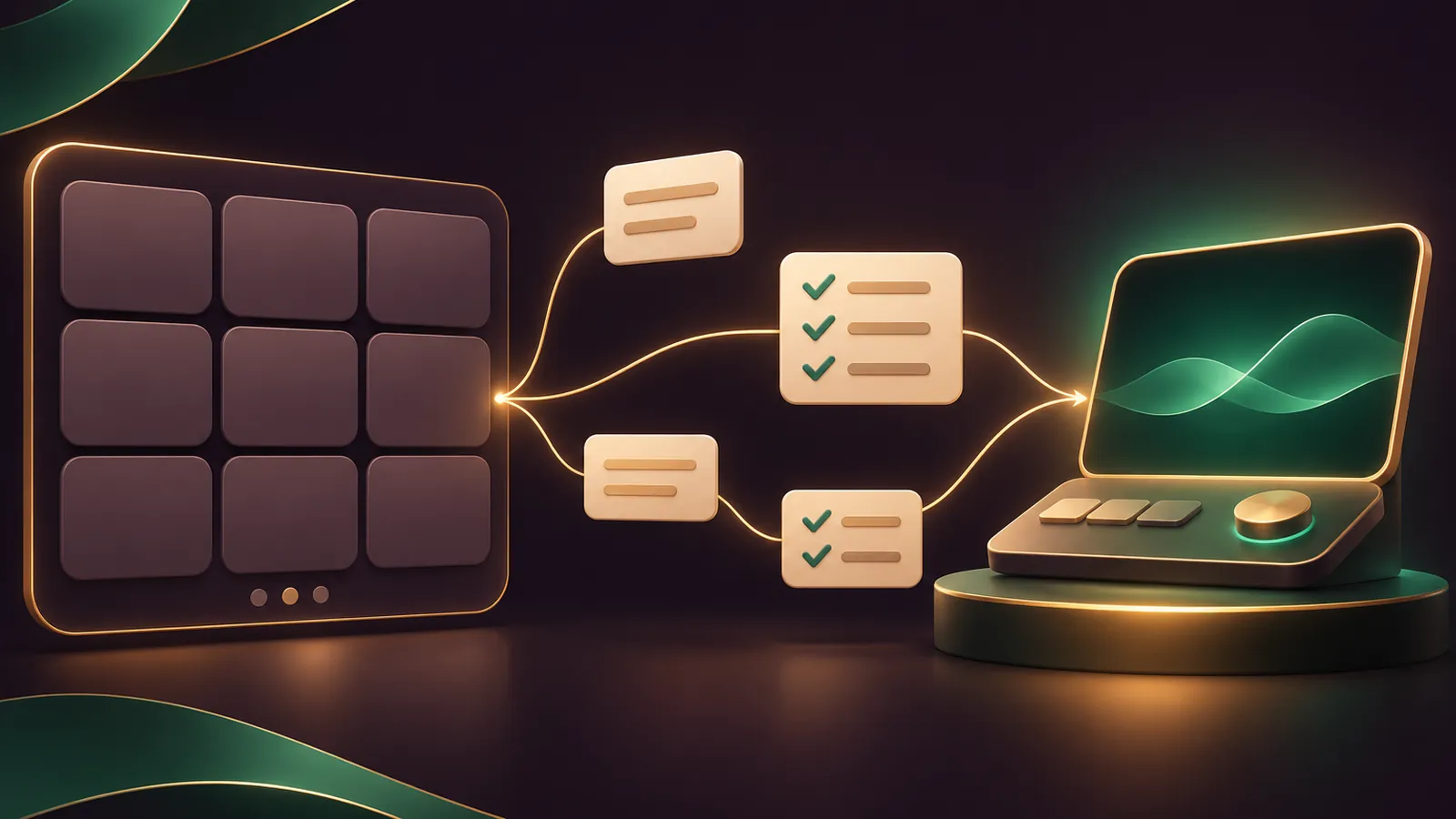
Grok bot meeting notes become far more useful once your Agent OS picks them up: the Bot sits in the call, and your Agent OS turns its summary into briefs, follow-ups and a running client log.
xAI's meetings guide says a Bot joins Google Meet, Zoom or Microsoft Teams, takes notes, answers in the meeting chat when addressed, and sends a summary and action items at the end.
Below: a quick start, five prompts to paste into your Agent OS, and a weekly rhythm that ties the two together.
If you'd like my team to pick the calls worth automating first, book a free SEO strategy session.
Who does what: the Bot in the call, the Agent OS after it
| Job | Grok Bot | Your Agent OS |
|---|---|---|
| Joining the call | Joins once the host admits it | Drafts the invite note telling attendees a Bot is transcribing |
| During the call | Listens, takes notes, answers by name in chat | Nothing; stay out of the room |
| After the call | Summary and action items in its chat | Files the notes, drafts follow-ups, updates the client log |
The split keeps each tool on the job it's built for.
The Bot owns the live call, because it's the one the host admits and the one attendees can ask in the chat.
Your Agent OS owns the paperwork, because that's where your client files, templates and folders already live.
Nothing needs wiring between them on day one: you copy the Bot's output across, and the prompts below do the rest.
Quick start in five moves
- Check the plan. Meetings is available on Team, Enterprise and Ultra plans. On Enterprise, an admin controls it under Bot Capabilities on the team dashboard's Grok Bot page (teams and enterprises docs).
- Send a link. Paste the Meet, Zoom or Teams link into the Bot chat and ask it to join and take notes.
- Approve. Accept the card the Bot shows you.
- Get admitted. The host lets the Bot in; it appears as your Bot's name followed by "transcribing".
- Set the mode. In Bot details, open the meeting's menu under Upcoming and choose Disable Interactivity for client calls.
Interactivity can only be switched back on while the meeting is still scheduled; once it's live, quit the Bot and add it again.
Prompt 1: the pre-call consent note
Paste this into your Agent OS the day before any external call.
Draft a two-line note I can send to everyone on tomorrow's call.
Say that my Grok Bot will join to transcribe and take notes,
that it will appear as "[Bot name] - transcribing",
and ask them to reply if they'd prefer it not to join.
Keep it plain and friendly. UK spelling.
Telling attendees a Bot is transcribing is the baseline; follow your own consent and recording rules on top of it.
If anyone objects, use Quit or Cancel from the meeting's menu.
Prompt 2: the host briefing
The host admits the Bot every time, so a client-hosted call needs a heads-up.
Write a one-line message to [host name] for [meeting name] at [time].
Tell them a participant called "[Bot name] (my first name's Bot) - transcribing"
will be in the waiting room and ask them to admit it.
Send it the morning of the call, not the week before.
🔥 Want the full Agent OS to run beside your Bots?
The AI Profit Boardroom gives you step-by-step video trainings, the installable Agent OS, four coaching calls a week and 3,400+ members sharing their setups.
Prompt 3: turn the summary into follow-ups
When the call ends, copy the Bot's summary and action items from its chat into your Agent OS.
Here are the summary and action items from today's call: [paste].
1. Draft a recap email to the client listing each action, owner and date.
2. Flag any action with no owner or no date.
3. Save a dated note to clients/[client name]/meetings.md.
Do not send anything. Show me the drafts first.
If you have Pages, the Bot also puts a longer report on a page; paste that link in too.
Pages is rolling out gradually and isn't on Enterprise teams yet.
Prompt 4: the transcript check
The Bot will give you the summary or transcript of any past meeting when you ask.
Ask it for the transcript, then hand it to your Agent OS to check the recap against what was actually said.
Compare this recap draft: [paste]
against this transcript: [paste].
List any date, quantity or promise in the recap that the transcript does not support,
with the line from the transcript that contradicts it.
This is the step that keeps a follow-up email accurate.
It matters most for numbers: delivery dates, quantities and deadlines are where a summary is most likely to blur two things together.
Prompt 5: the Friday roll-up across every client
Once a few weeks of notes are saved, your Agent OS can see patterns no single meeting shows.
Read every file in clients/*/meetings.md from the last 7 days.
List open action items by client, oldest first.
Mark anything promised to a client that is now past its date.
Suggest the three follow-ups I should send on Monday.
Run it at the end of the week and start Monday with a short, sorted list instead of an inbox hunt.
The Bot keeps its own record too, so you can always ask it for the summary of a past meeting if a file is missing.
Four small-business setups, step by step
A salon's Monday team call on Zoom
- Put the Zoom link in the calendar event yourself, because the Google Calendar app can't add Zoom links.
- Leave interactivity on so stylists can ask the Bot by name in the chat.
- Run Prompt 3 to turn the action items into the week's rota tasks.
An agency's client kickoff on Google Meet
- Run Prompts 1 and 2 the day before.
- Disable Interactivity on the scheduled meeting.
- Run Prompts 3 and 4 after the call, then send the recap.
An accountant's client review on Microsoft Teams
- Send the Teams link to the Bot and accept its join card.
- Keep the Bot muted.
- Ask your Agent OS to build a checklist of every document the client said they'd send.
- Run Prompt 4 so the checklist matches the transcript before you email it.
A plumber's call with a property manager
- Brief the property manager, as host, with Prompt 2.
- Keep interactivity off, since the call is with a client.
- Afterwards, ask your Agent OS to group the action items by address into a job sheet.
Common snags and the fix for each
- The meeting isn't under Upcoming. The calendar event has no link, or the Bot isn't following that calendar; paste the link into the chat instead.
- The Bot sits in the waiting room. The host hasn't admitted it; resend the Prompt 2 message.
- It answered a client when you wanted silence. Interactivity was on; next time set Disable Interactivity while the meeting is still scheduled.
- It can't join at all. Your plan doesn't include Meetings, or an Enterprise admin has switched Meetings off.
Not sure what to ask the Bot the first time? In its details, Add to meeting under Suggested drafts the question for you.
Guardrails worth knowing
- Credentials never get handed out in a call. Ask for something the Bot held back and it names the asker to you, then offers to send it.
- A private Zoom chat message to the Bot gets a private answer.
- A request from a conference room device counts as the room, not one person.
- Meetings use the settings of the person who started them, which matters on shared Team Bots.
The security docs go further: Bots hold no login of their own, and sign-ins never reach the model.
For the separate job of chatting with Bots inside Teams channels, see our Grok Bot Microsoft Teams guide.
📞 Want a plan for which meetings to automate?
Book a free SEO strategy session and my team will map your recurring calls with you.
The weekly rhythm
- Monday: open Bot details and check Upcoming against your calendar; a call missing from the list usually means a missing link.
- Day before each external call: Prompts 1 and 2.
- After each call: Prompts 3 and 4.
- Friday: Prompt 5.
The Grok Bot FAQ says Bot work runs on the cloud computer and carries on when you close the app or laptop, so you can leave a call early without losing the notes.
Check the Grok Bot changelog each week for meeting changes.
Also On Our Network
FAQ
Does my Agent OS join the call itself?
No. The Grok Bot joins the call. Your Agent OS works with the summary, action items and transcript the Bot gives you afterwards.
How do I get the transcript into my Agent OS?
Ask the Bot for the transcript of the meeting, then paste it into your Agent OS with Prompt 4.
What if a client says no to the Bot?
Use Cancel for a scheduled meeting or Quit if it is already joining or in the call. Then take notes the usual way.
Can the Agent OS send the recap email for me?
The prompts here tell it to draft and show you first. Read the draft against the transcript before anything goes out.
Final word on Grok Bot Meeting Notes
Paste Prompt 1 into your Agent OS before your next external call, and join the AI Profit Boardroom for the full Agent OS to run beside every grok bot meeting.
About Julian
I'm Julian Goldie, an AI entrepreneur, SEO expert and the founder of the AI Profit Boardroom, which has 3,400+ members.
I help business owners scale with AI agents, automation and SEO.
My YouTube channel has 400,000+ subscribers, and I run Goldie Agency, a seven-figure SEO agency.
Related guides on agentos.guide
→ Grok Bot Teams: Plan, Audit And Roll Out A Shared Bot With 5 Prompts In Your Agent OS
→ Grok Bot Voice Mode: Talk To Your Bot In Your Agent OS
→ Grok Bot Custom MCP: Wire Your Own Tools In Your Agent OS
→ High PR Backlinks Service: Do The Groundwork In Your Agent OS
Get the whole Agent OS
The installable system behind every guide on this site — dashboard, agents, memory and pipelines — updated as new tools land, with 3,400+ members and four coaching calls a week.
Join the AI Profit Boardroom →📺 Video notes + links to the tools 👉
🎥 Learn how I make these videos 👉