agentos.guide › blog
Grok Bot Custom MCP In Your Agent OS: A Quick Start, Five Copy-Paste Prompts And A Weekly Routine
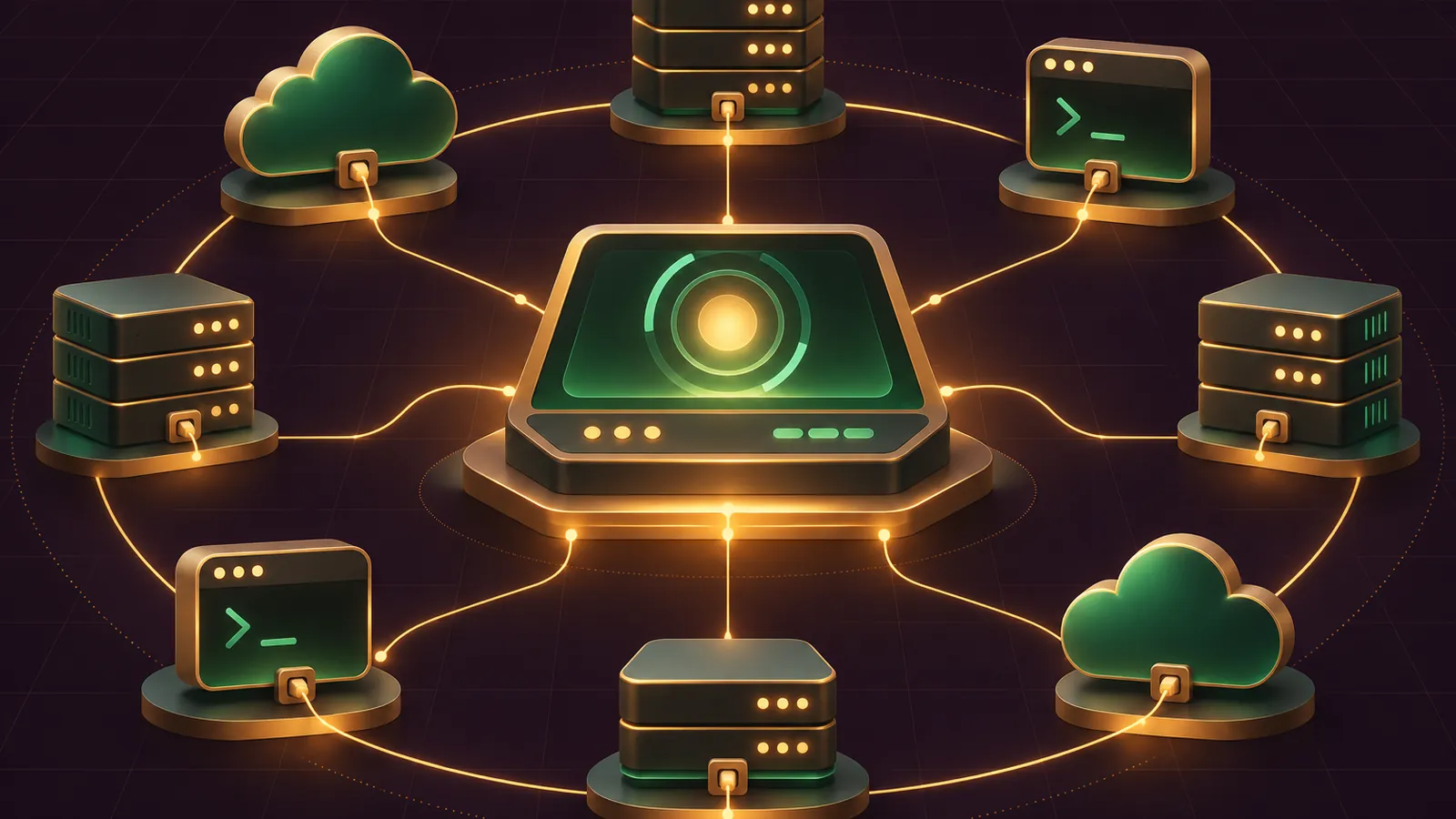
Grok Bot custom MCP turns your Agent OS into a hub that can reach your own tools: you add a server once, and every Bot on the account can call it.
This guide gives you a quick start, five prompts to paste into your Bot, and a short weekly routine to keep the connections tidy.
Everything here follows the official Grok Bot computer and apps docs, the MCP section of the security docs and the connector policy notes, read on 12 November 2026.
Want my team to look at how this fits your wider setup? Book a free SEO strategy session.
Quick start: the two ways in
There are two routes, and both end with the same server in your app list.
Route A, the form. In the desktop app, open Connect apps, choose Add a custom connector at the bottom, give it a Name and pick a Type.
Route B, the Bot. Paste a server URL or a start command into chat and ask the Bot to add it.
Route B suits an Agent OS best, because the Bot does the setup and reports back.
Either way, check the catalog first; if the tool is already there, use the catalog app instead.
The catalog side is covered in our Grok Bot connectors guide.
Where a custom server fits in your Agent OS
In an Agent OS, the Bot is the operator and the apps are its hands.
Built-in connectors cover the common hands: mail, calendars, drives, accounting tools and chat.
A custom MCP server is how you add a hand the catalog doesn't have, such as a booking system, a job tracker or an in-house script.
Because apps are account-wide, you set it up once and every Bot in your OS can reach it.
You attach it to a task by typing @ and picking its name, so it only joins the jobs you choose.
That's the mental model to keep: one account, one shared computer, one app list, many Bots.
Grok Bot itself comes with Premium, Super and Ultra on The X Subscription; Plus and Free don't include it, per the Grok Bot FAQ.
Team seats work on those same plans, and the MCP allowlist is an Enterprise feature.
Remote HTTPS or Command: which one your server is
| Type | Fields | Where it runs | Use it for |
|---|---|---|---|
| Remote HTTPS | Server URL, optional HTTP headers, optional OAuth Client ID (Client Secret appears after) | Reached from Cursor's servers | A vendor's hosted endpoint |
| Command | Command and Arguments | Runs on the Bot's computer | A script or package you run yourself |
Keep command servers in /workspace, the shared folder the docs recommend for durable files.
Virtual environments and node_modules aren't saved, so plan to reinstall them after an update, Recover or Reset.
If you fill the form yourself, the Client Secret box only shows up after you type a Client ID, so don't go hunting for it first.
And if your team's MCP policy blocks the server, the form simply won't save it.
Prompt 1: add a hosted server
Give the Bot the address and tell it to stop before running anything:
Add this MCP server as a custom connector: https://mcp.example.com/
Name it Bookings. If it needs me to sign in, show me the Connect card.
Don't call any of its tools yet. When it's installed, tell me its status.
Swap the placeholder for your vendor's real endpoint.
If the server sits on a private network or uses a private certificate authority, the Bot asks for your approval before adding it.
Read that card properly before you say yes.
Prompt 2: add a command server
Add a custom MCP server that runs on your computer.
Command: python3
Arguments: /workspace/mcp/jobs_server.py
Name it Job Sheet. Before you add it, list any packages the script
needs and install them. Tell me which of my other Bots will see it.
The last line is deliberate.
Anything the Bot starts by command becomes available to your other Bots as well, so you want that spelt out.
Every Bot on the account shares one computer, including its files and command-line credentials.
Each Bot gets its own screen on that computer, but the docs are clear that screens are work surfaces, not security boundaries.
If a Bot in your OS shouldn't see a server, it belongs on a different account.
🔥 Want the full Agent OS with these prompts built in?
Members of the AI Profit Boardroom get step-by-step video trainings, the installable Agent OS, four coaching calls a week and 3,400+ members swapping connector setups.
Prompt 3: check status and sign-in
Go through every app in Connect apps, including custom connectors.
For each one, tell me if it shows Installed, Needs auth or Disconnected.
For anything not signed in, show me the Authenticate step. Change nothing else.
Added means installed, not signed in, so this check catches the most common failure.
On the phone the button reads Authorize rather than Authenticate.
Prompt 4: a read-only first run
@Bookings list tomorrow's appointments with time, client name and
service. Read only: don't create, move or cancel anything. Put the
result in a table and tell me which tool calls you made.
The recommended configuration says to start new roles with read-only tasks and draft outputs.
Keep sending, publishing, purchasing, deletion and production changes behind approval until you trust the server.
When it's time to let the server write, start with one action and choose Allow once rather than Always allow.
The security guidance recommends exactly that for anything touching accounts, money or shared resources.
Only widen the permission after a week of clean runs, and write the rule down so the rest of your team follows it too.
Prompt 5: diagnose a blocked server
My custom connector Bookings isn't working. Tell me which of these
it is: Disabled by team admin, a network allowlist refusal (quote the
message), a vendor permission error, or a sign-in problem. Then tell
me exactly what to ask my admin or the vendor.
Each answer maps to a documented fix.
Disabled by team admin means the team's Cursor connector policy blocks it; the admin enables it in Teams Marketplace and adds the URL to the MCP allowlist if one is in use, then you restart the app.
A network refusal names the host to add under Allowed destinations.
A vendor permission error can mean the vendor limits its MCP endpoint to its own administrators.
What admins control behind the scenes
Grok Bot has no separate connector list; it inherits the team's Cursor connector policy.
Admins set permitted servers on the Plugins & MCPs page of the Cursor dashboard.
The MCP allowlist is Enterprise only.
On Enterprise, an allowlist network mode alone doesn't cover remote MCP servers, because Bots reach them from Cursor's servers.
The Apply to MCP servers switch closes that gap; it's off by default and only appears in the allowlist modes.
Command servers are already under the network policy.
Once switched on, the rule is picked up by the next MCP connection; allow about a minute for changes.
Built-in connectors are checked by the hosts they call, so admins add those hosts before flipping it.
As of the changelog entry dated 11 November 2026, custom servers on a Team Bot appear as shared with the whole team, without a Share my account option.
🔥 Want a second pair of eyes on your connector plan?
Book a free strategy session and my team will look at your tools, your site and where Bots can help.
Keep secrets out of chat
OAuth tokens are held on Cursor's connector backend, and the Bot calls tools without receiving them.
For an API key, use the masked secure secret card when the Bot asks; the Vault page says that value never lands in chat and the Bot can't see it.
Never paste a password, key or code into ordinary chat.
And only add servers you trust: a connected app can do whatever the account you authorised can.
A five-minute weekly routine
- Run Prompt 3 to catch anything that's dropped its sign-in.
- Ask the Bot which custom servers it used this week and for what.
- Remove any server nobody used; removing an app signs you out and takes what it added with it.
- Pause any routine whose source system has changed.
- If you're on Enterprise, confirm Apply to MCP servers is still on.
Bring your results to a coaching call inside the AI Profit Boardroom and we'll tighten the setup together.
Also On Our Network
FAQ
Can my Bot add a custom MCP server for me?
Yes. A Bot can add a server that isn't in the catalog, by URL or by a command that runs on its computer, and asks first for private-network servers.
Where should I keep a command server's files?
In /workspace, the shared folder the docs recommend for durable files. Reinstall virtual environments and node_modules after an update, Recover or Reset.
Why does my Bot say an app is missing when I added it?
Added means installed, not signed in. Open it and choose Authenticate, or Authorize on the phone.
Do other Bots on my account see a custom server?
Yes. Apps are account-wide, and a server started by a command is available to your other Bots too.
Final word on Grok Bot Custom MCP In Your Agent OS
Paste Prompt 1 into your Bot today, run Prompt 4 before anything writes, and book a free strategy session if you want help planning your grok bot custom mcp setup.
About Julian
I'm Julian Goldie, an AI entrepreneur, SEO expert and the founder of the AI Profit Boardroom, which has 3,400+ members.
I help business owners scale with AI agents, automation and SEO.
My YouTube channel has 400,000+ subscribers, and I run Goldie Agency, a seven-figure SEO agency.
Related guides on agentos.guide
→ Grok Bot Connectors: Connect, Track And Reconnect Every App In Your Agent OS
→ Grok Bot Plugins In Your Agent OS: Quick Start, 5 Copy-Paste Prompts And A Weekly Workflow
→ Grok Bot Teams: Plan, Audit And Roll Out A Shared Bot With 5 Prompts In Your Agent OS
→ Hermes Agent MCP Server: The Quick Start For Both Directions, And How It Fits Your Agent OS
Get the whole Agent OS
The installable system behind every guide on this site — dashboard, agents, memory and pipelines — updated as new tools land, with 3,400+ members and four coaching calls a week.
Join the AI Profit Boardroom →📺 Video notes + links to the tools 👉
🎥 Learn how I make these videos 👉