Both of them are a local gateway that sits between your coding agent and whichever models you want to use.
OmniRoute is the one plugged into the Agent OS already, and it is what I run day to day.
Claude Code Router is heavier, and the extra weight is the point — it is a control plane with a dashboard.
This is the shape both tools take. Your agents stop knowing about providers, and one thing in the middle decides where each request goes.
What you actually get from each
Straight answer on the recommendation: if OmniRoute is working, keep it. Reach for Claude Code Router when you want to see what every request actually did, or you want fallbacks when a provider goes down.
The gateway comes up on 127.0.0.1:3456 and the dashboard on 127.0.0.1:3458. Add a provider, point one agent at it, and leave everything else exactly as it is.
1. Point a spare agent at it first — never the one you work in.
2. Run a normal day's work through it and watch the log: model, latency, tokens, cost.
3. If the log tells you something you did not already know, keep it. If it does not, you have your answer.
4. Honest caveat — I have not run a long head-to-head on stability, so test it on your own work before you move anything important.
"A router earns its place when it shows you something you couldn't see before."
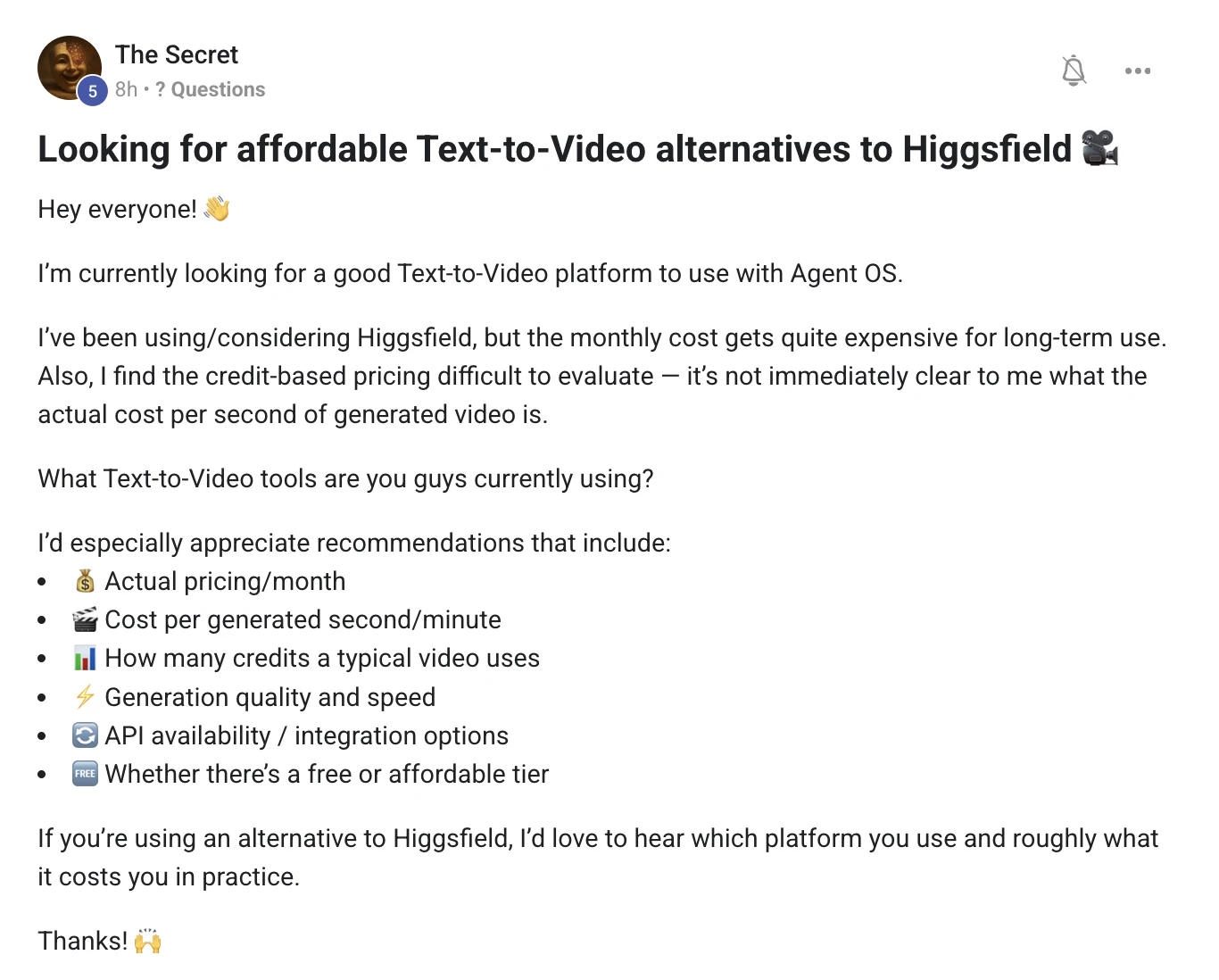
Work out your cost per second. Then stop paying for most of it.
Credit pricing is confusing on purpose, so turn every tool into one number before you compare anything.
Then the real saving: most of what people generate does not need a generator at all.
Generate one clip, note the credits it burned and how many seconds you got. That single number lets you compare any two tools honestly, and it is the only number the pricing page will not give you.
Where the money should actually go
Split your video into two piles before you pay anybody.
Almost everything in the second pile can be made for nothing.
The demo clips and animations across these guides are authored and rendered locally. No credits, no per-second cost, and they never expire with a subscription.
1. Run the same prompt through two or three tools and record credits used and seconds out. That is your real comparison.
2. Check whether the tool has an API before you commit — if you cannot call it from your agent, it will not stay in your workflow.
3. Buy the cheapest plan that gives API access, not the biggest one. Credits usually roll over badly.
4. Move everything that is text, charts, UI or screen capture out of the generator entirely. That is normally most of the runtime.
5. Prices and models change monthly, so re-run step one every few months rather than trusting last year's answer.
"Pay for the shot you cannot make. Author everything else."
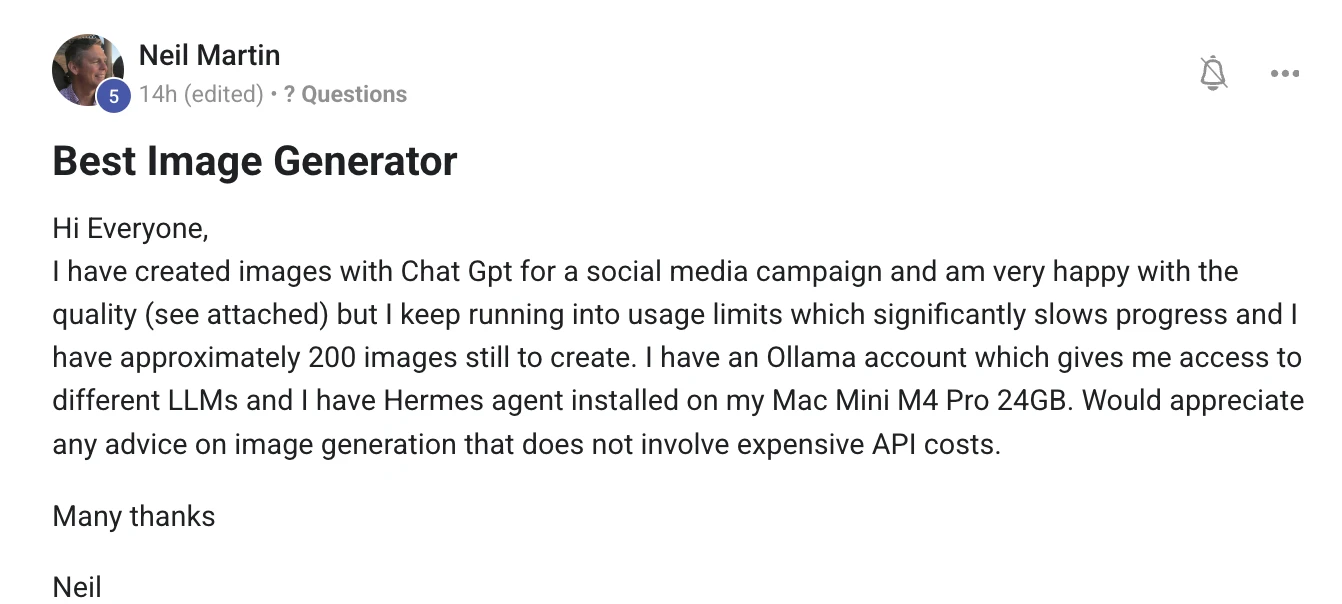
Your Mac can make all two hundred. Overnight, for nothing.
First, one correction that saves you a lot of time: Ollama runs language models, not image models, so it will not help here.
What will help is an image model running on the same Mac — an M4 Pro with 24GB is comfortably enough.
Three different things people mix up. The middle one is what you have been using and hitting limits on. The right-hand one has no limits at all because it never leaves your desk.
The plan for two hundred images
1. Install a local image app on the Mac — Draw Things is the easy one, ComfyUI if you want more control. Both are free and both run on Apple Silicon.
2. Pull one good open model and stop shopping. The model matters far less than your prompt template.
3. Write one prompt template for the campaign and change only the subject line per image. That is what keeps two hundred pictures looking like one campaign.
4. Lock the seed and the size. Same seed plus same style words is how you get a consistent look instead of two hundred strangers.
5. Queue them in batches and let it run while you sleep. Cost is electricity.
6. Keep the paid generator for the five images that carry the campaign, and let the local one do the other one hundred and ninety-five.
And keep the ones you already made. They are the style reference you feed the local model so the new batch matches the old.
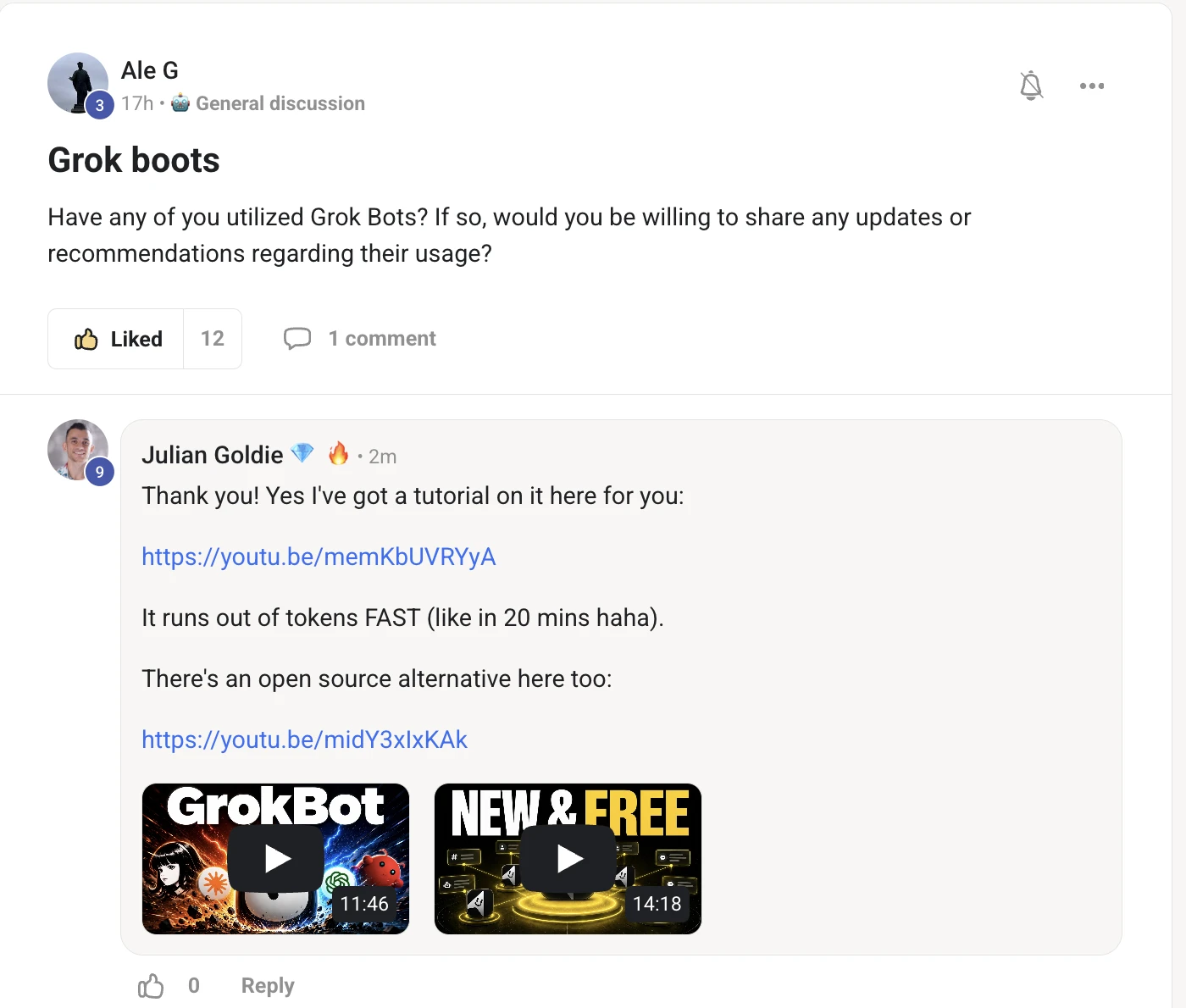
I have a full tutorial on Grok Bot, and an open-source alternative that does the same job without the limit.
Both walkthroughs are below — the honest catch is that the token allowance goes in about twenty minutes of real use.
The Grok Bot walkthrough — what it is and how to run one.
OpenMausBot — the open-source version, side by side.
That is the whole recommendation. Try the hosted bot to understand the shape of it, then move to the open version before you build anything you depend on.
"Try the hosted one to learn it. Run the open one to keep it."
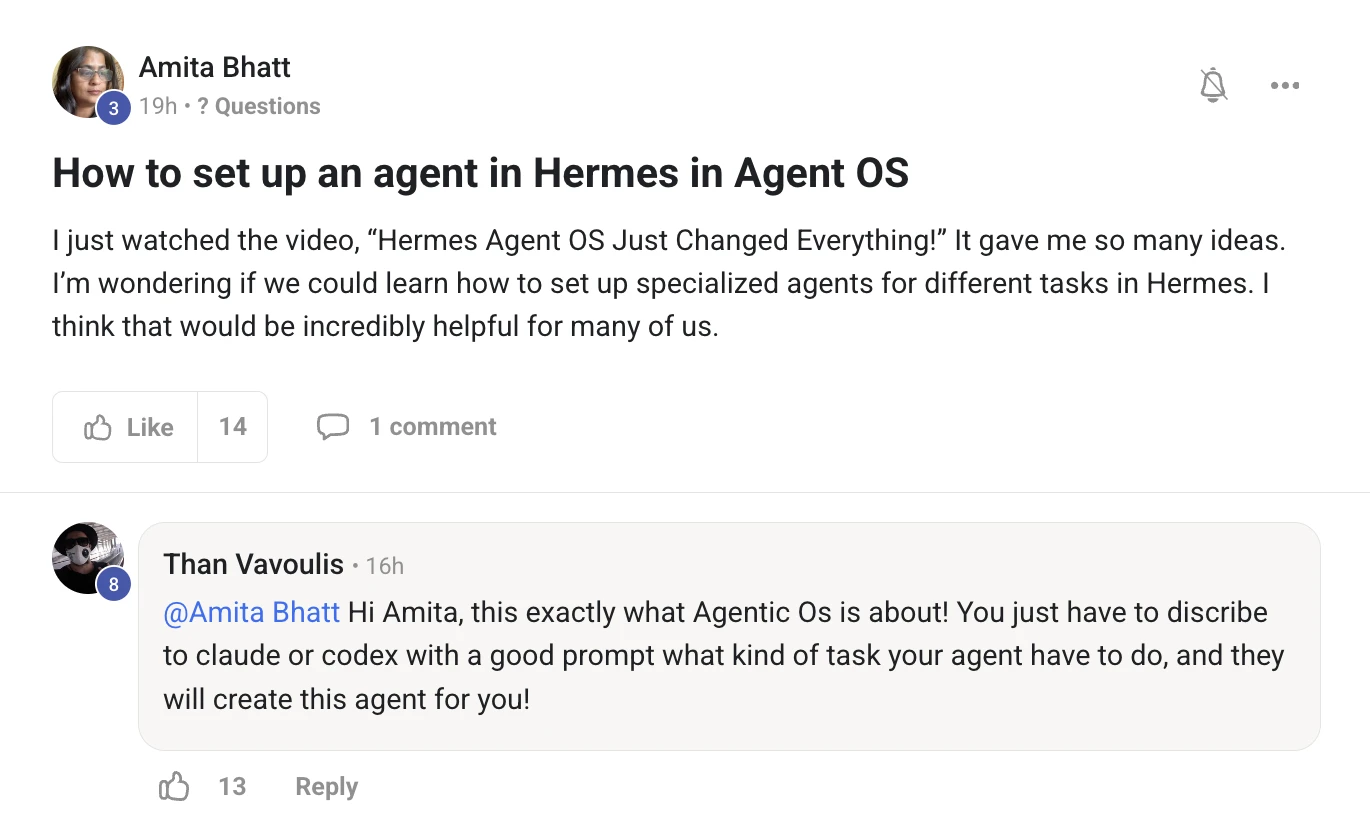
In Hermes, a specialised agent is just a profile with its own model, its own instructions and its own skills.
Than is right in the comments too — you can describe the job to Claude or Codex and have it build the agent for you.
What you are watching: a real session on my machine. One command makes a new SEO-writer agent that inherits my model and all 193 skills, and it gets its own command name straight away.
make an agent
hermes profile create seo-writer --clone-from julian \
  --description "Writes SEO articles from a keyword and a transcript"
Swap the name and the description for the job you want. --clone-from copies your working setup so the new agent starts with your model, keys and skills instead of nothing.
The description is the part people skip. It is what the Kanban orchestrator reads when it decides which of your agents should pick up a task, so write it like a job title.
1. Name it after the job, not the model. seo-writer ages well, kimi-agent does not.
2. Clone from a profile that already works so it inherits your keys, model and skills.
3. Write the description as one plain sentence about what it does. That is what the board matches jobs against.
4. Open its SOUL.md and tell it how to behave — house style, what to never do, what good output looks like.
5. Give it one job and use it for a week before you make a second one. Most people make six agents and use none.
6. Or do what Than said: describe the job to Claude or Codex in the Agent OS and let it write the profile and the SOUL file for you.
Every question on this page was answered the same day it was asked. The AI Profit Boardroom is where the Agent OS lives — the model line-up, the memory setup, and live calls every week.
 Read the original post on Skool ↗