Get all 4 answers + Agent OS inside the AI Profit Boardroom
Join
Answered this week · inside the Boardroom
Claude's watermark, model line-ups, a messy second brain and Tailscale on WSL2 .
Four questions came in this week and all four deserve a proper answer.
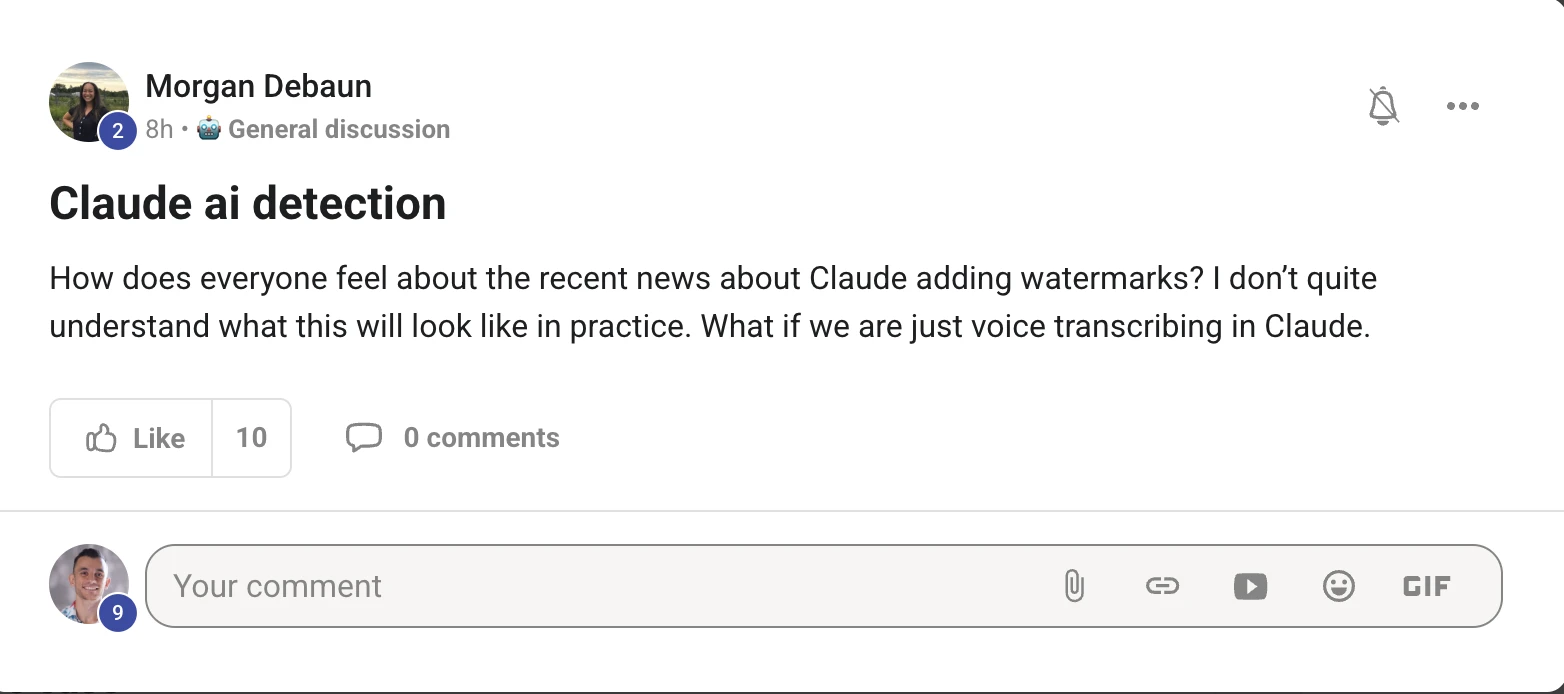
What Claude's new watermark actually does to your writing, especially if you only dictate into it.
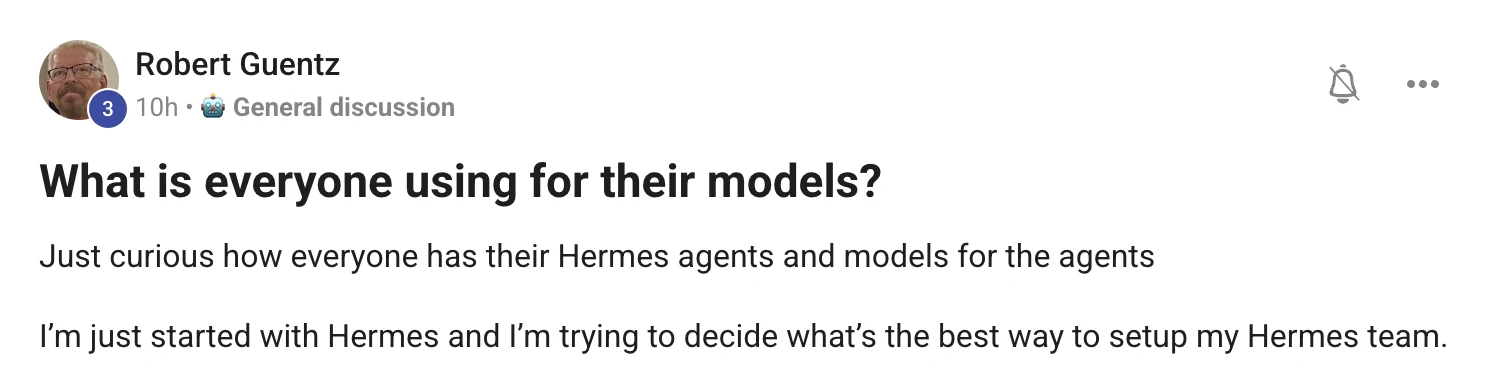
Which models to give your Hermes agents when you are staring at a list of forty-seven.
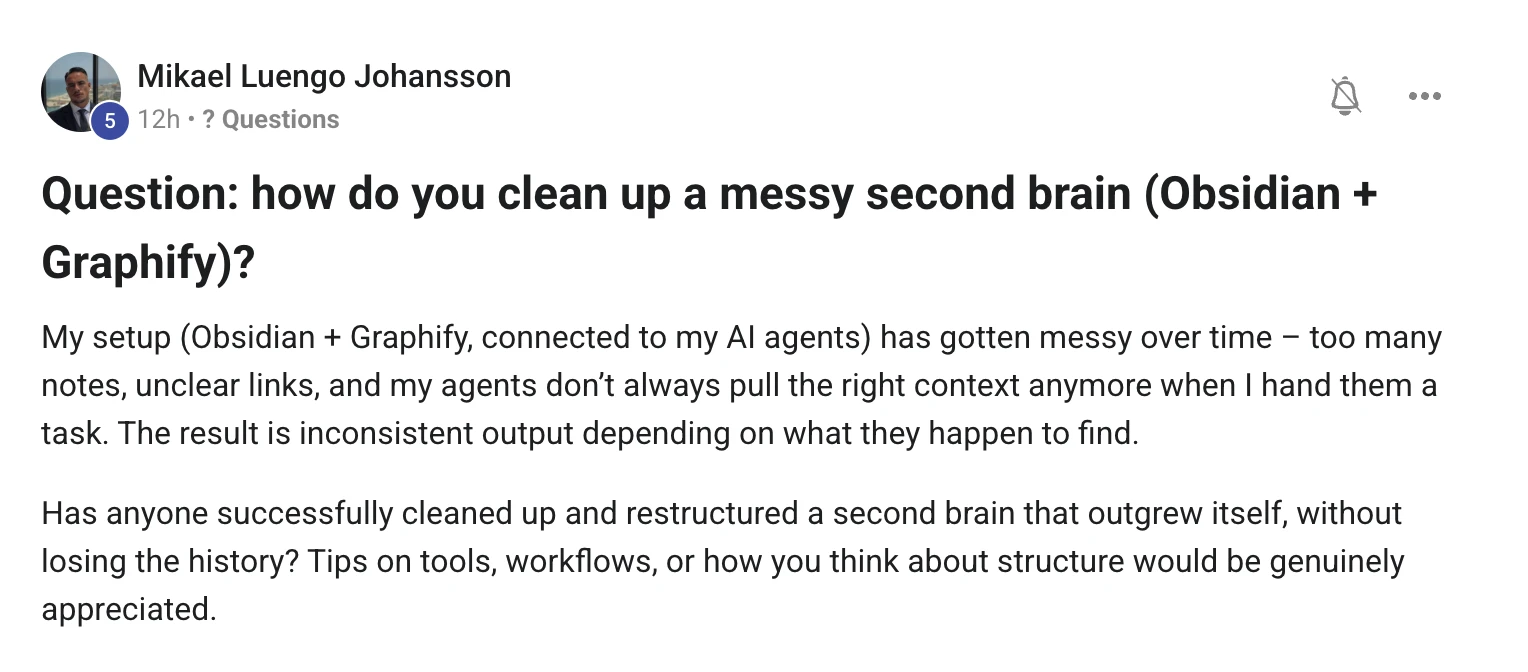
How to clean up an Obsidian second brain that has quietly outgrown itself.
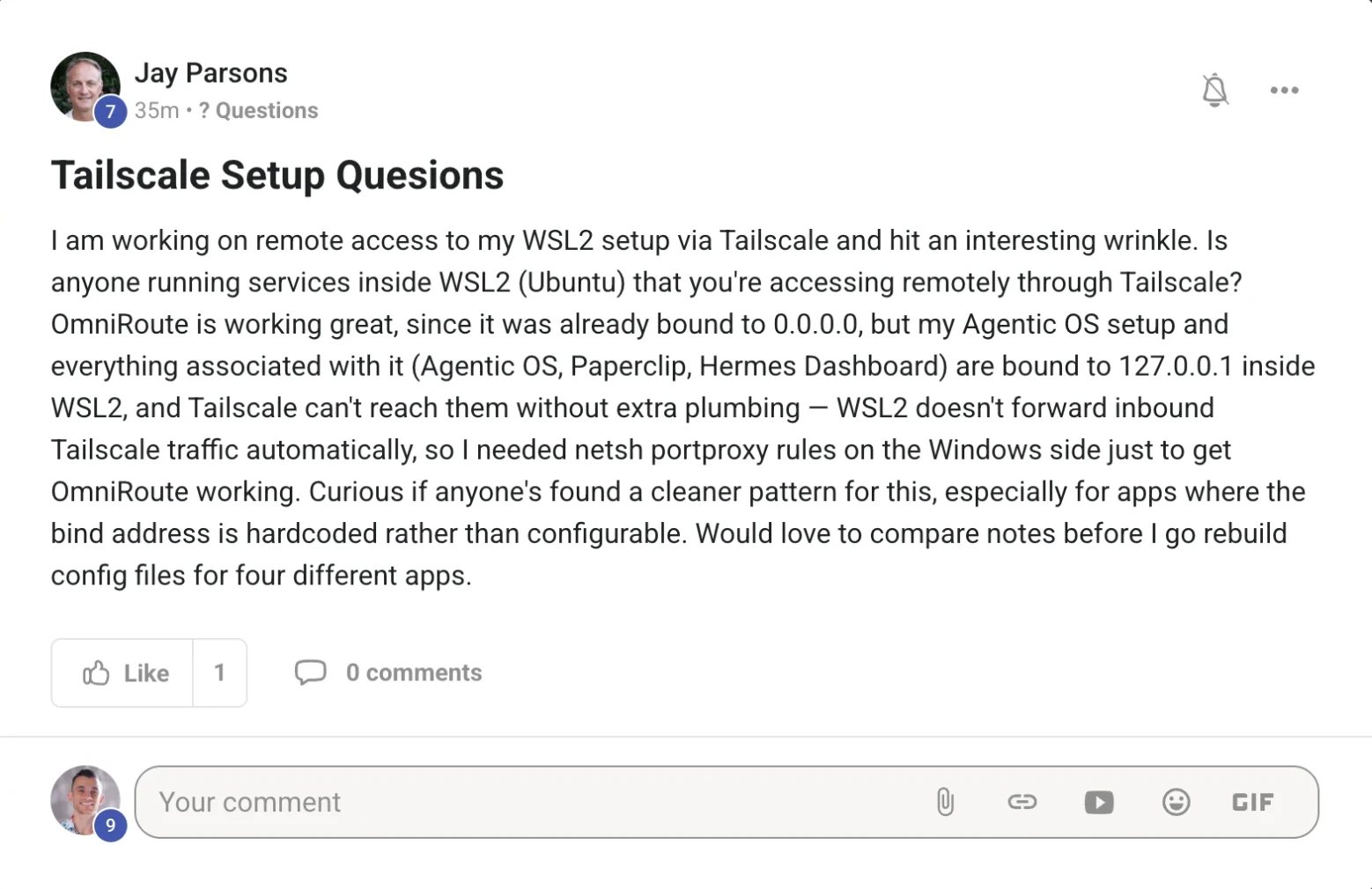
And the cleanest way to reach your Agent OS inside WSL2 over Tailscale, without rebuilding four config files.
Here is each question exactly as it was posted, and my answer underneath it.
Browse by topic All guides Hermes Claude AI SEO Free Claude Code Build your own
question one · claude ai detection
Read the original post on Skool ↗
Short answer: it marks what Claude writes , not what you say.
The watermark is a pattern woven through the words Claude produces.
You cannot see it, it does not change the meaning, and it travels with the text wherever you paste it.
So the question is never "did I use AI" — it is "did Claude's words end up in the final thing".
You talk
your ideas, your voice Claude types it up
transcribe · tidy · rewrite The text it gives back
this part carries the mark Anywhere
doc · blog · email
Dictating changes nothing about this. Your voice is yours — but the moment Claude hands the words back, those words are what carries the pattern.
What it can and cannot say about you
This is the part almost everyone gets wrong, and it is the part that should calm you down.
A detected mark says the text may have been processed by Claude.
It can never say how much of it was yours.
KEEPS THE MARK
LOSES THE MARK
Pasted straight out of Claude, untouched A long post — plenty of words to read Your draft, sent through for a grammar fix Copied into a doc, a blog or an email Rewritten heavily in your own words A two-line caption — too short to read Older models, from before the change A file re-saved, converted or screenshotted
Left side keeps the pattern, right side loses it. Note the third one on the left — that is your own writing, marked, because Claude only proofread it.
So what would I actually do?
1. Dictate all you like — the ideas are yours and nobody is arguing otherwise.
2. Do not publish the transcript exactly as Claude hands it back. Read it, cut it, say it your way.
3. Assume it is a hint, not a verdict — it says "processed", never "written by".
4. If you sell writing, just be open about how you use AI. That kills the whole problem.
I went deep on this one in a full guide — the Invisible Ink Framework covers what gets marked, what survives, and what a detection actually proves.
"The mark says Claude touched it. It can never say how much of it was yours."
question two · which models
Read the original post on Skool ↗
Four roles. Not forty-seven profiles .
I have forty-seven profiles on this machine and that is not a recommendation — it is a testing habit.
You only need four to have a proper team, and each one exists for a different reason.
What you are watching: my real profile list on this machine, then the four roles I would actually start you with.
Front desk
a fast everyday model
the one you talk to
all day long
pick: speed Builder
your best coding model
writes the thing,
then fixes the thing
pick: quality Bulk worker
a free local model
boring jobs, big piles,
private files
pick: free Reviewer
a different family
so it actually
disagrees with the builder
pick: difference
The reviewer is the one people skip, and it is the one that saves you. Two models from the same family agree with each other far too easily.
How to pick without testing forty of them
1. Start with one model doing everything for a week. You will feel exactly where it hurts.
2. Too slow for chat? Add the fast one. Too weak on builds? Add the strong one.
3. Anything repetitive or private goes to the free local model — it runs all day for nothing.
4. Make the reviewer a different family from the builder, or it will just agree with itself.
5. Re-check every couple of months. The rankings move constantly, and swapping a profile takes a minute.
If you want the head-to-head numbers before you choose, they are all on GoldieBench — same tasks, same scoring, every model I test.
Skip the guesswork
Get my exact setup, already wired .
These three answers are the kind of thing that comes up in the room every single day.
The full Agent OS — every model and agent in one dashboard, profiles already configured
The model line-up I actually run , and what I swap when something better lands
The Obsidian memory setup — the folder structure, the linking rules, the agent hookup
Free local models for the everyday work, so the meter is not always running
Live coaching calls every week — bring the exact thing that is stuck
4,000+ founders across 38 countries, and me in the chat
Get the Agent OS →
Inside the AI Profit Boardroom · skool.com/ai-profit-lab
Set up in an afternoon · used in 38 countries · new tools added the week they ship
question three · the messy second brain
Read the original post on Skool ↗
Do not tidy the notes. Give them somewhere to live .
A second brain gets messy because every note lands in the same place and nothing ever moves on.
Your agents then pull whatever they happen to find, which is exactly the inconsistent output described in that post.
You fix it with structure, not with deleting — and you never lose the history.
BEFORE · A HAIRBALL
AFTER · A FEW HUBS
hub
your agent pulls whatever it lands on
your agent starts at the hub, every time
Same notes on both sides. The difference is that the right-hand version has a small number of hub notes your agents can start from.
The clean-up, in the order I would do it
1. Archive, never delete. Make an Archive folder and move anything cold into it — the history stays, the noise leaves.
2. Give every note one home. A small numbered set of folders is plenty: Inbox, Daily, Projects, Areas, Resources, Archive.
3. Write about six hub notes. One per area of your life or business. Each one links out to the notes that matter.
4. Fix the links from the hubs down, not from the graph up. Chasing every orphan note is how people give up on this.
5. Merge the duplicates. If two notes cover the same thing, one keeps the title and the other becomes a link.
6. Then point your agents at the hubs, not the whole vault. That is what makes the output consistent again.
Archive nothing deleted One home six folders Hubs one per area Link down hub first Merge kill duplicates Point agents at the hubs
Six passes, in that order. Do them one sitting at a time — the whole thing is usually an afternoon, not a weekend.
One thing that makes this stick
Set a rule that nothing stays in the Inbox folder overnight.
Everything either gets a home, gets merged into a note that already exists, or goes to Archive.
My own vault has just under six hundred notes and it only stays usable because of that one rule.
"A second brain does not get messy from too many notes. It gets messy from notes with nowhere to go."
question four · tailscale + wsl2
Read the original post on Skool ↗
Do not rebuild four config files. Put a proxy in front .
The problem is that Tailscale is running on the Windows side and your apps are living in a different machine — that is what WSL2 really is.
Traffic arriving at your Windows tailnet address has no idea the Ubuntu box exists, so you end up hand-plumbing every port.
And the portproxy rules feel fragile because they are: WSL2 gets a new IP address most times it restarts, and the rules quietly stop matching.
Windows
Tailscale lives here
your tailnet address
WSL2 · Ubuntu
Agent OS · Paperclip · Hermes
bound to 127.0.0.1
a real boundary
and the WSL2 address changes on restart, so hand-written rules stop matching
Nothing is broken. Windows and WSL2 are two machines, and the loopback address inside one of them is private to it.
The cleanest pattern: move Tailscale inside WSL2
Run Tailscale in the Ubuntu distro itself, then let it proxy your local ports out to the tailnet.
It reaches 127.0.0.1 from the inside, so a hardcoded bind address stops mattering — you change nothing in those four apps.
inside WSL2 · Ubuntu
curl -fsSL https://tailscale.com/install.sh | sh
sudo tailscaled --tun=userspace-networking &
sudo tailscale up
tailscale serve --bg 3737
That last line publishes whatever is on 127.0.0.1:3737 to your tailnet only. Repeat it per app with --set-path /paperclip or a different --https port.
Turn on HTTPS certificates for your tailnet in the admin console first, and you get a proper https address on your ts.net name.
Nothing is exposed publicly, so this is safer than binding everything to 0.0.0.0 and hoping the firewall is right.
Two more options, in the order I would try them
1 · Serve from inside
Tailscale in the distro
zero config-file edits 2 · Mirrored networking
one line in .wslconfig
Windows 11 + current WSL 3 · Keep portproxy
but script the refresh
re-add rules on boot
1. Tailscale inside WSL2 with serve. Best on any Windows version, and hardcoded loopback binds stop being your problem.
2. Mirrored networking. On Windows 11 with a current WSL, put networkingMode=mirrored under [wsl2] in .wslconfig, run wsl --shutdown, and the two sides share localhost — the portproxy layer disappears entirely.
3. Portproxy, scripted. If you want to keep what you have, the rules are not the problem — the changing WSL2 address is. Re-add them at login and it stops falling over.
4. Only change a bind address when the app makes it easy. Binding to 0.0.0.0 also opens it to everyone on your local network, which a proxy does not.
One proxy in front beats four rebuilt config files, and it keeps working when you add app number five.
"Windows and WSL2 are two machines. Stop asking one to know the other's localhost."
Ask the next one
Every question in here got answered the same day .
These four came in this week, and they are on this page because somebody asked.
That is the whole point of the room — you bring the thing you are stuck on and you get a straight answer.
You also get the Agent OS itself, the model line-up, the memory setup and live calls every week.
Get the Agent OS →
Inside the AI Profit Boardroom · skool.com/ai-profit-lab
4,000+ members · 38 countries · live calls every week · someone online 24/7
Keep exploring · more guides
New Grok Bot vs Hermes Agent — the Ghost Team: what xAI actually launched, and which one fits your business
The Six Shortcuts — six real questions from the room, answered on screen: your Agent OS on your phone, Prime Agent, the n8n headache, Search Console keywords and the script-first tutorial
Claude AI Now Watermarks Everything You Write — the Invisible Ink Framework: what gets marked, what survives, what it proves
The Prime Agent Command Engine — the full course: install it, command it, train it, run it overnight
Prime Agent: The AI That Upgrades Itself — 5 use cases, filmed live on my machine
Claude's Gauntlet Loop Changed AI Forever — the Infinite Critic Engine, explained + how to run one
The Everywhere Engine — 68% of searches end with no click. Here's the system that still gets 27,000.
The Harness Multiplier — same AI model, 47% to 67% success. Pi Agent won on a vanilla install.
The One-Script Engine — Hermes replaced twelve browser tools with one. Tokens down 48–66%.
Julian Goldie · 4 questions answered · Built for operators · used in 38 countries
×
Before you go →
Join 4,000+ founders and ask the next one.
Every question on this page was answered the same day it was asked. The AI Profit Boardroom is where the Agent OS lives — the model line-up, the memory setup, and live calls every week.
Join the Boardroom →
4 live calls a week · daily tutorials · 38 countries
 Read the original post on Skool ↗