
The Goldie Infinite Knowledge Engine + NotebookLM.
My new framework — built on NotebookLM, the most underrated free AI tool of 2026. It turns one source into twelve types of content. All free. But ninety-nine percent of people are using NotebookLM wrong. They open it, type something, close the tab. Today I'm going to show you the Goldie Infinite Knowledge Engine — three layers that plug NotebookLM into a full Agent OS so it turns any information you give it into unlimited content. Forever.
The free Google tool you keep not using.
NotebookLM is a free AI tool made by Google.
You create a notebook. A notebook is just a container of information.
You add sources to it. A source can be a website, a PDF, a YouTube video, a Google Doc, audio. You drop them in.
Then NotebookLM reads all your sources, understands what they say, and turns that knowledge into twelve different types of content. All on demand. All free.
- Audio overview — a conversational podcast hosted by two AI voices.
- Video overview — a fully animated narrated explainer.
- Slide deck — a structured presentation with charts and visuals.
- Mind map — a visual diagram showing how concepts connect.
- Infographic — a single-page summary with icons and stats.
- Flashcards — for memorization and study.
- Quiz — auto-generated questions and answers.
- Briefing document — a single-page executive summary.
- Study guide — a long-form learning document.
- FAQ — every question your source answers.
- Report — a research-grade write-up.
- Custom format — write your own prompt, NotebookLM follows it.
That is twelve different deliverables from one source. For free. From a single tool.
And nobody is using it.
NotebookLM on its own is a hammer.
Powerful. But isolated.
Here is what every standalone NotebookLM user runs into within a week.
- Hard to manage — you end up with dozens of notebooks and no way to organize them.
- No memory between sessions — every conversation starts from zero.
- Tab-switching hell — you flip between NotebookLM, Claude, your notes, your browser, your files.
- No connection to your other agents — Claude does not know what NotebookLM made.
- No asset library — outputs live in NotebookLM, not on your machine.
- Starts from zero every time — NotebookLM does not know your business, your goals, your customers.
So you have the most powerful free AI tool on the internet. And you are using maybe ten percent of what it can do.
The fix is not a better tool.
The fix is a system around it.
The Goldie Infinite Knowledge Engine™
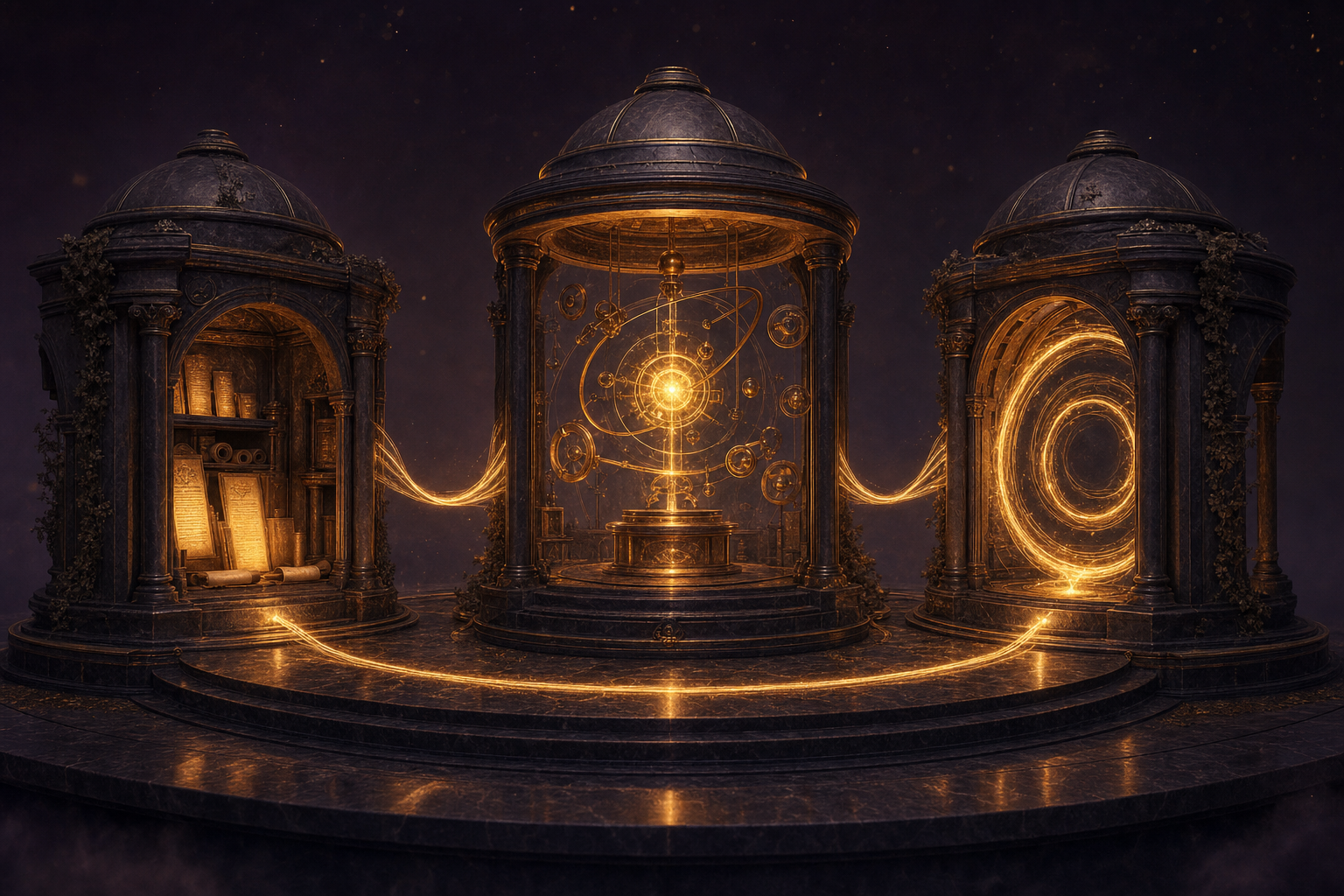
Most people think AI tools are fancy search engines. They open the chat, type something, get an answer, close the tab. That is not a system.
The Goldie Infinite Knowledge Engine is different.
It is a three-layer loop that takes raw knowledge — articles, PDFs, websites, customer interviews — and turns it into an automated media engine that runs locally.
Here is how the three layers work.
Where all your information lives.
This is where you feed NotebookLM your sources. Blog posts, research papers, industry news, customer interviews, anything.
NotebookLM reads all of it, understands it, and stores it in a way the AI can use forever. Think of it like a brain that never forgets anything you put into it.
Where the AI actually does the work.
The Agent OS lives on your local computer. It connects directly to your NotebookLM notebooks through a bridge called MCP.
So Claude can see everything in your Knowledge Vault. It can trigger NotebookLM to generate videos, infographics, audio overviews, slide decks. And then it pulls those assets back to your computer automatically. No human in the middle.
Where the system gets smarter every day.
Every time you add new information to your vault, the system can regenerate new content. New videos. New infographics. New audio for your audience to listen to.
The loop never ends. Because knowledge never runs out.
You input knowledge. The agent runs the machine. The content comes out. And it repeats forever.
Most people are still manual workers in the AI age. Typing into ChatGPT, switching tabs, copy-pasting.
The Knowledge Engine makes you the owner of the factory instead.
Your AI never starts from zero again. — The Goldie Infinite Knowledge Engine
Why the old way does not work anymore.
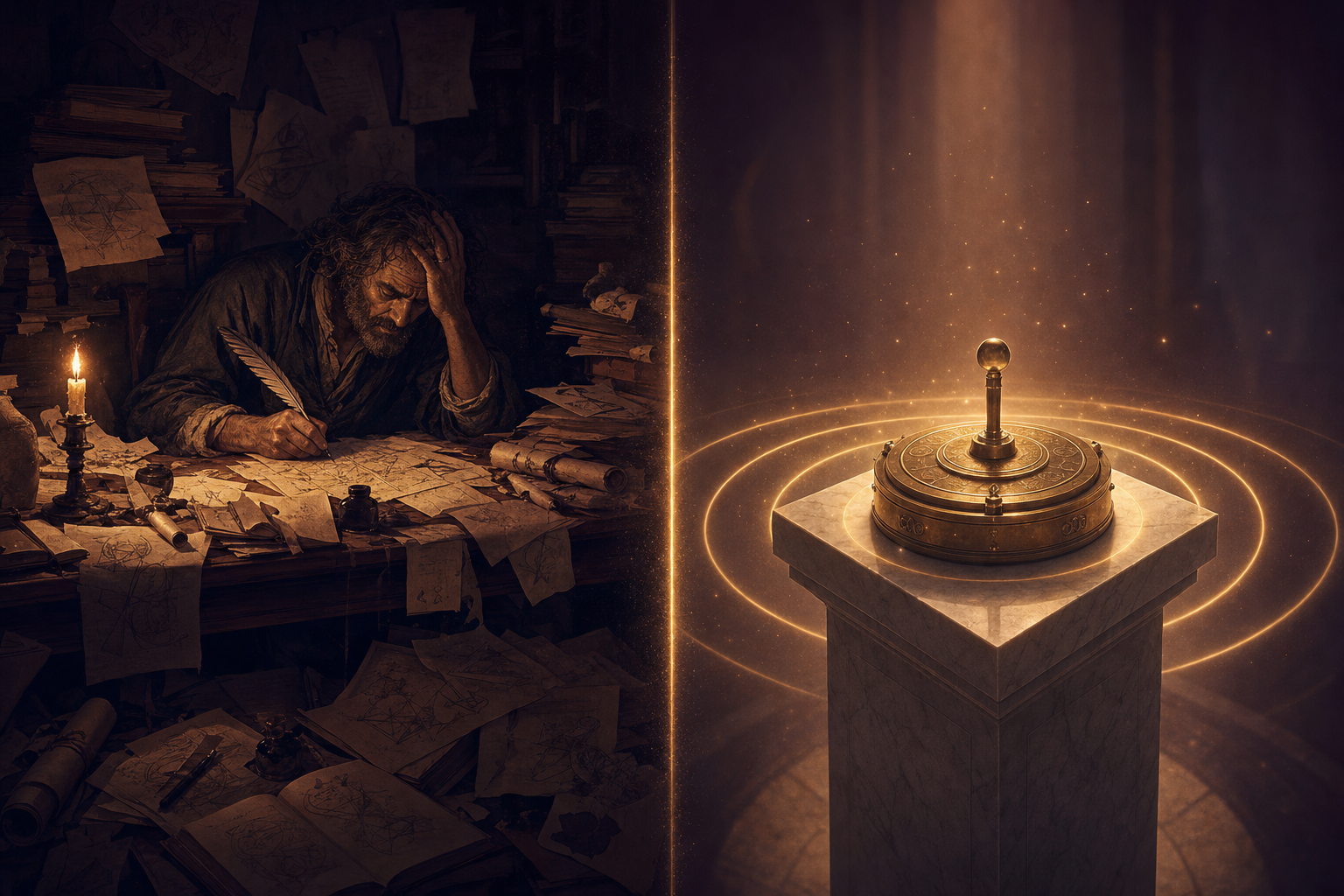
The old way of making content looked like this. You read a research report. You wrote a summary by hand. You designed an infographic yourself. You recorded a podcast script from scratch.
You spent eight hours producing one piece of content.
That is not smart. That is not automated. That is 2019 thinking in a 2026 world.
The new way looks like this.
You do it all by hand.
- Read the source. Take notes by hand.
- Write the summary in a Google Doc.
- Open Canva. Design the infographic.
- Write a podcast script from scratch.
- Record. Edit. Cut. Re-record.
- Get one piece of content out the door.
- Start over for the next one.
The Knowledge Engine runs itself.
- Drop your sources into NotebookLM.
- Click into the Agent OS dashboard.
- Trigger the generation — all twelve formats.
- Videos, infographics, audio, slides, mind maps pull to your desktop.
- Browse them in your asset gallery.
- Publish — and the system gets smarter for next time.
Same source. Eight hours becomes twenty minutes. One piece becomes twelve. And it actually gets better the more you use it.
NotebookLM lives inside your dashboard.

Here is the simple version of how this works.
You open the Agent OS. You click the NotebookLM panel. You see every notebook in your account, right there.
You click a notebook. You see the chat, the sources, every asset that has been generated. You click "studio" — you see every video, audio file, slide deck, infographic that NotebookLM has ever made for that notebook.
You click "pull" — the asset lands on your computer. In your asset gallery. Right next to the assets from your other agents.
That is the whole loop.
- Claude can see your Knowledge Vault — every notebook, every source, every asset.
- Claude can trigger generation — videos, infographics, audio overviews, slide decks, mind maps.
- Assets land on your desktop automatically — no manual download, no tab-switching.
- Obsidian becomes your long-term memory — every output and idea feeds back into the vault.
- Hermes, OpenClaw, and Claude share the same brain — what one agent learns, all agents know.
No coding. No API setup. No prompt engineering tricks. Just click and pull.
Six ways this changes your week.
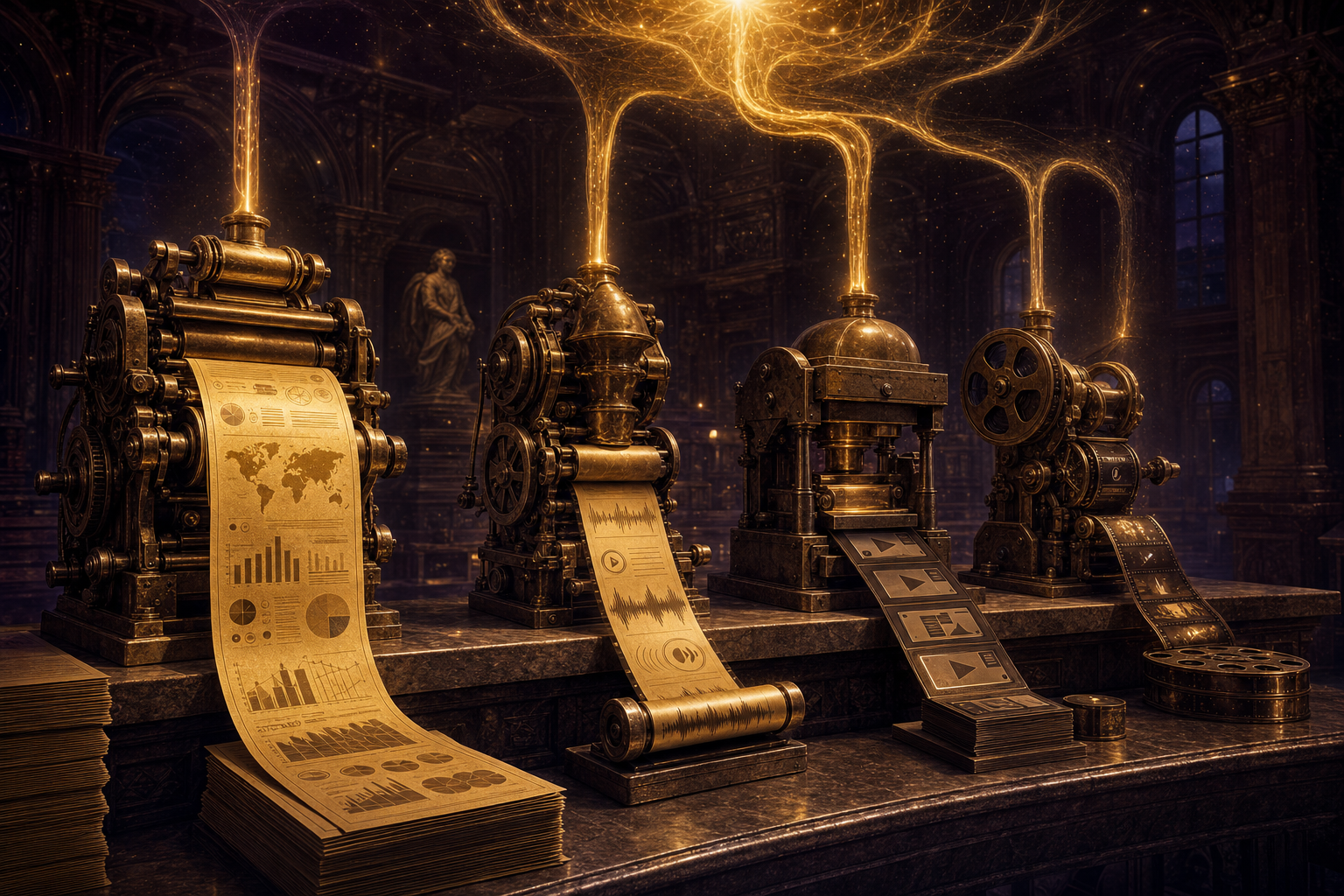
These are the actual ways business owners are already using this.
Content multiplication
One podcast episode becomes an audio summary, a video, a slide deck, an infographic, and seven social posts.
SEO content engine
Feed it your case studies. Generate AI-rankable articles. Deploy automatically. Watch traffic climb.
Lead magnets
Turn a whitepaper into a video overview, a podcast episode, an infographic — all distributed everywhere at once.
Sales enablement
Customer call recordings become briefing documents. Demos become flashcards for new reps.
Course creation
Upload your knowledge. Get slide decks. Generate flashcards for every lesson. Build a course while you sleep.
Research at scale
Feed it fifty industry articles. Get one mind map showing all the connections. Save forty hours a week.
Real traffic from real members running this
These are the kinds of results members inside the AI Profit Boardroom are getting when they plug NotebookLM into the Knowledge Engine and run the SEO content loop.
Four websites. Four real members. All running the same Knowledge Engine. All ranking inside Google and AI search engines using content the system generated.
If you want this in one place.
NotebookLM is powerful on its own. NotebookLM inside the Agent OS — sharing memory with Claude, Hermes, and OpenClaw — is a completely different category of thing.
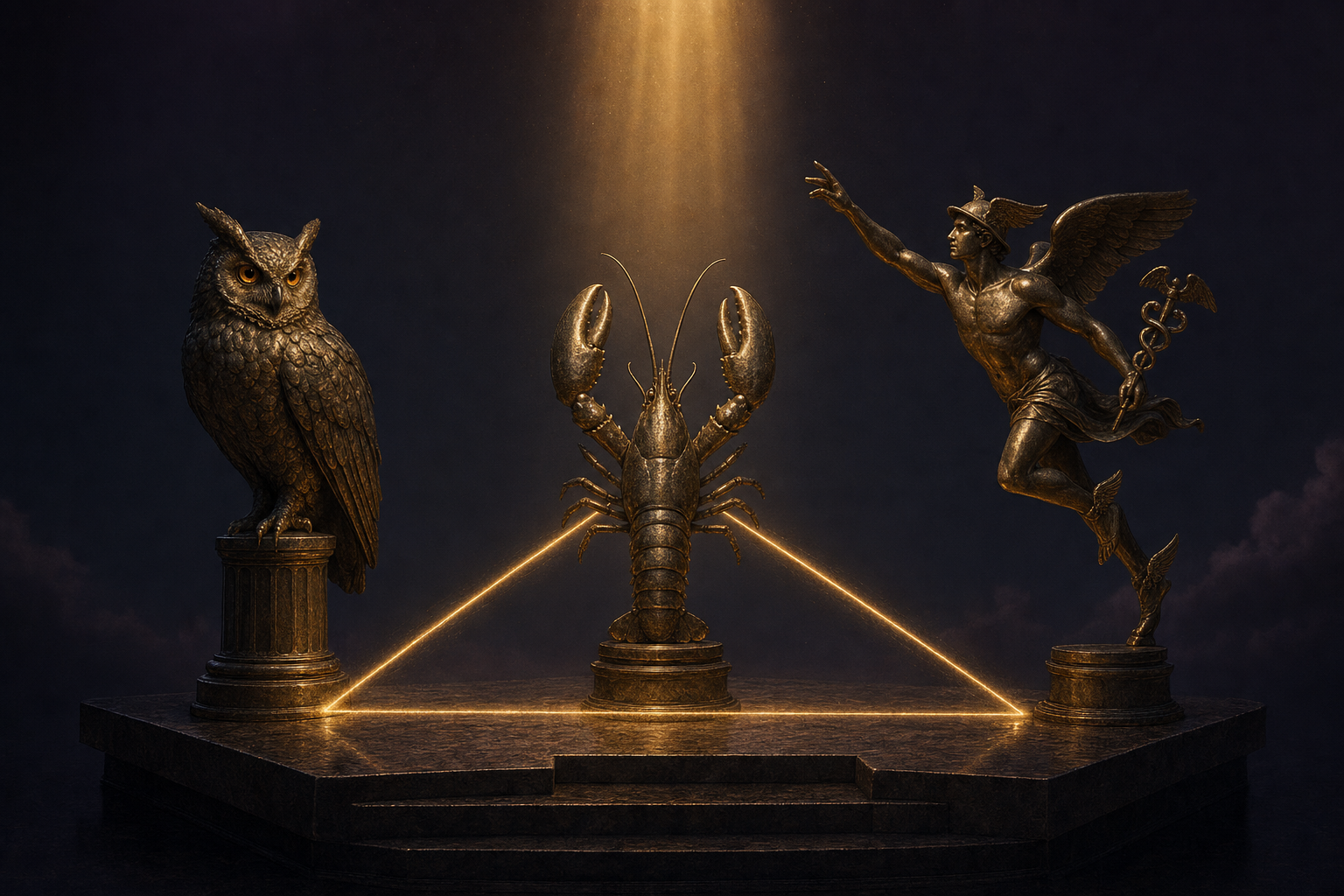
NotebookLM + Claude + Hermes — one operating system.
If you want to plug NotebookLM into your full Agent OS — with Claude, Hermes, OpenClaw, and your Obsidian memory all sharing one brain — that is exactly what we set up inside the AI Profit Boardroom.
It's a full operating system I built. Your NotebookLM notebooks live inside one dashboard alongside Claude, Hermes, and your asset gallery. Your agents share one memory. They know your goals. They know your business.
When you set up the Knowledge Engine, your agents already have full context for everything you have ever captured. So content gets better and more personalised every time.
- The Agent OS zip file — every prompt, the Obsidian memory setup, the NotebookLM MCP integration ready to deploy.
- 100+ NotebookLM prompts for every one of the 12 content types — videos, audio, slides, infographics, mind maps, briefing docs.
- A 30-day implementation roadmap walking you through the full Knowledge Engine step by step.
- Coaching calls every week where I set this up live with you. Bring your questions.
- Daily tutorials on getting more out of NotebookLM + Claude + Hermes.
- 2,800 business owners already running this exact stack. Someone is online 24/7.
- A member map so you can connect with NotebookLM operators near you.
- 158 pages of real testimonials — read what members are getting before you decide.
The three beliefs holding you back right now.
If you have read this far and still have not committed to building this system, three beliefs are in the way. Let me handle each one.
I'm not technical enough to do this. This is for coders.
If you can open a browser and type into a search box, you can use this system. NotebookLM runs in your browser. The Agent OS has a dashboard with buttons you click. There is no coding required. You do not need to know what API means. You do not need to know what MCP means. You just add your sources and watch the system work. The 158 pages of testimonials inside the Boardroom are from business owners — not developers.
AI tools don't actually save time. They create more work.
Individual AI tools do not save time. A system saves time. Tools do not. This system eliminates entire workflows that used to take hours. Generating a video used to mean going to a website, clicking around, switching tabs. The Agent OS does it all from one dashboard. One button. One click. Eight hours becomes twenty minutes.
I've tried AI tools before. They didn't work for me.
You probably tried individual tools, not a connected system. A hammer alone does not build a house. But a hammer plus nails plus wood plus a blueprint — that builds something real. NotebookLM plus the Agent OS is the blueprint, the materials, and the workshop in one place. That is the difference.
158 pages of members who already broke through these exact beliefs. Their stories — real businesses, real wins — are documented here.
Read the 158-page testimonials doc →You can build this for free.
Here is the honest version. You do not have to join anything to build this.
- NotebookLM — free, from Google.
- Hermes Agent — free, open source from Nous Research.
- Owl Alpha on OpenRouter — free, 1M context window, designed for agentic work.
- Obsidian — free, for your memory vault.
- Claude — has a generous free tier.
You can build the entire Knowledge Engine for $0. It just takes time.
Days of setup. Reading docs. Stitching the MCP integrations together. Building the dashboard. Wiring in the memory system.
Or you can take the shortcut. Get the ready-to-deploy zip file, the prompts, the tutorials, the 30-day roadmap, and direct help from me — all inside the AI Profit Boardroom. Thirty minutes instead of thirty hours.
Both paths work. The system is what matters.
Eight steps to set this up. Once.
This is the actual order to build the Knowledge Engine.
Set up your Knowledge Vault
Create your first NotebookLM notebook. Pick one topic that matters to your business — a customer interview, a research report, a long blog post. Drop in 3-5 sources.
Set up your memory vault
Install Obsidian. Create a vault. Make folders for projects, contacts, ideas, and journal. This is where your long-term memory lives — separate from NotebookLM.
Install Agent OS
This is the dashboard that connects everything. Point it at your Obsidian vault and your NotebookLM account.
Wire in the MCP bridge
The MCP is the connection that lets Claude see your NotebookLM notebooks. Inside the Boardroom this is one config file you copy. From scratch — half a day of reading docs.
Generate your first 12 assets
From one notebook, trigger the audio overview, video, slide deck, mind map, infographic, flashcards. Pull them all to your asset gallery.
Connect Claude + Hermes + OpenClaw
One dashboard. Three agents. Same memory. Now whenever any agent does anything, all the others see it.
Close the loop
Outputs feed back into Obsidian. New ideas you capture feed back into NotebookLM. The system gets smarter every single day. The loop never stops.
Pick a real business use case and run it
Content multiplication, SEO engine, lead magnets, sales enablement, course creation, or research at scale. Pick one. Run it for thirty days. Document what worked.
Thirty days to unlimited content.
Here is your first thirty days, week by week.
Week One — Build the Vault
Days 1–7Set up your NotebookLM notebooks. Drop in your first sources. Install Obsidian. Wire it into Agent OS.
Generate your first audio overview, video, and infographic. Just to see it happen.
Week Two — Wire the Agents
Days 8–14Add Claude. Add Hermes. Add OpenClaw. Wire them all into the Agent OS dashboard.
Connect them to the same Obsidian memory. Now every agent sees every output.
Week Three — Run the Loop
Days 15–21Pick your real business use case. Could be SEO content. Could be lead magnets. Could be sales briefings.
Run the loop daily. Feed in new sources. Generate. Pull. Publish. Repeat.
Week Four — Compound
Days 22–30Add ten more sources. Generate ten more sets of assets. Watch the memory vault grow.
Document your workflow. Hand it to a teammate or a virtual assistant. If they can run it, you have built a real system.
Day one you save time. Day thirty you save weeks. Day three hundred and sixty-five your AI knows you better than your own team. — The 12-Month Knowledge Effect
Everything you just learned, in one glance.
NotebookLM is free
Free Google tool. Twelve content types from one source.
The problem
Standalone NotebookLM forgets you. No memory. No connections.
The Knowledge Engine
Vault → Operating Core → Infinite Loop. Three layers. One system.
Old way → New way
8 hours of manual work becomes 20 minutes of automated output.
The MCP bridge
Claude sees your notebooks. Triggers generation. Pulls assets to your desktop.
6 real use cases
Content multiplication, SEO, lead magnets, sales, courses, research.
It's 100% free to build
NotebookLM, Hermes, Owl Alpha, Obsidian — all free. Just takes time.
Or take the shortcut
The full system, prompts, and 30-day roadmap inside the Boardroom.
NotebookLM standalone is a hammer. Inside the Agent OS, it is the whole workshop.
Your AI never starts from zero again.
The Goldie Infinite Knowledge Engine
Build it free. Or take the shortcut.
Either path works. The system is what matters.
If you want the shortcut — the ready-to-deploy zip file, 100+ prompts, the 30-day roadmap, weekly coaching calls with me, and 2,800 business owners already running this exact stack — here it is.
30 minutes to set it up. Forever to keep using it.
Inside the AI Profit Boardroom, you get the full Agent OS — with NotebookLM, Claude, Hermes, and your Obsidian memory all wired together into one dashboard. Same system I use every day for my own business.
You also get something you cannot build yourself — direct access to the 2,800 business owners already running this. The questions you will ask, someone in there has already answered.
- The Agent OS zip file ready to deploy — NotebookLM, Claude, Hermes, Obsidian all pre-wired.
- 100+ NotebookLM prompts for every content type and every use case.
- The 30-day Knowledge Engine roadmap walking you through the full setup.
- Coaching calls every week where I set it up live with you.
- Daily tutorials on getting more out of NotebookLM + Claude + Hermes.
- 2,800 members already running this stack — someone is online 24/7.
- A member map so you can connect with NotebookLM operators near you.
- Direct connection with me personally inside the community.
- 158 pages of real testimonials from members building real businesses with this stack.
Build it free with Hermes and Owl Alpha. Or get the shortcut and start running today.
Start using AI like a system. Not a search engine. I'll see you in the next one.








