The Hermes Takeover Engine.
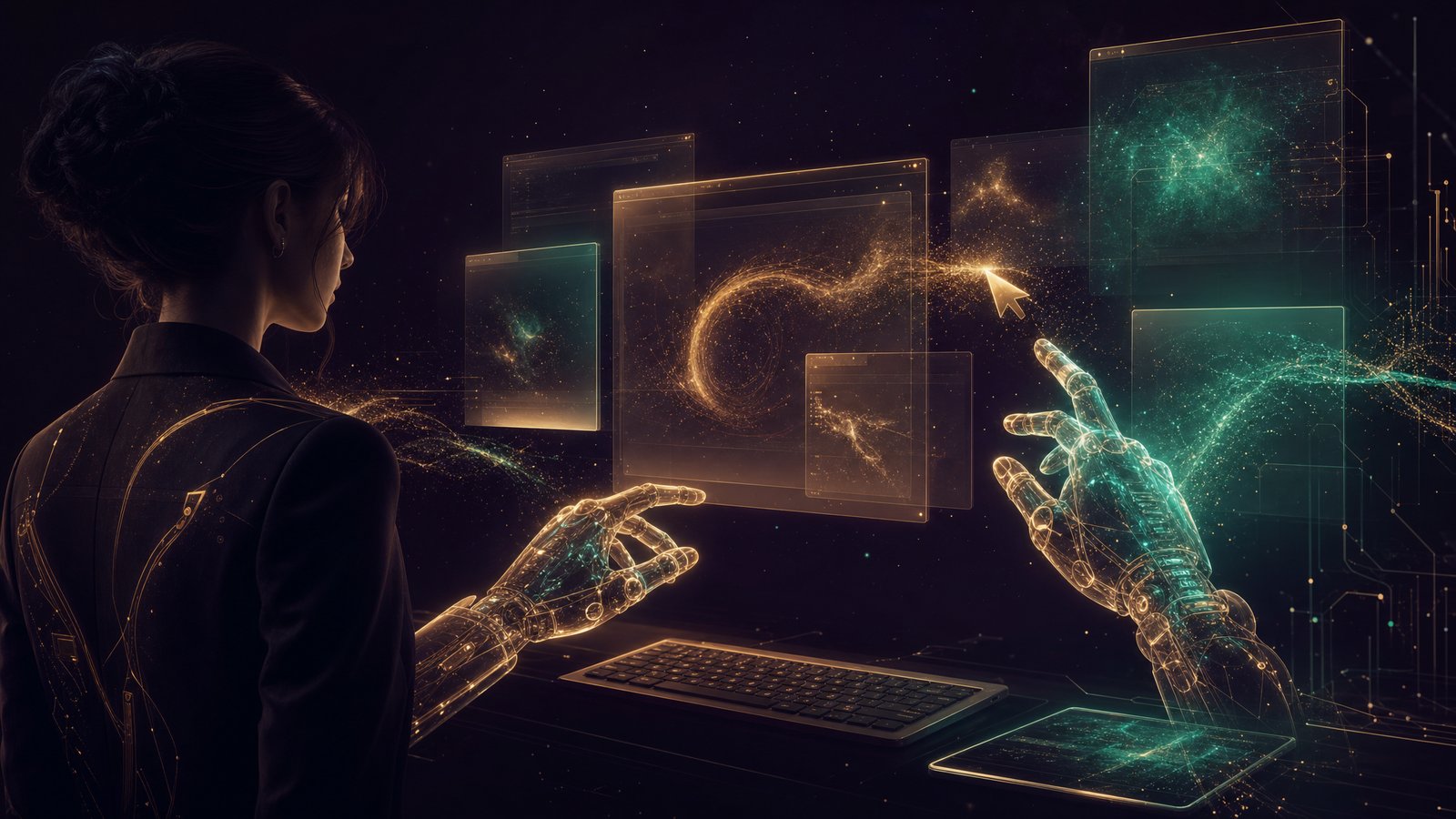
Hermes now clicks and types on your real computer — in the background, with its own cursor. Yours never moves. And it just landed on Windows and Linux too.
Hermes now clicks and types on your real computer — in the background, with its own cursor. Yours never moves. And it just landed on Windows and Linux too.
"Hermes Agent now supports computer use via @trycua on Windows and Linux in addition to existing macOS support."
— Nous Research (@NousResearch), 23 June 2026
I had agents writing, researching, building, posting. But the second one wanted to actually click around my screen, I froze. Every computer-use tool I'd tried hijacked my mouse. It would yank my cursor across the screen, bring windows to the front, switch my desktops — I couldn't do a single thing while it ran. So I just did the boring clicking myself. The renaming. The dragging. The "open this, copy that, paste it there." Then Hermes shipped this. Now it works the screen in the background with its own cursor. I keep typing my doc on the left while it sorts my files on the right. My mouse never jumps. That changed everything. The agent finally has hands — and they're not fighting mine.
That's the whole point of this one — it doesn't. It works in the background. Your real cursor never moves. Your windows don't jump to the front. Your desktops don't switch. You see a tinted "ghost" cursor glide to show where it's acting, but you can keep working on something else at the same time. Two of you, one machine.
Five things that make it safe enough to actually hand your computer to an agent — and useful enough that you'll want to.
It drives your desktop in the background. Your cursor stays put, your windows stay put, nothing pops to the front. You and the agent work the same machine at the same time.
Mac, Windows, and now Linux. Whatever you run, Hermes can click and type on it — same simple commands, same background magic.
It's not locked to one AI. Claude, GPT, Gemini, or a free local model — any of them can drive your screen. Use the one you already pay for, or none at all.
Every real click or keystroke waits for your yes. Dangerous moves — wiping files, locking the screen, typing passwords — are hard-blocked. It can't go rogue.
Screenshots usually burn huge amounts of tokens. Hermes throws away the old ones automatically — a 20-step job costs about 30,000 tokens instead of 600,000.
This is the feature I'd been waiting for. Most computer-use tools take over your whole screen — you sit there watching, hands off, until it's done. Hermes gives the agent its OWN cursor. Yours stays exactly where you left it. You keep working while it works.
You hop into a doc and start writing. You tell Hermes, "rename every screenshot in my downloads folder by date." It opens the folder, reads it, and starts renaming — while your cursor never leaves your sentence. You watch a faint purple cursor do the work in the corner of your eye.
Here's what actually dropped on the 23rd. Background computer use used to be a Mac-only trick. As of this update, Hermes drives Windows and Linux the exact same way — same commands, same background mode, same "your cursor never moves."
Not anymore. That was the old limit. As of this update it runs on Windows and Linux too. If you're on a Windows work laptop or a Linux box, you get the exact same background computer use — nothing second-class about it.
Most computer-use tools only work with one company's model. Hermes doesn't care which AI you bring. Claude, GPT, Gemini, or a free model running on your own machine — any tool-capable model can read the screen and click around. Use the one you already pay for. Or pay nothing and run a local one.
No. It works with whatever model you point it at — including a free local one running on your own computer. If you already pay for ChatGPT or Gemini, use that. If you want zero cost, run an open model locally. The computer-use part is the same either way.
You don't wire up anything complicated. One command installs the background driver. One command checks everything's healthy and tells you exactly what to fix if it isn't. Then you start a chat with computer use turned on.
It's three lines you paste, one at a time. And there's a built-in doctor command — if something's off, it doesn't leave you guessing. It prints a tidy checklist and the exact fix for the one thing that's wrong. You don't debug it; it tells you.
Background clicking is one piece. The real power is when Hermes shares one memory with Claude and OpenClaw, knows your business and your goals, and drives your computer with full context.
Handing your computer to an AI sounds scary. Here's why it isn't. Every real click or keystroke stops at a wall — your yes. And the truly dangerous moves are hard-blocked at the tool level, so the agent physically can't do them even if it tried.
It can't. Typing passwords is hard-blocked — you use your normal autofill for that. So is wiping files, emptying the trash, and locking your screen. And it's told to ignore any "instructions" hidden inside a screenshot — a classic trick — so a sketchy webpage can't hijack it. You can also flip on manual mode and approve literally every single action.
Here's the part people miss. Screenshots are heavy — every one eats a pile of tokens. Naively, an agent that looks at your screen 20 times racks up a fortune. Hermes throws away the old screenshots automatically and only keeps the few it needs. Same job, a fraction of the cost.
Here's the shift. The old way was either you click through the boring stuff by hand, or you let a tool hijack your whole screen while you sit there watching. This is the third option.
Same — most of them are. The thing that made them useless was the screen-hijack: you couldn't do anything else while it ran. This update's whole reason for existing is the background mode. Your machine stays yours the entire time. That's the difference that makes it actually usable.
158 pages of members who already broke through these exact beliefs — real businesses, real wins.
Read the 158-page testimonials doc →If you've got Hermes, turn this on today — run hermes computer-use install, then doctor, and give it one small job. Start with something low-stakes you'd never miss, like sorting a folder. Keep approvals on while you learn its rhythm.
The people who figure out agents working their actual computer now, while it's this new, are going to be miles ahead when everyone else catches on. Every workflow you hand over today compounds.
It does the repetitive desktop chores for you.
It runs in the background — your cursor never moves.
Windows and Linux now get the exact same thing.
Any model drives it — even a free local one.
It asks before it acts, and can't do the dangerous stuff.
Screenshots cost 20× less — ~30K tokens, not ~600K.
If you want Hermes computer use doing actual jobs for you — not just another tool you poke at once — grab the Agent Operating System inside the AI Profit Boardroom. It turns Hermes, Claude and OpenClaw into one system with shared memory, so the agent driving your screen already knows your business.
Run hermes computer-use install first. Give it one small job second. I'll see you in the next one.