Real questions from inside the Boardroom this week — how to start, how to run your team, how to name your agents. Here's how I'd answer each one.
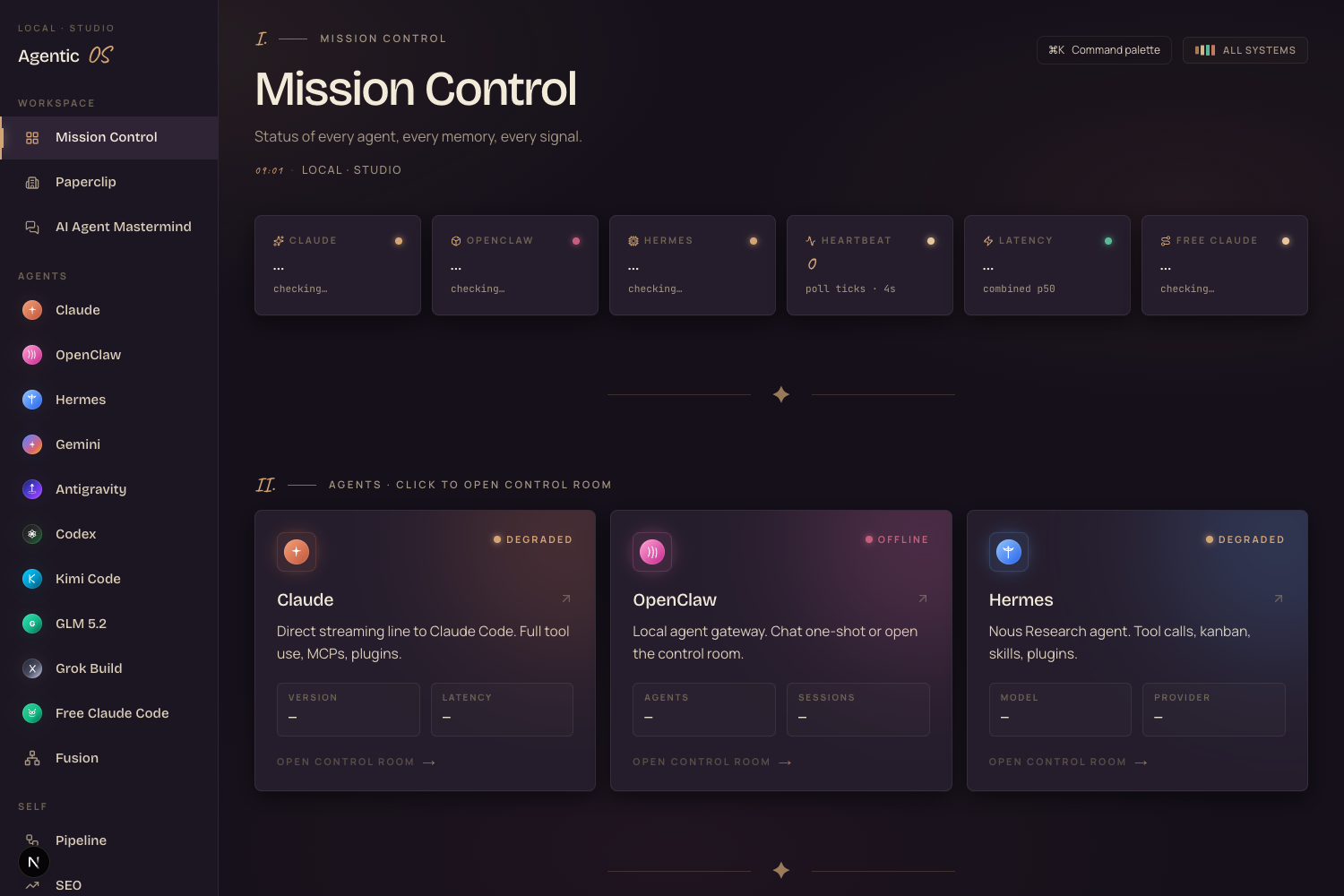
This is the Agent OS the questions are about — Mission Control, with every agent (Claude, OpenClaw, Hermes, GLM and more) in one place. Below: the real questions members asked, and my honest answers.
Every question below is a real post from members building their own Hermes Agent Operating System. I'm going to run through them one at a time — the question, then exactly how I'd handle it. If you're stuck on the same thing, this is for you.
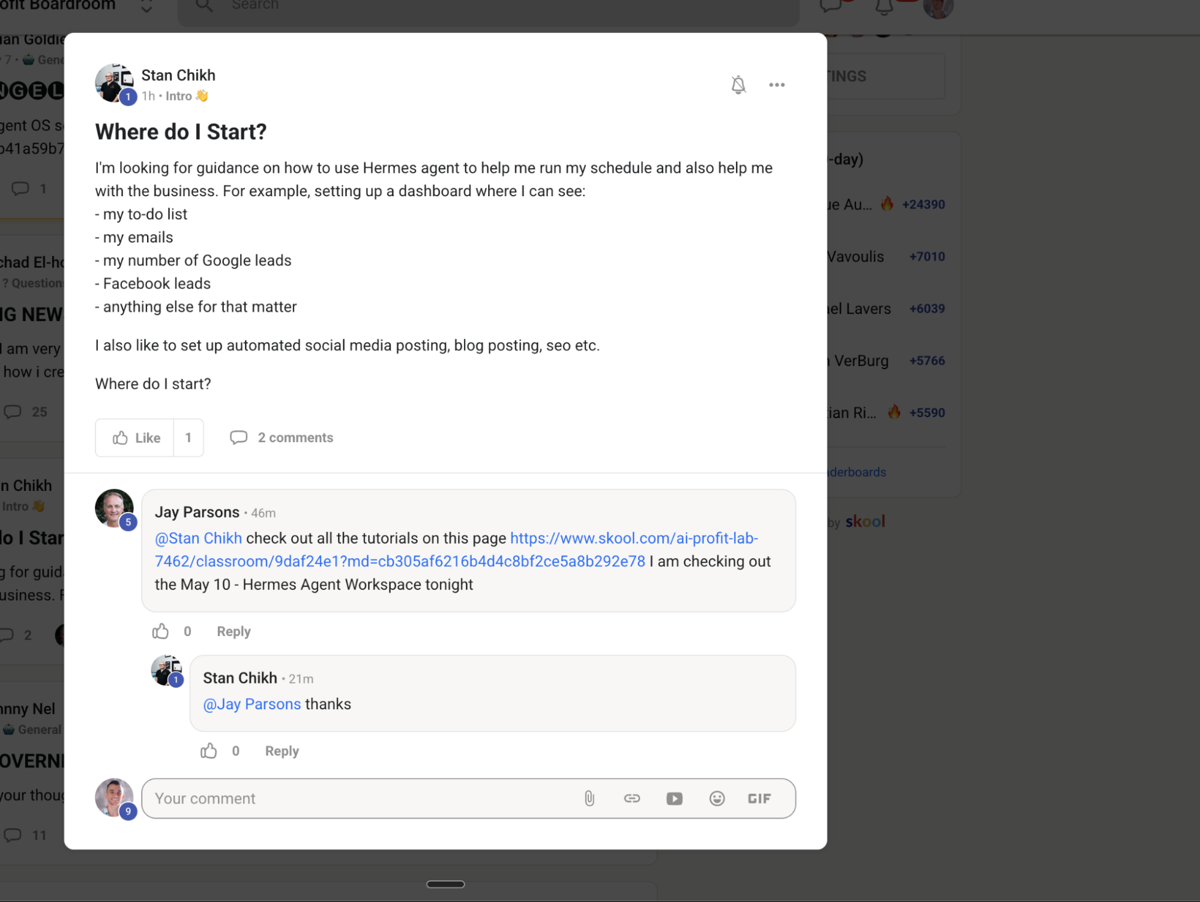
Start with one thing. Your to-do list.
Don't try to automate everything at once — that's how you get overwhelmed and quit.
Set up the to-do list first. Then add one automation a week from there.
You've got three ways to build the to-do list with Hermes — pick the simplest one:
Get that running. Then add the next automation next week. That's the whole game.
In the Agent OS you've got the group chat.
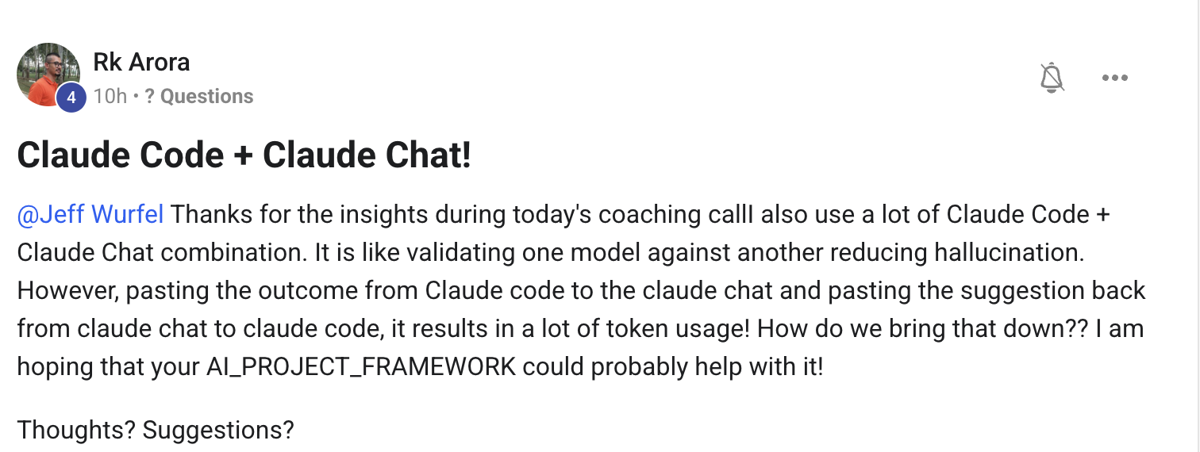
So instead of talking to one model at a time, your whole team works together in one room — Claude, Hermes, GLM, all of them.
You ask once. They reply in turn, riff off each other, and you get the best answer from the room — not one model's guess.
That's the shift. Stop using one AI. Start running a team.
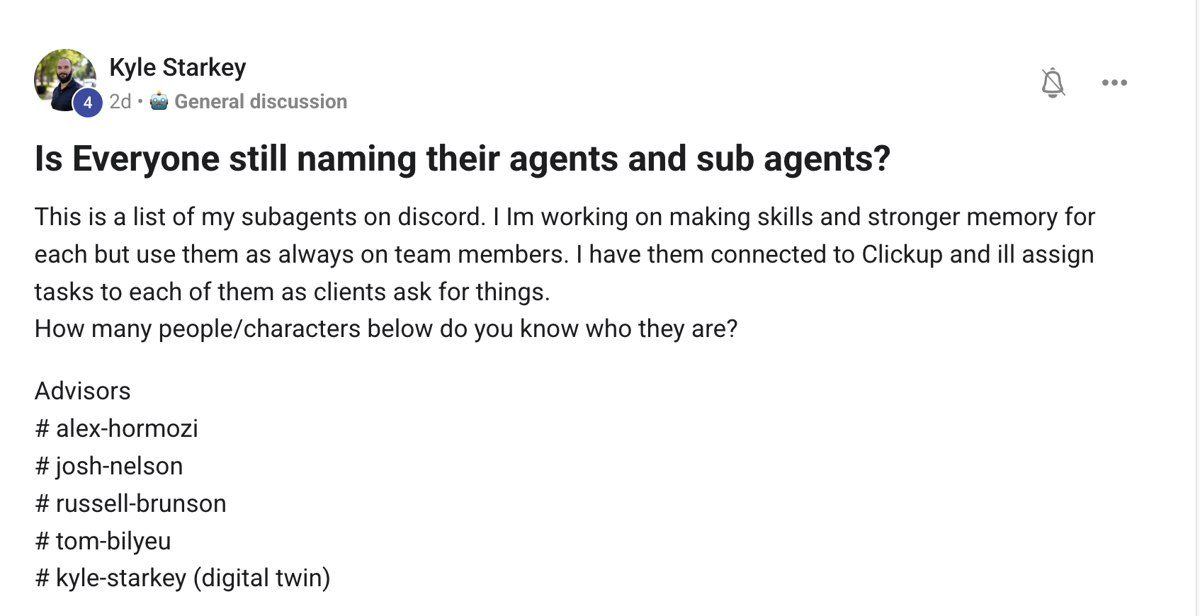
Yes. We did this with our Paperclip team.
And now that I'm running so many Hermes agents, I name my Hermes profiles after the API they run on.
So I can switch between them and test them against each other instantly.
Naming isn't just cute. When you've got a big agent team, it's how you keep the whole thing straight.
Every question on this page comes from inside the AI Profit Boardroom. It's where I share the actual Agent OS — Claude, Hermes, GLM and more in one dashboard, one shared memory, one team.
link in the description ↗
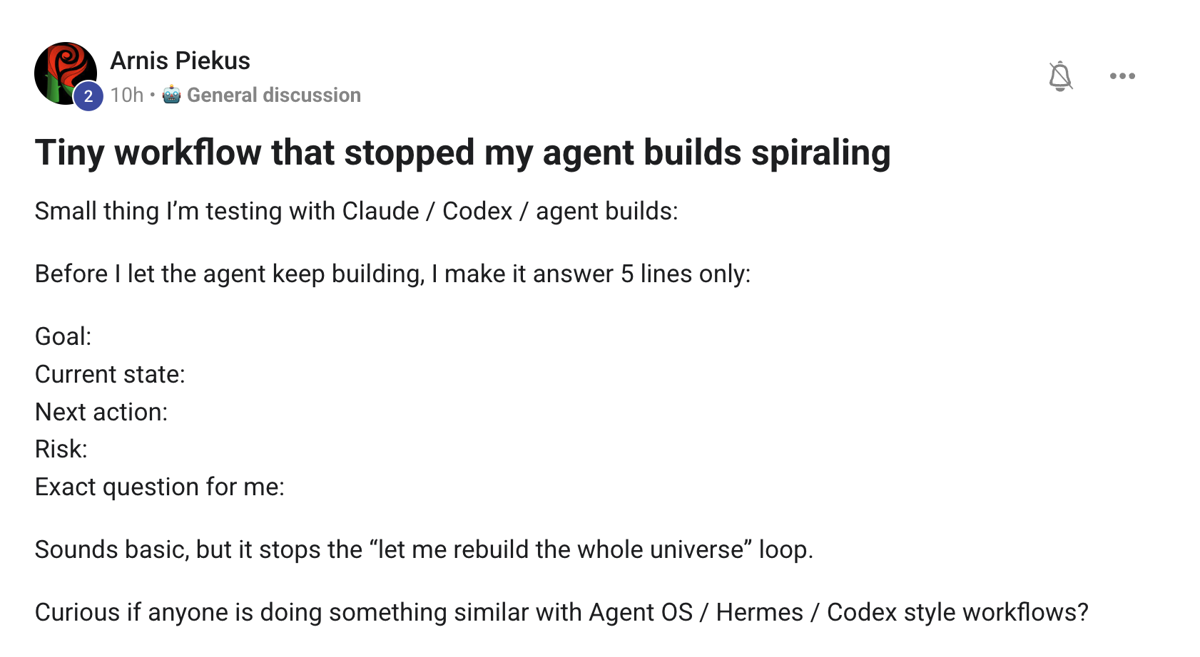
Love this one.
Kilo Code did something similar recently — planning with clear forks instead of a vague "go research it" plan.
They found it could beat Fable 5 outputs just by setting the plan up properly first.
Could be a little biased — but the principle holds. A clear plan with forks beats a vague one every single time.
If your agent builds keep spiralling, fix the plan, not the model.
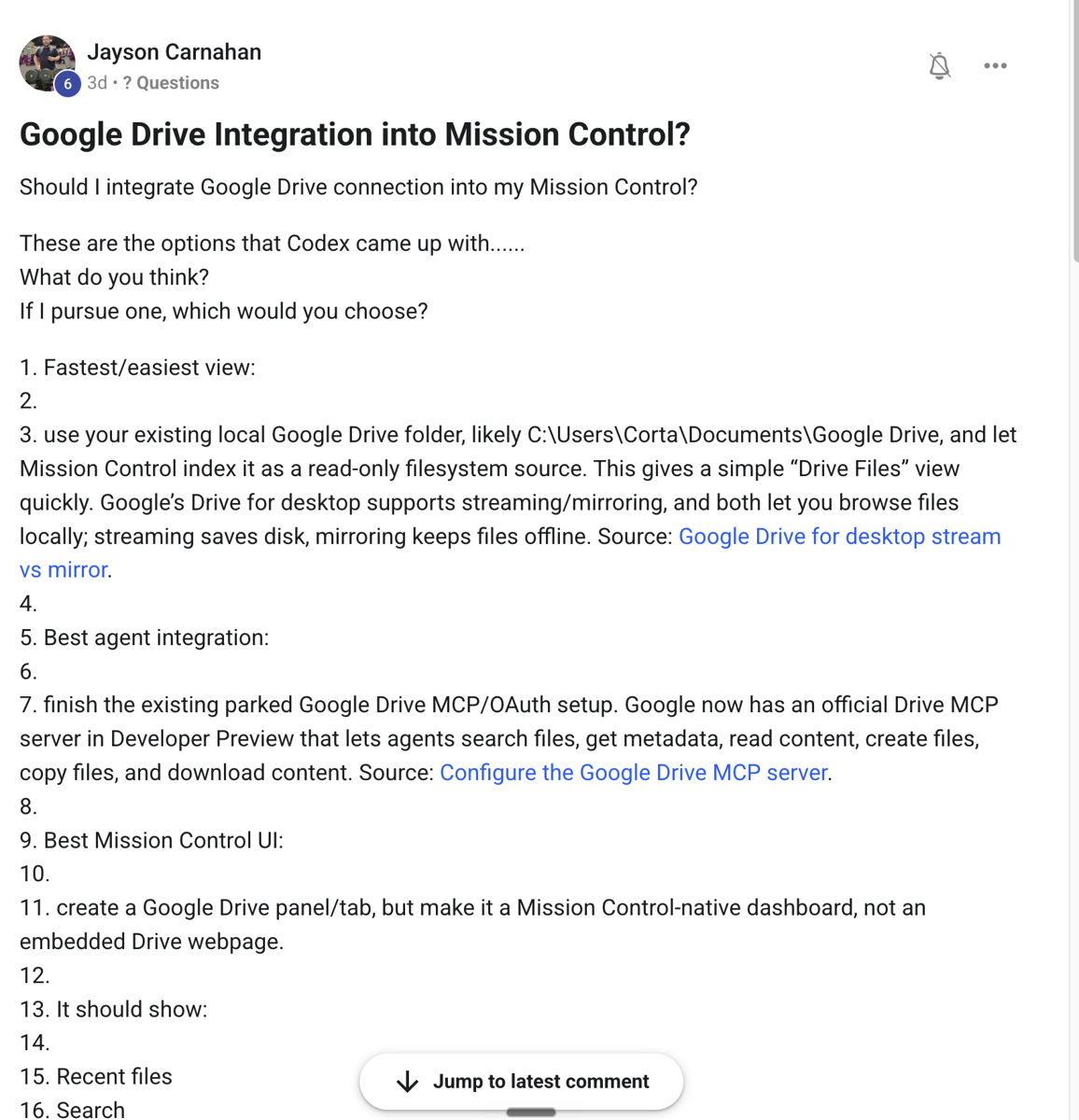
Yes, this could work for sure.
One caveat though — I wouldn't wire up my main Google Drive.
Use a separate Drive for it. Keep your real files out of the agent's reach until you fully trust the setup.
Same rule for everything: give the agent a sandbox first, the keys to the kingdom later.
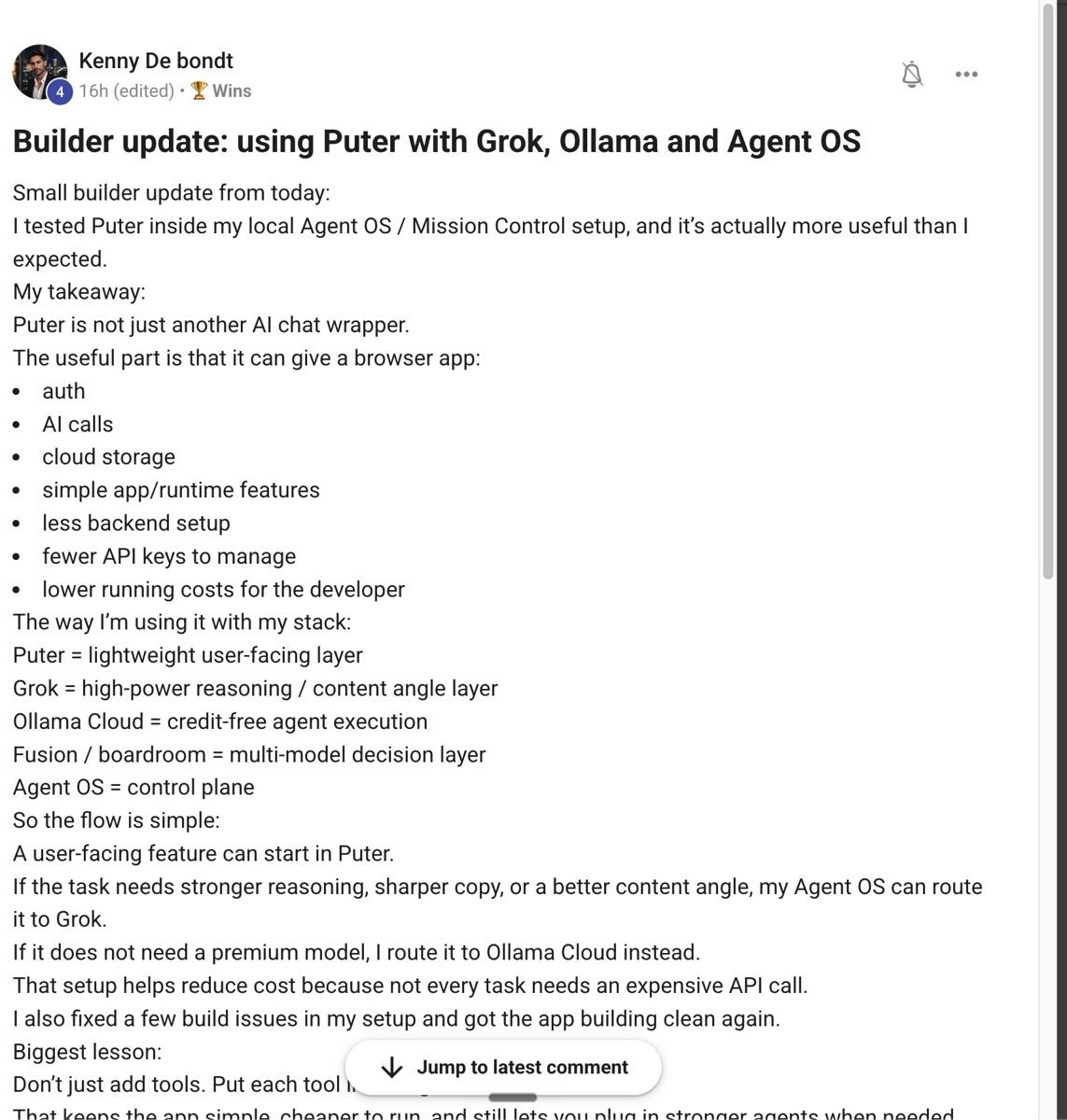
I haven't tried this exact setup myself.
But it's a brilliant example of what you can actually do with the Agent OS — wire in Puter, run Grok and Ollama, all inside one system.
This is the kind of thing the room comes up with that I'd never have thought of on my own.
That's the real value of the Boardroom — you're not learning from one person. You're learning from everyone building at once.
While the questions come in, the wins come in right alongside them. Here are two from this week.
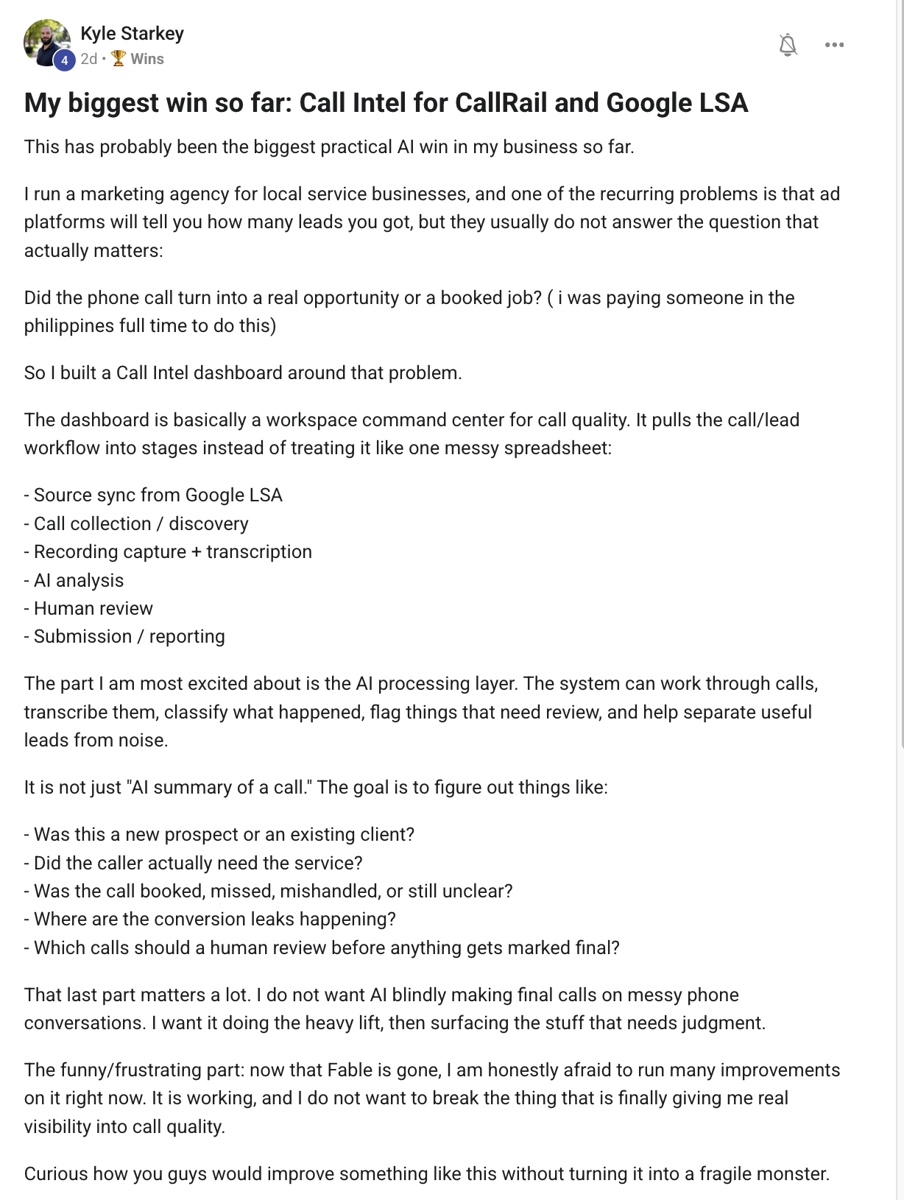
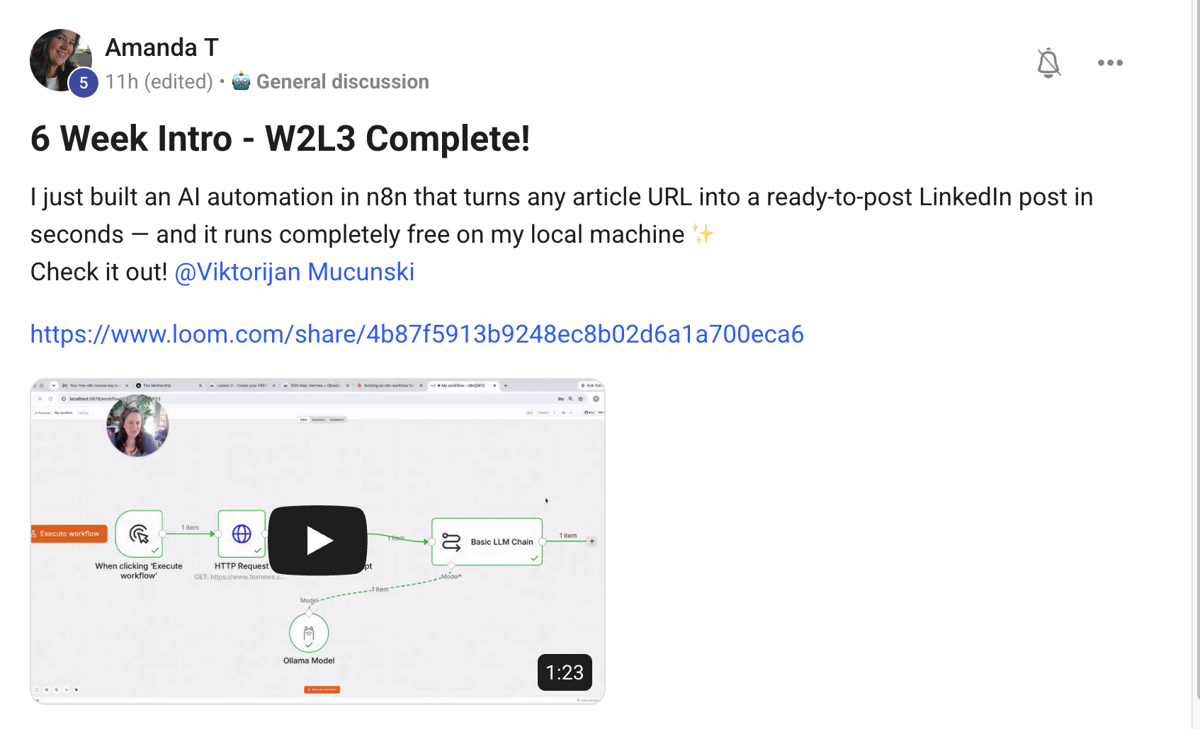
Different businesses. Different builds. Same room. This is what's happening every day inside the Boardroom.
3,900+ founders are building their Agent OS in here right now. Their wins are documented — real businesses, real results.
Read the member wins →You've seen the questions. You've seen the wins. If you want the actual Agent OS — set up with you, step by step — it's all inside the AI Profit Boardroom.
I'll see you inside ↗








