agentos.guide › blog
Grok Bot vs Codex: How To Run Both As One Crew In Your Agent OS, With 5 Copy-Paste Prompts
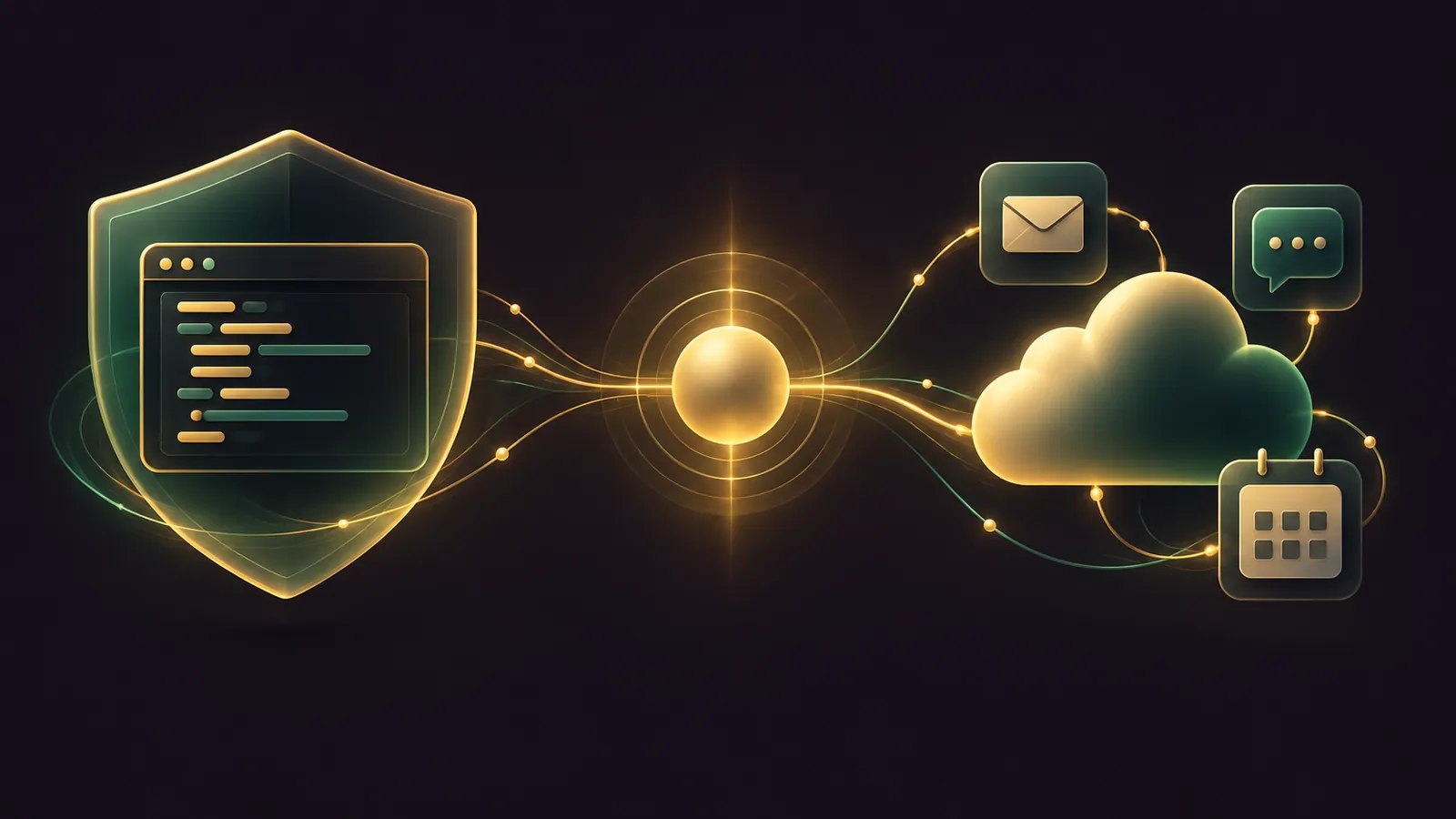
Grok Bot vs Codex isn't a fight inside your Agent OS: Codex takes the code, Grok Bot takes the errands across your apps, and your own agent keeps the two in their lanes.
Codex runs on your machine and in Codex Cloud, sandboxed, on the model you pick.
Grok Bot runs on its own cloud computer, chooses its own model, and passes coding to Cursor Cloud Agents.
Your Agent OS agent sits above both, writing the prompts, filing the briefs and keeping a log of who did what.
Below you'll find a quick start, five prompts to paste, and the daily rhythm I'd run.
If you'd like my team to plan the split for your business, book a free SEO strategy session.
The split in one table
| Job | Send it to | Why |
|---|---|---|
| Read, change and test code | Codex | Works in your repo inside an OS-level sandbox |
| Review a pull request or branch | Codex | Reports findings without editing your working tree |
| Inbox, calendar and Slack chores | Grok Bot | Connected apps plus its own browser |
| Recurring reports and alerts | Grok Bot | Routines on schedules and events |
| Anything that spends money | You | Approve it yourself, every time |
Why give each agent its own lane
Two agents on one repo means two sets of edits, two review trails and twice the chance of a clash.
Codex is built for the repo, with a sandbox, AGENTS.md rules and code review in one loop.
Grok Bot is built for everything around the repo: the alert that starts the work, the client update after it ships, and the Monday report.
Keeping them apart also keeps the approvals simple, because each agent only asks about its own kind of action.
Your Agent OS becomes the dispatcher, so you stop copying context from one tab to the other by hand.
The prompts below are written to hold that line, and each one names what the agent must not do.
Quick start in four moves
- Install the Codex CLI and sign in with your ChatGPT account, since Codex and ChatGPT share one login.
- Install the Grok Bot desktop app and sign in with your Cursor account.
- Create one Bot with one job, described in a single sentence.
- Paste the prompts below into your Agent OS agent, one at a time, and check each result before the next.
Grok Bot needs Premium, Super or Ultra on The X Subscription, and xAI's plan page confirms Plus is left out.
Prompt 1: install Codex and lock the sandbox
Install the Codex CLI on this machine with Homebrew (brew install --cask codex)
or npm (npm install -g @openai/codex), whichever is already set up.
Then open ~/.codex/config.toml and set:
sandbox_mode = "workspace-write"
approval_policy = "on-request"
Delete any line that says approval_policy = "untrusted" because Codex has retired it.
Leave network access off. Show me the final file before you save it.
That keeps Codex inside the working folder with the network off, which OpenAI's sandbox and approvals guide treats as the CLI default.
Switch to read-only for a planning chat with /permissions.
Ask your agent to paste the saved file back to you, so you can spot a typo before Codex reads it.
Prompt 2: write the AGENTS.md house rules
In the root of [repo], create AGENTS.md with five short rules:
run the tests before saying a task is done, keep one feature per commit,
never edit files in [protected folder] without asking, list every command
you ran, and finish with a plain-English summary of the change.
Keep it under 15 lines. Then start codex in that repo and ask it which rules it loaded.
Codex picks these files up before any task, global one first and then root to folder, per its AGENTS.md reference.
The file nearest your working folder has the final say.
Put team-wide rules in the root file and folder-specific rules lower down, so nothing contradicts.
🔥 Want the Agent OS that runs this whole crew for you?
Inside the AI Profit Boardroom you get step-by-step video trainings, the installable Agent OS, four coaching calls a week and 3,400+ members.
Prompt 3: brief a Grok Bot with hard boundaries
Paste this one straight into your Grok Bot chat.
Your job: every weekday at 8:00 AM, read new emails labelled "clients" in Gmail,
summarise each one in a line, and draft a reply in my voice.
Leave every draft for me. Do not send, post, buy or delete anything.
If a source is missing, tell me instead of guessing.
Set this up as a routine and show me "When to run" so I can check the time zone.
Then add three Ask first rules under Settings → General → Custom Rules: external email, Slack posts and purchases.
The purchase rule matters because the v0.77.0 changelog promises you approve every purchase, while the Vault guide lets a stored card go through checkout unprompted.
Prompt 4: turn an alert into a bug brief
Set up a routine: when a new Sentry alert arrives for [project], read it, find the
matching Linear issue, and write a bug brief with the error, steps to reproduce,
and the files it points to. Save the brief to /workspace/briefs/ and post a link
in this chat. Do not change any code and do not start a Cloud Agent.
Sentry and Linear events are both on the routine trigger list.
Left alone, a Bot would push the fix to a Cursor Cloud Agent, so this prompt keeps the code in the Codex lane.
Hit Test on the routine once, because a new routine waits for its first real event before it runs.
Each brief is a plain file, so your Agent OS agent can read the folder and queue the next Codex task for you.
Prompt 5: let Codex fix it and review its own diff
Read the bug brief below. Reproduce the error with the existing tests, propose
the smallest fix, and show me the diff before you apply it.
After I approve, run a review against the base branch and list findings by priority.
Do not commit.
[paste brief]
The Codex CLI docs say a review ranks findings by priority and leaves your files untouched.
You merge, not the agent.
If the review flags a high-priority finding, send it back to Codex with the finding pasted in and ask for a second diff.
The daily workflow
- Morning: open Grok Bot, approve or bin the drafts its routines left overnight.
- Midday: paste any new bug briefs into Codex, approve the diff, then read its review.
- Evening: check each routine's run history, where the latest 20 runs are kept, and pause anything noisy, because every run spends usage.
- Friday: bring one stuck workflow to a coaching call inside the AI Profit Boardroom.
Where each one actually runs
The Codex CLI and IDE extension run on your machine, inside an OS-level sandbox.
Codex Cloud gives each task its own workspace, and the work carries on while your computer sleeps.
Grok Bot runs every Bot on one cloud computer, and its computer docs call the per-Bot screens work surfaces rather than security walls.
Access to your local Mac or PC is a separate Grok Bot setting that defaults to Ask every time.
🔥 Need a hand mapping your workflows to each agent?
Book a free SEO strategy session and my team will plan which jobs go to Codex, which go to Grok Bot, and which stay with you.
What to check before you trust the crew
- Codex refuses a network call until you approve it, which proves the sandbox is live.
- Codex can list the AGENTS.md rules it loaded, word for word.
- Your Grok Bot routine shows the right time zone under When to run.
- A test purchase stops on an Ask first card instead of going straight through.
- A brief from prompt 4 lands in /workspace/briefs/ and nothing in the repo changes.
Tick all five before you let either agent run unattended for a full week.
If one fails, fix that step and rerun the check rather than moving on.
Mistakes that cost you a day
- Pointing a routine at a busy Slack channel, which can spend a week of usage in a single day.
- Saving a card in Vault when you meant to approve each payment.
- Switching Codex network access on globally rather than for the one project that needs it.
- Treating separate Bots as separate safes, when they share files, cookies and credentials.
- Hunting for scheduled tasks in the Codex CLI, which only manages them from the desktop app or the web.
Which one to start with
Pick Codex if your week is mostly code and you want local, sandboxed control with your choice of model.
Pick Grok Bot if your week is mostly inboxes, Slack and reports, and coding is occasional.
Run both if you do both, and let your Agent OS agent hand work across with the prompts above.
The full prompt library sits inside the AI Profit Boardroom.
Paste prompt 1 now.
Also On Our Network
- 🌐 The seven-step setup order for running Codex and Grok Bot side by side
- 🌐 Which agent a shop, a service firm or an agency should buy first
- 🌐 An eight-criterion scorecard with a split verdict for code and business work
- 🌐 Which models to run with each agent, backed by real GoldieBench scores
- 🌐 The complete Grok Bot Vs Codex guide on the AI Profit Boardroom blog
FAQ
Can my Agent OS agent install Codex for me?
Yes. Prompt 1 has it install the CLI with Homebrew or npm and set the sandbox and approval policy in ~/.codex/config.toml.
Why stop Grok Bot from starting a Cloud Agent?
By default a Bot hands coding to Cursor Cloud Agents. If your code already lives in Codex, keeping Grok Bot to briefs avoids two agents editing one repo.
Where do Grok Bot briefs get saved?
In the shared workspace at /workspace on the Bot's cloud computer, which every Bot on your account can read.
Does Codex run my schedules from the terminal?
No. The CLI has no Scheduled screen. Create and manage scheduled tasks from the ChatGPT desktop app or the web.
Final word on Grok Bot vs Codex
Paste prompt 1 tonight, add the three Ask first rules tomorrow, and book a free strategy session if you want help running grok bot vs codex as one crew.
About Julian
I'm Julian Goldie, an AI entrepreneur, SEO expert and the founder of the AI Profit Boardroom, which has 3,400+ members.
I help business owners scale with AI agents, automation and SEO.
My YouTube channel has 400,000+ subscribers, and I run Goldie Agency, a seven-figure SEO agency.
Related guides on agentos.guide
→ Grok Bot Plugins: 5 Prompts To Run Them In Your Agent OS
→ Grok Bot Computer Use: Run It Safely In Your Agent OS
→ New Grok Bot vs Hermes Agent — The Ghost Team
→ The Goldie Goal Engine — Codex + Agent OS: Automate Anything
Get the whole Agent OS
The installable system behind every guide on this site — dashboard, agents, memory and pipelines — updated as new tools land, with 3,400+ members and four coaching calls a week.
Join the AI Profit Boardroom →📺 Video notes + links to the tools 👉
🎥 Learn how I make these videos 👉