The Self-Writing Inbox™.
I gave my AI agent its own email inbox. Now it reads my mail, triages what matters, writes the replies, and sends them — while I do other work. Here is exactly how I wired it.
I was you. Then I gave my agent its own inbox.
Before
My inbox ran my whole day.
I read every email myself.
I copy-pasted the context into a chatbot to draft a reply.
Then I pasted the draft back, fixed it, and sent it by hand.
Every single message, I had to re-explain who the person was.
I never caught up. The inbox always won.
Then I gave my Hermes agent its own email address — and the whole thing flipped.
After
Now I just ask: "what's important in the inbox today?"
The agent reads it and tells me.
I say "draft a reply to that one" — it writes it in my voice.
I read it, say "send it," and it's gone.
It works while I sleep. I wake up to drafts already waiting.
You can have this too. Same tools. Same path.
Commit to transitioning today. Not tomorrow.
You've seen the proof. Real people. Real results.
The next few minutes show exactly how I wired this in.
So here's the deal.
Promise yourself one thing right now. You're going to finish this guide and set up one piece of it before you sleep tonight. Just one piece. Because the moment your agent starts handling email for you, the way you work changes for good.
The people sitting still are getting passed. The people building today are the ones who'll look back in six months and say "that was the moment."
Be one of those people.
Commit to the transition. Commit to taking action today. This changes how your whole day runs.
The Self-Writing Inbox™.
Five layers turn a normal email account into an inbox that runs itself. Each layer is a thing you gain — not a setting you fiddle with.
The Dedicated Mailbox
Your agent gets its own email address — not your personal one. Your real inbox stays private. The agent lives in its own room.
The Delegated Key
One Google service account lets the agent act as that mailbox. No password to leak. No app password to manage. Access you can switch off in one click.
The Skill Bridge
The mailbox is wired in as a Hermes skill — so you reach it by just talking. "What's in my inbox?" works in plain chat. No new app to open.
The Draft Gate
It drafts first. You read it. Only then does it send. You stay in control of every word that goes out under your name.
The 24/7 Clerk
Once it's wired, it never clocks off. It reads, sorts, and drafts around the clock — so you wake up to an inbox that's already handled.
The manual inbox vs the self-writing inbox.
Here's the exact difference between how most people deal with email today and how it works once your agent owns the inbox.
- Open your inbox and read every message yourself
- Copy the email into a chatbot to draft a reply
- Paste the draft back, fix the formatting, send by hand
- Re-explain who everyone is, every single time
- Lose the thread when you switch tasks
- End the day still behind
- Your agent has its own inbox and reads it for you
- "What's important today?" → it triages live
- "Draft a reply to Dave" → written in your voice
- It already knows your business — no re-explaining
- "Send it" → gone, threaded, done
- It works while you sleep — drafts waiting at dawn
True — and I hit the walls myself first.
The popular "plugin" route needs a background server that kept failing to start.
The app-password route is blocked on Google business accounts now.
The one that works is the service-account-as-a-skill path in this guide. I broke it the other ways so you don't have to.
What you actually say to it.
Once it's wired, there's no new screen to learn. You open the Hermes chat and talk like you'd talk to an assistant.
That's the whole experience. Plain English in. Real email actions out.
The day-to-day is just typing in a chat box. If you can text, you can run it.
The setup is a one-time job — and inside the Boardroom there's a step-by-step walk-through plus people who've already done it.
Run it as a link-building outreach agent.
This is where the self-writing inbox pays for itself. Link building is just personalised email at scale — find good sites, write a human pitch, send it, follow up. That's a job. So hand it to the agent.
You set it up once with three things:
Your site + your angle
Tell it what you're pitching and why anyone would link to it. "My page is mysite.com/best-running-shoes — a free, genuinely useful comparison guide."
Your prospect list
Drop in the blogs/sites you want links from. A few names, a sheet, or let your research agent pull them first. The email agent takes it from there.
A schedule (Goal Mode)
Set it to run itself: "Every weekday at 9am, send 10 fresh outreach emails and follow up anyone who hasn't replied in 3 days." Now it works the pipeline without you.
What you actually say to it
The kind of email it writes
Personalised. Short. Human. The exact thing that actually earns links — done in seconds, per prospect, at whatever volume you set.
Only if you let it blast generic templates. Tell it to reference a real post on each site and keep volume sane — that's what it's good at.
It's sending from a real, dedicated mailbox, one thoughtful email at a time. That's the opposite of a spray-and-pray tool.
Wire it in — once.
Five steps. You do this one time, then you just talk to it forever.
Give your agent its own mailbox
Create a dedicated email address for the agent. Never your personal one — keep the two worlds separate.
Create the delegated key
In Google Cloud, make a service account and turn on domain-wide delegation. This is the agent's safe, revocable way in.
Allow the email scopes
In your Google admin, approve read and send for that key. Read-only first if you want to be cautious.
Drop in the skill
Add a tiny email skill so the agent can reach the inbox straight from chat — no extra server to babysit.
Open Hermes and talk to it
"What's in my inbox?" Done. Then teach it your tone by approving a few drafts.
It's a one-time setup measured in minutes once you know the path.
And the payoff is hours back every week — forever.
Where the self-writing inbox earns its keep.
Morning triage
"What actually needs me today?" — it sorts the noise before you open the inbox.
Reply drafting
It writes replies in your voice. You just approve and send.
Follow-ups
It chases the threads that went quiet so leads don't slip.
Overnight work
Drafts are waiting when you wake — your inbox worked while you slept.
Find anything
"What did the accountant send last week?" — it searches and pulls it.
A safe outbox
Its own address, drafts-first, your approval before send. Your real inbox stays untouched.
Email is email. Agencies, ecom, coaching, SaaS, content — everyone drowns in it.
The agent doesn't care what you sell. It just handles the inbox.
Get the Agent Operating System.
If you want this email agent — plus the rest of the stack — without breaking it the three wrong ways first, that's what the Agent Operating System inside the AI Profit Boardroom is for.
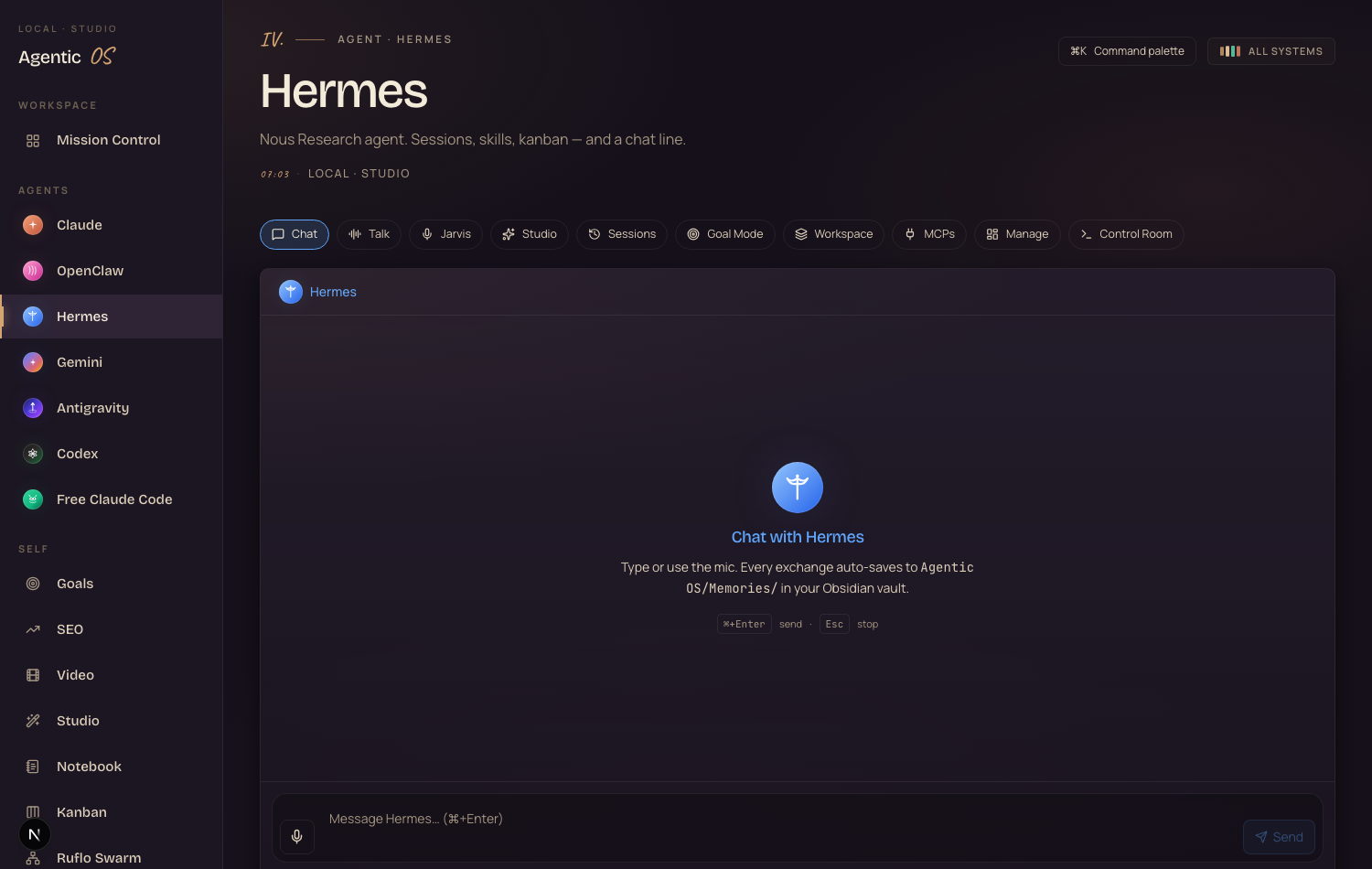
It connects OpenClaw, Claude, and Hermes into one dashboard. Your agents share one memory. They know your goals. They know your business. So when your email agent drafts a reply, it already has full context.
- The full Agent OS zip — the same dashboard you've seen here
- Every prompt and the Obsidian memory setup
- A 30-day roadmap for wiring agents into your real work
- Four coaching calls every week with people building right now
- Daily tutorials as new tools ship
- A member map — find operators near you
What's stopping you — and why it's wrong.
"Giving an AI my email is dangerous."
It gets its own mailbox, not your personal one. It drafts first and only sends when you approve. You can switch its access off in one click.
"I need to be technical to set this up."
The setup is a one-time, step-by-step job. After that you just talk to it in plain English — no commands, no code.
"AI will fire off something embarrassing under my name."
Draft-by-default means nothing sends without your yes. And it treats email content as information to read — never as orders to follow.
158 pages of members who already broke through these exact beliefs — real businesses, real wins, documented.
Read the 158-page testimonials doc →From inbox-slave to inbox-free.
Wire it in
Give the agent its mailbox, the key, and the skill. Get it reading your inbox in chat.
Teach it your voice
Approve a handful of drafts. It learns your tone fast. Replies start sounding like you.
Hand over triage
Let it sort your morning inbox. You only touch the few it flags as important.
Let it run overnight
Wake up to drafts already written. You review and send your day in ten minutes.
What you gained.
The agent triages — you only see what matters.
It writes replies in your voice, in place.
It already knows your business and your people.
Draft-first, your approval, then it goes out.
The agent works from its own dedicated mailbox.
Ten minutes of review beats two hours of grind.
Stop working for your inbox. Make your inbox work for you.
Make your whole stack run itself.
Email is one agent. Inside the Agent Operating System, every part of your day gets one — all sharing the same memory, the same context, one dashboard you control.
Your agents understand your business. They remember everything. And every new build — like this email agent — makes the whole system more powerful automatically.
- I built it in one session. You get the zip file
- Every prompt. The Obsidian memory setup
- Coaching calls where we set it up together, step by step
- 2,200+ members, daily tutorials, a 30-day roadmap
- The 158-page doc of real member wins
Or read the 158 pages of member wins first →








