The Clean Slate Engine™+ Hermes Blank Slate mode.
Hermes just added a new way to set up your agent. Instead of booting with every tool switched on, it boots with almost nothing — and you turn on only what you actually need. Nothing you didn't pick ever loads. Not even after an update.

"Everything starts off except the bare minimum needed to run an agent: provider & model, the File Operations toolset, and the Terminal toolset. Blank Slate writes an explicit toolset list, so nothing you didn't choose ever loads — not even after hermes update."
— Hermes Agent docs, Nous Research
Nous announced it on X like this ↓
I run a stack of Hermes agents. They were doing too much.
Before
Every Hermes profile I set up booted with the whole toolbox switched on.
The agent could browse the web, run code, and touch my memory before I'd asked it to do anything.
The system prompt was stuffed with tool definitions I never used.
And every time I ran an update, new tools I didn't choose just showed up.
For a client job, that's the last thing you want — an agent that might reach for something you never told it to.
Then Hermes added Blank Slate mode.
After
Now my agents start empty — a model, my files, a terminal. That's it.
My SEO agent gets web search and files. Nothing else.
My build agent gets the terminal and code. Nothing else.
Each one does exactly the job I built it for — and updates can't sneak new tools in.
You can have this too. Same agent. Far more control.
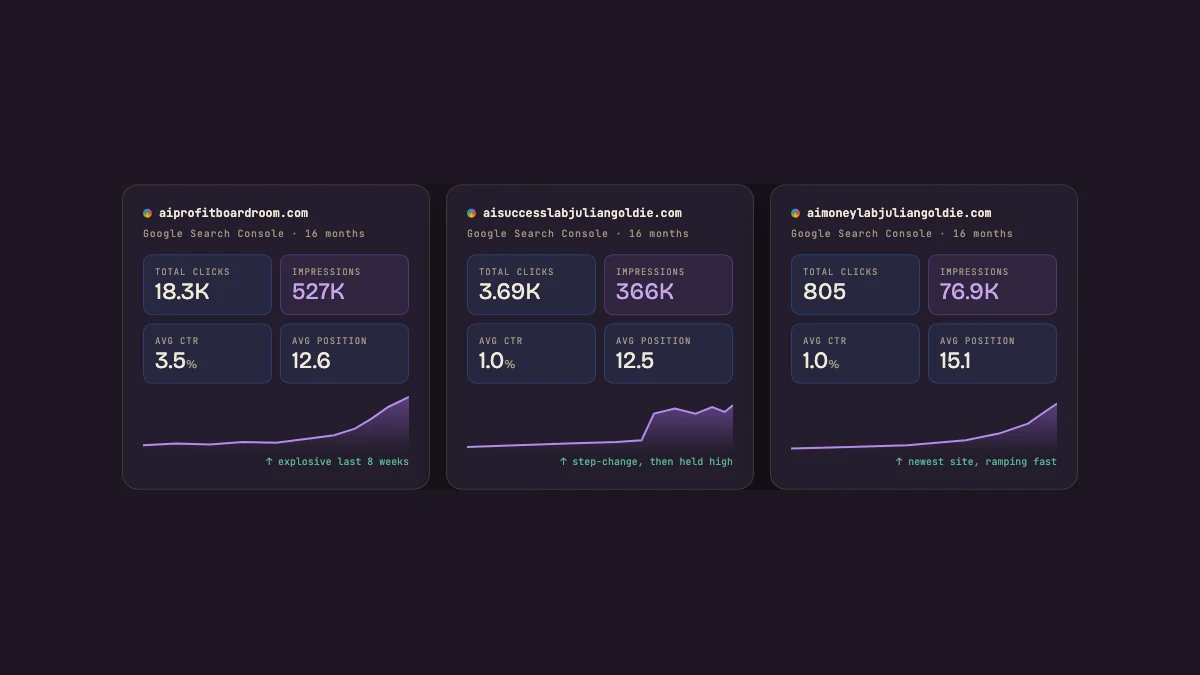
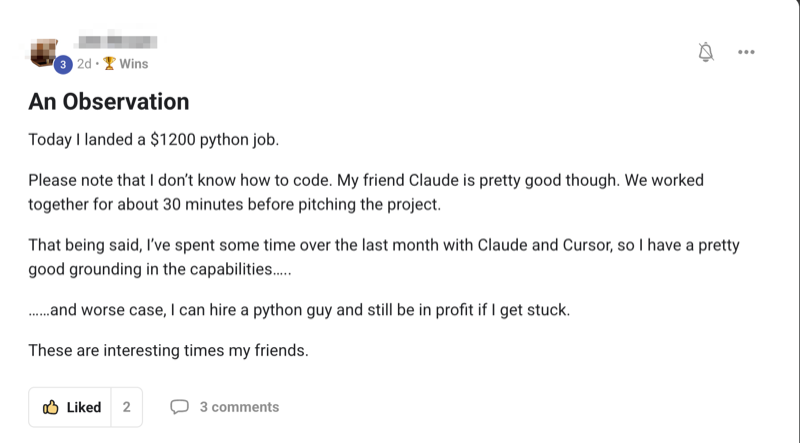
Real people. Real wins. Building with this stack right now.
Here's what's happening for the operators already running Hermes inside the Agent OS — agency owners, ecom founders, creators, solo builders. Different businesses. Same lift.
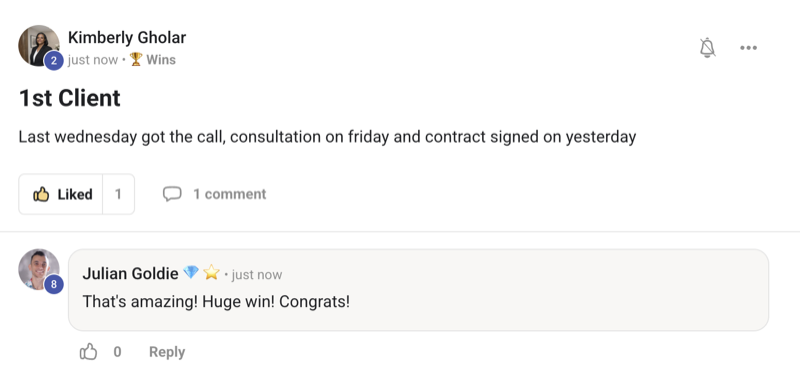
Commit to transitioning today. Not tomorrow.
You've seen the proof above. Real people. Real results.
The next few minutes show exactly how Blank Slate works.
So here's the deal.
If you run any agent — promise yourself one thing right now. You'll finish this guide AND set up one Blank Slate agent before you sleep tonight. Just one. Because the moment you stop handing your agent every tool by default, you stop guessing what it might do.
The people sitting still keep running bloated agents they don't fully control. The people who switch today are the ones who'll trust their agents on real work in six months.
Be one of those people.
Commit to the transition. Set up one clean agent tonight. It changes how you work.
It flips the setup upside down.
Normally you set up an agent and it comes fully loaded. Every tool switched on. You spend your time turning things OFF.
Blank Slate does the opposite. You start with almost nothing — and you turn things ON, one at a time, only when you need them.
When you run hermes setup, you now get three ways to start. Blank Slate is the new third one.
Two things stay on. Everything else waits.
Pick Blank Slate and your agent boots with just the basics it needs to run at all:
Your model. File operations — so it can read and write your files. The terminal — so it can run commands.
That's the whole starting kit.
Everything else — the big, powerful stuff — starts switched off until you say so:
The 12 that wait for your say-so:
Web search · image generation · text-to-speech · browser control · code execution · vision · memory · delegation · scheduled tasks · skills · plugins · MCP servers.
None of those load until you turn them on. Your agent can't reach for a tool it doesn't have.
It writes your choices down. Then it holds the line.
Here's the bit that actually matters for control.
When you pick Blank Slate, Hermes writes an explicit list of what's allowed, plus a list of what's disabled.
So nothing you didn't choose ever loads. Not by accident. And — this is the key part — not even after you run hermes update.
Most tools quietly add new features back in when they update. Blank Slate doesn't. Your agent stays exactly the shape you made it.
Why does that matter to you? Three things.
A smaller surface. Fewer tools on means fewer ways for an agent to do something you didn't intend.
Fewer tokens. A lean agent carries a lean prompt — less tool noise on every single call.
Predictable behaviour. The agent only ever has the tools you gave it. No surprises, every run.
hermes tools lets you switch capabilities off on an agent you already run. You can tidy up what you've got without a fresh install.The loaded default vs the clean slate.
- Every new agent boots with the full toolbox switched on
- It can browse, run code, hit the web, use memory before you ask
- The system prompt is stuffed with tool defs you never use
- Every update can add new tools you didn't choose
- You're never quite sure what it might reach for
- Result: a powerful agent you don't fully control
- The agent boots with just a model, your files, and a terminal
- 12 big capabilities start OFF until you switch them on
- You enable only what this agent actually needs
- Your choices are written down — nothing else ever loads
- It stays exactly that way, even after
hermes update - Result: a lean agent that does only what you told it to
The Clean Slate Engine™.
Here's the simple way I think about running a Blank Slate agent. Five moves. Wipe it, pick your tools, lock it, seal it through updates, and build up on your terms.
The Wipe
Start at zero. Your agent boots with almost nothing — just a model, your files, and a terminal. No clutter, no surprises, a calm starting point.
The Pick
Switch on only the tools the job needs. Web for research. Browser for the web stuff. Nothing more. The agent does exactly what you want.
The Lock
Your picks get written down. Nothing you didn't choose ever loads. You get a predictable agent on every single run.
The Seal
It stays locked through updates. New tools don't sneak in after hermes update. Control that actually lasts.
The Build-Up
Add power on your terms as you grow. One command turns the next tool on. You scale without ever losing the plot.
Want Hermes wired into a whole operating system?
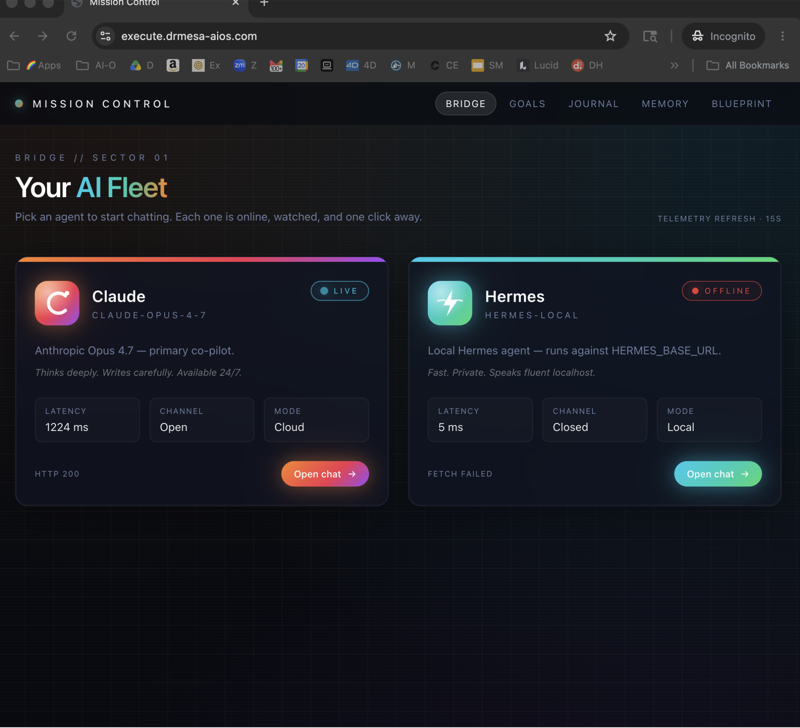
Blank Slate makes one agent clean. The real power comes when your clean agents share one brain. The Agent Operating System inside the AI Profit Boardroom connects Hermes, Claude and OpenClaw into one dashboard with shared memory and shared context — so each lean agent still knows your business cold.
- The full Agent OS — Hermes + every model + every channel in one place
- Shared memory — your agents know your goals, your clients, your voice
- 4 coaching calls a week + daily tutorials as updates like this one land
- A 30-day roadmap + every prompt + the Obsidian memory setup
- 3,900+ members across 38 countries — someone's online 24/7
Three commands. That's the whole thing.
Pick Blank Slate when you set up
Run setup and choose the Blank Slate option. Your agent boots with the bare minimum.
hermes setup # choose "Blank Slate"Add tools, one at a time
Turn on exactly the capabilities this agent needs. Web search for a researcher. Code for a builder. You choose.
hermes tools                  # switch capabilities on/off
hermes skills opt-in --sync # add skills when you want themChange your mind later — easily
Need to tweak the agent's settings down the line? One command reopens the setup for that agent. Nothing is locked away from you — only locked down from surprises.
hermes setup agent # adjust this agent's settingsFor anything client-facing — yes.
If you're just playing, the loaded default is fine. Turn everything on and explore.
But the moment an agent touches real work — a client's data, a live inbox, your own business — control beats convenience. Blank Slate is how you get it.
The people who run agents in production think about what their agent can't do as much as what it can. The people who skip that end up explaining to a client why the agent did something nobody asked for. The control you build now compounds.
"It's just a setup option, I'll ignore it."
A setup option here decides what your agent is allowed to touch — and keeps it that way through every update. Small menu. Big difference.
158 pages of members already building real things with this stack — real businesses, real wins.
Read the 158-page testimonials doc →What you walk away with.
hermes update — nothing sneaks back.Stop turning tools off. Start with nothing, and switch on only what you need.
Make every Hermes agent work harder for you.
Updates like Blank Slate land every few weeks. The Agent Operating System inside the AI Profit Boardroom turns Hermes, Claude and OpenClaw into one system with shared memory — so every clean agent you build still knows your business, and every new feature makes the whole thing stronger automatically.
- The full Agent OS zip — Hermes wired into one dashboard you control
- The setup walkthrough, done with you, step by step
- 4 weekly coaching calls, daily tutorials, a 30-day roadmap
- 3,900+ members, a member map, 24/7 community
- 158 pages of member wins — read them here →