Fourteen real questions and wins from the Boardroom this week — multi-agent setups, AI video, local vs VPS, context bugs, SEO automation and more. Same order they came in. Each one has the original post, the screenshot, my quick take, and a fuller answer underneath. Jump to any:
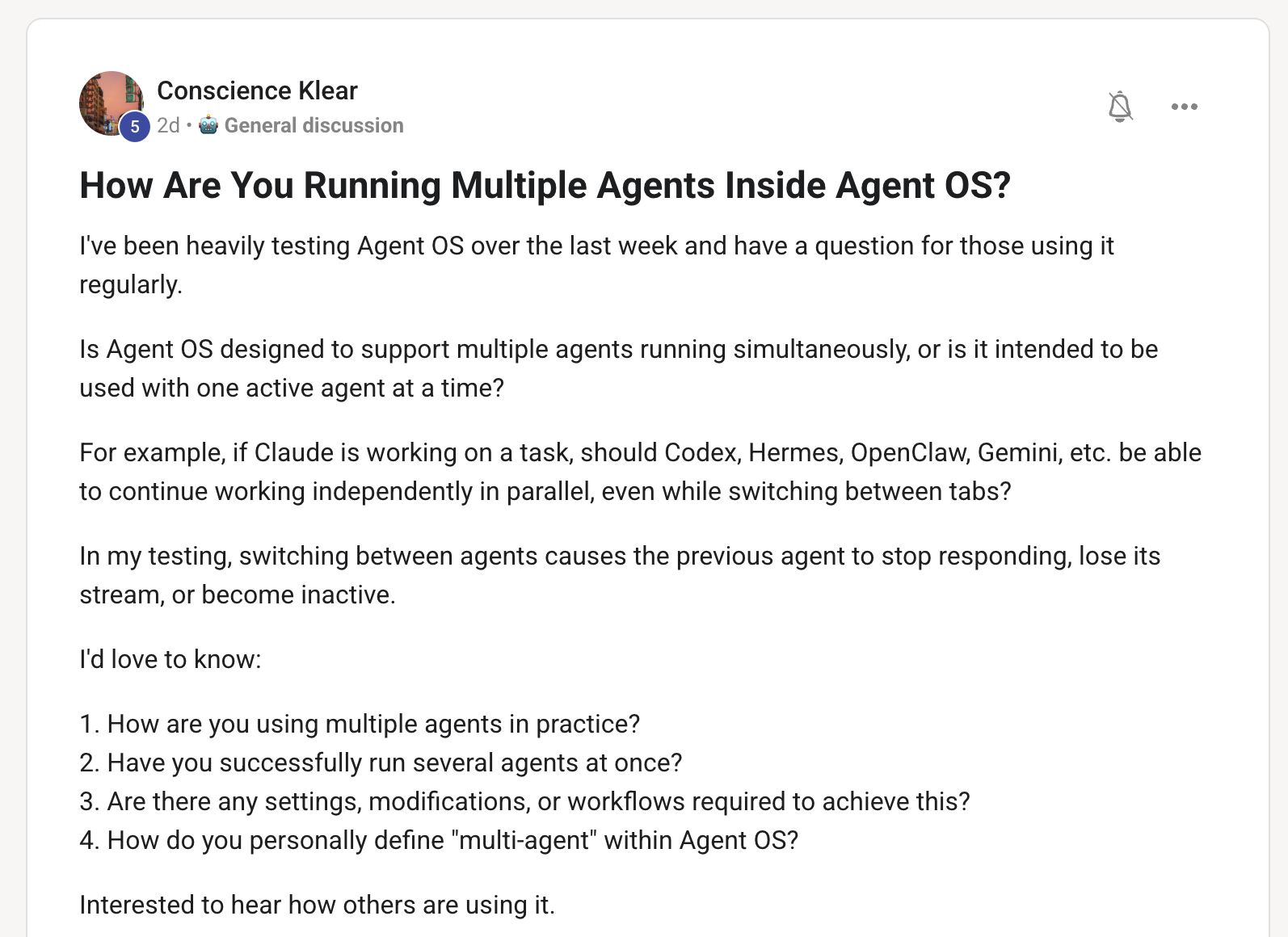
Usually I build in separate tabs — e.g. one tab on Claude and one tab on Hermes.
Each agent tab in Agent OS is its own independent process — Claude, Hermes, Grok, GLM, Kimi all run in their own backend session, so they genuinely run side by side. Switching tabs doesn't stop the others; the work keeps streaming in the background, the UI just shows the tab you're looking at. If an agent goes dead when you switch, that's usually an older build or a single blocking call — run hermes update and make sure each agent is its own tab.
For real parallel work inside one agent, Hermes just shipped async subagents — the delegate tool fans out workers in the background and no longer blocks your chat. That's the Hive: one lead dispatches many, they all work at once, results fly back. So "multi-agent" is two things — separate tabs for separate jobs, and the Hive for fanning out one job.
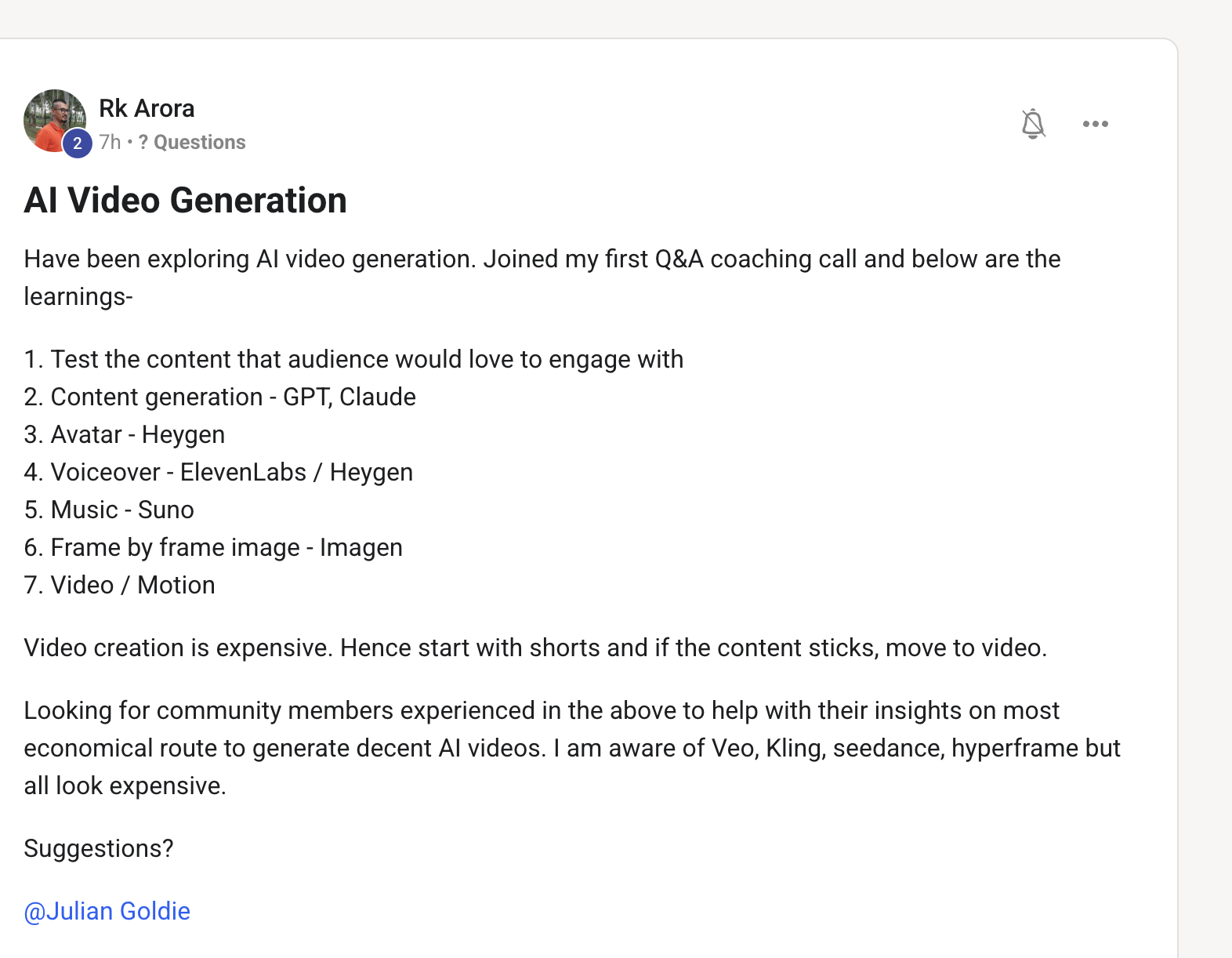
You can just use Grok OAuth, or Minimax (subscription only).
For video, the cheapest route is Grok Imagine — it's included in your X Premium+ / SuperGrok subscription (the Aurora-2 engine: 720p clips with synced audio), so you sign in with your X account and it's effectively free on the plan. MiniMax is the other strong one but it's subscription-only. Both beat paying per-clip on a standalone tool. Inside Agent OS you can also drive these from Hermes Studio so the renders land in your workspace.
Love this. And if you want cloud-based instead of local — Google Managed Agents API gives you cloud API agents too.
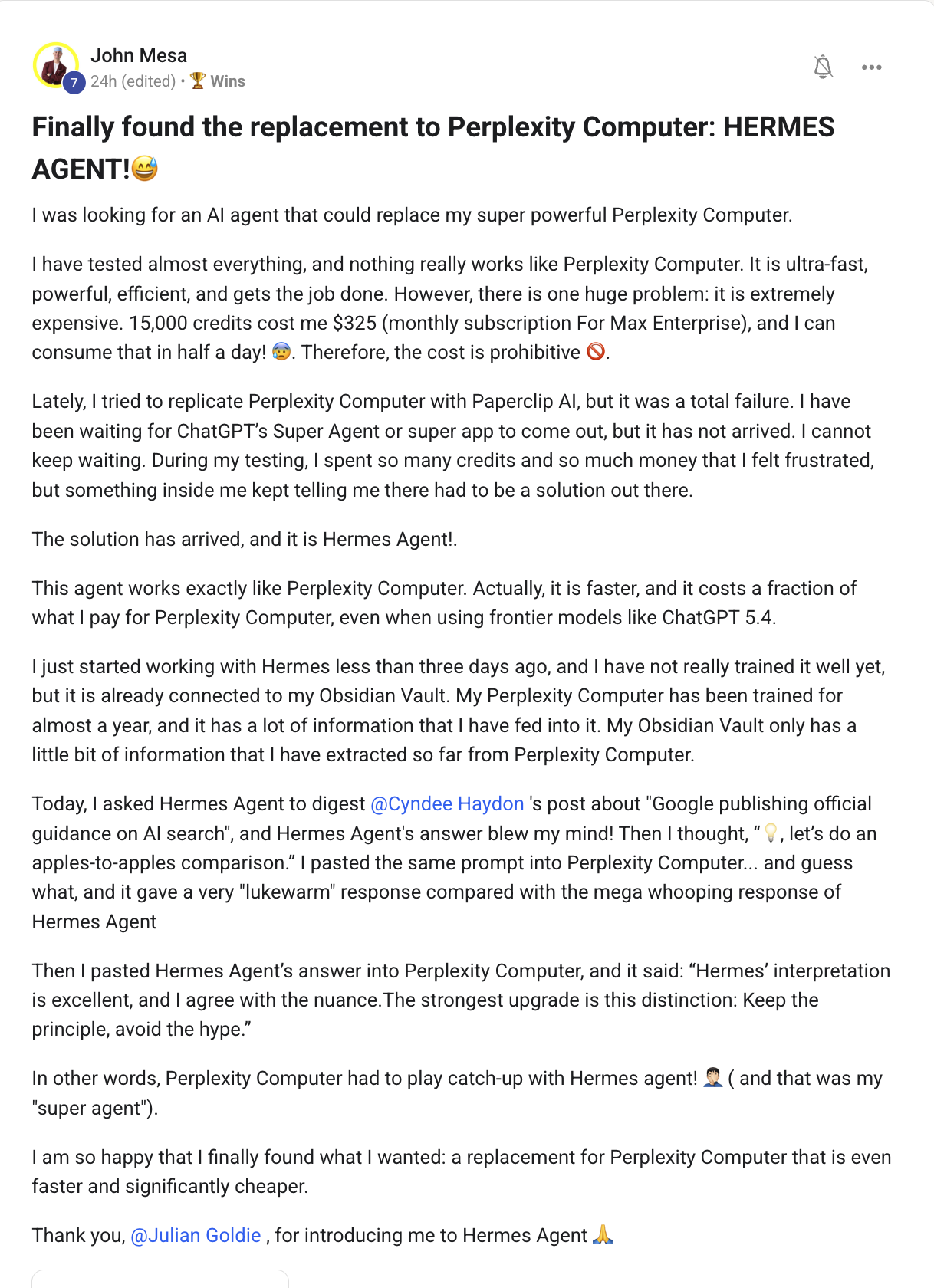
This is the win everyone needs to see. Perplexity Computer is powerful but brutal on price — John was burning $325/mo and 15,000 credits in half a day. Hermes Agent does the same job, faster, on your own keys — pennies instead of hundreds — and it's wired to his Obsidian vault so it actually knows his business. In his own apples-to-apples test, Hermes' answer beat Perplexity's.
The lesson: you don't rent a "super agent" — you run your own. And if you want the cloud-hosted flavour (no local machine), the Google Managed Agents API plugs into Agent OS as cloud-based API agents.
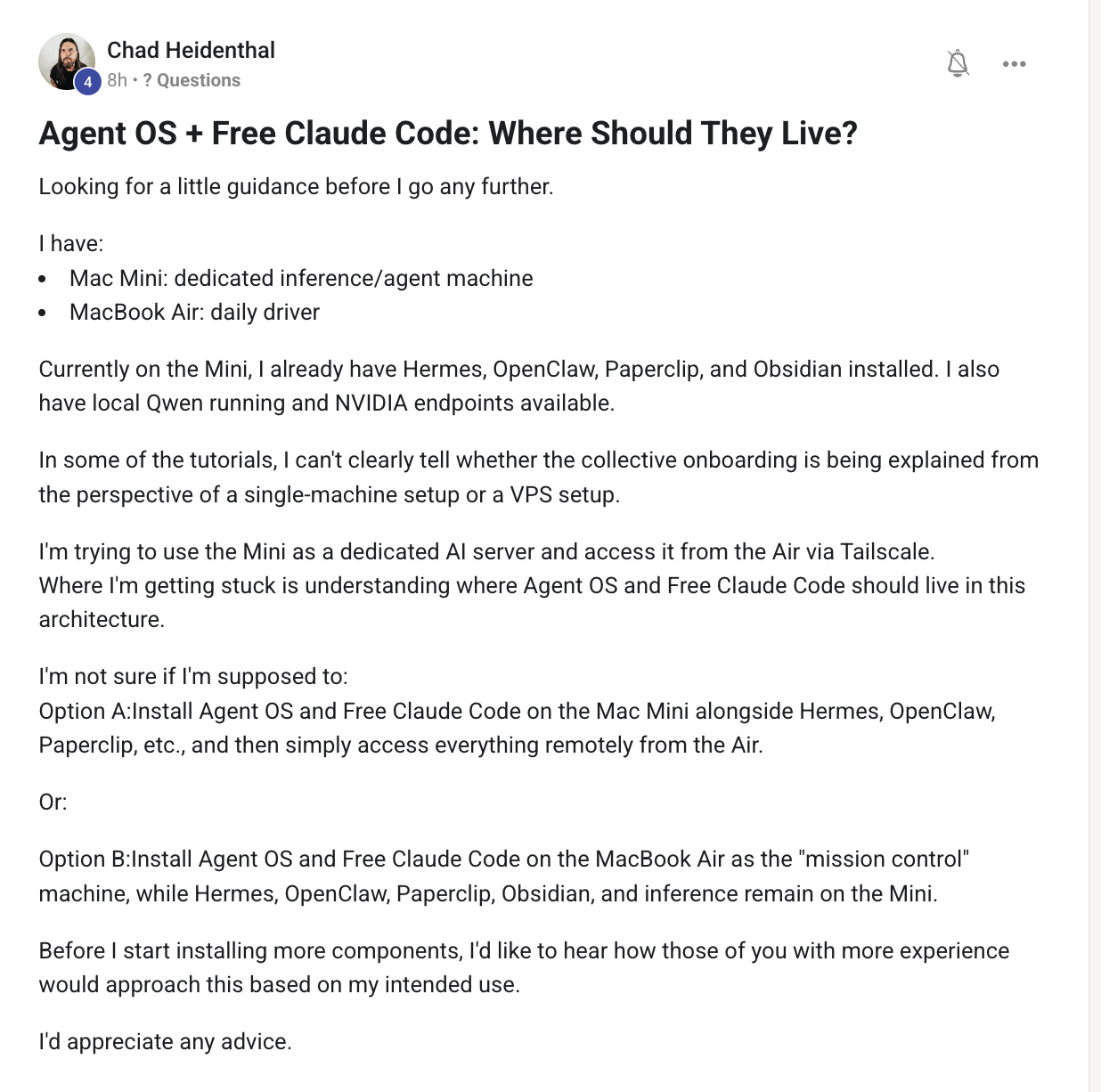
I always run it locally on my own machine.
Local-first is the default and it's the right one for most people: fastest, most private, zero hosting cost, full control of your files. Your machine runs the dashboard, the agents talk to the model APIs. The only reason to move it off your machine is if you want it always-on or reachable from your phone — that's the VPS route in the next question. Rule of thumb: local for daily driving, VPS for always-on.
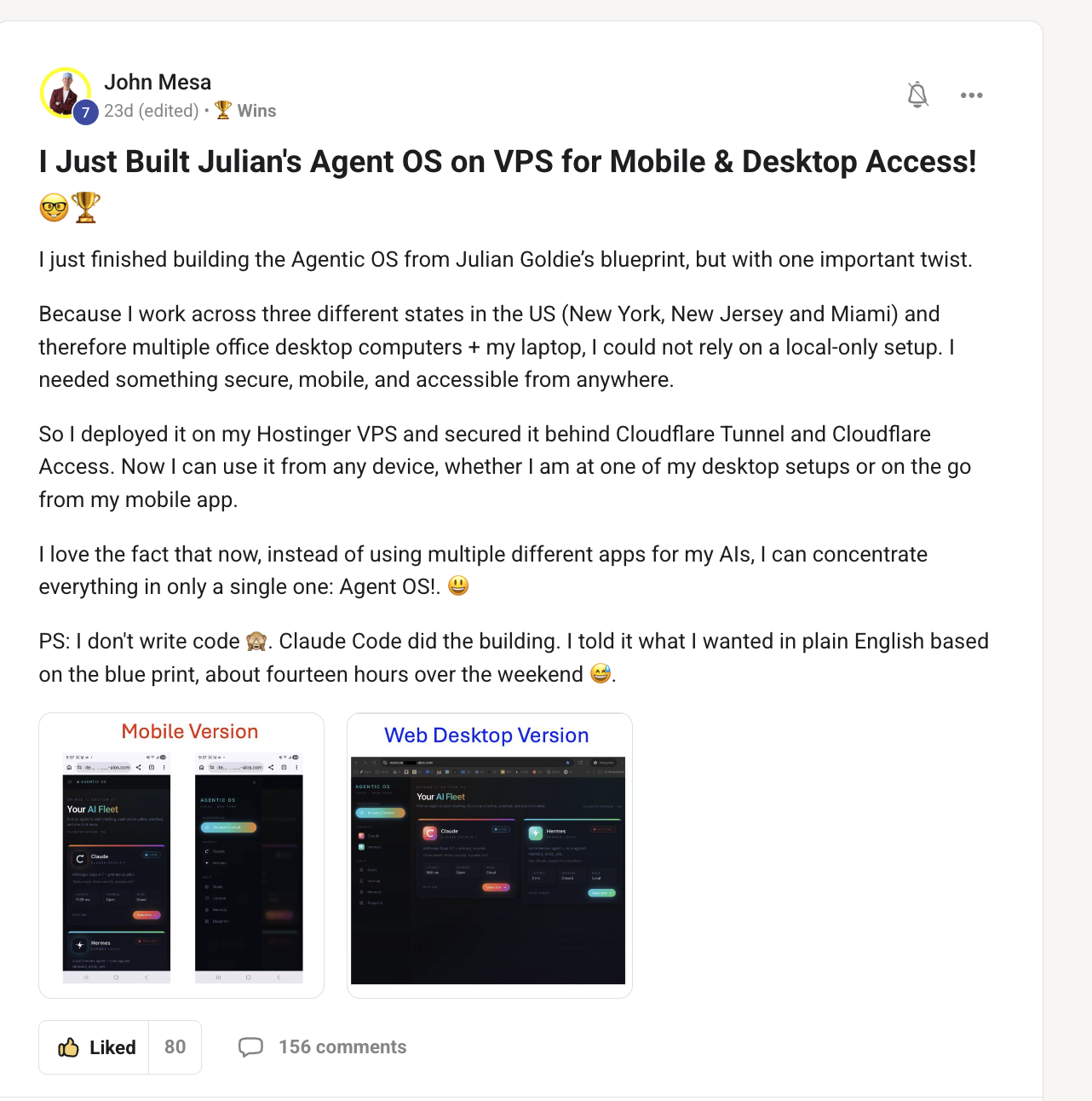
Some people set it up on a VPS like this too.
Great example. A VPS turns Agent OS into a 24/7 service you can hit from any device — desktop and mobile. That's perfect for overnight runs (queue jobs before bed, wake up to finished work — exactly what the Hive is built for) and for checking your agents from your phone. The trade-off is a few dollars a month of hosting and a one-time setup. Daily work? Local. Always-on + mobile? VPS.
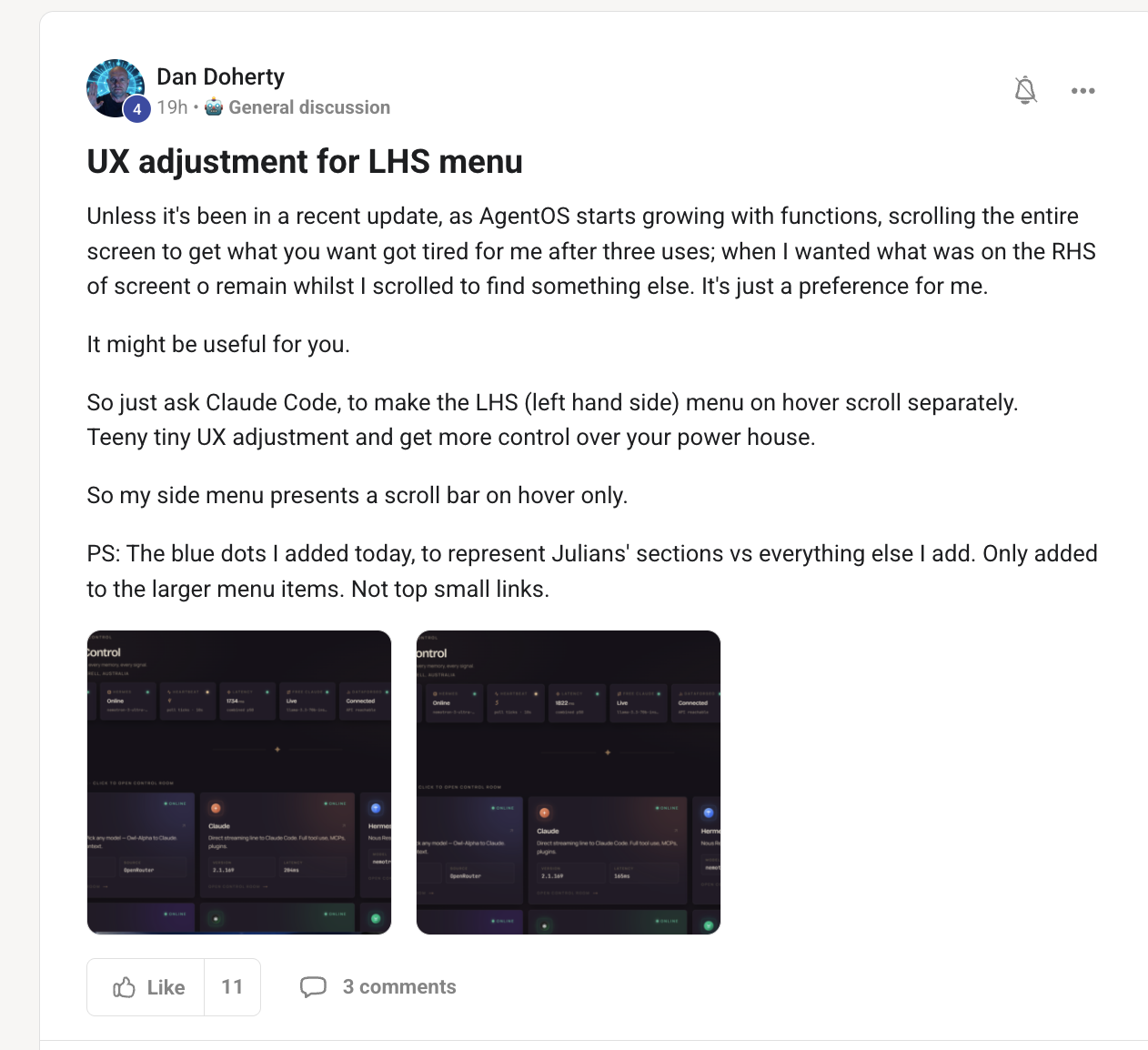
Good little UI tip for using this stuff.
Nice quality-of-life tweak. Agent OS is yours to bend — the layout, the sidebar, the tabs are all editable. If a menu change makes your day smoother, do it; the whole point of running it locally is that nothing is locked. (This is the same reason you can add your own tabs — see the next tip.)
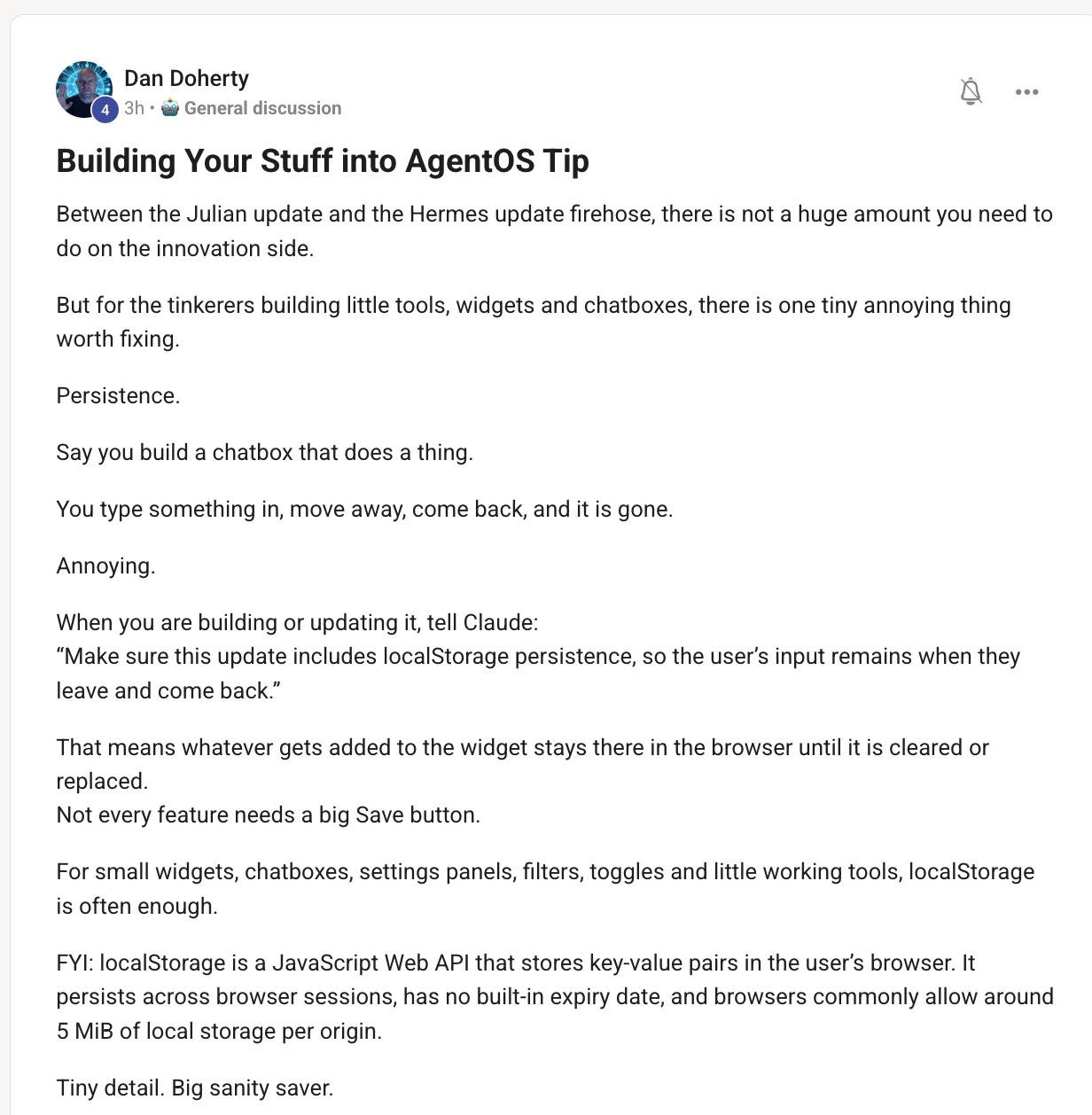
Interesting tip here.
This is the superpower most people miss: Agent OS isn't a fixed app, it's your dashboard. You can add your own agent tabs, tools and skills. (I literally added a Grok Build tab with its own chat + workspace this week, and a SEO funnel hive.) If you use a tool every day, wire it in as a tab so it lives next to everything else, sharing one memory.
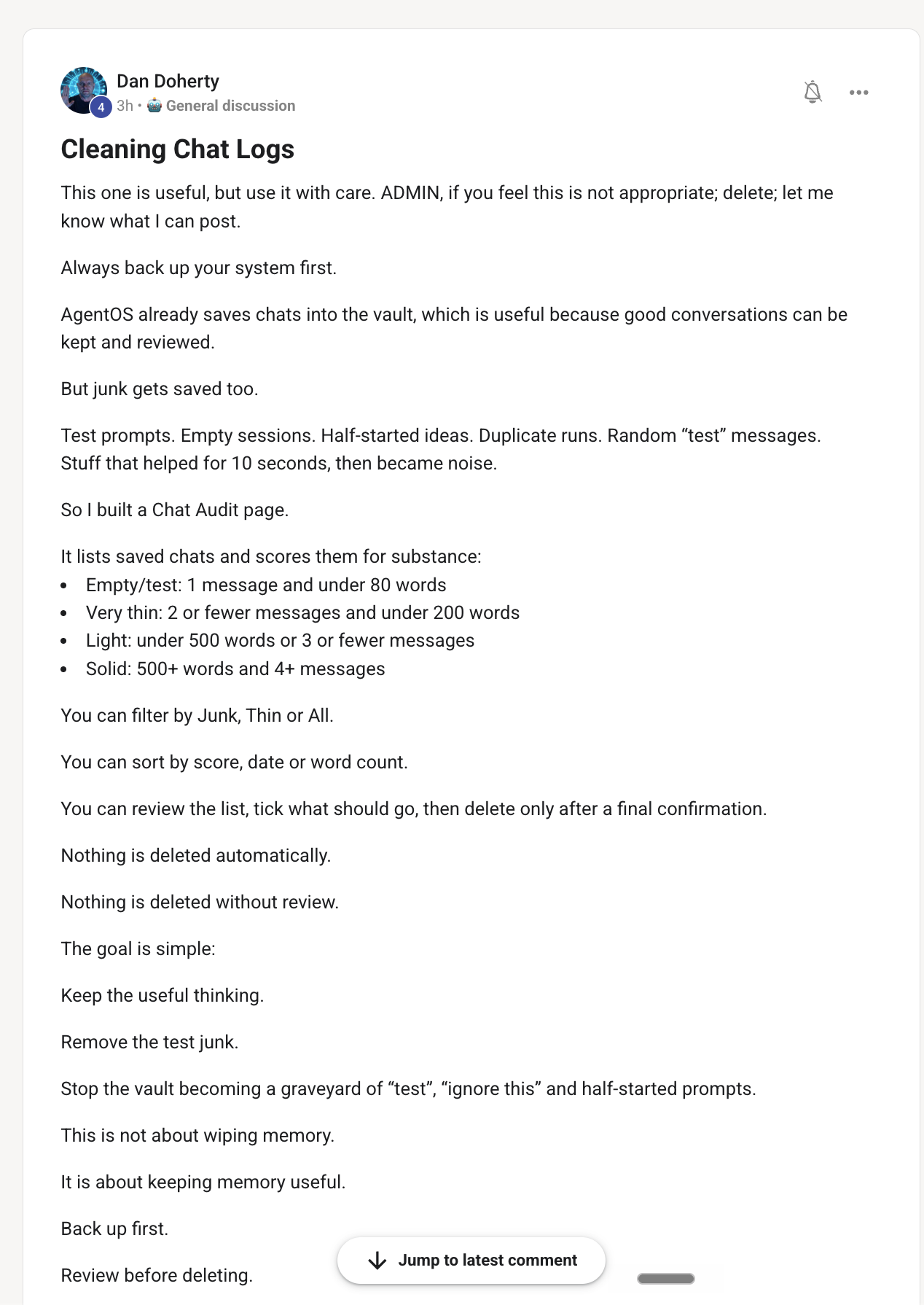
Interesting tip.
Worth doing. Old chat history piles up and quietly bloats context (and cost). Clearing logs you don't need keeps each agent fast and focused. Keep the conversations that carry useful context, clear the noise — your agents stay sharp.
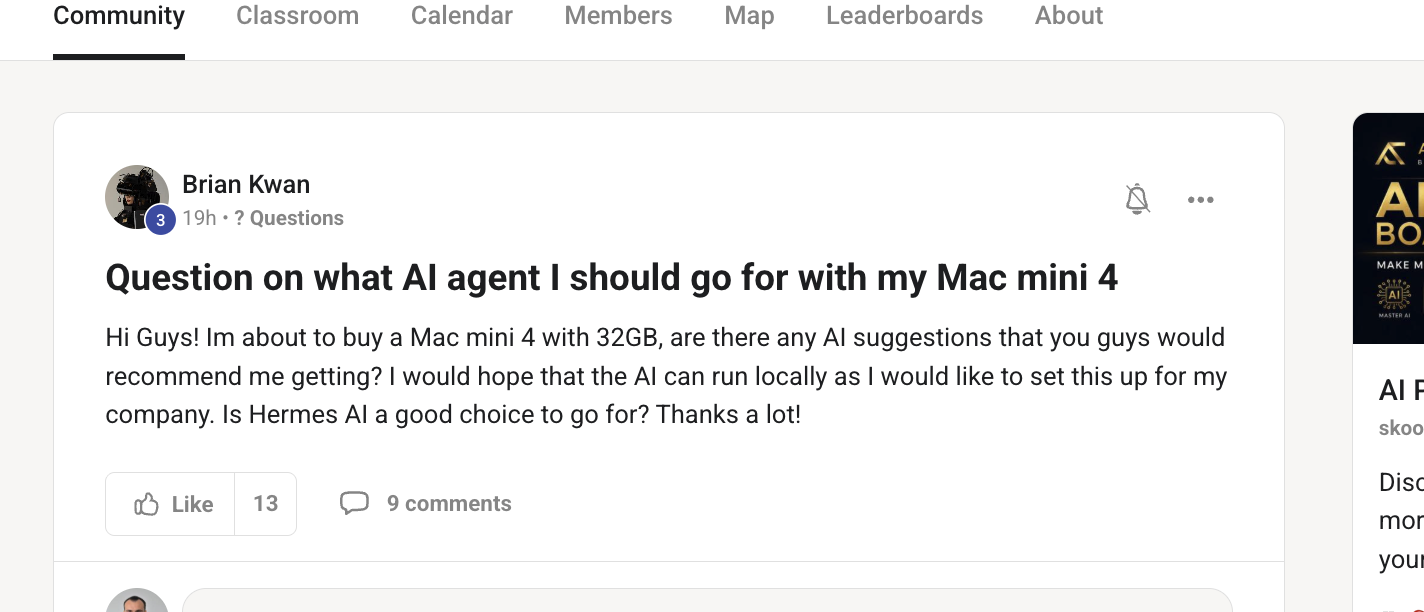
Honestly I don't really like local models — I'm on a Mac Studio and even Gemma 4 isn't great.
Straight answer: don't chase local models on a Mac Mini. Even on a Mac Studio, local models like Gemma underwhelm — they're slow and a clear step below frontier. The better play is to use your Mac to run Agent OS and drive cloud/frontier models: Claude, Grok Build (free on your X Premium+), GLM, Kimi, or Free Claude Code routed through OpenRouter. You get frontier quality for free-to-cheap, and a Mac Mini M4 handles the dashboard easily. Save local models for offline-only edge cases.
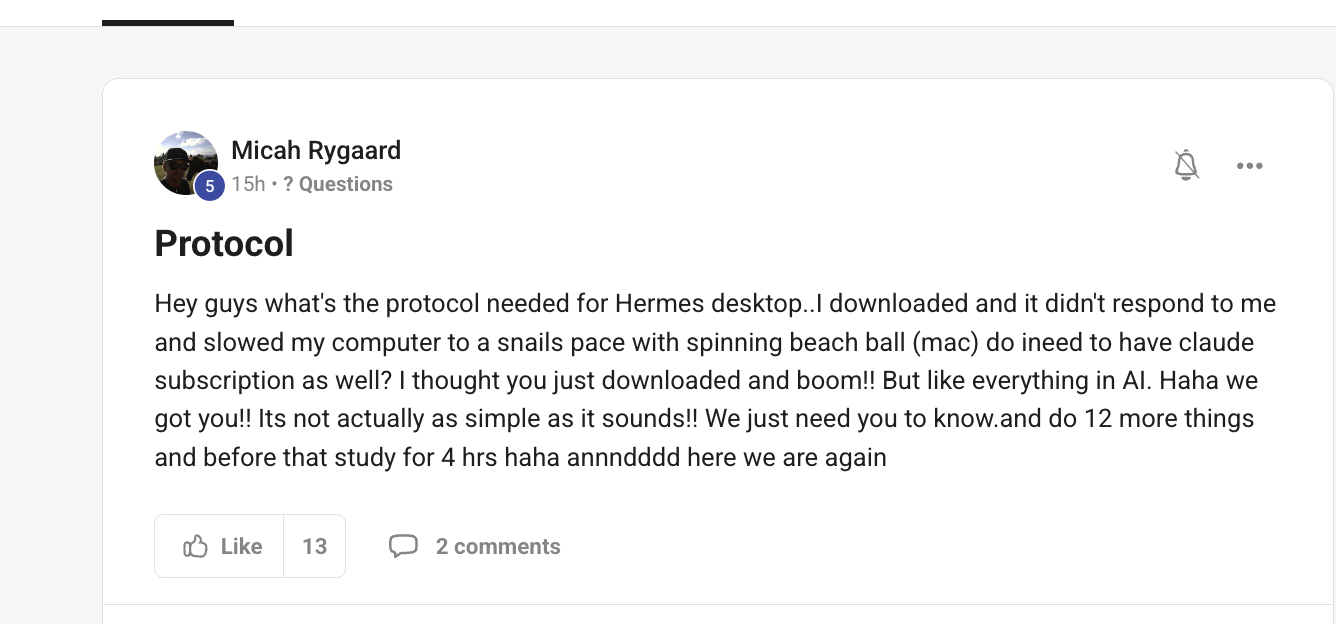
This is exactly why we use the Agent OS instead — Hermes desktop is a bit messy on the integration. If you prefer desktop, I'd just get Claude to sync it for you.
The integration story is cleaner in Agent OS than in the Hermes desktop app — the OS is built to wire models, MCP and your memory together in one place, where the desktop app gets fiddly. If you genuinely prefer the desktop, the move is to have Claude write the sync/config for you so it talks to the same setup. But for most people, the OS is the smoother path.
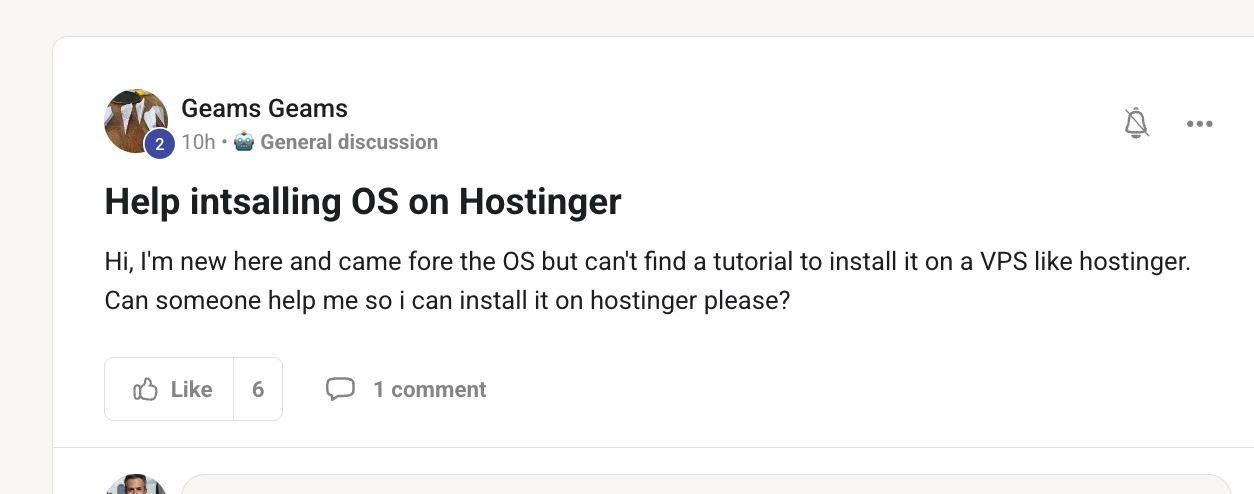
You can use a VPS like this — see the VPS walkthrough a member posted.
Hostinger's VPS works fine for this. The path is the same as any VPS: spin up the box, install Agent OS, then open it from your browser (desktop or mobile). A member already documented the full VPS build — follow that, and you'll have it reachable anywhere. If you hit a wall on a step, drop the error in the community and we'll unstick it.
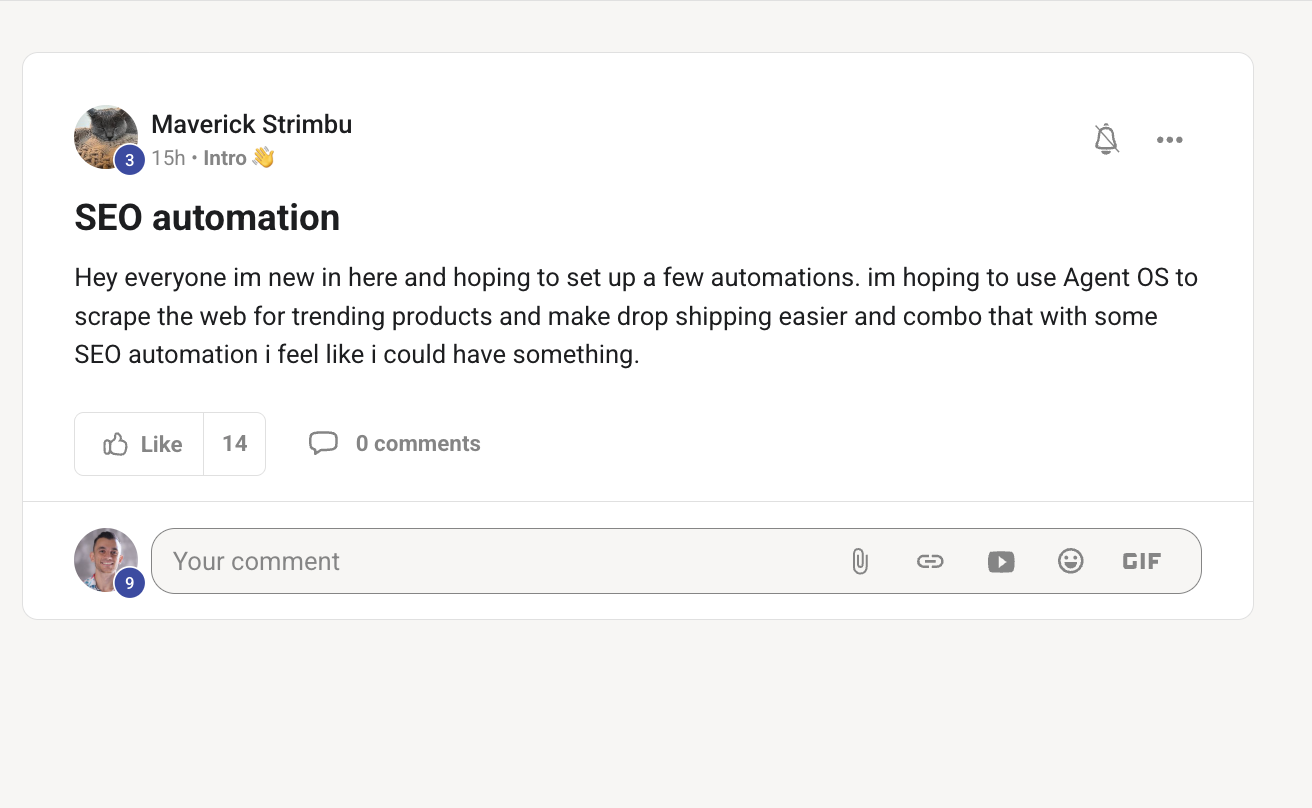
Let me show you the SEO automation section we've got.
There's a whole SEO automation section in the Boardroom — and it just got a big upgrade. With the Hermes Hive you can now take one keyword and fan out a whole content funnel in parallel: a lead agent dispatches a writer per article, they all write at once, and a deploy worker pushes them live. I literally ran this and shipped 5 real articles to a live site, hands-free. That's the direction SEO automation is going — describe it once, the hive builds and deploys it.
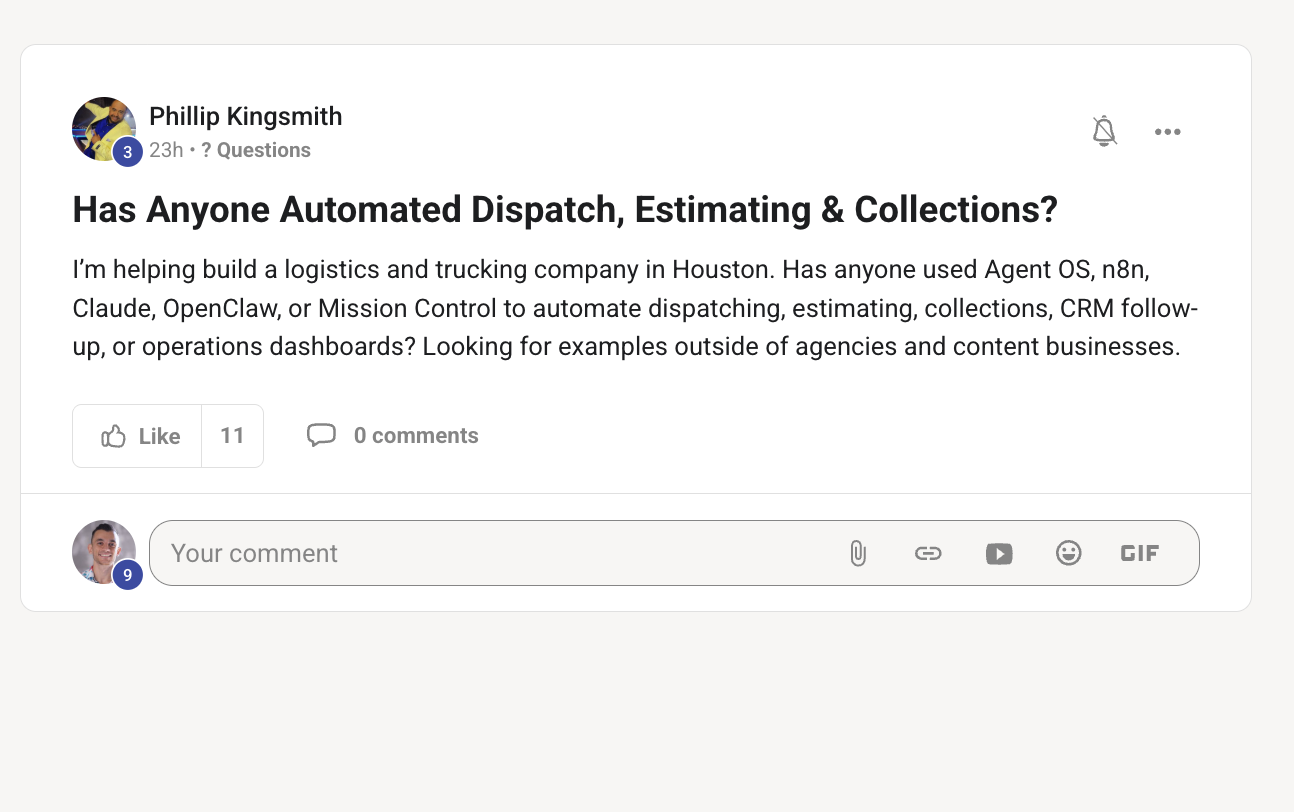
Never seen this one before — but I reckon you could get Claude or Hermes to build it in for you.
No off-the-shelf thing for it, but this is a perfect custom-agent job. Dispatch, estimating and collections are exactly the kind of repetitive, rules-based ops an agent eats for breakfast. The play: describe the workflow to Claude or Hermes (the inputs, the rules, the outputs, the tools/sheets it touches), let it build the agent, then run it on real data and refine. Start with the one step that wastes the most time and automate that first.
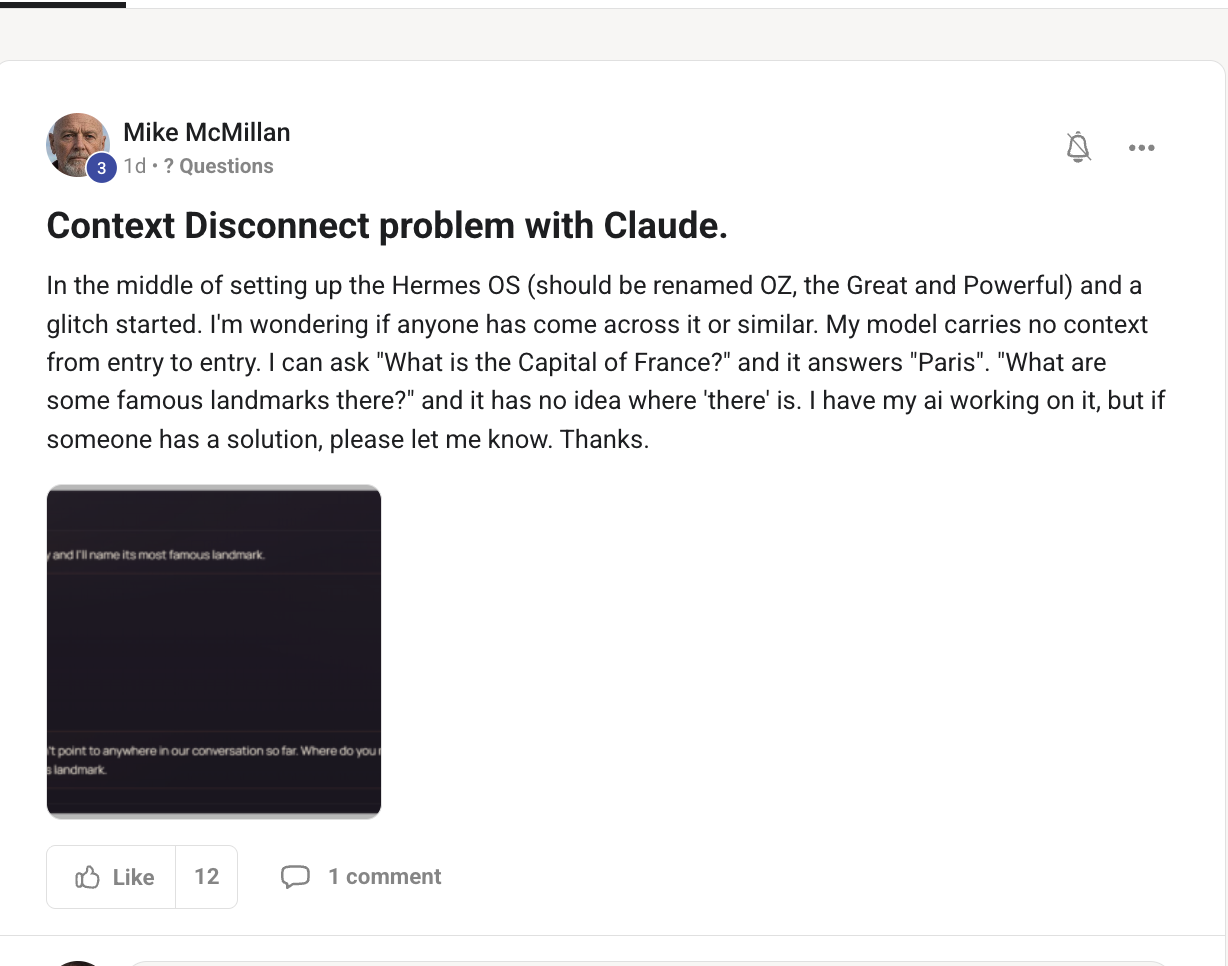
It's a context-setup issue — let's fix how the session carries memory.
This is a session/memory-persistence problem, not a model problem. The classic symptom — ask "capital of France?" → "Paris", then "famous landmarks there?" → it has no idea where "there" is — means each message is being sent as a fresh turn with no history. The fix: make sure the chat is running a persistent session (not a new one-shot per message), so prior turns are passed back in. Check the profile's session/memory settings, and confirm the chat is sending the conversation history with each message. Once the session carries context, the follow-ups connect.
The multi-agent tabs, the Hive, the SEO automation, the VPS builds, the memory setup — it's all inside the AI Profit Boardroom. The full zip, every prompt, weekly calls where we wire it in together, and 2,200+ builders to ask.
Get the Agent OS →