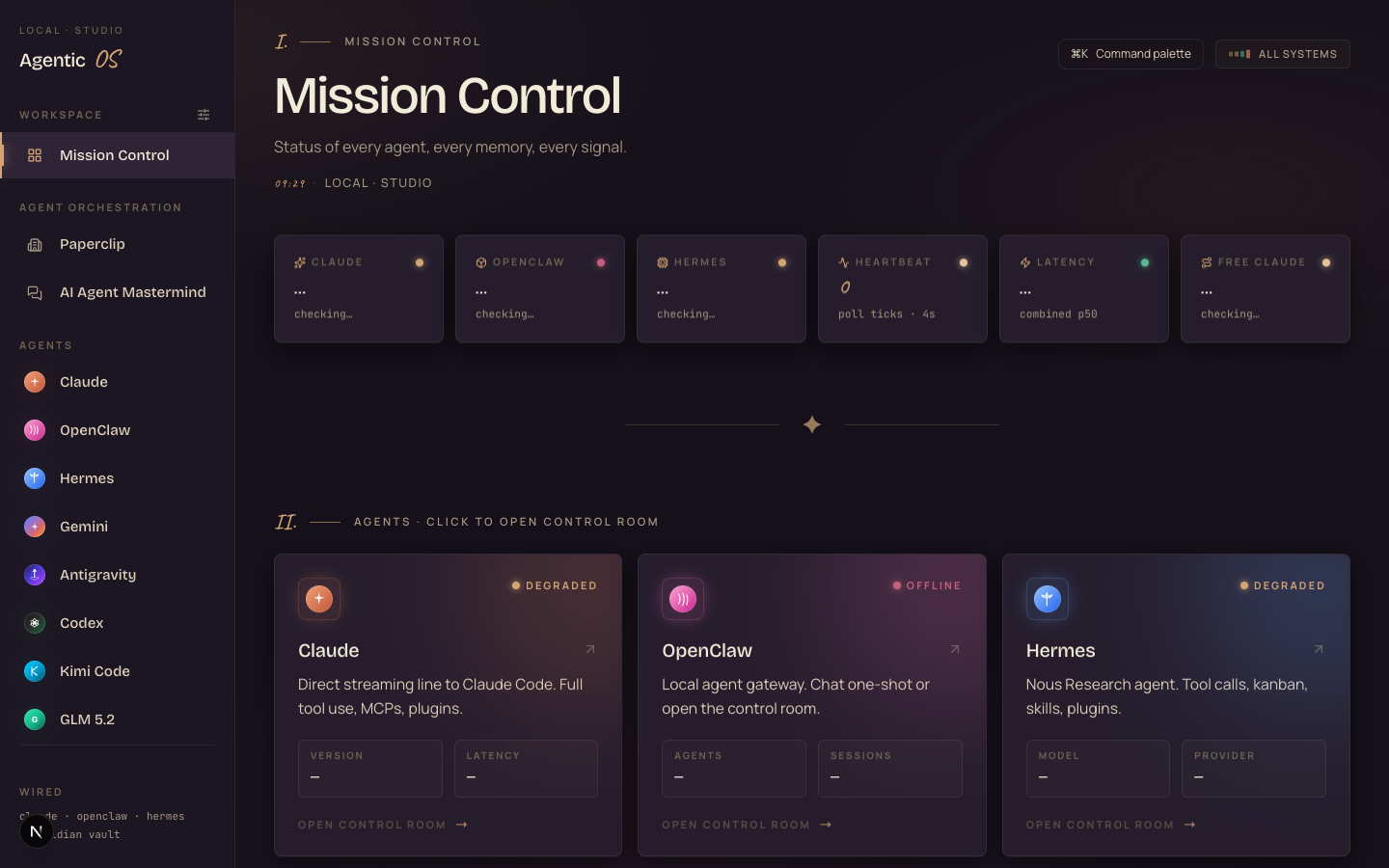
 my real Agent OS — one screen, every agent ↗
The Agent Command Deck™.
One screen. One shared brain. Every AI agent you use — Claude, GLM, Kimi, Hermes — sitting at your fingertips, all knowing your business cold. This is the step-by-step build of my own Agent Operating System. Then I show you how to build yours.
This is what one prompt to the deck builds.
Before any setup, look at what the finished thing does. These are real screenshots — games and apps my agents built from a single sentence, plus the dashboard they all live on. The point of an Agent OS isn't a prettier chat box. It's that you say one thing and a real, finished result comes back.
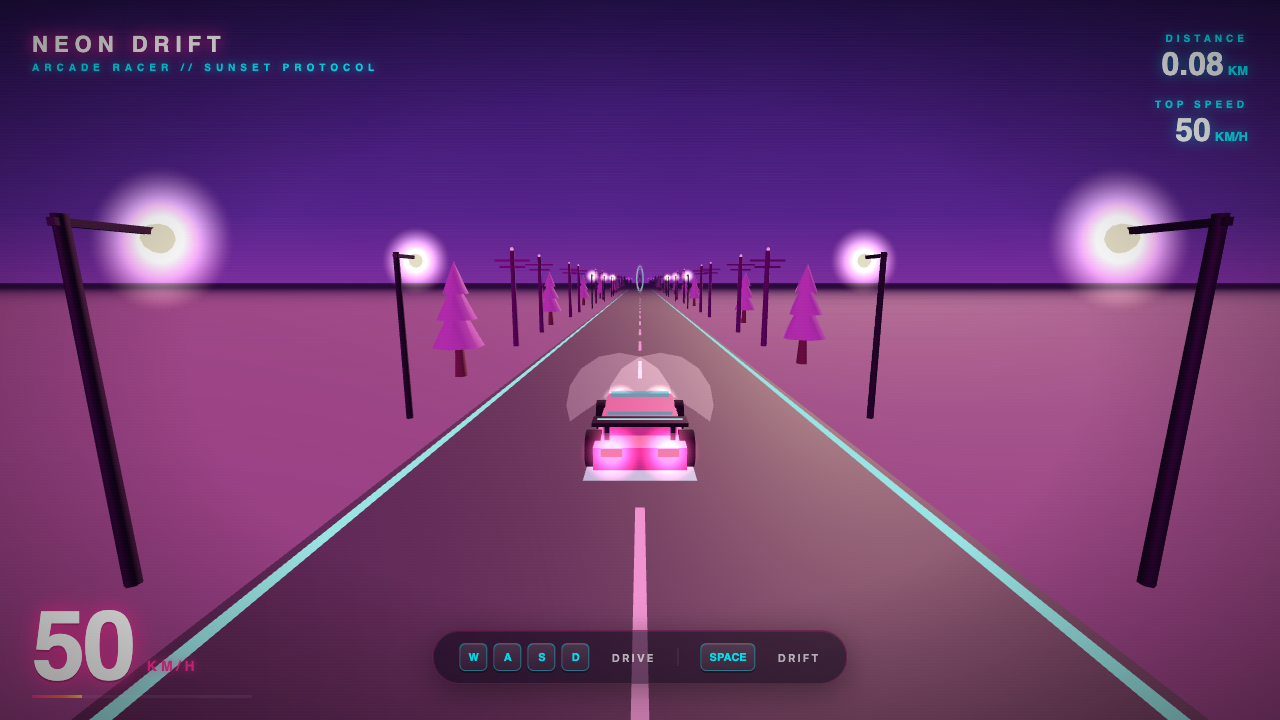
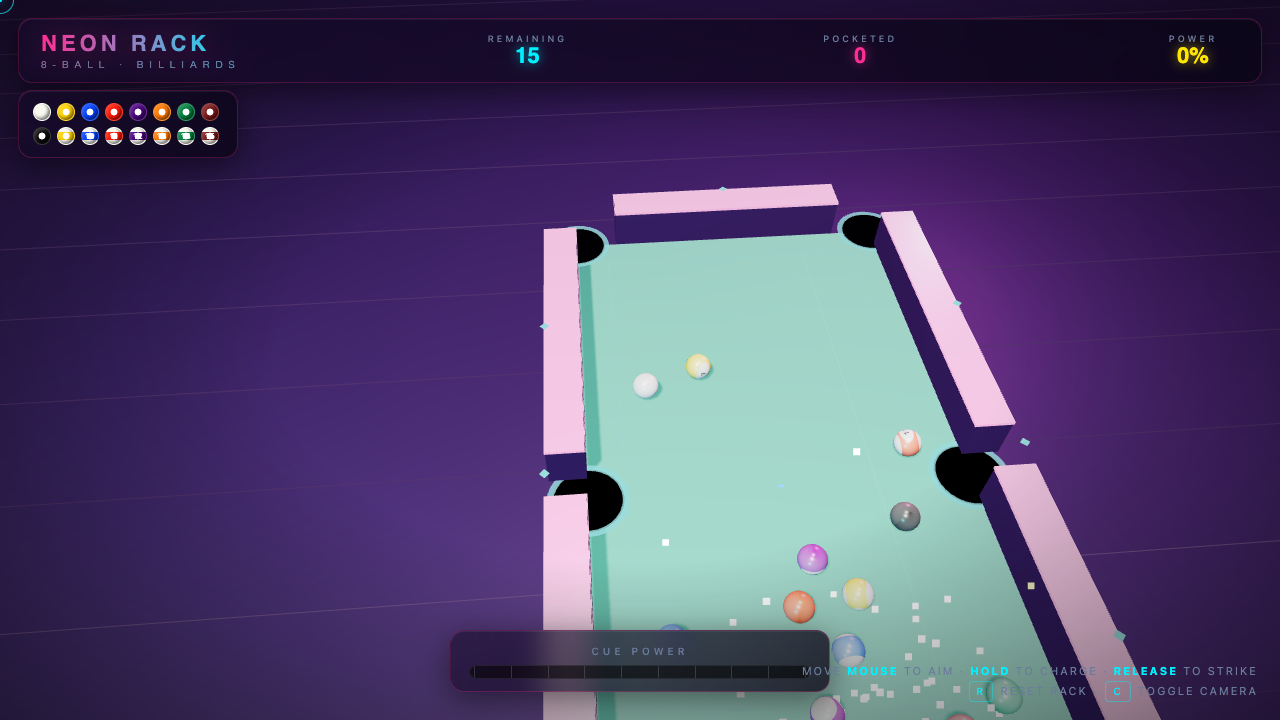
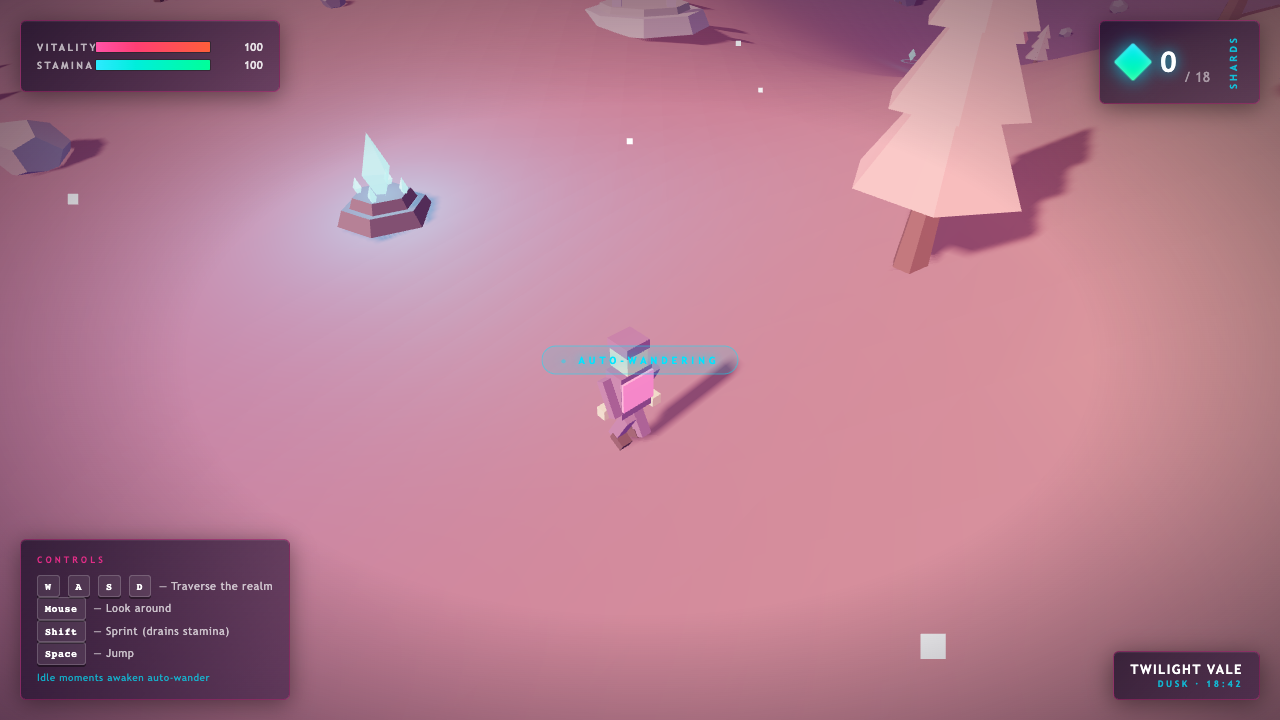

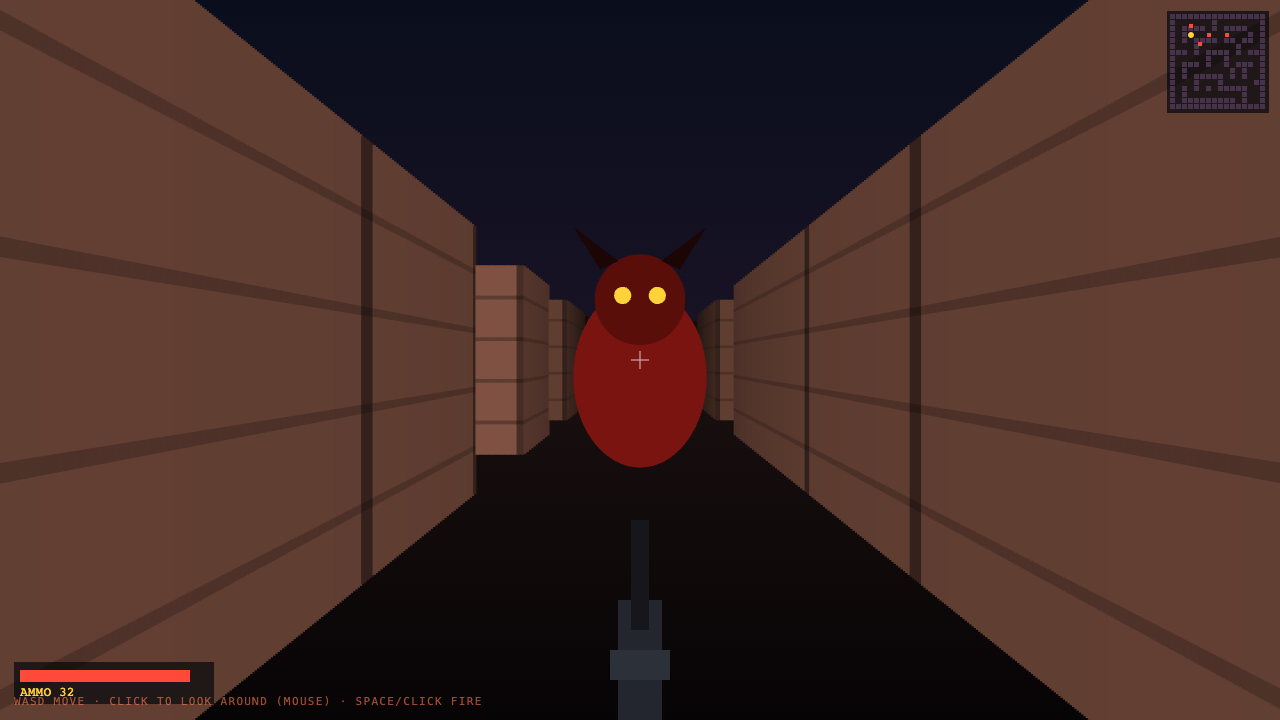
Every tile opens the real, playable build. All made by an AI agent inside the Agent OS — no game engine, no Unity, one sentence each.
I was you. Then I built a command deck.
Before
I had fourteen AI tabs open and no idea which one to use.
Every session I re-explained my business from scratch — my clients, my voice, my goals.
I paid for ChatGPT, Claude, and three more — and they all forgot me the moment I closed the tab.
I lost files. I lost context. I started from zero every single morning.
The breaking point — I rebuilt the same thing three times in one week because no agent remembered the last attempt.
Then I built one screen that runs all of them — on one shared brain.
After
Now I open one dashboard. Every agent is right there.
They all read my Obsidian vault, so they know my business before I type a word.
I hand the deck a sentence and a finished build comes back — a game, a video, a page.
Three agents work in parallel while I sleep. Nothing gets lost. Nothing starts from zero.
You can have this too. Same tools. Same path. I'll walk you through it.
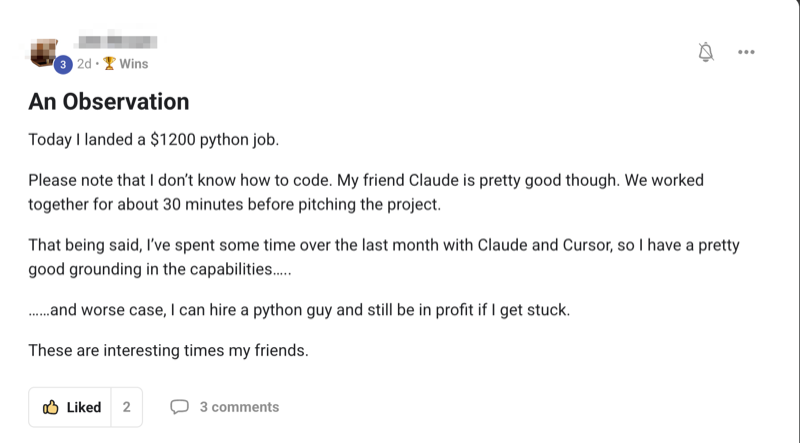
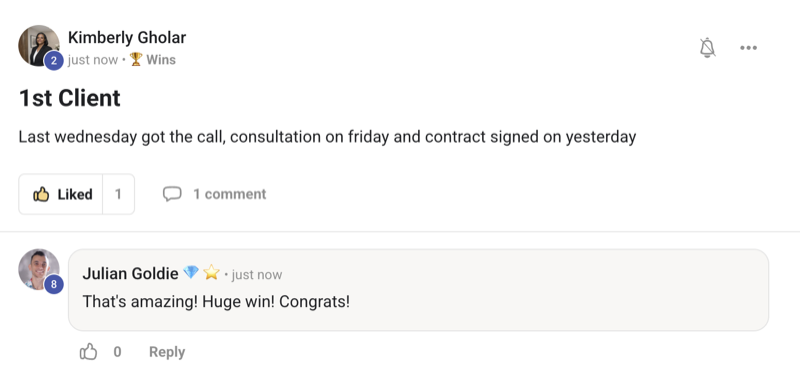
Real people. Real wins. Building this right now.
Here's what's happening for the operators already running this stack — agency owners, ecom founders, course creators, solo builders. Different businesses. Same result: AI that actually knows their work and ships real things.
Commit to building today. Not someday.
You've seen the proof. Real people. Real builds. One screen running them all.
The next ten minutes show exactly how I wired this together.
So here's the deal.
Promise yourself one thing right now — you finish this guide AND you install one piece of it before you sleep tonight. Just one piece. Because the moment you make this shift, everything about how you work with AI changes.
The people sitting still are getting passed. The people building today are the ones who, six months from now, say "that was the moment."
Be one of those people.
Commit to the build. Commit to taking action today. This changes how you work, for good.
The Agent Command Deck™ — six layers.
An Agent OS isn't one app. It's six layers stacked on top of each other. Build them in order and you end up with one screen that runs every agent on one shared brain. Here's the whole stack — what each layer gives you.
One screen for everything.
A local dashboard that holds every agent, every tool, every output. You stop hunting through fourteen tabs — it all lives in one place you control.
Memory that never forgets you.
An Obsidian vault wired into every agent. Your clients, your voice, your goals — read fresh every session. You never re-explain your business again.
Every model, side by side.
Claude, GLM, Kimi, Hermes — each plugged into the same brain. The expensive one for hard thinking, the free ones for the grind. You pick the right worker for the job.
Every build, saved + previewable.
Whatever an agent makes lands in a workspace you can click and preview live. You stop losing the things AI builds you — they're all right there.
It runs without you.
The whole deck boots at login and pins to your menu bar. Agents work in parallel while you sleep. You wake up to finished work, not a blank screen.
It gets smarter every day.
Every chat auto-logs back into the brain. Tomorrow's agents know everything today's did. The system compounds — it's worth more next month than this one.
The fourteen-tab mess vs one deck.
Here's the exact contrast. Same work, two ways to do it.
- Fourteen AI tabs, none of them talking to each other
- Re-paste your business context into every single prompt
- Pay for ChatGPT + Claude + 3 more, separately
- One model, one job — wait for it to finish before the next
- Outputs scattered across tabs, half of them lost
- Close the tab → the AI forgets you completely
- Result: generic answers, lost work, starting from zero daily
- One deck. Every agent on one screen.
- They read your vault — they know your business before you type
- The free agents run the grind; pay only where it counts
- Three agents work in parallel while you do other things
- Every build saved + previewable in one workspace
- Close the laptop → the brain remembers everything
- Result: answers grounded in your work, nothing lost, it compounds
If you can paste one command and click "open" on a folder, you can run this.
Members who'd never opened a terminal are running their own deck. The walkthrough below is the whole thing — no computer-science degree required.
How I actually built the deck.
Here's the real order I built mine in. Each step is one layer of the framework. You can stop after any step and still have something useful — but each one makes the next more powerful.
1. The Deck — one dashboard
I started with one screen. A simple local dashboard that every agent and tool plugs into.
You don't hunt through tabs anymore. You open one window and your whole operation is in front of you — every agent down the left, every output in the middle.
2. The Brain — wire in your memory
This is the piece almost nobody does. And it's the whole game.
I pointed every agent at one Obsidian vault — my notes, my clients, my goals, my voice. Now when I ask any agent anything, it reads my real business first.
You stop being a stranger to your own AI. It knows who you are before you type a word.
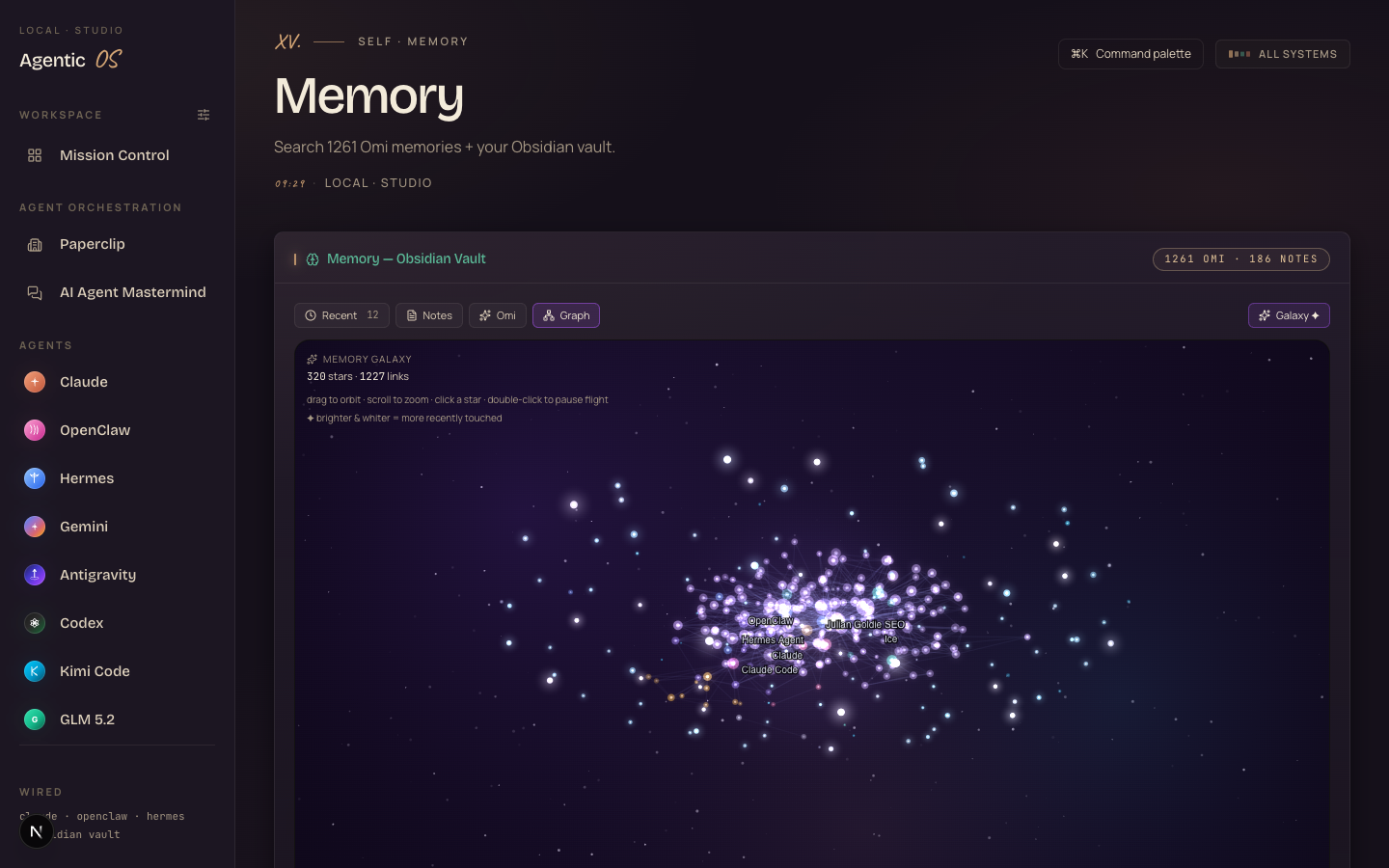
The deck runs all of them at once — including the ChatGPT you already pay for.
It doesn't replace your tools. It orchestrates them, and gives them one shared memory so they finally know your business. Same subscriptions, ten times the leverage.
3. The Crew — plug in every model
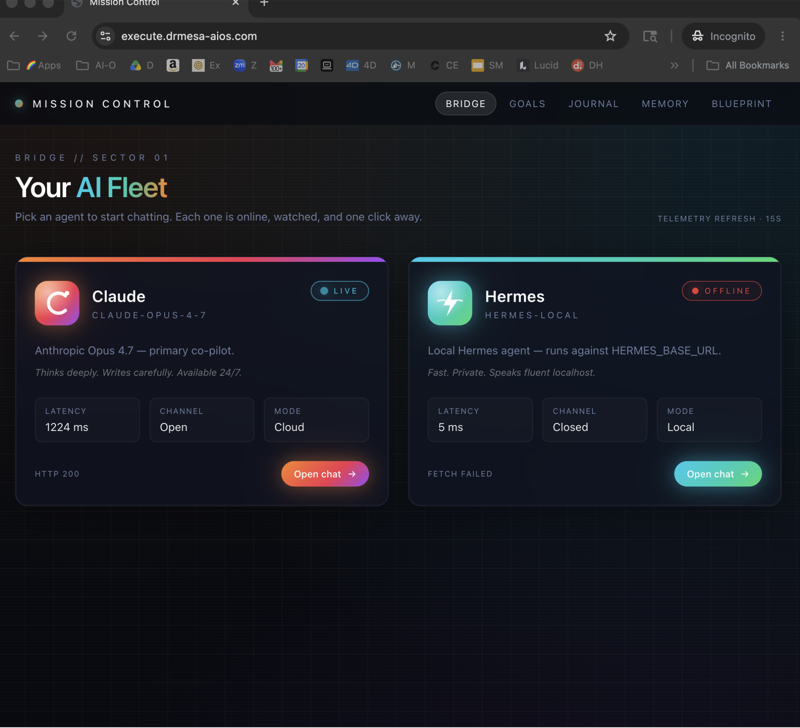
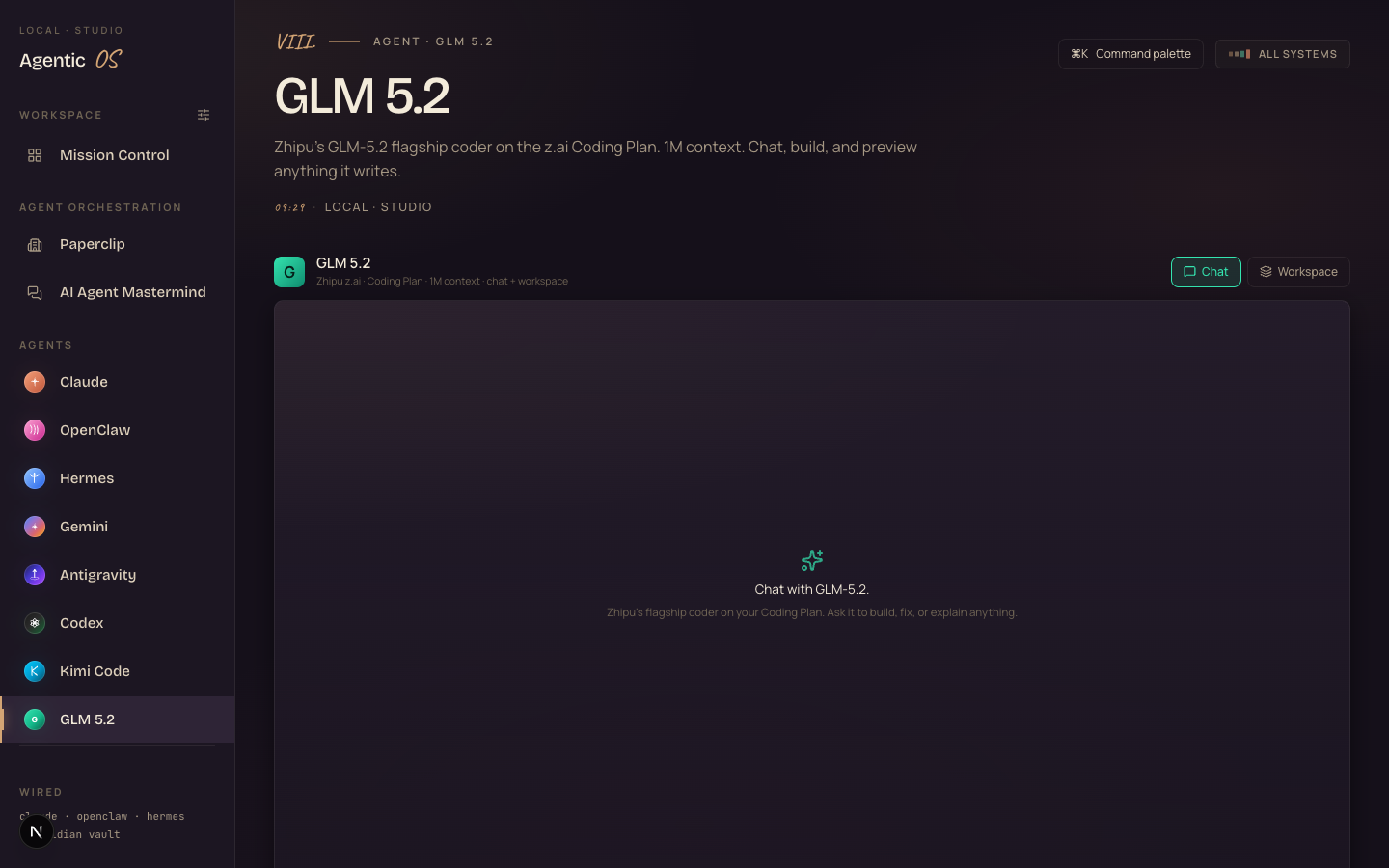
Then I added the agents. Claude for the hard thinking. GLM, Kimi and Hermes for the grind — fast, cheap or free.
Each one sits on the same brain. You pick the right worker for the job, like a real team. The screenshot below is one agent's panel — chat it, build with it, preview what it writes.
4. The Workspace — never lose a build
Every output an agent makes lands in a workspace tab. You click it, it previews live.
The games at the top of this page? They came out of this workspace — one sentence each. You stop losing the things AI builds you. They're all sitting there, ready to open.
5. Always-On — make it run without you
I set the whole deck to boot at login and pinned it to my menu bar. One click opens it from anywhere.
Agents run in parallel in the background. You hand off work, close the laptop, and come back to finished builds.
I've already broken it six times so you don't have to.
Every fix is in the Boardroom, plus the community and me in chat if anything errors. You're not doing this alone in the dark.
6. The Loop — let it compound
Last layer. Every chat auto-logs back into the vault. Tomorrow's agents know everything today's did.
That's the difference between a tool and an operating system. A tool is the same on day 90. The deck is smarter — because it's been learning your business the whole time.
It doesn't care what you sell.
The engine room is the same whether you run an agency or a one-person shop. Here's what members point the deck at:
SEO + content
Agents that know your sites write ranking content grounded in your real authority.
Video + thumbnails
One sentence in, a finished video or thumbnail out — no four-app upload dance.
Apps + games
Describe it, an agent builds the whole thing, it lands in your workspace playable.
Client work
Agents that already know each client — no re-briefing, no lost context.
Research + memory
Drop everything into the vault; every agent answers from your real knowledge.
Ops + automation
Background agents handle the repeating work while you do the human parts.
Want the deck done for you?
You can build all of this yourself — this guide is the whole map. But if you want it set up fast, I've packaged my exact Agent OS inside the AI Profit Boardroom.
One dashboard that connects Claude, GLM, Kimi and Hermes. Shared memory. Shared context. So when you hand the deck a job, your agent already has your whole business in its head.
- The full Agent OS — the zip file, every prompt, the Obsidian memory setup
- 4 coaching calls a week with people running this in production
- A 30-day roadmap to stand up your own deck, step by step
- Daily tutorials as new tools ship — your deck only gets stronger
- A room of 3,900+ builders — a Socratic Society of equals, someone online 24/7
The three beliefs in the way.
158 pages of members who already broke through these exact beliefs. Real businesses. Real wins. Documented.
Read the 158-page testimonials doc →You can build it free. Here's the order.
I mean it — nothing here is locked. The tools are free or near-free. The only thing the Boardroom sells you is speed and a room of people doing it with you. Here's the 8-step build if you want to do it solo:
Stand up one dashboard.
A simple local web app you run on your own machine. This is the deck everything plugs into.
Create your brain.
Start an Obsidian vault. Drop in your business, clients, goals, voice. This is the memory every agent reads.
Wire memory into the agents.
Connect the vault so each agent reads it before answering. This single step is what makes the whole thing feel like magic.
Add your first agent.
Plug in one model — a free one is perfect. Confirm it can read the vault and build a file.
Add the rest of the crew.
Bring in the others — one for hard thinking, the rest for the grind. Each on the same brain.
Set up the workspace.
Point a folder where agents save their builds, and make it previewable so you can click any output and see it live.
Make it always-on.
Set the deck to boot at login and pin it where you can reach it in one click. Now it's infrastructure, not a tab.
Close the loop.
Auto-log each chat back into the vault. Now the system learns your business a little more every single day.
The 30-day deck.
Week 1 — the deck + the brain
Days 1–7Stand up the dashboard. Start the vault. Get one agent reading your real business.
Week 2 — the full crew
Days 8–14Add the rest of the agents. Set the workspace. Build your first thing from one sentence.
Week 3 — always-on
Days 15–21Make it boot at login, pin it, run agents in the background. Hand off a job and walk away.
Week 4 — the loop
Days 22–30Close the loop so every chat feeds the brain. Point the deck at one real money task in your business.
What you walk away with.
You stopped tab-juggling.
One deck holds every agent and output — no more fourteen tabs.
You stopped re-explaining.
One shared brain means every agent knows your business cold.
You stopped overpaying.
Free agents run the grind; you spend only where it counts.
You stopped waiting.
Agents work in parallel — three jobs from one ask.
You stopped losing work.
Every build saved and previewable in one workspace.
It compounds.
Every chat feeds the brain — the deck is worth more each month.
Get my exact deck — and set it up with me.
If you want your Agent OS to actually save you time every day — not be another tool you check sometimes — grab the full system inside the AI Profit Boardroom.
It turns Claude, GLM, Kimi and Hermes into one deck with shared memory and one screen you control. Your agents understand your business. They remember everything. And every new AI tool that ships makes the whole deck stronger automatically.
- The full Agent OS zip — every prompt, the Obsidian memory setup
- Coaching calls where we set it up together, step by step
- A 30-day roadmap + daily tutorials as tools evolve
- A room of 3,900+ builders across 38 countries — equals, not students
- 158 pages of real member wins — read them here
Build the deck. Then let it build everything else. I'll see you in the next one.








