agentos.guide › blog
Migrate Grok Bot To Hermes In Your Agent OS: Quick Start, Five Agent Prompts And A Roster Workflow
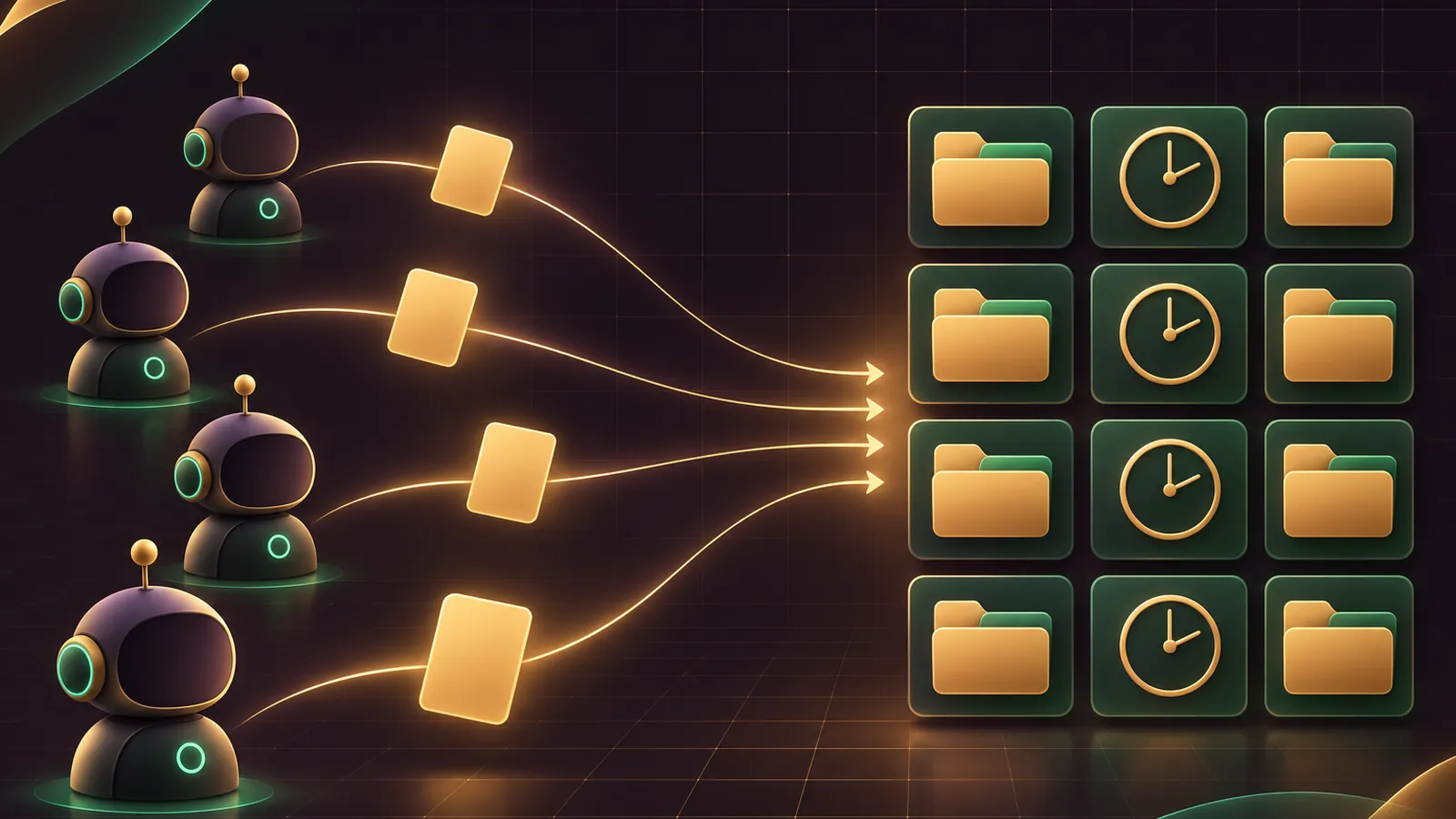
You can migrate Grok Bot to Hermes from inside your Agent OS by letting your agent run the importer while you handle the one step only you can do: pasting a prompt into each Bot.
The command landed in Hermes v0.22.6 on 2 November 2026.
This guide gives you a two-minute quick start, five prompts to hand your agent, and the workflow I'd follow for a full roster.
Want a hand planning it? Book a free SEO strategy session.
Quick Start In Four Moves
hermes update
hermes migrate grok-bot
# paste the printed prompt into a Bot, save grok-bot-export.json to ~/Downloads
hermes -p <bot-profile> import-agent grok-bot
The migrate command installs the official agent-importers plugin if it's missing, then runs hermes import-agent grok-bot.
With no export yet, it prints the prompt and keeps a copy at grok-bot-import/export-prompt.txt in your Hermes home.
An export saved as ~/Downloads/grok-bot-export* is picked up without --source.
Version check first
Support for this arrived in Hermes v0.22.6, whose notes credit hermes migrate and setup with bringing Grok Bot and OpenBot users across.
Update the CLI with hermes update.
Desktop installs from the .exe or .dmg don't change in this release and update with the next bundled one, so run these prompts from a terminal session in the meantime.
On Docker, use the nousresearch/hermes-agent:stable image; the Microsoft Store build updates itself.
On a brand-new machine, hermes setup spots the Grok Bot desktop app or an export in Downloads before anything else and offers the same import.
Why The Bot Exports Itself
Grok Bot holds your Bots, routines and skills in its cloud account, with no export button.
So the prompt asks the Bot to describe itself as grok-bot-export.json, attached or as one JSON code block.
Grok Bot itself is left exactly as it was.
That's what makes the whole process safe to try: if you don't like what arrives, you delete the new profile and carry on as before.
A long export can come back in several parts, and Hermes merges them per Bot, so don't worry if a busy Bot splits its answer.
If the Grok Bot desktop app is installed, Hermes reads its cache for Bot names and recent routine names, never its logins, to tell you which Bots to export and to catch a routine left out.
What Arrives In Your Agent OS
| Grok Bot item | Lands in Hermes as |
|---|---|
| Timed routine | Paused cron job, same schedule and time zone |
| Event routine | A rebuild note in grok-bot-import/ |
| Skills | skills/grok-bot-imports/ |
| Memory and facts | MEMORY.md and USER.md |
| Role | SOUL.md, or memory entries if you've customised it |
| Remote-MCP apps | mcp_servers, sign in again |
Everything else, including logins, stays in Grok Bot, and exports with credential-looking keys are refused.
Token-shaped text inside the export is swapped for [redacted], so nothing secret ends up in your memory files by accident.
Timed routines keep their skills as well as their schedule, which means the cron job runs the same procedure the Bot ran.
The full map is in the Hermes import guide.
🔥 Running your whole agent stack from one place?
The AI Profit Boardroom gives you the installable Agent OS, step-by-step video trainings, four coaching calls a week and 3,400+ members swapping the prompts that run their agents.
Prompt 1: Get The Export Prompt And Your Bot List
Paste this into your Hermes agent first.
Run `hermes migrate grok-bot`. Show me the export prompt it prints and
tell me where it saved export-prompt.txt. If the Grok Bot desktop app is
installed, list every Bot name the importer found so I can tick them off
as I export each one. Don't import anything yet.
Now open each Bot in Grok Bot, paste the export prompt, and save the file it gives you to Downloads.
Prompt 2: Dry-Run One Bot Into Its Own Profile
The docs recommend one import per Bot, into the profile that should own its work.
Dry-run `hermes -p research import-agent grok-bot --source
~/Downloads/grok-bot-export.json --dry-run`. Summarise the plan as three
lists: cron jobs it would create, skills it would add, and anything marked
as a conflict or refused. Flag any routine the desktop cache says exists
but the export left out.
Swap research for the name that fits the Bot.
The profile is where the Bot's memory, skills and schedules will live, so name it after the job rather than the product.
If a single export holds several Bots, add --bot <name> to pick one, and repeat it to pick more.
Happy with the plan? Ask the agent to run it again without --dry-run.
If the Bot replied with a JSON block instead of a file, copy it and have the agent run pbpaste | hermes import-agent grok-bot --source - -y once the preview checks out.
Prompt 3: Switch One Routine Over Safely
Pause the routine in Grok Bot first: on desktop that's the switch on the routine row or right-click Pause, per the Grok Bot routines docs.
Then give your agent this.
I've paused the routine "Morning digest" in Grok Bot. Find the matching
paused cron job from the import, run `hermes cron resume <id>`, then set
its output with `hermes cron edit <id> --deliver telegram`. Confirm the
next run time and time zone back to me.
Pause rather than delete on the Grok Bot side, since deleting a routine there can't be undone.
Imported jobs arrive paused precisely so the two copies never run side by side.
Cron output stays in Hermes until you set a destination, and --deliver also accepts discord, slack and the other platforms.
Prompt 4: Rebuild The Event Routines
Routines triggered by Slack, GitHub, email, webhooks and similar are saved as notes, not scheduled.
Read grok-bot-import/<bot>-event-routines.md. For each routine, give me
the trigger, the full instruction, and the Hermes feature I'd use to
rebuild it. Order them by how often they're likely to fire. Draft the
first one for me to approve before you create anything.
Prompt 5: Tidy The Imported Memory
Open memories/MEMORY.md and memories/USER.md in this profile. List
entries that look out of date, duplicated or specific to Grok Bot.
Check SOUL.md and tell me whether the Bot's role replaced the default or
went into memory. Don't delete anything until I say yes.
The importer backs up the previous MEMORY.md with a timestamp before merging, so you've always got a way back.
📞 Want my team to plan the profile layout with you?
Book a free SEO strategy session and we'll go through your Bots and decide which profile each one should live in.
What To Keep Out Of The Agent's Hands
Let the agent run commands, read plans and draft rebuilds.
Keep two decisions for yourself: which routine to switch on, and when to delete anything in either product.
App logins are yours too, because they don't come over and you'll sign in to each remote-MCP app again in Hermes.
Put any new secrets in the profile's .env, never in a chat message.
The Roster Workflow
- Run Prompt 1 once and keep the Bot list open.
- For each Bot, export, then run Prompt 2 into its own profile.
- Switch routines one at a time with Prompt 3.
- Batch the event routines with Prompt 4 at the end of the day.
- Finish each profile with Prompt 5.
Re-running an import skips routines whose cron job already exists, so you can safely export a Bot a second time if something was missed.
Because each Grok export is a single snapshot, the --sync mode never touches it.
Give Each New Profile A Model
This is the step people forget after the import finishes.
The Grok Bot FAQ explains that Grok Bot chooses the model for every task itself, with no picker.
Hermes hands that choice to you, profile by profile, through hermes model or the Desktop model settings.
So a fresh profile for an imported Bot needs a main model before its first cron job runs.
Match the model to the job the Bot did: a light digest Bot and a heavy research Bot rarely want the same one.
Side tasks such as context compression and session titles follow your main model by default, and you can move them to a cheaper model later in config.yaml.
Ask your agent to set it for you:
For the profile I just imported, show me the current main model, then
set it with `hermes model` to the one I name. Leave the auxiliary tasks
on their defaults for now and tell me which ones they are.
Where This Fits With Other Guides
Moving from Claude Code, Codex CLI or Cursor as well? The folder-based imports and sync are covered in Hermes import agent.
For the bigger picture of how the two products compare, see Grok Bot vs Hermes.
Scheduled jobs after the move are standard Hermes cron jobs, so everything you know about those applies.
For the full Agent OS and the trainings behind these prompts, join the AI Profit Boardroom.
Also On Our Network
- 🌐 The six-step operator run from export prompt to resumed cron jobs
- 🌐 Whether a small business should move its Bots, and which one goes first
- 🌐 A scored verdict on the Grok Bot importer, row by row
- 🌐 Which AI model each imported Bot should run, by real GoldieBench scores
- 🌐 The complete Grok Bot to Hermes migration guide on the AI Profit Boardroom blog
FAQ
Can my Hermes agent run the whole migration?
It can run every Hermes command. The one manual step is pasting the export prompt into each Bot in Grok Bot and saving the file it returns.
Where does the export prompt get saved?
In your Hermes home as grok-bot-import/export-prompt.txt, so you can reuse it for every Bot.
Should each Bot get its own profile?
The docs recommend it: run the import once per Bot into the profile that should own its work, using hermes -p.
What happens to routines that run on Slack or email?
They are written to a notes file in grok-bot-import so you can rebuild them in Hermes; they are not scheduled automatically.
Final word on Migrate Grok Bot To Hermes In Your Agent OS
Run Prompt 1 now, export your first Bot, and if you want help with the rest, book a free strategy session and we will plan how you migrate Grok Bot to Hermes.
About Julian
I'm Julian Goldie, an AI entrepreneur, SEO expert and the founder of the AI Profit Boardroom, which has 3,400+ members.
I help business owners scale with AI agents, automation and SEO.
My YouTube channel has 400,000+ subscribers, and I run Goldie Agency, a seven-figure SEO agency.
Related guides on agentos.guide
→ Grok Bot Skills: Build A Skill Library In Your Agent OS
Get the whole Agent OS
The installable system behind every guide on this site — dashboard, agents, memory and pipelines — updated as new tools land, with 3,400+ members and four coaching calls a week.
Join the AI Profit Boardroom →📺 Video notes + links to the tools 👉
🎥 Learn how I make these videos 👉