agentos.guide › blog
Hermes Import Agent: The Quick Start For Moving Claude Code And Codex Into Hermes, And How It Fits Your Agent OS
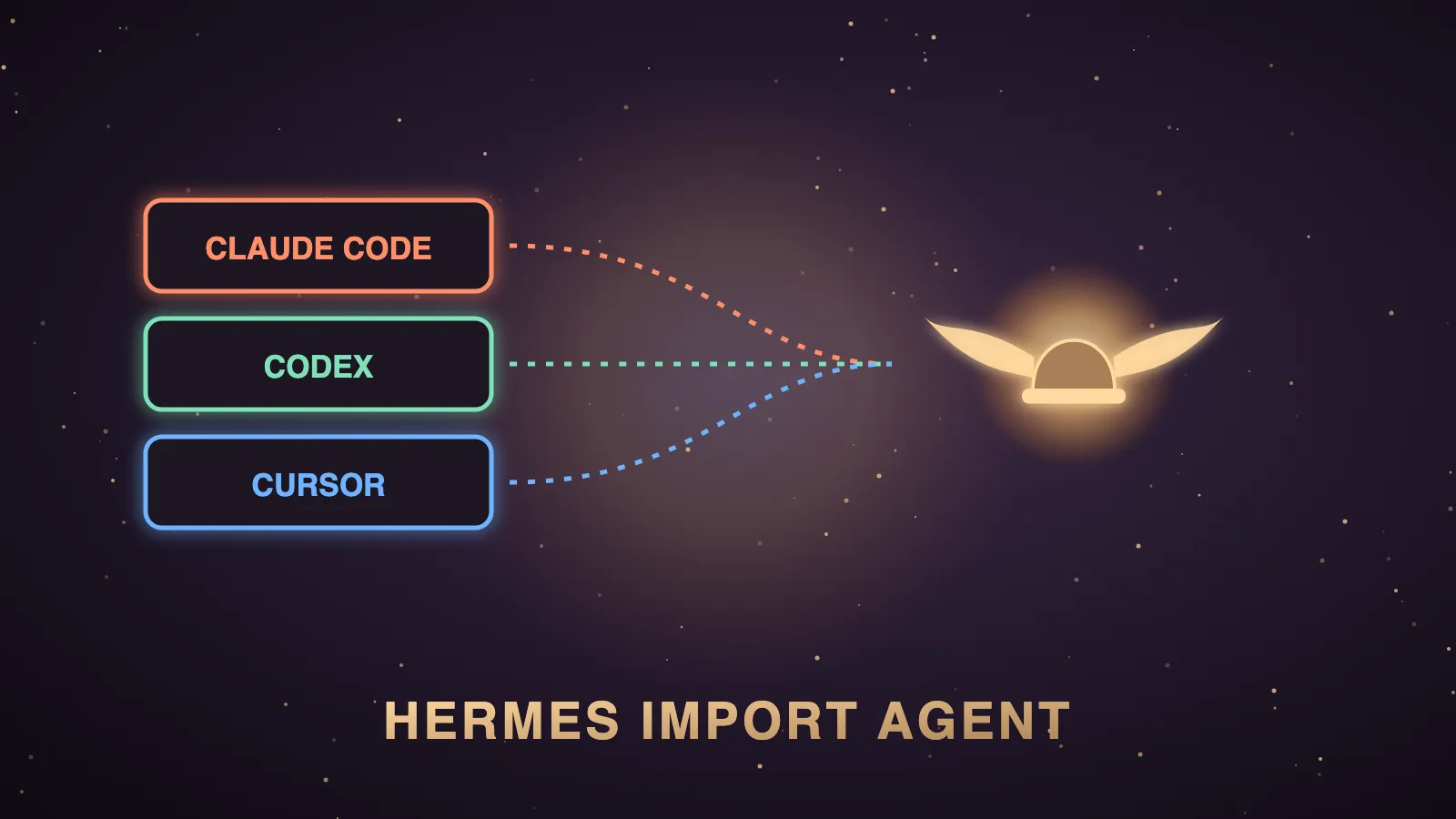
Hermes Import Agent is the hermes import-agent command, which imports a Claude Code or Codex CLI setup into Hermes Agent in one command.
It moves your instructions, Bash permission rules, MCP servers, skills and memories, it always previews first, and it never imports your API keys.
The official agent-importers plugin adds Cursor, and the --sync flag keeps Hermes up to date when you keep using the other agent.
This page is the quick start, plus how it fits an Agent OS that runs several agents side by side.
The Hermes Import Agent quick start
This is the shortest safe path from a Claude Code or Codex setup to a working Hermes profile.
| Step | What you do | Command |
|---|---|---|
| 1 | Take a restore point of your Hermes home. | hermes backup |
| 2 | Preview the import without writing anything. | hermes import-agent claude-code --dry-run |
| 3 | Run the import from Claude Code. | hermes import-agent claude-code |
| 4 | Or run it from Codex CLI. | hermes import-agent codex |
| 5 | Connect your model provider, because keys never move. | hermes setup |
| 6 | Pull in later changes from the other agent. | hermes import-agent --sync |
Every command here is copied from the official Import from Other Agents page and the CLI reference.
You can also run hermes import-agent with no agent name, and it auto-detects ~/.claude or ~/.codex.
If your config folder lives somewhere else, hermes import-agent codex --source /path/to/.codex points at it.
What Hermes Import Agent is
Hermes Import Agent is the hermes import-agent command in Hermes Agent, the free, open-source agent from Nous Research.
The CLI help calls it a "one-command import of another coding agent's setup into Hermes."
It maps instructions, permission allowlists, MCP servers, skills and memories into their Hermes equivalents, and it always shows a preview first.
On my machine, which runs Hermes v0.22.1, hermes import-agent --help lists two agents, claude-code and codex.
When I covered Hermes v0.20 on agentos.guide, I listed hermes import-agent claude-code as the one-line way to bring a Claude Code setup across.
Exactly what moves into Hermes
This is the mapping from the official docs.
| Source | Item | Where it lands in Hermes |
|---|---|---|
| Claude Code | CLAUDE.md | Memory entries in ~/.hermes/memories/MEMORY.md |
| Claude Code | Bash(...) allow and deny rules | command_allowlist and approvals.deny in config.yaml |
| Claude Code | mcpServers | mcp_servers in config.yaml |
| Claude Code | Skill folders with a SKILL.md | ~/.hermes/skills/claude-code-imports/ |
| Claude Code | commands/*.md | Skipped with a note to convert them into skills |
| Codex CLI | AGENTS.md and memories/*.md | Memory entries in MEMORY.md |
| Codex CLI | [mcp_servers.*] in config.toml | mcp_servers in config.yaml |
| Codex CLI | Skill folders with a SKILL.md | ~/.hermes/skills/codex-imports/ |
A Claude rule such as Bash(npm run test:*) becomes the Hermes glob npm run test*.
Rules that are not Bash rules, such as Read(...) or WebFetch, are reported as unmapped because they gate Claude-only tools.
Memory entries are merged and deduplicated, and conflicting MCP servers or skills are skipped unless you pass --overwrite.
If you do want to replace conflicts and skip prompts, the docs example is hermes import-agent claude-code --overwrite --yes.
In a non-interactive session the import stops at the preview unless you pass --yes.
🔥 Want the exact Hermes Agent setup I run inside my Agent OS?
Inside the AI Profit Boardroom you get the installable Agent OS, step-by-step video tutorials, four coaching calls a week and 3,400+ members building real automations.
What never moves
The docs say API keys and credentials are never imported.
Credential files such as ~/.claude/.credentials.json and ~/.codex/auth.json are never read.
MCP environment variables or headers with secret-looking names, such as *_TOKEN or *_API_KEY, are stripped and listed in the report.
That is why the quick start ends with hermes setup, and why you re-add MCP secrets yourself in ~/.hermes/.env.
Keeping Hermes in sync with your other agent
Every successful import registers its source and a digest of what it read in ~/.hermes/import-sync.json.
When your Claude Code or Codex setup changes, hermes import-agent --sync re-imports every changed source.
hermes import-agent --sync --dry-run previews what a sync would do first.
The docs say sync is prompt-free and cheap, because unchanged sources are skipped, so it is safe to run on a schedule such as a daily cron job.
Skills you created or edited yourself under the import category are never overwritten, and credential refreshes never trigger a sync.
The manifest is per profile, and hermes profile create work --clone --sync-imports carries it into a clone.
After that, hermes -p work import-agent --sync keeps that profile pulling from the same folders.
Cursor support through the agent-importers plugin
The Hermes Agent v0.22.4 release notes, dated 21 October 2026, list "agent-importers (hermes import-agent, now with Cursor)" as new in the plugin catalog.
agent-importers is an official Nous Research plugin, and its README says the command was "formerly built into Hermes Agent core."
You install it with hermes plugins install agent-importers.
Its README then lists hermes import-agent cursor, which reads ~/.cursor.
It maps Cursor's AGENTS.md and User Rules into memory, mcp.json servers into config.yaml, and skills into skills/cursor-imports/.
The README also says that on a Hermes version with import-agent still built in, the plugin stays inert and the built-in command runs.
So run hermes import-agent --help after installing, and check whether cursor is in the list.
OpenClaw users are pointed to hermes claw migrate in the docs, and the newest plugin README adds hermes import-agent openclaw as its new spelling.
🔥 Want the exact Hermes Agent setup I run inside my Agent OS?
Inside the AI Profit Boardroom you get the installable Agent OS, step-by-step video tutorials, four coaching calls a week and 3,400+ members building real automations.
How Hermes Import Agent fits an Agent OS workflow
My Agent OS runs Claude and Hermes side by side every day, so a clean way to share setup between them matters to me.
| Agent OS job | How Hermes Import Agent helps |
|---|---|
| Running Claude and Hermes side by side | Hermes starts with the same instructions, approved commands and MCP servers as Claude Code. |
| Shared house rules across agents | CLAUDE.md and AGENTS.md become Hermes memory entries, deduplicated against what is already there. |
| One skill library | Claude Code and Codex skills are copied into their own import folders in Hermes. |
| Overnight upkeep | hermes import-agent --sync is prompt-free, so a daily cron job can keep Hermes current. |
| A profile per model or client | hermes profile create work --clone --sync-imports carries the sync manifest into a clone. |
The win is that you stop maintaining two separate copies of the same rules.
You keep editing Claude Code the way you always have, and Hermes catches up on the next sync.
If you want Codex or Claude Code to call Hermes in the other direction, that is an MCP job, and Nous documents running Hermes as an MCP server separately.
Hermes Import Agent vs Hermes Import
These two commands are easy to confuse, so here is the difference in one table.
| Command | What it does | When you use it |
|---|---|---|
hermes import-agent | It merges another agent's setup into Hermes. | You are moving across from Claude Code, Codex or Cursor. |
hermes import | It restores a Hermes backup zip, overwriting matching files. | You want an old Hermes home back. |
hermes profile import | It imports a profile from an archive. | You are moving one Hermes profile between machines. |
The docs describe hermes import as restoring "a previously created Hermes backup into your Hermes home directory."
Their example is hermes import ~/hermes-backup-20260423.zip, and they warn you to stop the gateway before importing.
Since v0.22.0, hermes import refuses damaged archives before anything is written.
So a migration uses hermes import-agent, and disaster recovery uses hermes import.
My Hermes Agent backup guide covers making the zip that hermes import restores.
Common Hermes Import Agent problems and fixes
These are the problems the docs' own behaviour notes predict, with the fix for each.
| Problem | Why it happens | Fix |
|---|---|---|
| Nothing was written | Non-interactive sessions stop at the preview. | Pass --yes once you have checked the plan. |
| An MCP server or skill was skipped | It already existed in Hermes, so it counted as a conflict. | Re-run with --overwrite after a dry run. |
| An imported MCP server fails | Its secret environment variables were stripped. | Re-add the keys listed in the import report. |
| Slash commands are missing | commands/*.md files have no direct Hermes equivalent. | Rebuild them as Hermes skills. |
| Cursor is not listed in the help | Your install is still running the built-in command. | Use the Claude Code or Codex import, or check again after the next update. |
The limits to plan around
Claude Code slash commands do not import, so you rebuild them as Hermes skills.
Non-Bash permission rules do not map, so you set equivalent Hermes approvals yourself.
Secrets never move, so someone has to re-add every key and MCP token after the import.
A broken settings.json or config.toml becomes a per-item error in the report while everything else still imports.
If you want to talk through a migration like this for an SEO business, you can book a free SEO strategy session with my team.
Also On Our Network
FAQ
What is Hermes Import Agent?
Hermes Import Agent is the hermes import-agent command in Hermes Agent. It imports a Claude Code or Codex CLI setup into Hermes in one command, previews before writing and never imports API keys.
What does hermes import-agent copy?
From Claude Code it copies CLAUDE.md into memory, Bash allow and deny rules into config.yaml, MCP servers and skills. From Codex it copies AGENTS.md, memories, MCP servers and skills. Slash commands are skipped with a note.
How do I keep an imported setup in sync?
Run hermes import-agent --sync. It re-imports only sources whose files changed, runs without prompts and is safe to schedule, and hermes import-agent --sync --dry-run previews it.
Can Hermes Import Agent import from Cursor?
Yes, through the official agent-importers plugin, installed with hermes plugins install agent-importers, which lists hermes import-agent cursor. Check hermes import-agent --help to confirm your install lists it.
What is the difference between hermes import-agent and hermes import?
hermes import-agent merges another agent's setup into Hermes. hermes import restores a Hermes backup zip and overwrites matching files in your Hermes home.
Does Hermes Import Agent cost anything?
No. Hermes Agent is free and open source under the MIT licence, and the agent-importers plugin makes no network or model calls.
Final word on Hermes Import Agent
Back up, dry-run, import, add your keys back and switch on sync, and Hermes will start with everything you already built.
If you want a second opinion on how agents should fit your SEO business, you can book a free SEO strategy session with my team.
If you want the whole Agent OS with Claude and Hermes already wired together, it lives inside the AI Profit Boardroom, with 3,400+ members and four coaching calls a week.
That is the fastest way to get your setup running on Hermes Import Agent.
About Julian
I'm Julian Goldie, an AI entrepreneur, SEO expert and the founder of the AI Profit Boardroom, which has 3,400+ members.
I help business owners scale with AI agents, automation and SEO.
My YouTube channel has 400,000+ subscribers, and I run Goldie Agency, a seven-figure SEO agency.
Related guides on agentos.guide
→ Hermes On Your Claude Subscription
Get the whole Agent OS
The installable system behind every guide on this site — dashboard, agents, memory and pipelines — updated as new tools land, with 3,400+ members and four coaching calls a week.
Join the AI Profit Boardroom →📺 Video notes + links to the tools 👉
🎥 Learn how I make these videos 👉