agentos.guide › blog
Hermes WhatsApp Group Chat: Run A Group Bot From Your Agent OS With Five Copy-Paste Prompts
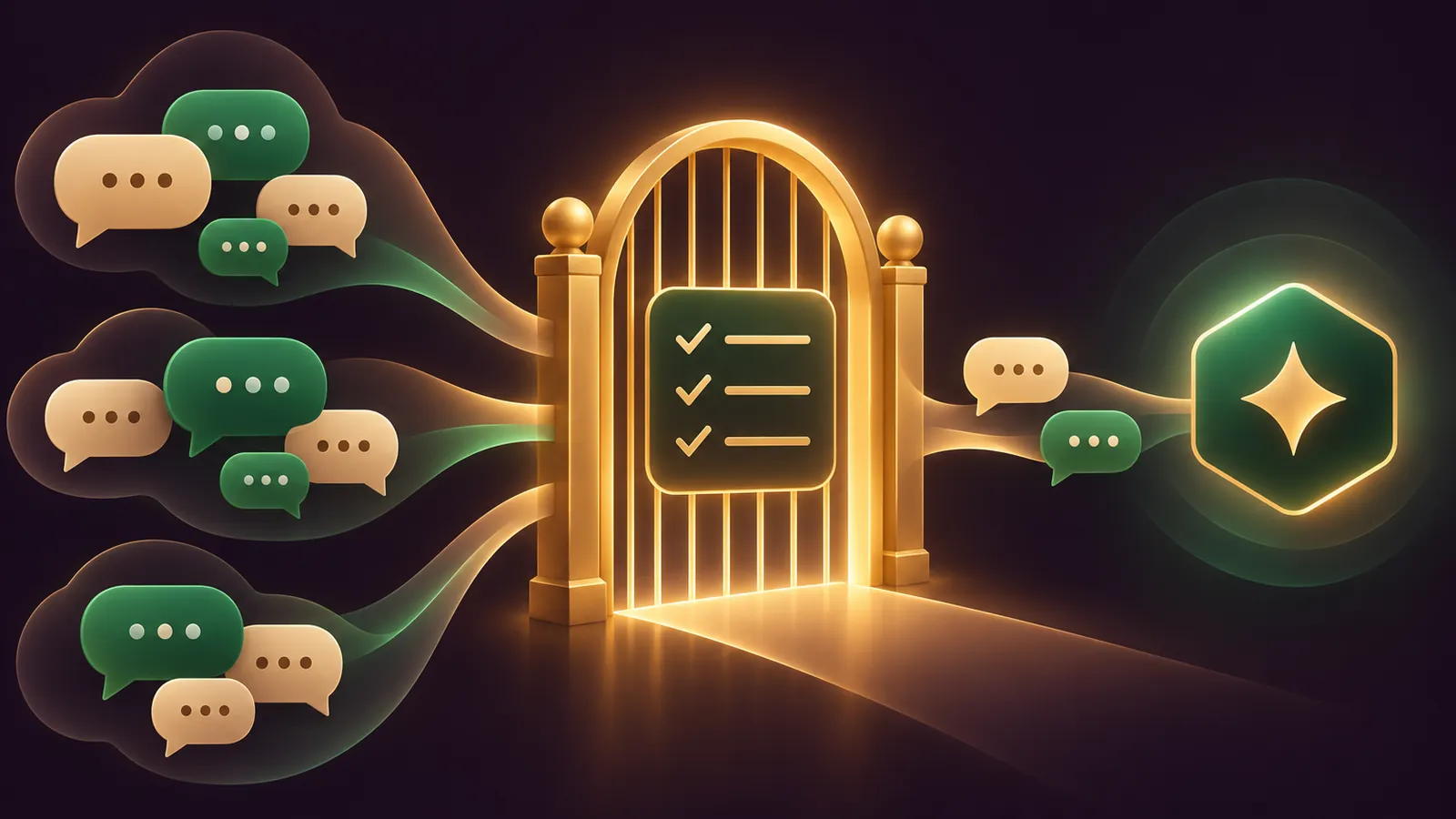
To run a Hermes WhatsApp group chat bot from your Agent OS, pair a dedicated number in bot mode, change the group policy from its default of pairing, and let your agent manage the allowlist, mention settings and scheduled posts for you.
This guide gives you a quick start, five prompts to hand your agent, and a daily workflow for keeping a group bot tidy.
Every setting comes from the Hermes WhatsApp documentation. If you'd like my team to look at your setup, book a free SEO strategy session.
What This Guide Sets Up
You'll end up with Hermes Agent on its own WhatsApp number, admitted to the groups you choose, answering only the people you approve.
It uses the Baileys bridge, because the WhatsApp Business Cloud API adapter handles direct messages only in v1 and the docs send group users to Baileys.
One rule shapes everything: groups are controlled by the group policy, separately from the DM allowlist. Out of the box that policy is pairing, which forwards nothing from groups.
Bot Mode Versus Self-Chat
The bridge offers two modes, and only one suits groups.
Self-chat mode means messaging yourself on your own WhatsApp account. It's quick for a solo test, but it's a single-user setup.
Bot mode gives the agent its own number that other people message directly. The docs recommend it for a cleaner experience, multiple users and lower ban risk, and the group settings are documented under it.
For a group bot, choose bot mode every time, and keep your personal number out of it.
Quick Start In Five Moves
- Install Node.js v20+ and npm, and register a spare number with WhatsApp on a phone.
- Run
hermes whatsapp, pick bot mode, and scan the QR code from WhatsApp, Settings, Linked Devices, Link a Device. - In
~/.hermes/.env, setWHATSAPP_ENABLED=true,WHATSAPP_MODE=botandWHATSAPP_ALLOWED_USERS(country code, no plus, no spaces). - Set
WHATSAPP_GROUP_POLICY=allowlistand put the group's JID inWHATSAPP_GROUP_ALLOWED_USERS. - Start the gateway with
hermes gateway, then add the bot's number to the group.
Optional but recommended for busy groups: WHATSAPP_REQUIRE_MENTION=true.
🔥 Get the Agent OS these prompts run in
AI Profit Boardroom members get the installable Agent OS, step-by-step video trainings, four coaching calls a week and a community of 3,400+ members building agents.
How Group Access Is Decided
Think of it as three gates, checked in order.
- The group gate. The group policy decides whether a message from this group is read at all.
- The sender gate. With
WHATSAPP_ALLOWED_USERSset, the person who sent it must be on the list or paired. - The mention gate. With mention mode on, the message must mention the bot, reply to it, or be a slash command, unless the group sits in
free_response_chats.
Only messages that pass all three reach your agent. If no access control is set at all, the docs say the gateway denies every incoming message.
The five prompts below map onto these gates, so when something breaks you know which gate to inspect.
Prompt 1: Audit My WhatsApp Settings
Start by having your agent read the current state before anything changes.
Read ~/.hermes/.env and ~/.hermes/config.yaml. List every WhatsApp
setting you find: WHATSAPP_MODE, WHATSAPP_ALLOWED_USERS,
WHATSAPP_ALLOW_ALL_USERS, WHATSAPP_GROUP_POLICY,
WHATSAPP_GROUP_ALLOWED_USERS, WHATSAPP_REQUIRE_MENTION,
whatsapp.unauthorized_dm_behavior and group_sessions_per_user.
For each one, tell me what it does to group messages right now.
Do not change anything. Mask any phone numbers except the last 4 digits.
The answer tells you whether groups are blocked, half open or fully open, before you touch a line.
Masking numbers matters because the reply may end up in a log or a shared chat. Keep that habit for every prompt that reads the env file.
Prompt 2: Write The Group Allowlist Config
Once you have the group JID, let the agent write the change and show you the diff.
In ~/.hermes/.env, set WHATSAPP_GROUP_POLICY=allowlist and set
WHATSAPP_GROUP_ALLOWED_USERS to this group JID: [paste JID ending @g.us].
Keep every other line as it is. Show me the before and after lines,
then wait for my yes before saving.
Values come from the environment variables reference: pairing, allowlist, open or disabled.
The WhatsApp page doesn't document a JID lookup command. It does document WHATSAPP_DEBUG=true, which writes raw message events to bridge.log after a gateway restart.
Prompt 3: Turn On Mention-Only Mode
By default, the bot replies to every admitted group message. Most groups want less than that.
Set WHATSAPP_REQUIRE_MENTION=true in ~/.hermes/.env.
Then explain in two lines what will now trigger a reply in a group
(mentions, replies to the bot, slash commands) and how I would exempt
one group using free_response_chats. Wait for my yes before saving.
The docs say changing a bridge setting like this restarts the bridge on its next connection, with no re-pairing.
Prompt 4: Find Why The Group Is Silent
When a group bot goes quiet, the cause is nearly always one of four settings.
The WhatsApp bot is not answering in a group. Check, in this order:
1. Is WHATSAPP_GROUP_POLICY still pairing?
2. Under allowlist, is this group's JID in WHATSAPP_GROUP_ALLOWED_USERS?
3. Is WHATSAPP_ALLOWED_USERS set, and is the sender on it or paired?
4. Is WHATSAPP_REQUIRE_MENTION on while nobody mentioned the bot?
Then read the last 50 lines of bridge.log and tell me which one it is.
The order matters. The group gate is checked first, so there's no point debugging mentions while the policy still blocks the whole group.
If it's none of those, the saved session may have broken, which the docs link to a reset phone or a WhatsApp update. Running hermes whatsapp again gives you a fresh QR code.
📞 Want a hand mapping your agent setup?
Book a free strategy session and my team will go through where a WhatsApp group bot fits your business.
Prompt 5: Schedule A Morning Post To The Group
Cron jobs can deliver straight into a group using a whatsapp: target followed by the JID, as the cron internals page shows.
Create a Hermes cron job that runs every weekday at 08:00 and delivers
to whatsapp:[group JID]. The message: today's three priorities from
my task list, in under 60 words. Show me the job before you save it.
Keep scheduled posts short and useful. The bot is a guest in the group, and a digest nobody reads is just noise, so start with one post a day and adjust once the team has had a say.
Long messages are split automatically at 4,096 characters per chunk, and Markdown is converted to WhatsApp formatting, so a bold heading still shows as bold in the group.
WHATSAPP_HOME_CHANNEL sets a default chat for cron and notification delivery if you want one group as the bot's home.
A Daily Workflow For A Group Bot
- Morning: the cron post lands in the team group.
- During the day: people mention the bot with questions; everything else is ignored.
- End of day: ask your agent to run Prompt 4's checks quickly and report anything odd in
bridge.log. - Weekly: re-run Prompt 1 to confirm nobody widened the policy to
openby accident.
Keep each person's context separate with the default group_sessions_per_user: true, documented on the configuration page. Switch to false only for a group that should share one thread, accepting shared token costs and interrupt state.
Settings Reference
| Setting | Default | What it changes |
|---|---|---|
WHATSAPP_GROUP_POLICY | pairing | Which groups reach the agent |
WHATSAPP_GROUP_ALLOWED_USERS | empty | Group JIDs admitted under allowlist |
WHATSAPP_ALLOWED_USERS | unset | Which senders may talk, in DMs and groups |
WHATSAPP_REQUIRE_MENTION | off | Reply only to mentions, replies and commands |
group_sessions_per_user | true | One session per sender, or one per group |
Under open, participants still need to be paired or covered by WHATSAPP_ALLOW_ALL_USERS=true. With no sender list, allowlist admits everyone in a listed group.
Guardrails Before You Add Real People
- Use a dedicated number. The docs warn the Baileys bridge carries a small risk of account restrictions.
- No bulk messages, and no automated messages to people who haven't messaged first.
- Set
whatsapp.unauthorized_dm_behavior: ignoreso strangers who DM the number get silence, not a pairing code. - Keep
~/.hermes/platforms/whatsapp/sessionprivate. It holds full account credentials. - One number runs one session. The Hermes FAQ says profiles can't share a number for different chats.
The v0.23.0 release notes add that the dashboard can now re-pair WhatsApp after a logout. For the DM side, see the Hermes Agent WhatsApp guide.
The full Agent OS and the step-by-step trainings behind these prompts are inside the AI Profit Boardroom.
Also On Our Network
FAQ
Can my agent change the WhatsApp group settings for me?
Yes. The settings live in ~/.hermes/.env and config.yaml, so an agent can edit them. Have it show the diff and wait for your yes before saving.
Which group policy should I start with?
allowlist with a single test group JID. It is the narrowest setting that still lets the bot work in a group.
Do I need to re-pair after editing the config?
No. A bridge setting change restarts the bridge on the next connection without a new QR scan.
Can the bot post into a group on a schedule?
Yes. A cron job can deliver to whatsapp: followed by the group JID, and WHATSAPP_HOME_CHANNEL can set a default chat.
Final word on Hermes WhatsApp Group Chat
Run Prompt 1 today, open one test group with Prompt 2, and when you want the full system, join the AI Profit Boardroom or book a free strategy session to plan your Hermes WhatsApp group chat.
About Julian
I'm Julian Goldie, an AI entrepreneur, SEO expert and the founder of the AI Profit Boardroom, which has 3,400+ members.
I help business owners scale with AI agents, automation and SEO.
My YouTube channel has 400,000+ subscribers, and I run Goldie Agency, a seven-figure SEO agency.
Related guides on agentos.guide
→ Hermes Agent WhatsApp: Five Prompts To Run In Your Agent OS
→ Hermes Agent Browser: What It Is, The Quick-Start And Where It Fits In An Agent OS
→ Hermes Webapp: Run Your Whole Agent OS From A Browser Tab, With Five Copy-Paste Prompts
→ The Best Hermes Agent Model, And The Five Model Lanes I Route Inside My Agent OS
Get the whole Agent OS
The installable system behind every guide on this site — dashboard, agents, memory and pipelines — updated as new tools land, with 3,400+ members and four coaching calls a week.
Join the AI Profit Boardroom →📺 Video notes + links to the tools 👉
🎥 Learn how I make these videos 👉