agentos.guide › blog
Hermes Webapp: Run Your Whole Agent OS From A Browser Tab, With Five Copy-Paste Prompts
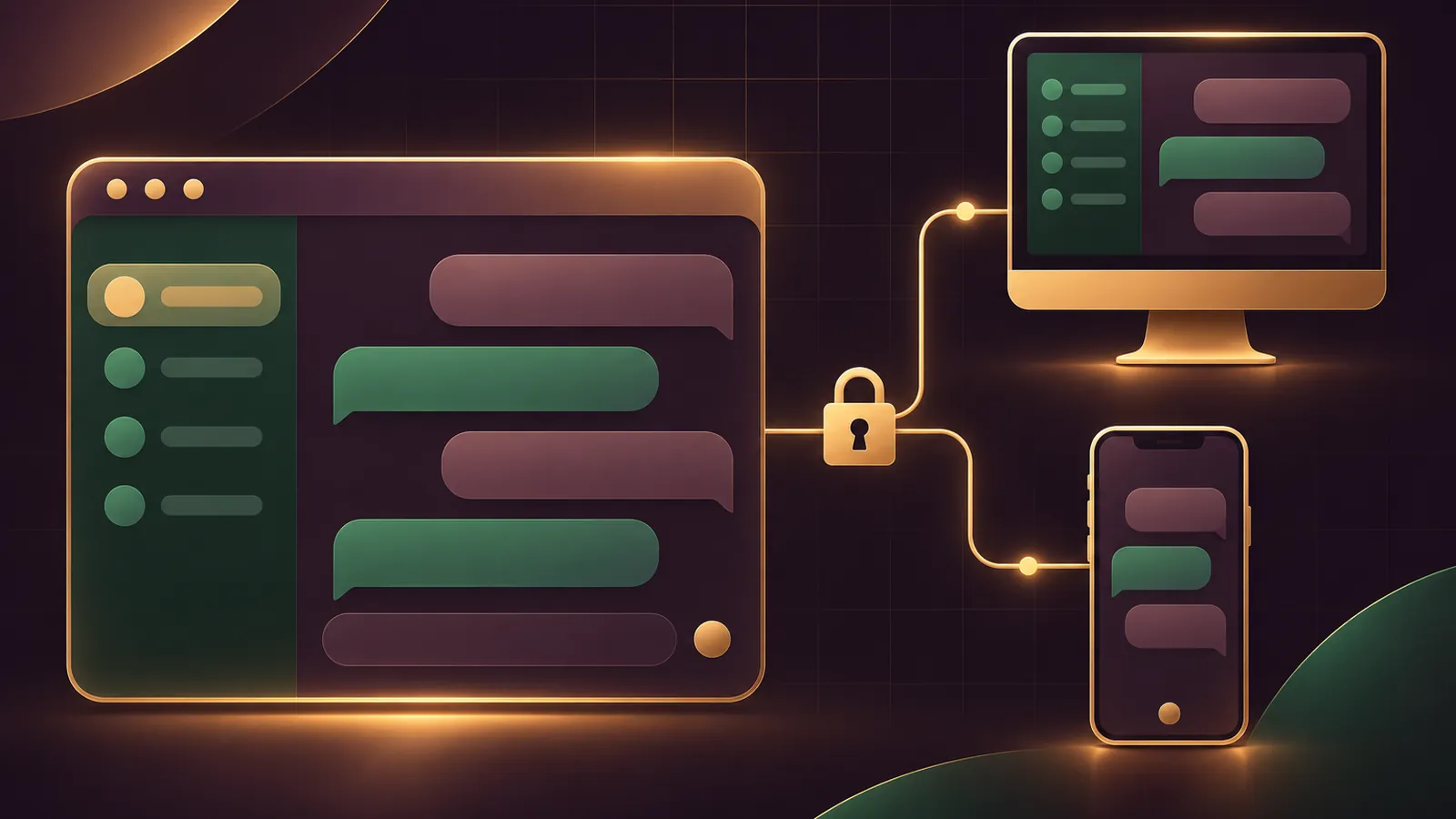
The Hermes webapp turns your Agent OS into something you can open from any browser, because the gateway now serves the whole Desktop workspace on a listener of its own.
It arrived in Hermes Agent v0.22.6 on 2 November 2026.
This guide gives you a quick start, five prompts to hand your agent, and a daily routine for running your Agent OS from a browser tab without opening it to the world.
If you'd like help planning your own setup, book a free SEO strategy session with my team.
Where The Webapp Sits In Your Agent OS
Your Agent OS already has one gateway doing the heavy lifting for the CLI, the native Desktop and your messaging bots.
The Webapp is that same gateway handing the Desktop workspace to a browser, with your chats, profiles, Capabilities, Messaging, Artifacts and jobs, plus the file tree, Git review, previews and a terminal.
Because every surface talks to one gateway, a chat you start in a browser tab runs in the same process and queue as your CLI, native Desktop and messaging bots.
Members of the AI Profit Boardroom get the installable Agent OS, so the gateway and profiles this relies on are already in place.
To get it, update the CLI with hermes update or pull the stable Docker image.
The release notes say Desktop builds from the .exe or .dmg installer pick up this release with the next bundled one, so the Web Access pane may not be in your native app yet.
Webapp Or Web Dashboard: Know Which One You're Opening
| Webapp | Web Dashboard | |
|---|---|---|
| Command | hermes webapp | hermes dashboard |
| Default address | http://127.0.0.1:9120 | http://127.0.0.1:9119 |
| Role in your Agent OS | Your working desk | Your control room for config, keys and logs |
| Served by | The gateway | A separate dashboard server |
The Desktop docs spell it out: the Webapp is not the Web Dashboard.
The Web Dashboard stays useful for settings and analytics, and nothing here changes it.
Quick Start: Three Commands
hermes config set webapp.enabled true
hermes gateway restart
hermes webapp
The restart is needed because the gateway reads webapp.enabled only when it starts.
hermes webapp builds the bundle when it's out of date, which can take a few minutes the first time, then opens a sign-in link that works once within 60 seconds.
That tab stays signed in through reloads and restarts.
A new tab needs a new link, so just run hermes webapp again.
For a named profile, use hermes -p work webapp.
Profiles the default gateway serves share its Webapp.
A standalone profile with its own gateway serves its own Webapp once its config turns it on, and Web Access picks it the first free port above 9120 if you haven't set one.
Prompt 1: Switch It On And Check It
Paste this into your agent on the host machine.
Turn on the Hermes Webapp for this computer only.
1. Run: hermes config set webapp.enabled true
2. Run: hermes gateway restart
3. Run: hermes webapp --status and tell me whether the gateway serves the Webapp and at which address.
Do not change webapp.host or webapp.public_url. Leave them at their defaults.
The status should show the loopback address on port 9120 unless you've set another port.
Prompt 2: Audit The Exposure
Read the webapp: section of my Hermes config and report:
- webapp.enabled, webapp.host, webapp.port and webapp.public_url
- whether host is a loopback value (127.0.0.1, ::1 or localhost) or 0.0.0.0 / ::
- whether public_url is set, and whether it starts with https://
- the output of hermes webapp --status
Flag anything that would make the Webapp reachable from another machine.
Do not edit anything.
Run this one whenever someone in your team has touched the config, and again before you leave the host unattended for a weekend.
The configuration reference explains why it matters: a 0.0.0.0 host or a set public_url turns on sign-in, and without a provider the gateway serves native clients only.
🔥 Run your whole Agent OS from any screen
Inside the AI Profit Boardroom you get step-by-step video trainings, the installable Agent OS, four coaching calls a week and 3,400+ members running agents every day.
Prompt 3: Fix A Webapp That Won't Load
The Hermes Webapp is not loading. Run hermes webapp --status and tell me the reason it gives.
If the port is taken, tell me which process holds it before changing anything.
If sign-in is required and no provider is set up, stop and explain the options.
If webapp/session-token in the Hermes home cannot be read or written, show me its permissions.
After I approve a fix, run hermes gateway restart, then hermes webapp.
Those three causes are the ones the docs list.
A missing bundle is the odd one out, since building it through hermes webapp is enough and the live gateway picks it up straight away.
Prompt 4: Bring Old Chats Into The Browser
Some of my older Hermes chats show history in the Webapp but cannot be continued.
Run hermes sessions adopt for the default profile.
Then list my profiles and ask me which others need hermes -p <profile> sessions adopt.
Chats written before the gateway owned sessions need this once.
Rows from a separate WebUI process, and old cron or subagent runs, stay read-only.
Prompt 5: Plan Secure Access From Your Phone
I want to open the Hermes Webapp from my phone.
Compare the two Web Access options in Settings → Web Access:
"This network" (plain HTTP on webapp.port) and "My own URL" (HTTPS saved as webapp.public_url).
Check whether Tailscale is installed on this machine.
Recommend one option, list the steps, and remind me never to forward the port from my router.
The Web Access docs say This network isn't encrypted and suits trusted networks only.
For My own URL, point Tailscale Serve, your tunnel or your reverse proxy at http://127.0.0.1:<port> and give Hermes its HTTPS address.
In the native app, Start does the rest: it builds what's missing, ties the address to your Nous sign-in, writes the config and restarts the gateway for you.
What webapp.public_url Controls
If you wire your own address by hand rather than through the pane, webapp.public_url is the setting that matters.
Keep webapp.host on loopback and point your proxy or tunnel at it, then set public_url to the address that proxy serves.
Three things happen when you do.
- Dashboard sign-in turns on, even though the host is still loopback.
- That address becomes the one outside hostname the Webapp accepts requests for, so it works as the Webapp's only trusted origin.
- Sign-in callbacks are built on it.
Give it a clean https:// address: one carrying a username, password, query string or fragment is rejected and the Webapp won't start.
Don't confuse it with dashboard.public_url, which belongs to hermes dashboard and never applies here.
The dashboard sign-in gate docs cover the providers: OAuth or OIDC when it faces the internet, a username and password when it stays on a trusted LAN or VPN.
The Security Line Your Agent OS Can't Cross
Anyone signed in to the tab acts as the Hermes host account: commands, files, Git and stored credentials included.
So the rule for your Agent OS is: no sign-in provider, no exposure.
What the docs prefer: Tailscale, an SSH tunnel, or some other VPN you trust.
Plain HTTP away from the host also costs you the bot screen viewer, the microphone, clipboard reading and notifications, and HTTPS or an SSH tunnel to 127.0.0.1 keeps them.
When a device leaves your hands, hermes webapp --sign-out signs out every browser at once.
📞 Want a second pair of eyes on your setup?
Book a free call and my team will walk through how your agents, sites and workflows fit together.
Desktop Plugins Follow You Into The Tab
The Webapp loads the desktop plugins installed in the host's desktop-plugins folder, on whichever profile the tab is on.
New or removed plugin folders appear within seconds, while an edited plugin.js needs ⌘K → Reload desktop plugins.
Installing from Capabilities → Plugins → Install in the tab pins the host to the exact commit you reviewed.
Desktop plugins aren't sandboxed, so add only ones you trust, starting with our pick of the best Hermes Agent plugins.
A Daily Browser Workflow
- Morning: run
hermes webappon the host, or open your HTTPS address and sign in. - Check last night's scheduled jobs and their artifacts in the tab.
- Work in chats, the file tree and Git review as you would in the native app.
- Use the terminal rail for quick host commands; detached shells survive 15 minutes and a reconnect replays up to 1 MiB of output.
- Evening: run Prompt 2 if anything changed, and
hermes webapp --sign-outon any shared device.
Global shortcuts, always-on-top overlays and the updater stay in the native app, so keep it installed on the host.
Your theme, layout and other display preferences live in one ui-preferences.json on the host, so the tab and the native app look the same without any extra setup.
And after every hermes update, the Webapp is rebuilt for any profile that has it turned on, so there's nothing extra to maintain.
Want the trainings and coaching that go with it? Join the AI Profit Boardroom.
Also On Our Network
- 🌐 The six-step setup for the Hermes Webapp, from config to remote sign-in
- 🌐 Whether a small business should run its Hermes agent from a browser
- 🌐 A nine-point scorecard rating the Hermes Webapp, strengths and limits
- 🌐 Which AI models to run in Hermes Webapp sessions, by real GoldieBench scores
- 🌐 The complete Hermes Webapp guide on the AI Profit Boardroom blog
FAQ
Can my agent turn the Webapp on for me?
Yes. Prompt 1 has it run hermes config set webapp.enabled true, restart the gateway and report hermes webapp --status, without touching the host or public URL.
Why does my agent need to restart the gateway?
The gateway reads the webapp settings only when it starts, so a change to webapp.enabled does nothing until hermes gateway restart runs.
Can I change Web Access from the browser tab?
No. The Web Access pane appears only in the native app on its local connection, and a browser signed in over the network cannot change it.
Does the Webapp use the same gateway as my messaging bots?
Chats run on the same gateway that serves messaging, the CLI and the native Desktop, so every surface sees one conversation with one queue.
Final word on Hermes Webapp
Paste Prompt 1 into your agent now, run Prompt 2 straight after, and if you want help shaping the rest of your setup, book a free strategy session and bring your Hermes webapp plan.
About Julian
I'm Julian Goldie, an AI entrepreneur, SEO expert and the founder of the AI Profit Boardroom, which has 3,400+ members.
I help business owners scale with AI agents, automation and SEO.
My YouTube channel has 400,000+ subscribers, and I run Goldie Agency, a seven-figure SEO agency.
Related guides on agentos.guide
→ Hermes Group Chat: Run A Bot Council In Your Agent OS
→ Hermes Vault: Safe Agent Logins In Your Agent OS
→ Hermes Agent Cron Job: Schedule, Stop And Recover Jobs In Your Agent OS With 5 Copy-Paste Prompts
→ The Best Hermes Agent Plugins: My Top 10, And Where Each One Fits In Your Agent OS
Get the whole Agent OS
The installable system behind every guide on this site — dashboard, agents, memory and pipelines — updated as new tools land, with 3,400+ members and four coaching calls a week.
Join the AI Profit Boardroom →📺 Video notes + links to the tools 👉
🎥 Learn how I make these videos 👉