agentos.guide › blog
Hermes Compaction: Five Prompts To Tune The Trigger, The Tail And The New prepare_ahead In Your Agent OS
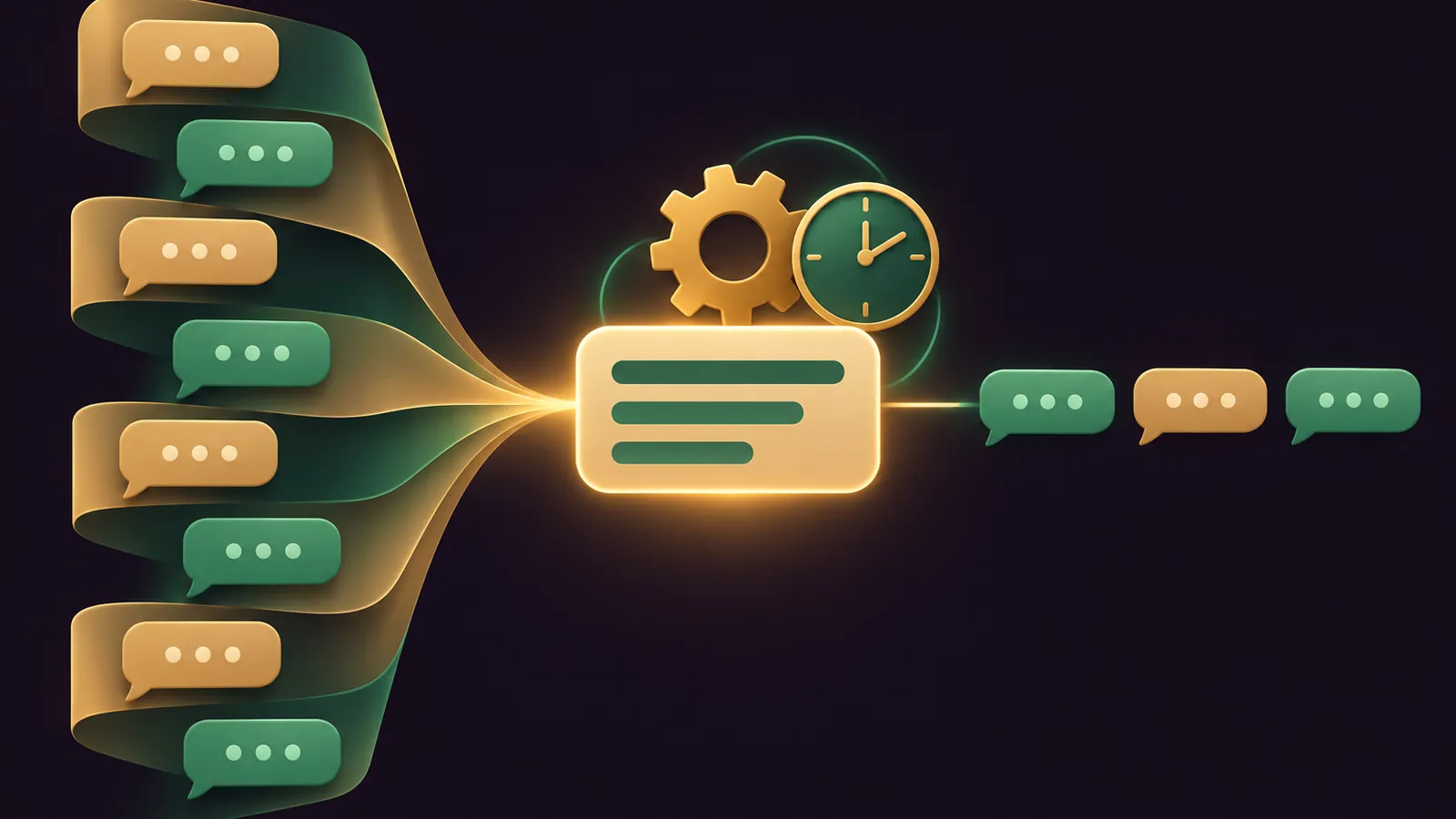
Hermes compaction inside your Agent OS is a job you hand to the agent itself: it reads your config, checks the summary model, sets the trigger and tells you when the next summary will fire.
This guide gives you a quick start, five prompts to paste, and a weekly routine.
It also covers the newest key, compression.prepare_ahead, which shipped switched off in Hermes v0.22.6 on 2 November 2026.
If you would like my team to plan your agent setup with you, book a free SEO strategy session.
Quick Start: The Three Blocks Your Agent Will Touch
Everything sits in ~/.hermes/config.yaml, and the Hermes configuration reference keeps compression out of environment variables entirely.
The trigger block, as the docs print it:
compression:
  enabled: true
  threshold: 0.50
The summary model block, which is separate:
auxiliary:
  compression:
    model: ""                                       # Empty = use main chat model. Override with e.g. "google/gemini-3-flash-preview" for cheaper/faster compression.
    provider: "auto"                                # Provider: "auto", "openrouter", "nous", "codex", "main", etc.
    base_url: null                                  # Custom OpenAI-compatible endpoint (overrides provider)
The engine block, which you normally never change:
context:
  engine: "compressor"    # default — built-in lossy summarization
With those three understood, the agent can do the rest by chat.
What Happens When The Trigger Fires
At half the main model's window, Hermes clears old bulky tool output, keeps the opening messages and a recent tail word for word, and summarises the middle.
The developer guide lists seven fixed summary headings, running from Goal through Progress and Key Decisions down to Critical Context.
Each later compaction updates that summary rather than starting again.
Old turns are soft-archived on the same session ID, so your agent can still find them with session_search.
Prompt 1: Audit The Current Compaction Setup
Read ~/.hermes/config.yaml and show me every key under compression: and auxiliary.compression:.
For each one, tell me the value, whether it is the documented default, and what it does in one line.
Then tell me the context window of my main model and of the summary model, and warn me if the summary model's window is smaller.
A good answer comes back as a short table: key, value, default or not, and a one-line meaning.
If the agent reports threshold: 0.50, tail_mode: lean and in_place: true, you are on the documented defaults and can move on.
That last line matters most.
The developer guide warns that a summary model with a smaller window than the main model makes the summary call fail, and the middle of the chat is then dropped with no summary.
Prompt 2: Set A Fixed Ceiling And Per-Model Triggers
Set compression.threshold_tokens so compaction never fires later than 256000 tokens.
If I switch between models with very different windows, add compression.model_thresholds entries so the bigger model compacts later and the smaller one earlier.
Show me the diff before you save, and don't change any other key.
The docs use 256000 as their own example for compacting a 1M-window model at 256K rather than 500K.
The cap and the ratio work together: Hermes fires at whichever comes first, and the cap carries over when you switch model or a fallback kicks in.
Ask the agent to say the resulting trigger in tokens for your current model, so you know the number rather than a percentage.
For the per-model map, this is the documented shape your agent should follow:
compression:
  threshold: 0.50
  model_thresholds:
    "glm-5.2": 0.40
    "glm-5.2-1M": 0.25
    "claude-sonnet": 0.35
    "openai-codex:astra": 0.85   # only on the Codex OAuth route (272K cap)
🔥 Want the Agent OS with these compaction prompts already loaded?
Inside the AI Profit Boardroom you get step-by-step video trainings, the installable Agent OS with Hermes wired in, four coaching calls a week and 3,400+ members.
Prompt 3: Switch On prepare_ahead Safely
Turn on compression.prepare_ahead (set it to true) and leave every other compression key as it is.
Before you do, check whether my memory provider adds context to compaction summaries, and whether context.engine is anything other than "compressor". If either is true, tell me prepare_ahead won't help and stop.
After saving, remind me it takes effect on the next session or the next gateway agent rebuild.
Here is the key exactly as the full reference prints it, before you flip it to true:
compression:
  prepare_ahead: false                              # Opt-in: prepare the next summary in the background — see below
It came in commit 32a636bc8d and is listed in the v0.22.6 release as opt-in prepared compaction.
When the prompt gets within 12% of the trigger, Hermes writes one summary in the background on a copy of the messages.
At the next automatic compaction it swaps that summary in if the same messages are still there, and anything newer stays in the uncompressed tail.
The docs are honest about the price: one auxiliary summary call that may never be used.
Where prepare_ahead Won't Help You
- Typing
/compressyourself, which always runs inline. - Cron runs, delegated helpers and one-shot
hermes chat -qsessions, which end with the turn. - Any plugin engine, plus Codex app-server and native Responses compaction.
- Micro-compaction passes.
- A memory provider that writes into summaries: the option switches itself off after the first compaction.
So it suits the sessions you actually sit in: the CLI, Desktop and your chat-app bots.
State is held in memory only, so a gateway restart simply means the next compaction runs the normal way; nothing breaks.
If the summary is still being written when the trigger hits, Hermes waits for it within the normal time limit rather than writing a second one.
Prompt 4: Tidy Long Chat Threads
For my Telegram and Slack bots, set compression.idle_compact_after_seconds to 1800 so a thread that has been quiet for 30 minutes is compacted before the first reply.
Set compression.proactive_prune_tokens to 48000 so old tool output is trimmed without a model call.
Leave progress_notices off so customers don't see compaction messages.
Both values are the documented examples, and both changes apply on a running gateway from the next message onward.
If those bots also stream their replies, pair this with the Hermes agent streaming guide for your Agent OS.
Prompt 5: Test Micro-Compaction On One Profile
The micro-compaction page describes a per-turn mode that folds one old exchange into a rolling summary after each finished turn.
On a test profile only, enable micro-compaction using the documented block, with micro_compact_every_n_turns set to 5.
Use a small, fast, non-reasoning model for auxiliary.compression on that profile.
After a week, compare how long turns take and how often compaction fired against my main profile, and tell me whether to keep it.
This is the documented block your agent starts from:
compression:
  micro_compact: true             # default: false
  micro_compact_every_n_turns: 1  # cadence — how often a pass runs
  micro_compact_defrag_threshold_tokens: 2000
Keep it on a test profile, because each pass rewrites history the provider has cached, which breaks the prompt cache every turn.
Your own messages are never summarised in this mode, which is its strongest point.
The rolling summary is defragged once it passes 2,000 tokens, and an exchange that fails three times in a row is skipped and left for the next batch compaction.
If passes feel slow, the guide's first fix is a smaller, faster summary model; the last resort is switching micro-compaction off again.
📞 Want a human to check your agent plan?
Book a free SEO strategy session and my team will look at what you are automating and where an agent saves real time.
Reading What Your Agent Tells You Back
After a compaction, ask the agent to show you the summary it is now working from.
Check three things: the goal is still yours, the files it lists are the ones you touched, and the next steps match where you left off.
If something is missing, ask it to search the archived turns with session_search; the lean tail mode leaves it a pointer for exactly that.
If a skill it was using got summarised away, the summary will say so and the agent should reload it before carrying on.
And if the summary looks thin every time, go back to Prompt 1 and check the summary model's window first.
Plugin Engines: When To Hand Over Completely
The context engine section lets a plugin replace the built-in summariser, for example LCM for lossless context.
context:
  engine: "lcm"          # must match the plugin's name
Plugin engines never switch on by themselves, and you can find them under hermes plugins → Provider Plugins → Context Engine.
Once one is active, prepare_ahead and the proactive prune stop applying, so ask your agent to note that in your setup file.
The Weekly Compaction Routine
- Monday: run Prompt 1 and confirm the summary model's window still covers the main model.
- After any model change: re-run Prompt 2 so the trigger follows the new window.
- Mid-week: ask the agent whether any session hit a compaction failure cooldown, and run
/compresson it to clear the cooldown and retry. - Friday: glance at the CLI context pressure bar; cyan means you are past 60% of the trigger, bold yellow means past 85%.
Before any of this, update: hermes update on the CLI, the Store for the Microsoft Store app, and the next bundled release for Desktop installer builds.
For subagents, the delegation docs confirm children compact at the parent's trigger unless you set their own cap.
Want the full video walkthroughs and the ready-built Agent OS? Join the AI Profit Boardroom.
Also On Our Network
- 🌐 The eight compaction settings I set before a long Hermes session
- 🌐 Whether compaction is worth it for shops, service firms and agencies
- 🌐 A nine-point scorecard for every part of Hermes compaction
- 🌐 Which benchmarked models to pair as main and summary model
- 🌐 The complete Hermes compaction guide on the AI Profit Boardroom blog
FAQ
Can my agent change its own compaction settings?
Yes. Every key lives in ~/.hermes/config.yaml, so a plain request in your Agent OS chat is enough for the agent to read and edit it.
When does prepare_ahead start working after I enable it?
It is read when the agent is built, so it applies from the next session or the next gateway agent rebuild.
Should I run micro-compaction on my main profile?
Not at first. Try it on a test profile, because each pass breaks the provider prompt cache, and compare a week of numbers.
What does /compress do that automatic compaction does not?
It runs on demand, clears the per-session failure cooldown and retries, and its feedback always shows in chat apps.
Final word on Hermes Compaction
Paste Prompt 1 today, act on what it finds, and if you want my team to review the result, book a free SEO strategy session before you switch on the extras for Hermes compaction.
About Julian
I'm Julian Goldie, an AI entrepreneur, SEO expert and the founder of the AI Profit Boardroom, which has 3,400+ members.
I help business owners scale with AI agents, automation and SEO.
My YouTube channel has 400,000+ subscribers, and I run Goldie Agency, a seven-figure SEO agency.
Related guides on agentos.guide
→ Hermes Delegation: Run Subagents In Your Agent OS
→ Hermes Agent Cron Job: Schedule, Stop And Recover Jobs In Your Agent OS With 5 Copy-Paste Prompts
Get the whole Agent OS
The installable system behind every guide on this site — dashboard, agents, memory and pipelines — updated as new tools land, with 3,400+ members and four coaching calls a week.
Join the AI Profit Boardroom →📺 Video notes + links to the tools 👉
🎥 Learn how I make these videos 👉