agentos.guide › blog
Grok Bot vs Gemini Spark (Now Tasks in Gemini): Route Every Job From Your Agent OS With Five Copy-Paste Prompts
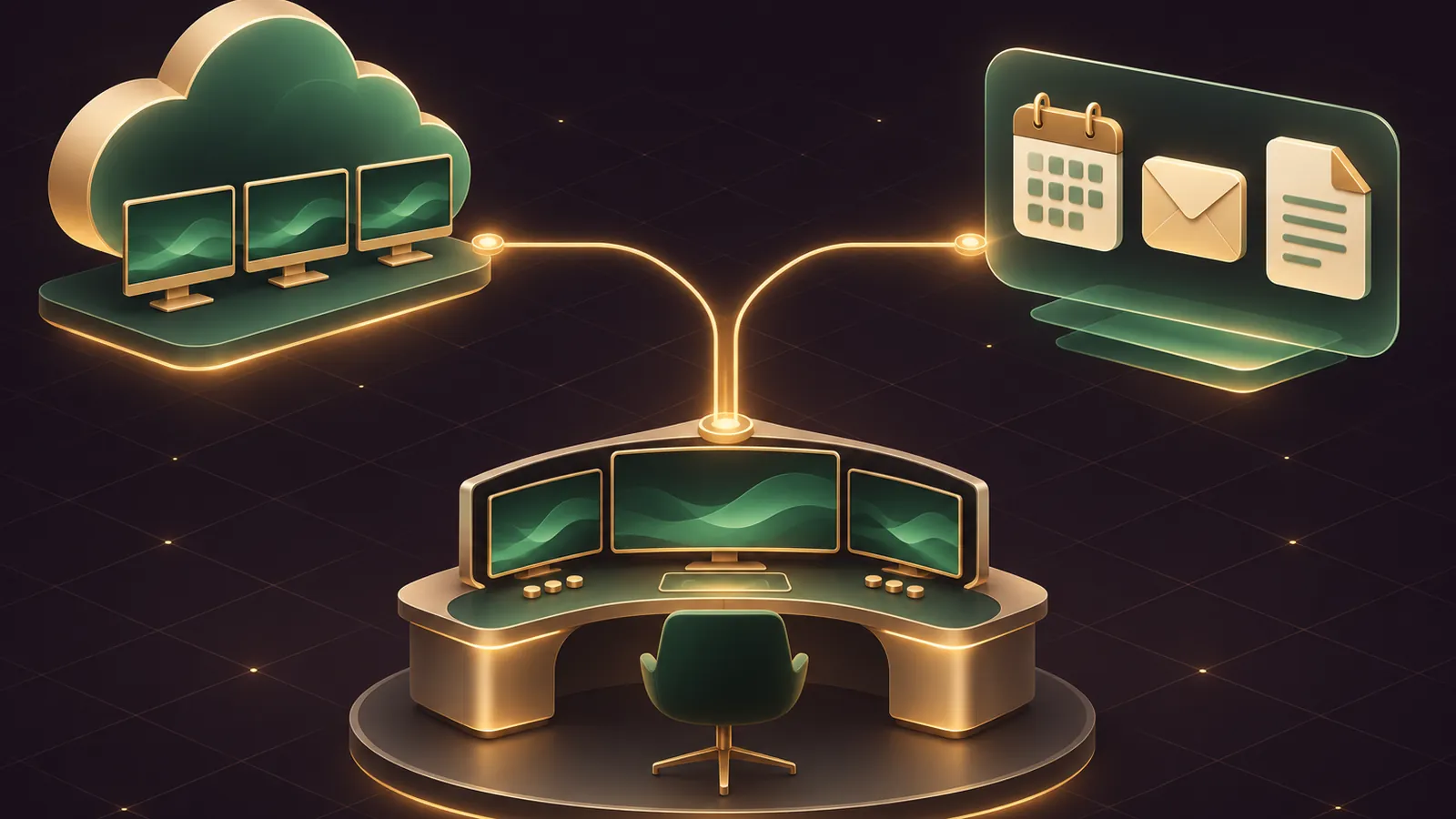
Inside an Agent OS, Grok Bot vs Gemini Spark stops being an either-or: your own agent decides which jobs go to a Grok Bot routine and which go to Gemini Spark, now renamed Tasks in Gemini, then checks the results.
Google confirms the rename on its tasks help page: Spark became Task, opened from the Chat and Task toggle.
One catch for readers here: Tasks in Gemini isn't offered in the UK, Switzerland, Nigeria or the EEA, so many of you will route everything to Grok Bot.
This guide gives a quick start, five copy-paste prompts and a weekly rhythm.
The comparison is my own reading of each vendor's docs, as neither publishes one.
Want my team to plan the routing with you? Get your Backlink Gameplan, or try Polar Rank free for 3 days.
Quick start in four steps
- Check eligibility for Gemini: a personal Google Account, Google AI Pro or Ultra, Keep Activity switched on, Personal Intelligence opted in and a supported country.
- Install Grok Bot on macOS, Windows or Linux and sign in with your Cursor account.
- Give Grok Bot one Bot per standing job, and keep Tasks in Gemini for jobs that live in your personal Gmail, Calendar and Drive.
- Let your Agent OS hold the routing rules and a weekly review, so neither tool drifts.
The two agents in one table
| Area | Grok Bot | Tasks in Gemini |
|---|---|---|
| Unit of work | Named Bots with a job and memory | Task threads in the Gemini app |
| Where it runs | One shared cloud computer, a screen per Bot | Your local Chrome or Google's remote browser |
| Triggers | Schedule, Slack, GitHub, Linear, Sentry, PagerDuty, email, webhook | Time-based, Gmail monitors, topic monitors |
| A way in for your own agent | Webhook routines with a bearer key | No webhook trigger documented |
| Guardrails | Auto Review, Ask first rules, drafts for routine email | Fixed confirmations plus per-app permissions |
| Accounts | Cursor account, team SSO | Personal Google Account only |
Where each one sits in your Agent OS
Think of Grok Bot as the staff room: named Bots that keep context and can be triggered by your own agent through a webhook.
The routines docs show a webhook section with a POST URL and a key sent as Authorization: Bearer <key>, and a 200 means a run started, not that it finished.
Tasks in Gemini is the personal assistant's desk: it acts inside Google's own apps but has no documented webhook, so you brief it in the Gemini app and read its results in the thread.
That shapes the routing rule: anything your Agent OS must trigger on its own goes to Grok Bot.
Anything that only needs you to glance at a phone each morning can sit with Gemini, if you qualify.
Keep the split simple, because two agents doing overlapping jobs on the same inbox is how replies get drafted twice.
Prompt 1: let your agent pick the tool
Give this to your Agent OS once and save it as a skill.
You route jobs between two outside agents.
Send a job to Grok Bot if it needs any of these: a team member,
Slack, a work account, a trigger from email or a webhook,
or a Windows or Linux desktop.
Send it to Tasks in Gemini only if it lives entirely in my personal
Gmail, Calendar, Drive, Docs or Keep and I am in a supported country.
For each job, reply with the tool, one line of reasoning,
and the approval point where a human must check the work.
Prompt 2: brief a Grok Bot routine with its stop points
Paste this into the Bot that should own the job; it covers the six checks the routines page asks you to confirm: owner, schedule and time zone, input, result, approval boundary and what to do when a source is missing.
Set up a routine for this Bot.
When: every weekday at 8:00 in my Settings time zone.
Input: new emails to my +bookings alias since the last run.
Job: list each booking request, check Google Calendar free time,
and draft a reply offering two slots.
Result: a short table in this chat plus the drafts.
Approval: never send; leave every reply as a draft.
If Calendar is unavailable, report the failure instead of guessing.
Then press Test, because a new routine waits for its next scheduled slot.
🔥 Want the full routing prompt pack for both agents?
Inside the AI Profit Boardroom you get step-by-step video trainings, the installable Agent OS, four coaching calls a week and 3,400+ members sharing routing prompts like these.
Prompt 3: brief a Gemini task with a schedule
In Gemini, click Task below the text box and paste:
Every Monday at 7 AM, read my Calendar for the week and my Keep
note called "Shop jobs". Build a prioritised list in Google Tasks
and a one-page Google Doc summary. Ask me before you email anyone,
change an event or delete anything.
Google's schedules page also supports Gmail monitors, such as replying to action items from a named sender.
Keep Google Tasks edits small, as Gemini can bulk-change private Google Tasks items without confirming.
Prompt 4: audit the guardrails on both sides
Audit my agent guardrails and give me a checklist.
Grok Bot: list my Ask first and Allow automatically rules,
flag any rule broader than one action, and confirm Auto Review is on.
Check whether a payment card is saved in Vault.
Gemini: list each connected app set to Always allow,
and remind me which actions always need my confirmation.
Return the changes I should make, ordered by risk.
On payments, the two Grok Bot sources pull in different directions: the Vault page notes that no setting forces approval for each use of a stored card, while the Grok Bot changelog describes Buy now as an order you approve.
Set an Ask first rule for every purchase and you're covered either way.
Prompt 5: the weekly review
Every Friday, collect what Grok Bot and Tasks in Gemini did this week.
For Grok Bot, read the routine results in each Bot's chat.
For Gemini, I will paste the task thread summaries.
Report: jobs finished, jobs stuck waiting for approval,
any expired approval cards, and one routing change to try next week.
Grok Bot cards raised by background work expire after 30 minutes, per the approvals page, so the review catches anything that lapsed.
Sign-ins and secrets: what to tell each agent
Never paste a password into either chat.
In Grok Bot, save logins in Settings → Vault or connect 1Password; the Bot fills them into the page without seeing them, and hands you its computer for passkeys, single sign-on or a QR code.
Remember that the cloud computer is shared by all your Bots, so a login saved for one is usable by every Bot on your account.
In Gemini, Google asks you not to type sign-in or payment details into the task thread; when it reaches a login page, take over the browser and enter them yourself.
Add a line to your Agent OS routing skill so it never forwards credentials to either agent.
Routing mistakes to avoid
- Sending a team job to Gemini, then finding your colleague can't see the task.
- Building a Gemini topic monitor for something time-critical; Google says monitors aren't suited to that.
- Setting a Grok Bot Slack trigger on every message in a busy channel, which runs often and spends usage.
- Assuming a webhook
200means the work finished. - Letting both agents edit the same Google Sheet without telling your Agent OS who owns it.
Worked example: a florist with weekend orders
- The Agent OS reads Prompt 1 and routes order emails to Grok Bot, since the florist and her assistant both handle orders.
- A Grok Bot routine on
name+orders@mail.grokbot.comsummarises each order and drafts confirmations that wait for Send. - If she qualifies for Gemini, a Monday schedule in Tasks in Gemini builds her personal week plan from Calendar and Keep.
- Friday's review flags any order still waiting on approval.
If she's based in the UK, step three drops out and Grok Bot covers the week plan too, with a Monday routine that writes the same summary into its chat.
Want a similar routing build against OpenAI's agent? Read Grok Bot vs ChatGPT Agent in your Agent OS.
📞 Want this routing mapped to your own business?
Get your Backlink Gameplan and my team will plan which jobs go to which agent, or try Polar Rank free for 3 days.
The verdict for Agent OS users
- Route to Grok Bot anything your own agent must trigger, anything shared with staff, and everything if you're in the UK or EEA.
- Route to Tasks in Gemini personal Google admin in a supported country, especially Docs, Slides and Calendar work.
- Keep the rules in your Agent OS, so the routing survives when either vendor renames a feature again.
For the trainings behind this setup, join the AI Profit Boardroom.
FAQ
Can my Agent OS trigger Tasks in Gemini automatically?
Google's help pages don't document a webhook or API trigger for tasks. Grok Bot routines do accept webhook calls, so automated hand-offs go there.
I'm in the UK. Can I use Tasks in Gemini?
Not for now. Google lists the UK, Switzerland, Nigeria and the European Economic Area as places where tasks aren't offered.
Does a Grok Bot webhook 200 response mean the job is done?
No. A 200 means Grok Bot accepted the call and started a run. Check the Bot's chat for the result.
What happened to Gemini Spark?
Google renamed it Task. It sits on the Chat and Task toggle, and earlier tasks and schedules stay in the sidebar.
Final word on Grok Bot vs Gemini Spark (Now Tasks in Gemini)
Paste Prompt 1 into your agent today, run one job through each tool, and join the AI Profit Boardroom to keep refining how you handle grok bot vs gemini spark.
About Julian
I'm Julian Goldie, an AI entrepreneur, SEO expert and the founder of the AI Profit Boardroom, which has 3,400+ members.
I help business owners scale with AI agents, automation and SEO.
My YouTube channel has 400,000+ subscribers, and I run Goldie Agency, a seven-figure SEO agency.
Related guides on agentos.guide
→ Grok Bot AI Full Course (Step By Step)
→ Hermes Agent Browser: What It Is, The Quick-Start And Where It Fits In An Agent OS
Get the whole Agent OS
The installable system behind every guide on this site — dashboard, agents, memory and pipelines — updated as new tools land, with 3,400+ members and four coaching calls a week.
Join the AI Profit Boardroom →📺 Video notes + links to the tools 👉
🎥 Learn how I make these videos 👉