agentos.guide › blog
Grok Bot Ideas: Five Copy-Paste Builds Your Agent OS Can Brief, From Role Finder To Webhook
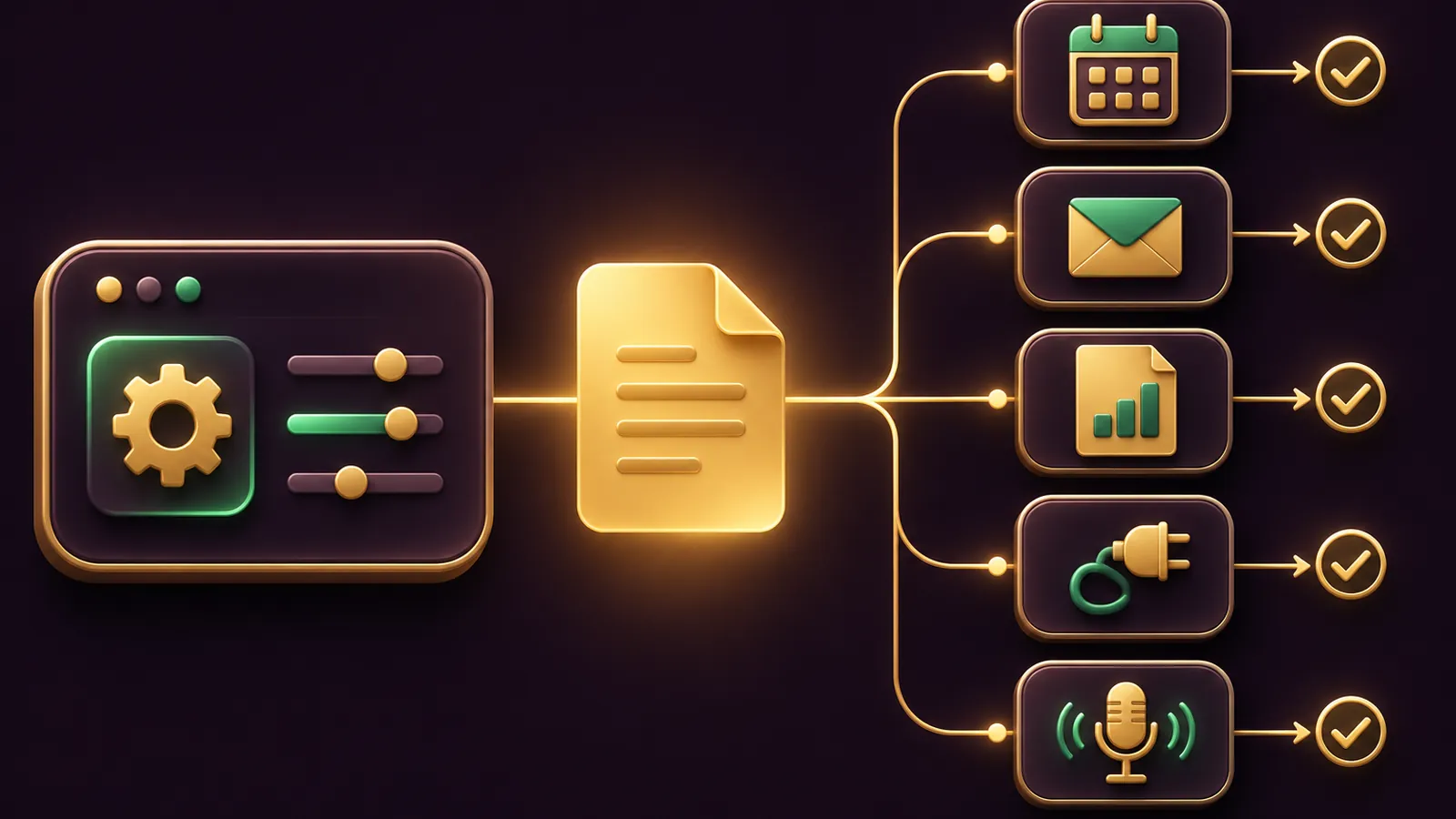
Grok bot ideas get far easier to act on when your Agent OS writes the briefs, so this guide pairs five builds with the exact prompts you hand over.
Your Agent OS does the thinking and drafting; Grok Bot runs the job on its own cloud computer and stops for your approval.
Every build follows the official use cases page, which ends each starter prompt at a review point.
Want help choosing the first build? Book a free SEO strategy session with my team.
Quick start: from business to Bot in four moves
- Run Prompt 1 in your Agent OS to turn your business into three focused Bot roles.
- Create one Bot in Grok Bot and paste the first role into its opening message, then ask it to remember.
- Run one real task with a small scope and correct the result.
- Say "Save the process we just used as a skill", test it on a second input, then add a routine.
That is the docs' six-step role-to-Bot process, compressed.
Personal Bots no longer have a description field, per the Bots page, so the first message carries the role.
Prompt 1: let your Agent OS find your Bot roles
Give this to your Agent OS with a paragraph about your business.
It uses the use cases page's rule that good roles own a repeatable outcome.
You are my Grok Bot planner.
Read the description of my business below.
Suggest three Bot roles. Each must own one repeatable outcome, not a topic.
For each role write: the job, the source systems to connect, the output format,
the standing boundaries (what it must never do without my approval), and one safe first task.
Every first task must end at a review point: a list, a draft or a page, never a send or a purchase.
Business: [paste here]
A dental clinic might get a lab-invoice checker, a morning digest and a recall-list builder.
Pick the one you'd review most happily every week.
Not sure which role suits your business? Book a free call with my team and we'll talk it through.
Which documented role each build borrows from
None of these builds is invented from scratch.
Each one leans on a role or feature the official docs already describe.
| Build | Docs role or feature | Where it stops |
|---|---|---|
| Role finder | Turn a role into a durable Bot | Three written roles for you to choose from |
| Café launch tracker | Pages | A private page in the Bot's Library |
| Dental lab invoices | Expense manager plus Bot email | A Friday list, no replies or payments |
| Webhook hand-off | Routines triggered by webhook | Client emails left as drafts |
| Yoga studio check | v0.78.1 and v0.77.0 templates | A list of items waiting for your confirmation |
If your business doesn't match any of these, run Prompt 1 again with a sharper description.
The docs also list sales outbound, talent scout, paid media, account health and chief of staff roles to borrow from.
Prompt 2: a launch tracker Page for a café opening a second site
A page is a report, tracker or dashboard the Bot builds for you, and it lives in the Bot's Library, per the files and results docs.
Paste this into the Bot's chat, not your Agent OS.
Create a launch tracker page for our second café.
Organise the open tasks from the attached checklist by owner and status,
with a filter for "this week" and a switch to hide finished items.
Add a short list of blockers at the top. Keep the page private to me.
A new page is private until you share it, and the controls change only what you see, not what the page holds.
To update it, ask the Bot in the panel beside the open page.
Pages isn't available on Enterprise teams yet.
🔥 Want these builds wired into your own Agent OS?
Inside the AI Profit Boardroom you get step-by-step video trainings, the installable Agent OS, four coaching calls a week and 3,400+ members sharing the prompts they give their Bots.
Prompt 3: a lab-invoice inbox for a dental clinic
Ask a Bot "Get yourself an email address" and approve the card.
The computer and apps docs say the address takes plus aliases, and a routine on an alias runs only for mail sent to it.
Set up a routine on my +labs alias.
Run it only for mail from *@ourdentallab.co.uk.
Each time, save the invoice, add it to this week's lab-invoice list,
and flag any invoice that doesn't match an open job in the attached sheet.
Every Friday at 4 PM, post the week's list in this conversation.
Do not reply to the lab or pay anything.
Keep the sender filter, because anyone can write to an alias.
Routines can't filter by subject, and email from a routine waits as a draft until you press Send.
Prompt 4: let your Agent OS kick off a Grok Bot routine by webhook
This is where an Agent OS and Grok Bot meet.
Ask a Bot to add a webhook trigger to a routine, open it on desktop, and copy the POST to URL and the key from the Webhook section.
Then give your Agent OS this prompt, so its nightly SEO report starts the Bot's follow-up work:
After tonight's client SEO report is written, send it to Grok Bot.
POST the report summary as JSON to [webhook URL]
with the header Authorization: Bearer [key].
If the response is not 200, tell me the routine did not start.
And give the Grok Bot routine its own instruction:
When this webhook fires, read the report in the body.
Draft one short update email per client, in my voice, with the three biggest changes.
Leave every email as a draft. Do not send anything.
The routines docs say a 200 means the run started, not that it finished, so check the Bot's chat for the drafts.
Prompt 5: a subscription and supplies check for a yoga studio
The Grok Bot changelog added Find unused subscriptions and Watch subscription prices in v0.78.1, and Order Concierge and Deal Watcher in v0.77.0.
Import them from Bot templates under Connect apps, then send:
List every software subscription you can find in my connected email from the last three months.
Mark any we haven't used and any whose renewal price has changed.
Watch prices on our usual mats and blocks and tell me when one drops.
Do not cancel, buy or change anything until I confirm each item.
The changelog says these templates confirm before changing anything and never buy without your OK.
The Vault page adds a caveat: a saved card fills in at checkout without asking each time.
So add the Ask first rule below, or keep the card out of Vault.
Our Grok Bot templates guide covers importing and sharing templates in full.
Brief a Bot by voice when you're away from the desk
A wedding photographer between shoots can set the iPhone Action Button to Grok Bot's Start Voice Chat shortcut, per the mobile docs.
Press it, describe the client's shot list, and ask for a draft confirmation email.
The phone shows the draft with Send or Discard, and that is the review point.
Teaching a task and testing a routine still need the desktop app.
🔥 Want a second pair of eyes on your Agent OS setup?
Book a free SEO strategy session and my team will look at your site and where Bots fit around your SEO work.
Check the first run before you trust the routine
Open the routine on desktop and choose Test, or run the same job once in chat if Test isn't shown.
A test does real work, so feed it safe inputs.
Then hand the result to your Agent OS with this check:
Review this Grok Bot run against five questions.
Did it use current inputs, not old data?
Does the output match the format I asked for?
Does every action have a source or an audit trail?
Did it stop at the approval point I set?
If anything failed, did it say so clearly?
Answer yes or no for each, with one line of evidence.
Those five questions come straight from the routines docs' review list.
Fix any "no" before the routine runs on its own schedule.
Remember that a new routine waits for its next scheduled time rather than running on save.
The Ask first rules to add before any routine runs
Ask first rules always stop a matching action for you, and they win when an Allow rule also matches, per the approvals docs.
- Ask first before sending any external email.
- Ask first before any purchase, checkout or subscription change.
- Ask first before sharing a page outside the team.
What your Agent OS should never pass to Grok Bot
Keep passwords, card numbers and API keys out of every prompt above.
Grok Bot signs in with Vault first, then a connected password manager such as 1Password, then a Secure Form, and the Bot never sees those values.
For an API key, use the secure secret card when the Bot asks for one.
Remember too that all your Bots share one cloud computer, with the same files and logins.
Separate Bots organise the work; they are not a security boundary, per the Grok Bot FAQ.
The weekly workflow
- Monday: your Agent OS reviews last week's Bot outputs and suggests one change per Bot.
- Daily: read each Bot's review list, page or drafts before acting on them.
- Friday: mark what was useful and what was noise, then ask each Bot to remember the lesson.
- Monthly: pause routines you don't need, since every run spends usage.
Inside the AI Profit Boardroom we share the Agent OS prompts behind this workflow.
Also On Our Network
- 🌐 Nine Bot builds sorted by trigger, each with the exact setup prompt
- 🌐 Nine weekly jobs a salon, plumber or shop can hand to a Bot
- 🌐 Nine Bot use cases scored out of 10, with a build-first verdict
- 🌐 Five Bot ideas matched to the models worth drafting them with
- 🌐 The complete Grok Bot ideas guide on the AI Profit Boardroom blog
FAQ
Can my Agent OS start a Grok Bot routine?
Yes, through a webhook trigger. Your Agent OS sends an HTTP POST with the routine's Bearer key, and a 200 response means the run started.
Where do I paste the role my Agent OS writes?
Into the new Bot's first message, then ask it to remember. Personal Bots no longer have a description field.
Can I share a Page with a client?
You can share it with anyone who has the link, and it opens without a sign-in, so only do that when the page holds nothing private.
Will the subscription templates cancel things on their own?
No. The changelog says the Bot confirms with you before changing anything, and it cancels only the plans you pick.
Final word on Grok Bot Ideas
Run Prompt 1 today, build one Bot this week, and join the AI Profit Boardroom to keep turning grok bot ideas into routines your Agent OS can hand off.
About Julian
I'm Julian Goldie, an AI entrepreneur, SEO expert and the founder of the AI Profit Boardroom, which has 3,400+ members.
I help business owners scale with AI agents, automation and SEO.
My YouTube channel has 400,000+ subscribers, and I run Goldie Agency, a seven-figure SEO agency.
Related guides on agentos.guide
→ Grok Bot Templates: Prep, Publish And Vet Shared Bots In Your Agent OS With 5 Copy-Paste Prompts
→ Grok Bot Skills: Build, Audit And Back Up A Skill Library In Your Agent OS
→ Grok Bot For Business: Set Guardrails In Your Agent OS
Get the whole Agent OS
The installable system behind every guide on this site — dashboard, agents, memory and pipelines — updated as new tools land, with 3,400+ members and four coaching calls a week.
Join the AI Profit Boardroom →📺 Video notes + links to the tools 👉
🎥 Learn how I make these videos 👉