Antigravity 2.0 just made your AI 10× more powerful.
Google dropped Antigravity 2.0 this week. Plugged into Agent OS through the new Antigravity CLI, it stops being a chat box and starts being a command engine. This is the read-along — the new features, the five layers, the 30-day roadmap, and the three websites I built with it this weekend.
"Google Antigravity 2.0 just dropped, and your AI agents just became 10 times more powerful. This is Google's most advanced agent platform ever built — and today I'm going to show you how to plug it into a full command centre."
— Julian, this morningGoogle Antigravity 2.0 — what actually changed
Antigravity is Google's first agent-first development and deployment platform. Think of it as a launchpad for AI agents, not a chat box. Instead of typing into Gemini and getting an answer back, you deploy AI — multiple agents working in parallel, on independent tasks, on your goals.
2.0 changed the game. Here's what's new:
- Gemini 3.5 Flash baked in — Google's agentic-tuned model. Faster outputs, better coding, better image generation, designed for tool use.
- Dynamic sub-agents — define teams of agents that coordinate on a single problem. Not just "one agent does the thing" — fleets.
- Scheduled tasks — automate routine checks. Your agents wake up, do work, report back, sleep.
- Artifacts — deliverables surfaced as objects you can preview and ship, not just chat output.
- Projects — group related work together (the missing organisation layer in v1).
- Live voice transcription — speak your prompts. Half my Antigravity sessions now start verbally.
- MCP servers — extend Antigravity with any tool that speaks the Model Context Protocol. This is the killer feature.
The interface itself was rebuilt — it now looks closer to Codex. Cleaner, faster, and you can actually find your previous outputs (the v1 organisation was rough).
Why most people use Antigravity wrong
Here's the thing nobody's saying out loud: most people open Antigravity, type a prompt, and get average results.
It's not the model. Gemini 3.5 Flash is incredible. It's the architecture around it.
Three walls hit you the moment you run Antigravity standalone:
- No memory. Every session starts cold. Antigravity doesn't know who you are, what your business does, or what you talked about yesterday. You spend 20% of every prompt just re-explaining yourself.
- No organisation. Hard to find your outputs. No proper IDE view. You generate something brilliant, then can't locate it next Tuesday.
- No improvement loop. Each session is the first session. Nothing compounds. Nothing stacks. You're building a Formula 1 engine and dropping it in a Honda Civic.
"Two people can use the same model. One uses it as a chat. One uses it inside a system. The results aren't comparable."
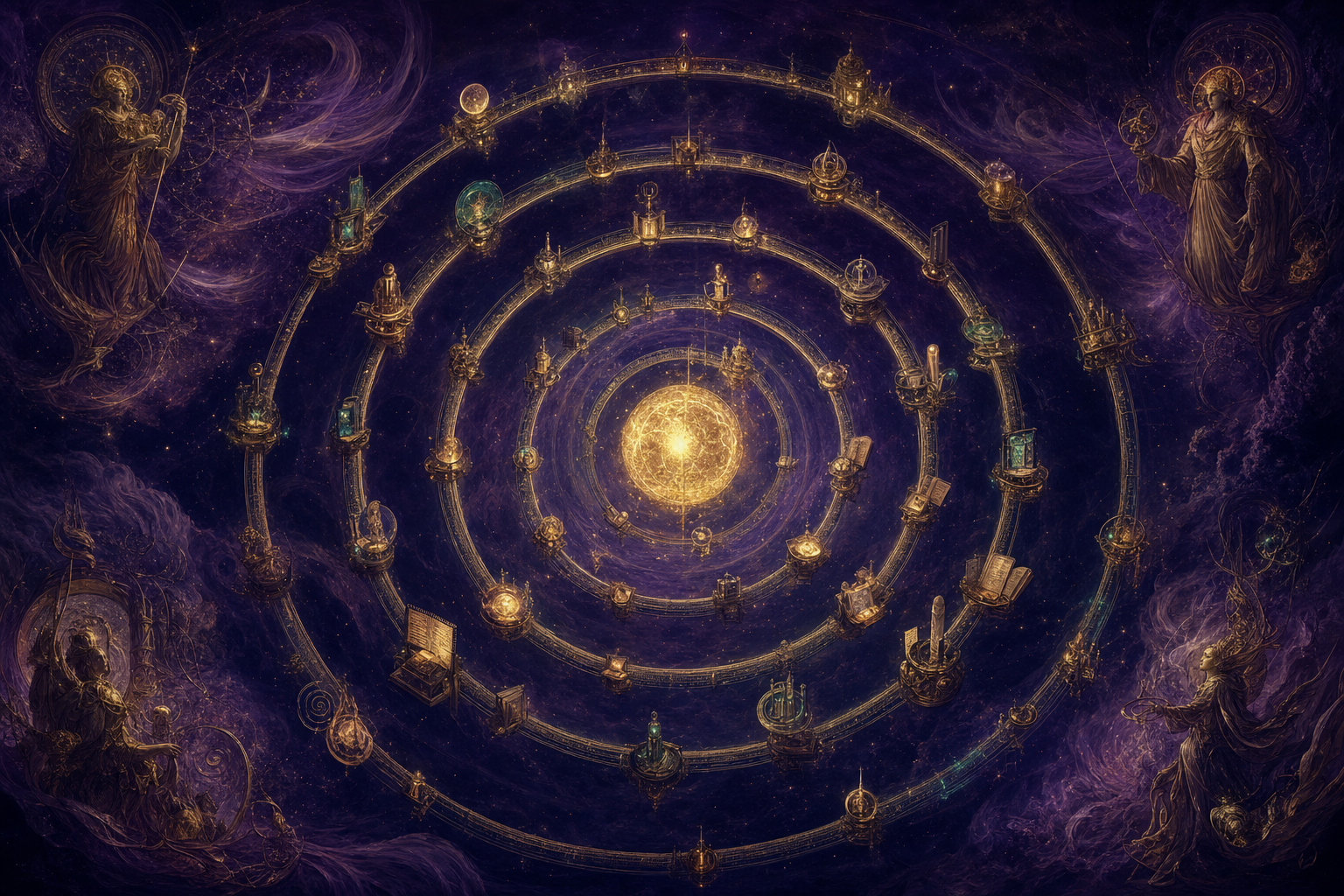
The Goldie Gravity Grid™ — 5 layers, one orbit
This is a new mental model. Most people treat AI like a hammer — pick it up, use it, put it down. The Goldie Gravity Grid is the opposite. It's an orbit around your work. Each layer pulls the others higher. The longer you run it, the stronger it gets.
Capture — OMI
The AI wearable on your desk. Listens to your day, transcribes everything, turns it into structured memories. The raw material.
Vault — Obsidian
Your second brain. Plain markdown files, queryable, versionable, yours forever. Where structured memory lives.
Intelligence — Antigravity 2.0
The deployment engine. Multiple agents, sub-agents, scheduled tasks, MCPs — pointed at the vault so they know who you are.
Command — Agent OS
The dashboard. One workspace for Antigravity, Hermes, Claude, Gemini, OpenClaw — fleets of agents, one command centre.
Loop — the flywheel
Every output feeds back. More outputs → more context → smarter agents → better outputs. You never start from zero again.
The same engine. A completely different vehicle.
— this is the moveCapture — OMI as the intelligence input
OMI is an open-source AI memory device. Wear it, or set it on your desk. It listens passively, transcribes every conversation, every meeting, every idea you mutter to yourself while making coffee.
Mine has captured 1,553 memories so far. Who I am, what I'm working on, who I met last Thursday, what my clients said about their goals. Without me doing anything extra.
Why this matters: if you don't capture, you don't have context. If you don't have context, you get generic AI outputs. OMI fixes this at the root.
Vault — Obsidian as the structured memory
Obsidian is a free note-taking app. Plain markdown files, stored on your machine, linked by [[double brackets]] into a knowledge graph. It's the second brain — but more importantly for our purposes, it's the format every AI agent can read.
When you connect OMI to Obsidian, captured memories flow into a single vault. Your business context, your clients, your goals, your brand voice — all in one place. The vault gets smarter every week.
And the file format is plain text. No vendor lock-in. No proprietary database. You own it forever.
If you want the full read-along on the vault side, see The Goldie Infinite Knowledge Engine →
Intelligence — Antigravity 2.0 inside Agent OS
Here's where the magic happens. Antigravity standalone is fine. Antigravity pointed at your Obsidian vault is something else entirely.
Suddenly your agents know who you are. They know your business. They know your clients, your voice, your goals. The same prompt — "build me a landing page" — produces a completely different output, because the agent has 1,553 memories of context to draw on.
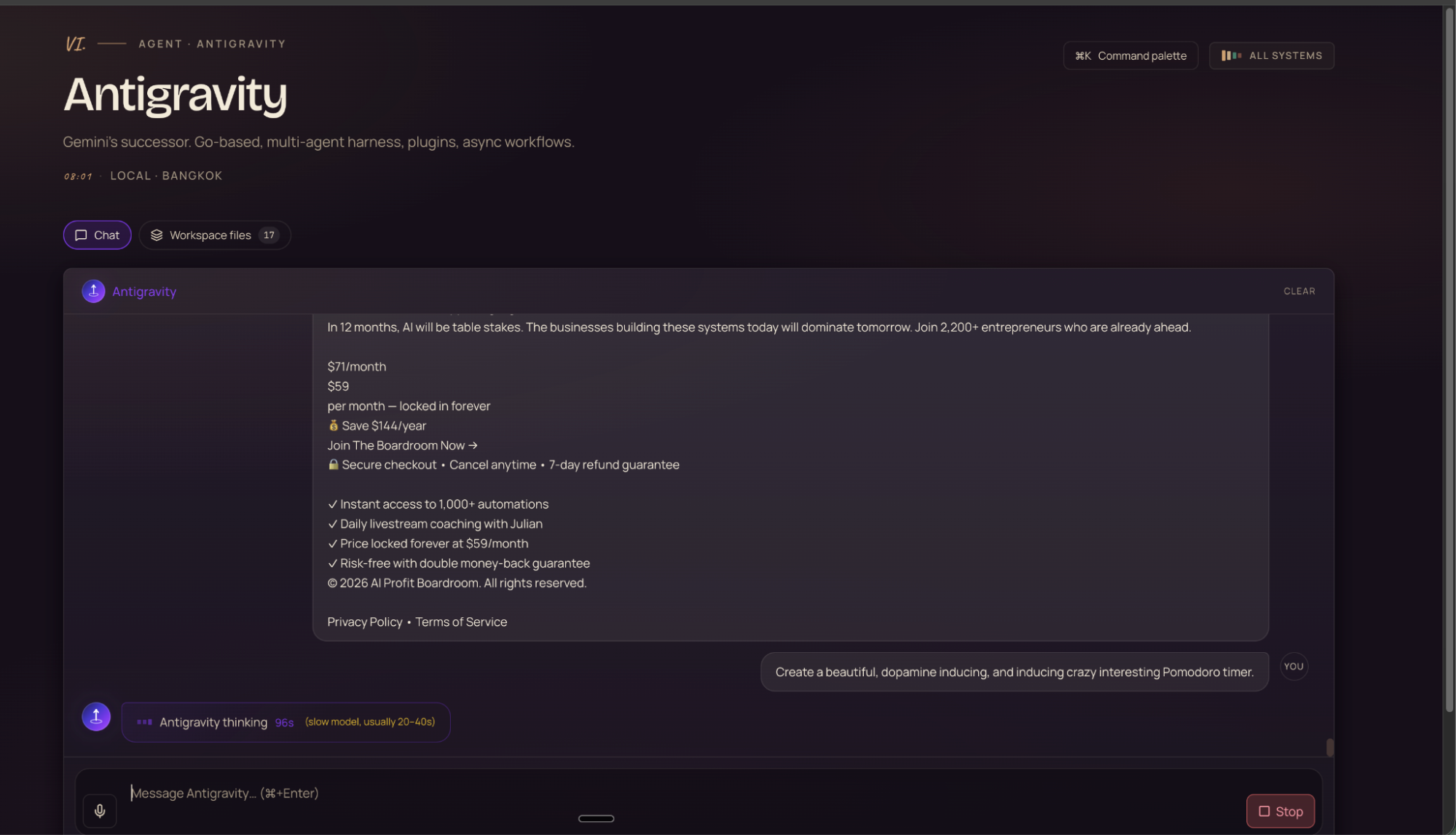
How it works under the hood: Antigravity CLI. Google replaced Gemini CLI with Antigravity CLI as the canonical command-line interface — the same way you'd talk to Claude Code from your terminal, but for Antigravity. Agent OS wraps the CLI in a proper UI, gives it memory through Obsidian, and sits it next to your other agents.

The full Agent Operating System setup
Antigravity CLI, Hermes, Gemini, Claude, OpenClaw, Free Claude Code — all wired into one Mission Control. Plus the Obsidian + OMI memory layer, the SOPs, the templates, the 30-day roadmap. Inside the AI Profit Boardroom.
Get Agent OS in AIPB →Command — Agent OS as the orchestration layer
If Antigravity is the engine, Agent OS is the dashboard. It's the command centre for every agent you run. Think of it like your phone's home screen — but instead of apps, you've got agents. You see what they're working on. You see what they've built. You launch new tasks with a single prompt. You manage everything from one place.
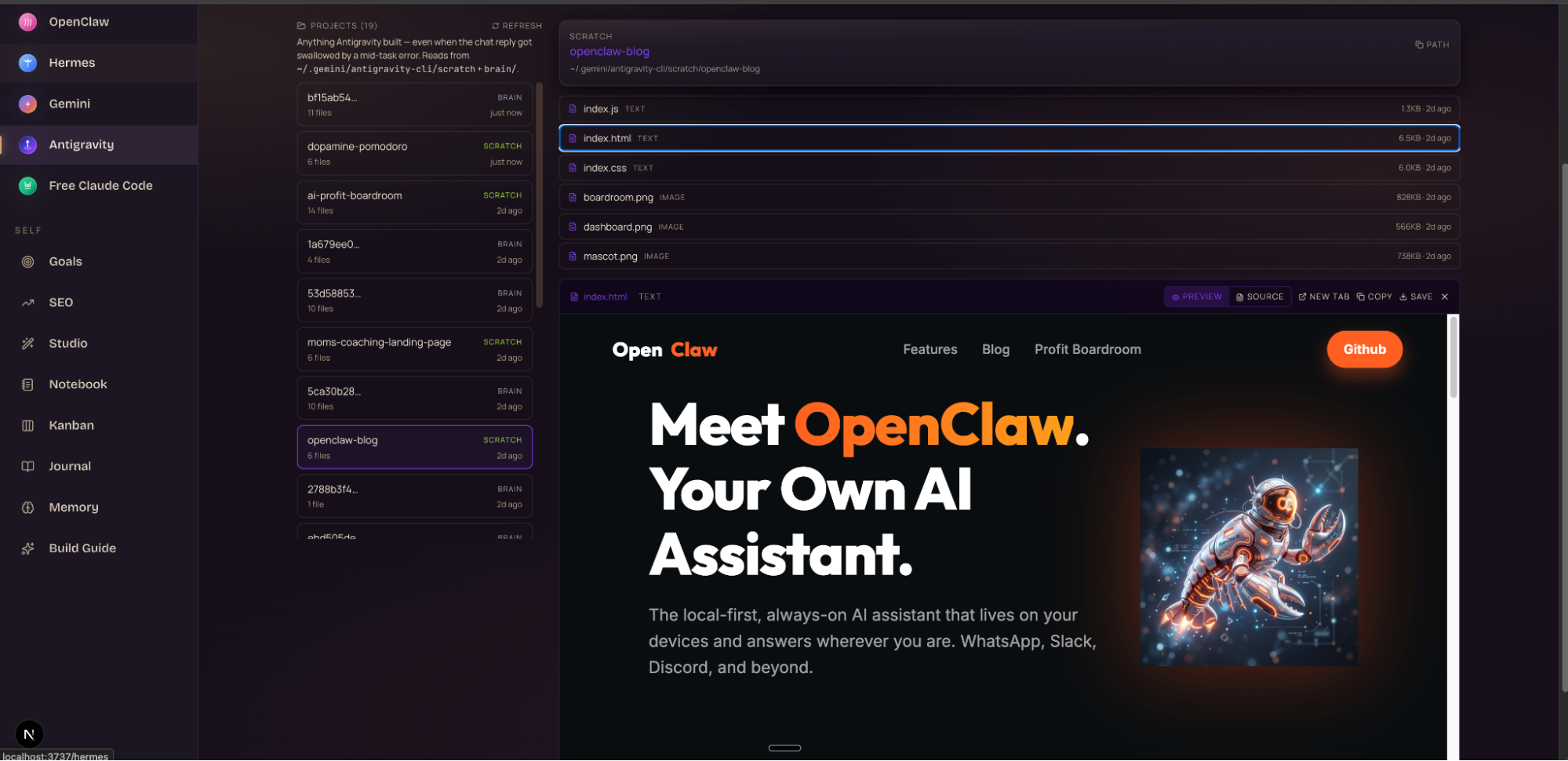
Without this layer, here's what your workflow looks like: tab for Antigravity, tab for Claude, tab for ChatGPT, terminal for Hermes, another tab for the project files, another for the docs. Five contexts, no memory shared between them, you re-explain yourself fifteen times a day.
Inside Agent OS, you've got one dashboard, one command centre, everything tracked, everything running together.
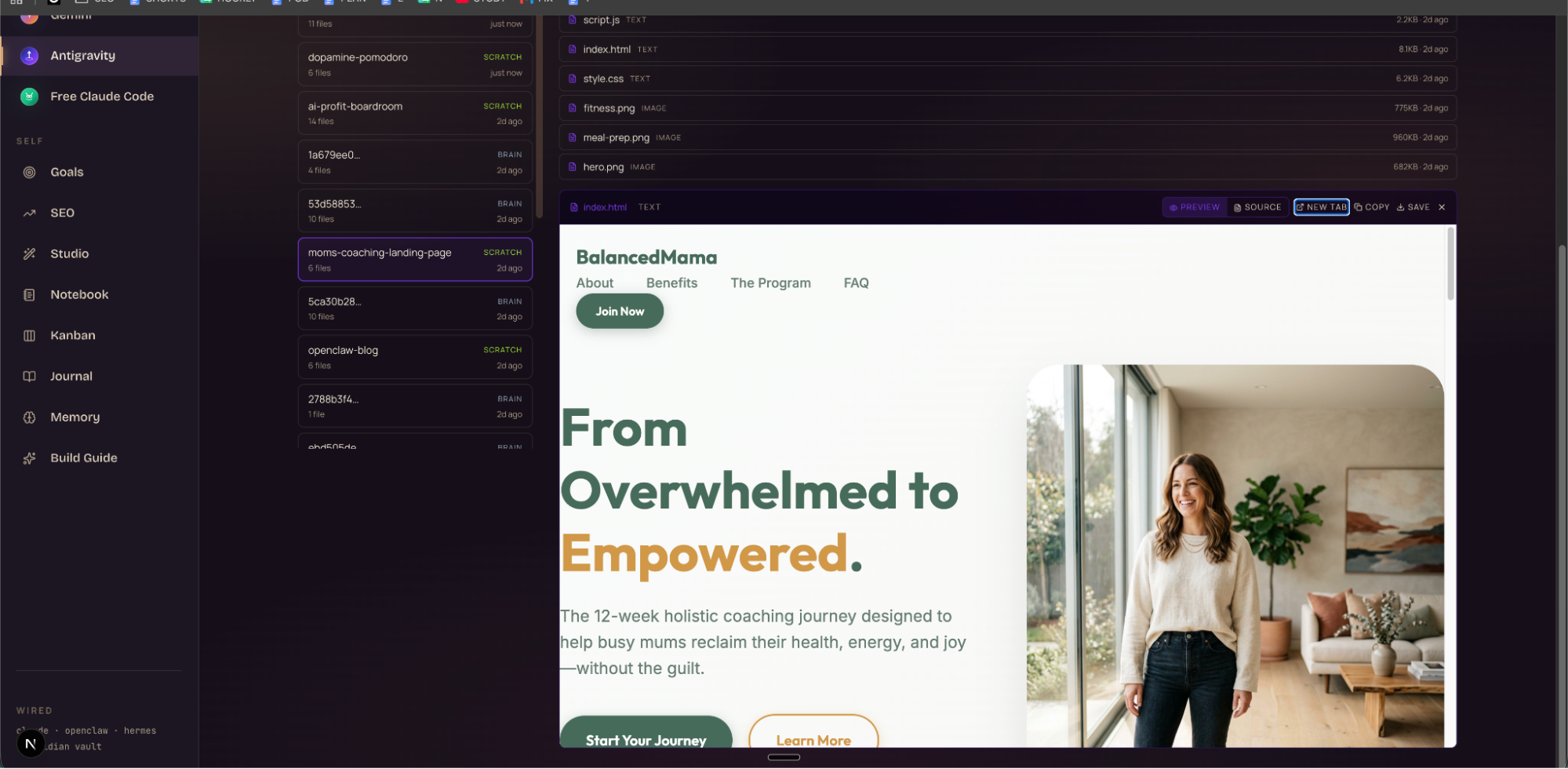
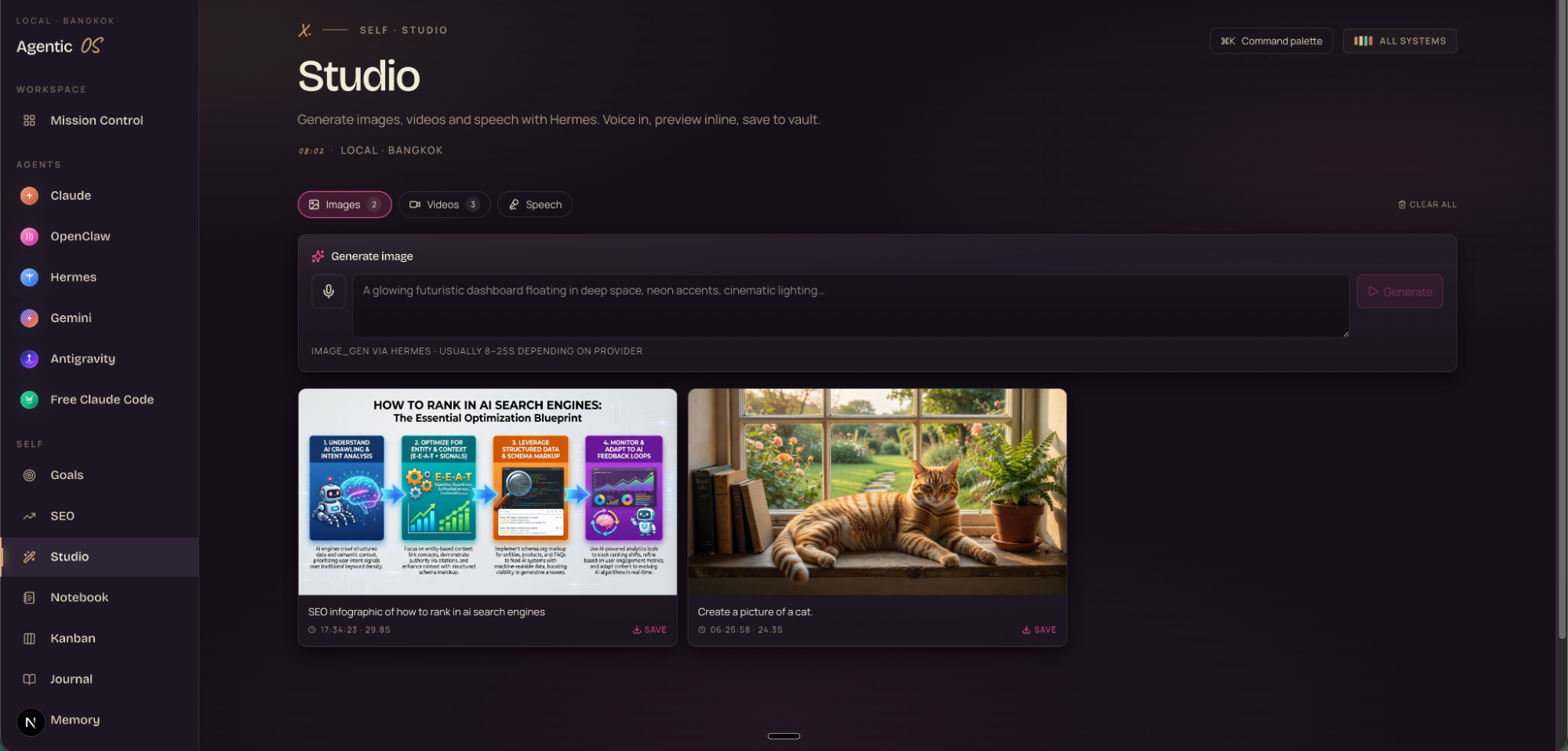
And it's not just chat — there's a studio for image, video, and speech generation, a Kanban board for assigning teams of agents to tasks, NotebookLM integration for the memory pipeline, and the full SEO module.
Loop — the flywheel that makes everything compound
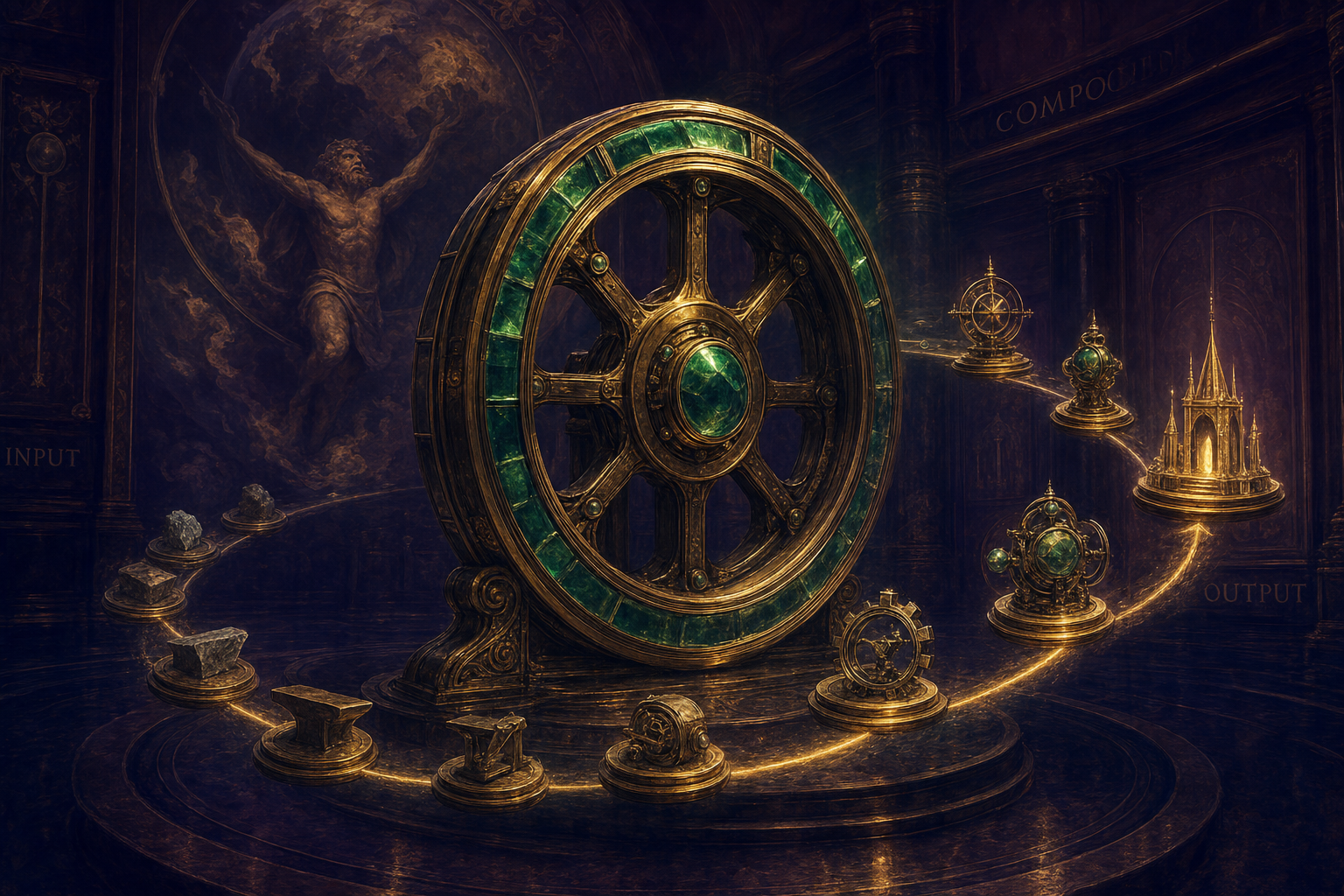
This is the part nobody builds. Most people start over with every prompt. Every conversation begins from zero. Their AI gets exactly as good on day 100 as on day 1, because nothing compounds.
The loop fixes that. Every output your agents produce gets fed back into the system:
- More outputs → more context in the vault
- More context → smarter agents
- Smarter agents → better outputs
- Better outputs → more improvements
That's the flywheel. The Goldie Gravity Grid runs on it. Your business doesn't get built with one great prompt — it gets built with a system that gets smarter every single day.
"You don't build a business with one great prompt. You build it with a system that gets smarter every single day."
3 websites built this weekend — one prompt each
Real receipts. This weekend, inside Agent OS + Antigravity, I built three different websites with one prompt each:
- BalancedMama — "From Overwhelmed to Empowered" — a 12-week coaching landing page for new mums. Full design, copy, imagery — generated and previewable inside Agent OS in minutes.
- The AI Profit Boardroom landing — a dopamine-inducing Pomodoro-style page for the community.
- OpenClaw — "Your Own AI Assistant" — a clean product page for the local-first AI agent.
Same engine (Gemini 3.5 Flash). Same model anyone with an Antigravity account could use. But the vehicle around it — Obsidian for memory, Agent OS for command, the flywheel for compounding — is what made each one production-quality in one pass.
Three beliefs holding you back
Your results are a reflection of the beliefs you hold about what's possible. If you change the belief, you change the output. Here are the three I see most often when people look at this system.
Still not sure it works? Read 258 unfiltered member wins from the AI Profit Boardroom →
"I'm not technical enough to set this up."
If you can copy and paste a file path, you can run this system. We've got the full tutorial in AIPB — files, prompts, video walkthrough. The barrier isn't technical knowledge. It's following the step-by-step.
"AI tools are all the same. There's no advantage to setting this up differently."
The architecture around the model is more powerful than the model itself. A Formula 1 engine in a normal car still loses the race. The structure, the setup, the system — these are what win. Two people using the same model get incomparable results.
"I don't have time to set up a whole new system."
You don't have time not to. If you set it up on day one, the time saved starts today. Every day you wait is a day your competitors are already on the flywheel.
The 30-day roadmap
Don't try to do everything at once. The order matters — each layer powers the next. This is how I'd run it from scratch.
tags, created, updated, agent_origin, confidence.The Goldie Gravity Grid™ — recap
Antigravity 2.0 is the most powerful agent platform Google has ever shipped. But on its own, it has no memory, no organisation, no compounding. You get the engine without the vehicle.
The Goldie Gravity Grid wraps Antigravity in the four other layers it needs to actually win: capture (OMI), vault (Obsidian), command (Agent OS), and the loop that makes everything compound.
That's the system. That's the read-along. If you implement only one thing from this guide, make it Layer V — the loop. It's what separates a tool from an orbit.
The grid, in one weekend. Files included.
Inside the AI Profit Boardroom: the full Agent OS install with Antigravity CLI wired in, the Hermes setup, the Obsidian + OMI memory layer, the 30-day roadmap, the prompts, the SOPs, the video tutorial, and the zip of files you can drop in.
Join the AI Profit Boardroom →