agentos.guide › blog
Hermes vs Genspark: Give Each One Its Job In Your Agent OS, With Five Prompts To Paste
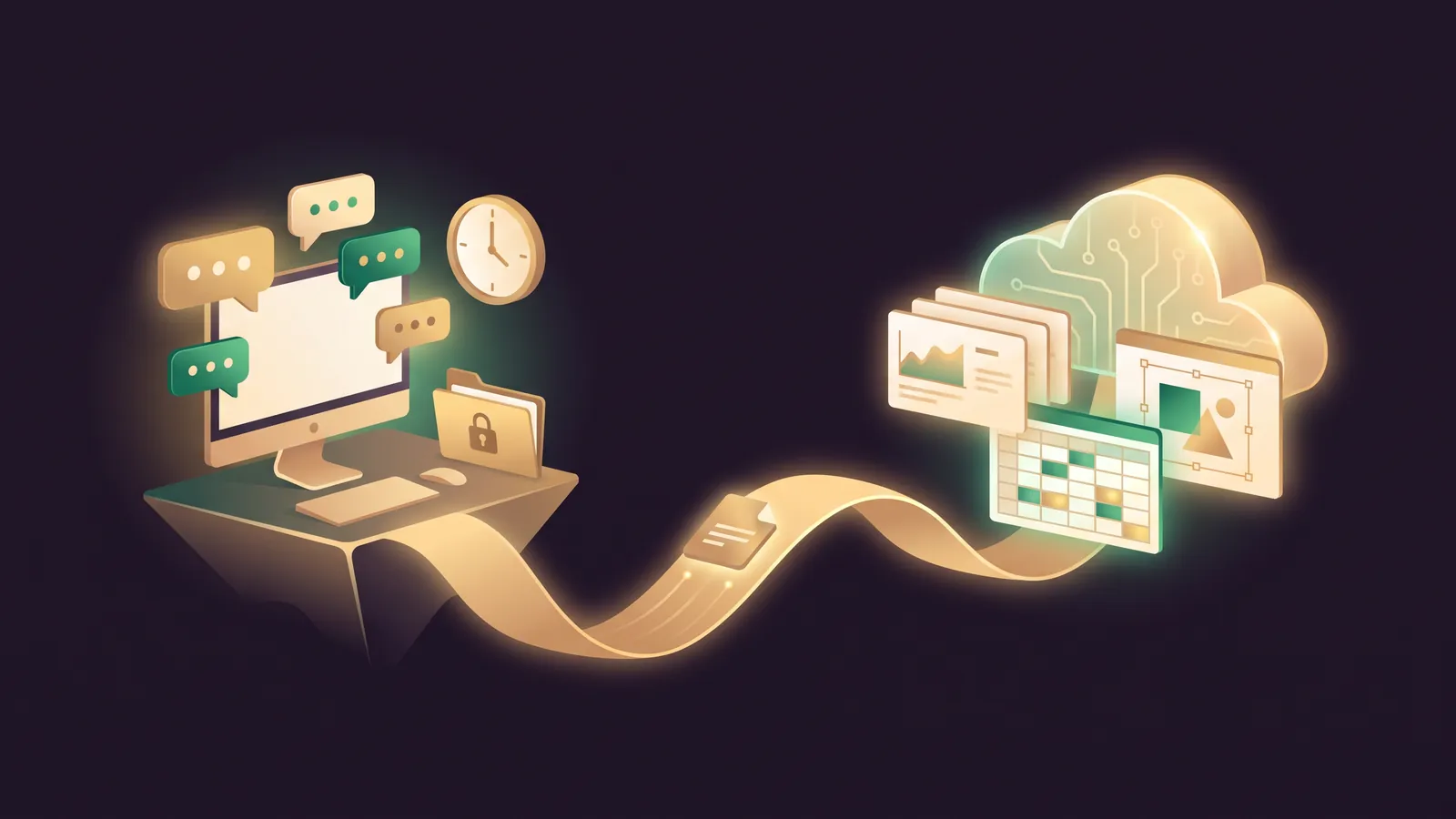
Hermes vs Genspark inside an Agent OS works best as a division of labour: Hermes runs the private back office on your own machine, and Genspark turns briefs into finished decks, documents and designs in its cloud.
Give each one the jobs it was built for and you stop forcing either tool to fake the other's strengths.
Hermes Agent is MIT-licensed software from Nous Research; Genspark, from MainFunc Inc., is a hosted workspace currently at AI Workspace 6.0.
This guide gives you a quick start for each, five prompts to paste, and a weekly routine for a yoga studio.
If you'd like my team to review your stack with you, book a free SEO strategy session.
Who does what in your Agent OS
| Role | Hermes Agent | Genspark |
|---|---|---|
| Job in the stack | Back office: inbox, files, timed jobs, team chat | Studio: slides, sheets, docs, designs, small apps |
| Runs on | Your Mac, PC, Linux box or server | Genspark's cloud computers |
| You reach it from | Telegram, WhatsApp, Slack, email, Desktop, CLI | Web, Super App, phone apps, Claw channels |
| Timers | Hermes cron | Genspark Workflows |
| Model | Any provider, or a local model | Routed by Genspark; picker in AI Chat |
Neither company publishes this split; it's my own reading of the Hermes docs and the Genspark help centre.
There's no documented link between the two, so in this setup a shared folder carries work across.
Quick start: Hermes as the private back office
- Install with
curl -fsSL https://hermes-agent.nousresearch.com/install.sh | bash, or the PowerShell one-liner on Windows. - Run
hermes modeland choose a provider, or switch on Local Models so client data never leaves the machine. - Run
hermes gateway setup, connect the chat app your team uses, thenhermes gateway install. - Set an allowlist such as
TELEGRAM_ALLOWED_USERS; the security page says anyone unlisted is denied by default. - Set
approvals.mode: manualin~/.hermes/config.yamlfor the first few weeks.
Quick start: Genspark as the deliverables studio
- Sign in and open the Super Agent box on the home page.
- Click + and confirm the New Super Agent switch is on, so each project gets its own cloud computer.
- Connect only what the first job needs from the connector list, such as Google Drive or Slack.
- Save one house-style Skill so every deck and document follows the same structure.
🔥 Get the Agent OS this guide plugs into
Inside the AI Profit Boardroom you get step-by-step video trainings, the installable Agent OS, four coaching calls a week and 3,400+ members sharing the prompts that work.
Where your data sits in this setup
The split only works if you're deliberate about which files go where.
Hermes keeps conversations, memory and skills in ~/.hermes/, and the Hermes FAQ says it collects no telemetry and calls only the model provider you configure.
Genspark keeps your work in its cloud on Microsoft Azure, per its privacy policy, with AI Drive as the hub where every product's output lands.
Team and Enterprise accounts are opted out of model training by default.
My rule of thumb: anything with client names, health notes or payment details stays with Hermes, ideally on a local model.
Anything you'd happily publish, such as a flyer, a timetable or a welcome deck, can be built in Genspark.
What each agent remembers between runs
Hermes uses two small files, MEMORY.md and USER.md, plus the skills you save; the memory docs keep both files deliberately short.
That makes its memory easy to read and easy to correct by hand.
Genspark's memory layer is SecondBrain, which with your permission draws on email, calendar, chat history, meeting notes and connected apps, and feeds that context to Super Agent.
In an Agent OS, I'd let Hermes hold the operating rules and let SecondBrain hold the public-facing context, so neither has to carry everything.
Review both every month and delete what's out of date.
Prompt 1: the end-of-day handover in Hermes
Paste this into the chat where Hermes lives.
Every weekday at 5:30pm, read today's unanswered emails in the shared inbox
and today's notes folder. Send me one handover message in this chat:
1. Who is still waiting for a reply, oldest first
2. A suggested reply for each one - draft only, do not send anything
3. Anything booked for tomorrow morning that needs prep
Keep it under 15 lines.
Hermes turns that into a cron job and delivers the result back to the same chat.
The "draft only" line matters: Hermes approvals cover risky commands, not messages to people.
Prompt 2: tighten Hermes before it touches client data
Check my Hermes setup and tell me, without changing anything yet:
- which approvals.mode is set, and what cron_mode is set to
- which chat platforms are enabled and who is on each allowlist
- which MCP servers are connected and whether any can write data
Then suggest the smallest changes that keep client files on this machine.
Read the answer, then make the changes yourself or approve them one at a time.
If a write-capable MCP server should always ask first, mark it trust: untrusted in its config.
Prompt 3: a Super Agent brief for a finished deck
Attach the files, then paste this into Genspark Super Agent.
Output: a 10-slide deck for new members, exported as PPTX.
Inputs: the attached class timetable, studio rules and teacher bios.
Constraint: plain language, one idea per slide, our brand colours from
the attached style sheet. Finish with a slide on how to book a class.
That three-part brief (output, inputs, constraint) is the pattern the Super Agent guide recommends.
Use Edit in Genspark AI Slides if you want to keep refining it on the canvas.
Pick the Standard tier for a first draft and save Ultra for decks that go outside the studio.
Drop the exported PPTX into the shared exports folder so Prompt 5 can pick it up.
Prompt 4: a Genspark Workflow for receipts, with Approvals on
When I receive an email with a receipt attached, pull out the vendor,
date and total, add a row to the "Studio expenses" Google Sheet, and
reply to me with a one-line confirmation.
That's close to one of the example prompts on Genspark's Workflows page.
Before you click Turn On, run a Test Run against a copy of the sheet; Genspark says test runs change data for real.
Leave the Approvals setting on, which is the default, so steps that post pause for your confirmation.
Each Workflow takes a single trigger, so build a second one if card receipts and supplier invoices arrive in different inboxes.
Prompt 5: a Hermes skill that files Genspark exports
Create a skill called file-genspark-exports. When I say "file today's
exports", look in ~/Studio/Genspark-exports, read each new PPTX, DOCX or
XLSX, write a three-line summary of each into ~/Studio/index.md, and move
the file into the right month folder. Never delete anything.
Skills live in ~/.hermes/skills/, and the skills docs say the agent can create and edit them for you.
This is the bridge between the two tools: Genspark makes the file, Hermes files and remembers it.
A weekly routine for a yoga studio
- Monday: Genspark Super Agent builds the week's class flyer and a short timetable document from the attached schedule.
- Tuesday to Friday, 5:30pm: the Hermes handover lists unanswered member emails with draft replies; the owner sends the ones she likes.
- Wednesday: Genspark Call for Me rings the cleaning supplier to confirm Thursday's delivery, then returns a transcript.
- Friday: "file today's exports" in Hermes indexes everything Genspark produced that week.
- Every receipt email: the Genspark Workflow logs it to the expenses sheet, pausing where Approvals asks.
Call for Me is for ordinary service calls only; Genspark bars sales, promotion and lead-generation calls.
Run the routine for a month before adding anything new, and note which drafts the owner edits most.
📞 Want this routine mapped onto your business?
Book a free SEO strategy session and my team will help you decide which agent owns which job.
Mistakes to avoid when running both
- Letting Hermes send. Write "draft only" into every job that writes to a customer.
- Testing a Workflow on live data. Point the first run at yourself.
- Connecting everything on day one. On Genspark, prefer the read-only policy where it's offered; on Hermes, add one MCP server at a time.
- Adding Claw to open group chats. Genspark warns that group members can prompt it to reveal your personal data.
- Expecting a CRM bridge in Hermes. Salesforce, HubSpot and Pipedrive connectors are Genspark's; the Hermes catalog offers Attio, Close and Airtable instead.
For the same idea with a different hosted agent, see Hermes vs Manus in your Agent OS.
The AI Profit Boardroom has the full Agent OS walkthroughs if you want to build this stack step by step.
Also On Our Network
- 🌐 The six setup steps for running Hermes and Genspark side by side
- 🌐 Five small-business use cases deciding between Hermes and Genspark
- 🌐 The eight-row scorecard rating Hermes and Genspark out of 10
- 🌐 Which AI models Hermes and Genspark run, with real GoldieBench scores
- 🌐 The complete Hermes vs Genspark guide on the AI Profit Boardroom blog
FAQ
Can Hermes and Genspark talk to each other directly?
Neither documents a direct connection. In this setup a shared folder carries Genspark's exported files across, and a Hermes skill files them.
Which agent should own the inbox?
Hermes, if you want it on your own machine with a model you choose. Keep its replies as drafts, because its approvals don't cover outgoing messages.
Do Genspark Workflows ask before posting?
The Approvals setting is on by default and pauses a step in Pending Confirmation until you approve it. A Test Run still runs for real.
Can I keep Genspark's files inside my Agent OS?
Yes. Export decks, documents and sheets to a folder, then have a Hermes skill summarise and file them.
Final word on Hermes vs Genspark
Paste Prompt 1 tonight, and book a free strategy session if you want help splitting the rest of the jobs for hermes vs genspark.
About Julian
I'm Julian Goldie, an AI entrepreneur, SEO expert and the founder of the AI Profit Boardroom, which has 3,400+ members.
I help business owners scale with AI agents, automation and SEO.
My YouTube channel has 400,000+ subscribers, and I run Goldie Agency, a seven-figure SEO agency.
Related guides on agentos.guide
→ Hermes Agent For Lead Generation: 5 Prompts In Your Agent OS
→ Grok Bot For Lead Generation: A Prospect Engine In Your Agent OS
→ Hermes Agent For Content Creation In Your Agent OS
Get the whole Agent OS
The installable system behind every guide on this site — dashboard, agents, memory and pipelines — updated as new tools land, with 3,400+ members and four coaching calls a week.
Join the AI Profit Boardroom →📺 Video notes + links to the tools 👉
🎥 Learn how I make these videos 👉