agentos.guide › blog
Hermes vs Devin In Your Agent OS: Let Hermes Run The Week, Hand Devin The Tickets, With 5 Copy-Paste Prompts
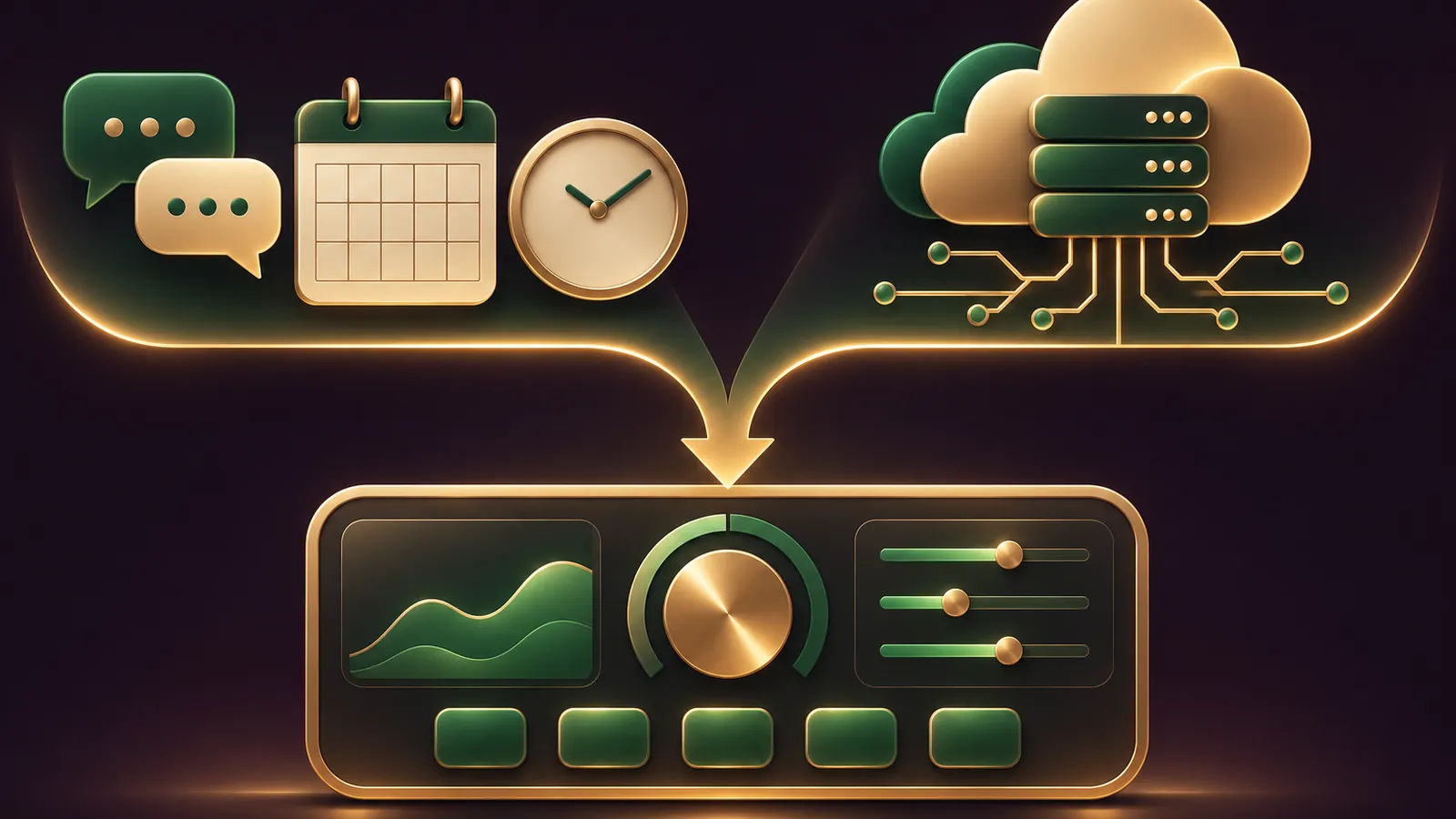
Hermes vs Devin inside your Agent OS isn't a choice so much as a split: Devin takes the coding tickets and returns pull requests from its own cloud machine, and Hermes Agent runs the rest of the week from your chats, your schedule and your files.
Your job is drawing the line between them.
This guide gives you a quick start, five prompts to paste into Hermes, and a weekly workflow for a small design studio.
If you'd like my team to look at your lanes with you, get your Backlink Gameplan, or try Polar Rank free for 3 days.
Which lane each agent takes
| Lane detail | Hermes Agent | Devin |
|---|---|---|
| Starts from | A chat message, an email, a timer or a webhook | A ticket, a Slack tag, a GitHub comment or an Automation |
| Works on | The machine you installed it on, or a sandbox backend | A fresh cloud VM booted from your snapshot |
| Remembers through | Memory, skills and SOUL.md | Memory, Skills and repo rules |
| Hands back | A reply, a digest, a file | A pull request with tests run |
Neither vendor compares the two, so this split is my reading of the Hermes docs and the Devin guidance on when to use it.
What each agent is, in two lines each
Devin is Cognition's AI software engineer: it boots a Linux VM from your saved snapshot, works a ticket, tests the change and opens a pull request.
It lives in the cloud app, Devin CLI and Devin Desktop, the new name Windsurf took in June 2026.
Hermes is an open-source agent from Nous Research that lives on a machine you choose and talks to you through more than twenty chat platforms.
It remembers you between sessions, runs jobs on a timer, and writes new skills when it works out how to do something.
That's why the boundary is easy to draw: one finishes tickets, the other runs your week.
Quick start in five moves
- Install Hermes with the one-line script from the installation page, or the Desktop app on macOS 13+ or 64-bit Windows.
- Run
hermes modeland connect a provider such as Nous Portal, OpenRouter or Anthropic. - Run
hermes gateway setup, connect Telegram or Slack, and set an allowlist of your own accounts. - In Devin, connect GitHub under Settings and Connections, then ask a session to "set up your environment for this repo" and approve the blueprint it suggests.
- Create a Devin service user key for the MCP bridge in Prompt 2, and store it as
DEVIN_API_KEYin Hermes's environment, never in a prompt.
Prompt 1: sort the week into two lanes
Start by letting Hermes sort the work before anything gets built.
Here is my task list for this week. Sort every task into one of two lanes.
DEVIN: it changes code in one of our repos and should end as a pull request.
HERMES: it ends as a message, a report, a file or a reminder.
For each DEVIN task, rewrite it as a ticket with a clear finish line,
such as "tests pass" or "page loads on mobile".
Return one table. Don't send, post or create anything.
Devin's own guidance says clear completion criteria raise its success rate, so the rewrite step matters.
Keep the table in a pinned note, because Prompts 3 and 4 refer back to it.
If a task lands in neither lane, it probably needs a person, and that's a useful finding too.
Prompt 2: connect Hermes to the Devin MCP server
Devin runs an official MCP server at https://mcp.devin.ai/mcp for MCP-compatible agents, per the Devin MCP page, and Hermes reads remote HTTP servers from config.yaml, per its MCP guide.
Add an MCP server named devin to my config.yaml:
url https://mcp.devin.ai/mcp, an Authorization header of
"Bearer ${DEVIN_API_KEY}", and trust: untrusted.
Don't write the key itself anywhere.
Then list every tool the server exposes and mark which ones change something.
With trust: untrusted, Hermes asks before each write call on that server, as the MCP config reference explains.
Neither vendor publishes this pairing as a recipe, so check the tool list before you lean on it.
🔥 Get the Agent OS that runs the Hermes lane for you
Inside the AI Profit Boardroom: step-by-step video trainings, the installable Agent OS, four coaching calls a week and 3,400+ members sharing their prompts.
Prompt 3: hand one ticket to Devin, with your yes first
Take ticket 1 from the DEVIN lane.
Show me the exact prompt you would send to Devin: the repo,
the change, and how Devin should prove it works.
Wait for my "yes" before you create the session.
After it starts, give me the session link and nothing else.
The untrusted setting means you'll see an approval prompt before the session is created anyway.
The "wait for my yes" line just makes the plan visible first.
You can also start the same ticket by hand: tag @Devin in Slack, or assign the Linear ticket to Devin, and skip Hermes for that one.
Use the Hermes route when the request first arrived in a chat Hermes already sees.
Prompt 4: a weekday digest of what Devin opened
Schedule this one so you never have to go looking for Devin's work.
Every weekday at 08:30, use the gh CLI to list open pull requests
in our-org/client-sites with title, author, check status and link.
Post the list to my Telegram.
Draft only: never comment on, approve or merge a pull request.
Hermes cron delivers to the chat a job came from or to another platform, per the cron docs.
Its approvals cover risky commands, not messages, which is why the "draft only" line stays in every job that could talk to someone.
Prompt 5: one skill file both agents can read
Both agents read SKILL.md files in the Agent Skills format, so one checklist can serve both lanes.
Write a SKILL.md called client-site-qa in the Agent Skills format.
Steps: run the build, check every changed page on mobile and desktop,
confirm forms submit, and list anything that fails.
Save it to ~/.hermes/skills/client-site-qa/SKILL.md.
Then give me the same file to commit at
.agents/skills/client-site-qa/SKILL.md in our repo, so Devin reads it too.
Devin discovers skills at that repo path across connected repositories, per its Skills page, and Skills replaced its older Knowledge and Playbooks features.
A weekly workflow for a small design studio
Picture a three-person studio that builds and maintains client websites.
- Monday 9am: the lead pastes the week's requests into Prompt 1, and Hermes returns the two-lane table.
- Monday 10am: each DEVIN ticket goes through Prompt 3, one approval at a time.
- Tuesday to Thursday: Devin works each ticket in its own VM and opens a pull request that follows the shared QA skill.
- Every weekday 08:30: Prompt 4 lands in Telegram, and the developer reviews and merges.
- Friday: a Hermes Bot per client, set up in Bot Mode, drafts the client's update, and the lead sends it.
📞 Want help drawing the line between your two lanes?
Get your Backlink Gameplan and my team will look at your task list with you, or try Polar Rank free for 3 days.
When the bridge misbehaves
If Hermes can't see any Devin tools, check the key first.
The Devin MCP page says legacy keys only reach the repository documentation tools, so session tools need a service user key.
Enterprise service user keys and personal access tokens also need an X-Org-Id header naming your organisation.
If the first write call after a quiet spell fails, the Hermes MCP reference explains why: unannotated tools aren't replayed after an HTTP session expires, so verify and try again.
And if the tool names look different from what you expected, trust the list Prompt 2 printed over any guide, including this one.
Guardrails for both lanes
- Keep
approvals.modeon smart or manual in Hermes, per its security page. - Give Devin its own accounts on each tool and store them as Secrets, as Devin's docs advise.
- Don't put customer logins in prompts; Hermes keeps passwords in its vault, out of the model's sight.
- Remember that sessions started by Devin Automations don't use your personal Devin Memory.
When to drop a lane
If your business has no code at all, drop the Devin lane and keep Hermes.
If your work is almost all code and your team lives in Linear or Jira, Devin can carry most of it, and Hermes becomes the digest and reminder layer.
For how Hermes splits work with another coding agent, read Hermes vs Claude Code in your Agent OS.
And to get the full Agent OS build, join the AI Profit Boardroom.
FAQ
How does Hermes talk to Devin?
Through Devin's official MCP server at mcp.devin.ai, added to Hermes as a remote HTTP MCP server with a service user key in the Authorization header. Neither vendor documents the pairing as a recipe.
Will Hermes create Devin sessions without asking?
Not if you set trust: untrusted on the devin server. Hermes then asks before every write-capable call on it.
Can one skill file work in both agents?
Both read SKILL.md files in the Agent Skills format. Keep one copy in ~/.hermes/skills/ and commit another at .agents/skills/ in the repo for Devin.
Should I use Devin Playbooks for the QA steps?
No. Devin is moving Playbooks to Skills, and new accounts have had no Playbooks since 24 October 2026, so write the steps as a skill.
Final word on Hermes vs Devin In Your Agent OS
Paste Prompt 1 on Monday, wire Prompt 2 once, and get your Backlink Gameplan if you want help running hermes vs devin as two lanes, or try Polar Rank free for 3 days.
About Julian
I'm Julian Goldie, an AI entrepreneur, SEO expert and the founder of the AI Profit Boardroom, which has 3,400+ members.
I help business owners scale with AI agents, automation and SEO.
My YouTube channel has 400,000+ subscribers, and I run Goldie Agency, a seven-figure SEO agency.
Related guides on agentos.guide
→ Hermes vs Cursor: How To Run Both As Two Lanes In Your Agent OS, With 5 Copy-Paste Prompts
→ Grok Bot AI Full Course (Step By Step)
→ Hermes Agent Browser: What It Is, The Quick-Start And Where It Fits In An Agent OS
Get the whole Agent OS
The installable system behind every guide on this site — dashboard, agents, memory and pipelines — updated as new tools land, with 3,400+ members and four coaching calls a week.
Join the AI Profit Boardroom →📺 Video notes + links to the tools 👉
🎥 Learn how I make these videos 👉