agentos.guide › blog
Hermes Agent Home Assistant: Connect Your Smart Home, Then Run It With Three Agent OS Prompts
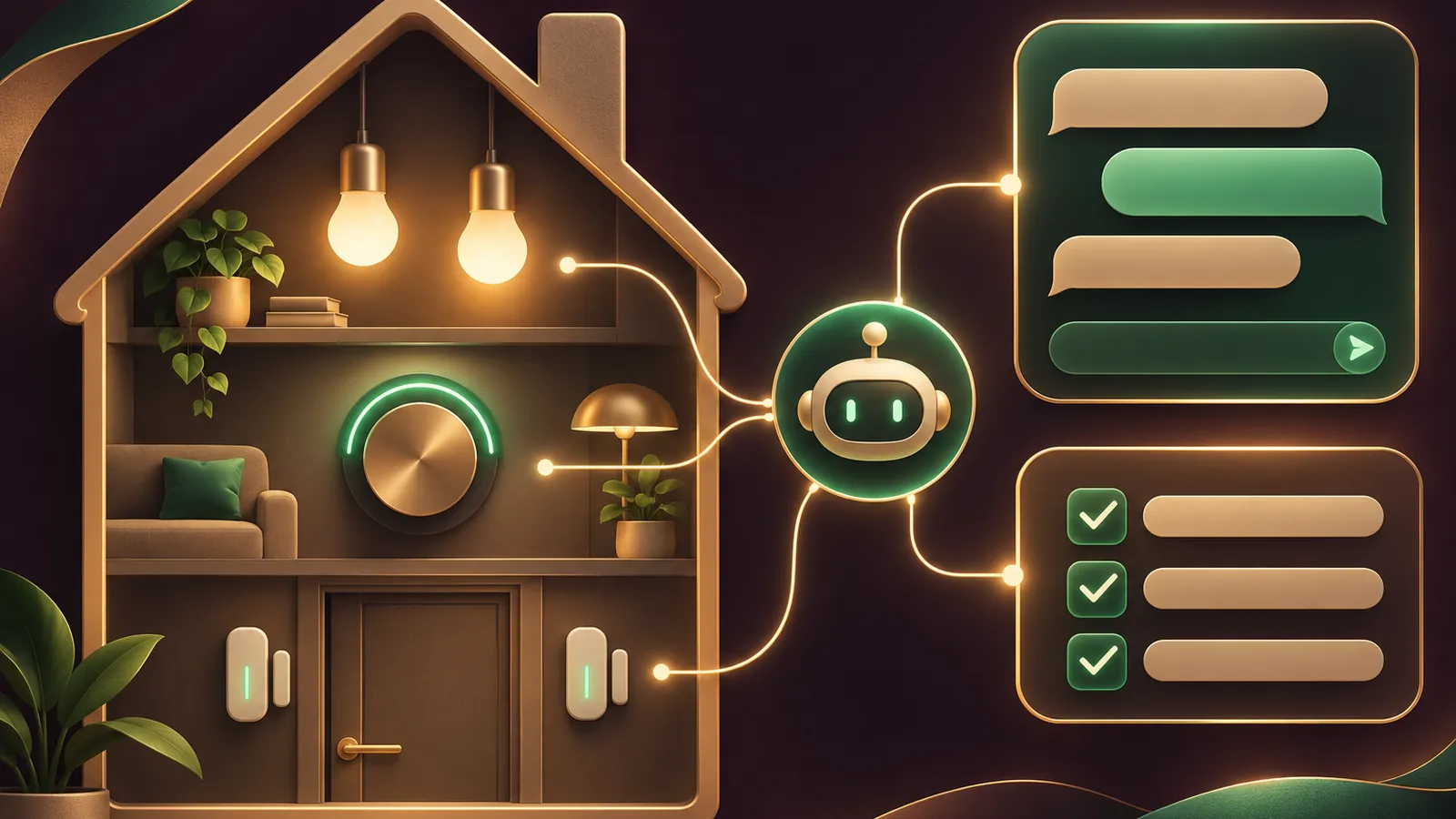
Hermes Agent Home Assistant setup takes five steps, and once it is live your Agent OS can run the house checks for you.
Do the setup first, then copy the three prompts further down.
Book a free SEO strategy session →
If you want the same approach applied to your search traffic, book a free SEO strategy session.
All setup details come from the Nous Research docs.
The five setup steps
- Install the official plugin with hermes plugins install homeassistant.
- Create a Long-Lived Access Token from your Home Assistant profile.
- Add HASS_TOKEN, and HASS_URL if needed, to ~/.hermes/.env.
- Add watch_domains or watch_entities in config.yaml, because nothing is forwarded without them.
- Start hermes gateway and confirm Home Assistant shows as connected.
What the agent can reach
| Tool | Use |
|---|---|
| ha_list_entities | Find devices by domain or room |
| ha_get_state | Read one device in full |
| ha_list_services | See which actions a device type accepts |
| ha_call_service | Switch, set or adjust a device |
The plugin itself is public in the official plugins repo.
A safe watch list to start with
platforms:
  homeassistant:
    enabled: true
    extra:
      watch_domains: [climate, binary_sensor, alarm_control_panel]
      ignore_entities: [sensor.uptime, sensor.cpu_usage]
      cooldown_seconds: 30
🔥 Get the Agent OS these prompts are written for
Inside the AI Profit Boardroom you get the installable Agent OS, step-by-step video trainings, four coaching calls a week and 3,400+ members.
Prompt 1: the read-only house check
Use this before you let the agent change anything.
Using only ha_list_entities and ha_get_state, check my home.
List every binary_sensor that reads open or triggered,
the state of alarm_control_panel.home, and every lock.
Do not call ha_call_service.
Reply with one short summary line, then a table of anything
that is open, unlocked or unarmed.
Prompt 2: the daily report on a schedule
This turns the check into a scheduled job that lands on your phone.
Create a cron job named house-report that runs every day at 07:00.
It should list climate entities with current and target temperature,
any open doors or windows, and the alarm state.
Deliver it with deliver: homeassistant:mobile_app_my_phone.
Keep the report under eight lines.
The cron docs explain the delivery syntax if you want a different target.
Book a free SEO strategy session →
Prompt 3: a dry run before real control
Ask the agent to show its plan before it touches a device.
I want a morning routine: bedroom light to half brightness,
thermostat to 22 in heat mode, kitchen speaker on.
First call ha_list_services for light, climate and media_player
and show me the exact ha_call_service calls you would make.
Wait for me to reply "go" before running any of them.
What the plugin will refuse
The tools block shell_command, command_line, python_script, pyscript, hassio and rest_command.
That keeps the agent away from host-level actions on your Home Assistant box.
📞 Your agents are sorted. Is your website?
Book a free SEO strategy session and we will map the SEO and AI search work that brings customers in.
How the events read in your Agent OS
State changes arrive as plain sentences, not raw payloads.
A thermostat shows the old and new mode with current and target temperature.
A door sensor reads triggered or cleared, and lights, switches and fans read turned on or turned off.
That makes them easy to drop into a prompt or a report without any parsing.
A reactive routine worth copying
The docs show a front door event leading to three actions.
The agent reads the door sensor, switches on the hallway light and sends a short note saying both happened.
Build yours the same way: one trigger, one or two actions, one confirmation.
Keep the trigger on your watch list, or the agent never hears it.
Where replies land
Replies show up in Home Assistant as persistent notifications titled Hermes Agent.
Scheduled jobs can go to a phone instead with deliver: homeassistant:mobile_app_my_phone.
The bare deliver: homeassistant form uses HASS_HOME_CHANNEL as its target.
Why the watch list comes before the prompts
Every prompt above assumes the agent can hear the devices you care about.
Without at least one of watch_domains, watch_entities or watch_all, the gateway logs a warning and quietly drops every state change.
The read-only check still works without events, because it asks for states on demand.
Book a free SEO strategy session →
The reactive routine does not, because it waits for a trigger that never arrives.
So set the watch list once, restart the gateway, and only then load the prompts into your Agent OS.
How to tune the prompts for your home
Swap the entity names for your own; the docs use light.living_room and climate.thermostat as examples.
Name rooms clearly in Home Assistant first, because the list tool matches areas against friendly names.
Keep the report prompt short, since a phone notification is easier to read at eight lines than at forty.
If a sensor is noisy, add it to ignore_entities rather than editing the prompt to skip it.
When you add a new device type, extend the watch list and the house check together so they stay in step.
Swapping in your own notify target
The report prompt uses mobile_app_my_phone, the example name from the docs.
Find your real target name in Home Assistant under its notify services, then paste it into the prompt.
If you set HASS_HOME_CHANNEL in .env, you can write deliver: homeassistant on its own and the report goes there.
That keeps the phone name in one place, so changing phones means editing one line rather than every prompt.
Running the prompts on a fresh install
On a new machine, install Hermes, add the plugin, create the token and set the watch list before loading any prompt.
Then run the read-only check first, as you would on day one, to confirm the new setup matches the old one.
Turning the prompts into saved skills
Once a prompt works three times in a row, save it as a skill in your Agent OS so you can call it by name.
"House check" then becomes a two-word request instead of a paragraph.
Keep the draft-first wording inside the saved version, so the safety step travels with it.
Review saved skills after you add devices, since a new door sensor will not appear in an old list by magic.
Good habits for a shared household
If several people message the agent, agree on who may ask for changes and who may only ask for status.
Book a free SEO strategy session →
Keep control prompts in the hands of the people who set the house up.
Reports can go to everyone, because reading a state never changes anything.
Where the plugin comes from
The plugin is maintained by Nous Research and sits outside Hermes core.
It installs from the plugin catalog, and older setups that used the removed pip extra are moved across by hermes update.
Your settings carry over unchanged, so the prompts here work on both upgraded and fresh installs.
Keep home and work apart
Each Hermes profile has its own plugins and its own .env file.
Install the plugin only in a home profile with hermes -p home plugins install homeassistant.
Your work agent then never sees the house token.
A safety checklist before you allow control
- The read-only prompt returns the right devices and states.
- The watch list holds only the domains you need.
- Locks and alarms stay report-only for the first week.
- Every action prompt shows its planned calls and waits for your go.
- You know how to stop the gateway quickly if something misbehaves.
Fixes when it goes quiet
- Nothing arrives: your watch lists are empty.
- 401 errors: the token is not a long-lived one.
- Tools missing: run hermes plugins list in the right profile.
- Settings ignored: restart the gateway after editing .env.
Where to go next
Pair the house report with webhook routes when another service should trigger the agent.
The full Hermes source shows how the gateway and plugins fit together.
Members swap their smart home prompts inside the AI Profit Boardroom.
Book a free SEO strategy session →
FAQ
Do these prompts need the official plugin?
Yes. They call the ha_* tools, which come from the homeassistant plugin.
Why start with a read-only prompt?
It proves the connection and the watch lists work before the agent is allowed to change any device.
Can the daily report go to my phone?
Yes. Use deliver: homeassistant with your phone notify target, or set HASS_HOME_CHANNEL and use the bare form.
Will the agent ever run shell commands through Home Assistant?
No. Those service domains are blocked by the plugin.
Final word on Hermes Agent Home Assistant
Run Prompt 1 today, schedule Prompt 2 tomorrow, and keep Prompt 3 for anything that switches a device.
Then book a free SEO strategy session for the business side, and come back to these Hermes Agent Home Assistant prompts whenever you add a device.
About Julian
I'm Julian Goldie, an AI entrepreneur, SEO expert and the founder of the AI Profit Boardroom, which has 3,400+ members.
I help business owners scale with AI agents, automation and SEO.
My YouTube channel has 400,000+ subscribers, and I run Goldie Agency, a seven-figure SEO agency.
Related guides on agentos.guide
→ Hermes Agent Apple Health: Connect It To Your Agent OS
→ Hermes Agent Cron Job: Schedule, Stop And Recover Jobs In Your Agent OS With 5 Copy-Paste Prompts
→ The Best Hermes Agent Plugins: My Top 10, And Where Each One Fits In Your Agent OS
Get the whole Agent OS
The installable system behind every guide on this site — dashboard, agents, memory and pipelines — updated as new tools land, with 3,400+ members and four coaching calls a week.
Join the AI Profit Boardroom →📺 Video notes + links to the tools 👉
🎥 Learn how I make these videos 👉