agentos.guide › blog
Grok Bot vs Devin: How To Route Every Job Between Them In Your Agent OS, With 5 Copy-Paste Prompts
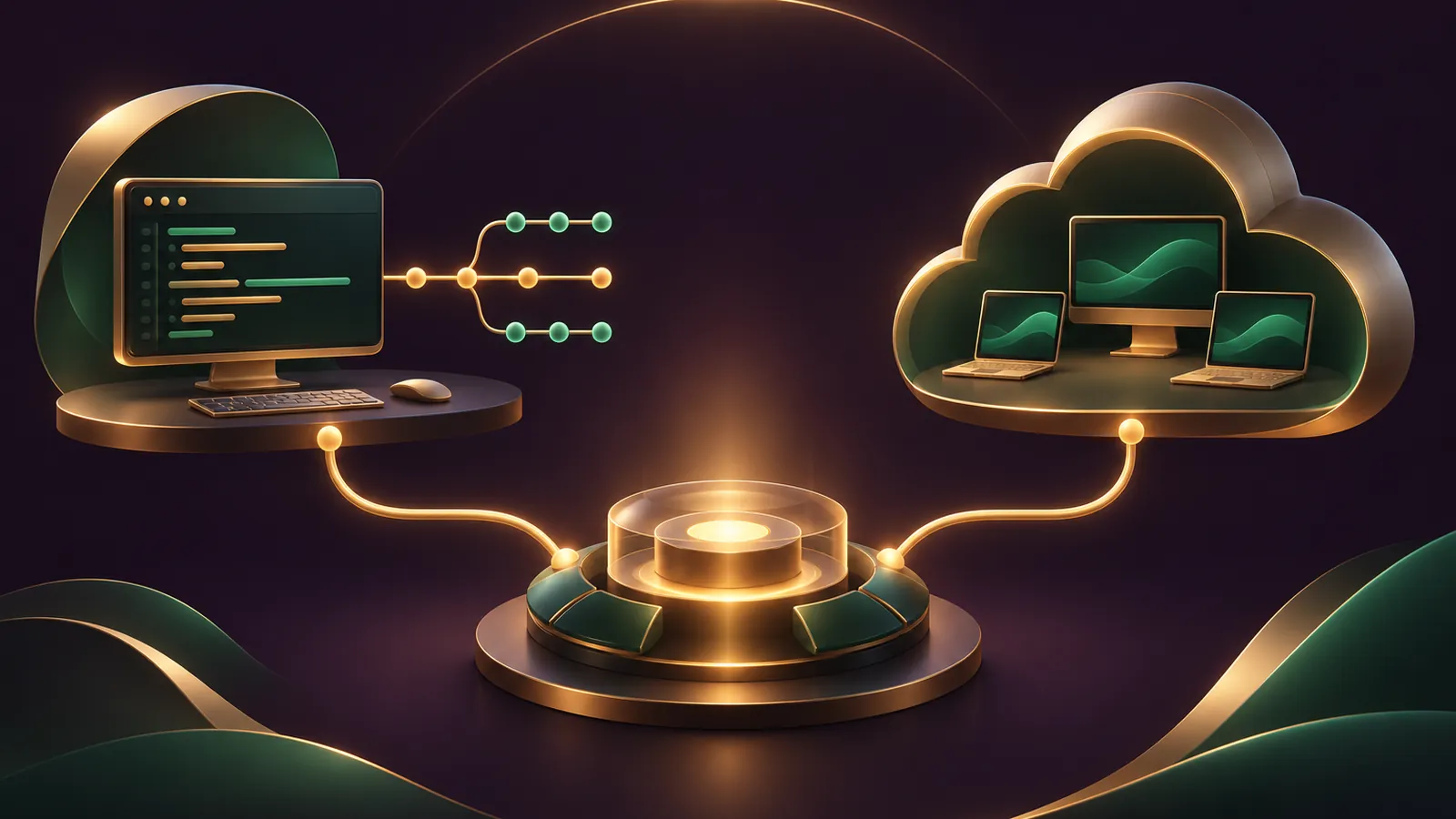
Grok Bot vs Devin inside your Agent OS is a routing decision: Devin takes every job that should finish as a pull request, Grok Bot takes the errands across your apps, and your own agent writes the brief for each.
The two barely collide, because they're built for different outputs.
The Grok Bot overview pitches a proactive teammate with a real cloud computer behind it.
The Devin introduction pitches an autonomous software engineer that writes, runs and tests code.
This guide gives you a routing table, a quick start, five prompts to paste and a weekly rhythm.
Prefer to plan the routing with my team? Get your Backlink Gameplan, or try Polar Rank free for 3 days.
Who gets which job
| Job | Send it to | Why |
|---|---|---|
| Fix a bug or build a feature | Devin | Works in a VM booted from your repo snapshot and returns a pull request |
| Review a pull request | Devin | Devin Review flags likely bugs alongside the diff |
| Sort the inbox and draft replies | Grok Bot | Connected Gmail plus Ask first rules on sending |
| Research on websites with no app | Grok Bot | A browser on its persistent cloud computer |
| Recurring reports and reminders | Grok Bot | Routines on schedules and events |
| Writing briefs and keeping the log | Your Agent OS | It holds the context for both agents |
The table is my own routing based on each vendor's docs; neither vendor compares the two.
What to know about each machine
All of your Bots share one persistent cloud computer, and each Bot works on its own screen there, per the Grok Bot FAQ.
They share its files, browser sessions and logins, so treat the whole machine as one workspace.
Grok Bot signs in with your Cursor account, and those computers run in Cursor's cloud.
Devin works the other way round: each session boots a fresh copy of a saved snapshot, per the environment docs.
Nothing a session changes is written back to that snapshot.
So Grok Bot remembers where it left off, while every Devin session starts clean.
Quick start in six moves
- Install the Grok Bot desktop app and sign in with your Cursor account.
- In Grok Bot, open Settings → General → Bot → Custom Rules and add Ask first for sending, publishing, deleting and purchases.
- In Devin, connect your Git provider under Settings → Connections and choose only the repos it needs.
- Ask Devin to set up its environment, then check the snapshot it builds.
- Connect Slack to Devin and have each teammate click Link user profile.
- Decide which agent owns each trigger before you create any routine or Automation.
🔥 Get the Agent OS that writes these briefs for you
Inside the AI Profit Boardroom you get step-by-step video trainings, the installable Agent OS, four coaching calls a week and 3,400+ members routing work between agents like these.
Prompt 1: turn a messy request into a Devin ticket
Give this to your Agent OS, then paste the result into a Devin session or a Linear ticket assigned to Devin.
Turn the request below into a Devin task.
Include: the repo, the exact problem, steps to reproduce,
the expected behaviour, files likely involved, and a clear
definition of done (tests pass, CI green, PR opened).
Keep it to a job a developer could finish in about three hours.
If it is bigger, split it into separate tasks.
Request: [paste the client message]
The three-hour sizing comes from Cognition's own guidance in When to Use Devin.
Prompt 2: a Grok Bot morning routine
Send this to the Bot that owns your inbox.
Every weekday at 8:00 AM, read new mail in my inbox and my
calendar for today. Draft replies to anything that needs me
and leave every draft unsent. Post a short list here:
meetings, clashes, and the three threads waiting on me.
Do not send, accept or decline anything.
If Gmail or Calendar is unavailable, tell me instead of guessing.
A new routine waits for its next slot, so press Test to run it now, as Skills and routines explains.
Prompt 3: Grok Bot reproduces, Devin fixes
This splits a bug report between the two agents.
When a message in #site-issues contains a page link and the
word "broken", open the page in your browser, reproduce the
problem with a test account, and write a repro pack: exact
steps, screenshots and browser details. Post it here.
Never post back to Slack and never use customer data.
Your Agent OS then turns that repro pack into a Devin task with Prompt 1.
Make sure Devin doesn't also listen to #site-issues, or both agents will pick up the same report.
Prompt 4: draft a Devin skill from a session that worked
Devin skills are SKILL.md files at .agents/skills/<name>/SKILL.md, and they replace the older Knowledge and Playbooks features, per the Devin Skills guide.
Write a SKILL.md for Devin called "test-before-pr" from the
notes below. Include a name and description in the front
matter, then numbered setup steps, the commands to run, how
to check the result, and what to report in the PR.
Notes: [paste what worked in the last session]
Commit it to the repo through a pull request so the team can review it.
Prompt 5: the Friday review across both agents
Summarise this week's agent work from the log.
For Devin: pull requests opened, merged and still waiting.
For Grok Bot: routines that ran, approvals I gave, any that failed.
List any task that ended up with both agents, and suggest
which one should own it next week. Facts first, then suggestions.
📞 Want my team to map the routing with you?
Get your Backlink Gameplan and we will sort your recurring tasks into the right agent and the right trigger, or try Polar Rank free for 3 days.
How each agent learns between jobs
Grok Bot keeps a memory for each Bot: your preferences, the rules you've set and a dated log of its work.
A handful of facts, such as your name and time zone, are shared by every Bot you run.
When a task works, ask the Bot to save the method as a skill, then build a routine on top of it.
Devin's memory is personal to each user and is stored as Markdown notes in a Git repository, per its Memory docs.
A background process called Dreaming tidies those notes roughly once a day.
Sessions started by Automations neither read nor write that memory, so put anything an automated session needs into a skill instead.
Your Agent OS log sits above both and records which agent did what.
When Grok Bot should touch code at all
Grok Bot can hand coding to Cursor Cloud Agents, which run on separate computers and send their files back into the Bot's reply.
That suits a business with no developer and no Devin seat, where a small fix is rare.
Once Devin is in place, two coding routes only create confusion over which pull request is the real one.
Pick one route for code and write it into your Agent OS routing rules.
A weekly rhythm for a small café with an ordering site
- Monday: Grok Bot's routine drafts supplier emails from the stock sheet, and you approve each one.
- Daily: the morning routine sorts catering enquiries and leaves drafts.
- When the ordering page misbehaves, Grok Bot builds a repro pack with Prompt 3.
- Your Agent OS writes the Devin task with Prompt 1, and your web developer assigns it.
- Devin opens a pull request, and the developer reviews it.
- Friday: run Prompt 5 and move any task that sat with both agents to a single owner.
The café is my own example; every step uses features from the two doc sets.
Guardrails that keep the routing clean
- One trigger, one owner: both agents can listen to Slack, GitHub, Linear and PagerDuty.
- If Devin is your engineer, ask an admin to switch off Grok Bot's Cloud Agents delegation so code has one route, per Grok Bot for teams and enterprises.
- Keep cards out of the Grok Bot Vault if you want to approve every payment.
- Sign Bots out of services they no longer need, since sign-ins are shared.
- Give Devin a dedicated login on each service, as its Secrets docs recommend.
- Keep a person merging every pull request.
For the Cursor side of Grok Bot's coding handoff, read Grok Bot vs Cursor.
The AI Profit Boardroom has the full Agent OS prompt library for this kind of routing.
FAQ
Can my Agent OS control both agents directly?
Your Agent OS writes the briefs and keeps the log. You paste the briefs into a Devin session or ticket and into a Grok Bot chat.
Should both agents watch the same Slack channel?
No. Both can trigger from Slack, so give each channel to one agent to avoid duplicate work.
Where do Devin skills live?
In SKILL.md files at .agents/skills/<name>/SKILL.md in your repos, or on the Customize page. They follow the open Agent Skills standard.
Do Grok Bot routines run when my laptop is shut?
Yes. Routines run in the cloud, so closing the app or the laptop does not stop them.
Final word on Grok Bot vs Devin
Paste Prompt 1 and Prompt 2 today, then join the AI Profit Boardroom for the Agent OS that runs the routing in grok bot vs devin.
About Julian
I'm Julian Goldie, an AI entrepreneur, SEO expert and the founder of the AI Profit Boardroom, which has 3,400+ members.
I help business owners scale with AI agents, automation and SEO.
My YouTube channel has 400,000+ subscribers, and I run Goldie Agency, a seven-figure SEO agency.
Related guides on agentos.guide
→ Grok Bot AI Full Course (Step By Step)
→ Hermes Agent Browser: What It Is, The Quick-Start And Where It Fits In An Agent OS
Get the whole Agent OS
The installable system behind every guide on this site — dashboard, agents, memory and pipelines — updated as new tools land, with 3,400+ members and four coaching calls a week.
Join the AI Profit Boardroom →📺 Video notes + links to the tools 👉
🎥 Learn how I make these videos 👉